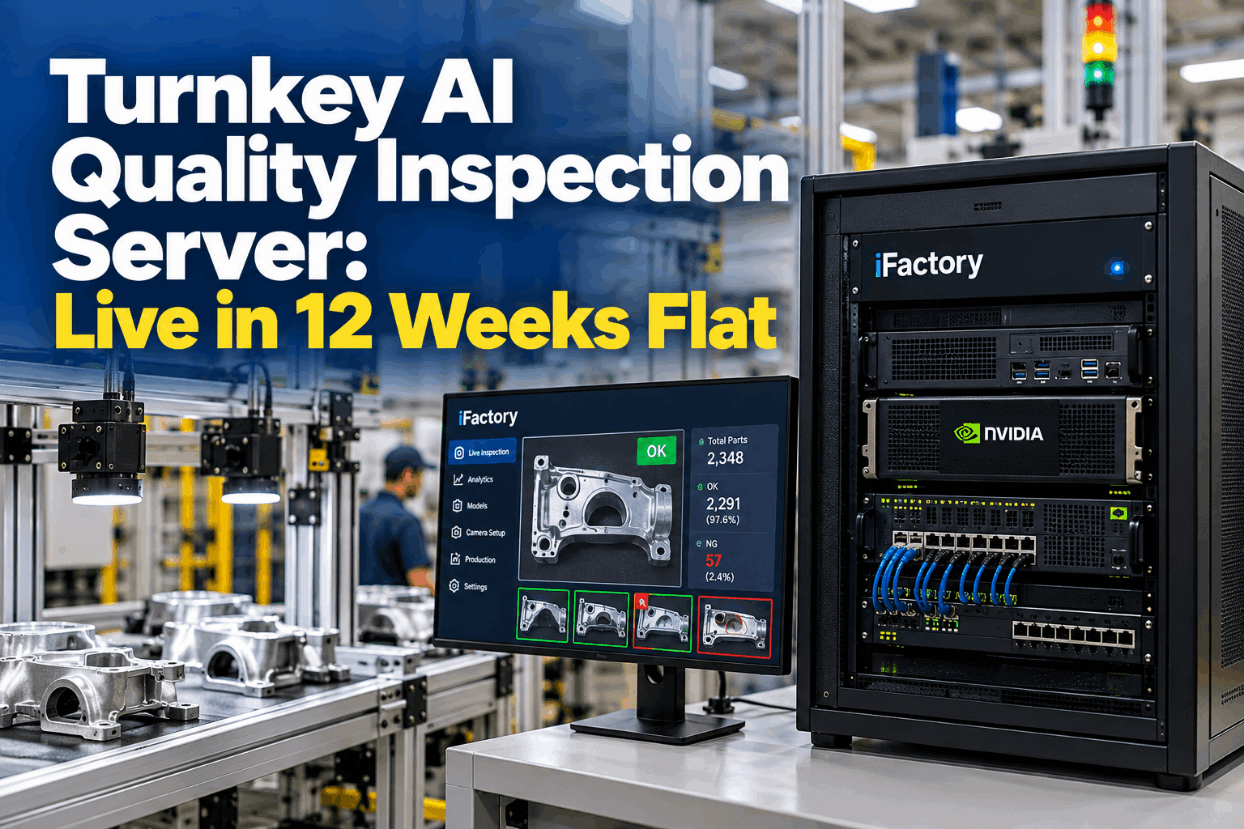
Turnkey AI Quality Inspection Server: Live in 12 Weeks Flat

By Josh Brook on October 26, 2026

turnkey-ai-quality-inspection-server-live-12-weeks-flat

Buying a GPU server is the easy part of AI quality inspection. The hard part is everything around it: cameras that capture the same image every time, a trigger that fires on the right part, a PLC signal that rejects it at the gate and someone watching every station after go-live. A turnkey AI quality inspection server bundles all of it, from camera brackets to the go-live test. This guide covers the inspection chain, camera interfaces, reject tracking and a 12-week plan built around quality sign-offs. See how it would fit your line in a turnkey inspection briefing.

TURNKEY AI · QUALITY INSPECTION

An AI Inspection Server That Arrives Ready and Goes Live in 12 Weeks

The iFactory Turnkey NVIDIA AI Server comes with hardware and software, camera and PLC integration, model training, operator training and 24x7 remote monitoring. You get working reject gates, not a box to integrate.

QC-4 · Go-live checkWeek 12 of 12
Machined housing line · three cameras
Cameras3 × GigE Vision, PoE
TriggerEncoder, 0.5 mm per pulse
Reject gateSeeded-part test passed
Modelv1.0 released, QA signed
Monitoring24x7, station health normal
Gate switches from shadow to live at the start of shift A
TURNKEY AI QUALITY INSPECTION

Six Links in the Inspection Chain, Owned by One Team

An inspection station is a chain, and a weak link anywhere lets defects through or stops good parts. A sensor or encoder tells the camera the part is in place, the light and camera capture it, the server scores it, and the PLC fires a reject gate at the right moment and confirms the part has left the line. Stalled projects usually break at the joins between suppliers, not inside the model. Turnkey means one team owns every link. Walk your station through it with our integration team.

1TriggerPhoto-eye or encoder count says the part is in position
2CaptureStrobed light and camera take the image
3InferThe GPU server scores the image on site
4DecidePass, reject or review, logged with the part ID
5RejectThe PLC fires the gate when the part arrives
6ConfirmA sensor checks the rejected part really left
CAMERA INTEGRATION

GigE Vision or USB3 Vision at Each Station

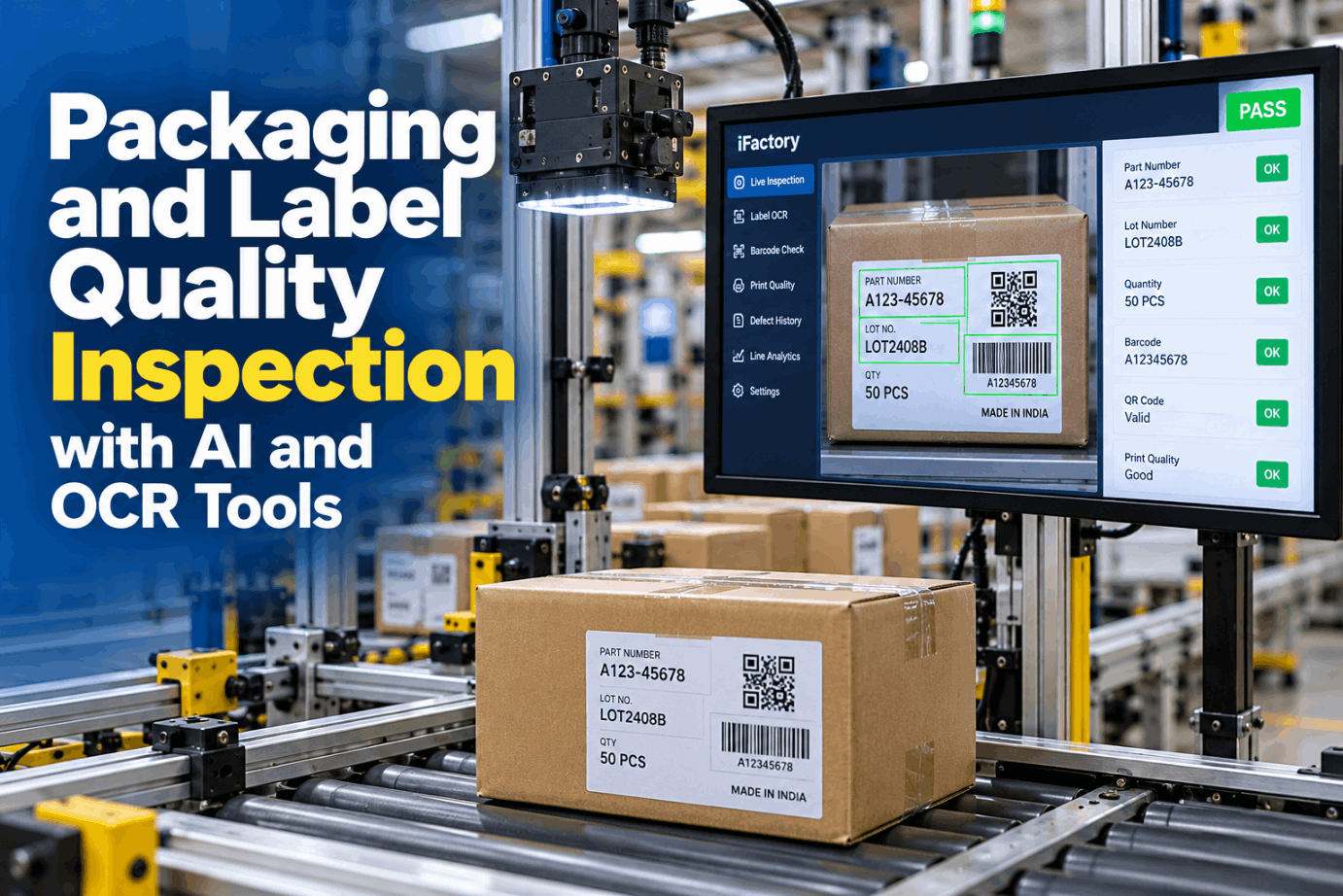
Inspection cameras mostly follow two standards. GigE Vision, introduced in 2006, runs over Ethernet with copper runs of up to about 100 m and can power the camera over PoE. USB3 Vision carries more data on one cable but reaches only a few metres on passive copper. Both use GenICam, so software can drive cameras from different makers the same way. ONVIF IP cameras, which iFactory also discovers automatically, suit wider area views. Choose per station in a camera planning call.

Interface
Usable bandwidth
Cable reach
Power
Typical fit
1GigE Vision
About 110 to 125 MB/s
Up to 100 m on copper
PoE on many models
Most stations, server far away
10GigE Vision
Over 1,100 MB/s
Up to 100 m on Cat6a
Check per model
High resolution or fast parts
USB3 Vision
About 400 MB/s
About 3 to 5 m passive, more with active cables
Power on the same cable
Compact cell, computer close by
ONVIF IP camera
Compressed video stream
Normal plant network
PoE common
Area and overview views
NVIDIA VISION SERVER

What the GPU Server Does on Every Part

NVIDIA GPUs suit vision inference because one card can run image preprocessing, model inference and post-processing for several cameras at once, and NVIDIA's own inspection pipelines link those stages on the GPU. The exact edge or data-centre GPU is sized at scoping from camera count, image size and line rate, not picked from a catalogue. Talk sizing through with our hardware team.

01
Receives imagesFrom every station camera over the plant network
02
Prepares themCrops, scales and normalises each image on the GPU
03
Runs the modelsOne inspection model per station, plus review scoring
04
Keeps the evidenceImage, score, decision and model version by part ID
05
Reports its healthTemperatures, GPU load and frame counts to the 24x7 team
PLC REJECT SIGNALS

Track the Part by Encoder Count, Not by Timer

The PLC must fire the gate when the bad part arrives, not a fixed time after the photo. A timer is only right at one belt speed. An encoder on the conveyor counts movement, so the PLC tracks each part's position in a shift register and fires when it reaches the gate, whatever the speed. The example uses illustrative numbers for a gate 750 mm after the camera. Map your own line in a line integration review.

Timer set at 0.6 m/s750 mm ÷ 600 mm/s1.25 s
Line speeds up to 0.9 m/s750 mm ÷ 900 mm/s0.833 s to the gate
Timer fires late by1.25 s − 0.833 s0.417 s
Part already past the gate by0.417 s × 900 mm/sAbout 375 mm
Encoder at 0.5 mm per pulse, assumed750 mm ÷ 0.5 mmFire at 1,500 pulses, any speed
Fail safe by design

Agree with controls what happens when no result arrives in time, a camera faults or the reject bin is full. A common rule is that a part with no decision is rejected, and a confirm sensor after the gate checks it really left.

One Team From Camera Bracket to Reject Gate

iFactory supplies the NVIDIA server and software, integrates the cameras and PLC signals, trains the models and your operators, then monitors every station 24x7.

Station QC-4 · Controls engineer and iFactory
Controls engineerWhat does the PLC do if the server misses a result?
iFactoryOn QC-4 we agreed that no result means reject. The PLC rejects the part, logs a timeout and the 24x7 team sees it straight away.
Controls engineerAnd if the reject bin is full?
iFactoryThe bin-full input holds the conveyor before the next reject, so no flagged part rides past the gate.
TURNKEY AI QUALITY INSPECTION IMPLEMENTATION GUIDE

Twelve Weeks, Three Blocks, Three Quality Sign-Offs

Each block ends with a test that quality signs, not a date on a plan. The weeks below assume one to three stations on one line. More stations add camera fitting and training time, but the order stays the same. Fit it to your calendar in a project scoping call.

Wk 1–4
Stations and signals
  • Defects and size limits listed with QA
  • Golden, boundary and defect parts set aside
  • Cameras, lights and encoder mounted
  • Reject and confirm signals wired to the PLC
Sign-off: clean images and signals at full line speed
Wk 5–8
Models in shadow
  • Models trained on your own parts
  • Shadow run beside current inspection
  • False rejects and misses reviewed weekly
  • Thresholds and review band agreed
Sign-off: shadow results accepted by QA
Wk 9–12
Gate live
  • Seeded-part test at top line speed
  • Reject gate switched from shadow to live
  • Operators and reviewers trained on every shift
  • Handover to 24x7 remote monitoring
Sign-off: go-live record approved
TURNKEY AI QUALITY INSPECTION TEMPLATE

Station Readiness Checklist for Each Camera Point

Run this for each station before the cameras arrive. Most delays come from parts that can't be presented the same way twice, a missing encoder or a reject gate nobody has tried at full speed. Work through it with an engineer in a readiness review.

Part and image
Signals and records
TURNKEY AI QUALITY INSPECTION FOR PLANT MANAGERS

Six Checks to Sign Before the Gate Is Switched On

Go-live should rest on tests the plant ran itself, not on a vendor demo. Agree the pass marks in week one and record each result against them. Ask for a sample go-live record from our support team.

Seeded defects caughtKnown defect parts run at full speed must each reach the bin
Known-good runA run of good parts measures the false reject rate
Timing at top speedThe gate hits the right part at the fastest line speed
Confirm sensorEvery reject is confirmed leaving the line
No-result ruleCamera or server faults end in a reject and an alarm
Record per partImage, score, decision and model version stored by part ID
24x7 REMOTE MONITORING

What the Remote Team Watches on Every Station

After go-live, most problems start outside the model. A dimming light, a camera nudged during a changeover or a loose cable changes the images long before anyone notices a defect slipping through. Watching the station, not just the server, catches these early. See the console in a remote monitoring demo.

LUX
Light levelLED output fading over months darkens images. Compared with a baseline image of a reference part.
FOC
Focus and positionA knocked camera blurs or shifts the view. Sharpness and the position of a fixed feature are checked.
TRG
Triggers and framesEvery trigger should give one image. Missing frames point to cabling or network faults.
GPU
Server healthTemperatures, GPU load and disk space, alerted before they affect inspection.
TURNKEY AI QUALITY INSPECTION COST AND ROI

Work Out the Break-Even Share Before You Sign

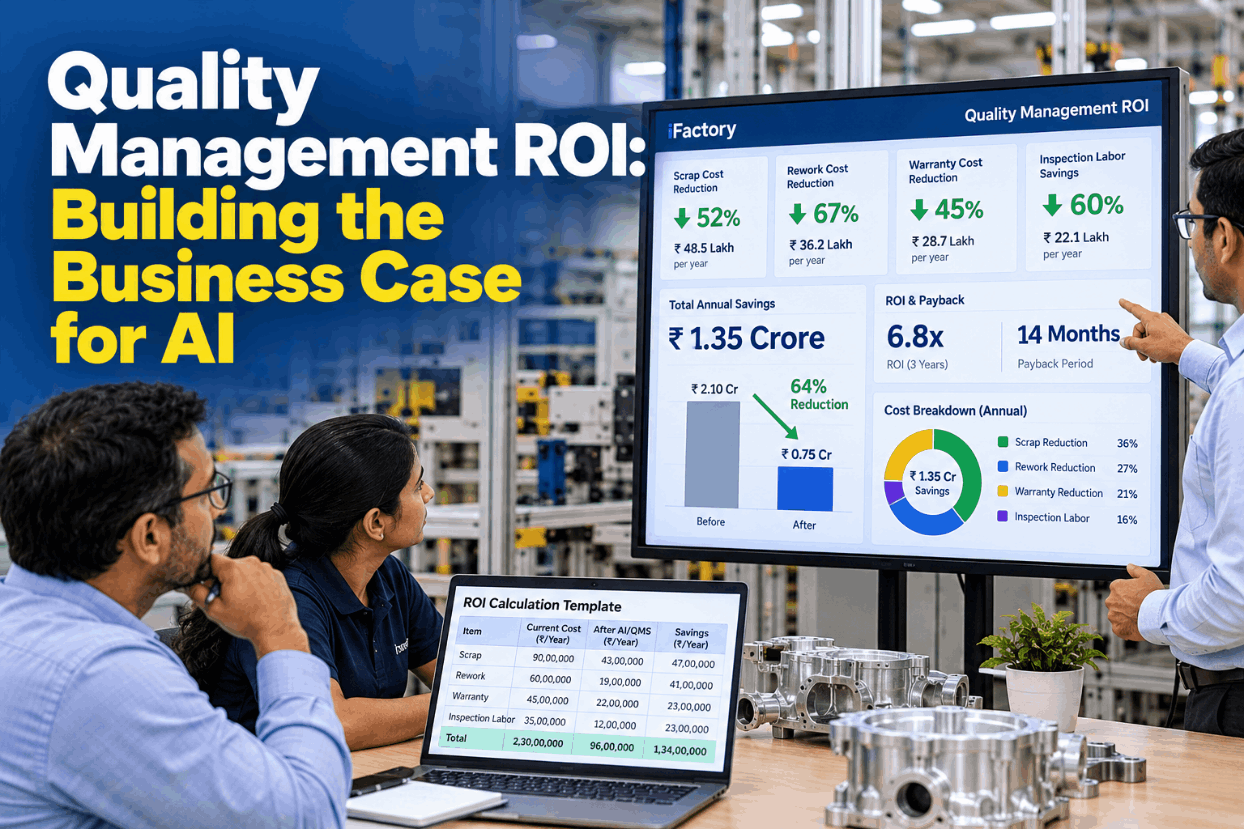
Instead of guessing a saving, work out how much of today's inspection cost the system must remove to pay back in your target period. Every input below is assumed, so replace them with your own figures and your real quote. Our support team can help you build it.

Re-check and sort hours per week30, assumed
Loaded labour rate$35 per hour, assumed
Re-check cost per year, 50 weeks30 × $35 × 50 = $52,500
Customer sort events per year3 × $8,000 each, assumed = $24,000
Cost pool per year$52,500 + $24,000 = $76,500
Quote and payback target$120,000 over 3 years, assumed = $40,000 per year
Break-even share of the cost pool$40,000 ÷ $76,500 = 52%

If shadow results suggest the system removes less than that share, widen the scope or lengthen the payback period. Leave warranty and escape costs out until you have your own data.

TURNKEY AI DEPLOYMENT

Rack the Server, Connect the Cameras, Go Live

Everything above arrives as one package. A pre-configured NVIDIA AI server ships racked and ready with iFactory and your station models pre-loaded, and the cameras, lights and PLC signals are fitted by the same team. You rack it, plug in power and Ethernet, and the AI is live. Get a scoped price in a pricing session.

What's Included
  • Pre-configured NVIDIA AI server, racked and ready
  • Machine vision cameras, lenses and lighting
  • Encoder triggers and PLC reject signals
  • Reject confirmation and bin-full checks
  • Model training on your own parts
  • Operator and reviewer training on every shift
  • 24x7 remote monitoring of stations and server
Live in 6–12 weeks
Wk 1–4
Rack and Wire

Server racked, cameras on the network, PLC link tested at line speed.

Wk 5–8
Learn the Parts

Models trained and run silently next to your inspectors.

Wk 9–12
Switch On

Seeded-part test passed, gate live, all shifts trained.

HOW iFACTORY FITS

Turnkey AI Quality Inspection Without the Integration Risk

One supplier answers for the camera, the server, the signals and the result. Our support team can walk you through a pilot plan.

1
Hardware plus software. A pre-configured NVIDIA server with iFactory and your station models loaded.
2
Camera and PLC integration. Triggers, reject gates and confirm signals built and tested at line speed.
3
Model and operator training. Models trained on your parts, operators and reviewers trained on every shift.
4
24x7 remote monitoring. Camera, light and server health checked day and night.
1000+
Industrial clients running iFactory
99.9%
Platform uptime for quality stations
6-12 wks
From racked server to a live reject gate
FREQUENTLY ASKED QUESTIONS

Turnkey Inspection Server Questions From Quality Leaders

What does a turnkey AI quality inspection server include?
The pre-configured NVIDIA server and iFactory software, cameras, lenses and lighting, encoder triggers and PLC reject signals, model training on your parts, operator and reviewer training, and 24x7 remote monitoring. Your side supplies the rack slot, a power feed, a named lead and quality staff time for shadow reviews. You can see the full package on a live line.
Which cameras does it work with?
Machine vision cameras that follow GigE Vision or USB3 Vision, both built on GenICam, for triggered part inspection. GigE Vision suits most stations because the server can sit up to about 100 m away. ONVIF IP cameras can be added for wider area views.
How does the AI tell the PLC to reject a part?
The server sends a pass or reject result for each part ID. The PLC tracks the part by encoder count and fires the gate when it arrives, and a confirm sensor checks the part left. A missing result is treated as a reject. Our controls support team can review your PLC setup.
Can it really go live in 12 weeks?
For one to three stations on one line, yes, if the plant is ready: parts presented the same way each time, signals available and defect samples set aside. A single station with good readiness can finish nearer six weeks. More stations or new conveyor work take longer.
What happens when the line changes product?
Each product gets its own model or inspection regions, chosen from the PLC recipe or part ID. A new product needs good images and samples of its defects, and runs in shadow before its gate goes live. We can walk through a changeover with your team.
How do we start?
Choose one station with a clear defect problem, fill in the readiness checklist and set aside golden, boundary and defect parts. Then agree the go-live checks with QA so the 12 weeks end in a signed test. Book a 30-minute demo to scope it.

Twelve Weeks From Crate to a Live Reject Gate

Get the NVIDIA server, cameras, PLC integration, model training, operator training and 24x7 monitoring in one package, with go-live judged on your own tests.
Example go-live record · Station QC-4
Cameras3 × GigE Vision, PoE
TrackingEncoder, fire at 1,500 pulses
Seeded-part testPassed at top line speed
Monitoring24x7, station and server
Gate live from shift A, week 12

Share This Story, Choose Your Platform!