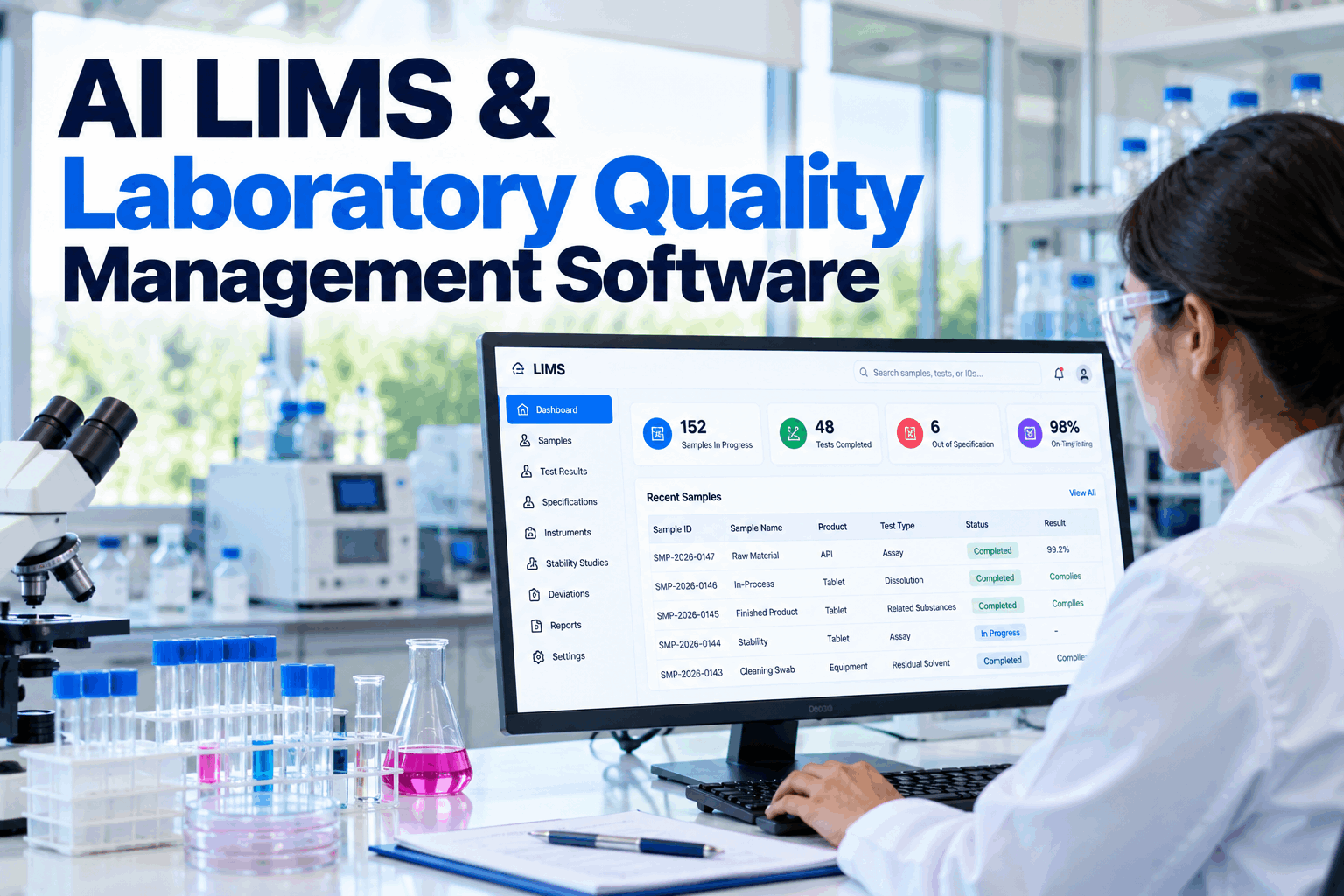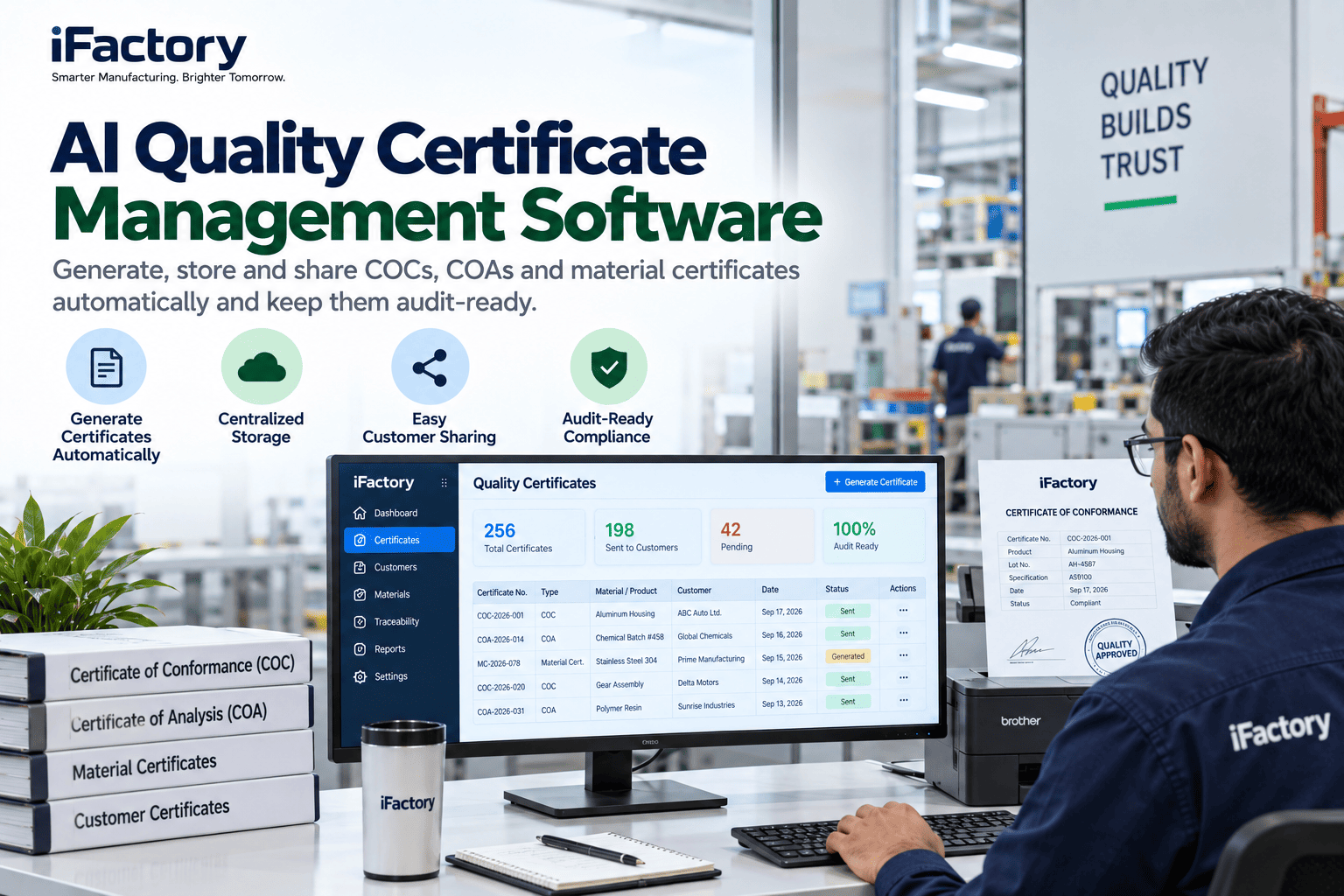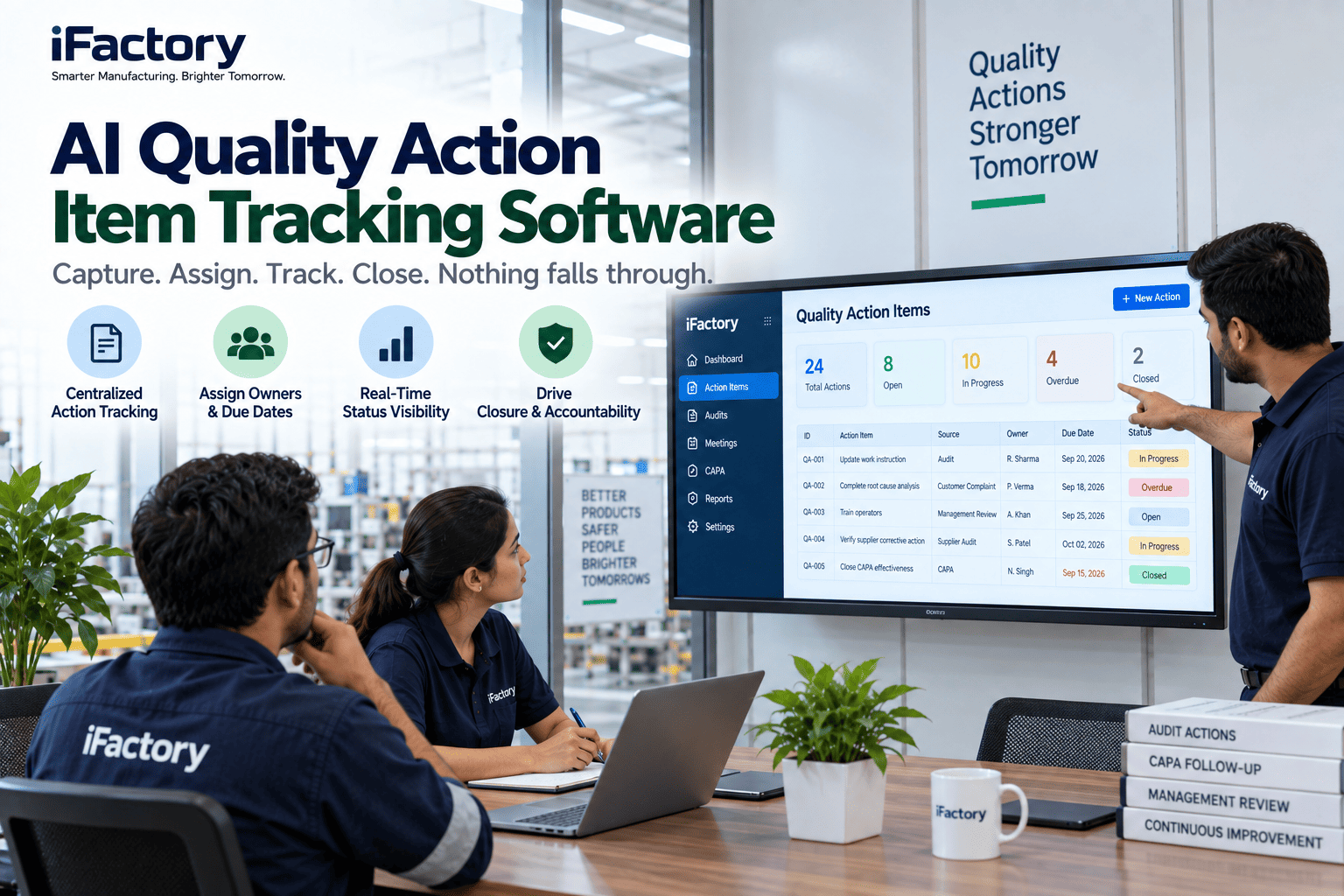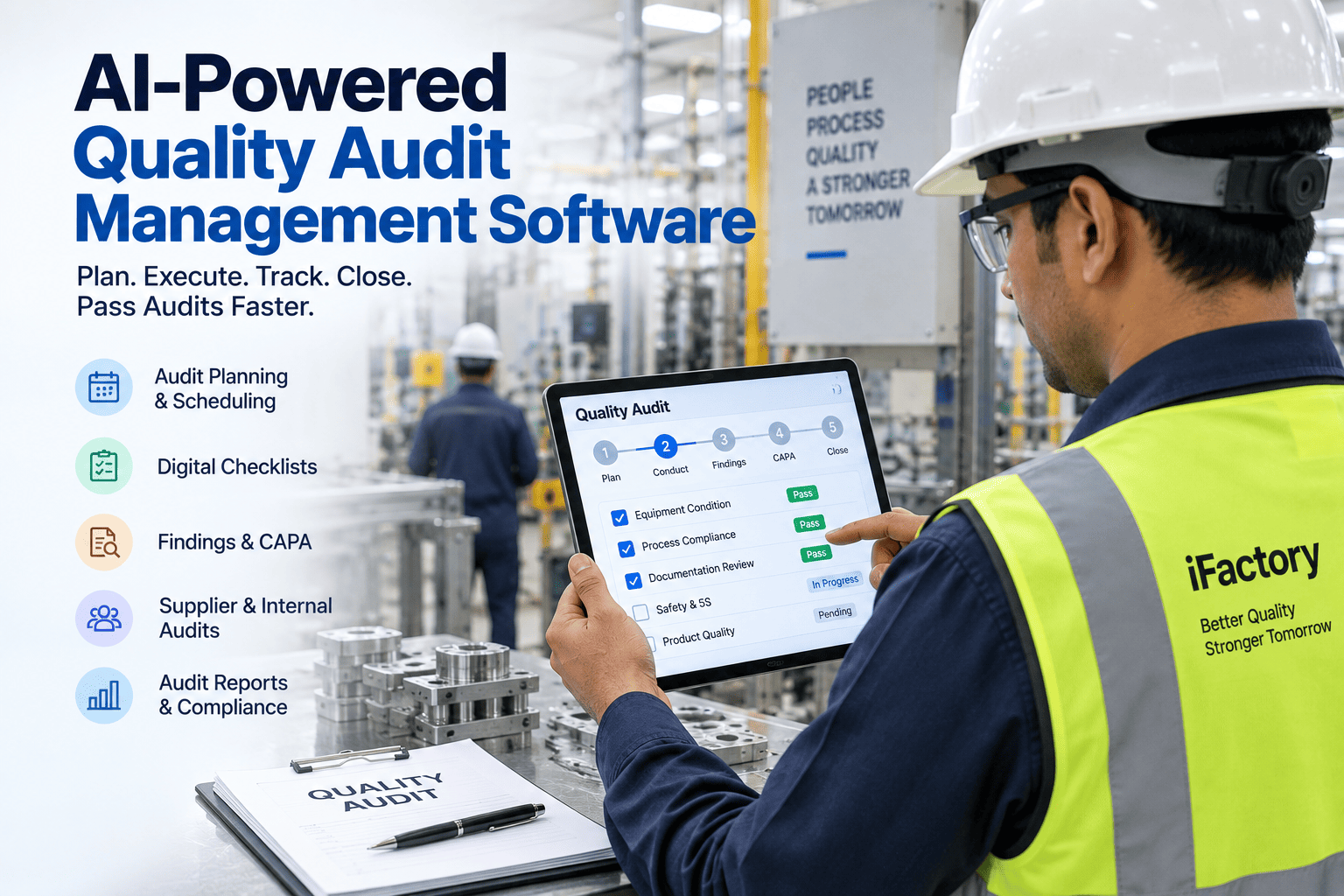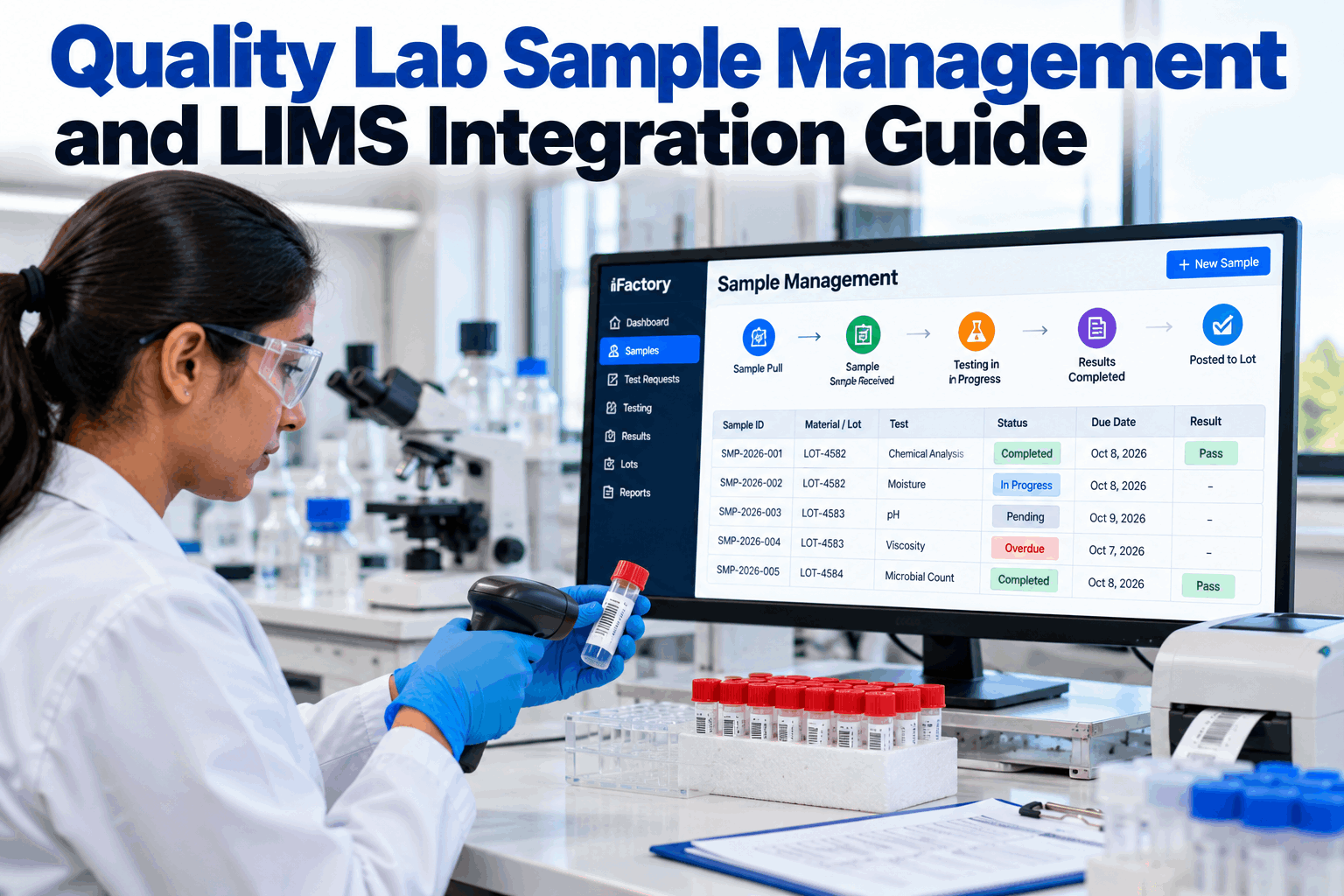
A quality lab sits on the critical path of every lot release, yet many labs still run on clipboards, spreadsheets and handwritten labels. Samples get pulled late or not at all, IDs are mistyped, tests sit in a queue nobody can see, and results reach the lot record hours after they are ready. This guide covers how to manage samples from pull to result and how to connect that flow to your LIMS. You can see it running in a short live demo.
Track Every Sample From Pull to Result and Post It to the Lot Automatically
iFactory's Lab Workflow generates sample pull tasks from your sampling plan, lets technicians log sample IDs by voice, flags late tests before they hold up release and posts results to the right lot without anyone retyping them.
Five Gaps Between the Line and the Lot Record
Lab delays rarely come from slow testing. Analysts are usually skilled and methods are validated. The delays come from the handoffs around the testing: the pull that wasn't made, the label that doesn't match, the sample waiting unseen in a queue, the result that never reached the lot. Each gap stretches release time and weakens the record auditors will ask to see. Fixing them usually shortens release time more than adding analysts would. If these sound familiar, our lab specialists can help map your current flow.
The sampling plan exists on paper, but nobody is prompted when a pull is due, so samples are taken late or skipped on busy shifts.
Handwritten labels and typed IDs lead to transposed digits and to results posted against the wrong lot.
Supervisors can't see what's waiting, what's in test and what's late, so priorities are set by whoever calls the lab.
An overdue test is noticed only when someone asks why a lot hasn't been released.
Results are retyped from LIMS or instruments into the lot record, which adds delay and transcription risk.
Eight Stages Every Sample Should Pass Through, With a Record at Each
A well-run lab treats each sample as a tracked item with a status, much as a warehouse treats a pallet. That shift sounds simple, but it changes how the lab is managed. Instead of asking around to find out where a sample is, supervisors see it, and instead of reconstructing a sample's history for an audit, the lab already has it. Every stage has a time stamp and an owner, which means the lab knows where each sample is at any moment, and an auditor can see that the right sample was tested by the right method and its result reached the right lot. We can map these stages to your lab in a working session.
Sample Types, Triggers and Example Turnaround Targets
Pull tasks should come straight from the sampling plan, triggered by the event that requires them, so no one has to remember. A goods receipt, a batch reaching a stage or a lot being completed all become the signal that triggers the pull, which keeps sampling in step with production even when the schedule changes mid-shift. Set turnaround targets per sample type so late tests can be spotted early. A single lab-wide target hides the problem, because a micro screen and a pH check have very different natural durations. The values below are examples to show the structure. Use your own specifications and release requirements. Our support team can load your sampling plan.
Five Rules for Sample IDs That Don't Go Wrong
Most result mix-ups start with the sample ID. A label that is ambiguous, reused or written by hand in a hurry can attach a perfectly good result to the wrong lot, and that is far harder to unpick than a failed test. These five rules close most of the gap, whether IDs are captured by voice, scanner or label printer. Our lab specialists can review your current ID format.
Choose label stock for where the sample will go. Freezers, water baths, solvents and autoclaves defeat ordinary paper labels, and an unreadable label at test time is as bad as no label. Matching label material to sample conditions is a small step that prevents a surprising number of retests and re-pulls.
Log Sample IDs by Voice, Hands Free
Technicians in gloves at a tank or line can speak the sample ID and location. iFactory confirms it against the expected pull, links it to the lot and starts the turnaround clock, with no clipboard and no typing.
Four Integration Points That Remove Retyping
Your LIMS remains the system of record for methods, specifications and test results. Integration ensures the plant-side workflow and the LIMS stay in step without manual transfer. Most labs start with sample login and result return, then add lot status and direct instrument capture. Each step removes a manual transfer, and each removed transfer is one less place for a typing error and one less delay between the result and the release decision. We can review your LIMS setup in a technical call.
When a sample is pulled and identified, it is registered in the LIMS automatically with its lot, location, time and required tests.
Approved results flow back and attach to the lot or batch record, with pass or fail against specification.
Holds and releases stay in sync between quality, ERP and the warehouse, so held stock can't ship.
Balances, titrators, viscometers and other instruments send readings directly, removing transcription.
Escalate Late Tests Before They Hold Up Release
Turnaround time is the lab metric that production feels most, because every hour a lot waits for a result is an hour of warehouse space, working capital and sometimes a missed shipment. Instead of finding late tests after the fact, an escalation ladder raises them while there is still time to act, and a workload view shows where the bottleneck is. The thresholds below are an example, so set your own by sample type and release urgency. Our support team can configure escalation rules.
A Record Auditors Can Follow From Sample to Lot
Regulated labs need records that are attributable, legible, contemporaneous, original and accurate, a set of expectations often summarized as ALCOA+. A tracked sample flow supports this naturally: each action is time-stamped and tied to a person as it happens, rather than reconstructed later. That is the difference between an audit trail that is generated and one that has to be assembled under pressure when an auditor or customer asks. Retained samples get the same treatment, with locations and disposal dates tracked. When a customer complaint or an investigation needs a retain months later, the lab can find it quickly and show exactly how it was stored. You can see an audit trail in a short demo.
- Who pulled it, where and when
- How the ID was captured, including by voice
- Methods, instruments and analysts
- Review and approval steps
- When the result reached the lot
- Retain pulled at release with quantity
- Storage location and conditions
- Retrieval log for investigations
- Disposal date per retention period
- Disposal confirmed and recorded
Lab Workflow, Voice and LIMS Connectors in One Package
iFactory delivers the Lab Workflow as a turnkey bundle. A pre-configured NVIDIA AI server ships racked and ready with the workflow, voice logging and LIMS connectors pre-loaded, so lab data stays on site. You rack it, plug in power and Ethernet, and the AI is live. To scope it for your lab, request a turnkey quote.
- Pre-configured NVIDIA AI edge server, racked and ready
- Sampling plan loaded as automatic pull tasks
- Voice sample logging with headsets or handhelds
- LIMS, ERP and instrument connectors
- Cabling and plant network setup
- Training for technicians, analysts and supervisors
- 24×7 remote monitoring
Server installed, LIMS and ERP connected, sampling plan and tests mapped.
Voice logging tuned and pilot run on one product line alongside the current process.
All lines live, escalation on, paper logs retired.
A Lab Workflow That Connects the Line, the Lab and the Lot
iFactory runs the plant side of sample management and connects it to your LIMS, so samples are pulled on time, identified correctly and released faster. Our support team can review your lab flow before a pilot.
What Quality Lab Managers Ask
Release Lots Without Waiting on Lost Samples
Generate pulls from the plan, capture IDs by voice, escalate late tests and post results to lots automatically, with a full audit trail from sample to release. The full system is delivered turnkey and goes live in 6 to 12 weeks.