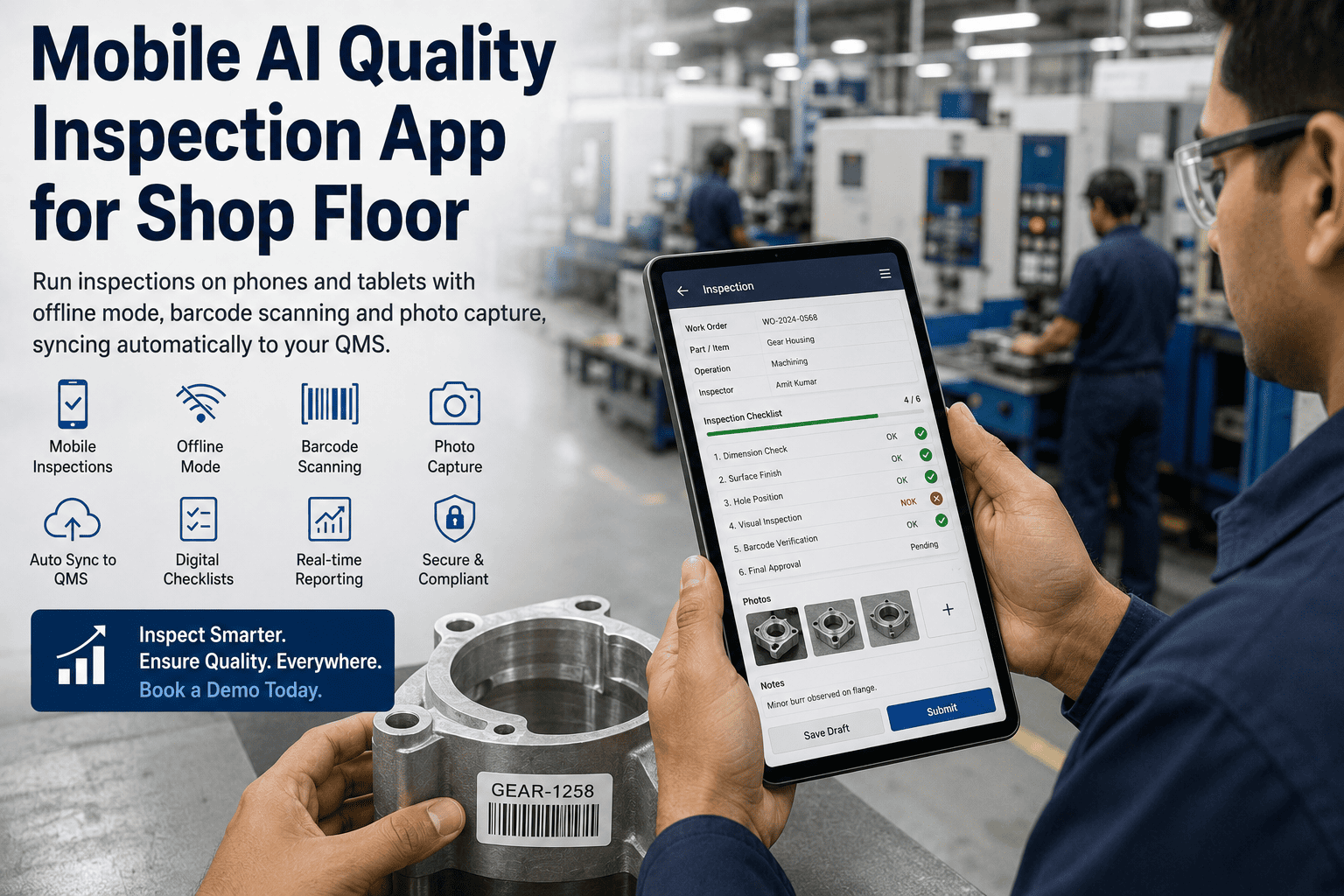
The clipboard survives on the shop floor for one reason: it always works. It doesn't need a signal, it doesn't freeze mid-form, and it fits in a gloved hand between cycles. Any app that replaces it has to clear that same bar — and most don't, because they're office software with a checklist bolted on, and they break the moment an inspector walks into a turbine hall or a metal-walled warehouse with a dead Wi-Fi icon. A mobile inspection app built for the floor captures every check on the device, works with no connection, and syncs the moment signal returns. You can book a demo to see it on your own phones and tablets.
Every Inspection in the Operator's Hand — Offline, Scanned, Photographed, and Synced
Run inspections on any phone or tablet with full offline capability, barcode scanning, and photo capture — then let the app sync to your QMS automatically the moment it finds a network.
The Floor Breaks Every Assumption an Office App Makes
A generic audit app assumes a steady connection, clean hands, good light, and time to type. The production floor offers none of those. Signal drops behind thick walls and heavy equipment, gloves defeat small touch targets, and an inspector on a tight cycle will skip a field before they'll stop the line. When the tool can't handle those realities, inspectors quietly fall back to paper notes and memory — and the digital record you were counting on has holes in it nobody sees until an audit.
This is why "we already have an inspection app" and "our inspections are actually digital" are two very different statements. Plenty of teams bought a checklist app, rolled it out, and discovered within a month that the parts of the plant where inspection matters most are exactly the parts where the app doesn't work — so those areas stayed on paper, and the digital record became a patchwork of some areas covered and some not. A floor-built app has to earn its way into every bay, including the worst ones, or it just relocates the paper problem instead of solving it.
Online-only apps freeze mid-form exactly where signal is worst — basements, turbine halls, metal-walled warehouses — and a frozen inspection becomes a paper note that may never get entered.
Under time pressure, operators skip fields, and nobody notices until an auditor finds the gap. An app that can't enforce mandatory fields just moves the paper problem onto a screen.
Typing an asset or work-order number by hand on a phone invites transposition errors that are impossible to correct later in an immutable compliance record.
Even a digital inspection is a dead end if the data stays on the device or in a silo — the recurring defect a dashboard would surface stays invisible across shifts.
Built Around What an Inspector Actually Needs, Mid-Cycle
A production-grade mobile inspection app isn't a checklist on a screen — it's four capabilities working together so the inspector never has to think about the tool. Individually they sound like feature-list items; together they're what makes the difference between an app that gets used on every shift and one that gets abandoned in the hard bays. Here is what each one does and why it matters where the work happens.
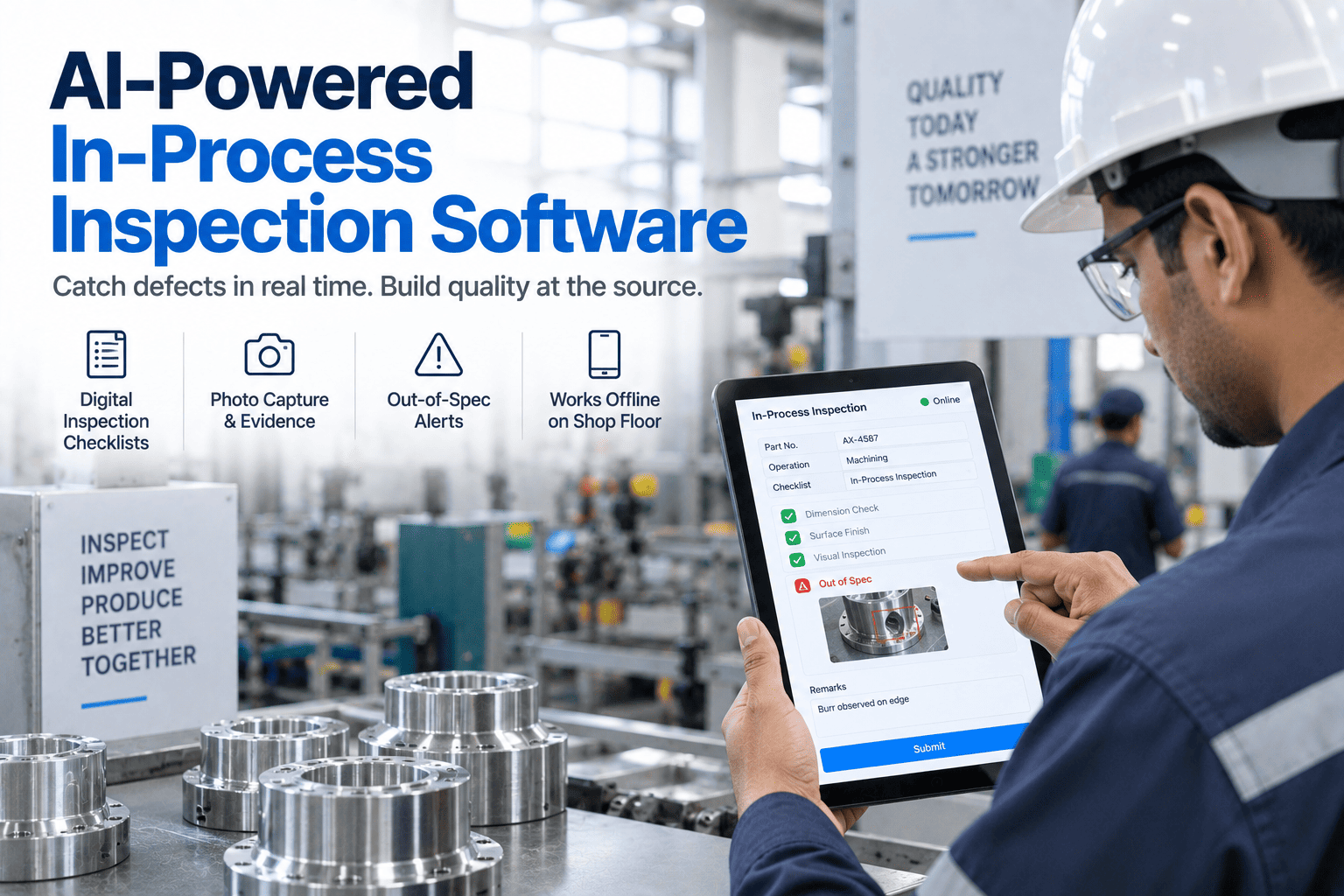
Not just cached forms — the whole inspection runs on the device with no signal. Checklist logic, conditional branching, photo capture, barcode scanning, and e-signature all work in a dead zone, and every completed inspection is stored encrypted on the device with operator identity and timestamp the instant it's submitted. The floor's weakest network stops being your quality system's weakest point.
Scanning an asset or work-order code launches the correct checklist instantly — no typing an ID, no risk of misattribution, no chance of running the wrong inspection on the right machine. The scan ties every finding to a specific work order, batch, or serial number, so the record is anchored to exactly what was inspected, not to what someone remembered to write down.
A defect photographed at the point of inspection is worth more than a paragraph describing it later. Photos attach directly to the specific line item that failed, and capture can be made mandatory before a flagged item can be marked complete — so the evidence exists for every defect, not just the ones an inspector had time to document.
When the device reaches any network — cellular, Wi-Fi, or plant LAN — it syncs everything to your QMS in the background. The operator does nothing and is never interrupted. Records land in the central system with their original submission timestamp preserved, not the sync time, so the true inspection timeline stays accurate no matter when connectivity returned.
See It Run in a Dead Zone and Sync on the Way Out
iFactory's mobile app captures the full inspection offline and syncs automatically when it finds a network — with the photo, the scan, and the original timestamp all intact.
Captured on the Device, Delivered to the QMS — Without the Operator Thinking About It
The magic of a good offline app is that there is no magic the operator has to manage. There's no "sync now" button they have to remember to press at the end of a shift, no queue they have to babysit, no moment where an inspection can be lost because someone forgot a step. The sequence is invisible to them and airtight for you. Here's what happens from capture to central record.
Any Phone, Any Tablet, or a Rugged Device for the Harsh Bays
The right device depends on the environment, and a floor-ready app runs natively on all of them — from an inspector's own phone to an IP-rated rugged unit built for a drop onto concrete. No specialized hardware is required to start.
Native iOS and Android, so an inspector's own device works out of the box — ideal for spot checks, roving inspection, and one-handed use between tasks.
A larger screen for detailed checklists, measurement entry, and reviewing photo evidence, cost-effective with a rugged case for line-side stations.
IP-rated, drop-tested units from the makers your floor already trusts, built for extreme temperature, vibration, and the harsh production bays where consumer devices fail.
Devices with a built-in barcode engine put scanning and inspection in one tool — a natural fit for goods-in, incoming inspection, and high-volume warehouse checks.
The Same Inspection, Two Very Different Outcomes
The difference between paper and a floor-built app isn't tidiness — it's whether the record is complete, findable, and connected to what happens next. This is where the change shows up day to day.
| On the Floor | Paper / Generic App | iFactory Mobile |
|---|---|---|
| No signal in the bay | Paper works but data is trapped; online app freezes | Full inspection runs offline, syncs later |
| Identifying the asset | Handwritten or typed ID, prone to error | Scan launches the correct checklist |
| Documenting a defect | A written note, if there's time | Mandatory photo on the failed line item |
| Incomplete inspection | Skipped fields go unnoticed | Mandatory fields block submission |
| Finding a record later | Hours pulling binders | Searchable in seconds |
| Acting on a defect | Manual handoff, often lost | Auto-generates NCR or work order |
If the Operators Won't Use It, Nothing Else Matters
The best inspection app is the one that actually gets used, and floor adoption lives or dies on how the app feels in the first hour. This is the part quality software buyers most often underestimate: a technically excellent platform that operators find awkward will quietly lose to the clipboard, because the people doing the inspections vote with their hands every shift. A tool designed for the floor rather than the office earns its way in fast, because it removes friction instead of adding it — and once operators feel it saving them work rather than creating it, the resistance that usually greets new software mostly evaporates.
The interface is built for gloved hands and quick taps, not the small controls of an app designed to be used sitting at a desk.
Scan the asset, run the checklist with clear pass/fail logic, capture a photo on a fail — the flow is obvious enough to learn by doing.
Because the workflow mirrors how inspection already happens, most operators are fully independent after a single shift session, not a training course.
Your existing paper checklists become digital forms with dropdowns, numeric fields, barcodes, and photo steps — the same checks, deployed in days.
From Paper Clipboards to Synced Mobile Inspections in Weeks
Because you're digitizing checks you already run rather than inventing new ones, deployment is fast. iFactory maps your existing inspections to the app and goes live in phases you control.
Your paper inspection sheets become mobile forms — same fields, same logic, now with barcode and photo steps — and you decide which are mandatory.
Put the app on the phones, tablets, or rugged units your team will actually use, run live inspections offline, and confirm the sync and routing behave on your floor.
Extend across lines and sites, connect the app's data to your QMS and ERP, and switch on the dashboards that turn synced inspections into trend visibility.
What Teams Ask About Mobile Inspection Apps
Put a Floor-Ready Inspection App in Every Inspector's Hand
iFactory turns any phone or tablet into an offline-capable inspection tool that scans, photographs, and syncs to your QMS automatically — so the record is always complete, findable, and connected to what happens next.