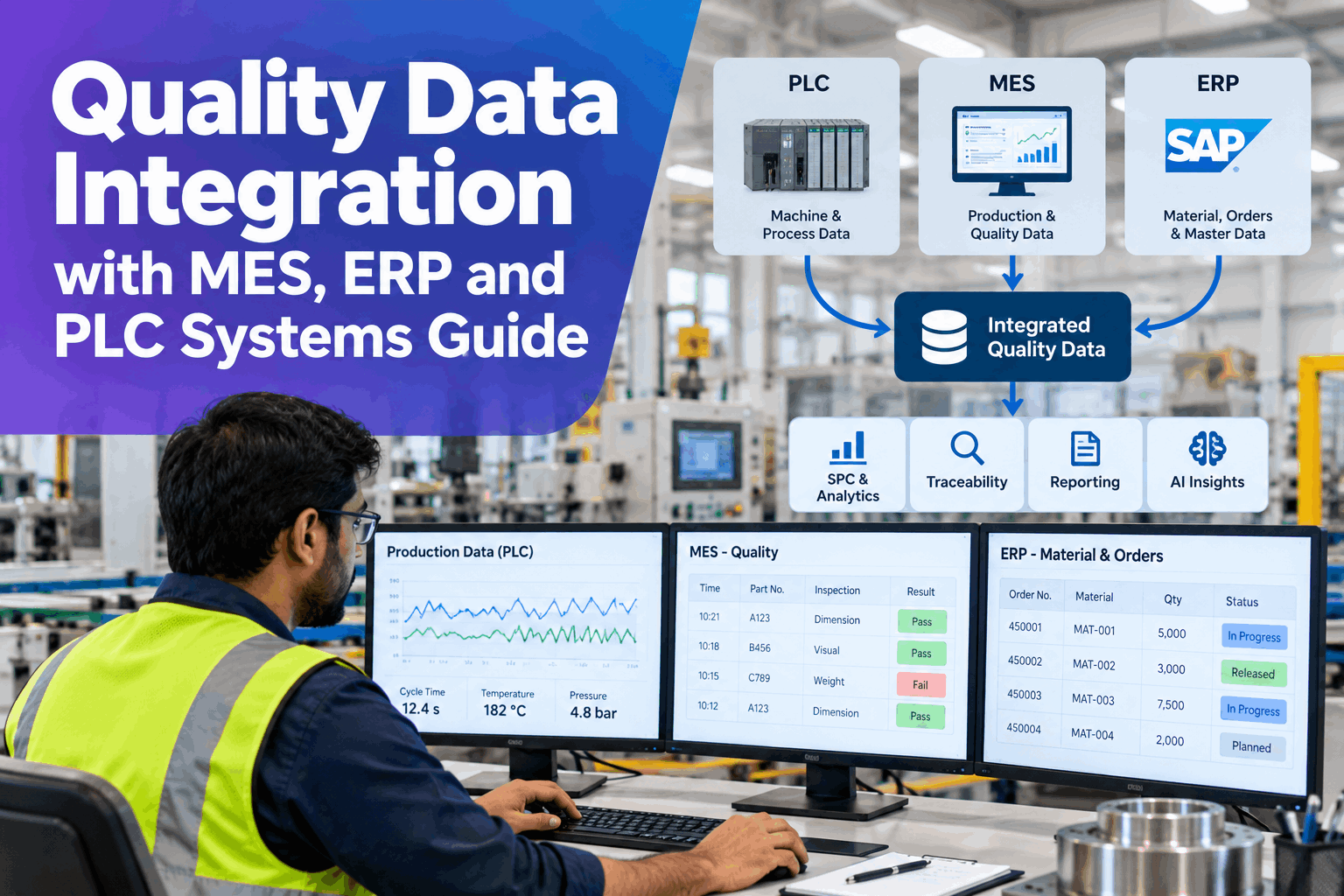
When a part fails a dimensional check, the answer usually sits in four different places: the gauge file, the MES lot record, the ERP receiving data and the PLC history. Each system is correct on its own, but nothing joins them, so quality teams spend hours exporting, matching and guessing. Quality data integration with MES, ERP and PLC systems connects those sources on the plant network and ties them together by part, lot and time, so SPC, traceability and AI work from one trusted set of data. This page explains how it works, with a worked example and what to bring to a pilot. Plant managers can walk through it on their own systems in an integration session.
Quality Data Integration with MES, ERP and PLC Systems Guide
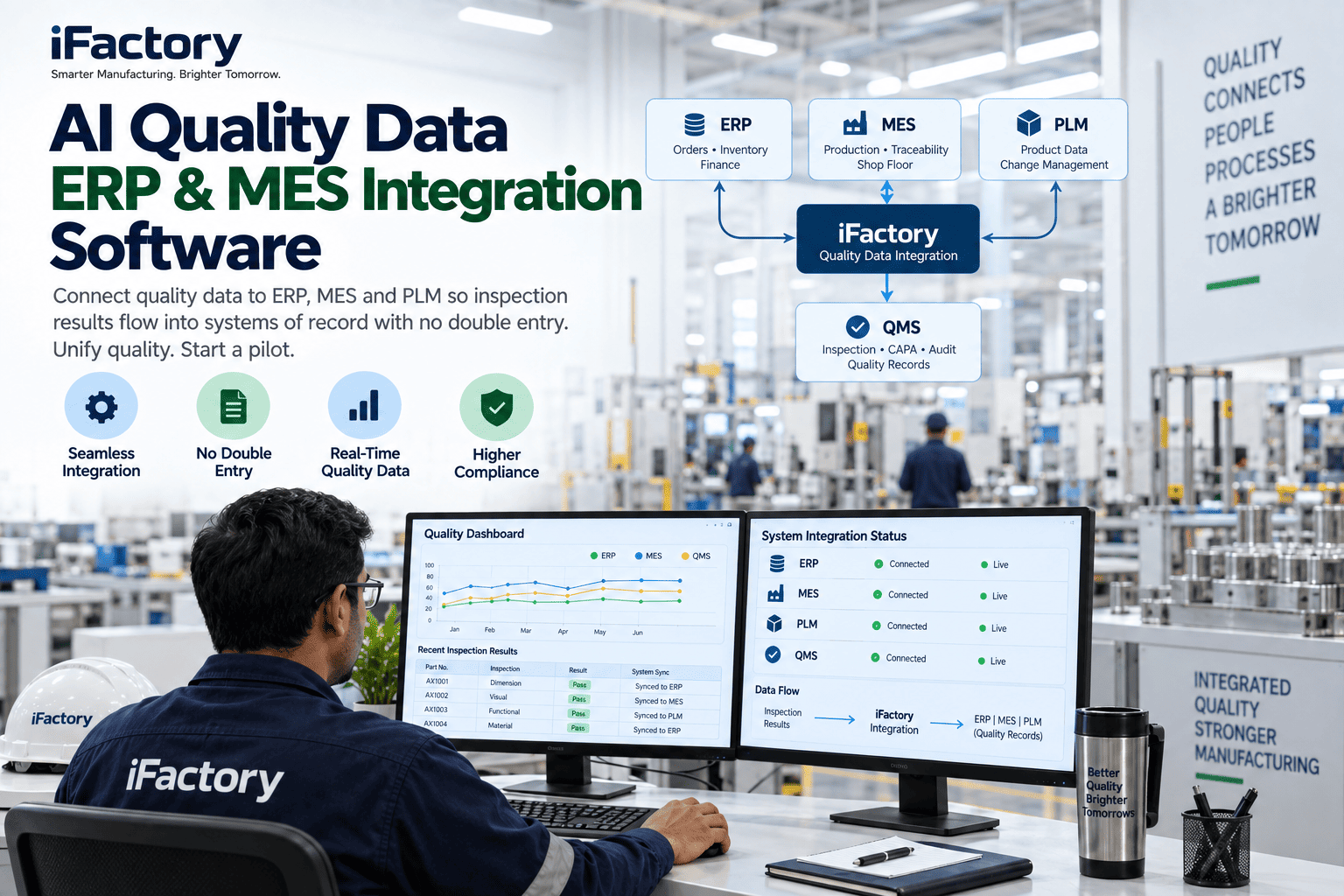
Turnkey Integration connects OPC UA, MES and ERP sources and gauge and CMM links, then sends the data to the on-site AI server for analytics. Inspection, process and material data end up in one place, matched by part, lot and time.
- PLC, MES, ERP, gauge and CMM data in one view
- Read-only connections that leave production systems alone
- Data ready for SPC, traceability and AI
Why Quality Data Stays in Silos
Every system is right, and none of them agree on the same part.
Quality questions cut across systems. Was the failure linked to a machine setting, a material lot or a supplier? Answering means joining records that use different keys, units and clocks. Most plants do this by hand with exports and spreadsheets, so the answer arrives late and cannot be repeated. Our integration specialists can map where your data splits today.
Separate systems
PLC, MES, ERP and gauges never meet.
Different keys
Part, lot and order IDs do not line up.
Manual exports
Spreadsheets joined by hand, once.
Late answers
Root cause found after the lot has shipped.
The Five Sources and How Each One Connects
Each source has a standard way in.
The table below is the template for a quality data pipeline. Each source is connected through an interface it already offers, and the data is mapped to the same keys. You do not need to replace any system. Review the sources at your plant in a working session.
Connections start read-only. The server reads from PLCs, MES and ERP without changing anything in them, so production systems are untouched. Any write-back is a separate step that your IT and operations teams approve.
A Worked Example: Tracing One Lot
One lot key, four systems, one view.
Take a lot of 500 parts, each measured on 3 characteristics. Before integration, tracing a dimensional failure meant searching four systems by hand. With integration, every gauge and CMM reading is linked to the lot, 24 process tags are matched by time and the 2 incoming material lots are pulled from the ERP receiving record. All figures are illustrative.
See Your Own Systems Joined
Bring a system list and one recent quality problem, and watch the data from your PLCs, MES, ERP and gauges line up on one lot.
How the Data Flows to the AI Server
Five steps from source system to usable data.
A quality data pipeline is a short sequence, repeated for every source. Each step is checked before the next, so the data reaching analytics is trusted. Plan the rollout with our implementation team.
Connect
Read-only links to each source system.
Map
Match fields to part, lot and time keys.
Clean
Align units, clocks and missing values.
Land
Store on the on-site AI server.
Use
Feed SPC, traceability and AI.
Ask the Data What Happened
Ask across systems in plain words.
Once the data is joined, quality managers and plant managers can ask questions that used to need an analyst and a spreadsheet. The answers come from the linked records and show where each fact came from. See it on your own data in a live walk-through.
What Integrated Quality Data Makes Possible
Integration is the base, and the value sits on top.
Once part, lot and time keys join the sources, several quality jobs become simple. None of them needs a new data project, because they all read from the same pipeline. Discuss which one to start with our quality analytics team.
Live SPC
Control charts on joined, current data.
Traceability
Part to lot to material in one query.
AI analytics
Models trained on the full picture.
Supplier quality
Incoming results linked to line performance.
Who Decides What
The connectors move data, and your teams own the rules.
Integration touches IT, operations and quality, so responsibility needs to be clear from the start. The connectors handle the technical work. Your teams decide access, security and what the data is allowed to do.
The integration handles
- Read-only connections to PLC, MES and ERP
- Mapping fields to part, lot and time keys
- Aligning units, clocks and missing values
- Delivering data to the on-site AI server
Your teams decide
- Network zones and access rules
- Which tags and fields are in scope
- Who owns each source and its data
- Whether any write-back is ever allowed
Integration Mistakes to Avoid
Plenty of integrations connect everything and trust nothing.
These are common best practice gaps in quality data integration. A short readiness review can find them before a pilot starts.
What works
- Agreed part, lot and time keys from day one
- Read-only connections first
- A small set of high-value fields mapped well
- A named data owner for each source
What fails
- One-off scripts for every pair of systems
- Units and timestamps left unchecked
- Weekly spreadsheet exports as the pipeline
- Write-back to controls before data is trusted
How iFactory Runs Quality Data Integration
The connectors and the server, delivered together.
iFactory connects your PLCs, MES, ERP and measurement systems, maps the data to common keys and lands it on one on-prem server. After the pilot, results are reviewed against your baseline. Fit questions go to our solutions team.
OPC UA
Read PLC and SCADA data in place.
MES connectors
Lots, orders and stations linked.
ERP connectors
Materials, suppliers and receiving data.
Gauge and CMM links
Measurements tied to part and lot.
Data pipeline
Mapped, cleaned and ready for analytics.
On-prem
Quality data stays in the plant.
The figures and exchanges on this page are illustrative. Your own results depend on your systems, interfaces, keys and data quality, and we measure them on your data during the pilot.
Turnkey AI: Delivered, Connected and Live in 6–12 Weeks
You do not build this. It arrives ready.
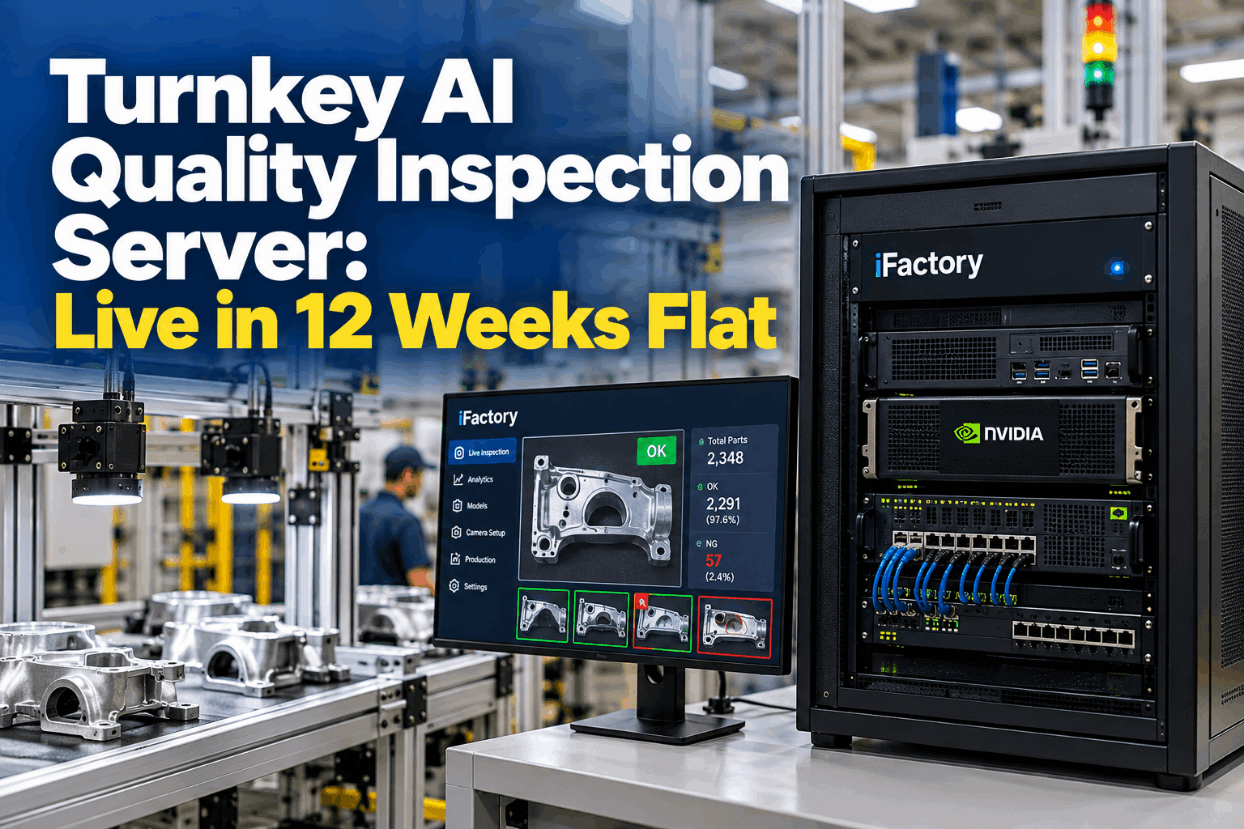
iFactory ships as a pre-configured NVIDIA AI server with the software pre-loaded, racked and ready. Rack it, plug in power and Ethernet, and the AI is live on your network. Our team handles cabling, network setup, PLC, SCADA, DCS and CMMS integration, MES and ERP links, gauge connections, operator training and 24×7 remote monitoring. Data stays on your network. For an implementation guide and a quote matched to your plant, request a turnkey quote.
Ship, network and connect
Server installed. Read-only links made to PLC, MES, ERP and gauges.
Map and pilot
Keys mapped and data checked. Live pilot runs on one line or product.
Go-live and measured result
Roll-out across the plant. Teams trained. Results compared with the baseline.
Frequently Asked Questions
What is quality data integration with MES, ERP and PLC systems?
It is the connection of process, production, material and measurement data from separate systems into one place, matched by part, lot and time, so quality questions can be answered across systems.
Which systems and protocols can be connected?
PLC and SCADA data through OPC UA or a historian, MES and ERP through their APIs or database views, and gauges and CMMs through file or direct interfaces. We confirm the options for your versions during scoping.
Do we have to change our MES or ERP?
No. The integration reads from the interfaces your systems already offer, and they keep running as they are. Connections start read-only, and any write-back is a separate approved step.
How are records from different systems matched?
Fields are mapped to common keys such as part, lot, work order and time. Where a system lacks a key, the mapping uses time and station to link the records, and the result is checked on a sample before it is trusted.
How is data quality checked?
The pipeline aligns units, clocks and missing values, and flags records that do not match. Your data owners review the flags during the pilot, so problems are fixed at the source.
Is there a template or are there examples?
Yes. The five-source table and the lot example on this page are the template. In a working session we fill it in with your own systems, keys and fields.
What does it cost and when is the return?
Cost depends on the number of sources, lines, interfaces and sites, so we issue a turnkey quote after a short scoping call. Return shows up as faster tracing and root cause work and less manual data handling, and the pilot measures it against your baseline.
What do plant managers need to prepare?
A list of your systems and versions, a PLC tag list or historian details, MES and ERP access details, gauge and CMM file formats and your network and security rules. A short working session turns these into a pilot scope.
How do we start?
Start with a short session to review your systems and one recent quality problem. A 6-week pilot then connects your sources, maps the keys and proves the result on one line. To plan it, contact our team.
Join Your Quality Data Once, Use It Everywhere
In thirty minutes we take your system list and a recent quality problem through the integration and show how the data would have joined. You keep the findings either way.
- 1A list of your systems and versions
- 2PLC tag list or historian details
- 3MES and ERP data access details
- 4Gauge and CMM file formats
- 5Network diagram or IT security rules