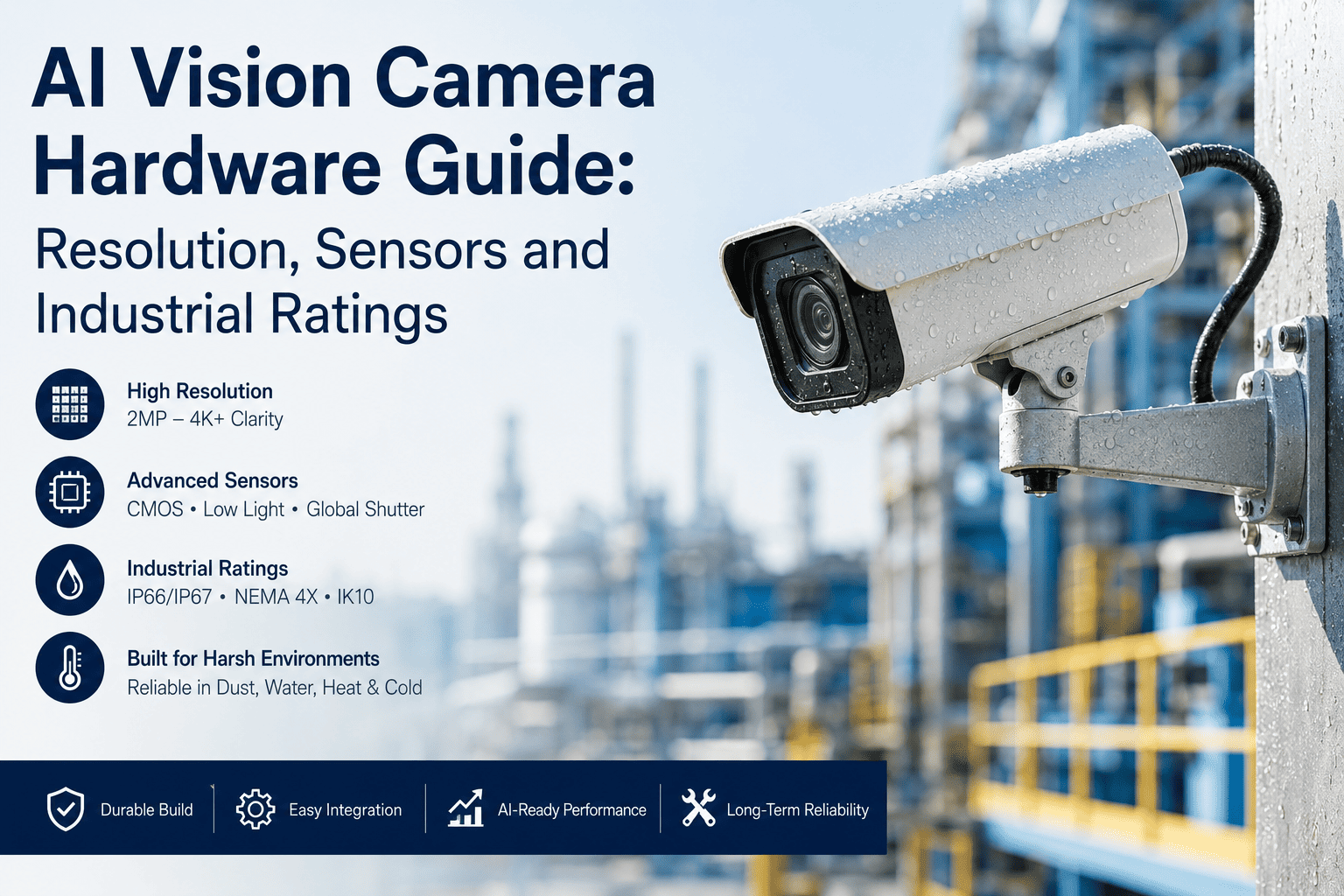
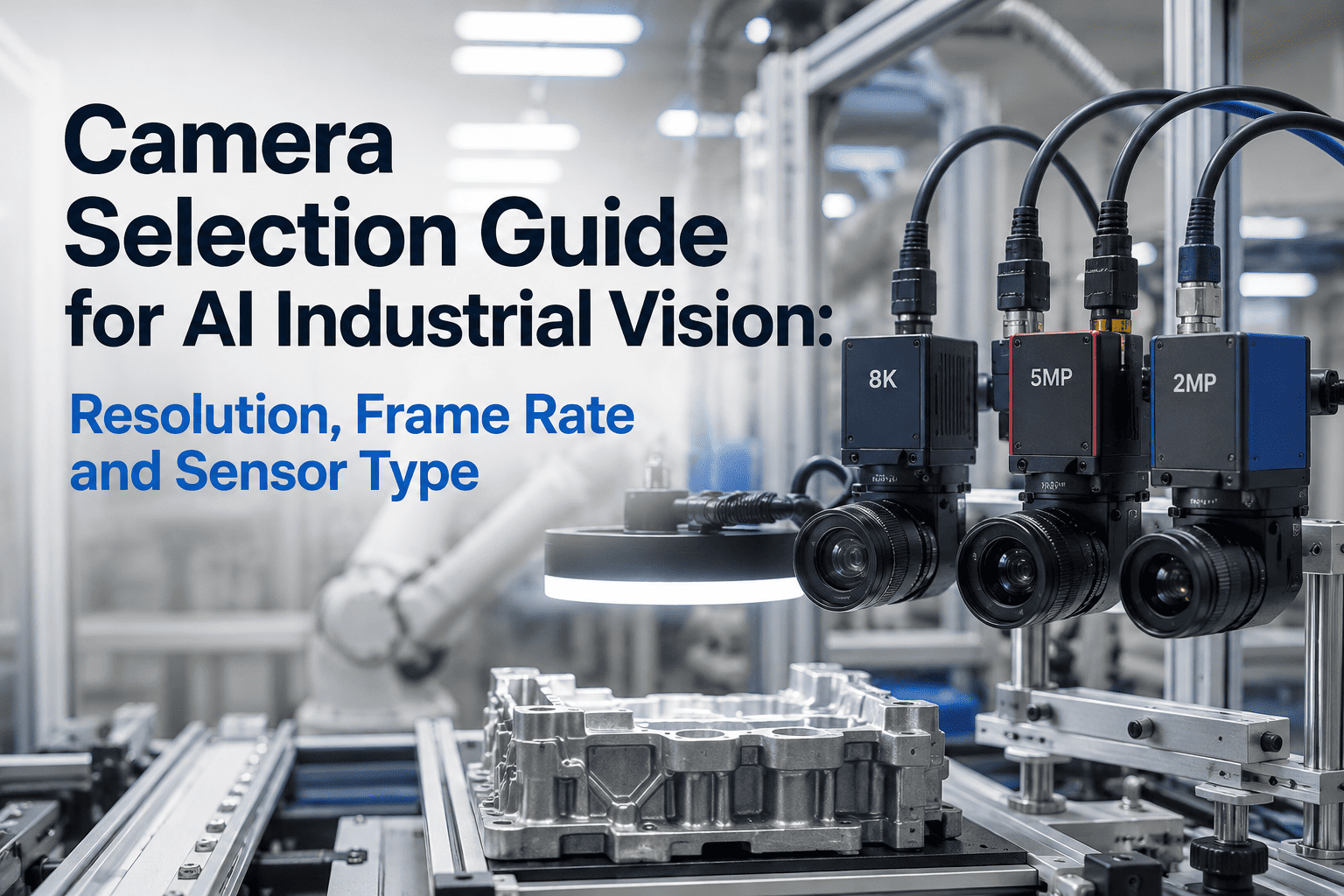
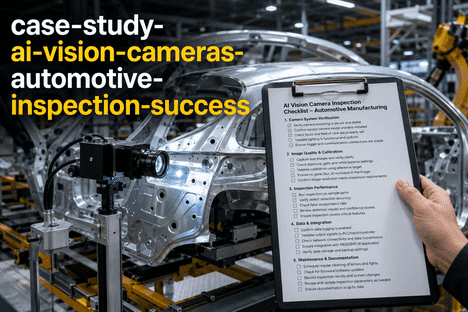
Every AI vision project that fails on the shop floor traces back to one of four hardware choices made too fast at the start. The wrong sensor architecture blurs a moving part; the wrong interface starves the model of frames; the wrong shutter distorts geometry; the wrong enclosure rating turns a working camera into a rusted brick after two wash-down cycles. Getting all four right is not glamorous, but it is the entire difference between a pilot that scales and a pilot that quietly dies. Each spec below is decided by the application, not by the catalogue. You can book a demo to walk through the choices against your line.
CAMERA HARDWARE · SENSOR · INTERFACE · ENCLOSURE · 2025
Four Hardware Decisions Decide Whether Your Vision Pilot Works — Sensor Type, Shutter, Interface, and Enclosure Rating
The iFactory team scopes camera hardware against the application, not the catalogue. Get the sensor architecture, shutter mode, interface bandwidth, and IP rating right at the specification stage, and every downstream cost — installation, integration, model accuracy — falls in line.
100 m
Maximum GigE Vision cable run over standard Cat5e/Cat6 Ethernet
5 Gbps
USB3 Vision theoretical bandwidth — around 400 MB/s effective
IP69K
Highest ingress rating — high-pressure, high-temperature washdown
0 blur
Global shutter captures every pixel simultaneously — no motion smear
SPEC 01 · SENSOR ARCHITECTURE
Area Scan or Line Scan — The First Fork in the Road, and the One People Get Backwards Most Often
Sensor architecture is decided by the geometry of what you are inspecting, not by budget or by what the catalogue lists first. Area scan is the correct default for discrete objects moving through a station. Line scan is the correct default for continuous webs and long objects that never sit still. Choose the wrong one and everything downstream — lens, lighting, framerate maths — has to be forced to fit.
A
Area Scan
2D rectangular sensor — a photograph per trigger
ShapeRectangular sensor, full image per exposure
Best forDiscrete parts, assemblies, packaging on conveyors
TriggerPart-present sensor or fixed cadence
Common resolutions2 MP to 20 MP typical
VS
L
Line Scan
1D linear sensor — one row at a time, motion builds the frame
ShapeSingle-row sensor, image assembled from motion
Best forWeb materials, cylinders, endless belts
TriggerEncoder tied to conveyor speed for consistent pixels
Common line rates50 kHz to 200 kHz for high-speed webs
SPEC 02 · INTERFACE & BANDWIDTH
The Interface Ladder — Four Real Options, Ranked by Bandwidth, With the Cable-Length Trade-Off Built In
Every interface trades bandwidth against cable length, ease of setup, and multi-camera scalability. The ladder below shows the four options that dominate industrial deployments in 2025, with the bandwidth bar giving a visual sense of raw throughput. None of these is universally best — they are best in different applications.
TIER 01
GigE Vision
1 Gbps · up to 100 m · PoE
Multi-camera workhorse. Longest cable run, best EMI immunity, cleanest scaling across a plant. Default starting point for factory automation.
TIER 02
USB3 Vision
5 Gbps · up to 4.6 m · bus-powered
Single-camera high-speed champion. Cheapest per unit, plug-and-play, low CPU overhead. Cable length is the constraint.
TIER 03
10 GigE Vision
10 Gbps · up to 100 m · Cat6a
Bridges GigE and CoaXPress. Keeps the 100 m cable length while opening bandwidth headroom for 4K, 8K, and high-frame-rate sensors.
TIER 04
CoaXPress (CXP-12)
12.5 Gbps per link · up to 4 links
Highest bandwidth in the industry. Requires a frame grabber. Reserved for the fastest line-scan and high-speed area-scan applications where nothing else keeps up.
SPEC 03 · SHUTTER TYPE
Global Shutter or Rolling Shutter — What Actually Happens During the Exposure, and Why It Decides Whether the Model Sees the Truth
The shutter type controls how the sensor reads pixels during an exposure. Global shutter freezes the entire scene at one instant — all pixels captured at once. Rolling shutter reads row by row from top to bottom. When the object is moving relative to the camera, only global shutter preserves geometric accuracy. The visual below shows the timing difference in a form that makes the trade-off obvious.
Global Shutter
All rows exposed simultaneously
Every pixel captured at the same instant. Moving parts freeze without geometric distortion. Slightly more expensive sensor, slightly lower peak frame rates — worth every cent when parts are moving fast.
Use for pick-and-place, robot guidance, conveyor inspection, sports analytics
Rolling Shutter
Rows exposed sequentially, top to bottom
Rows read one after another with a small time offset between them. Cheaper sensors, higher achievable frame rates, better low-light sensitivity — but any motion during exposure skews geometry noticeably.
Use for static scenes, slow-moving inspection, low-light imaging, cost-sensitive builds
SPEC 05 · RESOLUTION MATH · SMALLEST DEFECT DECIDES SENSOR SIZE
Resolution Is Not About Megapixels — It Is About Pixels Per Smallest Defect Across Your Field of View
The most common camera over-spec on the market is a twenty-megapixel sensor pointed at a station that needs three. The real question is how many pixels you need across the smallest defect the model has to detect, given the field of view the camera has to cover. Three inputs, one output — the sensor resolution you actually need.
01
Field of View (FOV)
Measure the widest dimension the camera has to see. A packaging line that is 300 mm wide has an FOV of 300 mm. This is fixed by the mechanical layout, not by the sensor.
02
Smallest Defect Size
The smallest feature the model must reliably detect — a 0.5 mm scratch, a 1 mm print defect, a 2 mm missing seal. This is a quality-engineering answer, not a vendor answer.
03
Pixels Per Defect
The industry rule of thumb is at least three pixels across the smallest defect for reliable detection, and five or more for tight tolerances. Below three, the model is guessing.
=
Required Resolution
FOV divided by defect size, multiplied by pixels-per-defect. A 300 mm FOV with a 0.5 mm defect at 3 pixels needs 1,800 pixels across — a 2 MP sensor is enough, not 20 MP.
Buying more resolution than the maths demands does not improve detection — it just increases bandwidth, cost, and processing load. Buying less than the maths demands is a project that will never work.
Send Us Your Application, Not Just a Part Number — We Will Spec the Camera Against Your Actual Line
Share the geometry, the line speed, the ambient conditions, and the cable run. In a single working session we will land on the right sensor, interface, shutter, and enclosure combination — with the reasoning documented.
SPEC 04 · INGRESS PROTECTION RATING
IP65 to IP69K — Four Environmental Tiers, and What Each One Actually Survives on the Shop Floor
Ingress Protection ratings look like a jumble of digits until you match them to the actual environment. The staircase below climbs from the mildest indoor rating to the most punishing washdown rating in food and pharmaceutical production. Pick the lowest rating your environment demands — over-specifying costs money without adding value, but under-specifying means a dead camera three months in.
IP69K
High-Pressure, High-Temperature Washdown
Withstands 80°C water at 80-100 bar directed from multiple angles. The rating written into food, beverage, dairy, and pharmaceutical sanitation cycles. If the plant uses caustic wash-downs, this is the floor, not the ceiling.
IP67
Dust-Tight · Temporary Submersion
Complete protection against dust ingress and survives immersion in one metre of water for thirty minutes. The workhorse rating for general industrial deployment — indoor and outdoor, with routine cleaning but no direct pressure washing.
IP66
Dust-Tight · Powerful Water Jets
Protection against powerful directed water streams from any direction. Fits outdoor mounts, wet processing areas, and environments with regular hose-down cleaning but no full submersion risk.
IP65
Dust-Tight · Low-Pressure Water Jets
Complete dust protection with resistance to low-pressure water spray. Adequate for most dry manufacturing floors and clean warehouse environments. The most cost-effective rating when the environment is well-controlled.
APPLICATION MATRIX · WHAT ACTUALLY MATCHES WHAT
Common Applications Mapped Directly to the Hardware Choice — Sensor, Shutter, Interface, and Enclosure Combined
The four specs never get decided in isolation. Below is the fastest way to see how they cluster in real deployments — six common application archetypes with the hardware combination that ships in the majority of working systems today.
| Application | Sensor | Shutter | Interface | Enclosure |
|---|
| Bottling / packaging line | Area scan · 2-5 MP | Global | GigE PoE | IP67 or IP69K |
| PCB / electronics inspection | Area scan · 5-12 MP | Global | USB3 | IP54 typical |
| Continuous web (paper, film, foil) | Line scan · 4-16k | N/A | 10 GigE or CoaXPress | IP65-IP67 |
| Robot guidance / pick-and-place | Area scan · 2-5 MP | Global | GigE PoE | IP67 |
| Automotive body-in-white | Area scan · 5-9 MP | Global | GigE or 10 GigE | IP67 |
| Food / dairy washdown zone | Area scan · 2-5 MP | Global | GigE PoE | IP69K mandatory |
These are the combinations we see most often across working deployments. Yours may differ — the point is that all four specs cluster together, and locking one at random usually forces a compromise on the other three.
FREQUENTLY ASKED QUESTIONS
What Vision Integrators, Controls Engineers, and Plant Managers Ask About Camera Hardware
How do I actually calculate the bandwidth my application will consume?
The formula is simple: resolution multiplied by frame rate multiplied by bit depth, divided by eight to convert bits to bytes. A five-megapixel camera at sixty frames per second at eight bits per pixel demands roughly three hundred megabytes per second — well inside USB3 Vision or 5 GigE headroom, but above what standard 1 GigE can deliver. Always leave twenty to thirty percent overhead for protocol packetization and burst traffic. You can
book a demo and share your resolution and frame rate — we will do the maths against your specific interface choice.
Can I use rolling shutter cameras if my line only runs slowly?
Yes, and this is where rolling shutter earns its cost advantage. If the object is stationary during the exposure window — even a slow-moving conveyor pauses at each station in many indexed builds — a rolling shutter camera gives you the same effective image quality as a global shutter camera at a lower unit price. The rule of thumb is that if the object moves less than one pixel across the sensor during the exposure, rolling shutter is fine.
Contact support to walk through the pixel-motion maths for your specific line speed.
Do I really need IP69K, or is IP67 enough for my food-processing line?
This is one of the most expensive mis-specifications in the industry, and the answer depends entirely on the sanitation cycle. If the plant uses high-pressure hot-water washdowns — typical in dairy, meat, and beverage processing — IP69K is not optional. If cleaning is limited to spray-down and wipe-down cycles with cool water at moderate pressure, IP67 is usually sufficient. The right way to decide is to talk to plant sanitation before the vision team. You can
book a demo where we walk through the enclosure decision against your actual cleaning protocol.
Is CoaXPress worth the frame grabber cost for my application?
Only if bandwidth is the actual bottleneck, not a theoretical one. If your application fits inside 10 GigE bandwidth — which now covers a huge share of high-frame-rate area scan and mid-range line scan work — adding CoaXPress adds frame grabber cost, integration complexity, and cabling expense without adding capability. The bandwidth calculation from the first FAQ is what tells you honestly whether CXP is warranted.
Talk to our support team to run the numbers against your resolution and frame rate before committing to a frame grabber architecture.
Will the vision layer work with the cameras we already own?
In most cases yes, provided the existing cameras publish an RTSP stream or comply with a standard vision interface. The iFactory vision layer is deliberately camera-agnostic — it treats the camera as an image source, not a proprietary component. Where existing cameras genuinely cannot meet the sensor, shutter, or IP requirements of the application, we will call that out at the specification stage rather than at commissioning. You can
book a demo where we assess your current camera estate against the application you have in mind.
FOUR SPECS · ONE APPLICATION · ONE WORKING SESSION
Send Us the Application, We Will Send You the Right Sensor, Shutter, Interface, and Enclosure Back
Camera hardware decisions do not need to be a three-month RFP. Bring the geometry, the line speed, the environment, and the cable run — leave with a scoped hardware specification and a working pilot plan on the same call.