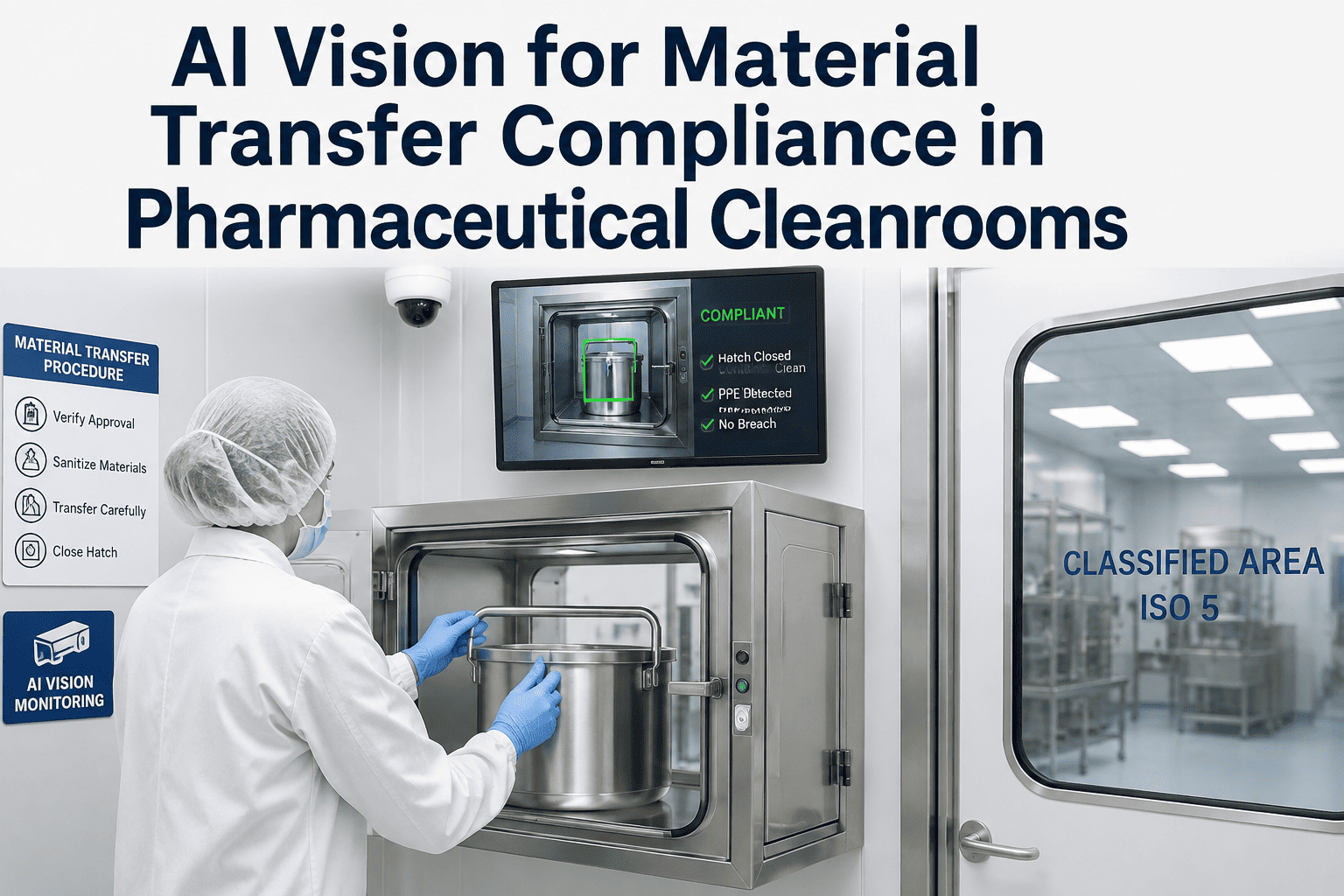
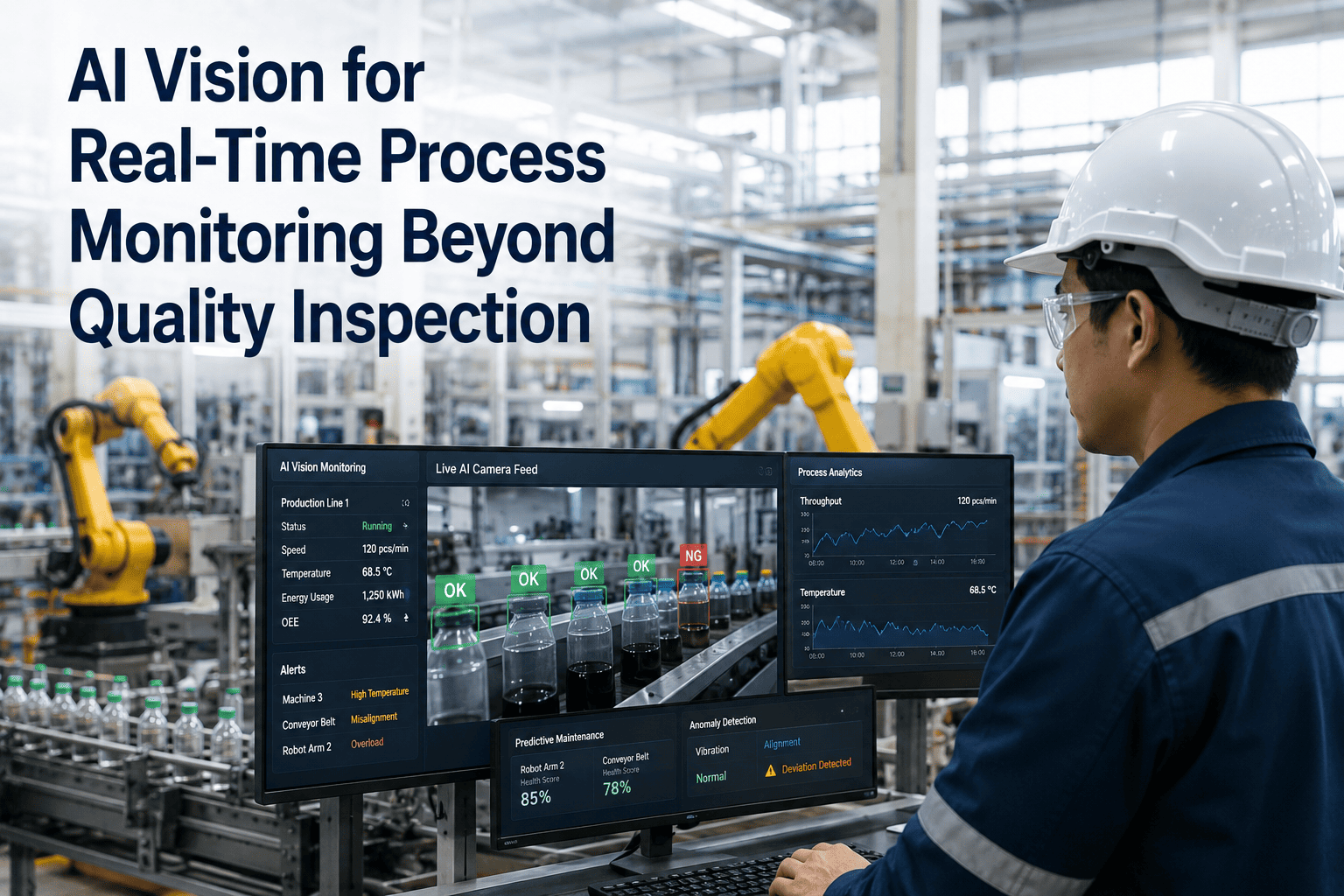
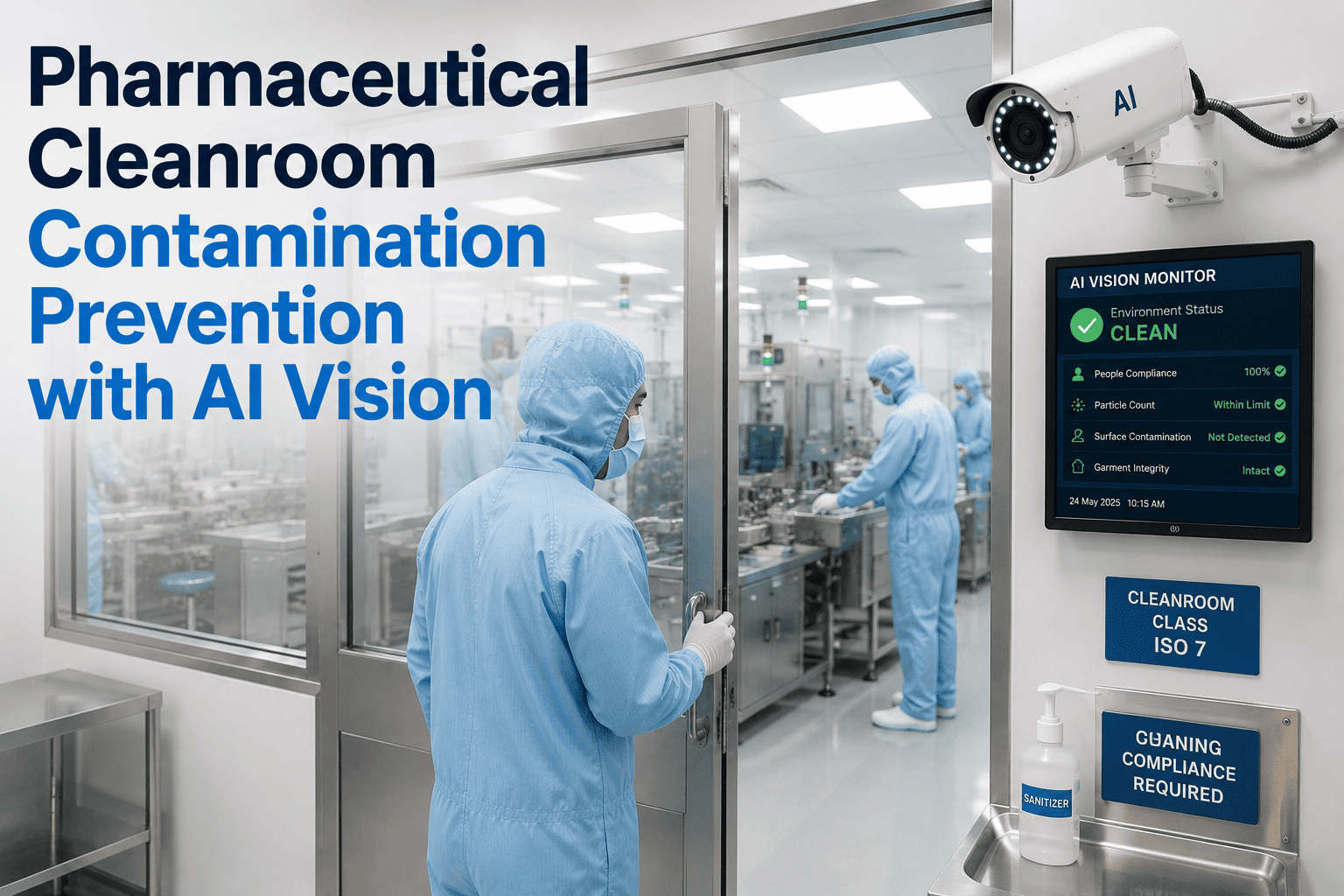
Sterile manufacturing environments run on a simple but unforgiving rule: one uncontrolled human behavior can invalidate an entire batch. A gloved hand that brushes a mask, a garment adjusted mid-fill, a bare wrist that grazes a critical surface, these moments last a second but can trigger a full investigation, a batch rejection, or worse, a recall. Operators are trained extensively, yet fatigue, repetition, and the sheer number of aseptic touchpoints in a shift make lapses statistically inevitable. Book a demo to see how iFactory watches for these lapses continuously, without ever needing a break.
Contamination Risk Rarely Announces Itself, It Just Happens Quietly
Most aseptic breaches are not dramatic events caught on a supervisor's clipboard. They are small, fast, forgettable gestures, an itch scratched through a gown, a face shield lifted for a second, a material handed off the wrong way. iFactory's AI vision watches every zone continuously and flags these moments the instant they happen.
Why Behavior, Not Equipment, Is the Leading Cause of Aseptic Deviations
Environmental monitoring programs are exceptionally good at telling a facility that contamination happened somewhere, sometime, in a given zone. What they are not good at is telling a facility which specific human action caused it. Investigations into aseptic deviations repeatedly trace root cause back to personnel behavior rather than equipment failure or facility design, yet almost none of that behavior was actually observed at the moment it occurred.
Four Behavior Categories That Drive the Majority of Aseptic Risk
Not all behaviors carry equal risk, and a monitoring program that treats every movement the same either drowns staff in false alerts or misses the events that matter. iFactory's models are trained to recognize the specific behavior patterns that aseptic processing guidance repeatedly identifies as the highest-consequence risks.
Every Gowning Line Has a Blind Spot Somewhere
A single supervisor cannot watch every operator in every zone across every shift. iFactory extends that coverage to every camera angle, every hour the line runs, flagging deviations in real time instead of during a quarterly review of recorded footage.
Not Every Deviation Carries the Same Consequence
A useful monitoring program ranks behaviors by consequence, not just frequency, so that the response matches the actual risk. The table below reflects how aseptic behavior deviations are commonly tiered when building an alerting and escalation policy.
| Behavior Observed | Typical Zone Risk | Recommended Response |
|---|---|---|
| Face or mask touch, gown intact | Moderate | Log, retrain if repeated by same operator |
| Exposed wrist or cuff during reach | High | Immediate alert, garment check before continuing |
| Reach across open critical zone | High | Immediate alert, evaluate product exposure |
| Unsanitized material entry to core | Critical | Stop and investigate, quarantine affected batch |
Tiering responses this way keeps quality teams focused on the deviations that actually threaten product, rather than treating every recorded event as equally urgent.
A Practical Path to Deploying Behavior Monitoring on an Existing Line
Rolling out AI vision monitoring in a validated cleanroom is not a one-week project, and it should not be treated as one. The sequence below reflects the order that tends to produce a monitoring program quality and operations both trust.
Where Behavior Monitoring Sits Alongside What You Already Have
Most sterile manufacturing sites already run a mature quality system, so a new monitoring layer only earns its place if it plugs into that system rather than sitting apart from it as one more disconnected data source nobody checks.
What Facilities Commonly Notice in the Months After Rollout
The value of behavior monitoring tends to compound over the first few months, as both the model and the operators adjust. Early wins are usually about catching individual events, later wins tend to be about the shift in overall behavior once staff know every zone is being watched consistently.
Common Questions About AI Behavior Monitoring in Sterile Areas
Does AI vision monitoring replace environmental monitoring or personnel qualification programs?
No, behavior monitoring is a complement to environmental monitoring, not a replacement for it. Environmental monitoring tells a facility what contamination was present in a zone, while AI vision tells the facility which specific human action likely caused it, closing a gap that neither program covers on its own. Facilities that pair both typically see investigation timelines shrink significantly because root cause no longer depends on operator recall of a shift that happened days earlier. Book a demo to see how the two data sources work together in practice.
Will operators feel like they are being surveilled rather than supported?
This depends heavily on how the program is introduced and framed. Facilities that position the system as a coaching tool, focused on catching the small unconscious gestures every operator makes rather than punishing individuals, generally see far better adoption than facilities that roll it out as a disciplinary measure. Starting in observation-only mode and sharing aggregate trend data before individual alerting also builds trust with the workforce ahead of time. Contact support for guidance on a rollout plan that keeps staff on board.
How accurate is behavior detection compared to a human observer standing on the floor?
A human observer can only watch one operator in one zone at a time, and attention fatigues within minutes of continuous focus, which is exactly why so many deviations go unrecorded in the first place. A properly trained vision model watches every angle simultaneously without fatigue, and because it is reviewing the same behavior categories consistently, it tends to catch a materially higher share of brief, easy-to-miss gestures than a rotating human observer ever could. Book a demo to see detection accuracy on footage from your own facility.
Can this system support an investigation after a batch has already been flagged for a contamination event?
Yes, and this is often where the value becomes most obvious to a quality team. Instead of interviewing operators about a shift days after the fact and relying on memory, investigators can review a timestamped log of every flagged behavior in the affected zone during the batch window, dramatically narrowing the list of plausible root causes. This turns investigations that used to take weeks into a process that can often be closed in days. Contact support to learn how the deviation log integrates with your investigation workflow.
Catch the Gesture Before It Becomes a Deviation Report
iFactory watches every critical zone continuously, flags the behaviors that actually drive contamination risk, and gives your quality team a timestamped record the moment they need it, instead of a gap they have to reconstruct from memory.