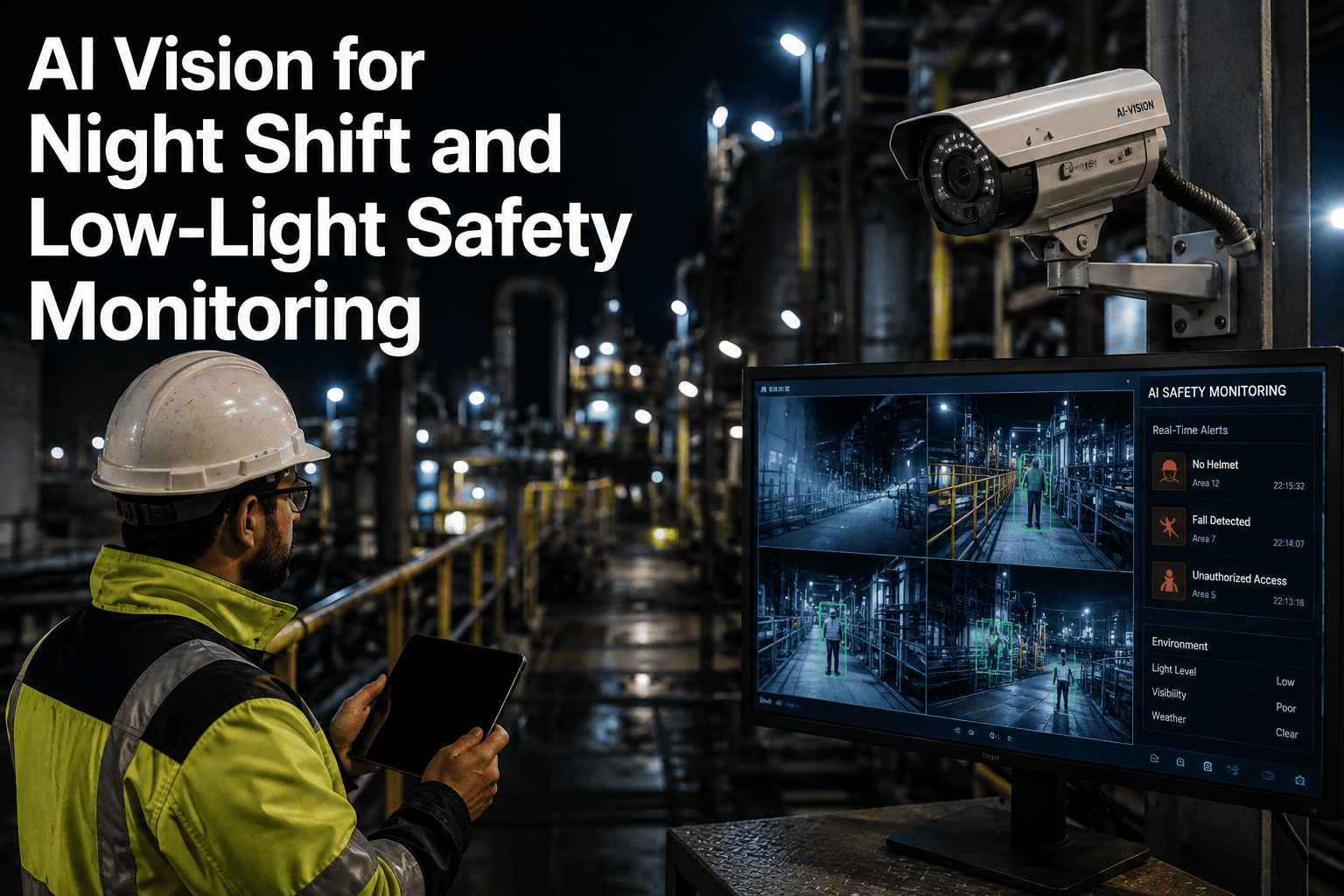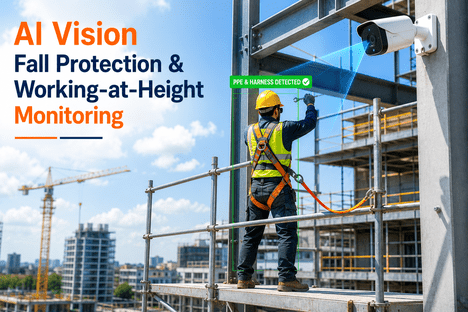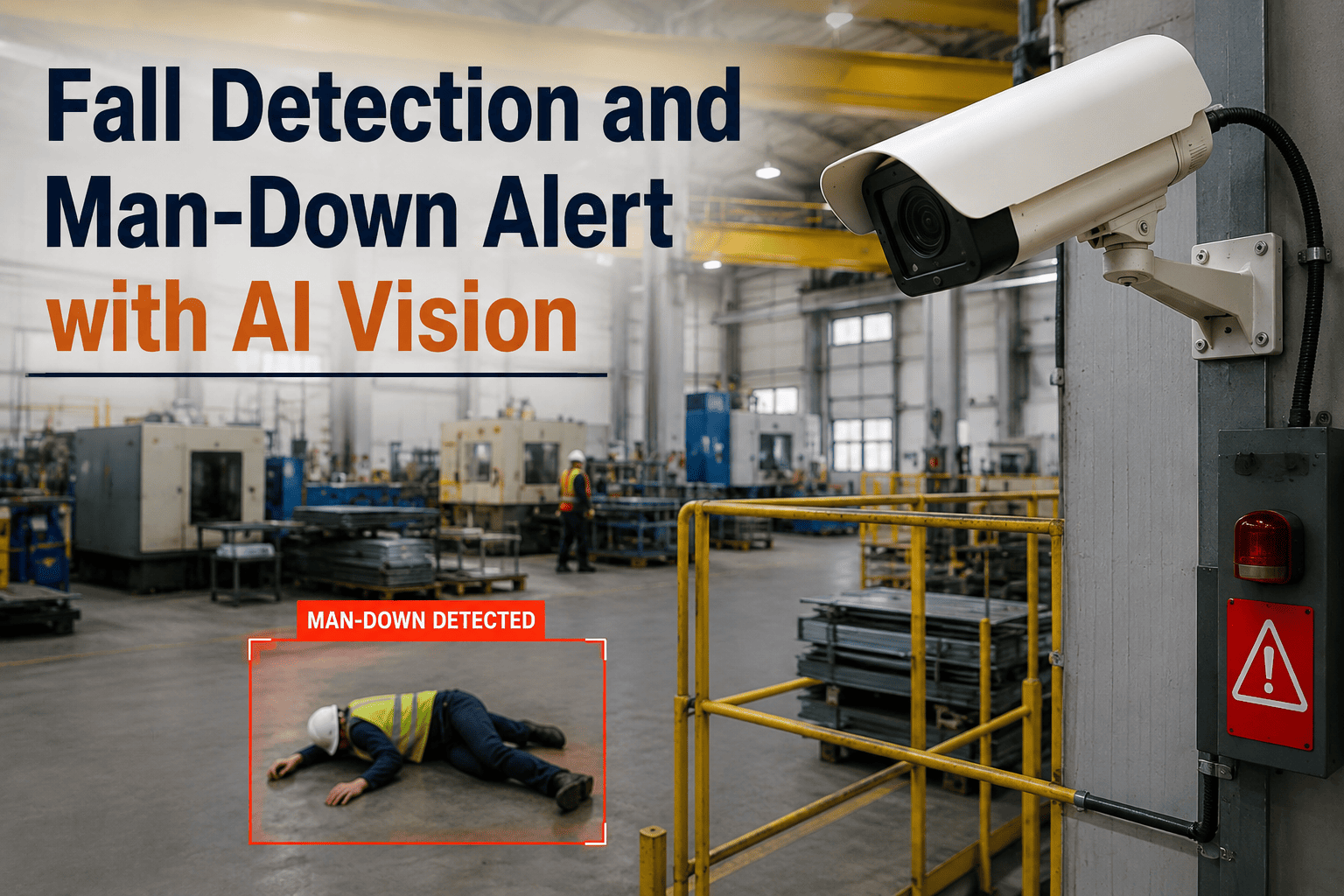
Lone worker safety has always depended on someone noticing when a colleague does not check in, but in large facilities with remote areas, that gap between a fall and a response can stretch into dangerous minutes or even hours. AI vision cameras trained to recognize a fall, collapse, or prolonged period without movement can detect a man-down event within seconds and trigger an alert automatically, without waiting for a scheduled radio check or a missed call to raise concern. This matters most in exactly the areas where traditional supervision is weakest, such as remote yards, elevated platforms, and confined spaces where a worker may be completely alone for extended stretches of a shift. Facilities with dispersed workforces or high-risk isolated tasks are increasingly evaluating this technology, and many start by requesting a demo focused on their specific site layout.
AI VISION FOR WORKER SAFETY
Know the Moment a Worker Goes Down, Not Minutes Later
AI cameras detect falls and man-down events automatically, sending immediate alerts so help reaches an isolated worker before a delay becomes a crisis.
Where the Response Gap Is Widest
Lone worker incidents are most dangerous when they happen where supervision is naturally thin, whether that is height, isolation, or the physical difficulty of the task itself.
Falls From Height
Workers on platforms, ladders, or elevated walkways can be seriously injured by a fall with no one nearby to notice or respond immediately.
Medical Collapse
Heat stress, cardiac events, or other sudden medical incidents can leave a worker down and unresponsive during a solo task.
Confined Space Incidents
Tanks, pits, and enclosed equipment areas isolate a worker from casual observation, delaying discovery if something goes wrong.
Remote Yard and Perimeter Work
Outdoor storage yards and site perimeters often have long stretches without foot traffic, extending the time before a fall is noticed.
Seconds
Typical time for AI vision to detect a fall or prolonged lack of movement
Automatic
Alerts triggered without requiring the worker to press a button or call in
24/7
Continuous monitoring coverage across shifts, including nights and weekends
Traditional Check-In vs Automatic Detection
Manual Check-In Systems
Relies on the worker actively calling or radioing in at set intervals
A missed check-in may not be noticed until the next scheduled call
Provides no information about the worker's condition, only their silence
Difficult to maintain consistently during physically demanding tasks
AI Vision Detection
Monitors continuously without requiring any action from the worker
Detects a fall or lack of movement within seconds of it occurring
Sends a video clip with the alert so responders can assess the situation
Works the same way across every shift, task, and worker automatically
How the Alert Reaches the Right People
1
Continuous Posture Monitoring
Cameras track worker posture and movement patterns in designated high-risk zones throughout the shift.
2
Fall or Inactivity Detected
The model recognizes a fall event or an extended period without normal movement in the monitored area.
3
Immediate Alert Dispatch
Designated responders receive an alert with the exact location and a short video clip for quick visual confirmation.
4
Response and Incident Logging
Response time and outcome are logged automatically, supporting safety audits and continuous improvement of coverage.
Where This Fits Into Workplace Safety Obligations
OSHA's general duty clause requires employers to provide a workplace free of recognized hazards, and fall and lone worker risks are among the most cited categories in industrial safety programs.
Fall Protection Programs
Automatic detection complements existing fall protection equipment by ensuring a fall is noticed immediately even if guarding or restraint systems are bypassed.
Lone Worker Policy Documentation
Continuous monitoring logs provide documented evidence of an active lone worker safety measure, supporting internal audits and insurance reviews.
Incident Response Time Records
Automatic timestamps on detection and response create objective data for evaluating whether emergency response targets are being met.
Building a Complete Lone Worker Safety Program
Risk Zone Mapping
Start by identifying the specific areas where workers operate alone, at height, or in confined spaces to prioritize camera placement.
Layered Detection Methods
Combine AI vision in fixed high-risk zones with wearable devices for workers who move across the wider site during a shift.
Defined Response Protocols
Assign clear responder roles and escalation paths in advance so an alert results in immediate, well-coordinated action.
Ongoing Review and Drills
Periodically test the alert chain and review incident logs to confirm response times are meeting the facility's safety targets.
Map Your Site's Highest-Risk Lone Worker Zones
Walk through camera placement for your specific facility layout, from elevated platforms to remote yard areas.
Frequently Asked Questions
The model is trained on the distinct motion pattern of an actual fall, including the speed of descent and the resulting body posture, which differs meaningfully from the slower, controlled movement of bending, kneeling, or crouching during normal work tasks. In addition to the fall motion itself, the system also factors in the duration of stillness afterward, since a worker who bends down and stands back up within a few seconds looks very different from someone who remains motionless on the ground. This combination of motion analysis and follow-up monitoring is what keeps false alerts low while still catching genuine incidents quickly.
Many facilities use AI vision and wearable devices together rather than choosing one over the other, since each covers different gaps. Wearables travel with the worker anywhere on site, including areas without camera coverage, while AI vision provides continuous monitoring of fixed high-risk zones without requiring the worker to wear or maintain a device. Facilities with a mix of mobile and stationary high-risk tasks often find the combination provides the most complete coverage. Teams can discuss the right mix for their operation during a demo call.
Yes, weatherproof cameras can be deployed in outdoor storage yards, loading areas, and perimeter zones where lone worker tasks commonly occur and where traditional supervision is naturally limited by distance and low foot traffic. These outdoor areas are often the highest priority for automatic detection precisely because a fall or collapse there is the least likely to be noticed quickly through normal workplace activity, making continuous monitoring especially valuable in these zones.
The alert workflow is typically configured to notify designated on-site responders or supervisors first, who can visually confirm the situation using the included video clip before deciding whether emergency services are needed. This human-in-the-loop step helps avoid unnecessary emergency dispatches for events that turn out to be false positives, while still ensuring a rapid initial response happens within seconds of detection. Facilities can customize the notification chain, including direct escalation paths for confined space or high-severity zones, and can review configuration options by contacting support.
Deployments are generally scoped to specific high-risk zones such as elevated platforms, confined space entry points, and remote yard areas rather than blanket coverage of all work areas, and footage is typically retained only around confirmed or flagged events rather than stored indefinitely. Facilities should align camera placement and retention policies with local labor regulations and communicate clearly with workers about where monitoring is in place and why, since transparency about the safety purpose of the system tends to support better adoption on the floor.
CLOSE THE LONE WORKER RESPONSE GAP
Give Isolated Workers a Faster Path to Help
Get a personalized walkthrough of automatic fall and man-down detection mapped to your site's layout.