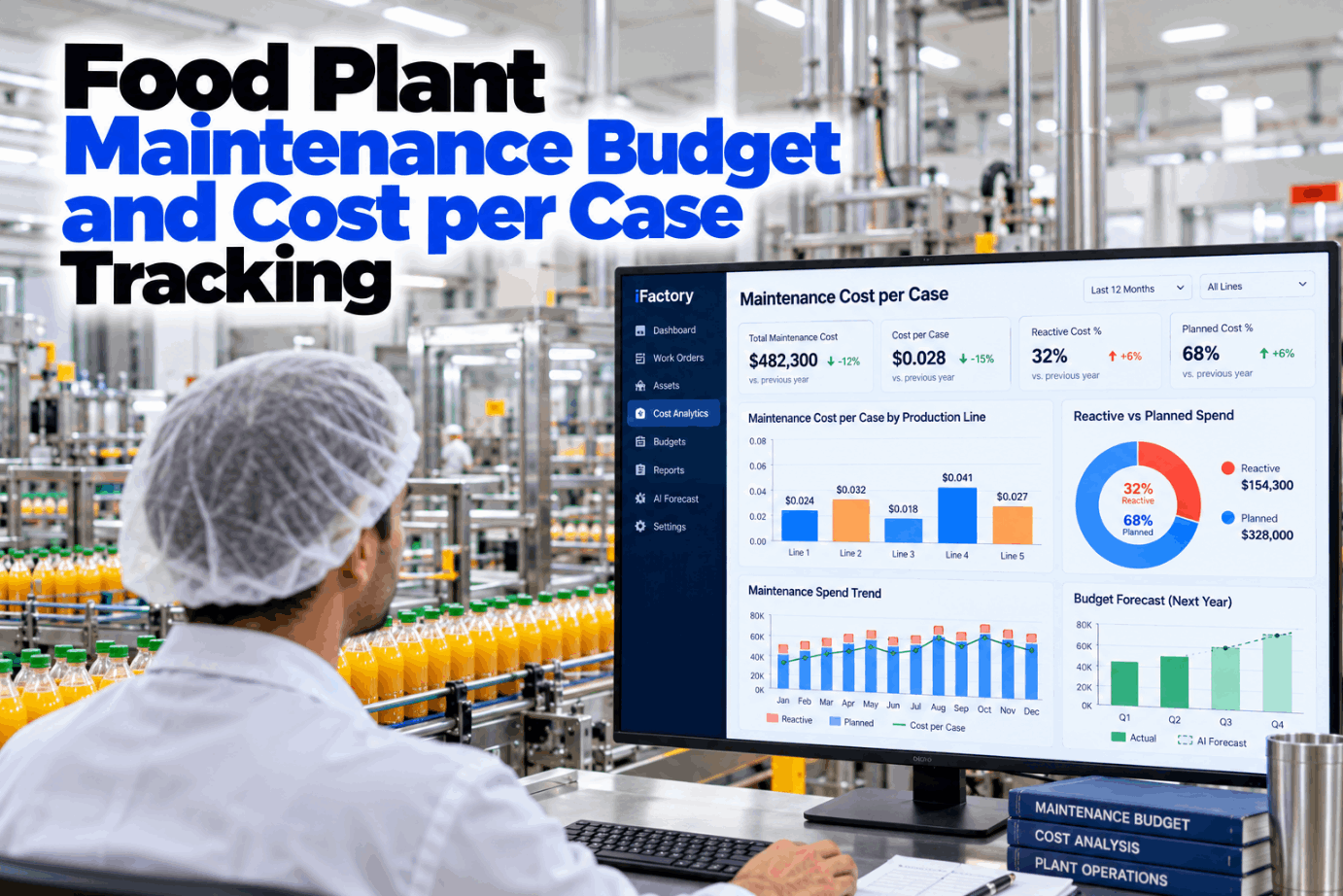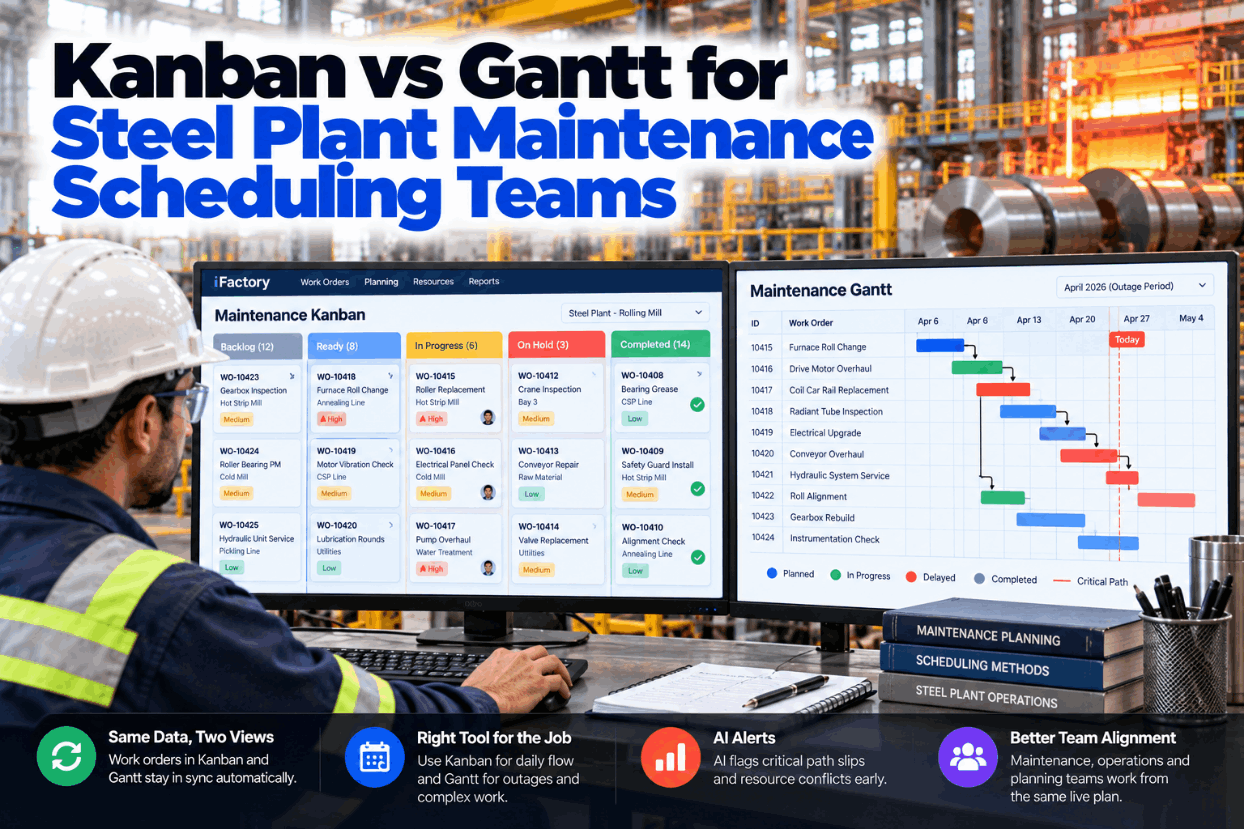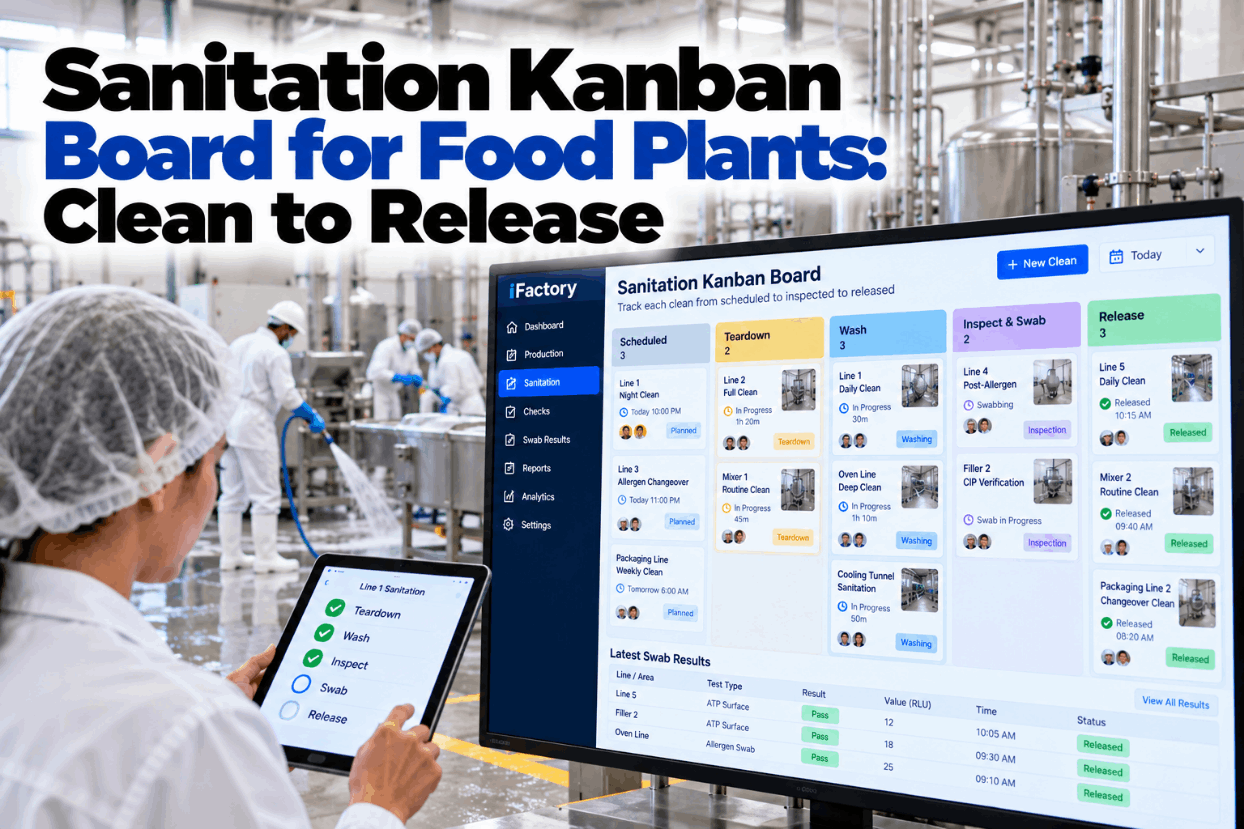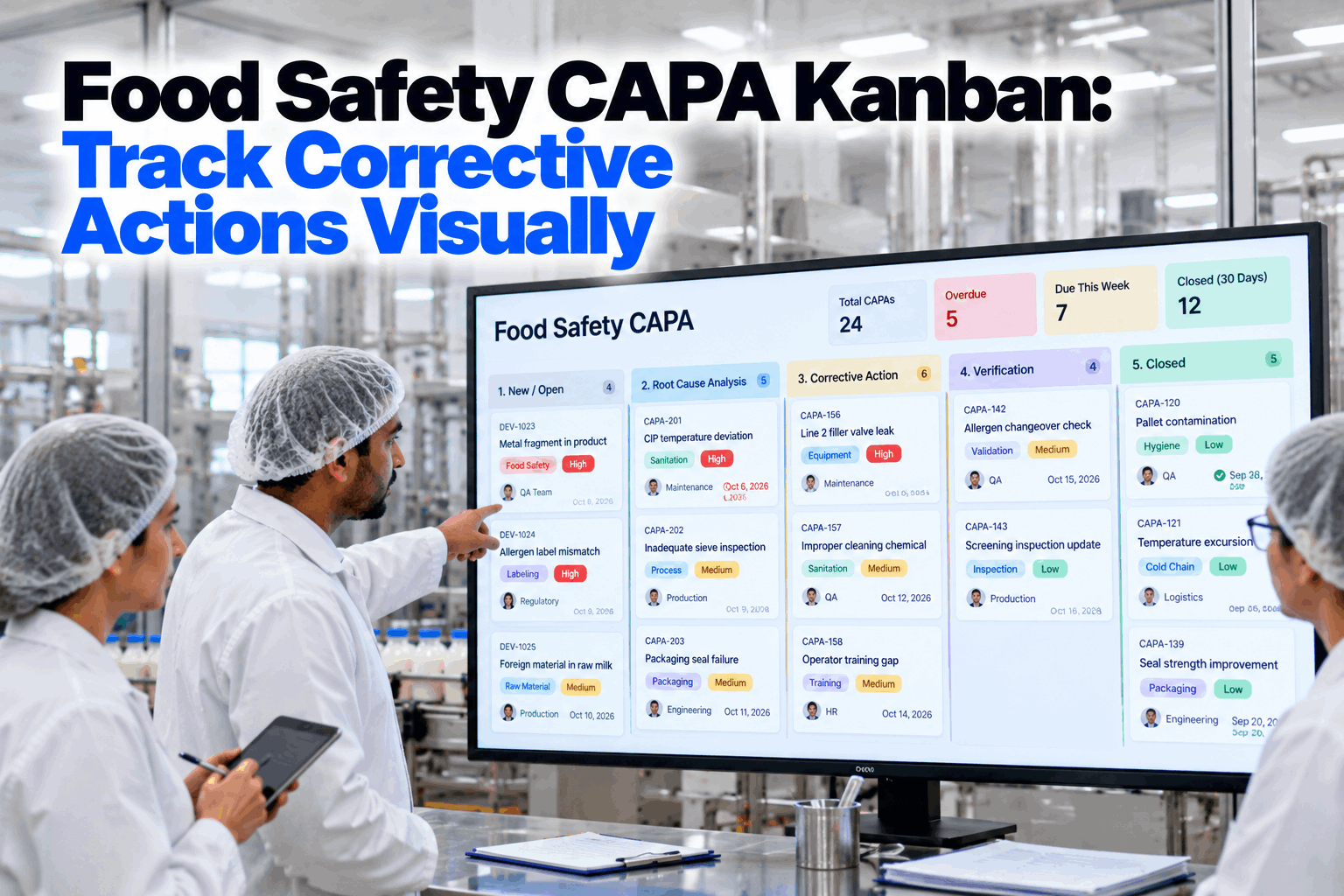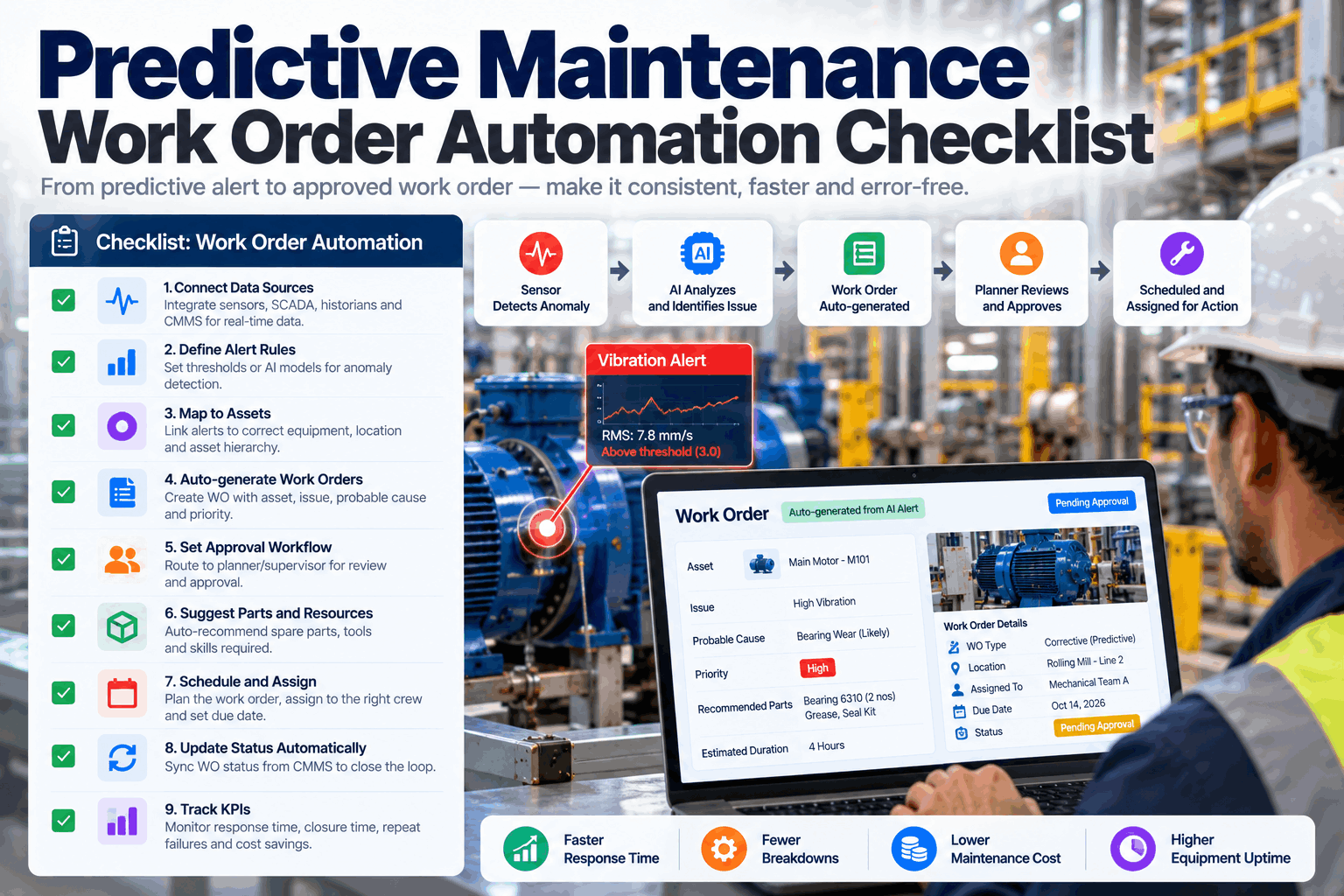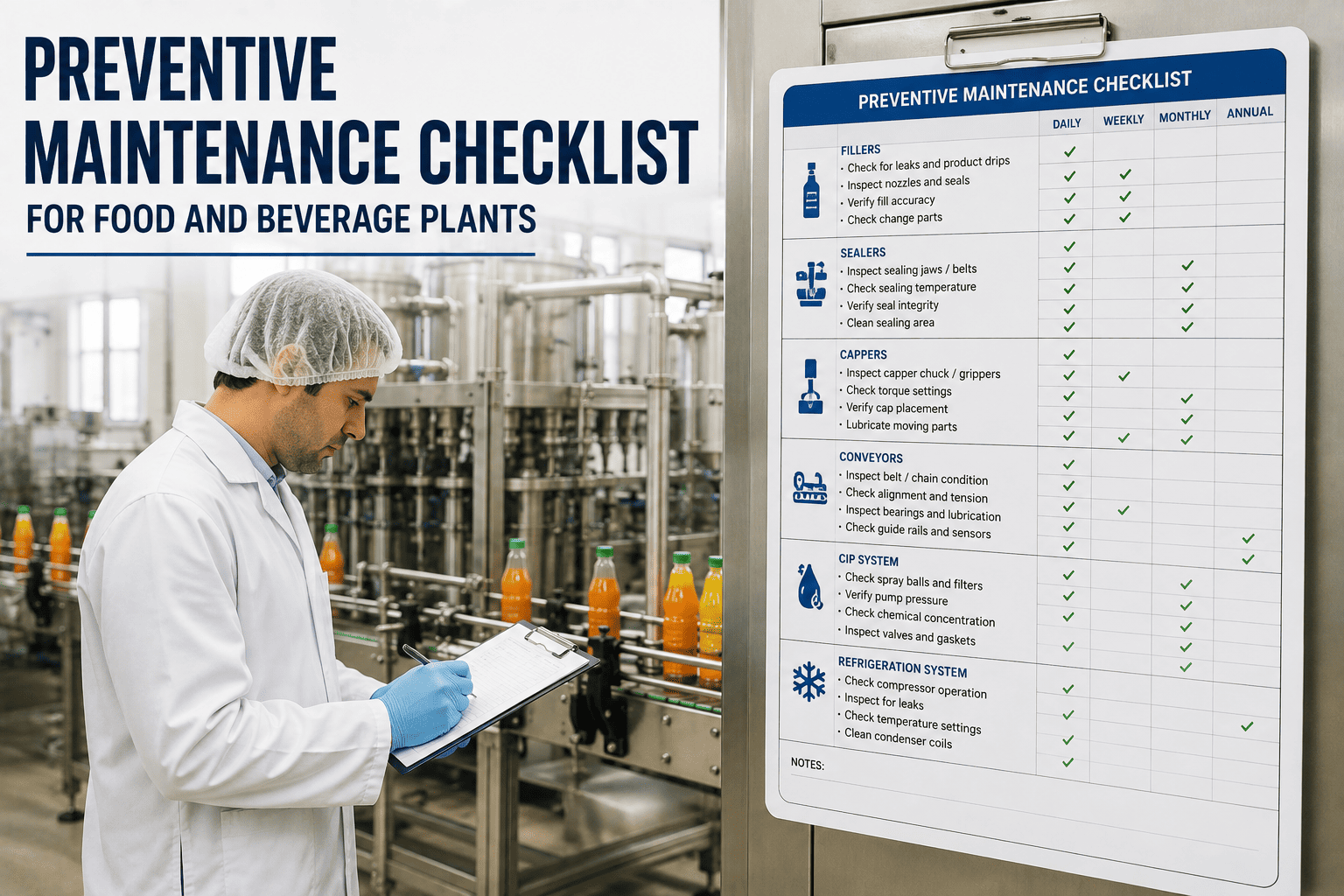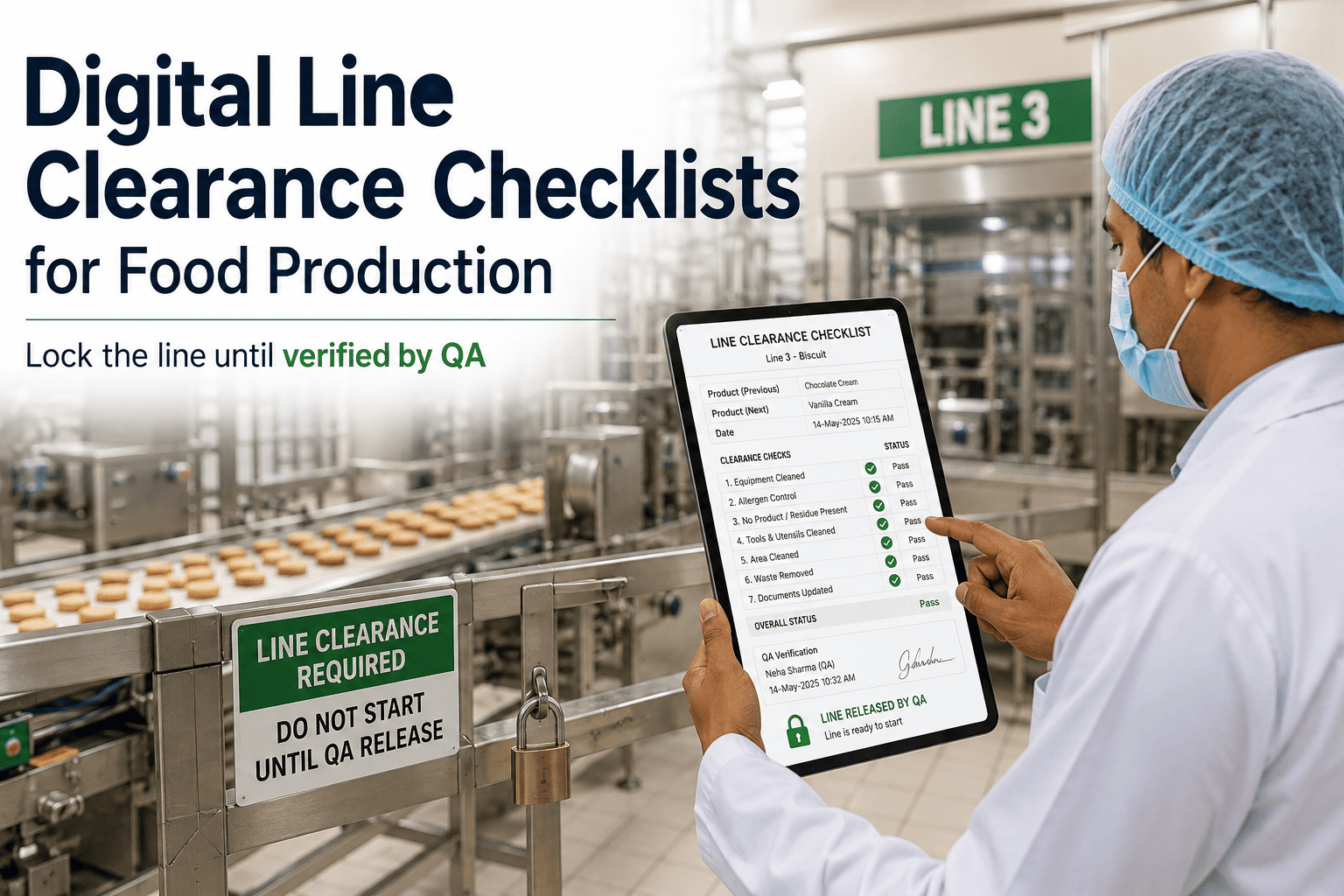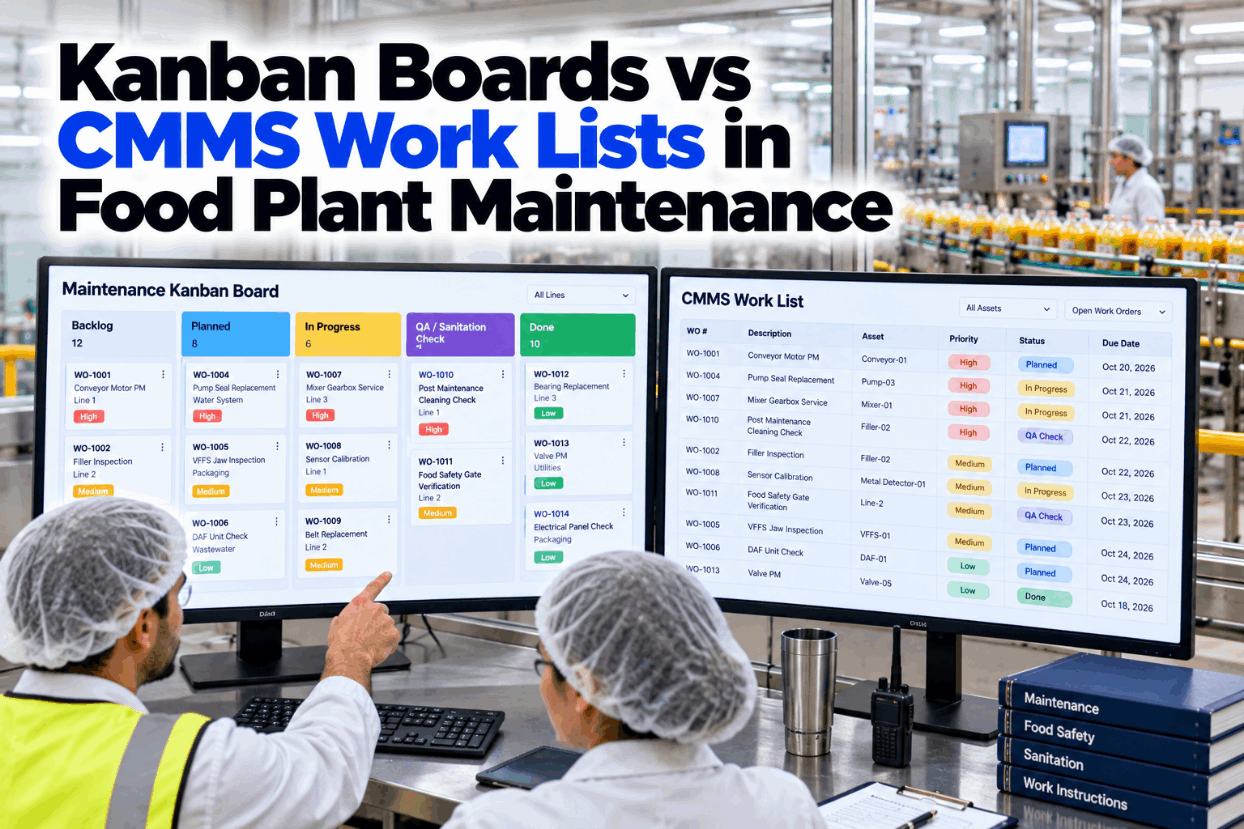
Ask a food plant maintenance team how they track work and you often get two answers. The crew points to a board by the workshop door. The planner points to the CMMS work list. Both can be wrong at the same moment, especially when a job is finished but still waiting for a QA hygiene release. This guide compares both for food maintenance work orders. See both views on the same jobs in a short unified views demo.
One Set of Work Orders, Seen as a Board or a List, Never Out of Step
iFactory Unified Views shows the same work orders as a kanban board and a CMMS work list. AI keeps both in sync as jobs move and highlights any job stuck at the sanitation or QA release gate.
Kanban Boards vs CMMS Work Lists: Two Questions, Two Views
A kanban board shows work as cards moving through columns, so the crew can see at a glance where work is piling up. A work list shows the same jobs as rows, so a planner can sort, filter and search them. They answer different questions, and trouble starts when one view is asked to do the other's job. Compare your own setup with our planning team.
- Where is work stuck right now?
- How many jobs are in progress against the limit?
- Which finished repairs are waiting on sanitation or QA?
- Best for the shift huddle and the workshop screen
- What is due, overdue or due before the audit?
- Which jobs touch a critical or high-care asset?
- How many hours does each craft have queued?
- Best for planning, scheduling and records
Two Gates Every Food Maintenance Job Must Pass
In a food plant, a repair is not finished when the technician puts the tools down. BRCGS Food Safety Issue 9, clause 4.7.4, requires maintenance work to be followed by a documented hygiene clearance, with equipment inspected by an authorised person. ISO/TS 22002-1 says the release procedure for maintained equipment must include clean up, sanitising where specified and a pre-use inspection. Those steps need their own columns. Map your gates in a board design session.
The technician counts tools back against what was taken in, and accounts for every removed or replaced part: nuts, washers, gaskets, seals and cable ties. Swarf, rags and tape are cleared. A short count keeps the card at the gate until the item is found or a foreign material hold is raised.
Work in Progress You Can See From Across the Workshop
The board's main strength is showing load. A work in progress limit on each column caps how many jobs sit there at once, so a full gate column is a signal, not a surprise. In a food plant, a full sanitation or QA column means stopped lines, not just busy people. The snapshot below is illustrative. Set your own limits with our support team.
Six Questions a Work List Answers Faster Than a Board
A board shows status. A list is better whenever the question involves dates, assets, hours or history, which is most of what a planner and an auditor ask. A board would need extra swimlanes or tags to show the same thing. Try your own filters in a list view demo.
Where Food Maintenance Jobs Actually Wait
Most of a job's clock runs while it waits for parts, a handover or a release. Measuring wait by stage shows which bottleneck to fix first. The week below is illustrative. Get a sample bottleneck report from our support team.
Find the Job Stuck at the Gate Before the Line Lead Does
iFactory reads every card move and every list change as one record. When a finished repair sits too long at sanitation or QA release, the right person hears about it with the job, the line and the time already waited.
When the Board and the List Disagree
Most plants that try kanban start with a whiteboard or magnets beside a CMMS that stays the system of record. Within weeks the board says done while the list says open. In a food plant the costliest version is a work order closed before the hygiene release is signed. Talk through your own risks in a sync review.
Every card is a work order and every work order is a card. A move on the board changes the work order status, and a status change in the list moves the card. Nothing is kept anywhere else.
Which View, at Which Moment of the Day
Plants that use both views well don't choose one. They match the view to the moment. The board leads when the question is about flow and what to do next. The list leads when it is about dates, hours or proof. The rhythm below is a common pattern. Fit it to your own shifts with our planning team.
A Release Gate Checklist for Each Card
A card should not move past a gate until its checks are done. Use this list as a starting point and adjust it to your own hygiene clearance procedure, HACCP plan and site rules. Get a version loaded with your own zones from our release specialists.
Three Situations and the View That Handles Each
These are illustrations of typical days, not case studies. Each one shows why a food maintenance team benefits from both views on the same record. Walk through your own recent jobs with our support team.
Five Steps to Running Both Views From One Record
Start with one area, usually the line with the most release delays, and keep the paper or magnet board running alongside for a short trial. Once the crew trusts the screen, retire the physical board. Plan your first area in a rollout call.
A Simple Worksheet for Gate Time and Double Entry
Two parts of the value are easy to size: line time returned when stuck releases are caught sooner, and supervisor time no longer spent copying the board into the CMMS. The figures below are assumed inputs to show the arithmetic, so replace each with your own. Our team can help you build the full case.
Multiply the line hours by your own contribution per line hour. Leave out avoided recalls or audit findings unless your own records support a figure.
Unified Views, Sync AI and Edge Server in One Package
iFactory delivers Unified Views as a turnkey bundle. A pre-configured NVIDIA AI server ships racked and ready with the board, list views, gate checklists and CMMS connector pre-loaded, so work orders stay in sync on site even when the network is slow. You rack it, plug in power and Ethernet, and the AI is live. To scope it for your plant, request a turnkey quote.
- Pre-configured NVIDIA AI edge server, racked and ready
- Kanban board and work list on one work order record
- Tool count and hygiene release gate checklists
- CMMS connector for statuses, hours and parts
- Gate time alerts to sanitation and QA leads
- Workshop screens and handheld setup for crews
- 24×7 remote monitoring of software and hardware
Server installed, CMMS connected, columns matched to work order statuses.
Board and list run on one line with gates, limits and alerts switched on.
All areas live, crews, planners, sanitation and QA trained, magnets retired.
Board and List Without Double Entry
iFactory gives the crew a board and the planner a list, both reading one record, with the food safety gates built in. Our support team can walk you through a pilot plan.
What Plant Managers Ask About Kanban Boards and CMMS Work Lists
Give the Crew a Board and the Planner a List, From One Record
Show food maintenance work orders as a board and a list, keep both in sync and catch every job stuck at sanitation or QA release. The full system is delivered turnkey and goes live in 6 to 12 weeks.