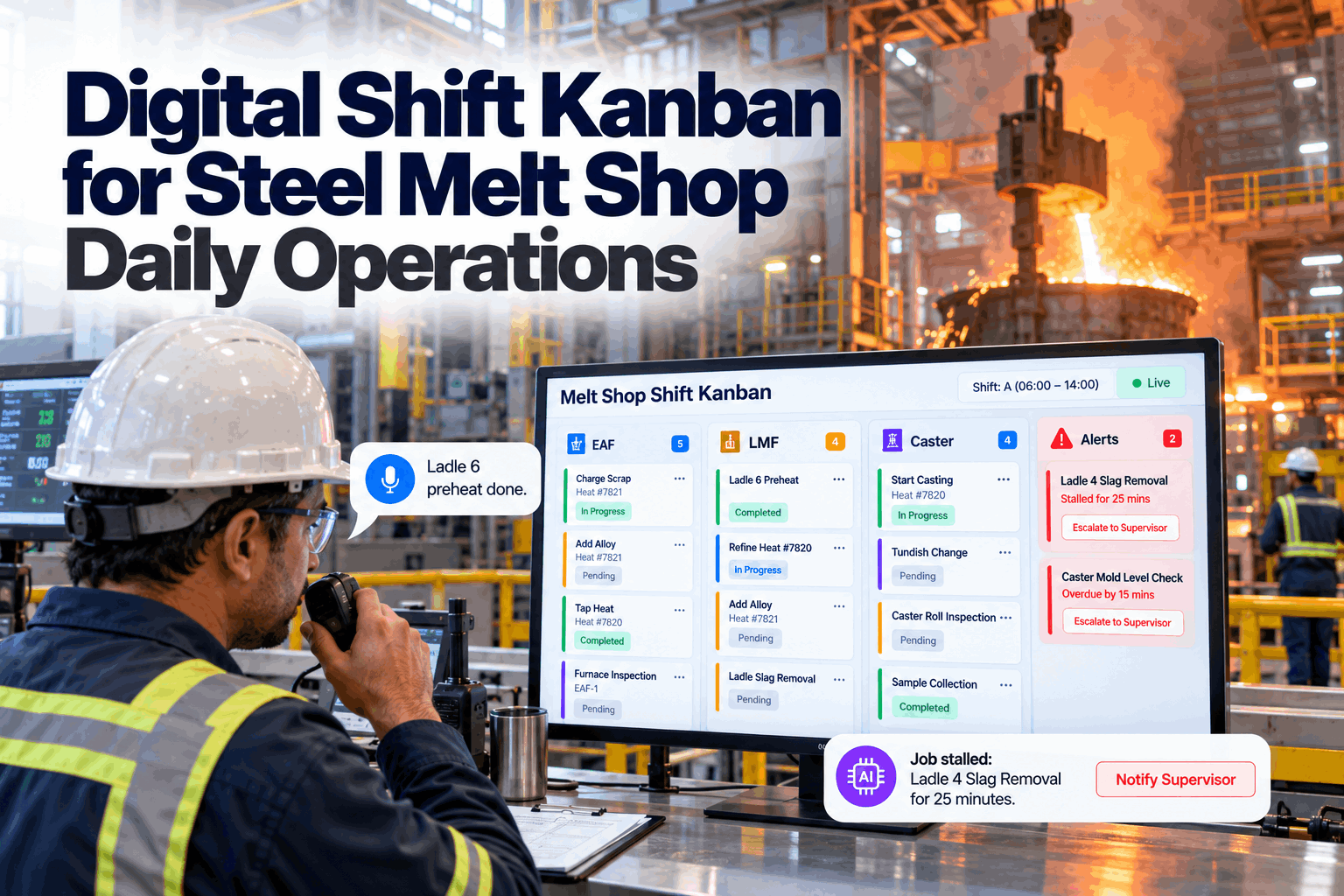
Steel plant maintenance teams run two very different kinds of work. Most days are a steady stream of breakdowns, PM routes and small jobs that arrive without warning. A few times a year, a caster, mill or furnace comes down for an outage where every hour is planned and one late job can hold up the restart. A kanban board suits the first. A Gantt chart with a critical path suits the second. This guide shows when each one wins, and how to run both on the same work orders. See the two views side by side in a short dual view demo.
Kanban for Daily Flow, Gantt for Outages, One Set of Work Orders
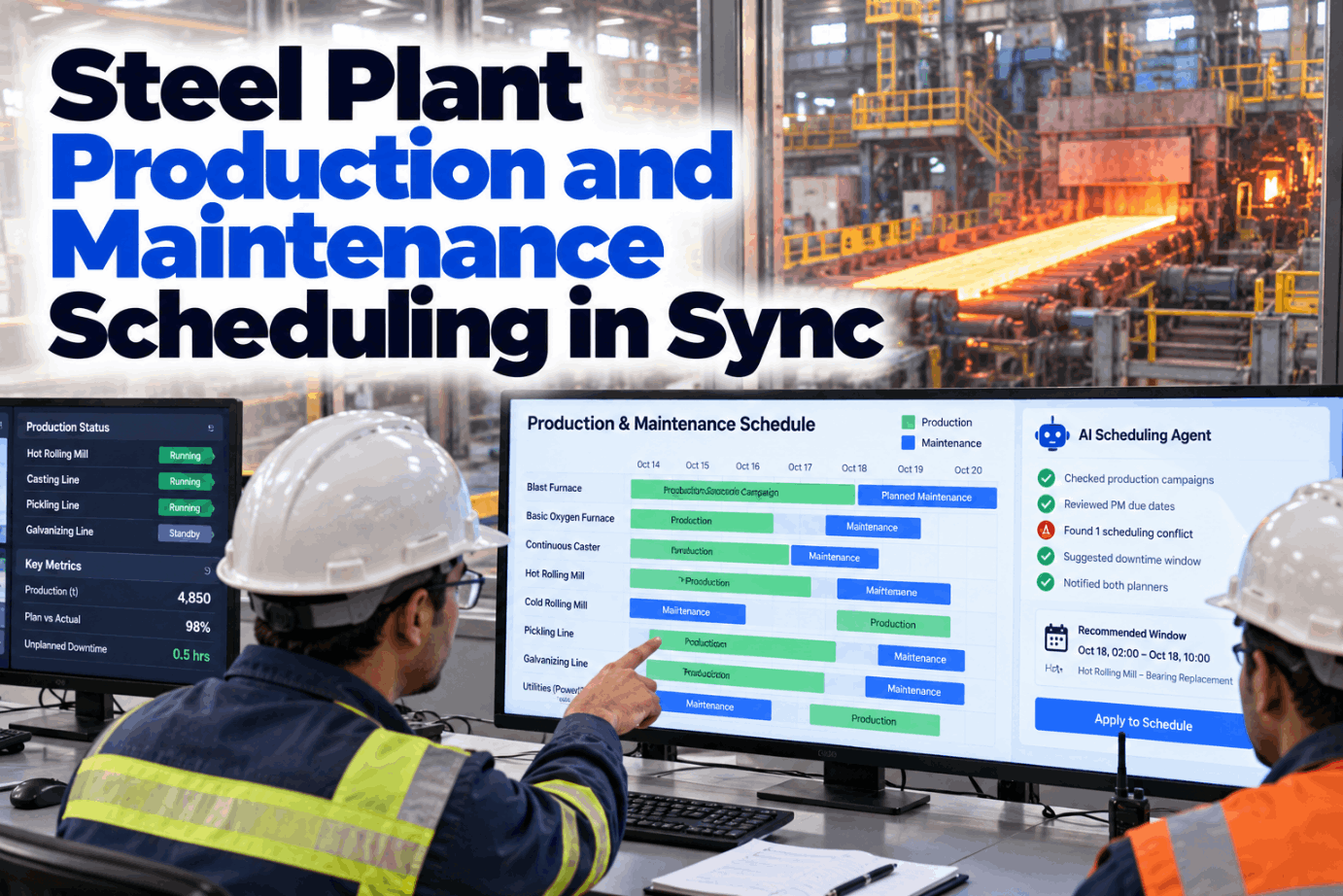
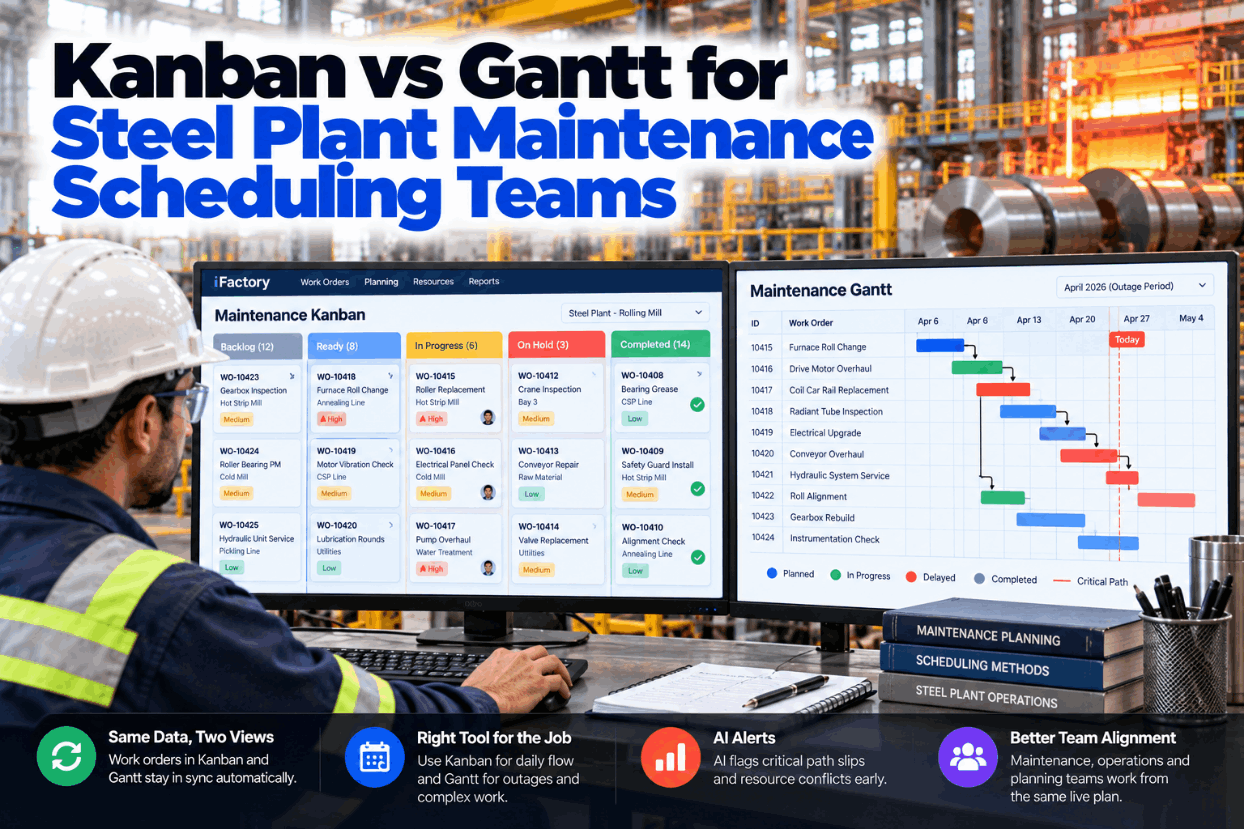
iFactory Dual View Scheduling shows the same work orders as a kanban board for daily flow and a Gantt chart for outages. The AI keeps both views in sync as jobs move and flags critical path slips as soon as they move the restart.
Kanban vs Gantt for Steel Plant Maintenance, Side by Side
The two tools answer different questions. A kanban board asks what the crew should finish next. A Gantt chart with critical path logic asks when the whole job will be done and which tasks decide that date. Most arguments about "which is better" come from using one tool for the other's job. Compare them against your own work mix with our planning team.
Six Kanban Practices Applied to a Steel Maintenance Crew
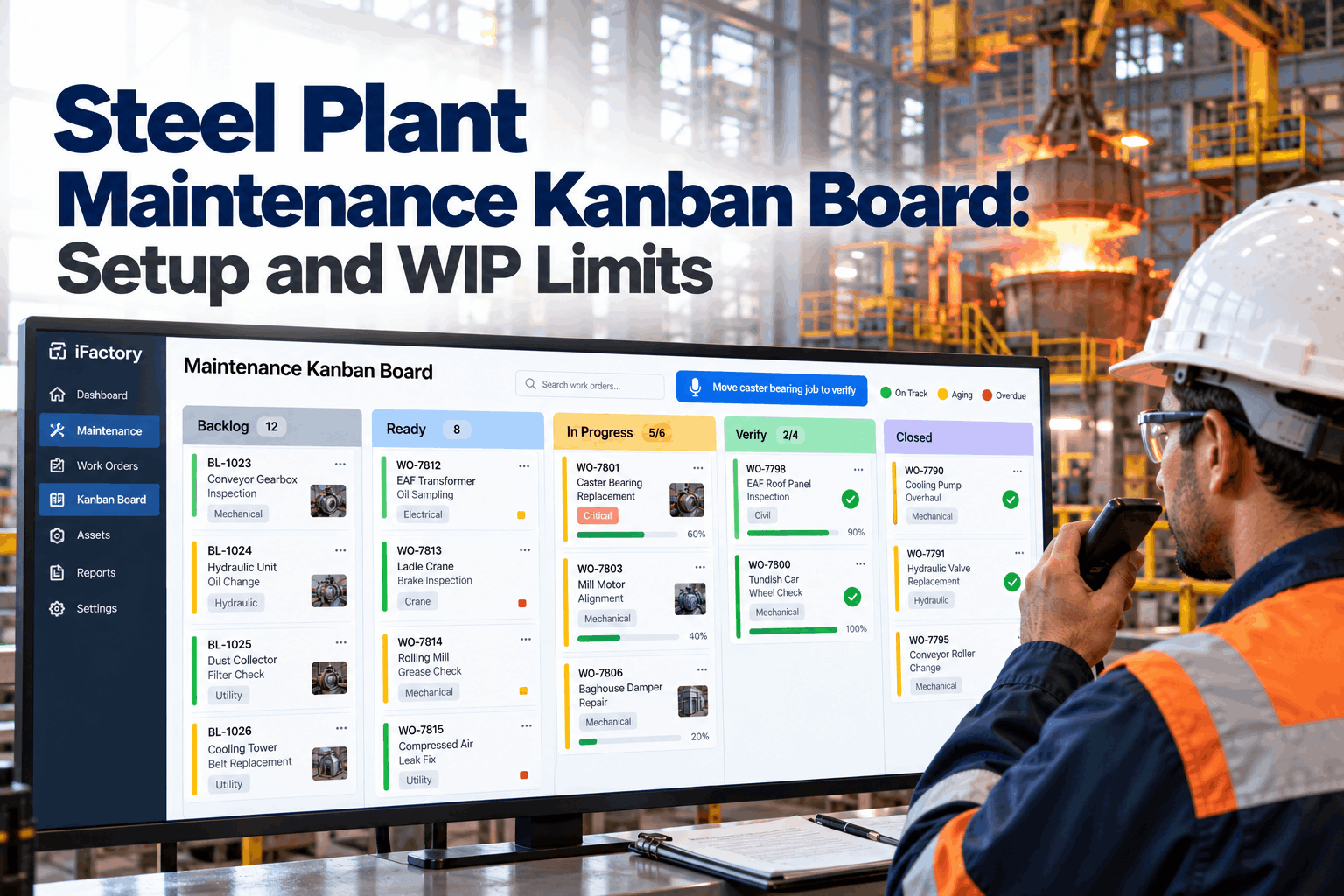
Kanban came out of the Toyota Production System. David Anderson's 2010 book adapted it as a method for managing knowledge work, and the Official Kanban Guide now lists six general practices. Its short rule, "stop starting, start finishing", fits a maintenance crew well: a fitter who starts a fifth job before finishing the first four is not moving faster. Set up a board for one crew in a board design session.
Little's Law links three numbers: average lead time equals average work in progress divided by the average finish rate. As an illustration, a crew with 30 open jobs that finishes 10 a day has an average lead time of about 3 days. Cut open work to 20 at the same rate, and it falls to about 2 days.
Why an Outage Needs a Timeline and a Critical Path
Henry Gantt popularised his bar chart around 1910 to 1915. The critical path method came later, in the late 1950s, from work at DuPont and Remington Rand. Together they give an outage team what a board cannot: task logic, a finish date and the chain of jobs that sets it. Outage schedules are commonly built in tools such as Microsoft Project or Oracle Primavera P6. Review your outage logic with our outage specialists.
A Small Caster Outage, Worked Through
This is a simplified illustration, not a real outage plan. After a 4 h isolation and cool-down, three paths run in parallel. The segment path removes segment 6 (6 h), fits the exchange segment (6 h), then aligns and gap-checks it (3 h). The mould path changes the mould (5 h) and checks the oscillator (4 h). The spray path checks nozzles (8 h). Build your own outage network with our outage planners.
Know the Restart Has Moved Before the Shift Change
iFactory reads every card move on the outage board and recalculates the timeline behind it. When a task on the critical path slips, the outage lead hears about it with the new restart forecast and the float left elsewhere.
When Each View Wins, and When You Need Both
The simplest rule: if the work arrives unpredictably and jobs are mostly independent, use flow. If the work is fixed in advance, linked by logic and bound by a hard restart time, use a timeline. Outages need both, because each crew still works a queue of tasks inside the bigger plan. Turnaround guidance also stresses a firm scope freeze months before large outages, so late work does not upset the critical path. Talk through your own split with our support team.
- Breakdowns and requests arrive through the shift
- Jobs take minutes to a few hours and stand alone
- The crew needs to see what to pull next
- Waiting for parts or permits must be visible
- A unit is down for a fixed outage window
- Tasks depend on each other and share cranes or access
- Contractors, permits and lifts are booked by the hour
- Management needs a credible restart time
One Work Order, Two Views, Kept in Sync
The trouble with running both tools today is that they are usually two systems. The board lives on a wall or in one app, the outage plan in another, and someone keys status into both at the end of the shift. Dual view planning keeps one record per job and shows it two ways. See it run on your own work orders in a dual view walkthrough.
Not Every Late Job Is a Late Outage
A job that runs late with float to spare is a nuisance. A job that runs late on the critical path moves the restart. The AI sorts slips into five levels so the outage lead hears only what needs a decision. Thresholds are set by your site, not by the software. Agree yours with our outage team.
The Fields Every Card Needs to Feed Both Views
A job can only appear correctly in both views if the work order carries the right fields from the start. Use this list as a template for your CMMS, whether or not you use AI. Ask for a sample in a template review.
Three Situations and the View That Handles Each
These are illustrations of how dual view planning usually works, not case studies. Your own rules and people decide what happens next. Walk through a recent outage with our planning specialists.
Dual View Planning, AI and NVIDIA Server in One Package
iFactory delivers Dual View Scheduling as a turnkey bundle. A pre-configured NVIDIA AI server ships racked and ready with the board, the outage timeline and the slip logic pre-loaded, so plans stay on site and respond in real time. You rack it, plug in power and Ethernet, and the AI is live. To scope it for your plant, request a turnkey quote.
- Pre-configured NVIDIA AI edge server, racked and ready
- Kanban boards per crew with WIP limits
- Outage Gantt with dependencies, float and baseline
- CMMS link so each job is one record in both views
- Critical path slip alerts to the outage lead
- Handheld and wall-screen views for the floor
- 24×7 remote monitoring of the AI and hardware
CMMS linked, crew boards and WIP limits agreed, outage templates loaded.
Crews work from the board, and a past outage is replayed to tune slip thresholds.
The first outage runs in both views, planners and leads trained, reviews started.
Flow and Timeline Without Double Entry
iFactory lets crews work the way daily maintenance really runs and gives outage leads the timeline they need. Our support team can walk you through a pilot plan.
What Plant Managers Ask About Kanban and Gantt for Maintenance
Run the Day on a Board and the Outage on a Timeline
Show the same work orders as kanban for daily flow and Gantt for outages, keep both views in sync as jobs move and flag critical path slips early. The full system is delivered turnkey and goes live in 6 to 12 weeks.