The US plant logs a "slub". The India plant logs a "thick place". Another inspector writes "yarn lump". All three are the same defect, yet the group dashboard shows three different problems at three different rates. This guide shows how to build one shared defect code list across plants and how a vision classifier keeps every inspector on it. Start with a taxonomy review.
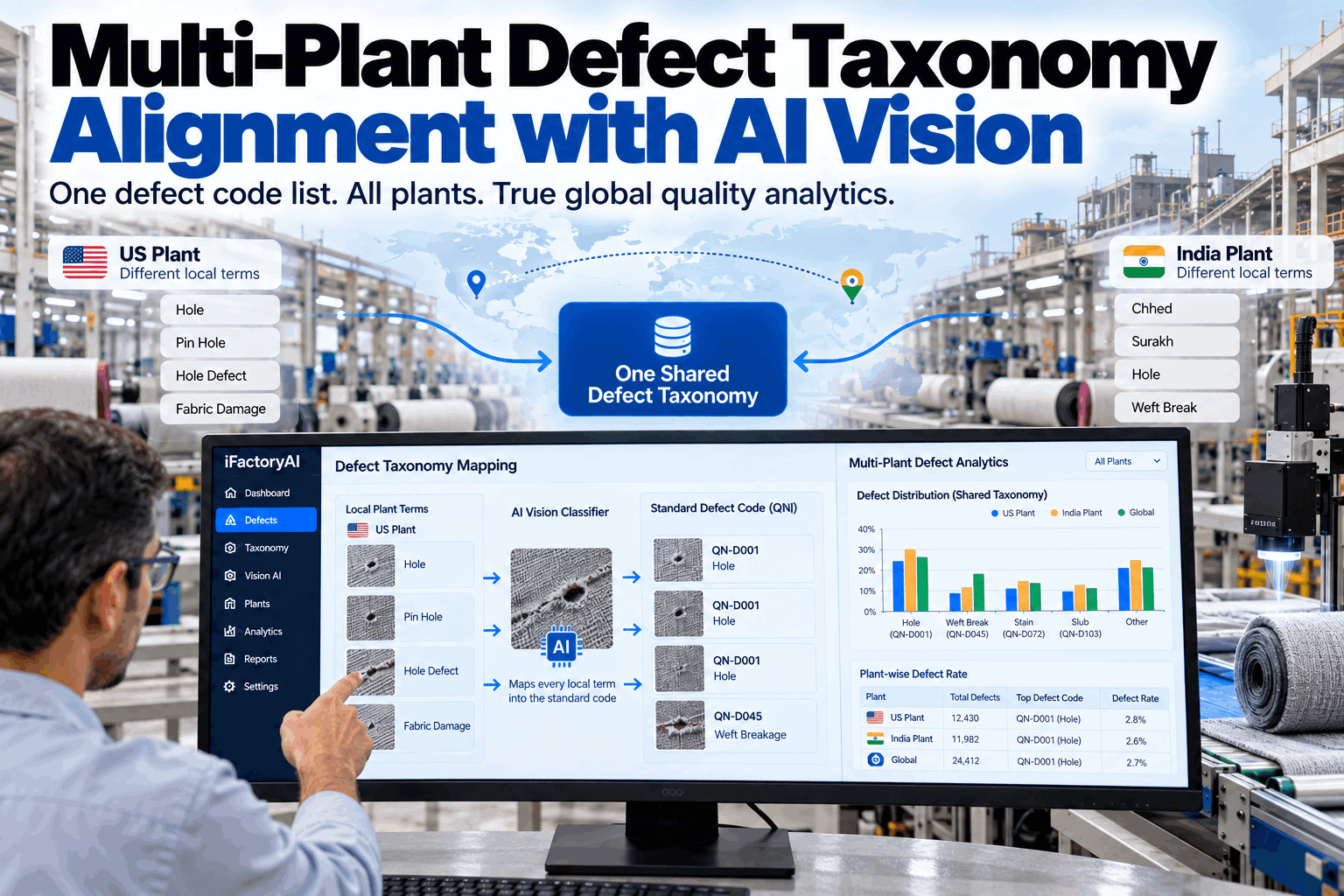
Multi-Plant Defect Taxonomy Alignment with AI Vision
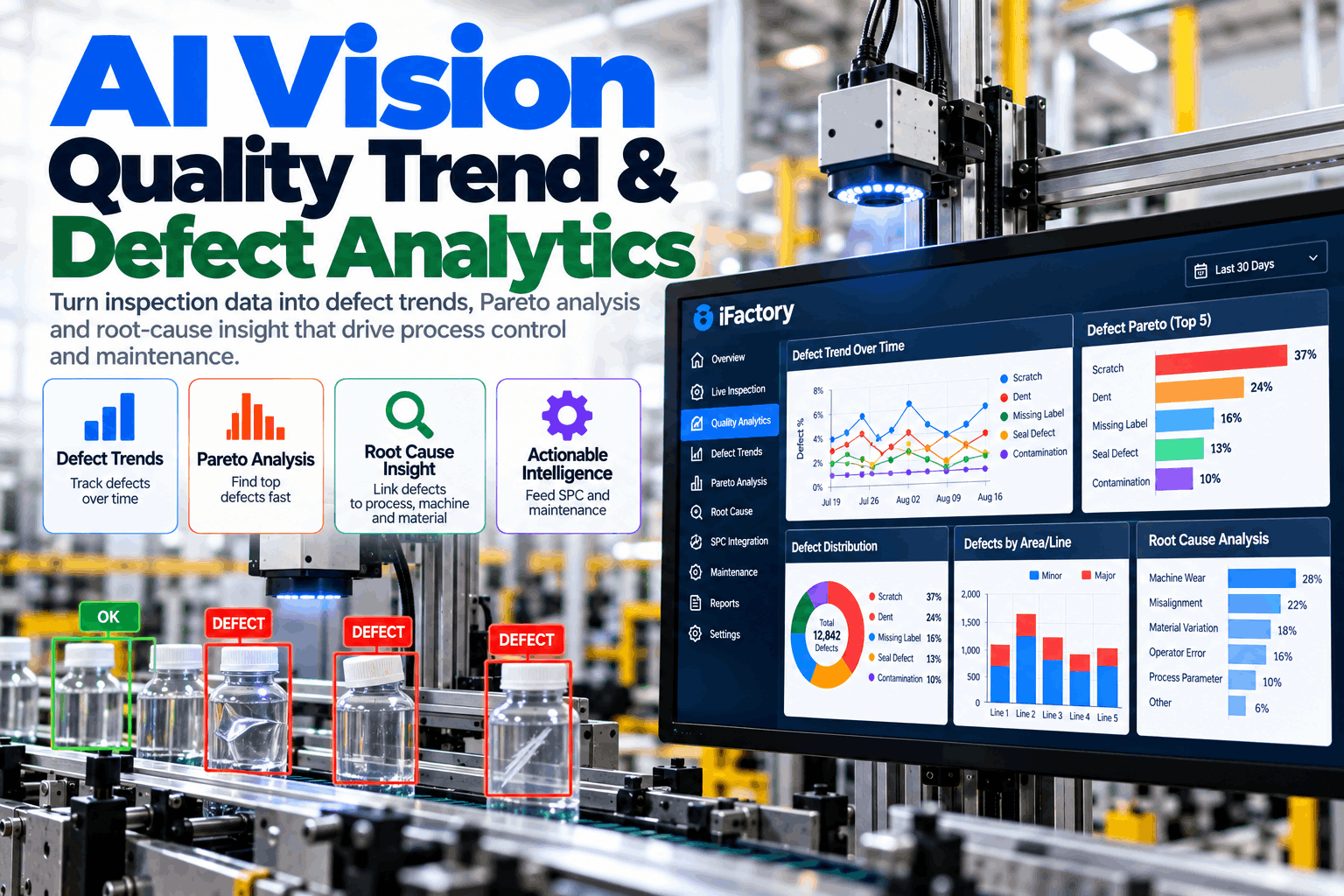
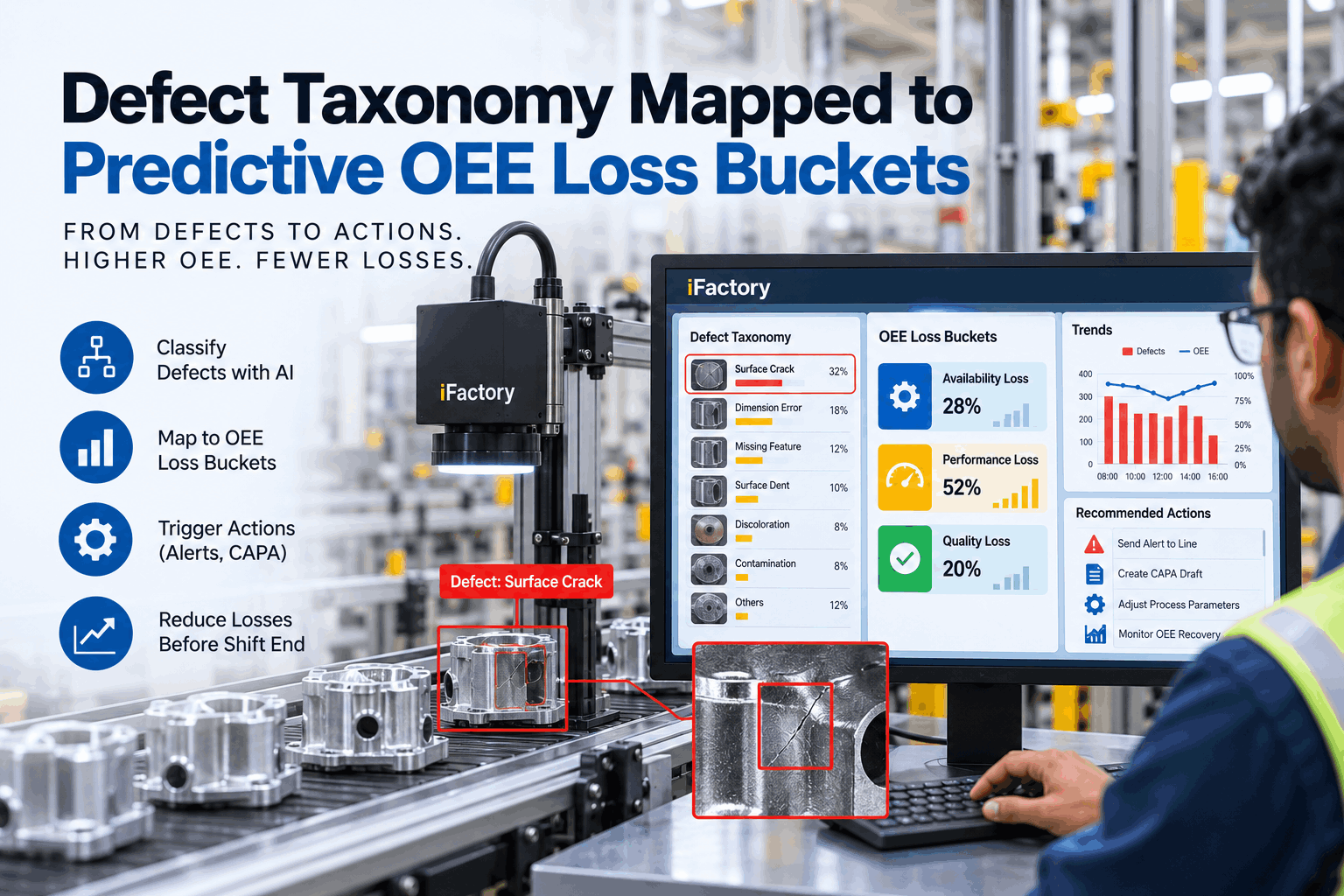
Give every plant one defect language. The vision classifier reads each defect image, maps local terms to a single shared code and enforces that code on every quality notification, so group analytics compare like with like.
- Why local defect names break group analytics
- How to design one shared taxonomy
- How vision AI enforces it on every notification
Why Local Defect Names Break Group Analytics
You cannot compare plants that describe the same defect in different words.
Every plant builds its own defect vocabulary over the years. Inspectors learn local terms, local languages and local shortcuts. Inside one plant, that works. Across plants, it breaks every comparison. The same defect appears under different names, different defects share one name, and severity is judged differently. A group quality report built on that data ranks problems that do not exist and hides ones that do. Our quality specialists can check how far your plants have drifted apart.
Split counts
One defect is spread across several codes, so it never shows as the top problem.
Blurred causes
A broad term like "weaving fault" hides which machine setting is at fault.
Uneven grading
One plant gives 2 points where another gives 4, so fabric grades do not compare.
Lost data
Notes typed in local language or shorthand cannot be counted at all.
Once the three local names are mapped to one code, the real top defect appears, and it points to yarn quality rather than loom settings.
Designing One Shared Defect Taxonomy
One meaning per code, one picture per meaning.
A shared taxonomy is more than a merged list of names. It needs a clear structure, a visual definition for every code and one severity rule that every plant applies the same way. Get the structure right before any AI is trained on it, because the classifier will learn exactly what the list says. Plan the structure in a taxonomy workshop.
Process area
Spinning, weaving, knitting, dyeing, finishing, cut and sew
Defect family
Yarn defects, weave defects, colour defects, surface defects
Defect code
One code, one definition, reference images, no overlap
Severity
Points by size, using one rule such as the 4-point system
Every code has a written definition and at least five reference images from more than one plant.
No two codes can describe the same visual defect.
Local terms are kept as aliases of a code, never as codes of their own.
One group owner approves every new code or change.
A defect code says what the defect is. Severity says how bad it is. Mixing the two, such as "major slub" and "minor slub" as separate codes, doubles the list and makes grading inconsistent. Use the 4-point rule for severity and keep codes for type only.
How the Vision Classifier Maps Local Terms
The image decides the code. The local term becomes a check.
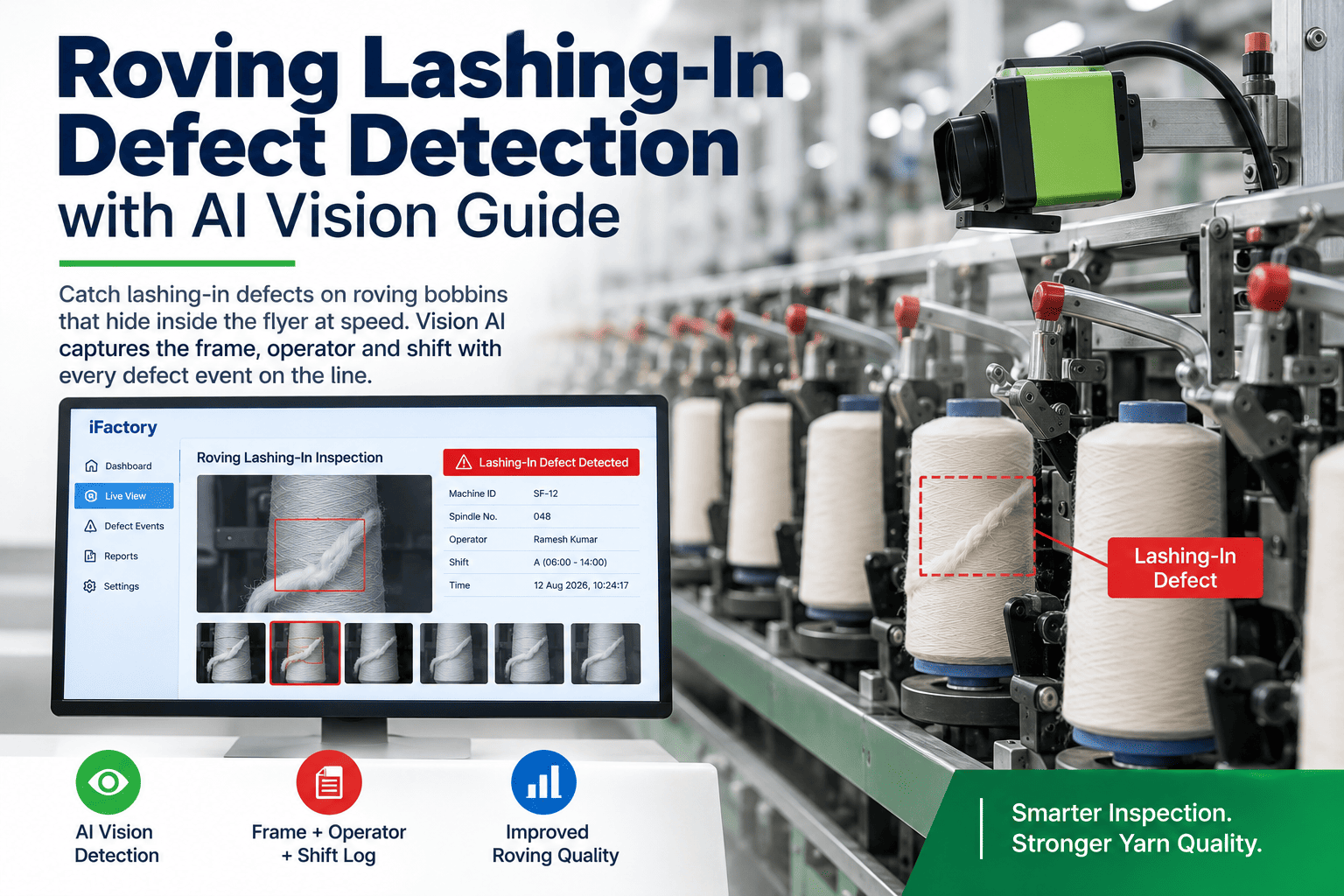
When an inspector logs a defect, they take a photo and may type or say a local term. The vision classifier looks at the image and predicts the shared code. It then compares that prediction with the code the local term usually maps to. When both agree, the code is filed. When they disagree, the case goes to a reviewer, and the answer teaches both the classifier and the alias list. Over a few weeks, the review queue shrinks as the model learns. Our vision team can show this on your defect images.
Capture
Defect photo plus the inspector's local term.
Classify
Vision AI predicts the shared code and a confidence.
Cross-check
Prediction compared with the local term's usual code.
Review
Disagreements and low-confidence cases sent to an expert.
Learn
Reviewed cases improve the classifier and the alias list.
Lighting, camera angle and fabric differ between plants. A classifier trained only on one plant's images will misread the other. Build the training set from all plants and all inspection stations from the start.
See How Far Your Plants Have Drifted
Most groups never measure how many local names exist for each defect. Mapping them is the first step to analytics that compare plants honestly.
Enforcing One Code List on Every Quality Notification
If a local code can still be typed, the drift comes back.
A shared taxonomy only lasts if every quality notification uses it. That means the code field accepts shared codes only, the vision suggestion is filled in before the inspector starts, and local words are kept as notes rather than codes. Mismatches are flagged on the spot instead of being found months later. Review your notification flow in a QN review.
When an inspector changes the vision suggestion, keep both values and ask for a short reason. Those cases are the most useful training data, and they show where the definition itself may be unclear. If one plant overrides the same code far more often than others, check its lighting and its training before blaming the model.
What One Taxonomy Unlocks
Aligned data turns plant reports into group decisions.
Once every plant speaks the same defect language, the group can compare plants fairly, trace defects to shared suppliers and spread fixes that worked in one plant to the others. Questions about group reporting go to our support desk.
Fair plant comparison
Points per 100 square yards by code and plant, measured the same way.
Supplier insight
Yarn and dye supplier defects compared across every plant they supply.
Buyer claims linked
Customer complaints mapped to the same codes as inspection data.
Shared fixes
A solution proven in one plant applied where the same code appears.
Plants run different volumes, widths and products. Compare defects as points per 100 square yards for each code, not as raw counts, so a large plant does not look worse simply because it inspects more fabric. Split the view by product family when constructions differ.
Taxonomy Alignment Mistakes to Avoid
Most taxonomies fail through slow drift, not a single bad decision.
A shared code list starts clean and then gathers exceptions. A plant adds a local code, a new product brings new terms, and within a year the list has split again. A short governance plan session helps keep it whole.
What works
- One group owner for the code list
- Reference images for every code from every plant
- Local terms kept as aliases, not codes
- Monthly review of disagreement cases
What fails
- Letting each plant add its own codes
- Codes defined by words without pictures
- Severity mixed into the code name
- Free-text defect fields in notifications
Align the top twenty codes by claims or rework cost first. They usually cover most of the defect volume, and early wins make the rest of the list easier to agree. Once those codes are working, add the rest in small batches, each with reference images from every plant.
How iFactory Aligns Defect Data Across Plants
One code list, enforced by vision, shared by every plant.
iFactory runs the vision defect classifier on an on-prem AI server in each plant or region, so defect images stay inside your network. A central code list is shared across plants, and every quality notification is checked against it. Group dashboards then compare plants on the same codes and the same severity rule. Fit questions go to our solutions team.
Vision defect classifier
Predicts the shared code from each defect image, with a confidence score.
One shared code list
A central list with definitions, images and aliases, used by every plant.
Notification enforcement
Quality notifications accept shared codes only, with vision suggestions pre-filled.
Alias mapping
Local terms in any language mapped to shared codes and refined from reviews.
Review queue
Disagreements and low-confidence cases routed to experts for a decision.
Group analytics
Plants, suppliers and buyers compared on the same codes and severity.
Results depend on your image quality, defect history and how consistently the shared list is used. We measure classifier agreement, mapping coverage and notification compliance on your own data during the pilot, rather than promising a general figure.
Turnkey AI: Delivered, Connected and Live in 6–12 Weeks
You do not build this. It arrives ready.
iFactory ships as a pre-configured NVIDIA AI server with the software pre-loaded, racked and ready. Rack it, plug in power and Ethernet, and the AI is live on your network. Our team handles cabling, network setup, camera, PLC, MES and ERP integration, inspector training and 24×7 remote monitoring. Data stays on your network. For a scope matched to your plants, request a turnkey quote.
Ship, network and data
Servers installed. Defect history, images and local codes collected from each plant.
Model training and pilot
Shared list agreed. Classifier trained on images from all plants. Pilot live at inspection.
Go-live and training
Notification enforcement live. Inspectors trained. 24×7 monitoring begins.
Frequently Asked Questions
What is a multi-plant defect taxonomy?
It is one shared list of defect codes, definitions, reference images and severity rules used by every plant in a group. It lets plants report defects in the same language so group analytics compare like with like.
Why not just translate each plant's codes?
Translation keeps the old structure, including overlaps and gaps. Plants often split or merge defects differently, so a one-to-one translation still leaves counts that cannot be compared. A shared taxonomy fixes the structure itself, then maps every local word onto it so nothing is lost.
How does vision AI help enforce the taxonomy?
The classifier reads each defect image and suggests the shared code. That gives every inspector the same starting point and flags cases where the local term and the image disagree, so drift is caught as it happens.
What happens to local defect terms?
They are kept as aliases of shared codes. Inspectors can still use the words they know, but the record always carries the shared code. Local notes stay as text for context.
How should severity be handled across plants?
Use one rule for every plant, such as the 4-point system in ASTM D5430, and keep severity separate from the defect code. Buyers often set their own acceptance limits, so record points consistently and apply each buyer's limit at grading.
Do defect images leave each plant?
No. The classifier runs on an on-prem server inside your network. Only the shared code list and the analytics you choose to share move between plants.
How many codes should a shared list have?
Enough to separate defects with different causes, and no more. Many textile groups find that a few dozen well-defined codes cover almost all defect volume, with local variations kept as aliases. A list that grows into hundreds of codes usually means severity or location has crept into the code names.
How do we start?
Start with two plants and the top defects by cost. A 6-week pilot collects local codes and images, agrees the shared list and switches on vision suggestions at inspection. To plan it, contact our team.
Give Every Plant One Defect Language
In thirty minutes we look at your defect codes, how each plant uses them and what your group reports show today. You keep the notes whether or not you go further with iFactory.
- 1Defect code lists from each plant
- 2Three months of defect data per plant
- 3Sample defect images from inspection
- 4Buyer acceptance limits and grading rules
- 5Your current group quality report