In a world-class manufacturing facility, a customer sales order should not trigger a chain of emails, manual spreadsheet updates, and radio calls to the shop floor. It should trigger a precisely orchestrated sequence of digital events: a SAP production order, a MES recipe download, PLC setpoint configuration, coil or lot production, inline SPC inspection, MRP consumption update, and an automatically generated purchase requisition for replenishment — all without a single manual handoff. For Plant Managers accountable for on-time delivery, first-pass yield, and raw material availability, this end-to-end live workflow is the operating model that separates industry leaders from perpetual firefighters. iFactory's integration platform closes every gap in this chain, connecting your SAP ERP, your MES, your PLCs, and your SPC engine into a single, event-driven production workflow. Plant teams that Book a Demo with iFactory typically identify three to five workflow gaps in their current process within the first session — each one a hidden source of delay, scrap, or stock-out risk.
Why the Order-to-Ship Workflow Breaks at Every Handoff
Most manufacturing plants operate with a fundamental disconnect between their business systems and their production floor. A customer order lands in SAP. A production planner creates a production order. A MES operator manually downloads a recipe. A setup technician manually enters setpoints in the PLC HMI. Quality records are logged on paper and transcribed after the shift. MRP is run overnight in batch mode. Purchase requisitions are raised by a buyer who checks inventory levels on a weekly report. Every one of these handoffs is a point of failure — a place where delays compound, errors propagate, and visibility disappears.
iFactory eliminates these handoffs by treating the order-to-ship workflow as a connected sequence of real industrial events, each one automatically triggering the next. When a production order is released in SAP, iFactory detects the event via API and initiates the downstream sequence without human intervention. Plant Managers evaluating this workflow can Book a Demo to see the full event sequence running against a live SAP sandbox.
The 7-Step Live Workflow: Customer Order to Purchase Requisition
The following sequence represents the complete, event-driven production workflow as executed by iFactory. Each step is a real industrial event — not a scheduled batch job or a manual check — ensuring that every downstream system is synchronized with actual production reality at all times.
Customer Sales Order Received in SAP
The workflow begins when a customer sales order (SO) is confirmed in SAP SD. iFactory's SAP API connector monitors SO status changes and extracts the material code, quantity, delivery date, and customer-specific quality specification. This data immediately populates the iFactory order tracking dashboard, providing real-time visibility of the demand signal before any production planning activity begins.
SAP Production Order Created and Released
When the production planner creates and releases the production order (PP) in SAP, iFactory detects the release event and extracts the work center routing, BOM components, scheduled start time, and target quantity. This event serves as the trigger for the MES recipe download sequence — ensuring the shop floor always works from a production order that is confirmed released, not planned or in process.
MES Recipe Download to Production Line
iFactory's MES integration layer matches the released production order to the correct recipe version in the MES recipe library, validating material grade, process parameters, and quality inspection plan. The correct recipe is automatically downloaded to the target production line — operator confirmation is recorded via the iFactory mobile app, creating a digital record of recipe receipt that replaces paper traveler sign-off. The recipe version, operator ID, and download timestamp are linked to the production order in the iFactory audit trail.
PLC Setpoint Configuration
With the recipe confirmed, iFactory pushes the process setpoints — rolling force, temperature targets, speed profiles, and gauge targets — to the PLC via OPC-UA write (where write-back is enabled and safety-validated). For read-only PLC configurations, the setpoints are displayed on the operator HMI for manual entry with a digital acknowledgment step. Either path produces a timestamped record confirming that the PLC was configured with the correct setpoints for the active production order before production began.
Coil / Lot Produced with Inline SPC
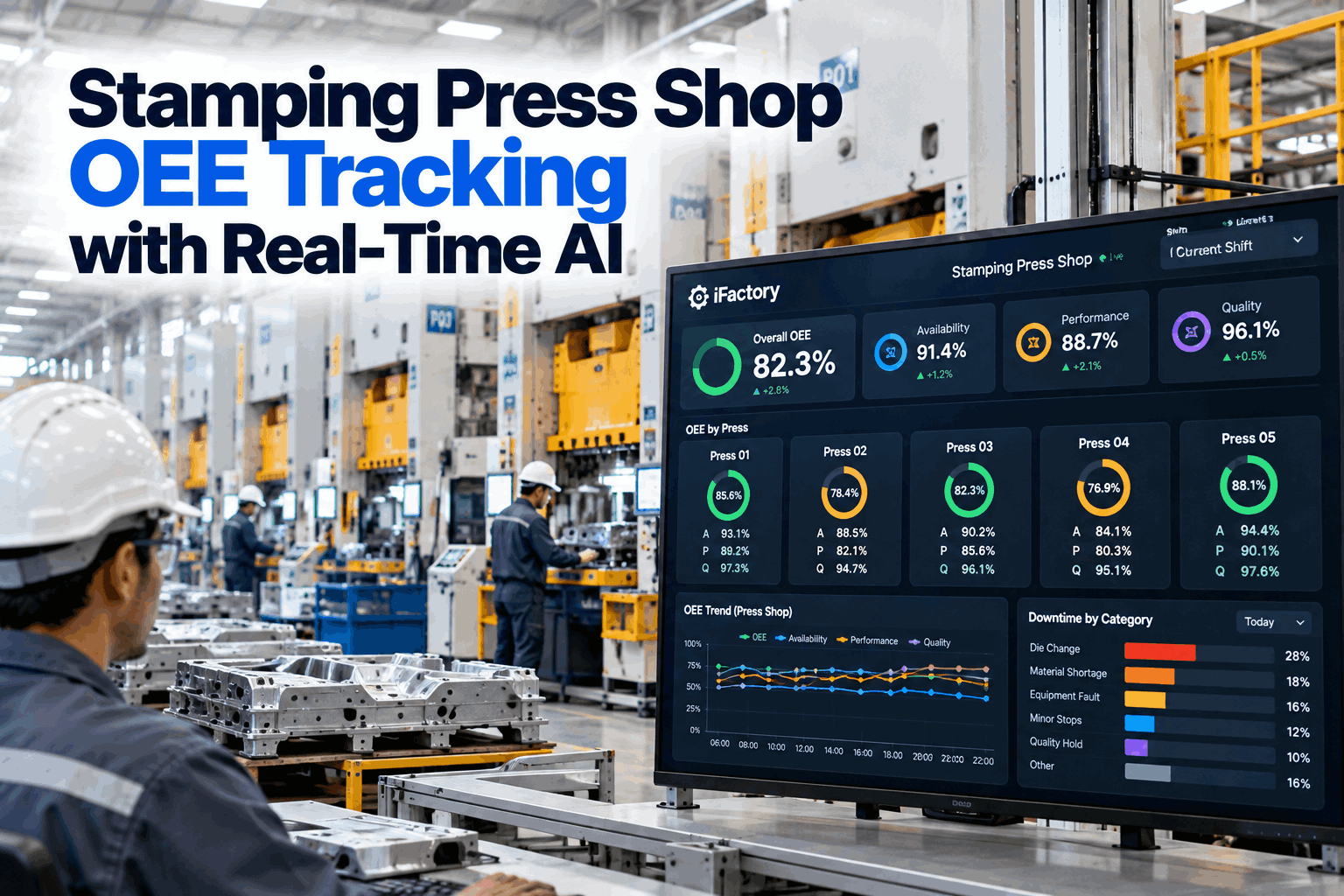
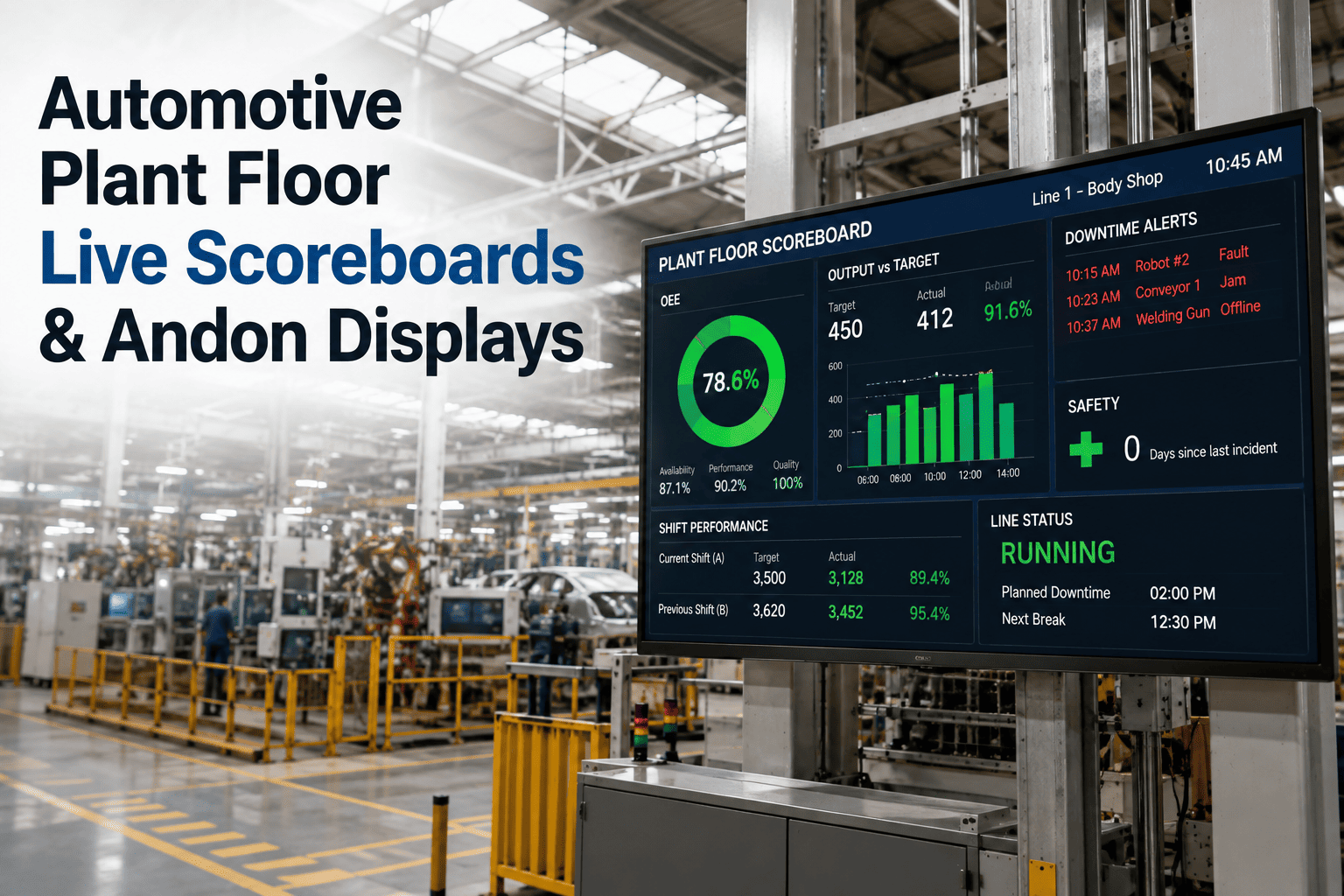
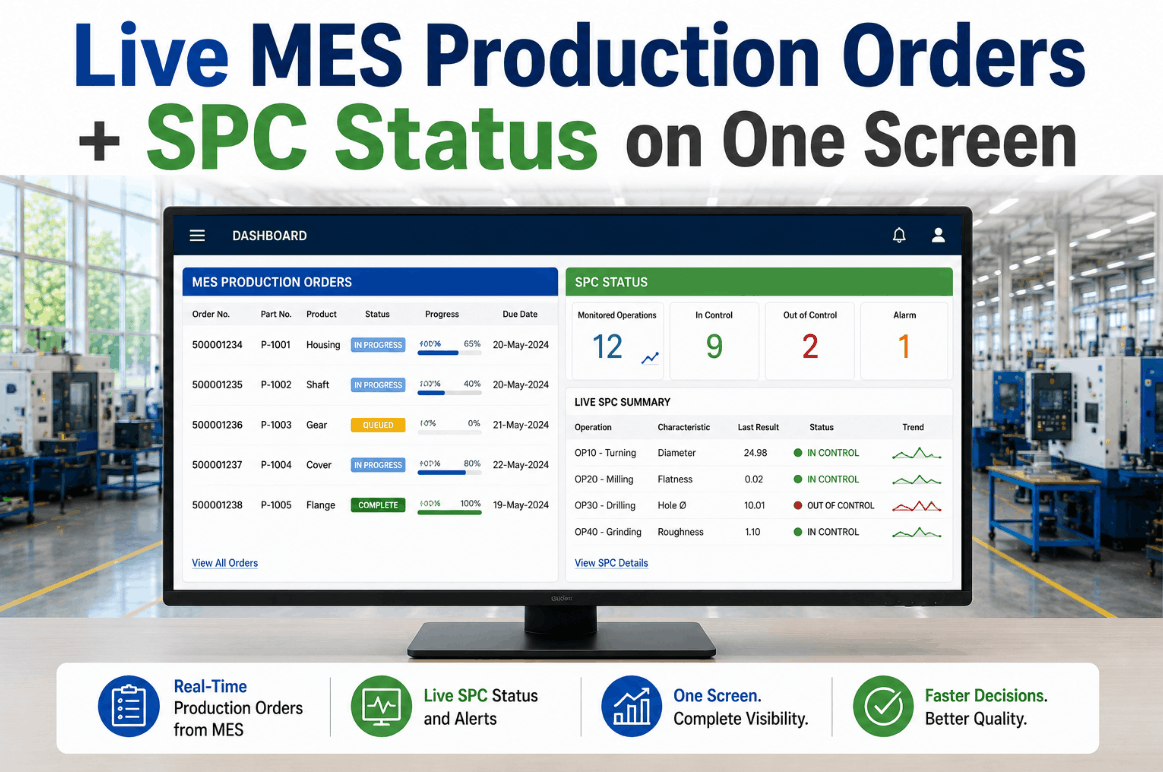
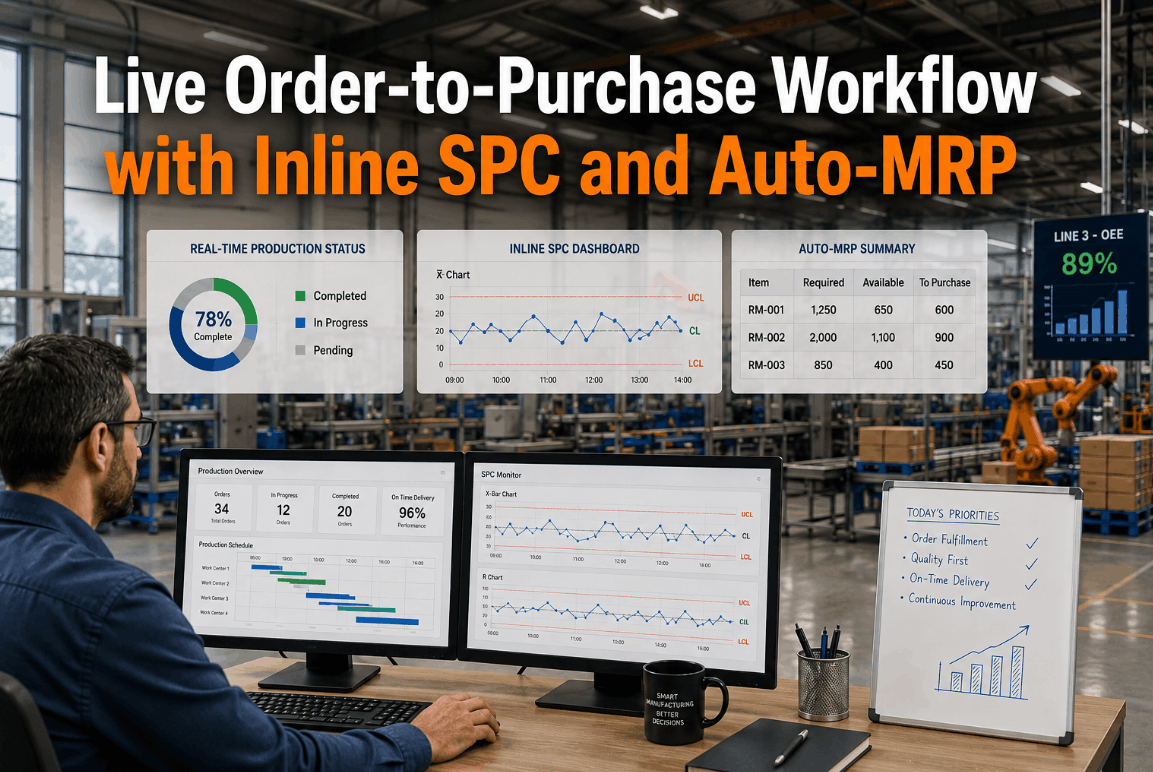
As the coil or lot is produced, iFactory's data pipeline streams PLC measurement tags into the SPC engine in real time. Control charts for thickness, width, hardness, and surface quality are updated live against the customer specification limits attached to the original sales order. Cpk is calculated on a rolling basis. If an out-of-control condition is detected, the SPC engine triggers an automatic work order and notifies the shift supervisor — before the non-conforming material reaches the inspection stand. Every sample is linked to the production order, recipe version, and operator on duty. For teams wanting to see this live, Book a Demo to view a production simulation.
Quality Inspection and Lot Disposition
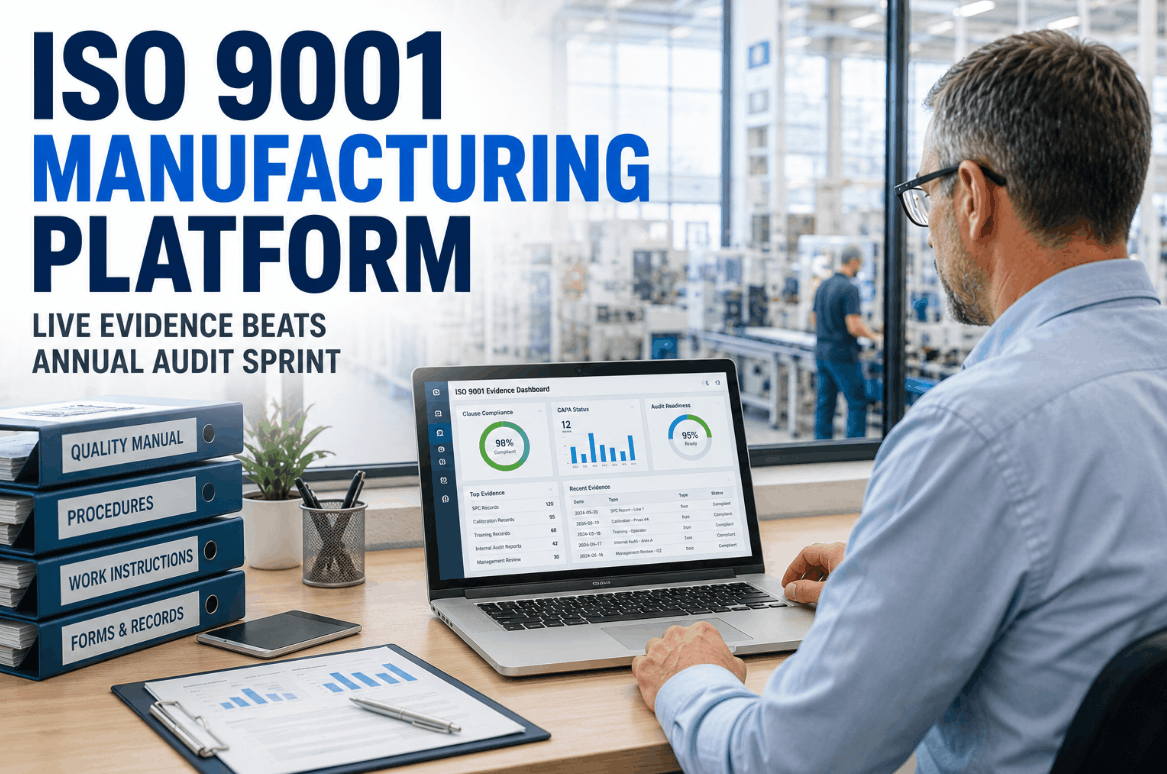
At lot completion, iFactory generates a digital quality record consolidating all inline SPC data, final measurement values, and any nonconformance events recorded during production. The shift quality inspector reviews the record on the mobile app and applies a digital disposition — accept, hold, or reject. Accepted lots are automatically updated in SAP QM via API, triggering goods receipt posting and updating the delivery schedule in the original sales order. The entire inspection record, including Cpk summary, is attached to the SAP production order for customer traceability.
MRP Consumption Update and Auto-Purchase Requisition
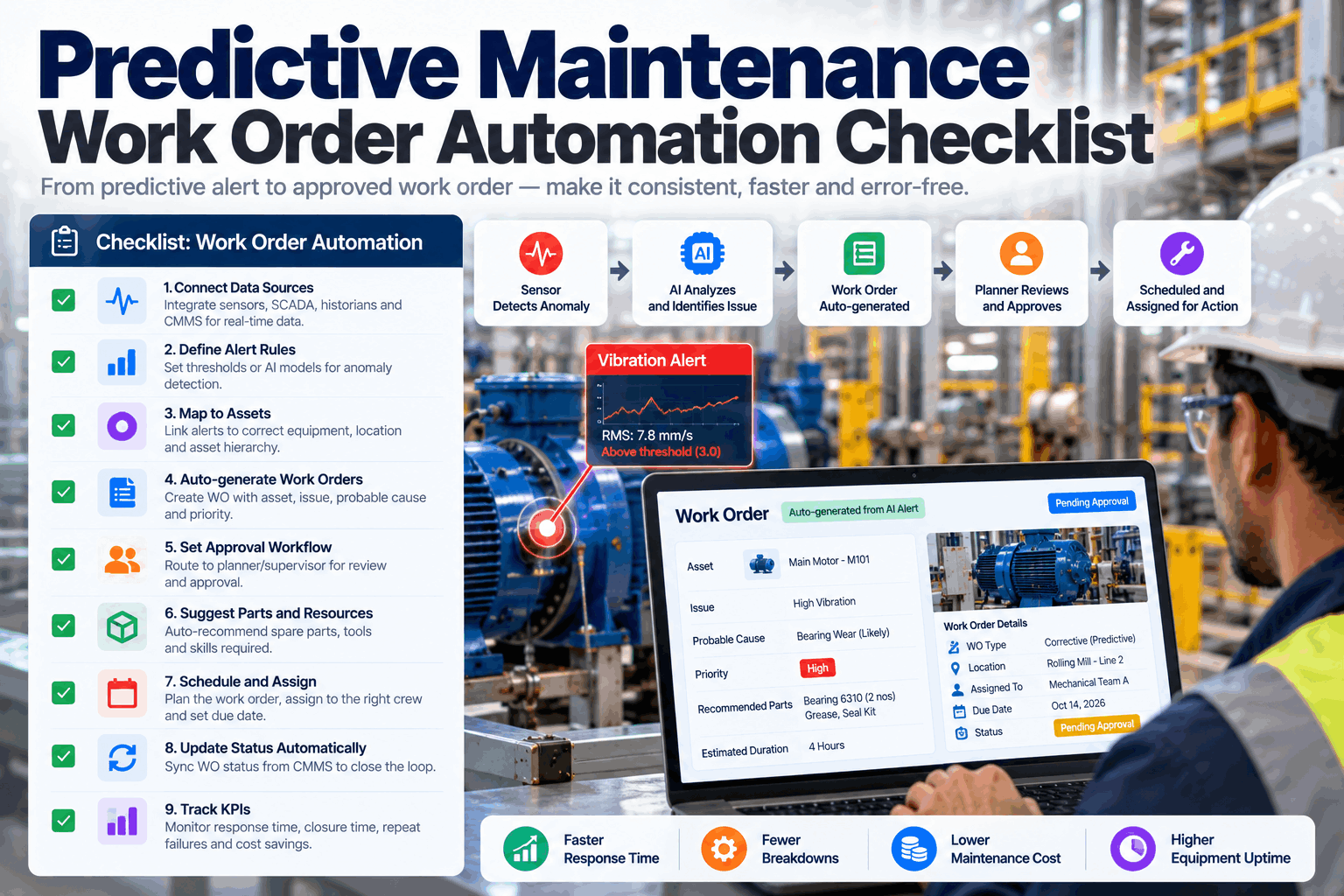
When goods receipt is confirmed, iFactory triggers an MRP consumption update in SAP MM — deducting the actual material quantities consumed from inventory in real time, not in overnight batch. If inventory for any BOM component falls below the reorder point defined in the material master, iFactory automatically generates a purchase requisition in SAP with the correct material, quantity, preferred vendor, and required delivery date populated from the production schedule. Buyers receive an instant notification on the iFactory mobile app — not a next-morning report. This closes the loop from customer order to supply chain response in a single continuous digital thread.
Workflow Gap Analysis: Current State vs. iFactory Live Workflow
The following comparison maps the most common manual handoff points in a conventional order-to-ship process against the automated equivalent in iFactory's live workflow. Each row represents a place where delays, errors, or data loss typically occur in disconnected plant environments.
| Workflow Stage | Typical Manual Process | iFactory Live Workflow | Time Saved |
|---|---|---|---|
| Order to MES Recipe | Planner emails MES operator with order details; operator manually selects recipe | SAP order release auto-triggers correct recipe download with version validation | 15–45 min per order |
| Recipe to PLC Setpoints | Setup tech reads paper traveler and manually keys setpoints into HMI | Recipe parameters auto-pushed to PLC or displayed with digital confirmation step | 10–30 min per changeover |
| Production to SPC | Operator manually records gauge readings every 30 minutes on paper | Inline PLC data streams continuously to SPC engine — 100% of parts monitored | Eliminates sampling gap risk |
| Inspection to SAP QM | Quality clerk transcribes paper inspection results into SAP at end of shift | Digital inspection record auto-posted to SAP QM on disposition approval | 2–6 hours per shift |
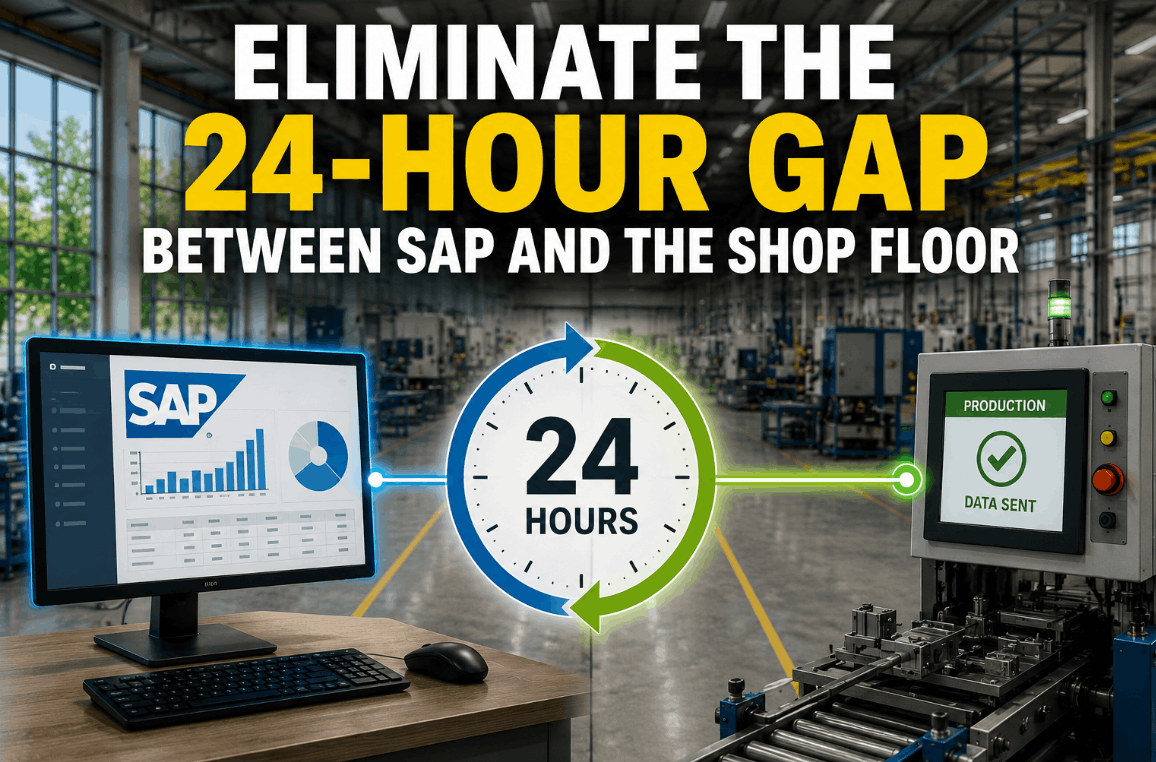
| Goods Receipt to MRP | MRP runs overnight — buyers see replenishment need next morning | Real-time inventory update triggers immediate MRP calculation and auto-PR | 12–24 hours per replenishment cycle |
The order-to-ship workflow is where Plant Manager accountability meets reality. Every manual handoff in this chain is a gap where schedule adherence erodes, quality records become incomplete, and stock-outs surprise procurement teams. The iFactory live workflow architecture is notable for treating each step as an auditable digital event rather than a process recommendation. The automatic linkage between the customer specification on the sales order and the SPC control limits active during production is particularly valuable — it means that when a customer dispute arises, the quality record already contains the exact Cpk, recipe version, and operator on every lot produced against their order. Plant managers who have experienced late deliveries or customer rejections caused by these manual gaps will recognize iFactory's approach as a structural fix, not a workflow improvement. The ROI case builds quickly when you count the hours currently spent on end-of-shift data reconciliation and emergency procurement calls.
Conclusion: The Live Workflow Is the Competitive Advantage
A manufacturing plant running a live, connected order-to-purchase workflow has a fundamental competitive advantage over one where the same sequence requires seven manual interventions, three system logins, and an overnight batch job. iFactory's integration platform makes this workflow a reality for plants running SAP, any major MES, and modern or legacy PLCs — without replacing any of these systems. The platform acts as the connective tissue, automating event propagation, ensuring every step is auditable, and closing the loop from customer order to supply chain response in real time. Plant Managers who want to map their current workflow gaps against the iFactory live workflow model should Book a Demo for a structured workflow gap analysis session.
Frequently Asked Questions
Does iFactory replace our existing SAP or MES systems?
No. iFactory integrates with your existing SAP, MES, and PLC systems via APIs and industrial protocols — acting as the connective workflow layer without replacing any core system.
Can the auto-MRP and purchase requisition generation be configured with approval gates?
Yes. The auto-PR workflow supports configurable approval routing — PRs above a defined value or for strategic materials can be routed for buyer approval before posting to SAP, while routine replenishments post automatically.
How does iFactory handle cases where the MES recipe version has changed since the sales order was placed?
The recipe download step includes an automatic version validation check — if the recipe version has changed, the system flags the discrepancy to the production planner and blocks download until the correct version is confirmed, preventing silent specification drift.
Is the customer-specific quality specification automatically applied to the SPC control limits?
Yes. iFactory maps customer specifications from the SAP sales order to the active SPC control plan, ensuring the control chart tolerance limits for each production run reflect the actual customer requirement rather than a generic internal standard.
What happens if a quality hold is placed on a lot — does the workflow pause?
Yes. A quality hold disposition blocks the goods receipt posting in SAP, pauses MRP consumption for the held lot, and triggers a nonconformance workflow — preventing the held material from being counted against replenishment calculations until disposition is resolved.