The plant floor is humming at 6:58 AM, and the quality manager is already staring at a spreadsheet that was last updated three days ago. Shift A ran 12,000 units through the line, but the Cpk data is scattered across three different Excel files, two emails from the lab, and a handwritten log from the night supervisor. By the time anyone realizes the Cpk dropped below 1.33 on the 9:00 PM run, 3,000 units are already in the buffer — and the customer is expecting a weekly report that doesn't exist yet. The 7 AM standup starts in two minutes, and the quality manager has no idea which shift produced scrap, which machine drifted, or whether the customer will get their shipment on time. This is the daily reality of a plant without a structured Quality Operating System.
From Scattered Spreadsheets to a Daily Quality Cadence — The Plant QOS That Actually Runs Itself
iFactory templatizes your quality operating system — daily Cpk standups, weekly capability reviews, and monthly customer packs auto-generated from your plant data. No manual slides. No missed shifts. No surprises.
Why Your Quality Cadence Is Broken — and What It Costs Every Shift
Every plant has a quality meeting. Few have a Quality Operating System that actually works. When your daily standup is built on stale data, your weekly Cpk review is a slide-deck scramble, and your monthly customer pack is a fire drill, you're not managing quality — you're reacting to failure. Here's what that looks like shift after shift.
The 7 AM Standup Is Already Outdated
Your quality manager arrives at 6:30 to pull data from three systems. By the time the standup starts at 7, the Cpk for Shift A is already 12 hours old. A machine drift that started at 11 PM goes unnoticed until the morning meeting — and by then, 8,000 units are in the rework queue at $4.20 per unit.
Weekly Capability Reviews Are Slide-Building Sprints
Every Friday, someone spends four hours cutting and pasting SPC charts into a PowerPoint deck. The data is already stale, the Cpk trends are manually calculated, and there's no time to analyze root cause before the 2 PM review. The team reviews history instead of acting on it.
Monthly Customer Packs Trigger a Fire Drill
The customer wants a PPAP-level quality summary by the 5th of the month. Your team spends three days pulling Cpk by part number, sorting defect Pareto charts, and formatting a report that looks professional. Every month, the same scramble. Every month, someone asks, "Can't we automate this?"
Shift Handoffs Lose Critical Quality Signals
The night shift operator saw the Cpk trending down on station 7 but didn't have time to document it in the handoff log. The day shift starts blind, runs 2,000 units before discovering the drift, and the entire batch gets downgraded to seconds — a $12,000 loss from one missed signal.
No One Can See True Plant Capability
Your weekly Cpk average might look fine at 1.45, but it's masking a station that runs at 1.1 and another at 1.8. Without a structured cadence that breaks down capability by shift, station, and part number, you're managing averages while real problems hide in the variance.
Your quality data already exists. The problem is it's trapped in spreadsheets, emails, and manual reports. Book a 30-min walkthrough and we'll show you how iFactory auto-generates your entire QOS cadence from the same data you're already collecting.
How iFactory Builds Your Quality Operating System — Daily, Weekly, Monthly
iFactory doesn't just connect to your data sources. It structures your entire quality cadence into a repeatable, automated operating rhythm. From the 7 AM standup to the monthly customer pack, every review is pre-populated, every metric is live, and every chart is one click away. Here's how it works.
Connect & Map
iFactory connects to your existing data sources — CMMs, gauges, PLCs, LIMS, and ERP — and maps every quality signal to the right part number, station, and shift. No manual data entry. No Excel bridges.
Auto-Generate Daily Cpk Standup
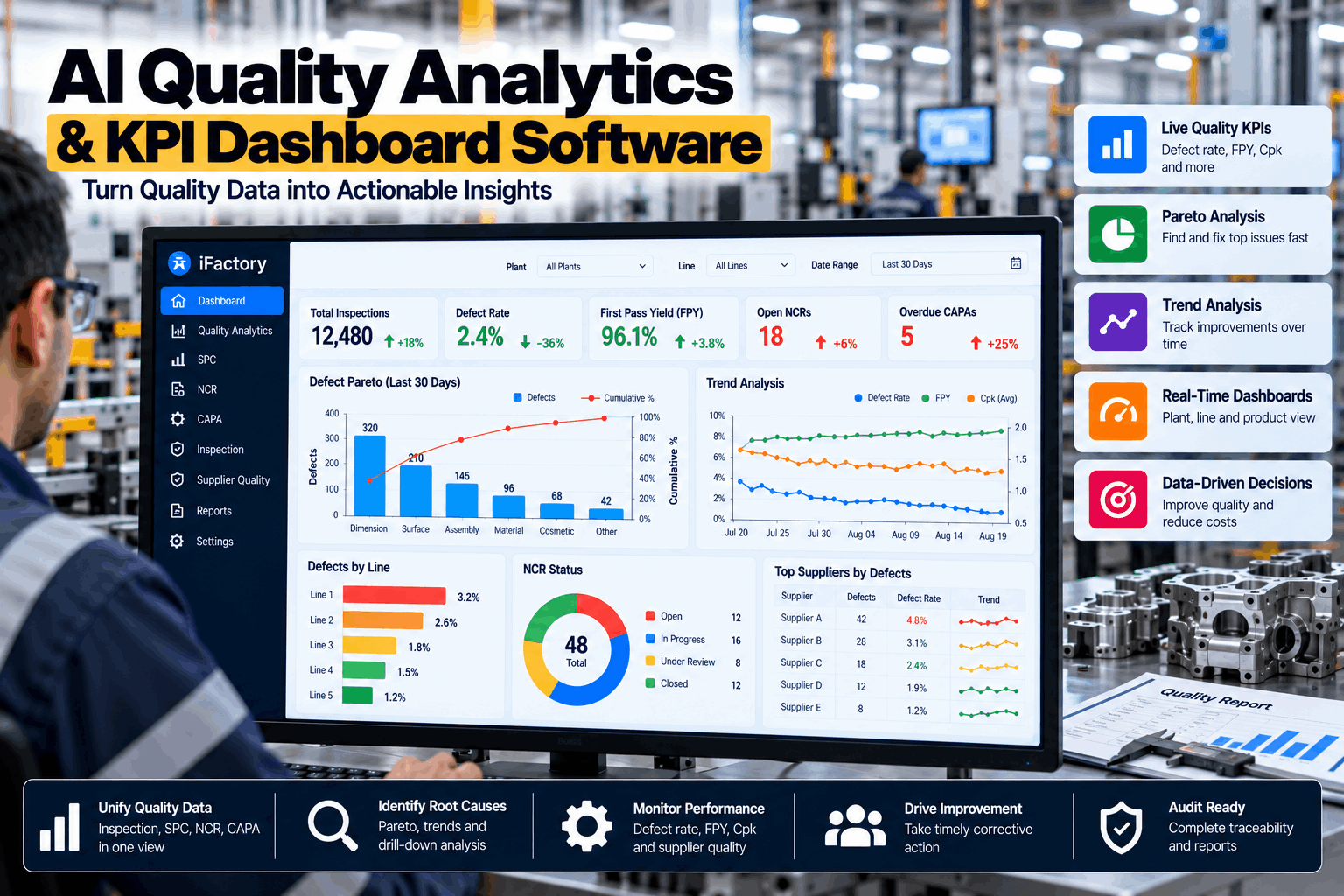
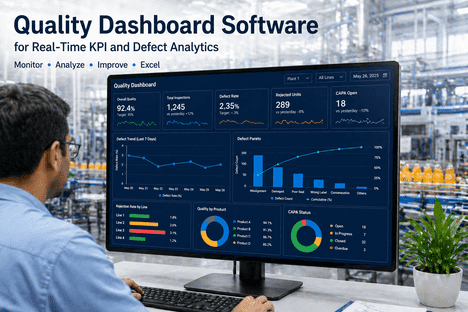
Every morning at 6:45 AM, iFactory pushes a live Cpk dashboard to your standup screen: Cpk by shift, top-3 defect Pareto, control limits for every critical-to-quality characteristic, and a red/yellow/green status for each station. The 7 AM meeting starts with facts, not data pulling.
Weekly Capability Review
Every Friday, iFactory auto-builds the weekly capability report: Cpk trends over 4 weeks, Ppk for new part introductions, capability by machine, and a root-cause Pareto that highlights the top 3 sources of variation. The review team spends 45 minutes on decisions, not slide building.
Monthly Customer Pack — One Click
On the 1st of every month, iFactory generates the complete customer quality pack: Cpk by part number, defect Pareto by category, capability summary by station, and a PPAP-ready appendix. The report is formatted, branded, and ready to send. The scramble becomes a memory.
What the iFactory Quality Operating System Delivers
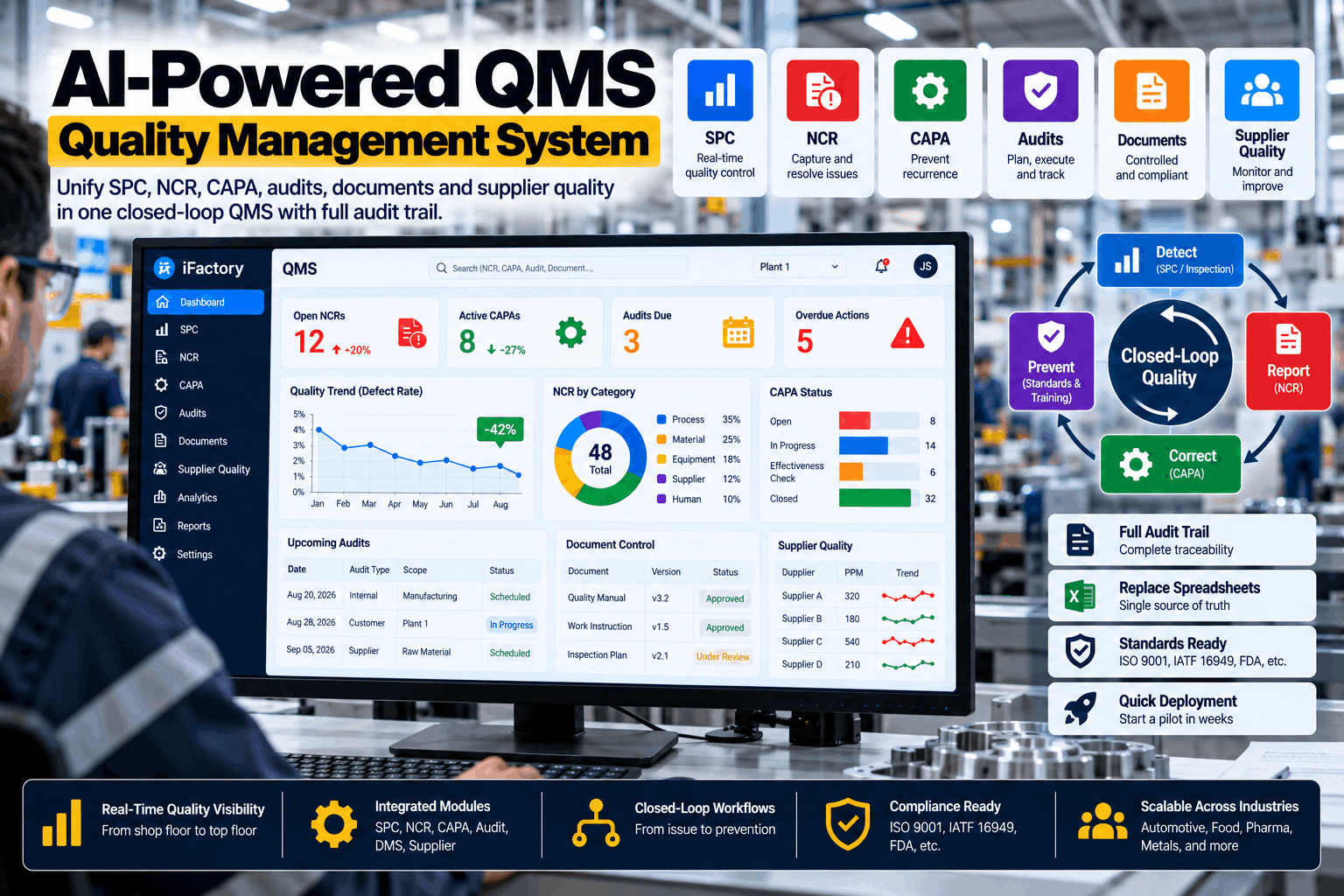
This isn't a dashboard. It's a complete operating system for quality management — purpose-built for the daily, weekly, and monthly cadence that keeps your plant running at capability.
Shift-Level Cpk Standup
Real-time Cpk by shift with control limit alerts. Every morning, the standup screen shows which stations are in control, which are drifting, and which shift had the best performance. No data pulling. No manual charts.
Capability Trend Review
Auto-generated weekly Cpk/Ppk trends with 4-week rolling averages. The review includes machine-level capability, part-number splits, and a root-cause Pareto that highlights the top sources of variation.
Customer Pack Generator
One-click generation of the monthly customer quality pack. Includes Cpk by part number, defect Pareto, capability summary, and PPAP-ready appendix. Formatted, branded, and ready to email.
Control Limit Alerts
When a Cpk drops below 1.33 or a control limit is breached, iFactory sends an alert to the quality manager, shift supervisor, and maintenance lead — before the next standup. Problems get caught between meetings.
Shift Handoff Summary
At shift change, iFactory auto-generates a handoff summary: what ran, what drifted, what was adjusted, and what the next shift needs to watch. No more lost signals in verbal handoffs.
Full Audit Trail
Every Cpk calculation, every control limit adjustment, every alert is logged with a timestamp and operator ID. When the customer asks for traceability, you have it — by shift, station, and part number.
What a Structured QOS Cadence Delivers
Plants that move from manual quality reviews to a structured, automated QOS see measurable improvements in the first quarter. These are real results from iFactory deployments across automotive, aerospace, and discrete manufacturing.
Every Tool You Need to Run a True Quality Operating System
iFactory delivers the complete QOS template — purpose-built for the manufacturing plant floor. No configuration required. No custom development. Just connect your data sources and your quality cadence is live in 6–12 weeks.
Daily Cpk Standup Dashboard
Live, shift-level Cpk with control limits, defect Pareto, and station status. Ready for the 7 AM standup every morning.
Weekly Capability Review Template
Auto-generated weekly Cpk/Ppk trends with machine-level breakdowns and root-cause Pareto. No slide building required.
Monthly Customer Pack Generator
One-click generation of the complete customer quality pack. Formatted, branded, and ready to email on the 1st of every month.
Turnkey Deployment in 6–12 Weeks
We connect to your existing data sources and deliver a working pilot in one quarter. No cloud dependency. No data egress. Runs on an NVIDIA appliance on your plant network.
24×7 Managed Service
iFactory runs your QOS cadence around the clock. If a control limit is breached at 2 AM, the alert goes out. Your team gets a full handoff summary every shift change.
End-to-End Quality Visibility
From the raw sensor data to the customer pack, every quality signal is tracked, trended, and traceable. No more black holes between shifts or between meetings.
What Plant Leaders Ask About the QOS Cadence
Every plant is different, but the questions are remarkably consistent. Here are the answers we give most often.
Stop Scrambling for Quality Data — Start Running a Real QOS
Your quality data is already there. iFactory structures it into a daily, weekly, and monthly cadence that runs itself. Book a 30-minute walkthrough and we'll show you how your plant's first Cpk standup looks before lunch.