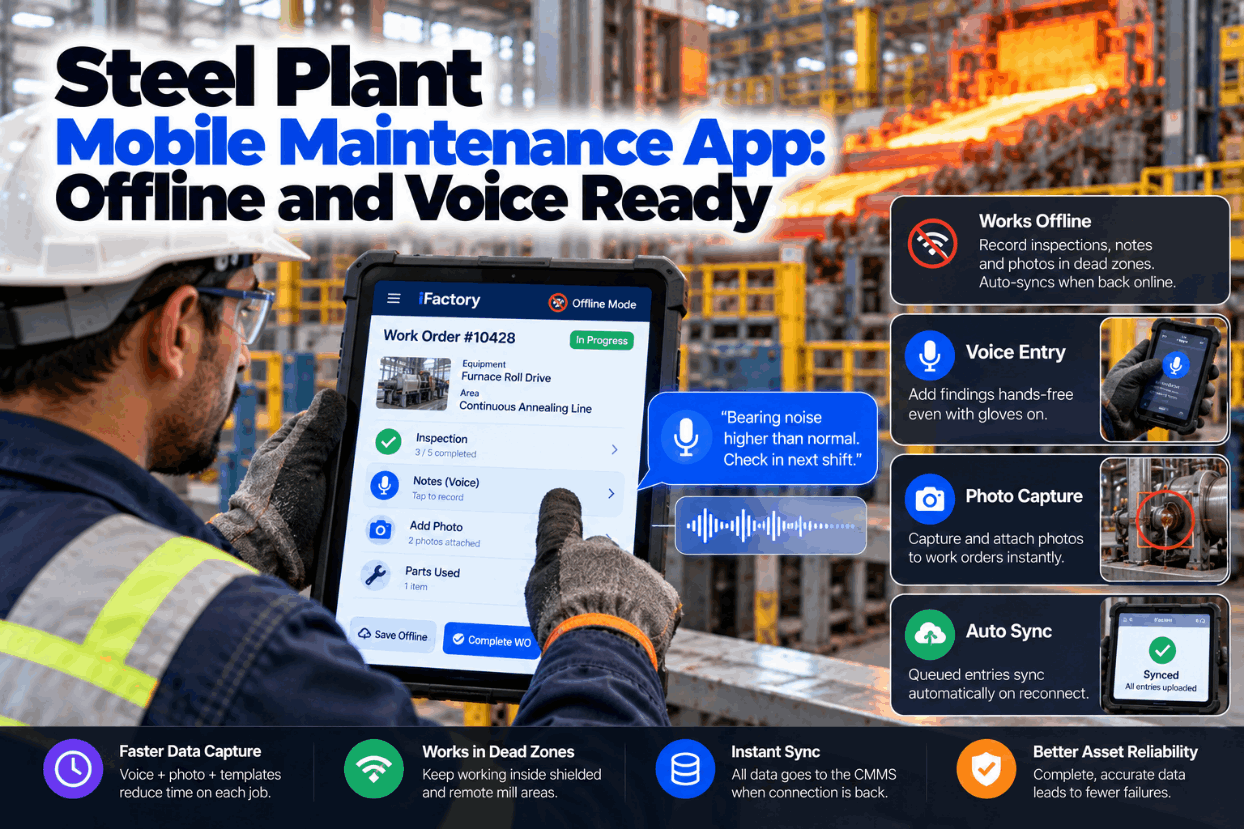
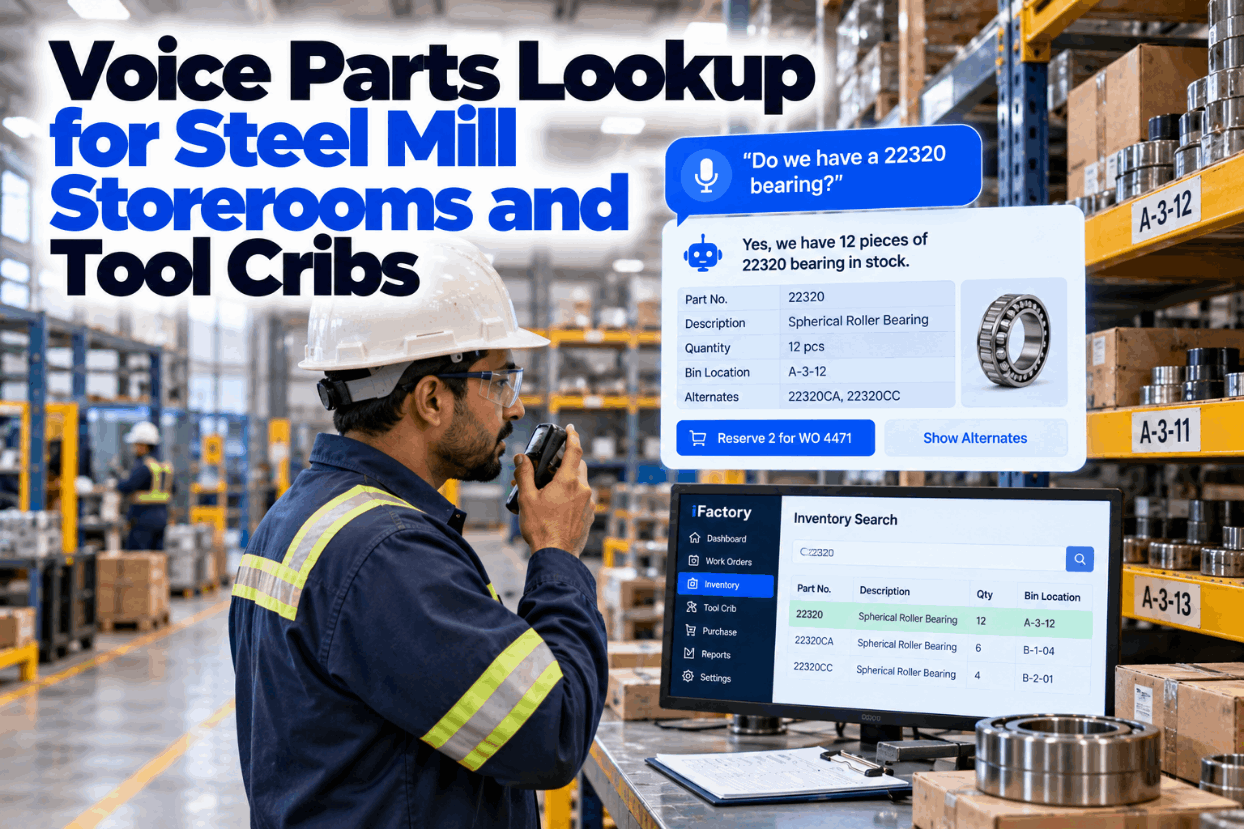
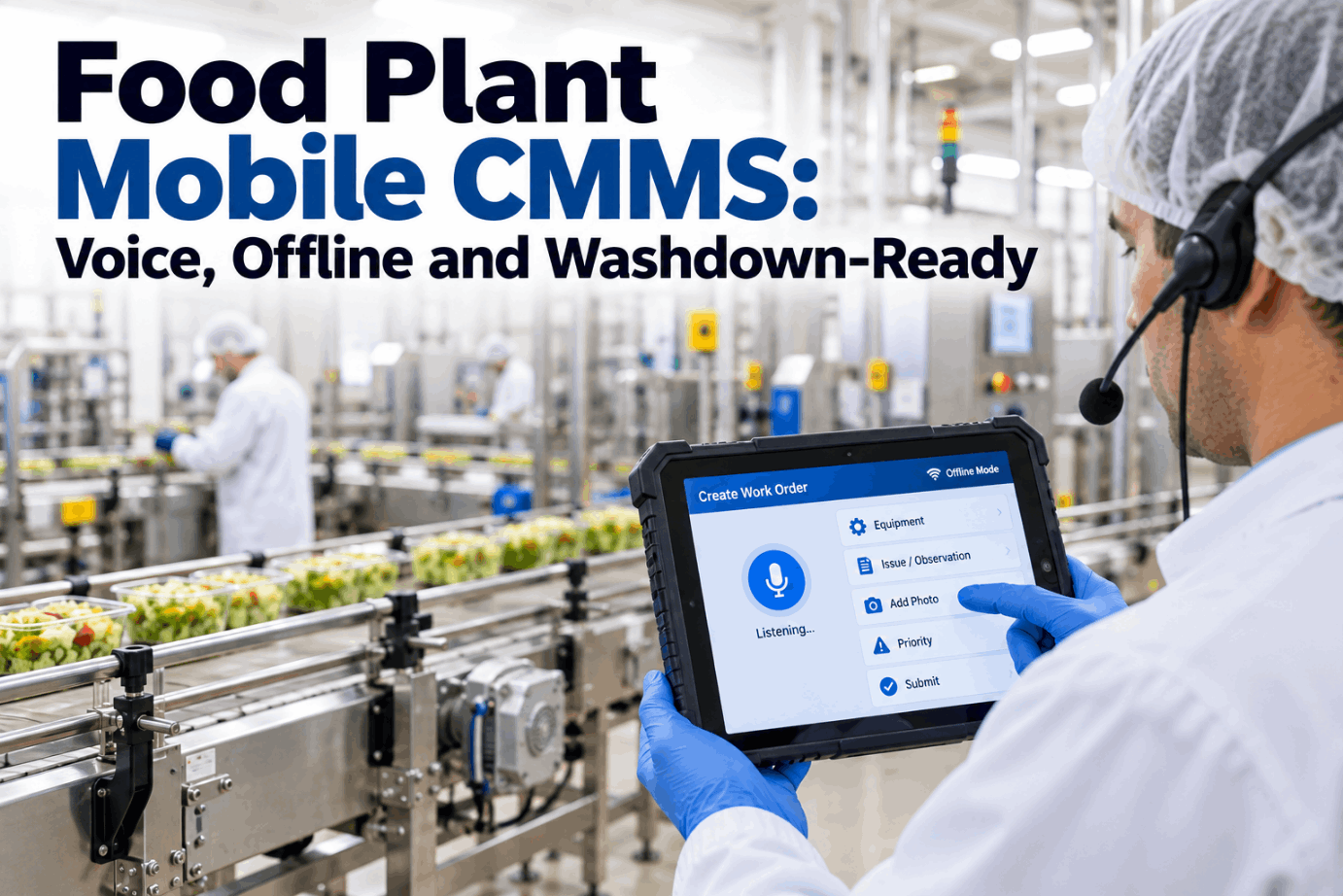
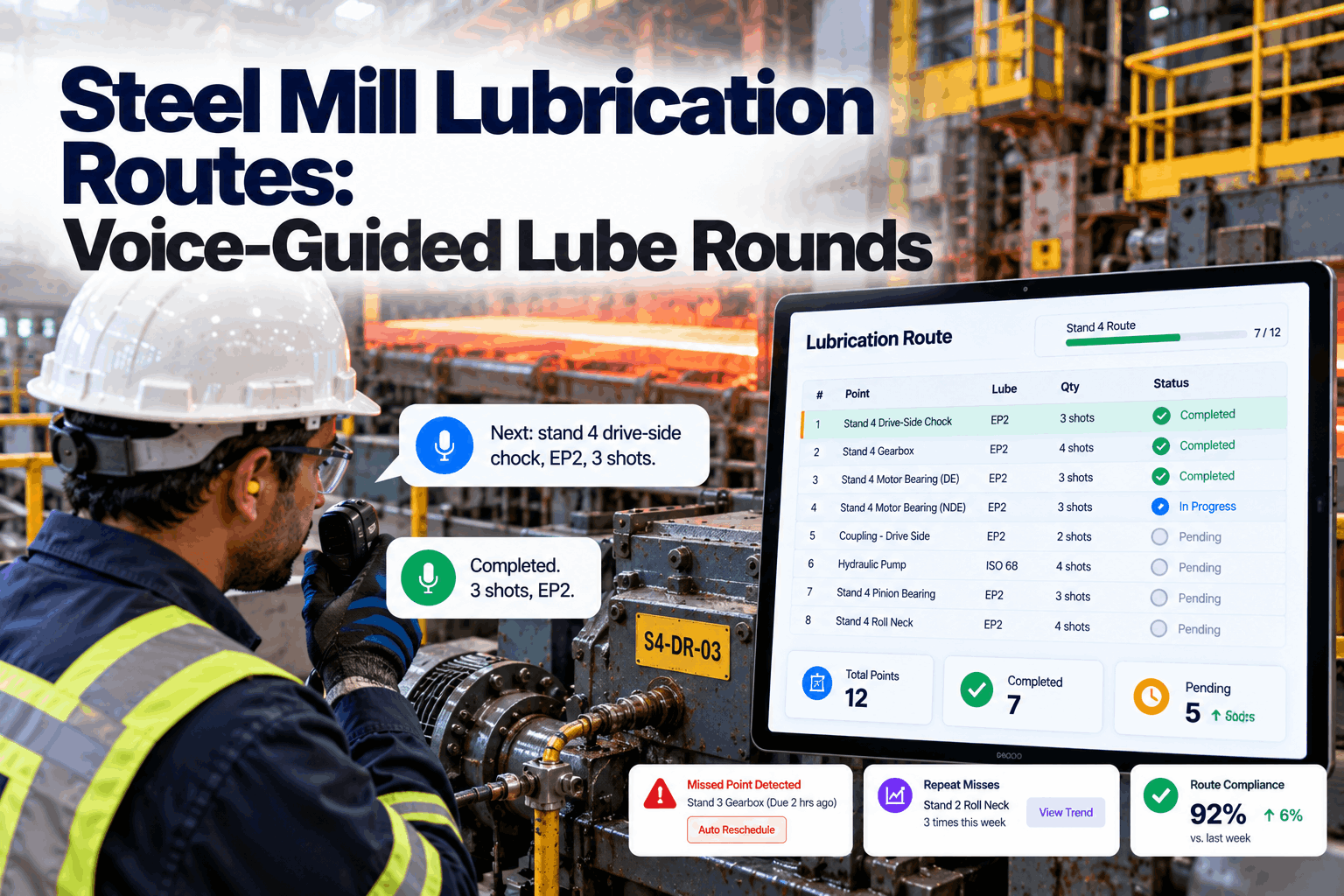
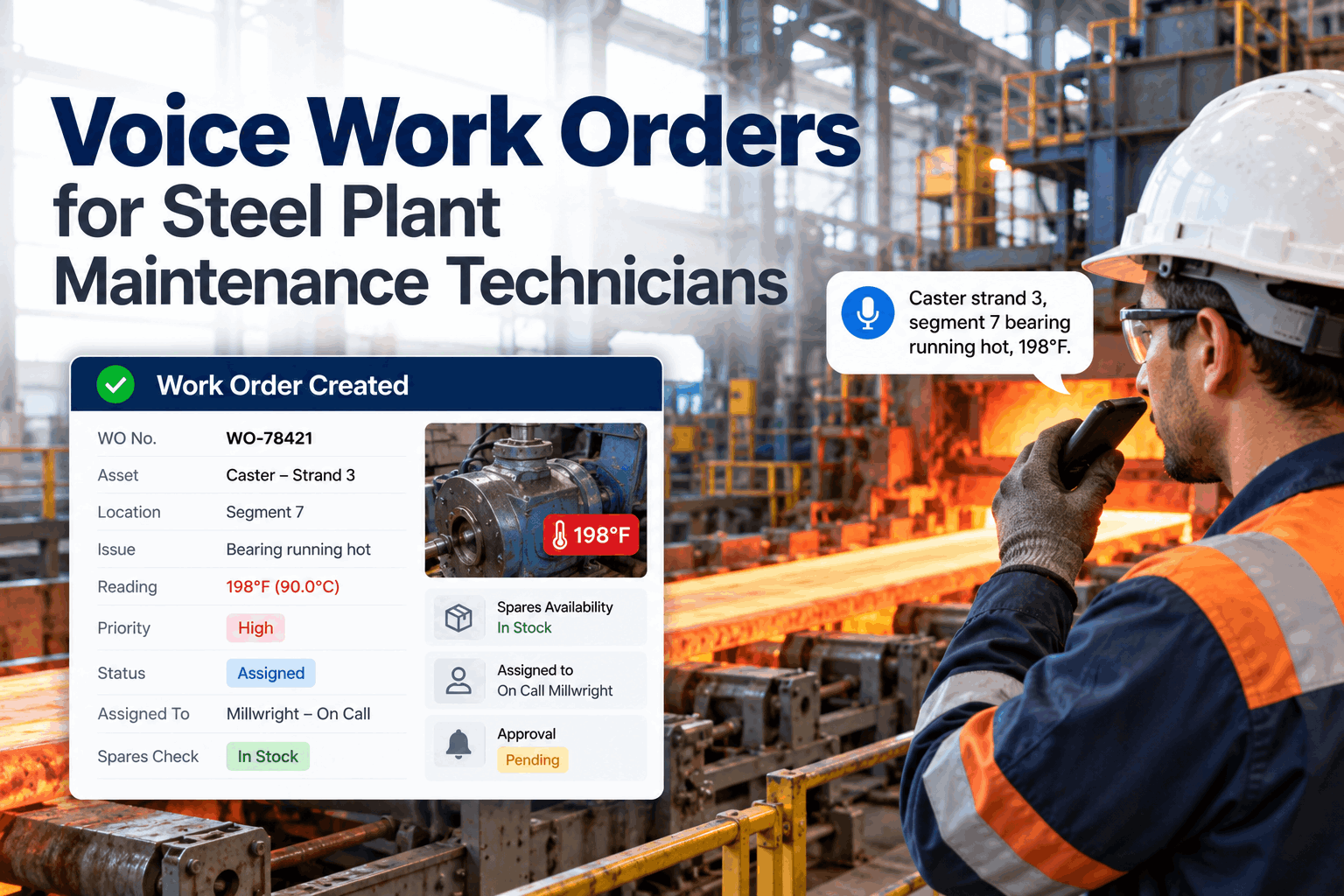
Walk from a hot strip mill pulpit down into the cable tunnel below it and the Wi-Fi bars on a handheld usually go one by one. The same happens in motor rooms, transformer vaults and the basements under casters. A maintenance app that needs a live connection fails exactly where faults are found. A steel plant mobile maintenance app has to keep working offline, take input from gloved hands and save every photo, then sync without anyone thinking about it. See it work in a shielded area in a short offline app demo.
MOBILE + VOICE OFFLINE · STEEL PLANTS
A Maintenance App That Keeps Working Where the Signal Stops
iFactory Mobile + Voice Offline queues voice entries and photos in shielded mill areas, syncs them on its own when the handheld reconnects and plays each saved entry back so the technician knows it was heard right.
Mobile + Voice OfflineNo signal
Cable tunnel 2, below hot strip mill · Electrician, A shift
SignalNone for 18 min
Queued on handheld3 voice entries · 2 photos
Last sync06:52, MCC room 4
Electrician said"Tray 14, cable jacket heat damaged near the descaler pump. Photo taken. Raise a job."
Audio playbackSaved offline: tray 14, heat-damaged jacket near descaler pump, photo attached, new job. Say confirm.
WIFI DEAD ZONES MILL
Why Steel Plants Have So Many Dead Zones
NIST's guide to industrial wireless deployments notes that radio energy does not pass easily into conductive materials and is mostly reflected, causing multipath. A steel plant is built from exactly those materials, and much of the maintenance work happens below ground or behind steel walls. That is why a coverage map from the office rarely matches what a technician sees at the job. Map your own weak spots with our support team.
01
Steel structuresColumns, crane girders and cladding reflect signals and leave shadows behind them02
Enclosed steel roomsMotor rooms, e-houses and cabinets act much like Faraday cages03
Below groundCable tunnels, scale pits, hydraulic cellars and caster basements04
Heavy electrical gearArc furnaces, induction heaters and large drives make strong fields. Measure their effect in a site survey05
Moving metalCranes, coils and ladles shift reflections, so coverage changes through the shift
OFFLINE CMMS APP
How an Offline-First App Handles a Dead Zone
For a mobile CMMS in steel, offline-first means the handheld never waits for the network. Every entry is saved on the device first, with its own time stamp, and sent later. The technician sees the same screens with or without signal, and nothing is lost if the battery runs low or the app is closed. See the queue and sync in a live walkthrough.
1CaptureVoice entry, reading or photo taken at the job
2Save locallyStored on the handheld with device time and work order
3Play backSaved entry read aloud, technician confirms
4SyncQueue sent in order when any access point is found
5CheckConflicts flagged, the server confirms receipt
FIELD DATA SYNC
Sync Rules to Agree Before Go-Live
Most offline problems are not about storage. They are about what happens when the queue meets a work order someone else changed in the meantime. Agree these rules with planners and stores before the first handheld goes into a tunnel, so nobody's work is silently overwritten. Our support engineers can help you set them.
Nothing Lost Between the Tunnel and the Office
iFactory keeps every voice entry and photo on the handheld until it reaches the server, then tells the technician it arrived. Planners see the finding minutes after the technician climbs out, without anyone typing it up again.
Shift maintenance · Planner and iFactory
PlannerAnything new from the cable tunnel round?
iFactoryThree entries synced at 07:31. One new job: heat damage on tray 14 near the descaler pump, with a photo.
PlannerWas that captured at the tray or written later?
iFactoryAt the tray. Device time 07:09, offline, confirmed by playback. Received 07:31.
RUGGED HANDHELD MAINTENANCE
What the Ratings on a Rugged Handheld Mean
Scale dust, cooling water and steel floors are hard on any device. Under IEC 60529 the first digit 6 means dust-tight, while the second digit sets the water test. MIL-STD-810H is different: there is no certifying body, so makers test themselves and should show you the report. Choose devices for your areas with our device specialists.
IP65
Dust-tight, water jetsTested with a 6.3 mm nozzle at 12.5 litres per minute from all directions
IP67
Dust-tight, short immersionSurvives 30 minutes under 1 m of water, useful near flooded pits and spray
810H
Method 516 transit fall testCommonly 26 impacts from about 1.2 m onto plywood over concrete, on faces, edges and corners
Ex
Hazardous area ratingATEX or IECEx Zone 1 or 2, or Class I Division 2 in North America, where gas may be present
GAS ZONES IN A STEEL PLANT
Where a Standard Handheld Is Not Allowed
Integrated plants handle fuel gases that are both flammable and toxic. Blast furnace gas is typically 20 to 28% carbon monoxide, and raw coke oven gas is mostly hydrogen, according to IspatGuru. Hydrogen sits in the most demanding gas group, IIC, so the device certificate must cover it. Your hazardous area classification decides the device, not the app. Check device choices with our hardware team.
Coke oven gas areas
Ex handheld rated for gas group IICRaw gas is about 52 to 59% hydrogen and 26 to 33% methane. Temperature class and zone must match the certificateBlast furnace gas areas
Ex handheld where the area is classifiedCO-rich gas is toxic as well as flammable, so a personal CO monitor goes with the deviceGeneral mill bays
Standard rugged handheldIP65 or IP67 and a tested fall rating, with a hand strap or holster for ladders
VOICE ENTRY GLOVES
Heat-Resistant Gloves and Small Screens Don't Mix
Mill technicians wear thick leather, heat or cut-resistant gloves for good reason. Taking them off to type exposes hands and leaves short notes, or notes typed later from memory. Glove mode on a touch screen helps mainly with thinner gloves. Voice entry with push-to-talk lets the technician speak the finding in full, and audio playback proves it was saved correctly. Hear the playback in a short voice demo.
TYPING ON A TOUCH SCREEN
- Gloves off to type, near hot or sharp parts
- Small fields and typos on a dusty screen
- Notes cut to a few words
- Findings written up later in the workshop
VOICE ENTRY WITH AUDIO PLAYBACK
- Push-to-talk on the headset, gloves stay on
- Asset, reading and finding filled from one sentence
- Each saved entry played back, then confirmed
- "Change the reading to 62" fixes a mistake by voice
PHOTO CAPTURE WORK ORDERS
A Four-Photo Shot List for Every Repair
A photo settles questions that a note cannot, from what the fault looked like to which part went in. Each photo is tagged with the work order, asset and device time, and waits in the offline queue until it syncs. Keep the shot list short so crews actually follow it. Ask our support team how photos are stored.
1
As foundThe fault before anything is touched, with enough around it to show where2
Nameplate or tagAsset tag or part number, so the record matches the right item3
MeasurementThe gauge, meter or feeler reading behind any number entered4
As leftGuards refitted and the area clean, ready to hand back
STEEL PLANT MOBILE MAINTENANCE APP TEMPLATE
An Area Sheet for Devices, Input and Sync
Fill in one sheet per area before rollout. It turns a coverage survey and the hazardous area drawing into clear device and input rules for each crew. Ask our rollout team for a blank version.
AreaCable tunnel 2, hot strip mill
SignalNone below stairwell 3
Hazardous areaNot classified
DeviceIP67 handheld, tested fall rating
InputVoice with push-to-talk headset
Offline queueVoice entries and photos
Nearest sync pointMCC room 4 access point
Owner and reviewElectrical lead, monthly coverage check
STEEL PLANT MOBILE MAINTENANCE APP EXAMPLES
Three Rounds, Three Ways Offline Mode Helps
These illustrations show typical use. They are not case studies, and your own procedures always come first. Walk through your own areas with our support engineers.
Cable tunnel inspection
Findings saved where they are seenTray damage, hot joints and water ingress are spoken in, photographed and queued. They sync at the tunnel exit.Coke oven battery round
IIC-rated handheld, same appThe certified device runs the same offline queue and voice entry, so the gas area round needs no paper sheet.Caster basement hydraulics
Readings checked by playbackPressures and leak points are read out and played back before the fitter moves on, then sync upstairs.
STEEL PLANT MOBILE MAINTENANCE APP FOR PLANT MANAGERS
Best Practices: Four Measures That Show It Is Working
A mobile rollout is easy to launch and hard to judge. These four measures show whether field data is complete, timely and trusted. Track them by area for the first three months. Review them with us in a rollout review.
Sync lagTime from capture on the handheld to receipt on the server. Long lags point to areas needing a sync point
Entries captured offlineShare of entries saved without signal, by area. It shows where the dead zones really are
Jobs closed with photosShare of closed work orders with at least an as-found and an as-left photo
Playback correctionsHow often technicians fix an entry after playback. A rise flags a noise or vocabulary problem
TURNKEY AI DEPLOYMENT
Voice Models in the Plant, Not Behind a Weak Link
iFactory delivers Mobile + Voice Offline as a turnkey package. A pre-configured NVIDIA AI server ships racked and ready, with speech models running on site so voice entries are processed as soon as a handheld syncs. You rack it, plug in power and Ethernet, and the AI is live. To scope it for your plant, request a turnkey quote.
What's Included
- Pre-configured NVIDIA AI server, racked and ready
- Offline-first mobile app with voice entry
- Speech models tuned to mill terms and asset names
- Audio playback confirmation for every saved entry
- Photo capture linked to work orders and assets
- Sync rules set with your planners and stores
- 24×7 remote monitoring of models and hardware
Live in 6–12 weeks
Wk 1–4
Survey and Install
Dead zones and gas areas mapped, devices chosen, server installed and linked.
Wk 5–8
Pilot One Crew
One crew works offline in real dead zones, and sync rules are tuned.
Wk 9–12
Roll Out and Measure
All crews live, with sync lag and photo measures reviewed by area.
HOW iFACTORY FITS
Steel Plant Mobile Maintenance App Software Built for Dead Zones
iFactory is designed for tunnels, gloves and noise, where a connected-only app gives up. Plan a pilot in one shielded area on a short planning call.
1
Works without signal. Voice entries and photos queue on the handheld in shielded areas.
2
Syncs on its own. The queue is sent on reconnect, with device and server times kept.
3
Confirms by playback. Each saved entry is read aloud so gloved technicians know it is right.
4
Runs on the right device. Standard rugged handhelds in mill bays, Ex-rated ones in gas areas.
1000+
Industrial clients running iFactory
99.9%
Platform uptime for 24/7 steel operations
6-12 wks
From racked server to crews working offline
FREQUENTLY ASKED QUESTIONS
Steel Plant Mobile Maintenance App Questions
What makes a mobile maintenance app suitable for a steel plant?
It must work offline in shielded areas, accept input from gloved hands, capture photos against work orders and sync without user effort. It should also run on rugged handhelds and, in gas areas, on Ex-certified devices that match your area classification.
Why is Wi-Fi so poor in parts of a mill?
Steel reflects radio signals rather than letting them pass, and enclosed steel rooms behave much like Faraday cages. Cable tunnels, pits and basements add distance and concrete, while moving cranes and coils keep changing the signal paths. Extra access points help, but some areas will always be offline.
What happens to entries made offline?
They are saved on the handheld with the device time and work order, played back for confirmation and held in a queue. When the device reaches any access point, the queue is sent in order and the server time of receipt is stored as well.
Which IP rating should we choose?
IP65 covers dust and water jets, which suits most mill bays. IP67 covers short immersion, but the immersion test does not include jets, so look for a dual IP65/IP67 rating around pits, sprays and wet basements. Ask for the maker's MIL-STD-810H test report as well, since fall ratings are self-declared.
Can the app be used in blast furnace or coke oven gas areas?
The app can, but only on a device certified for that area. Your hazardous area classification sets the zone, gas group and temperature class. Coke oven gas is hydrogen-rich, so the certificate must cover gas group IIC.
How do we start?
Pick one area with known dead zones, such as a cable tunnel round. Map the signal, choose devices, agree sync rules and pilot with one crew for a few weeks before rolling out. Our
support team can plan that pilot with you.
Every Finding Captured, Even Below Ground
Give crews an offline-first app with voice entry, photo capture and audio playback, on the right device for each area. Delivered turnkey and live in 6 to 12 weeks.
Example shift summary · Hot strip mill
Entries capturedVoice and photos, offline or not
ConfirmationAudio playback on every save
SyncOn reconnect, times kept
DevicesRugged or Ex-rated by area
Every entry traced to a work order and a time