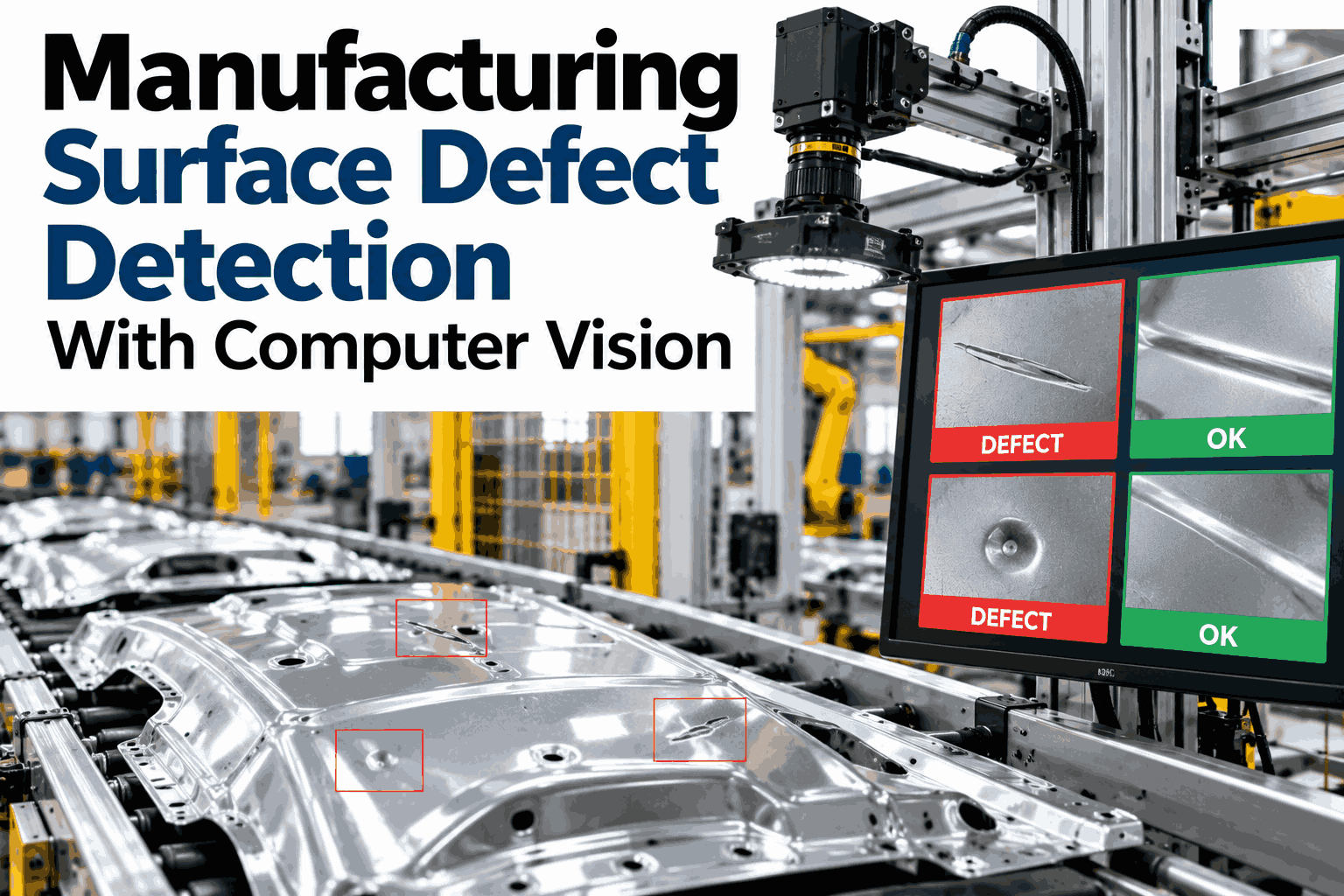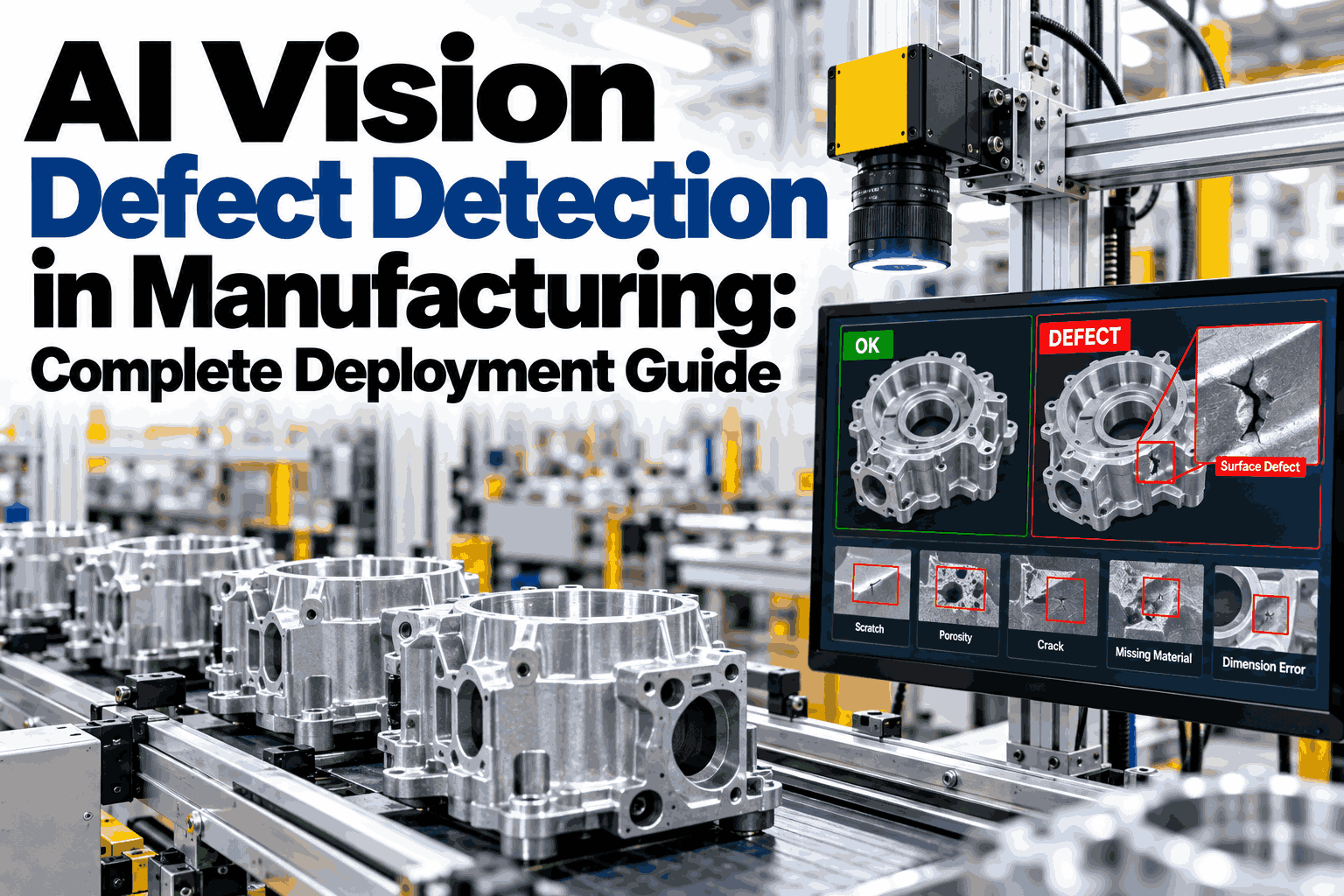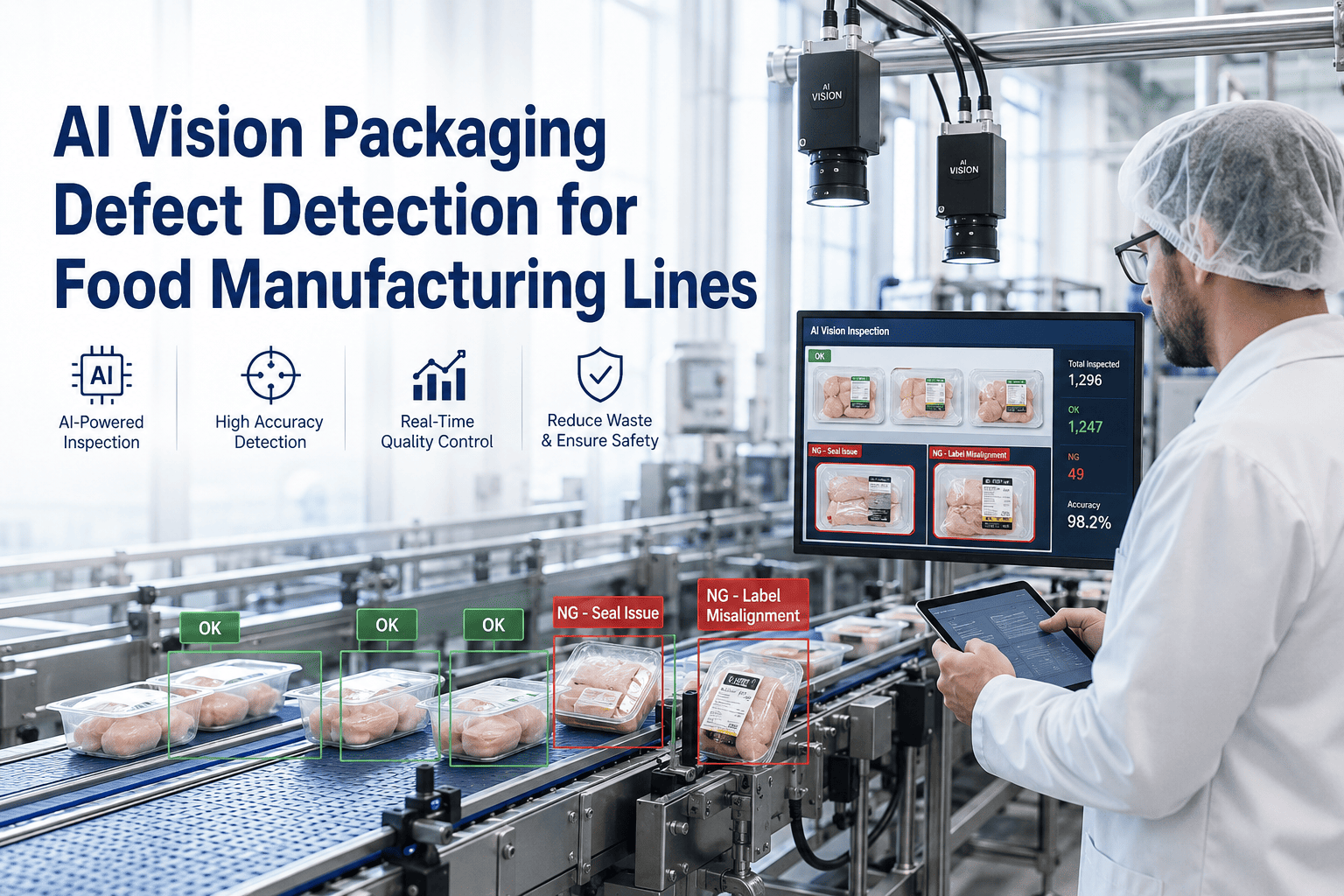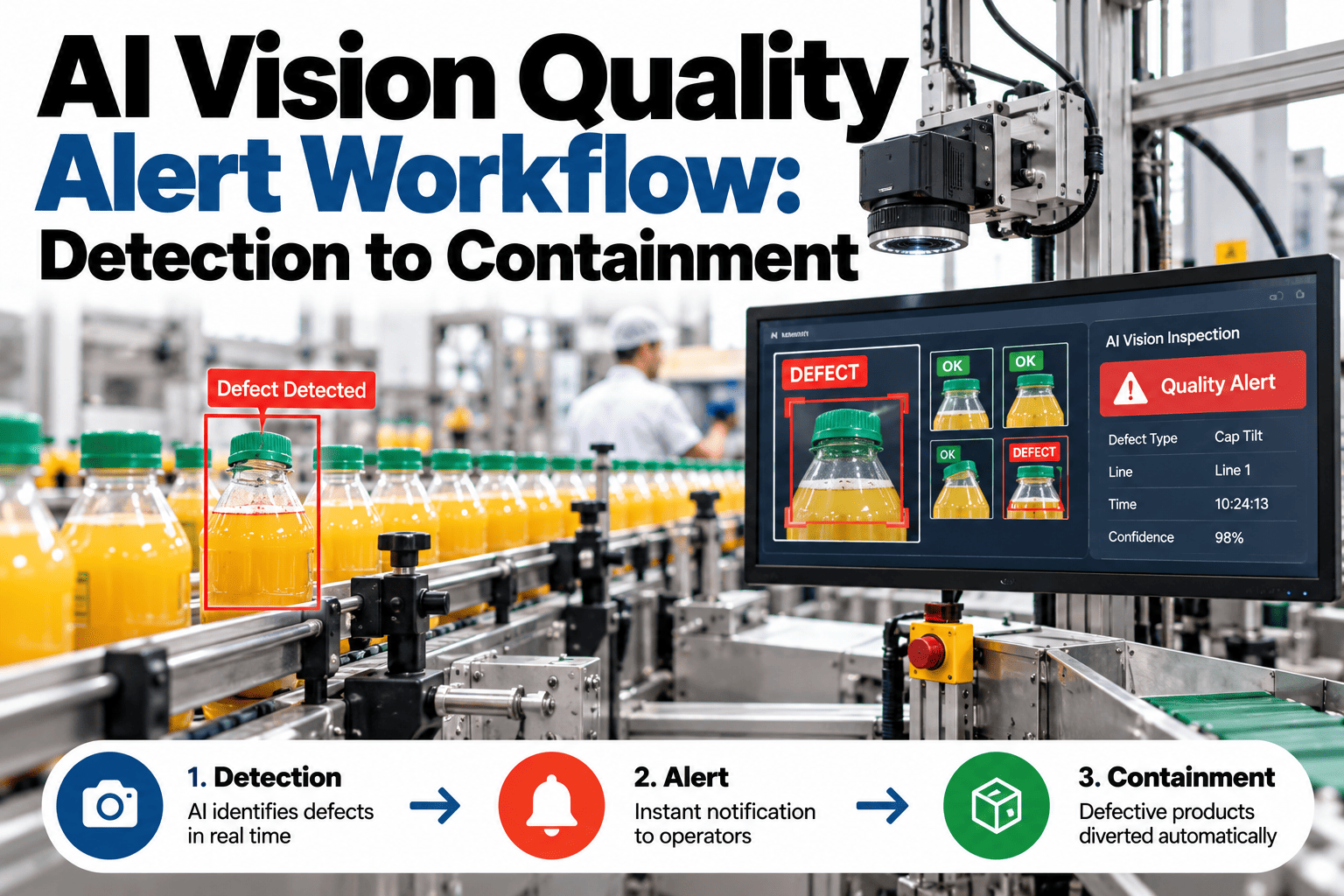
A vision system that spots a defect is only half the job. What happens in the minutes after that detection, whether the part gets flagged, held, traced back to its batch and kept off a shipping pallet, decides whether the catch actually saves anything. Many plants can detect a defect in under a second and still take twenty minutes to physically contain it, because the alert lands in a queue nobody is watching or a message nobody acts on fast enough. Reviewing where your own detection-to-containment chain breaks down is something quality teams can walk through with a real alert trace in a short session.
From Detection to Containment, Every Second on the Clock
iFactory AI routes every vision-flagged defect through a traceable workflow, so a catch at the camera becomes a held part, not a shipped one.
Why the Minutes Between Detection and Containment Matter
A defect detected at the camera but not contained keeps moving through the line. Depending on cycle time, a few unacted minutes can mean dozens of suspect units reach packing before anyone intervenes.
The cost of that gap depends heavily on how the alert is delivered and who is expected to act on it.
| Alert Method | Typical Lag | Main Risk | Fix |
|---|---|---|---|
| Dashboard only, no push | Minutes to hours | Nobody is watching the screen | Push alerts to a responsible role |
| Generic group message | Several minutes | No one owns the response | Route by severity to a named owner |
| Line-side light or horn only | Seconds, but easy to miss on a loud floor | Missed during changeovers or breaks | Pair with a logged, escalating alert |
| Automated hold at detection | Near-zero | False positives can over-trigger holds | Tune confidence thresholds by defect class |
Map Where Your Containment Gap Actually Sits
Book a 30-minute session and iFactory AI will trace a real alert from your line, step by step, to show where time is lost.
The Hidden Cost of Alert Fatigue
Alert fatigue rarely gets measured directly, so it tends to go unnoticed until someone asks why a known defect pattern kept running for a full shift. The cost shows up indirectly, in response times that creep up and in flags that get cleared without being read.
A workflow that treats every alert as equally urgent trains people to treat none of them as urgent. That is the opposite of what a vision system is supposed to deliver, and it is almost always fixable without touching the detection model at all.
Routing Alerts by Severity, Not One Size Fits All
Not every flagged defect needs the same response. Routing everything to one channel either floods the team with minor flags or buries a critical one in the noise.
Cosmetic variance within tolerance trend. Logged for pattern review, no immediate action required.
Defect likely to fail downstream inspection. Notification sent to the line lead with part location and image.
Defect tied to safety or major rework cost. Automated hold triggered and line supervisor alerted immediately.
Containment Checklist by Severity
A practical checklist for what should happen once an alert fires, grouped by the severity tiers above.
Signals Your Alert Workflow Has Gaps
These patterns usually mean the workflow between detection and containment needs attention, even when detection accuracy itself looks fine.
Who Should Own the Response
A workflow diagram means little if nobody is clearly accountable for the step where an alert turns into a physical action. Ownership gaps are one of the most common reasons a well-designed alert chain still fails on the floor.
Writing this down explicitly, rather than assuming it is understood, is often the single highest-leverage change a plant can make before investing in any automation at all.
A Shift Compared: With and Without Automated Containment
One plant compared average minutes from detection to physical containment, before and after automating the hold step for critical alerts.
What Good Looks Like: A Maturity Model
Most plants sit somewhere between basic and mature on this path, and knowing which stage you are actually in matters more than knowing the destination. Jumping straight to automated holds without the routing and logging discipline underneath it tends to produce as much frustration as it solves.
Detections appear on a dashboard. No formal routing, no severity tiers, and containment depends entirely on someone noticing in time.
Alerts route to a named owner by line, and outcomes get logged, but severity tiers and response-time targets are still informal.
Severity tiers drive automated routing, high-confidence critical alerts trigger holds directly, and containment time is tracked as a standing metric.
Moving from one stage to the next usually takes a quarter or two of disciplined logging before the data exists to justify automating the next layer of response. Trying to skip that step tends to produce a system nobody trusts, for the same reason a human team stops trusting alerts that cry wolf.
Where iFactory AI Fits
Vision inference, alert routing and containment records usually live in separate tools. iFactory AI connects them into one traceable chain.
Severity-Based Routing
Alerts route to the right owner by defect class and confidence, not one shared channel.
Automated Hold Triggers
Critical-class defects can trigger a line hold directly, removing the wait for a human to act.
Containment Time Tracking
Every alert is timestamped end to end, so the detection-to-containment gap is measured, not assumed.
Disposition Logging
Every held unit's outcome is logged against the alert, building a traceable record for audits and root cause work.
Reviewed by iFactory AI's Quality Systems team for accuracy against current vision-inspection and containment practice. The severity tiers and timing figures on this page are illustrative starting points, not fixed benchmarks, and should be calibrated against your own line speed, defect cost and existing escalation process before being treated as targets.
Frequently Asked Questions
Do we need to automate holds for every defect class?
No, and most plants should not start there. Automated holds work best for a small set of high-confidence, high-cost defect classes, while lower-severity flags are better routed to a human review step until the model's accuracy on that class is well established. Support can help identify which classes are ready for automated containment.
What if the vision model produces a false positive?
False positives are expected, which is why severity tiers and confidence thresholds matter so much. A well-tuned workflow routes low-confidence flags to review rather than an automatic hold, and every false positive logged becomes data to retune the threshold going forward.
How does this integrate with existing quality systems?
Alert and disposition records are built to feed existing quality and MES systems rather than replace them, so containment history stays in the same place your audits already look. See a sample integration mapped to your current stack in a short walkthrough.
Can alert routing differ by shift or line?
Yes, routing rules can be set per line and per shift, since the right owner for a critical alert at 2am may differ from the daytime team. This is usually configured during the rollout phase alongside severity thresholds.
How is detection-to-containment time actually measured?
The clock starts at the vision model's detection timestamp and stops at the logged containment action, whether that is an automated hold or a confirmed operator pull. Ask support how this maps to your current reporting cadence.
Close the Gap Between Catching a Defect and Containing It
iFactory AI turns vision detections into a traceable, timed containment workflow. Book a walkthrough on your own alert data.