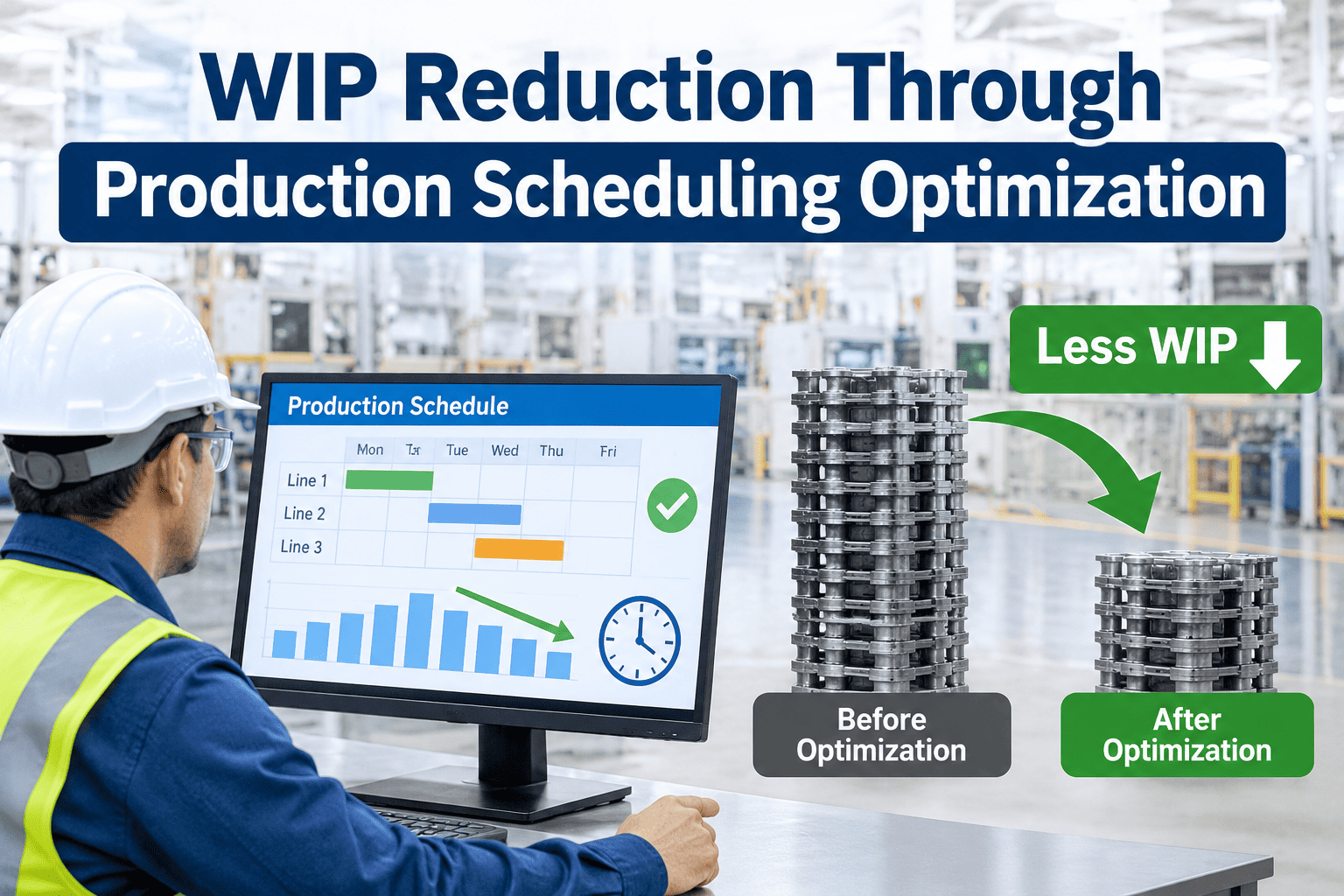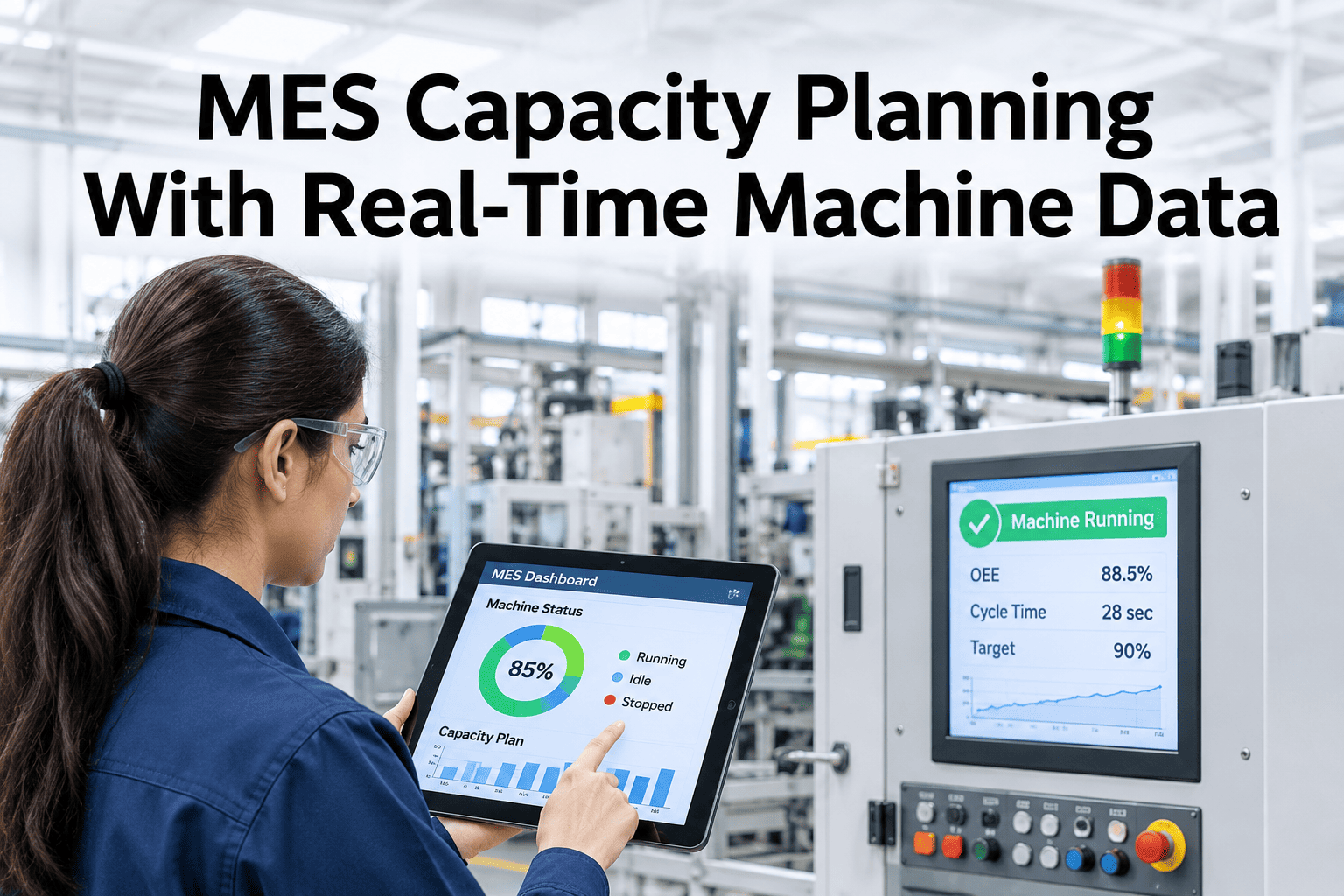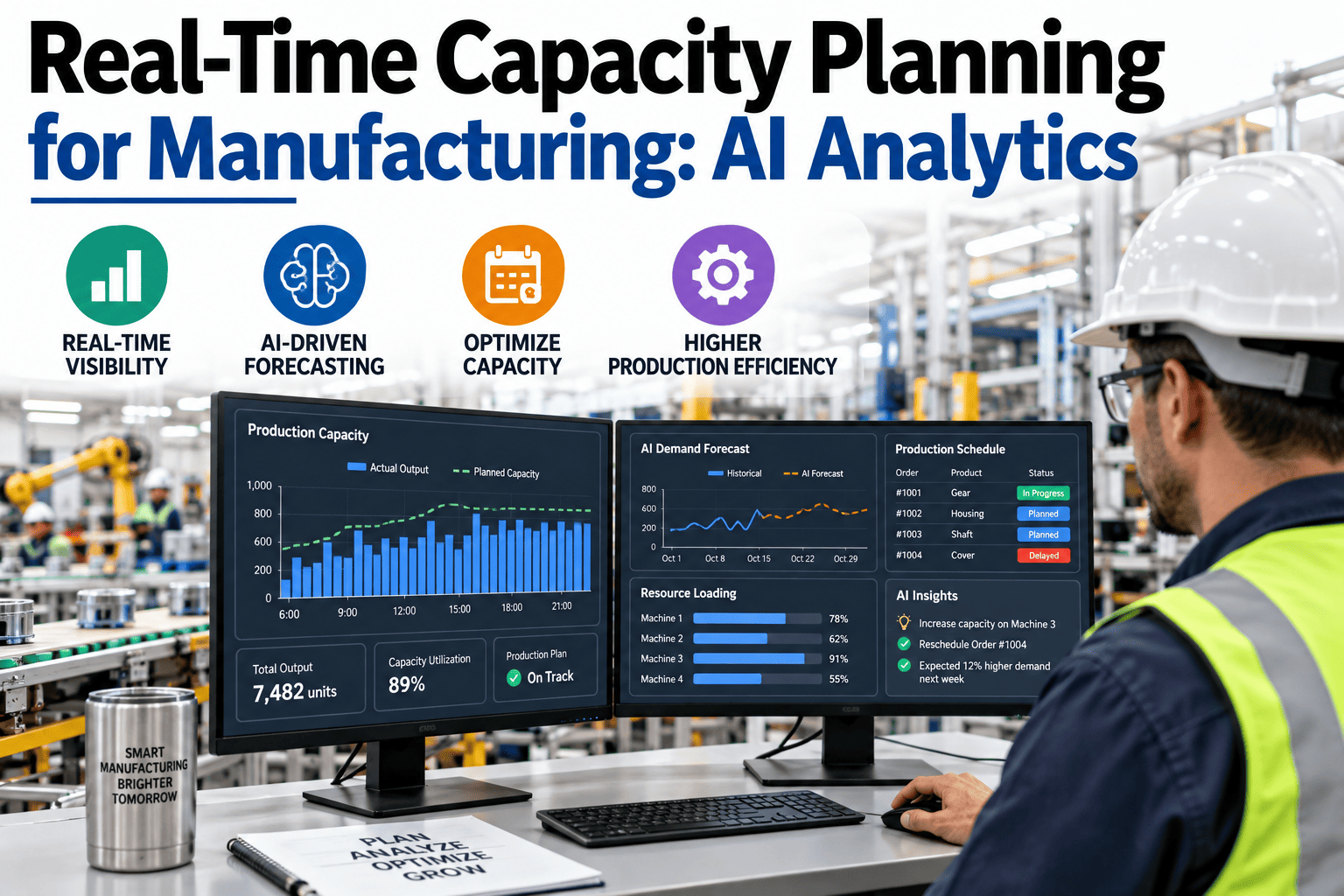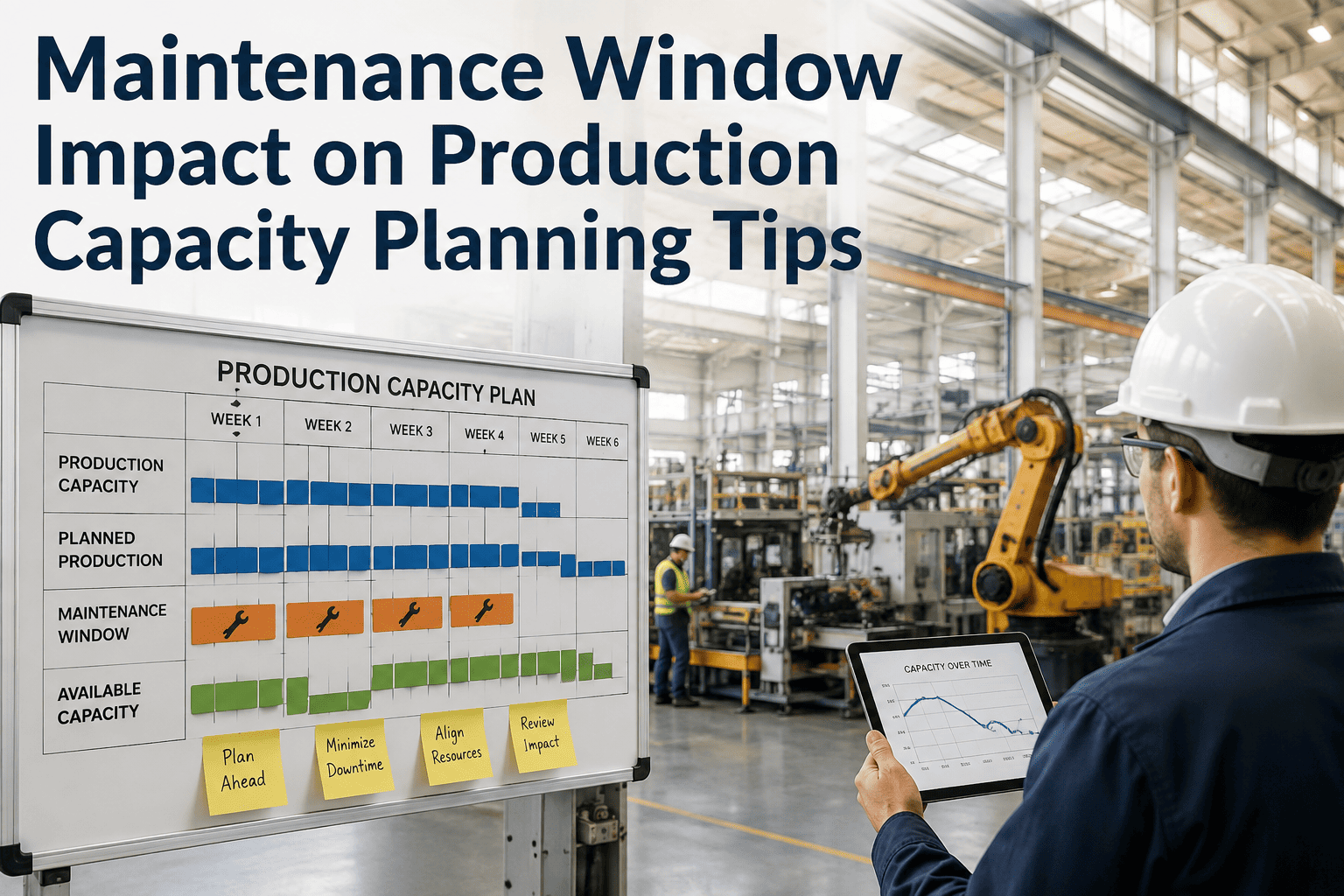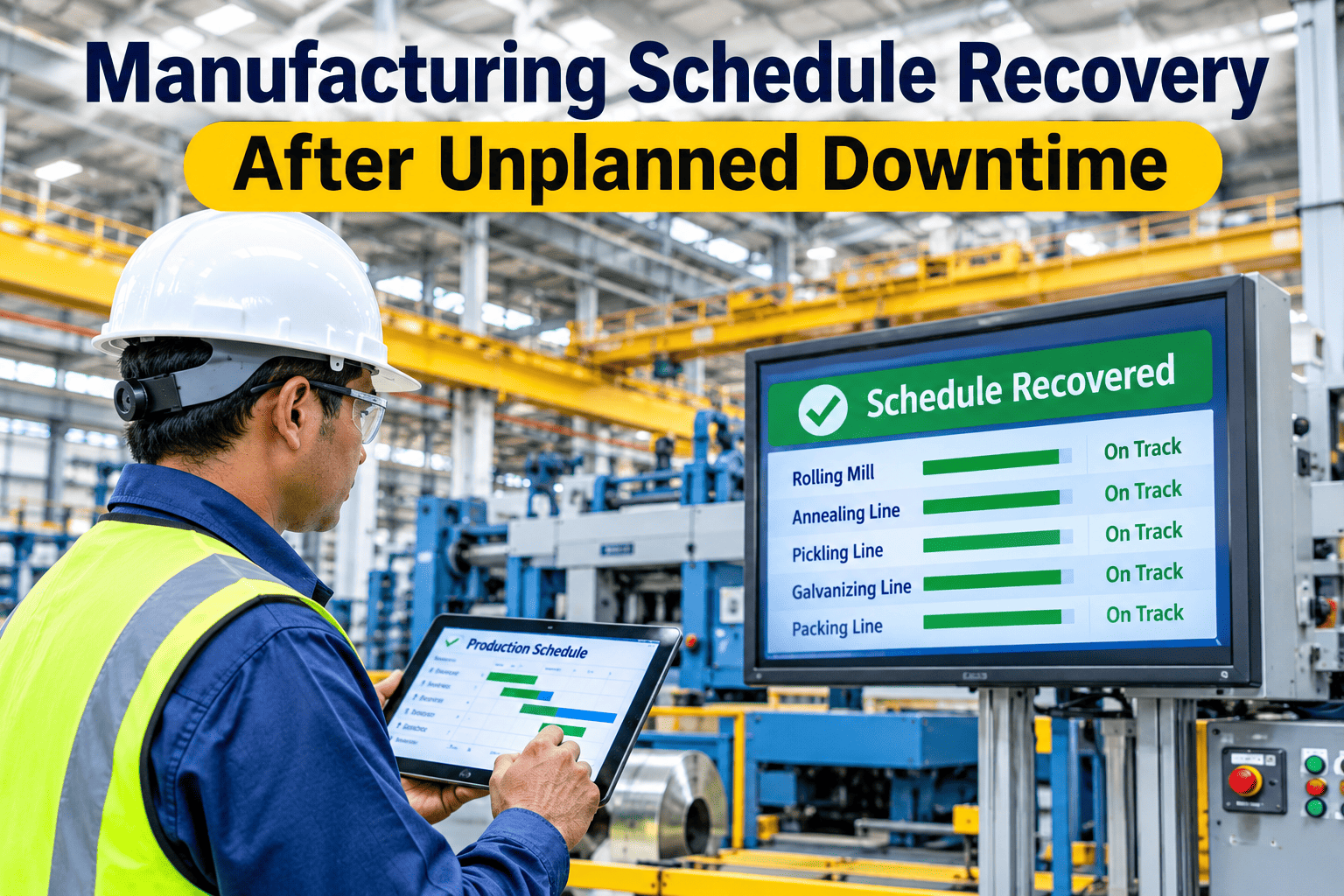
A machine goes down. The alert fires in seconds — but the alert isn't the recovery. The real question is what happens next: which orders are now at risk, which ones can wait, and whether the maintenance window someone planned for next week just became today's problem. iFactory, an on-premise AI platform for production scheduling and OEE analytics, recalculates all four at once, straight from live machine and MES data. See a recovery plan built from your own downtime scenario.
The Alert Tells You What Broke. It Doesn't Tell You What's Now At Risk.
Four things change the moment a machine stops. Most recovery plans only look at one of them.
Fast Isn't The Same As Right
A recovery plan generated in ten seconds that protects the wrong order is worse than no plan at all — it just fails with more confidence.
Detecting the stop is the easy part now; most plants already get an alert within seconds of a breakdown. The hard part was never speed. It's deciding, correctly, which of the twelve orders now behind schedule actually needs to move first — and that decision depends on four things changing at once, not one.
A planner working from instinct alone usually gets the obvious call right: the order someone's already asking about gets protected. The problem is everything the instinct doesn't cover — the order due two days later that was also running through the same downed station, the maintenance slot that was supposed to happen before that order shipped, and the second customer who hasn't called yet because they don't know anything changed. None of that shows up on a gut-feel recovery. All of it shows up on a recalculated one.
Capacity, Priority, Maintenance, Delivery — In That Order
Skip one of these four and the "recovery" just moves the problem somewhere you can't see it yet.
| Step | What changes | What gets missed if skipped |
|---|---|---|
| Capacity | The downed station's output drops to zero | Plan still assumes capacity that no longer exists |
| Priority | Order sequence re-ranked by real urgency | Low-priority order ships on time; the urgent one doesn't |
| Maintenance | Planned windows checked against the new timeline | A scheduled PM collides with the rescheduled rush order |
| Delivery risk | Every affected due date flagged, not just the obvious one | A customer finds out their order slipped — from the truck, not from you |
Which Of Your Orders Would A Breakdown Put At Risk Right Now?
Walk through one of your own recent downtime events — the team will show where the recovery would have landed differently with all four factors recalculated together.
Next Tuesday's Planned Maintenance Just Became Today's Problem
A breakdown doesn't just eat today's capacity. It can quietly collide with a maintenance window that was never supposed to be in the same week.
Push today's lost output into next Tuesday's slot, and the planned maintenance that was supposed to happen then has nowhere to go — so it gets deferred, quietly, by someone just trying to hit a number. That deferred window is exactly how a manageable breakdown turns into next month's bigger one.
This is the part a recovery plan built only around "what ships today" will never catch. The maintenance team wasn't in the room when the rescheduling happened, so nobody flagged the collision until the asset that was supposed to get serviced goes down for real — unplanned, this time, and on a worse day than the one that was originally scheduled.
The Right Order Got Protected. The Wrong One Got Forgotten.
A stamping press goes down mid-shift. The scheduler reacts fast — the day's rush order gets reprioritized within the hour, and it ships on time. Nobody checks what else was running through that press. A mid-size order with a tighter margin for error, due three days out, quietly slides a full day behind. It isn't flagged until the customer calls asking where it is. The recovery wasn't slow. It was narrow — it recalculated for the order everyone was already watching and missed the one nobody was.
Speed fixed the visible problem. Nothing fixed the invisible one, because nothing was recalculating delivery risk across every order — only the one already getting attention.
Three Signs A Recovery Plan Is Doing Its Job
- It touches every order, not just the loud one. The rush order that triggered the scramble isn't the only one running through the downed station.
- It checks maintenance before it checks the clock. A recovery that solves today by breaking next week's PM window isn't a recovery — it's a loan against future downtime.
- It flags delivery risk before the customer does. If the first person to notice a slipped date is the one waiting on the shipment, the recovery happened too late to matter.
One Event, Four Recalculations, One Plan
iFactory reads the breakdown straight from live machine and MES signals the moment it happens — no manual entry, no waiting for a shift report. From there, capacity, priority, maintenance, and delivery risk all recalculate together, not as four separate reports a planner has to reconcile by hand.
- Lost capacity removed from the plan automatically, station by station.
- Every order re-ranked against real urgency, not just the one already flagged as urgent.
- Planned maintenance windows checked against the new timeline before anything gets rescheduled into them.
- Every affected delivery date surfaced at once, not discovered one customer call at a time.
On-premise means this runs on the plant's own data, start to finish — nothing routed off-site to get the recalculation done.
The output isn't a dashboard the planner has to interpret under pressure. It's a specific, executable plan: which orders move, in what order, with which maintenance windows left intact and which delivery dates now need a conversation before the customer has to ask for one.
What A Planner Should Check Before Trusting A Recovery Plan
A recovery plan earns trust when it protects orders nobody was watching, not just the one that caused the scramble.
What Planners Ask About Schedule Recovery
No — an alert tells you something broke. A recovery plan has to recalculate capacity, priority, maintenance, and delivery risk together before it's actually useful. See the difference on a live scenario.
Lost capacity today often gets pushed into next week's slot — the exact slot a planned maintenance window was counting on. Ask support how windows are protected during recovery.
Easily — if recovery only recalculates for the order that triggered the alert, every other order running through the same station is left unchecked. Walk through your own risk exposure with the team.
The planning team — not the customer waiting on the truck. A recovery plan that surfaces every affected date immediately is the difference between managing the conversation and apologizing for it. See how dates are flagged in real time.
No — it removes the hours of manual cross-checking that used to happen before a decision could even be made, so the planner's judgment gets applied to a complete picture instead of a partial one. Talk to the team about where the handoff sits.
See Your Own Downtime Scenario Recalculated
Book a session with the iFactory team and find out which of your orders a real recovery plan would have protected differently.