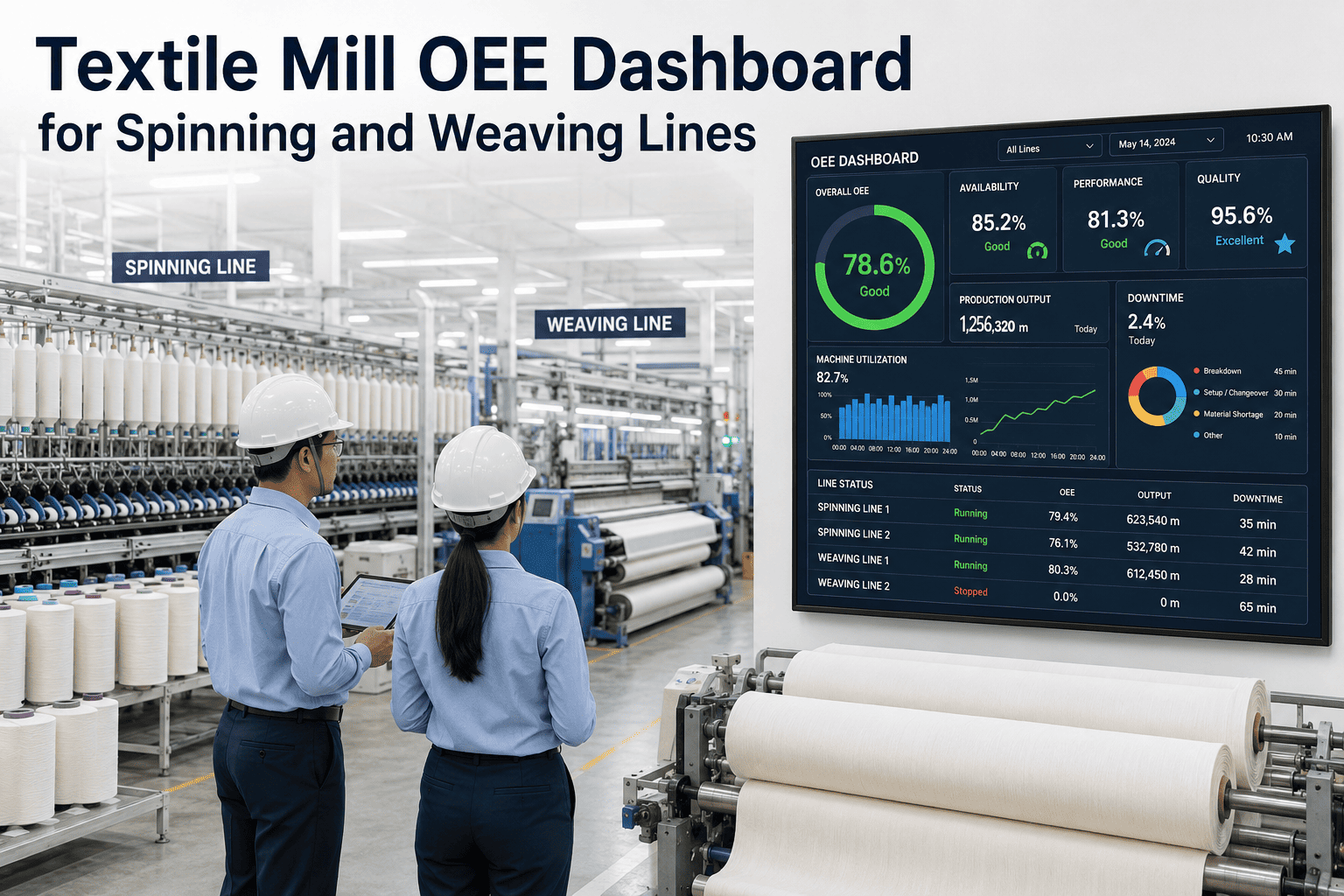
A textile mill's overall OEE figure is a weighted average that can hide more than it reveals. A mill running at 68% OEE plant-wide might have a weaving department at 81% and a finishing department at 54% — and without department-level tracking, the improvement actions go to the wrong place. OEE in a textile mill must be tracked at the department level, matched to the specific loss types that are common in each production stage, and updated frequently enough to support shift-level decisions rather than end-of-week reports. iFactory AI tracks OEE from ring spinning through weaving or knitting to finishing and packing, surfacing where capacity is being lost and why. See how iFactory AI tracks OEE across your mill's production departments.
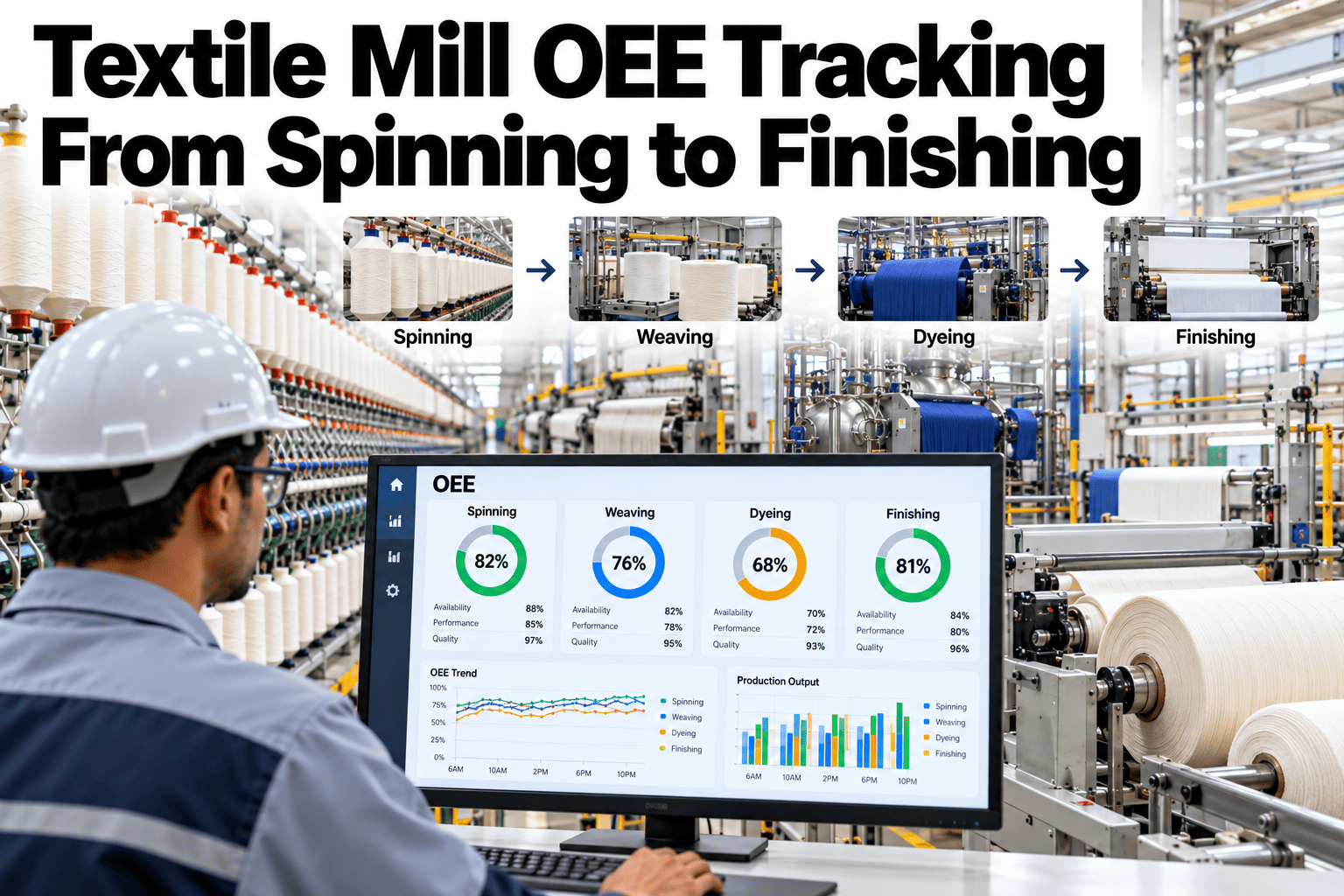
Textile Mill OEE Tracking From Spinning to Finishing
Department-level OEE visibility across spinning, weaving, knitting, dyeing, and finishing — so the improvement action goes to the department where the loss is actually happening.
OEE Loss Patterns by Textile Department
Each department in a textile mill has a characteristic loss pattern — the mix of availability, performance, and quality losses that dominate its OEE gap tends to be predictable by department type.
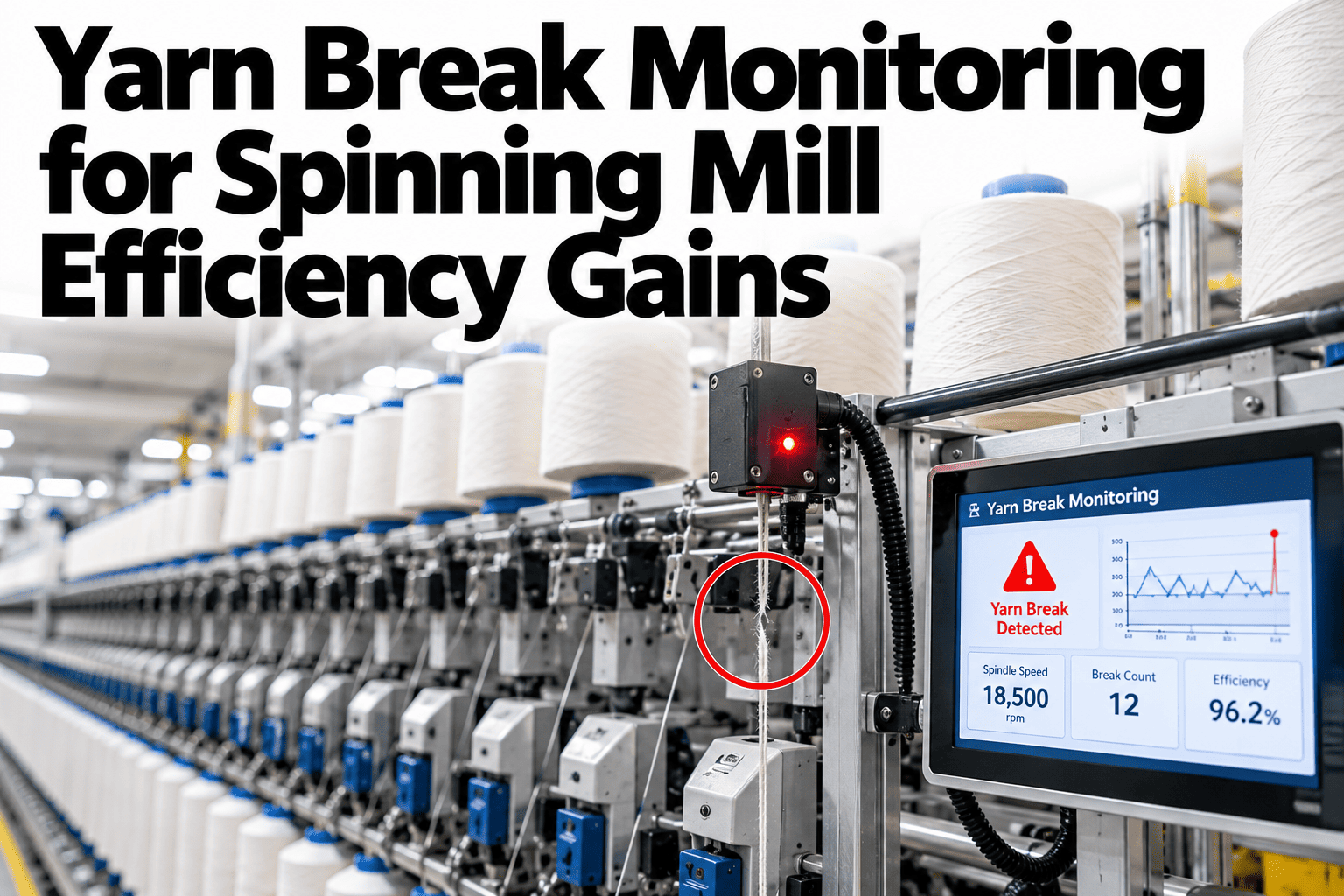
End break rate drives availability loss — each break stops a spindle until a piecer restores it. High end-break machines pull the department's availability score below target while other spindles run well. Speed below rated — spindles running at 80% of their design speed due to yarn count change or operator caution — is the most common hidden performance loss in spinning.
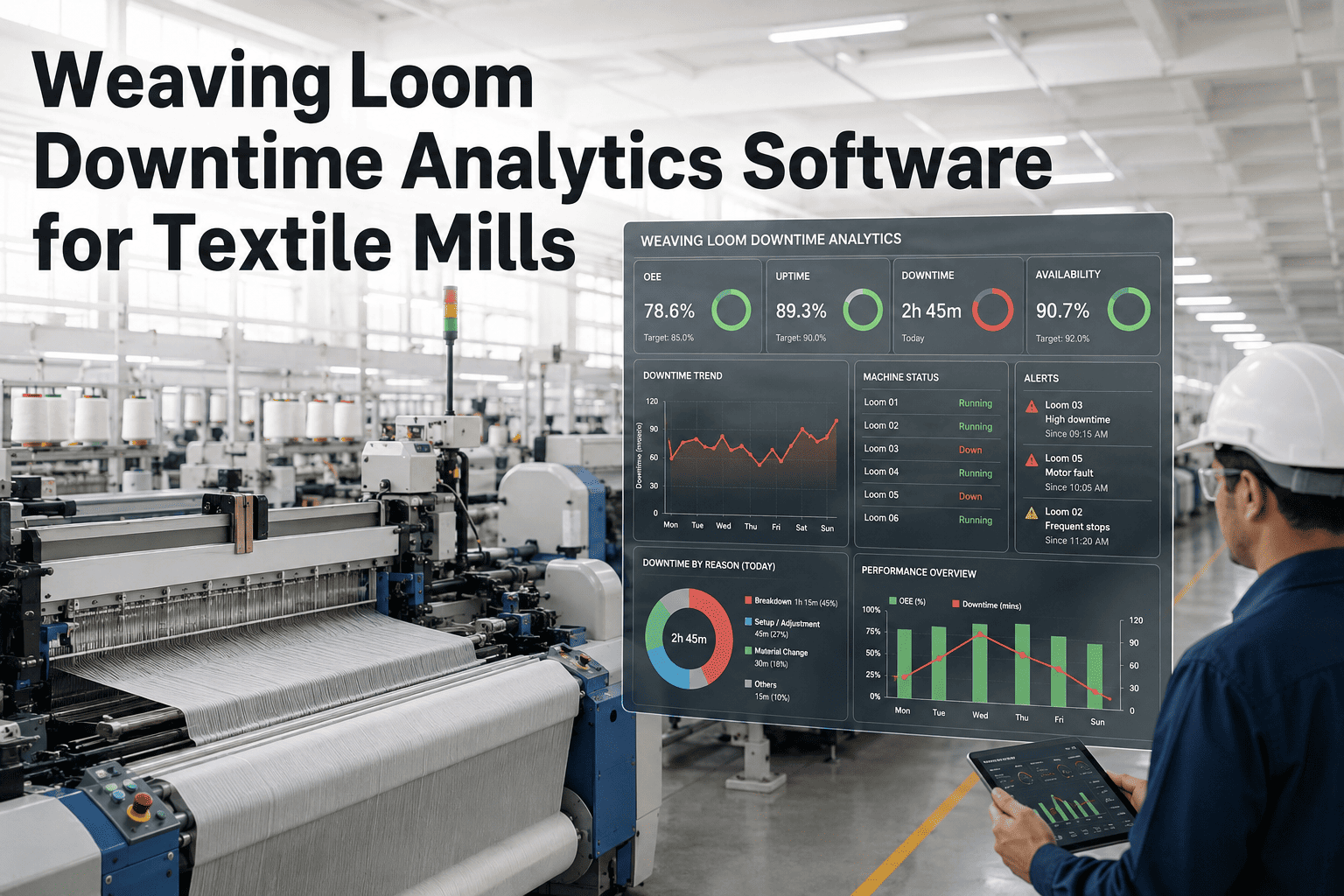
Loom efficiency — the percentage of scheduled time a loom is actually weaving — is the primary OEE indicator for weaving departments. Warp breaks, weft breaks, and mechanical stops each contribute to availability loss, while quality losses from fabric defects (picks, reeds, temples) reduce the quality rate. Knitting departments show similar patterns with needle breakage and yarn supply interruptions as the main availability drivers.
Dyeing OEE is dominated by two distinct loss types: utilization losses (machine idle between batches, waiting for steam, water, or chemicals) and quality losses (colour matching failures and re-dye batches that consume machine time without producing good output). A re-dye consumes a full machine cycle and counts as total quality loss in OEE terms — making dye right-first-time rate one of the highest-leverage improvement targets in the mill.
Finishing lines frequently run below their rated speed due to tension variation, fabric weight differences between lots, or operator conservatism. These are performance losses rather than availability losses — the line is running but not at the speed it is capable of. Fabric inspection holds that stop the line for quality decisions and changeover time between different finishing recipes or fabric types round out the main loss sources.
How iFactory AI Tracks Textile Mill OEE
Textile mill OEE tracking requires connecting to the machine signals that are available in each department — which vary significantly from spinning to finishing — and attributing losses to the right category without manual operator entry.
Automated Loss Attribution
Machine stop events from spindle monitors, loom stop contacts, and line status signals are automatically classified as availability, performance, or quality losses based on the event type — eliminating the dependency on operator manual codes that systematically undercount minor stoppages.
Department-Level Dashboard
OEE by department, updated per shift, with the dominant loss type identified for each department. The improvement priority is visible at a glance without manual cross-referencing of production reports from different departments.
Shift and Machine Comparison
OEE split by shift for the same machine, and ranked by machine within the same department — so the underperforming machine and the underperforming shift are both visible in a single view without manual pivot table analysis.
Production vs. Plan Reconciliation
Actual production output compared to planned output, with the variance explained by OEE loss category — showing how much of the gap came from availability losses vs. speed losses vs. quality losses, and where in the production process each loss type occurred.
Track OEE Across Every Department in Your Mill
iFactory AI connects to spinning, weaving, dyeing, and finishing machine signals and delivers a unified department-level OEE view. Book a session to see how the tracking applies to your mill's production layout.
Frequently Asked Questions
Does iFactory AI require new sensors to track OEE in a textile mill, or can it use existing machine signals?
iFactory AI connects to existing machine stop contacts, spindle monitors, and production counters where they are available, supplementing with low-cost current or vibration sensors only where machine signals are absent. Most modern spinning and weaving machines have usable signals already — the deployment scopes this during installation. Ask support about connectivity for your specific machine makes and models.
How should OEE targets be set differently for dyeing versus spinning departments?
Targets should reflect the inherent OEE characteristics of each process — dyeing has longer planned changeover times and higher quality loss variability than spinning, so a world-class dyeing OEE of 70–75% is not directly comparable to a world-class spinning OEE of 80–85%. iFactory AI allows department-specific targets rather than a single mill-wide threshold. Walk through department-specific target setting in a live session.
Can OEE tracking identify which specific machines are pulling down a department's average?
Yes. iFactory AI ranks machines within each department by OEE, updated per shift, so the lowest-performing machines are always visible without manual sorting of production records. The loss type breakdown by machine shows whether the gap is driven by mechanical stops, speed, or quality — directing the right corrective action to the right asset.
How does quality loss from fabric rejection get captured in the OEE calculation for finishing?
Quality loss in the OEE calculation covers fabric that fails inspection and is either downgraded, returned for reprocessing, or scrapped — reducing the first-quality output relative to total production time used. iFactory AI imports inspection results from the quality system or fabric length sensors and includes quality-grade output in the OEE denominator, so the quality rate reflects actual saleable production rather than total metres processed. See how quality rate is calculated for finishing in a live demonstration.
How quickly can a mill expect to see OEE improvement after deploying iFactory AI?
Visibility of the loss distribution — which department and which loss type — is available from the first shift of measurement. Actual OEE improvement from targeted action typically begins showing in the data within four to eight weeks as the first improvement actions on the identified priorities take effect. Sustained improvement to a new baseline typically consolidates over three to six months.
Know Where Your Mill Is Losing OEE — Department by Department
iFactory AI tracks OEE from spinning to finishing and ranks improvement priorities by production impact. Book a walkthrough to see the department-level view built for your mill's layout.