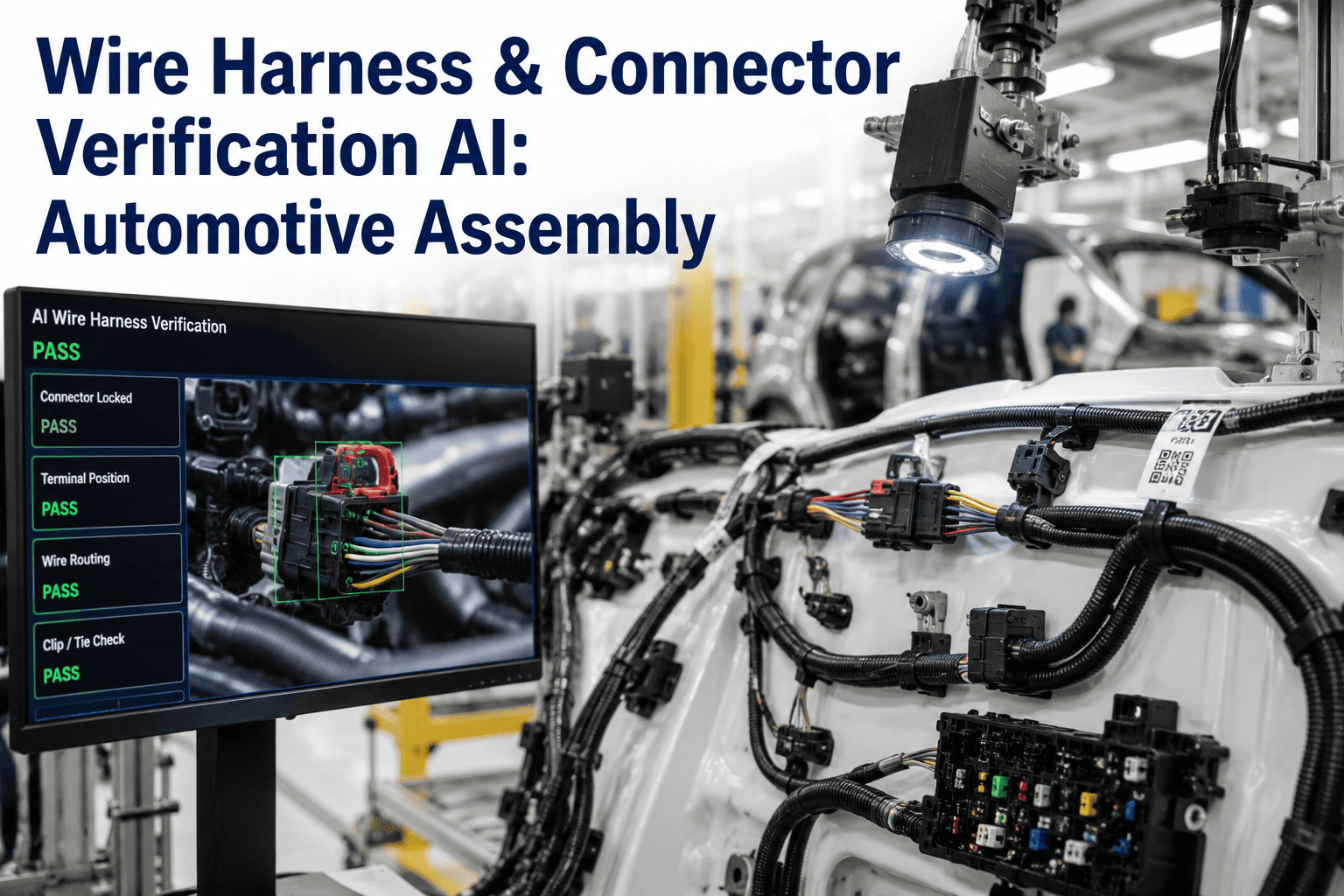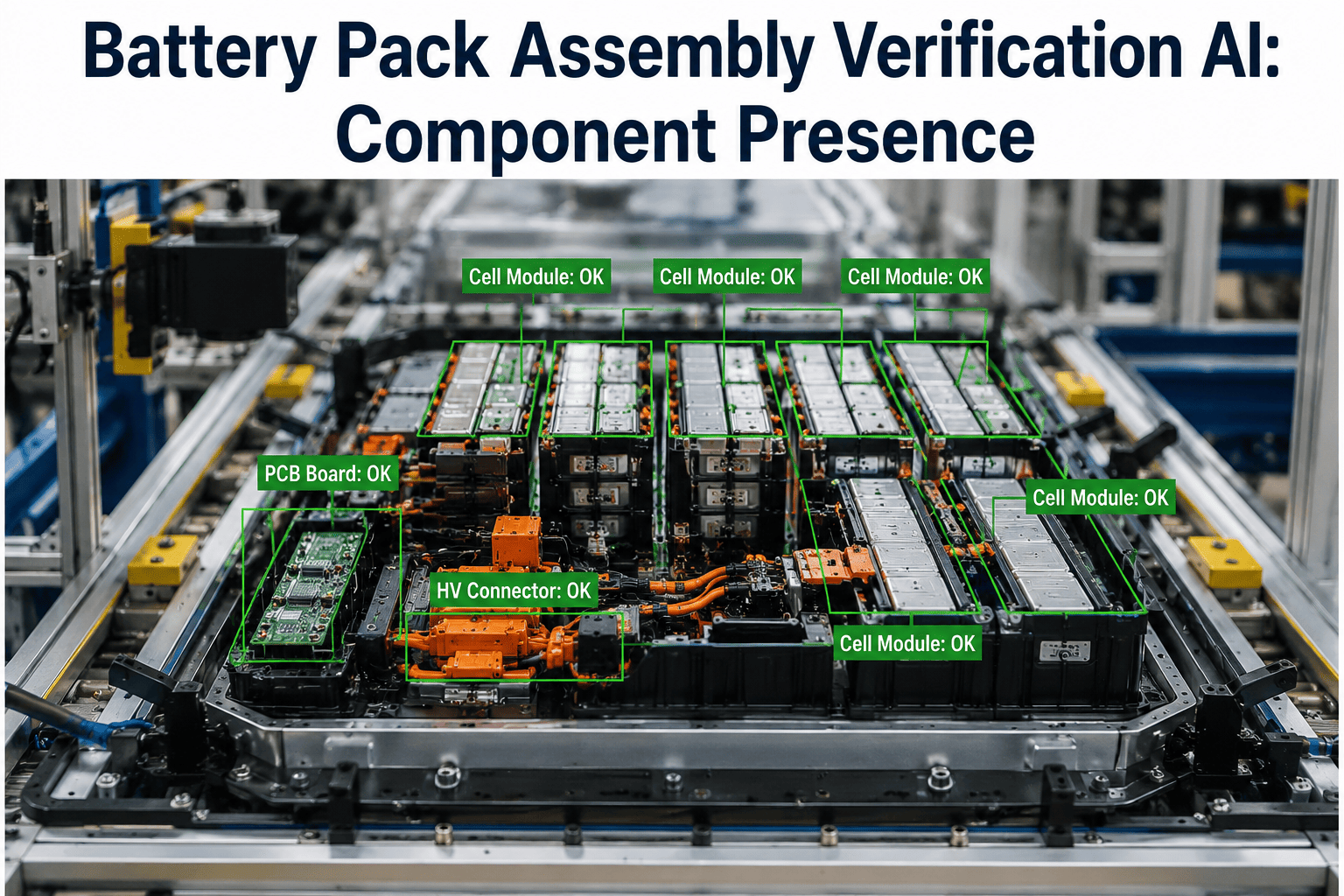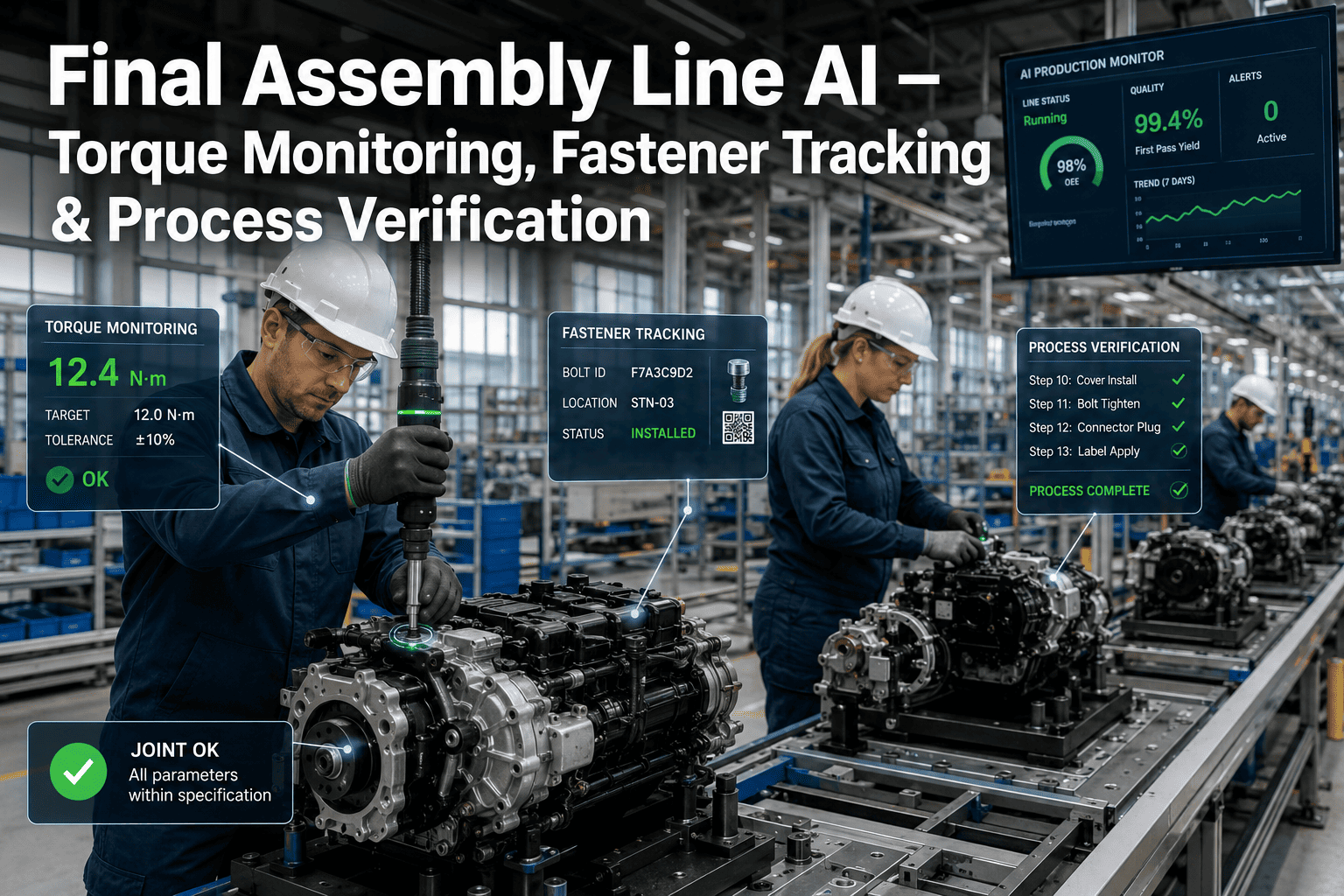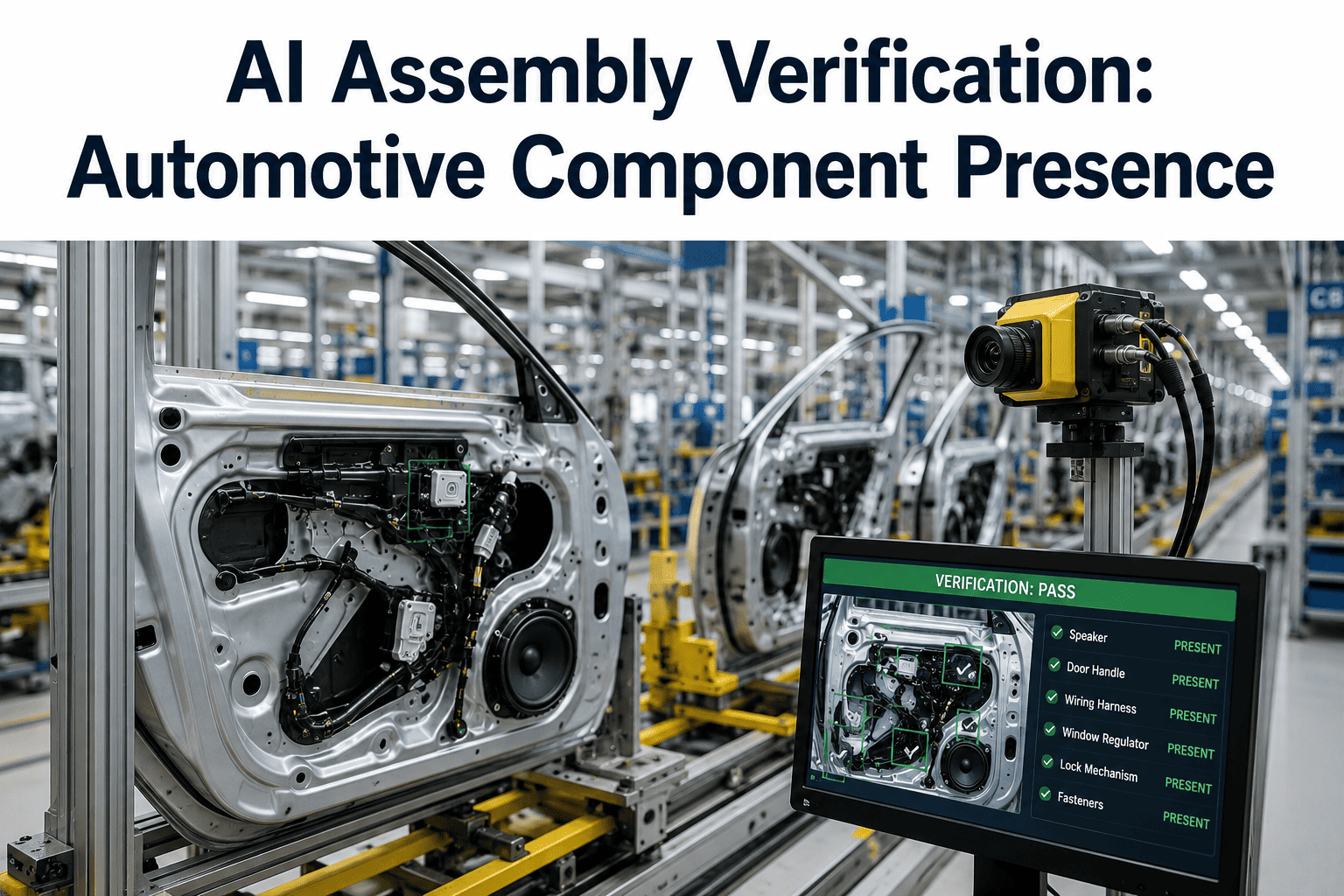
A missing clip, a connector seated at the wrong angle, a bolt that never made it into its bore, these are the defects that traditional torque sensors and limit switches were never designed to catch, because they confirm that a tool cycled, not that the part it touched actually ended up where it belonged. Final assembly and trim lines run thousands of these small verification points across a single shift, and human visual checks fatigue exactly where automotive volume punishes fatigue the most. AI assembly verification closes that specific gap by confirming component presence, orientation, and seating with a camera at every station rather than a spot check, and you can book a demo to see it running against your own assembly stations.
Confirm Every Part Is There, Right Side Up, Fully Seated
iFactory's AI assembly verification checks component presence, correct orientation, and proper seating at every station on the line, catching the class of defect that torque and proximity sensors were never built to see.
A Sensor Confirms the Tool Cycled, Not That the Part Is Right
Most assembly stations already have some form of process confirmation, whether that is a torque reading, a light curtain, or a proximity switch, and these tools are genuinely reliable at what they were designed for. What they cannot verify is whether the correct part, in the correct orientation, actually landed where it was supposed to, because none of that information passes through a torque wrench or a proximity switch. A trim clip installed backward, a grommet skipped entirely, a connector that clicked into a neighboring cavity instead of its own, all of these can happen while every existing sensor on the station reports a completed cycle.
Human Checks Fatigue Exactly Where Volume Punishes It Most
A trained operator can spot a missing clip reliably in isolation, but repeat that same visual check every forty-five seconds across an eight-hour shift and accuracy inevitably drifts, not because of skill but because of how human attention works under repetitive load. Camera-based verification does not fatigue, does not get distracted by the part before or after, and applies the identical check with the identical criteria on part one and part ten thousand of the shift.
See Component Verification Running on Your Own Station
iFactory can walk through how camera-based verification would be configured for a specific station on your line. Book a demo to see it in action.
Verification Points Span Body, Trim, and Final Assembly
Component verification is not limited to one station type, it applies wherever a small part is added and its absence would only be discovered downstream, at end-of-line testing, or worse, after the vehicle has shipped.
What Changes When Every Unit Is Checked, Not a Sample
A sampling-based quality check was built for an era when checking every unit was not practical, but camera-based verification removes that constraint, and the difference shows up most clearly in what escapes to the next station.
| Factor | Manual Spot Check | iFactory AI Verification |
|---|---|---|
| Coverage | Sample of units, or full check dependent on operator fatigue | Every unit, every cycle, without fatigue drift |
| Consistency | Varies by operator experience and shift time | Identical criteria applied to every check |
| Detection of Small Defects | Limited by visual angle and time per unit | High-resolution imaging captures fine detail consistently |
| Escape Rate to Next Station | Higher, since gaps are not caught until downstream | Lower, since the check happens at the point of install |
Setting Up Verification for a New Assembly Point
Configuring verification for a new station is a defined process rather than a custom build from scratch each time, since most stations share a common structure of one or a few reference images against which every unit is compared.
What Quality and Manufacturing Engineers Ask First
Catch the Defects Your Sensors Were Never Built to See
iFactory verifies component presence, orientation, and seating at every station, every cycle. Book a demo and see it configured against your own assembly points.