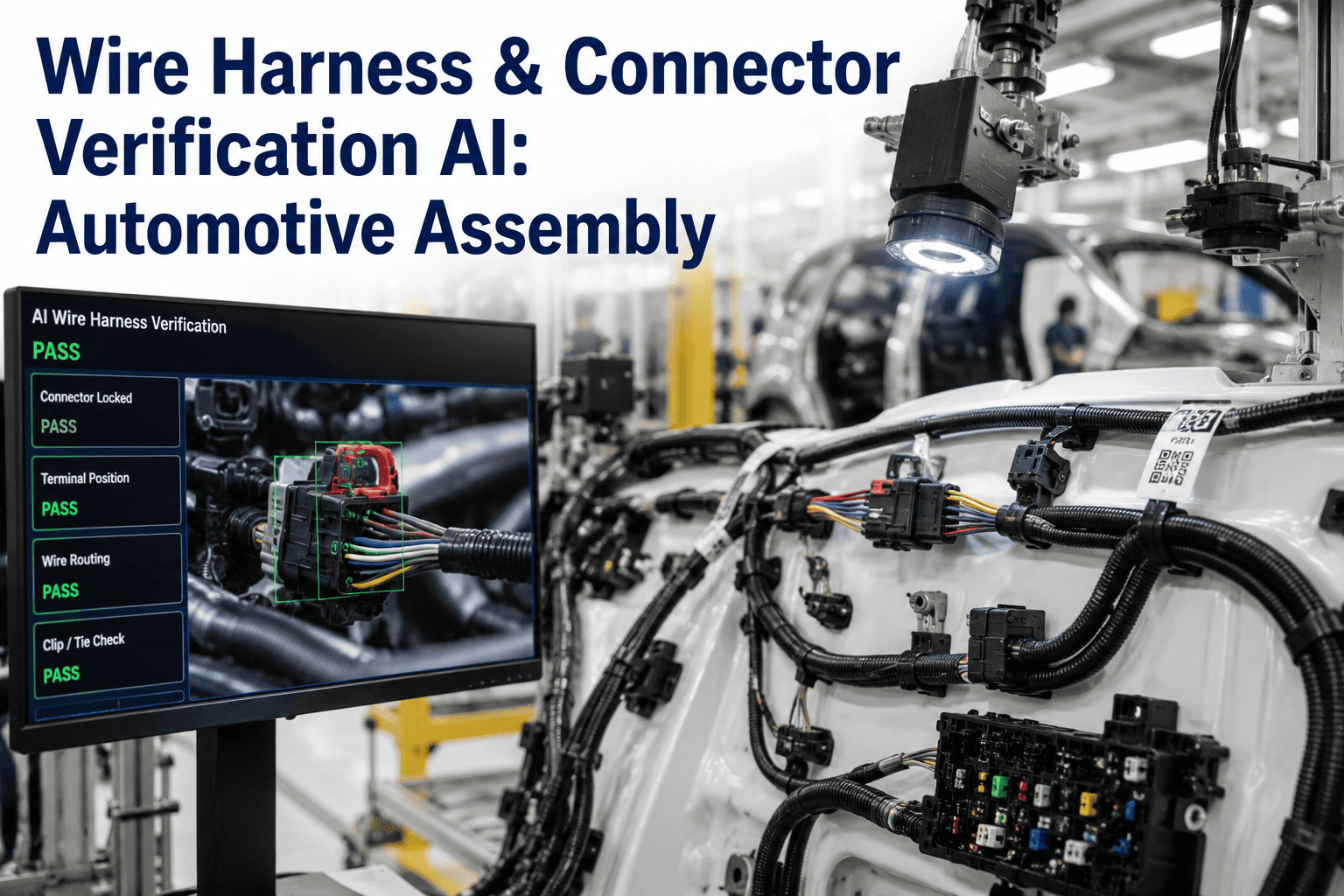
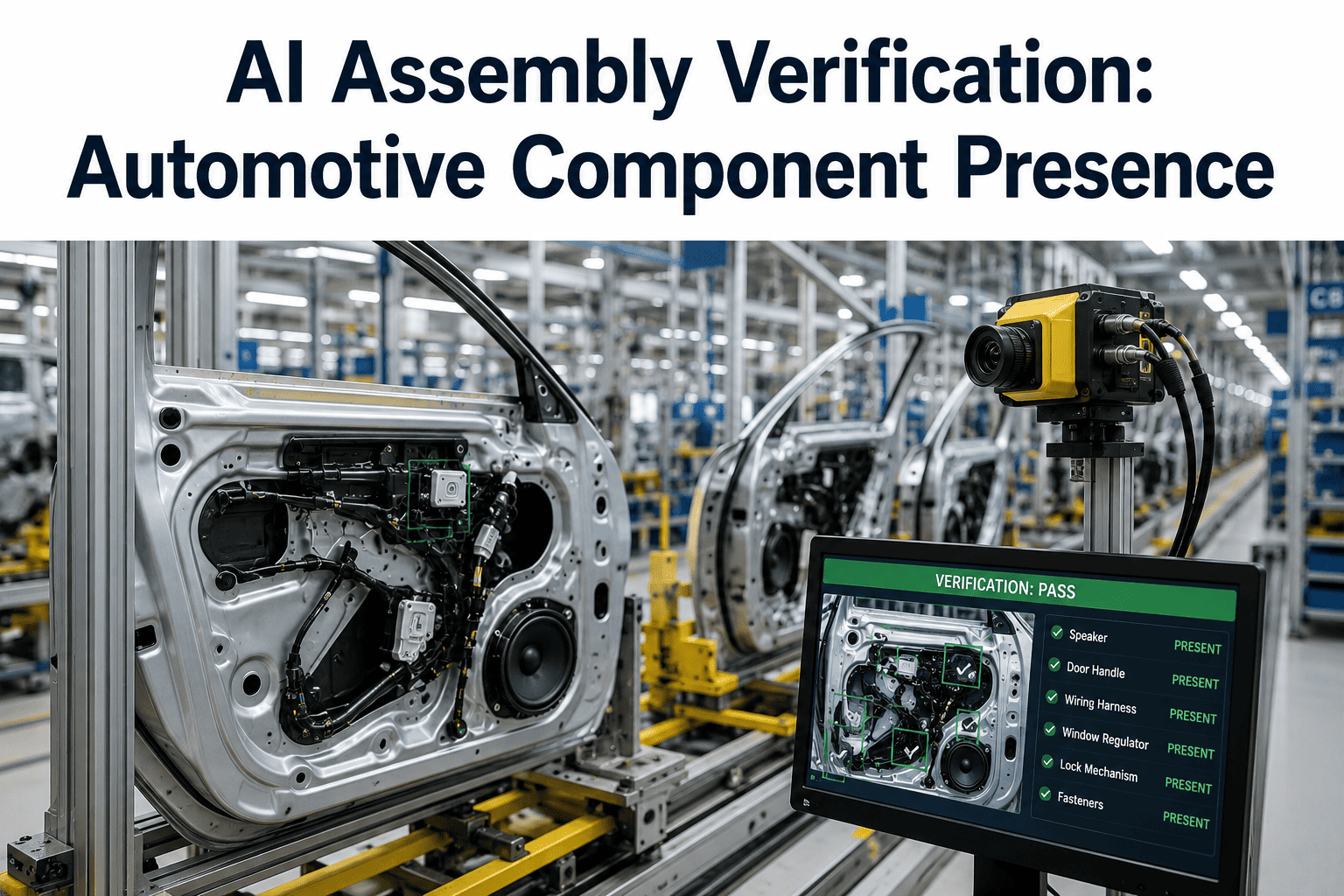
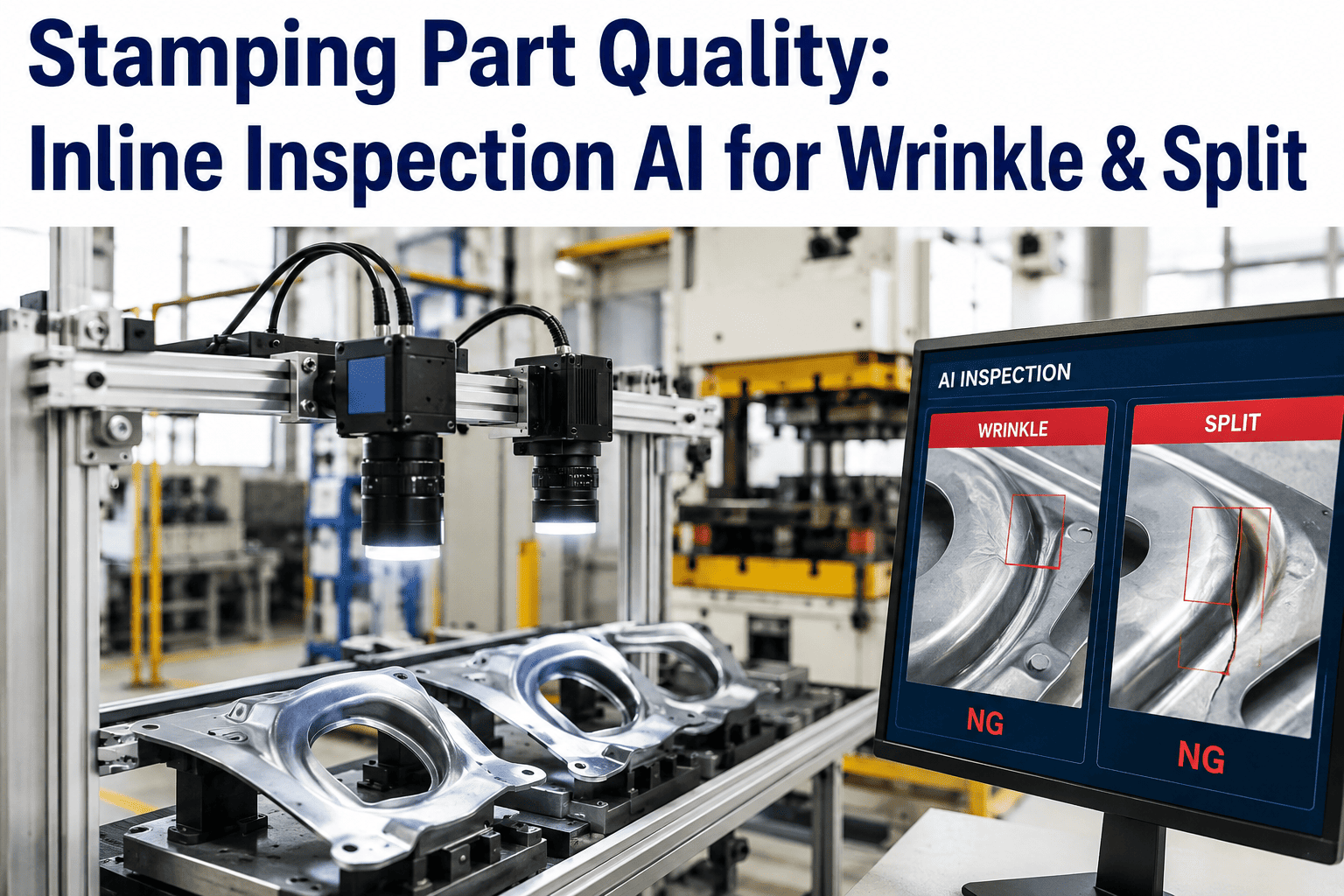
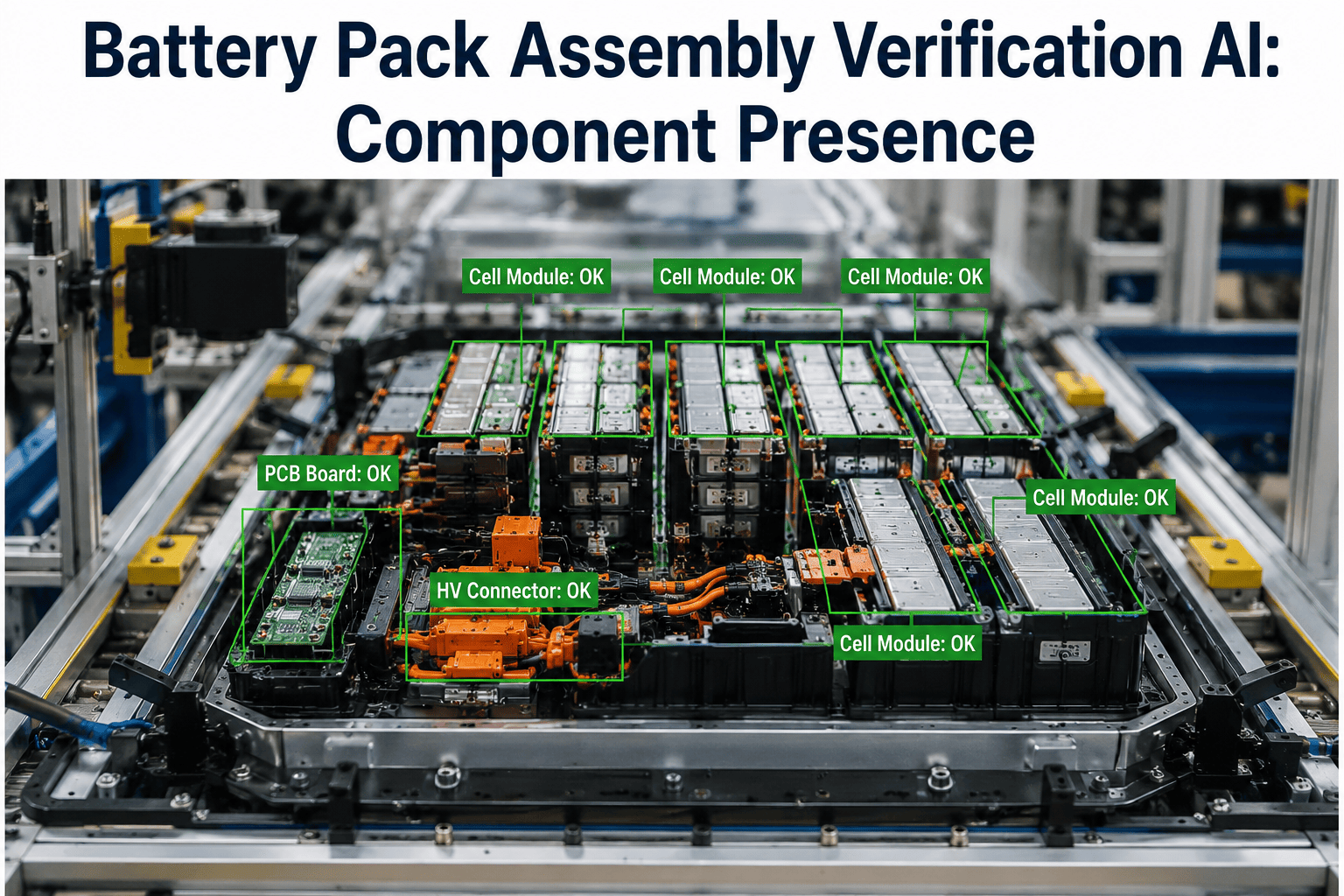
A missing clip or an unseated connector rarely announces itself on the line, it shows up weeks later as a warranty claim, a rattle complaint, or in the worst case a safety recall, long after the operator who built that station has moved on to a hundred other vehicles. Human inspection catches the obvious misses but struggles with the subtle ones, a fastener that looks tightened but is not fully seated, a clip that clicked halfway, a connector pushed in at an angle that will work loose under vibration. iFactory's vision platform checks every fastening point against a reference model on every single unit, at line speed, and flags anything that does not match before the vehicle moves to the next station, and you can book a demo to see it running against your own assembly points.
ASSEMBLY VERIFICATION · FASTENER, CLIP & CONNECTOR AI
The Assembly Errors That Pass Every Manual Check
iFactory's vision models verify presence, engagement, and seating state for every fastener, clip, and connector on the line, catching the escapes that look fine to the eye but fail under vibration, heat, or time.
Fastener
Presence and torque-consistent seating verified per point
Clip
Full engagement distinguished from a partial click
Connector
Seating angle and lock-tab position confirmed
WHY THIS KEEPS HAPPENING
Assembly Escapes Are a Volume Problem, Not a Skill Problem
A single vehicle can carry several hundred fastening points across trim, wiring harnesses, and structural brackets, and a station operator repeating the same motion hundreds of times a shift will eventually miss one, not from carelessness but from the simple statistics of repetitive manual work performed at takt time. The parts that go missing most often are the ones that offer no obvious visual or tactile feedback when they fail, a connector that seats at the wrong angle still clicks, a clip that catches on the first tooth instead of fully seating still feels secure to a rushed hand.
100%
Of fastening points can be checked per unit instead of a sampled subset
Seconds
Typical verification time per station, matched to line takt
Zero
Downstream escapes once a station catch rate stabilizes
HOW VERIFICATION WORKS
From Reference Model to Pass/Fail in Four Steps
01
Reference Model Built
A correctly assembled unit is captured and every fastening point is mapped to an expected position and state.
02
Live Capture at Station
Cameras positioned at the station capture each unit as it passes, timed to the point where all fasteners should be complete.
03
Point-by-Point Comparison
Every mapped point is checked for presence, position, and seating state against the reference, not just a generic presence check.
04
Flag and Hold
Any point that does not match is flagged immediately, holding the unit before it advances to the next station.
See Your Own Assembly Points Verified Live
Bring a sample of your recurring assembly escapes and iFactory will show how the vision model would have caught each one.
MANUAL VS VISION VERIFICATION
What Changes When Every Point Is Checked Every Time
Manual inspection is not careless, it is simply limited by attention span and sampling, whereas a vision system applies the exact same scrutiny to the first unit of the shift and the last.
Manual Inspection
Sampled units, not every unit
Fatigue affects catch rate late in shift
Partial engagement often reads as complete
Escapes surface downstream or in the field
iFactory Vision Verification
Every unit checked at every mapped point
Consistent standard regardless of shift or hour
Seating and angle distinguished from mere presence
Held at station before the unit advances
DEPLOYMENT AT A GLANCE
What It Takes to Get a Station Running
| Deployment Factor |
Typical Requirement |
| Camera Placement |
One to three cameras per station depending on point density and access angles |
| Reference Setup |
One correctly assembled sample unit per model variant |
| Cycle Time Fit |
Verification designed to run within existing station takt time |
| Line Integration |
Hold or divert signal connected to existing station controls |
WHERE THIS APPLIES
Stations With High Fastener, Clip, or Connector Density
Interior Trim Lines
Dozens of clips per panel with no tactile feedback difference between full and partial engagement.
Wiring Harness Stations
Connector seating and lock-tab position verified before harness routing is sealed from view.
Underbody and Chassis
Structural fasteners checked for presence and seating before the unit moves to areas that become inaccessible.
Final Assembly
Last-chance verification point before a unit leaves the plant, catching anything missed upstream.
FREQUENTLY ASKED QUESTIONS
What Assembly and Quality Teams Usually Ask
Can the system tell the difference between a fully seated clip and one that only caught the first tooth?
Yes, the model is trained on the specific visual signature of full engagement for each clip type, including the slight gap or misalignment that a partially caught clip produces, which is often invisible to a quick visual check but consistent enough for a trained model to flag reliably. This is one of the most common escape types the system is built to catch.
Book a demo to see this checked against your own clip types.
Do we need a new reference model every time a variant changes?
Each model variant needs its own reference capture since fastening point layout differs, but once captured the reference is reused for every unit of that variant going forward, and adding a new variant is a matter of capturing one correctly assembled sample rather than rebuilding the entire system.
Contact our support team to plan reference setup across your current variant mix.
What happens to a unit that gets flagged at a station?
The unit is held at the station through a signal connected to your existing line controls, the specific flagged point is displayed to the operator so the fix is immediate rather than requiring a rediagnosis, and the unit only advances once the correction is confirmed. This keeps the fix at the point of assembly instead of pushing it downstream.
Book a demo to see the operator-facing flag display.
Can this run at high line speeds without slowing the station down?
Verification is designed to complete within the existing station cycle time rather than adding a separate inspection step, and camera and processing configuration is sized specifically to the takt time of the station it is deployed on.
Contact our support team to review your current cycle time against expected verification duration.
Does lighting or paint color on the surrounding panel affect accuracy?
Lighting and surface variation are accounted for during setup, with illumination and model training adjusted for the specific surface finishes and colors present at that station, so a dark interior trim panel and a light one are both handled reliably.
Book a demo to review setup for your specific trim colors and finishes.
Stop Finding Out About Missed Fasteners in the Field
iFactory verifies every fastening point on every unit at line speed, before it becomes a warranty claim. See it running on your own assembly points.