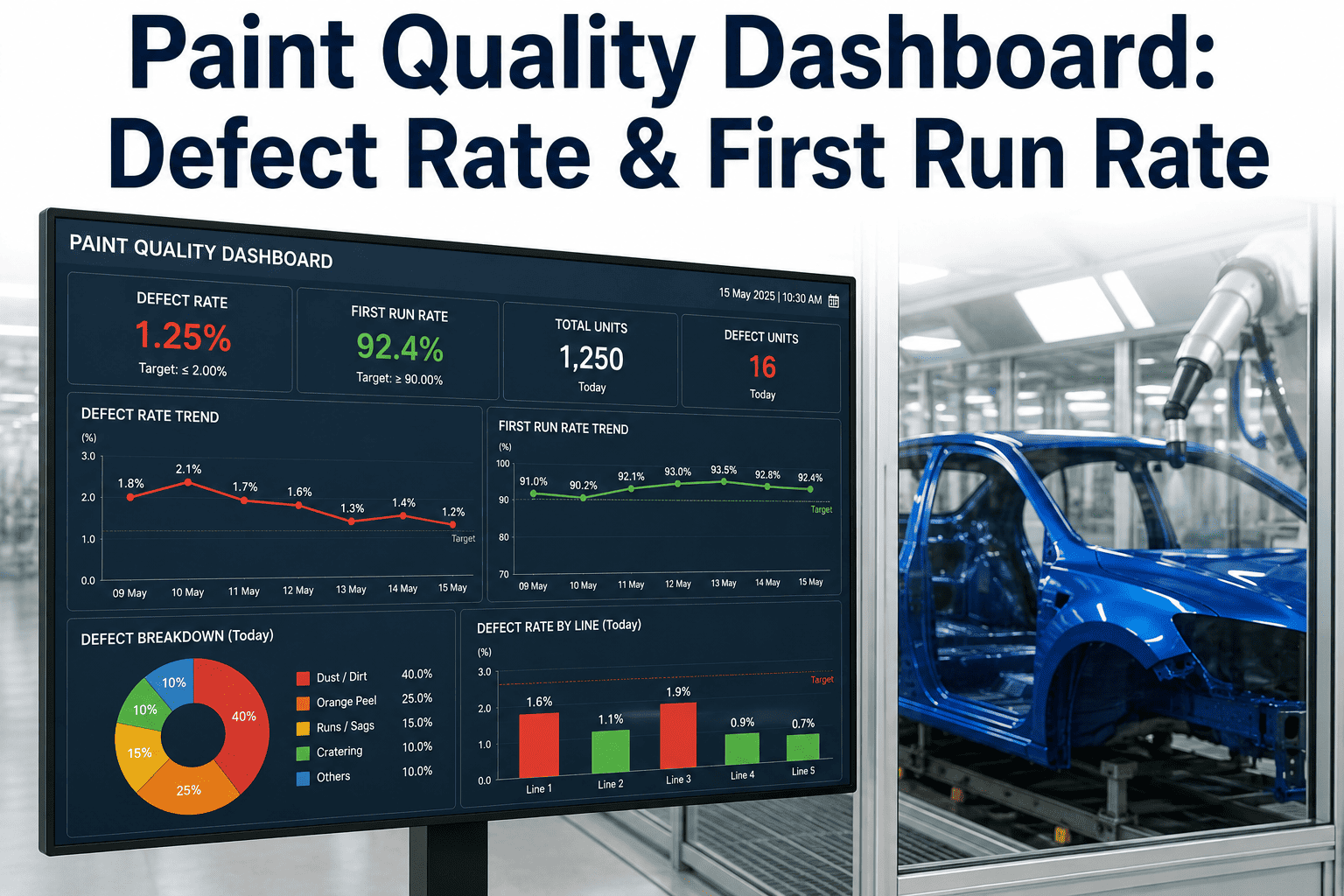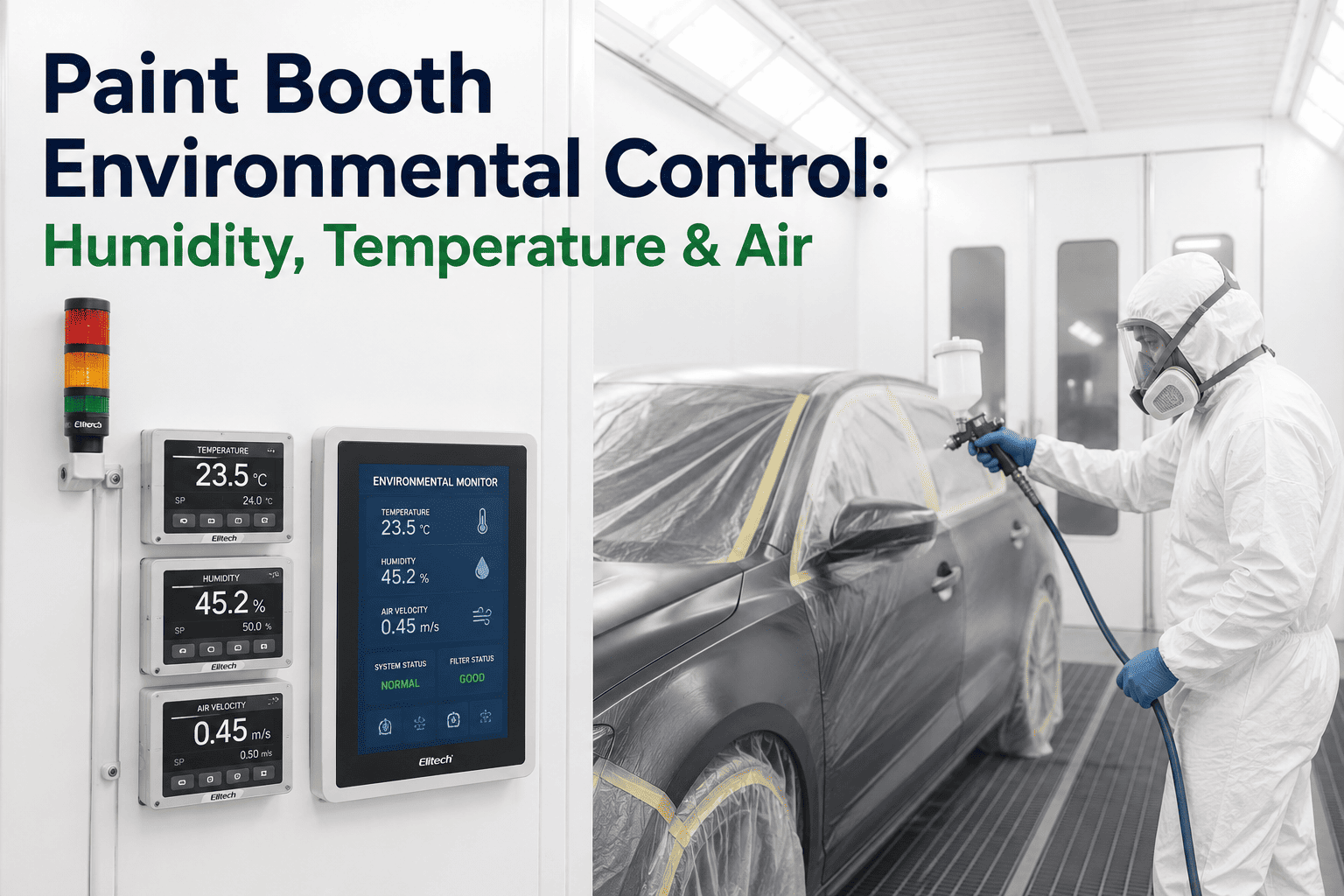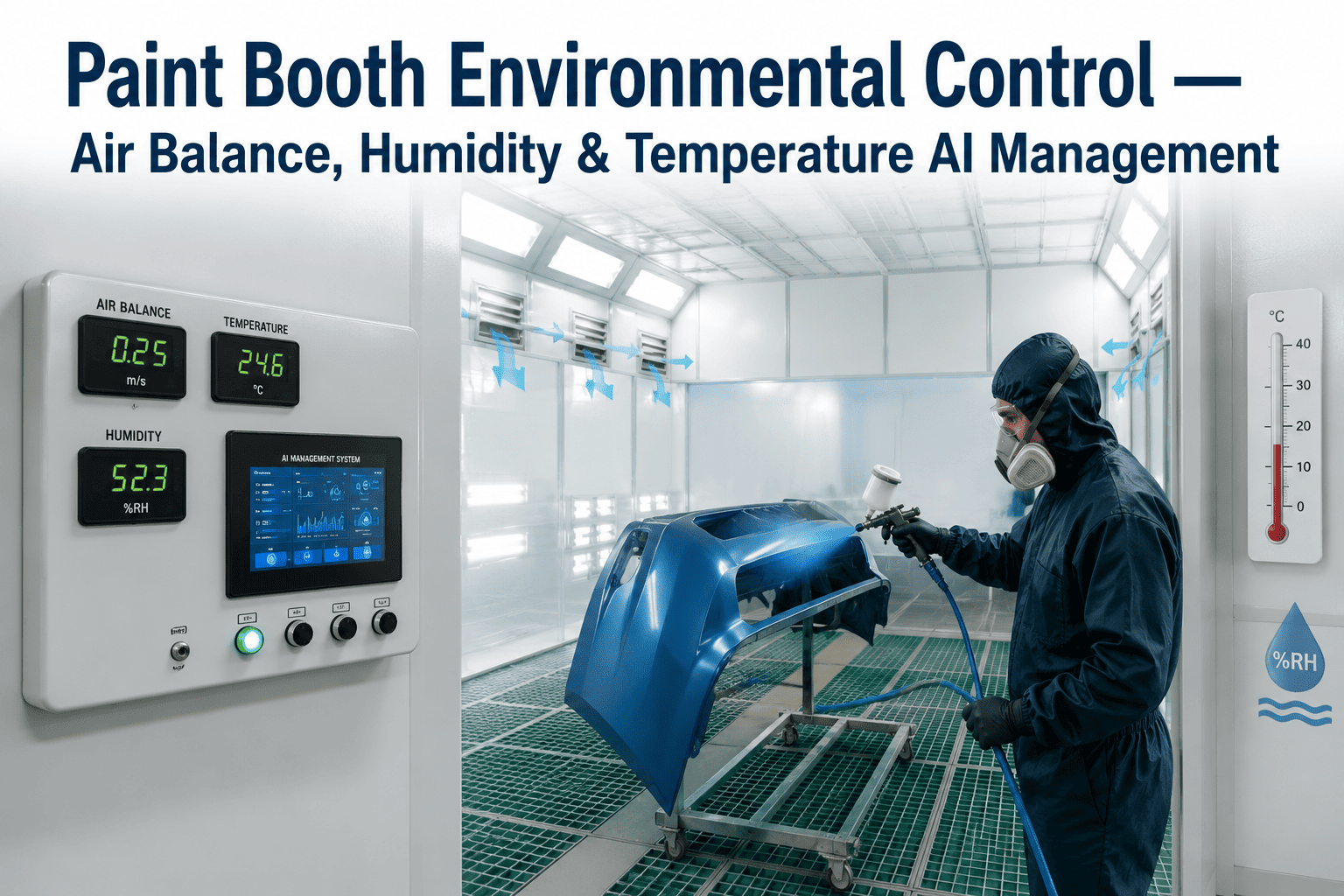
A paint booth is a small climate of its own, and the paint inside it responds to that climate every second it is in the air. Temperature, humidity, airflow and airborne particles all change how droplets travel, how the film levels and how much dirt lands in the wet coat. When the climate drifts, defect rates rise a few hours later, usually after the bodies have already left the booth. This guide explains how environment monitoring is tied to the defect rate so drift is caught at the source, and you can explore how your own booth data would line up with defects.
Auto Paint Booth Environment Monitoring for Quality Control
iFactory tracks booth humidity, temperature, airflow and particulates, links them to the paint defect rate and warns when conditions leave the window that protects quality.
Four Conditions That Must Stay Inside Their Window
Each condition has a band in which paint behaves well, and the job of monitoring is to keep it there.
The shaded bands are illustrative, and your paint supplier and booth design define the real windows.
What Happens When Each Condition Drifts
Drift in either direction causes trouble, and each condition tends to leave its own signature on the finish.
| Condition | Drifts low | Drifts high | Typical defects |
|---|---|---|---|
| Temperature | Slow flash-off and sagging risk | Fast drying and orange peel | Runs, sags, texture |
| Humidity | Static charge and dust attraction | Poor drying, cloudiness, solvent pop | Dirt, haze, pops |
| Airflow | Overspray lingers and settles on bodies | Disturbed pattern and dry spray | Dirt, thin film |
| Pressure balance | Dirty air leaks into the booth | Little risk, but energy is wasted | Dust contamination |
Where to Watch the Air Along Its Journey
Air changes as it travels through the system, so sensors at each stage show where a problem enters.
See your booth conditions next to your defect rate
iFactory can line up booth sensor data with defect results and show which conditions matter most on your lines.
Why Cause and Effect Never Line Up Neatly
A defect is usually found after bake, so the environment event that caused it sits earlier on the clock.
Time-aligning the two rows lets the AI match each excursion to the bodies that were actually in the booth at that moment.
The Edge of the Window Is Where Trouble Starts
Defect rate rarely jumps at a single threshold, and it tends to climb as conditions move toward the edge of the window.
The bars illustrate the shape of the relationship, and your own data will show how steep it is.
Three Levels of Response
Not every drift deserves the same reaction, so responses are graded by how close conditions are to the limit.
The Same Booth Behaves Differently Through the Year
Outside air changes with the season, and the conditioning system works hardest when the swing is largest.
What Paint Shop Teams Ask
Keep Your Booth Inside the Window That Protects Quality
iFactory links booth conditions to paint defects and warns before drift becomes rework, so the finish stays consistent through every shift and season.