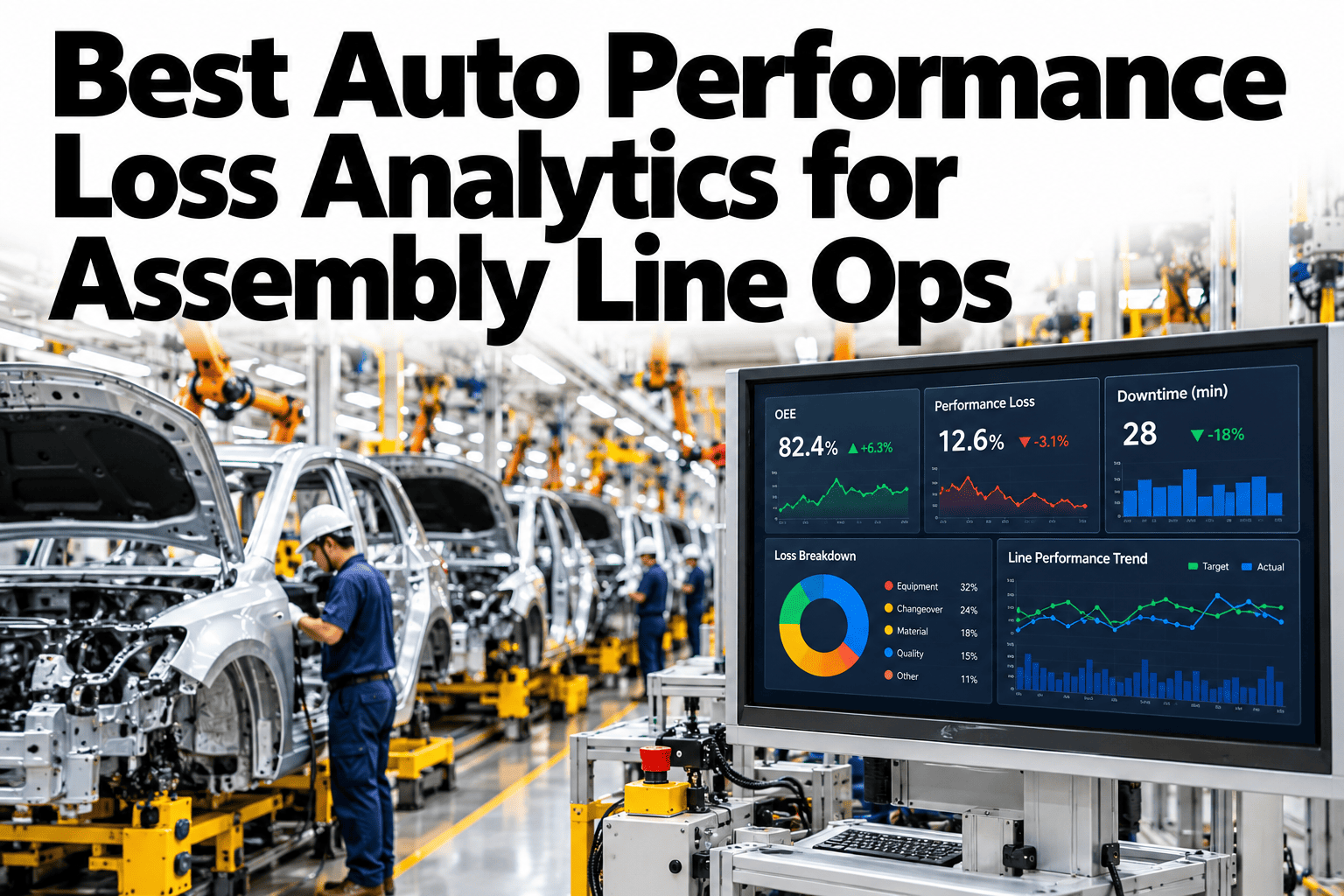
OEE's performance factor is usually reported as one number for the whole line, which hides exactly where the loss is actually coming from. A line running at 88% performance could have one station running consistently slow, one operator whose cycle times vary widely, and a material-flow bottleneck a few stations downstream, all blended into that single figure. Station-level cycle deviation, operator-level performance and material-flow bottleneck analysis break that number apart into something an operations team can actually act on. Plant leaders can review their own line's performance loss breakdown in a short session.
One Performance Number Hides Where the Loss Actually Lives
iFactory breaks performance loss apart by station, operator and material flow, so the number becomes something you can act on.
Three Layers Hiding Inside One Performance Number
A blended performance figure averages away the specific, actionable detail underneath it. Breaking it into these three layers is what turns a vague "performance is down" into a specific fix.
| Loss Layer | What It Reveals | Typical Action |
|---|---|---|
| Station-level cycle deviation | Which specific station is running slower than its target cycle | Investigate that station's equipment, fixturing or process |
| Operator-level performance | Cycle time variance tied to a specific operator or shift | Target coaching or process support where variance is highest |
| Material-flow bottlenecks | Where upstream or downstream flow is constraining the line | Adjust buffer sizing or material delivery timing |
Break Your Own Performance Loss Apart by Station
Book a 30-minute session and iFactory will break your current performance loss down by station, operator and flow.
What Each Layer Actually Catches
Station Cycle Deviation
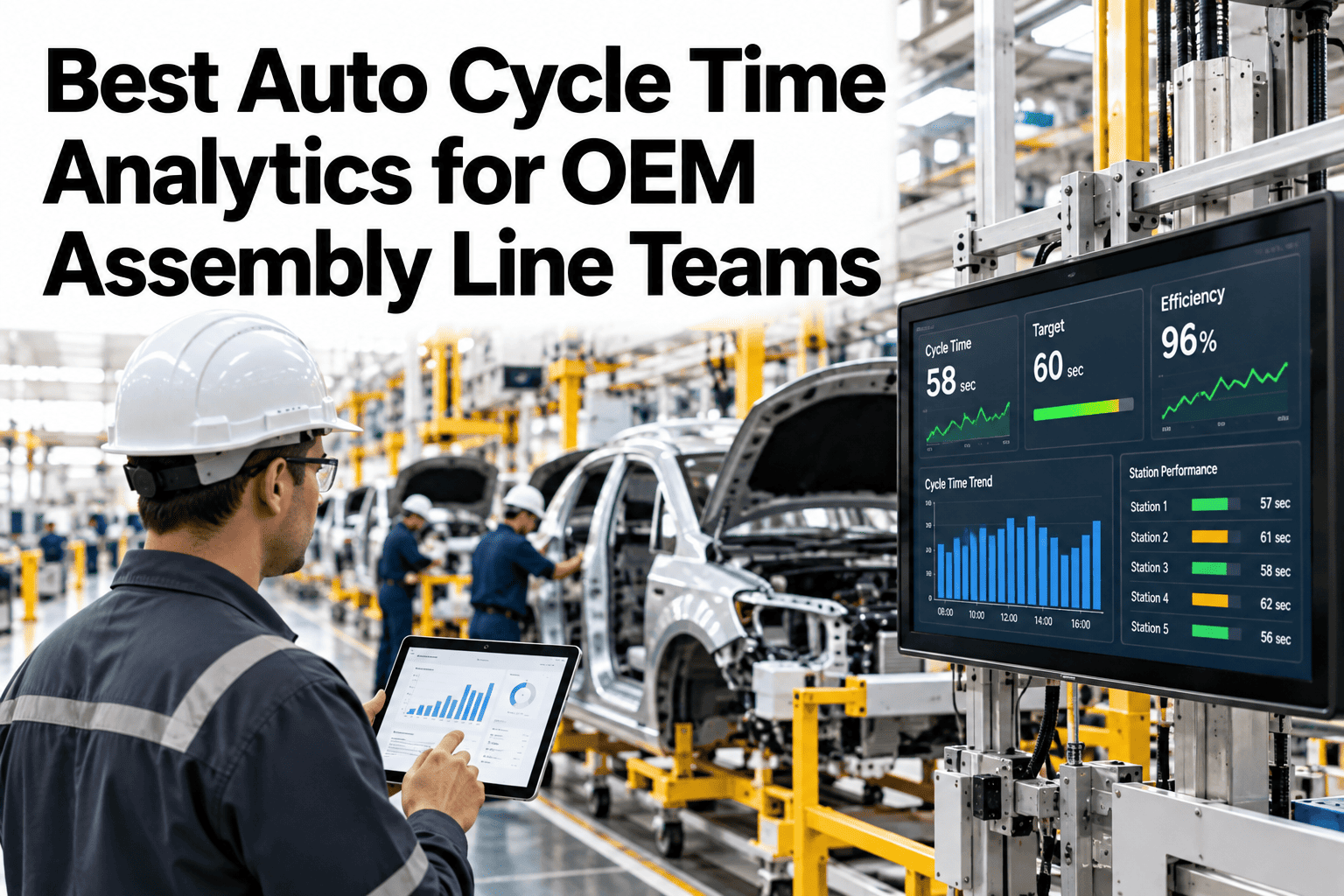
Continuous comparison of actual versus target cycle time by station surfaces a slow station long before it shows up as a line-wide trend.
Operator-Level Performance
Variance tracked by operator, not just by station, separates a process issue from a training or support issue.
Material-Flow Bottlenecks
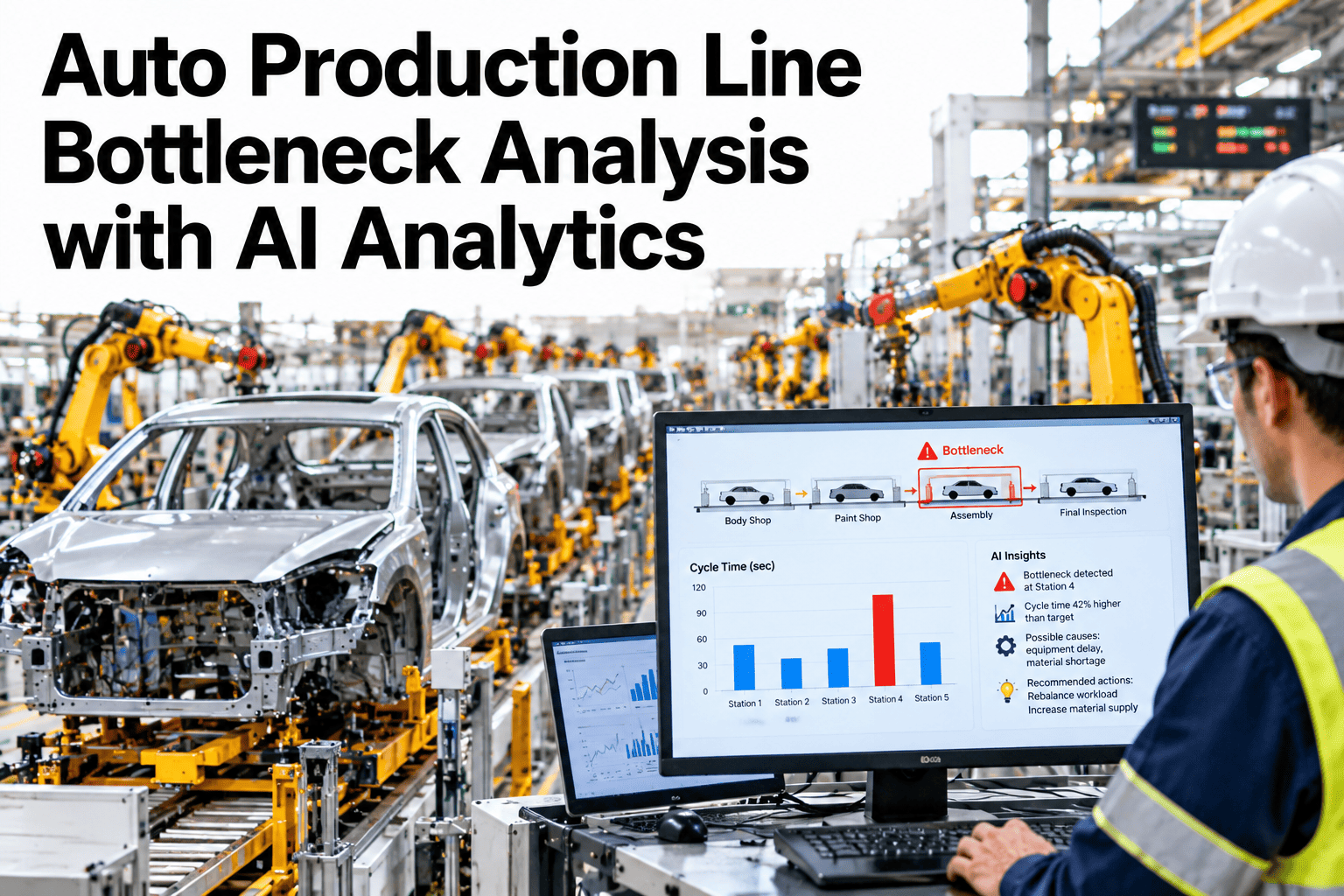
Flow analysis across the line identifies where upstream or downstream constraints are actually limiting throughput.
Signals Your Performance Loss Needs a Breakdown
Where iFactory Fits
iFactory breaks performance loss apart by station, operator and material flow automatically, from the same data already flowing through your line.
Station-Level Cycle Tracking
Every station's actual versus target cycle time is tracked continuously, surfacing deviation early.
Operator Performance Analytics
Cycle time variance is tracked by operator, separating process issues from individual or shift-level variance.
Material Flow Bottleneck Detection
Flow analysis identifies the actual constraint point on the line, not just a downstream symptom.
Unified Loss Attribution
The three layers combine into one clear picture, showing exactly where performance loss is coming from.
Reviewed by iFactory's Automotive Operations Analytics team for alignment with standard OEE performance loss practice. The breakdown shown is illustrative; actual target cycle times and thresholds should be set against your own line's engineered standards.
Frequently Asked Questions
How is operator-level performance tracked without feeling punitive?
The goal is identifying where coaching or process support would help, not individual blame, and most successful rollouts frame the data that way from the start with input from operators and their supervisors. Support can help position this with your floor teams.
Can target cycle times be adjusted as the line changes?
Yes, target cycle times should be reviewed and updated whenever the process, tooling or product changes, rather than left static against an outdated engineered standard.
How does material-flow bottleneck detection actually work?
It analyzes wait time and starvation patterns across stations to identify where the actual constraint sits, which is often not the station that appears slowest on the surface. See bottleneck detection run on your own line data in a short session.
Does this require new sensors at every station?
Often not, since many lines already generate cycle time data through existing PLC or MES systems. The main work is connecting and analyzing that data at the station and operator level rather than only as a line-wide average.
How does this connect to broader OEE reporting?
The station, operator and flow breakdowns feed directly into the performance factor of your overall OEE calculation, so the detailed view and the headline number stay consistent. Ask support how this integrates with your current OEE reporting.
Know Exactly Where Your Performance Loss Comes From
iFactory breaks performance loss apart by station, operator and material flow. Book a walkthrough on your own assembly line.