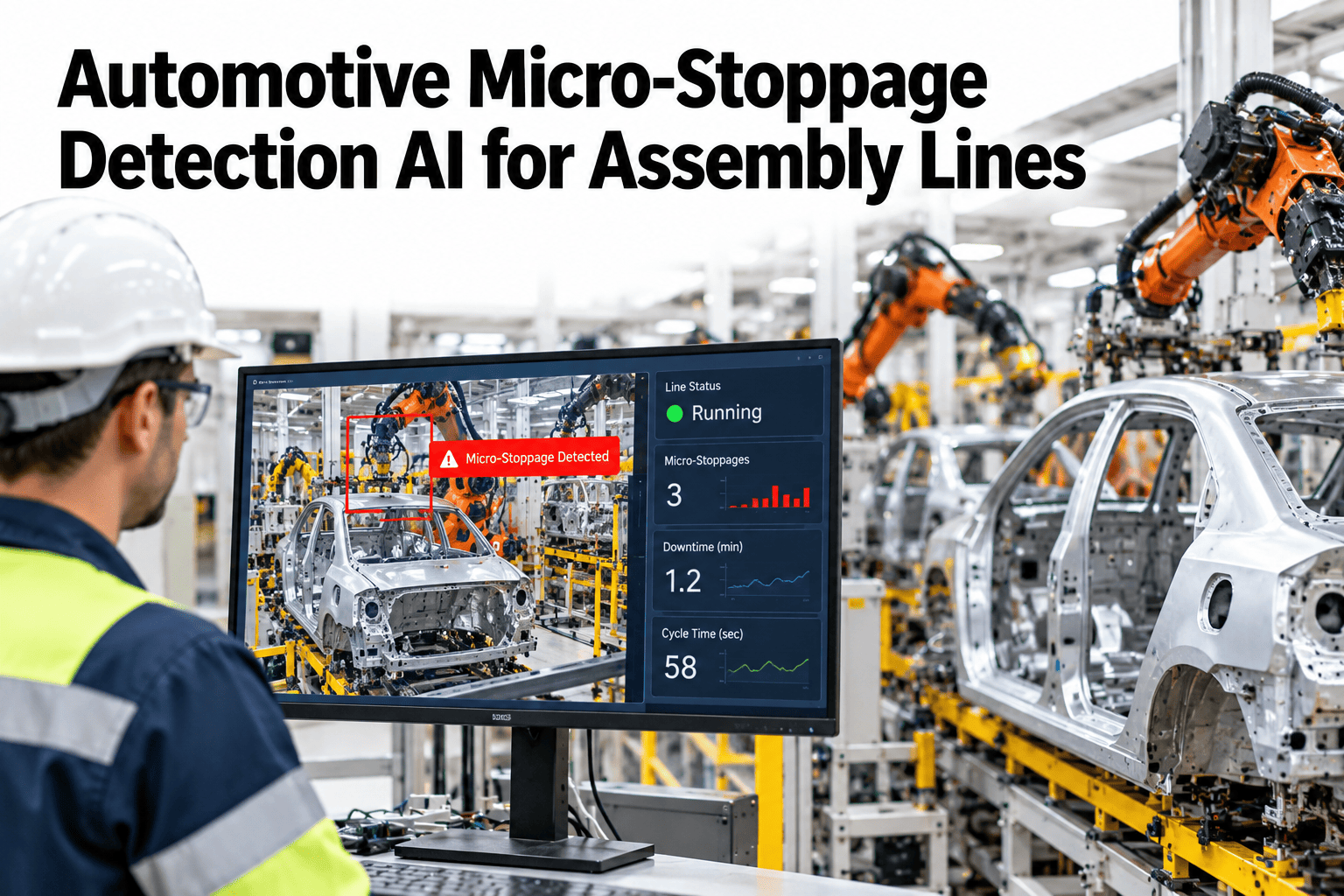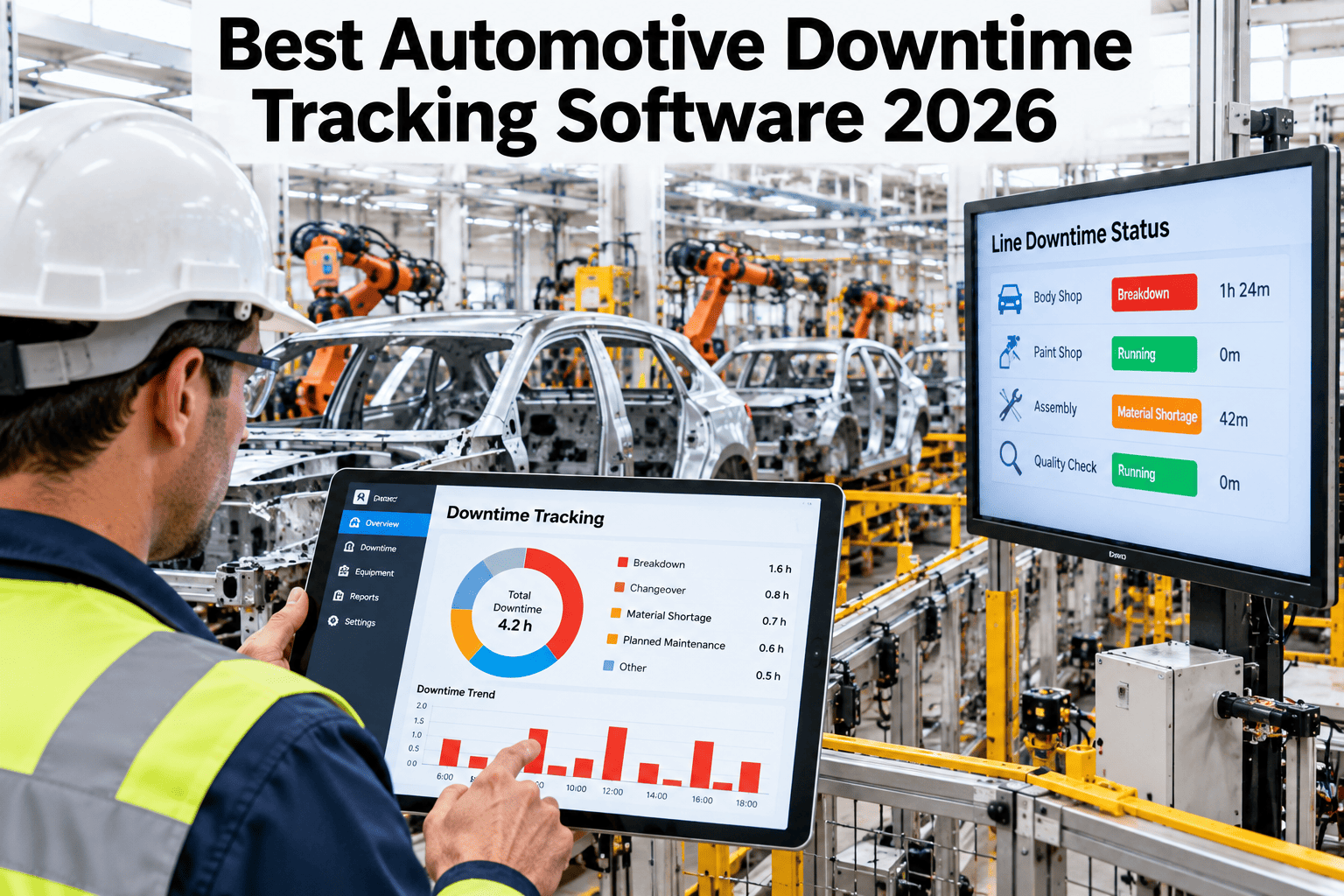
Most automotive plants know when a line goes down for an hour, but far fewer know how many 40-second stops piled up before lunch. Short stops rarely reach a paper log, yet they add up fast. The best downtime software in 2026 records them on its own and then explains them. See how iFactory AI tracks every stop and its cause on a live line.
Count Every Stop, Seconds Included
iFactory AI timestamps each stop in assembly, body and paint, links it to the first fault, and shows what it really costs.
Why Auto Lines Lose Time Nobody Writes Down
A big breakdown gets a work order, a meeting and a report. A 40-second jam gets a quick fix and a shrug. The trouble is that the quick fixes happen dozens of times a shift, and none of them leave a trace.
A short stop
A sensor misreads or a part jams. The line pauses for under a minute.
A quick clear
The operator resets it and moves on. No call, no ticket.
No record
Logging a stop costs more effort than fixing it, so nobody does.
A flattering OEE
Availability looks fine and the lost time hides inside speed loss.
One analytics vendor's explainer puts a number on the effort: logging a 90-second stop can take about 18 seconds, so operators reasonably skip it. A short stop every few minutes then costs far more than anyone can see.
Which OEE Bucket Holds Each Stop
OEE splits lost time into availability, performance and quality. The catch is that an unlogged short stop does not vanish. It slips into the performance bucket as a vague slowdown, and nobody can separate it out of ordinary slowness.
| Loss | Typical length | How it is usually found | OEE bucket |
|---|---|---|---|
| Breakdown | Over five minutes | Work order and operator call | Availability |
| Setup and changeover | Planned block | Schedule and operator start and end | Availability |
| Small stop | Seconds to a few minutes | Rarely found without automatic capture | Performance, if logged at all |
| Slow cycle | Continuous drag | Cycle time against the ideal | Performance |
| Startup scrap | First units after a restart | Quality records | Quality |
| Production scrap | Any time in the run | Quality records | Quality |
What Good Downtime Tracking Must Do
Before comparing products, agree on the job. Seven needs separate real tracking software out of a screen that merely displays a number.
| Need | Why it matters | Ask the vendor | Warning sign |
|---|---|---|---|
| Capture every stop | Short stops carry much of the hidden loss | Is there a minimum stop length? | A five or ten minute floor before anything is logged |
| Track speed drift | Slow cycles lose time without ever stopping | Is cycle time logged on every unit? | Sampling a few units per shift |
| Find the first fault | One root problem makes many stations stop | How are downstream stops linked back? | Each station reports its own loss in isolation |
| Use real signals | Operator codes alone miss short events | Which PLC and sensor signals are read? | Everything depends on a button press |
| Show cost | Leaders fund what has a money figure | Can we set our own rate per minute? | Minutes only, no cost view |
| Add context | Causes differ by shift, model and tool | Can we cut data by model, shift and station? | One flat total for the whole plant |
| Stay on site | Line data is sensitive and latency matters | Which site holds the raw data? | Raw signals leave the plant by default |
Micro-Stops: Record First, Filter Later
A micro-stop is a pause of under five minutes that the operator clears without a maintenance call. Industry sources agree on that threshold, and on the rule that follows: capture every state change, then decide what to hide in the report.
Read PLC states
Modern controllers report run, idle and fault states in milliseconds. Subscribing to them gives a timestamp for each change.
Tap older machines
A digital input gateway reads cycle signals on equipment without a network port, with no change to the PLC program.
Watch cycle time
Flag any cycle that runs well past ideal, often at 1.5 to 2 times, to catch slowdowns that never trigger a stop signal.
Match alarms
Tie each stop to the alarm that fired just before it. That alarm is often the best clue to the cause.
See Your Own Short Stops Counted
Book a 30-minute session and iFactory AI will walk through stop capture, speed drift and cause ranking using a line like yours.
Speed Loss: The Stop That Never Stops
Some of the biggest losses never trip an alarm. A station that takes 36 seconds instead of 30 keeps running, and every unit quietly gives up six seconds. Over a shift that is a long list of small gifts to the clock.
Per-unit tracking matters here. Sampling a few units per shift can miss a slow drift that builds over weeks. When every cycle is logged, a control chart can separate real drift out of normal variation, and maintenance gets a warning before the station stops.
Tracing a Stop to Its Cause
Capturing a stop is half the job. The other half is working out which stop mattered. On a connected line, one fault can freeze many stations, and each of them reports a stop of its own.
Starved means a station waits for parts that never arrive. Blocked means it has finished but cannot pass the unit on. Both are symptoms. Good software links them back to the first fault, so the Pareto shows one problem instead of four.
True Loss in Plain Numbers
A list of stops does not move a budget. A ranked list of causes with a cost beside each one does. Rank by minutes first, then by count, because a cause that happens 200 times may be worth more than one that happens twice.
The second step decides which projects get approved. A fix that costs a few days of engineering time and removes hours of weekly loss pays back quickly, and the record proves it afterward. A fix with no clear loss number behind it tends to wait in the queue.
Which Areas Hide Which Micro-Stops
Every area of an automotive plant has its own favorite short stops. Knowing them helps you place sensors and read the first week of data.
People and Machines, Each Doing Their Part
Automatic capture does not take operators out of the loop. It removes the part of their job that a machine does better, and leaves them the part that needs judgment.
Reason Codes Operators Will Actually Use
Reason codes still help, as long as they stay short. A list of 60 codes gets ignored, while a list of ten gets used. Let the system fill in the timing, and ask the operator for one tap.
Waiting for parts
The station has nothing to work on because the feed is late or empty.
Part jam
A unit stuck at a transfer, gripper or fixture and cleared by hand.
Sensor trip
A sensor read wrong and was reset at the panel.
Tool or fixture
A tool, clamp or gun needed a change or a quick fix.
Waiting for people
The line paused for a check, a call or a hand-off.
Other, with a note
Kept small and reviewed each week, so it never grows into a dumping ground.
A Buyer's Scorecard for 2026
Print the list, tick what a product can really do in a live demo, and count the gaps. The boxes work on screen, too.
Six Questions to Ask in a Demo
A good demo uses your data, not a polished sample. These six questions show quickly whether a product can do the job.
One Dataset, Six Different Views
The same stop record should feed every role. Each person needs a different cut of it, and none of them should have to build it by hand.
Six Mistakes That Waste a Tracking Project
Starting plant-wide
Too many lines at once means no line gets cleaned up. Prove it on one.
Filtering at capture
Hiding short stops in the collector loses them for good. Filter in the report.
Trusting codes alone
Codes tell you why. They cannot tell you how many stops nobody logged.
Averaging models
A cause that hits one model hard looks small once it is blended with the rest.
Skipping the baseline
Without a clean starting number, no fix can ever be shown to work.
No owner
A ranked list with nobody named beside the top cause changes nothing.
How iFactory AI Tracks Downtime
iFactory AI is built around the same steps: capture, link, rank and act. It reads the signals your lines already produce and turns them into a plain list of what to fix.
Automatic stop capture
Each stop is timestamped off PLC state changes, whatever its length, with no operator input needed.
Per-unit cycle tracking
Actual cycle time is compared with ideal on every unit, so slow drift shows up early.
First-fault linking
Stops that follow an upstream event inside a set window are tied back to it and not counted twice.
Hidden loss Pareto
Short stops and speed loss sit on the same ranked chart as the big breakdowns.
Cost in plain money
Minutes become a cost figure using the rate you set, so the chart speaks to finance.
Maintenance hand-off
The top cause goes to the maintenance team with the stop history attached.
A 90-Day Starting Plan
Pick one line
Choose a line with known pain and list its stations, signals and ideal cycle times.
Capture only
Record every state change and cycle. Do not change the process yet.
Compare and tune
Match automatic records to the paper log, fix gaps and agree cause labels.
Rank and act
Send the top three causes to maintenance, track the result and add the next line.
Frequently Asked Questions
What counts as a micro-stop?
A micro-stop is a pause of under five minutes that an operator usually clears without a maintenance call. Many are only seconds long. Anything longer is normally treated as a breakdown and gets its own record and work order.
Do we need to replace PLCs to track downtime?
No. Most lines already produce state signals, and older machines can be tapped with digital inputs. A short review shows what each line offers. Book a signal review for your lines to see what is already available.
How does the software avoid double counting?
When a station stops soon after an upstream station, the system links it to that first event. The time is counted once, against the first fault, and the later stops show up as effects. This keeps the Pareto honest.
Do operator reason codes still matter?
Yes, for the why. Machines record when and how long, while people explain what happened. Keep the codes short and let the system fill in the timing. Compare both views each week and fix any gap between them.
How soon will we see useful results?
The turnkey build runs 6–12 weeks, and capture begins once signals are linked. Plan a few weeks of clean data before ranking causes, so the first Pareto reflects normal running and not one odd week.
Stop Losing Minutes You Cannot See
iFactory AI gives automotive plants a full record of every stop, its first cause and its cost. Book a review on your own line.