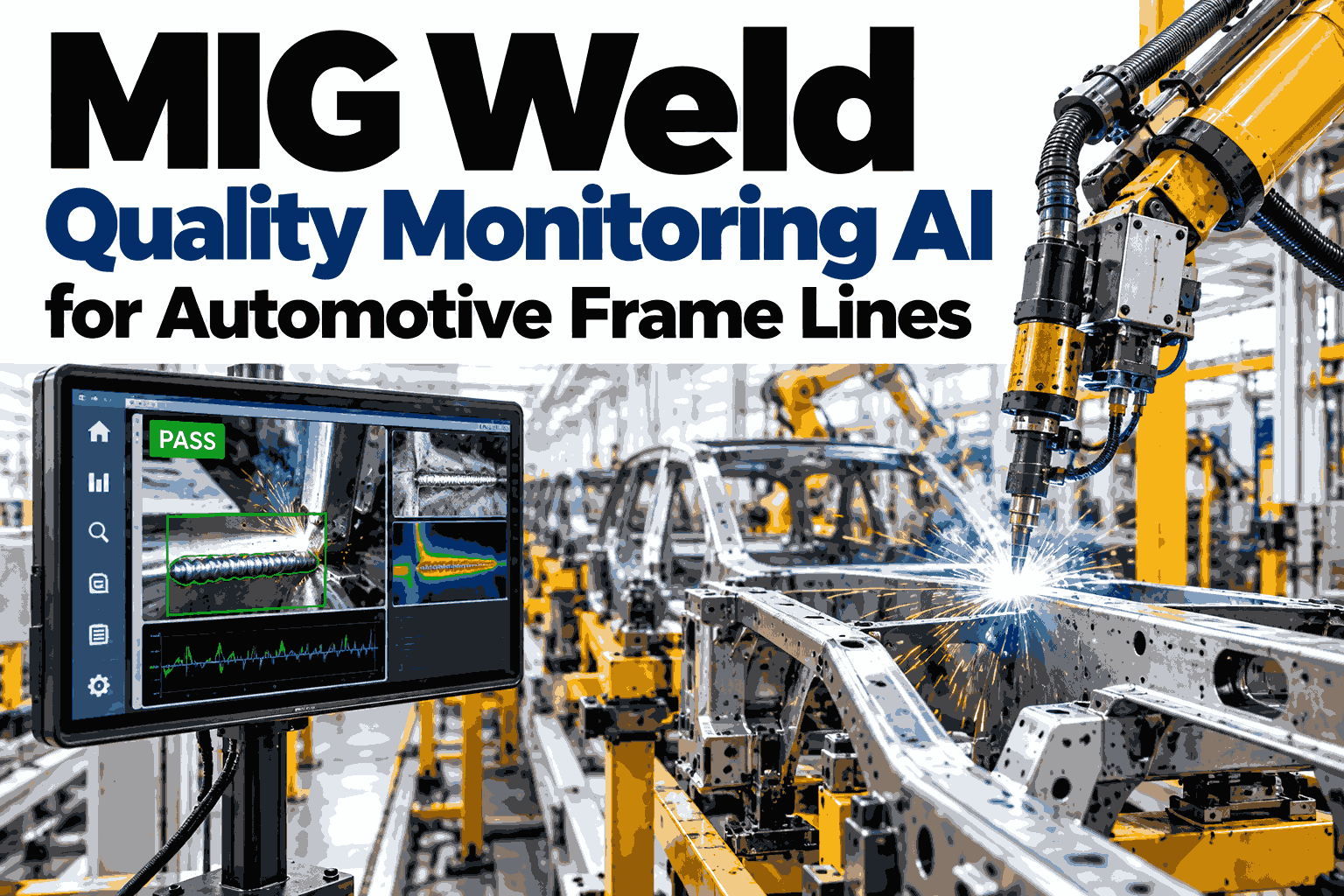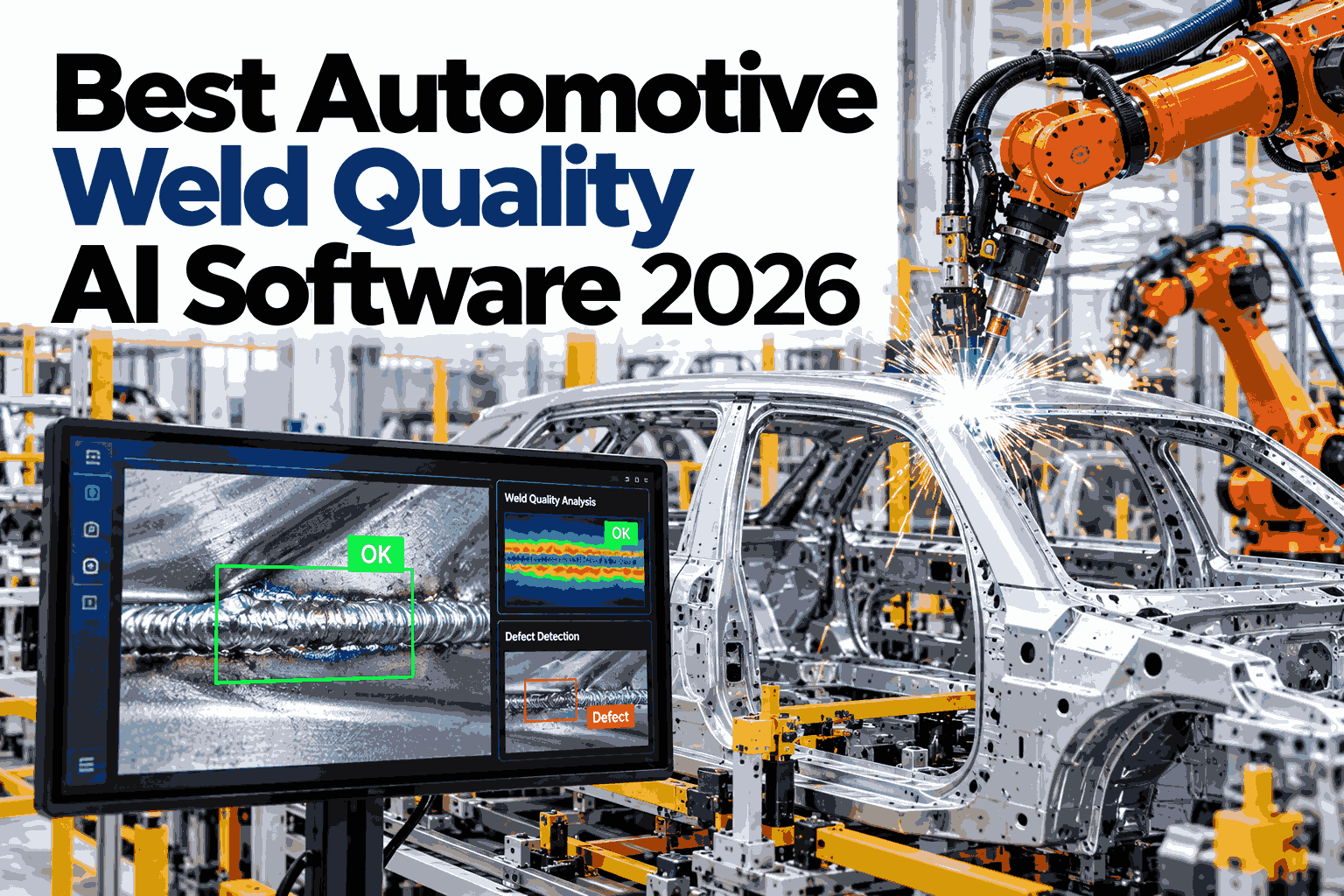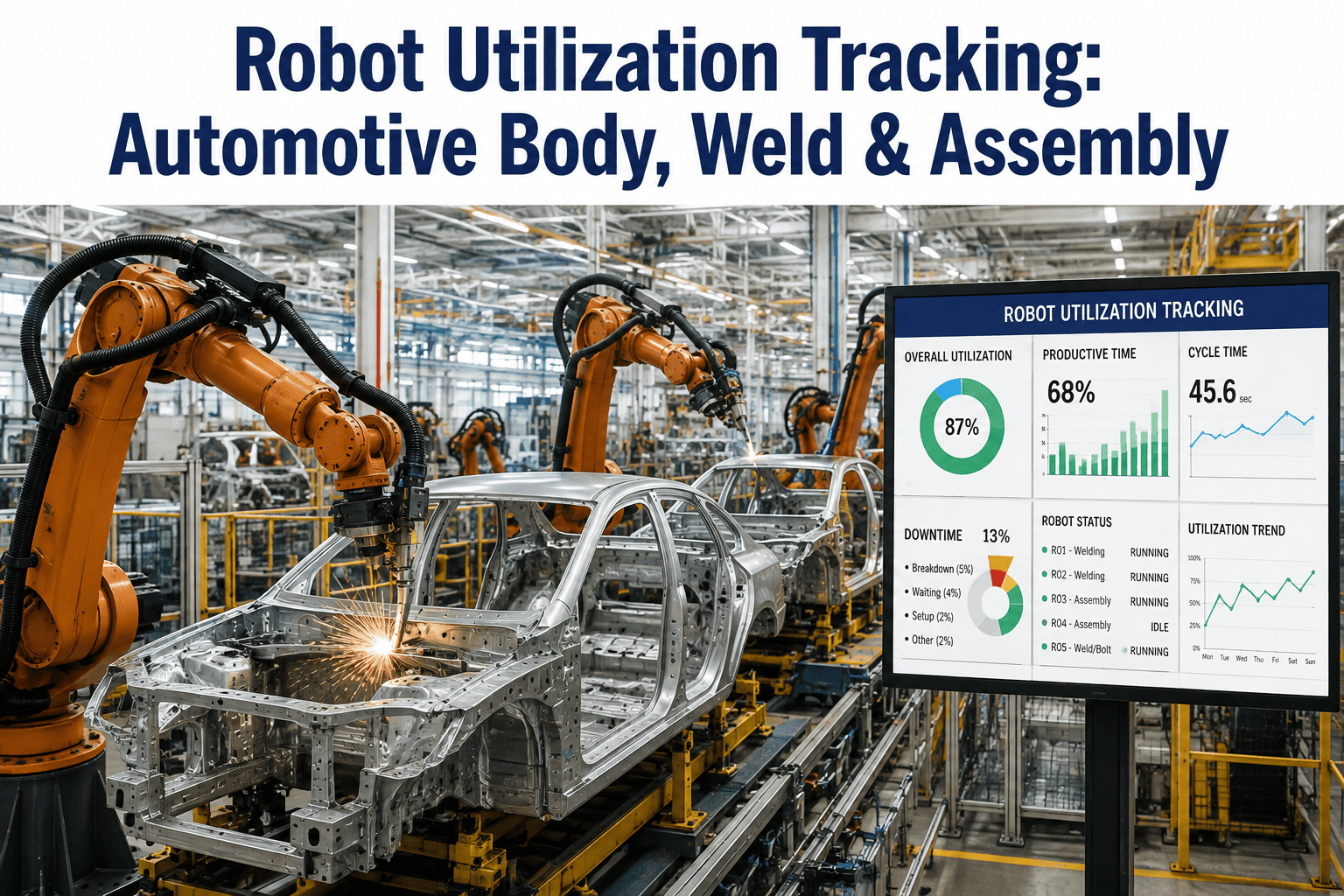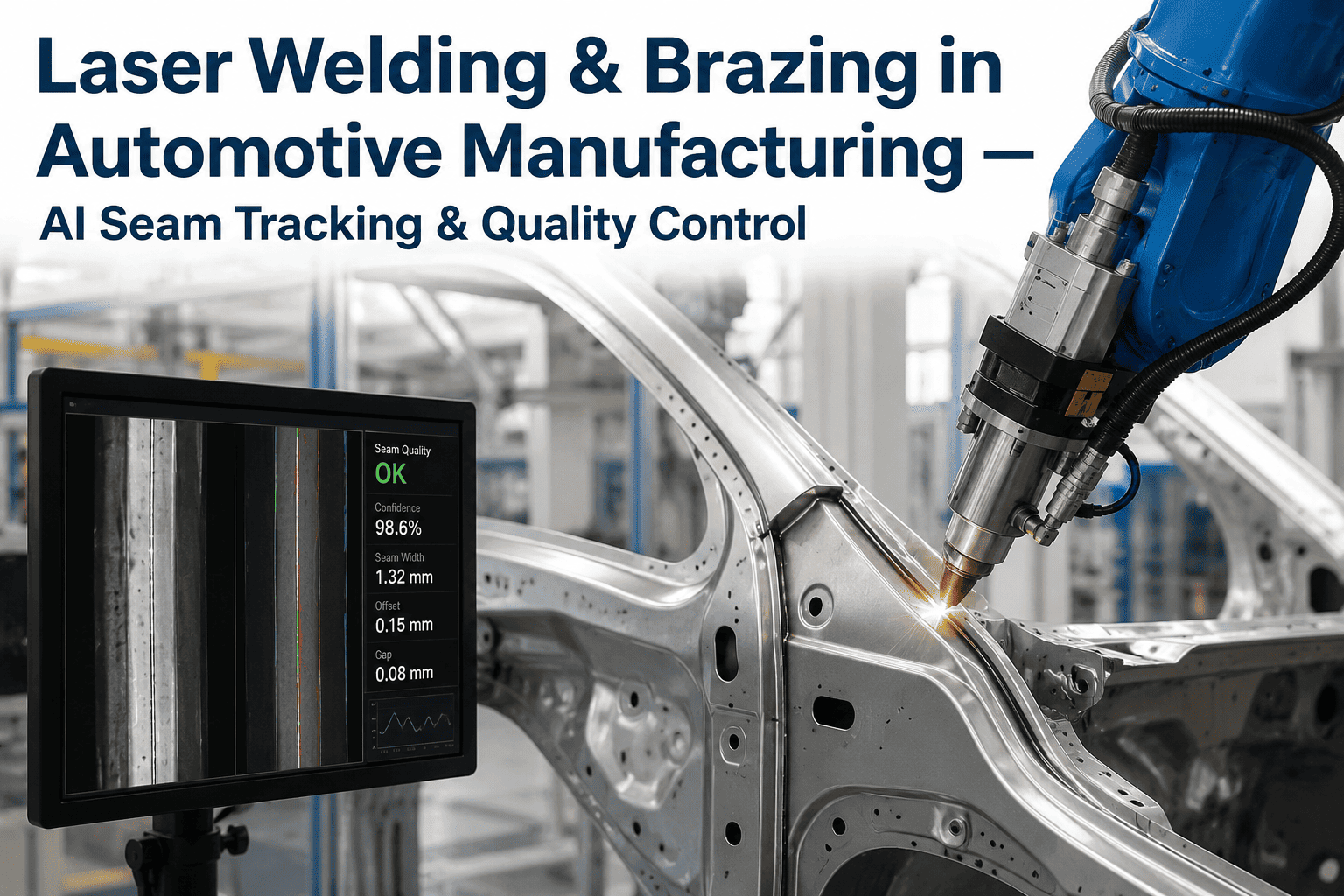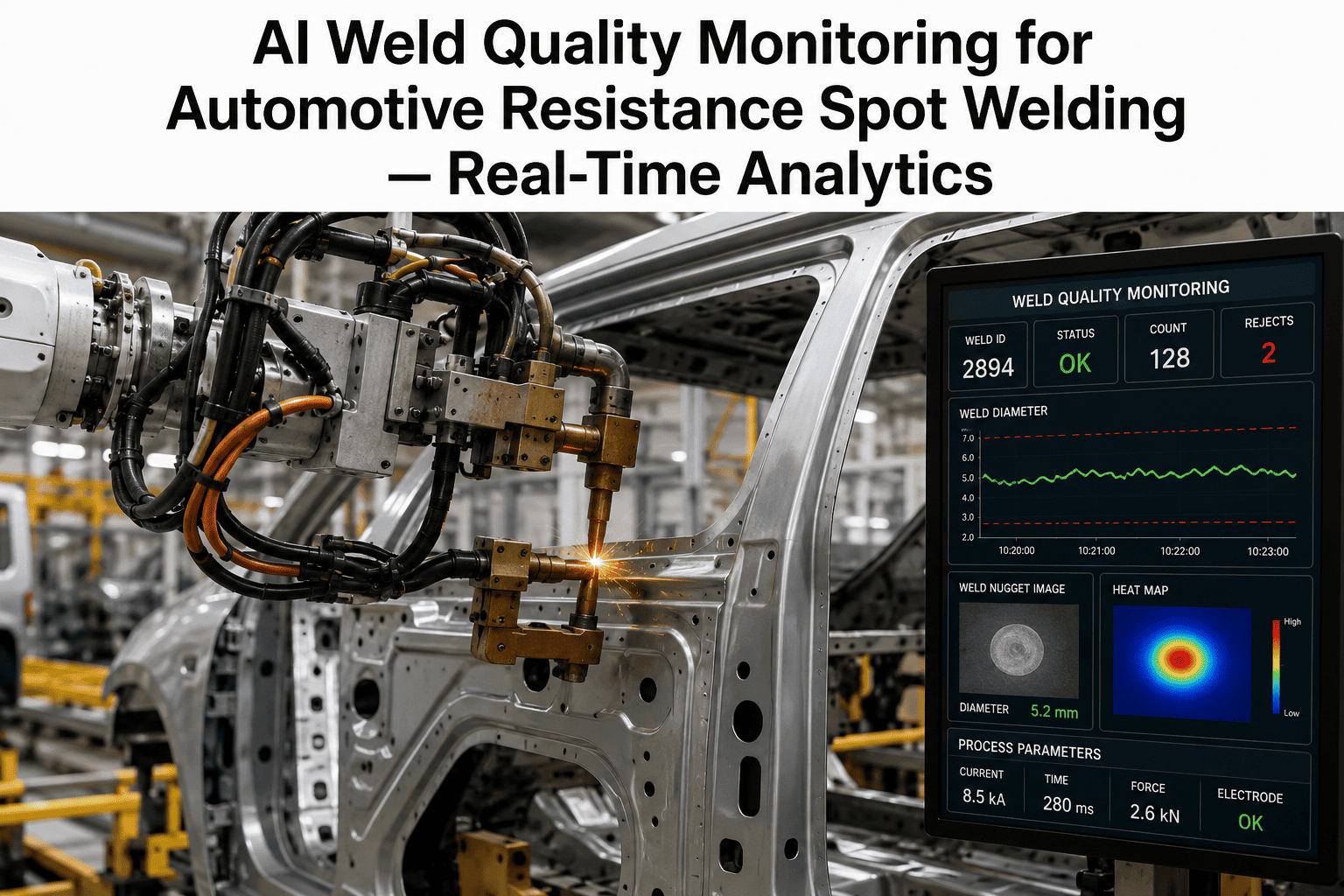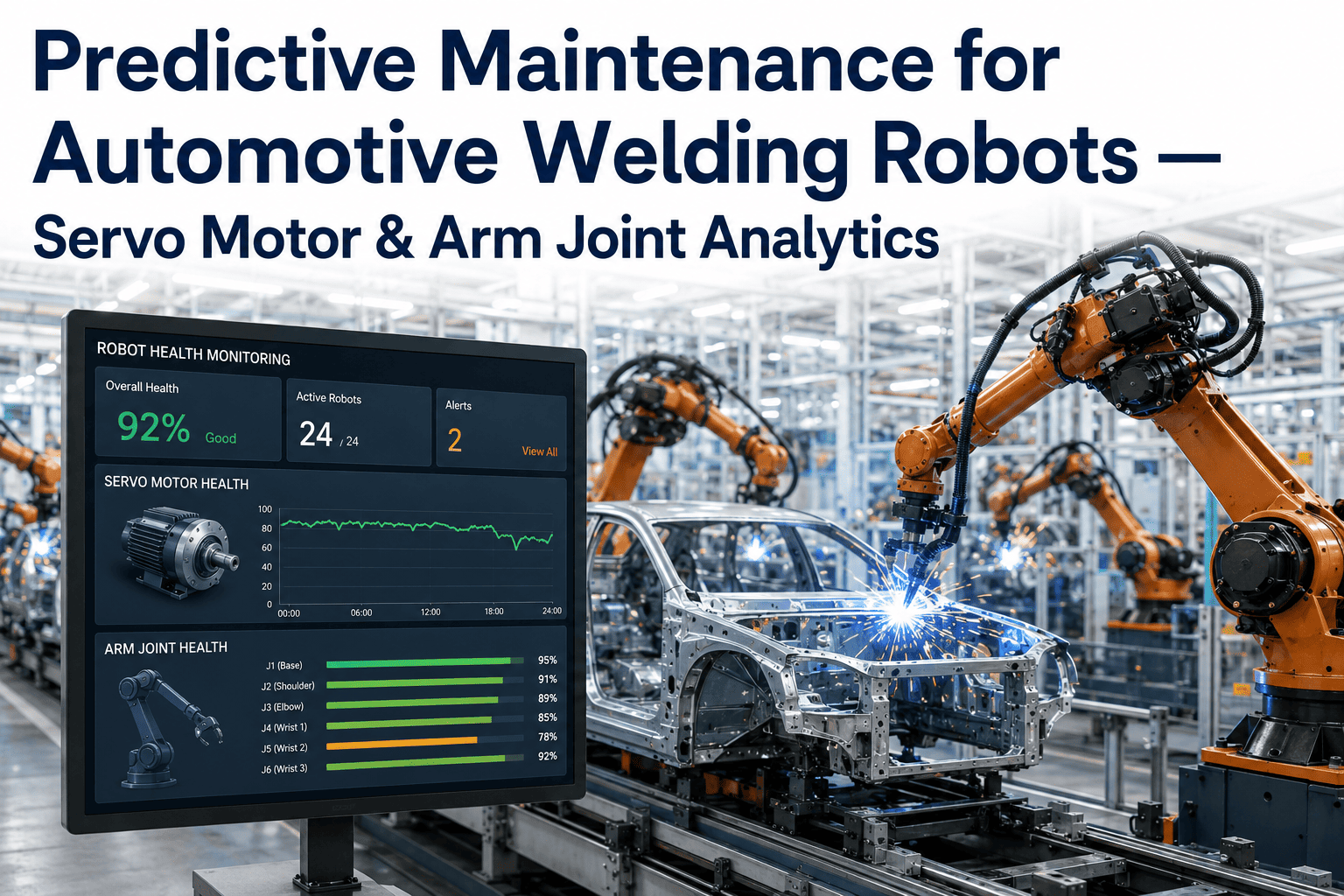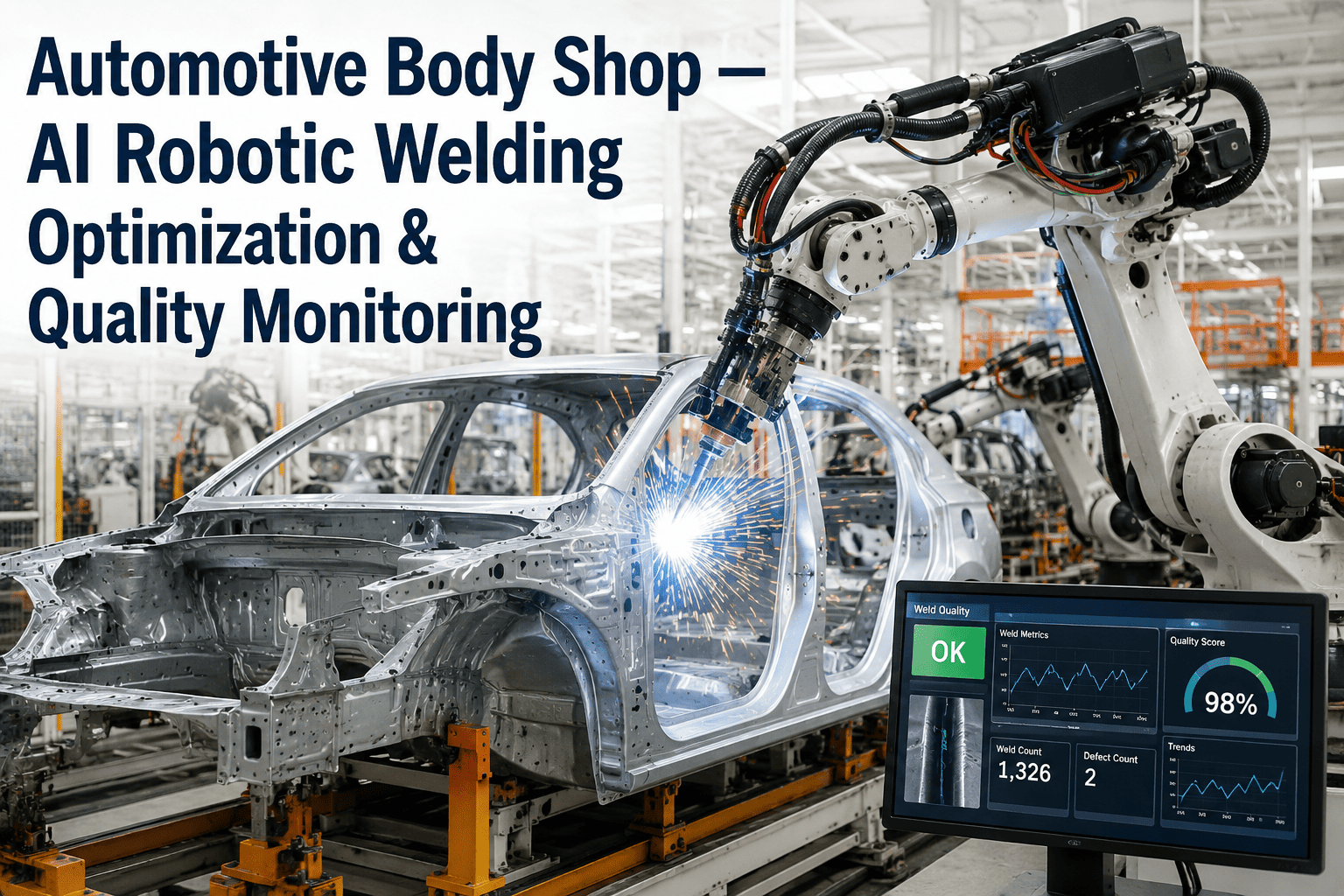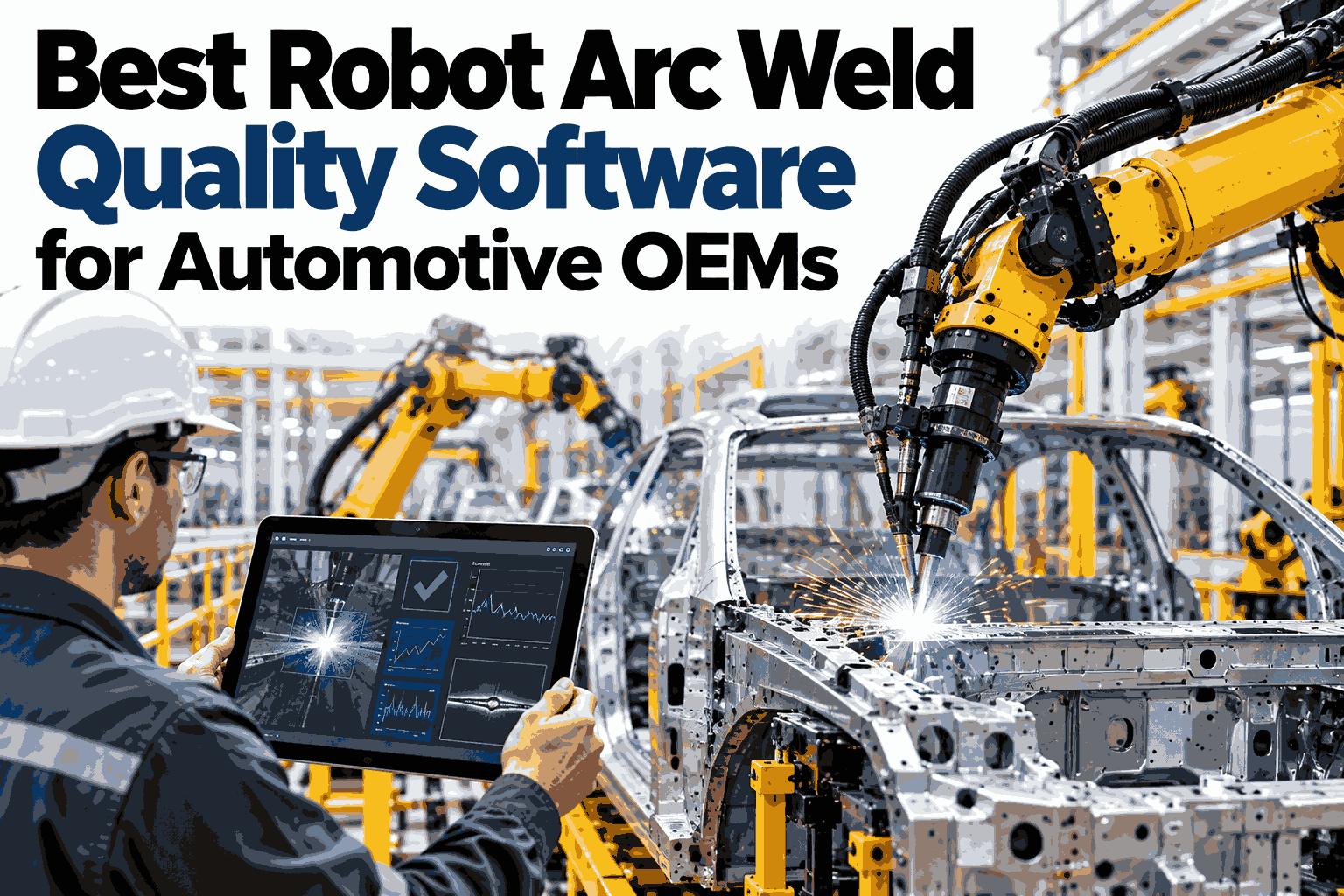
A welding robot repeats the same path thousands of times a shift, which is exactly why small errors become expensive. A seam that sits half a millimeter off, a torch that leans a few degrees too far, or an arc that wanders in voltage will be copied faithfully into every frame and chassis part that follows. Automotive OEMs need software that watches each seam as it is welded and calls out drift before a batch is built around it. Quality teams evaluating options can watch iFactory AI analyze live robotic seam data in a guided 30-minute session before committing to a shortlist.
Every Robot Seam Checked While the Torch Is Still Moving
iFactory AI combines seam tracking, torch angle monitoring, and arc parameter analytics so high-volume robotic cells catch drift at the first bad seam, not the last.
Why Repeatability Cuts Both Ways
Robots remove the human variation of manual welding, but they also remove the human eye that used to notice when something looked wrong. Four failure modes show up again and again on automotive lines.
Part tolerance or fixture wear moves the joint, and the torch follows the programmed path instead of the real one.
A bumped tool center point changes penetration and sidewall fusion without any alarm.
Worn contact tips and gas issues make current and voltage wander, which shows up later as porosity or spatter.
Corner slowdowns and path changes alter heat input, leaving undersized or oversized beads in the same seam.
Staying Inside the Tolerance Band
Each monitored value has a band where welds are healthy. The gauges show how a seam can look fine, drift toward the edge, or leave the band altogether.
Illustrative gauges. Real tolerance bands are set per joint type, material, and welding procedure.
How Arc Signals Point to Defects
Arc current, voltage, and wire feed leave a steady fingerprint when a seam is healthy. The table links common pattern changes to what usually causes them.
| Signal Pattern | Likely Defect | Usual Cause | Typical Fix |
|---|---|---|---|
| Erratic voltage spikes | Porosity, spatter | Gas flow or tip wear | Check gas and change tip |
| Current sag mid-seam | Lack of fusion | Wire feed hesitation | Inspect feeder and liner |
| Offset with stable arc | Missed joint edge | Fixture or part shift | Re-teach or add tracking |
| Uneven heat input | Burn-through, undersize | Speed variation at corners | Tune path speed |
See Drift Caught on Your Own Robotic Cells
Book a 30-minute demo and iFactory AI will show how seam tracking, torch angle, and arc analytics work against your frame and chassis welding programs.
Where Variation Sneaks In
On frame and chassis lines, the robot is rarely the only source of drift. A ledger of common sources helps teams decide what to monitor first.
Periodic Audits vs Continuous Analytics
Audits tell you how a few parts looked. Continuous analytics tell you how every seam behaved. The bars compare how much of the output each approach actually sees.
Illustrative coverage comparison, not a measured result.
A Composite Scenario: The Chassis Cell That Drifted
A chassis welding cell passed first-article checks each morning, yet rework climbed as the shift went on and nobody could point to a single cause.
Illustrative example based on common robotic welding patterns, not a specific customer result.
Delivered Turnkey, Live in 6 to 12 Weeks
iFactory AI arrives pre-configured on an NVIDIA server with software pre-loaded. Rack it, connect power and Ethernet, and the team handles the rest.
Frequently Asked Questions
What does robot arc weld quality software actually monitor?
It reads arc current, voltage, wire feed, travel speed, and torch position as each seam is welded, then compares them to a healthy baseline for that joint. Differences that predict defects trigger a flag. A live look at those baselines on your own programs makes this concrete.
Is seam tracking the same as quality monitoring?
Not quite. Seam tracking guides the torch to the real joint, while quality monitoring judges how the weld turned out. Used together, tracking reduces offset and analytics confirm the result, so the cell corrects itself and you still see when it had to.
Will it work across different robot and power source brands?
Most automotive plants run a mixed fleet, so the system reads data through the controllers and power sources already in place rather than requiring one vendor. Review your robot and power source mix with the iFactory AI team in one short call.
How does it reduce false alarms on high-volume lines?
Each joint type gets its own baseline, and alerts trigger on sustained drift rather than a single noisy reading. That keeps operators focused on real changes such as tip wear, fixture shift, or gas trouble instead of chasing normal variation.
How long does deployment take?
Delivery is turnkey and typically runs 6 to 12 weeks. The hardware arrives pre-configured, integration covers cabling, network, and plant systems, and the final phase trains your teams. Map a rollout for your welding cells in a 30-minute conversation.
Stop Copying a Bad Seam Across a Whole Batch
iFactory AI watches seam position, torch angle, and arc behavior on every robotic weld so drift is caught at the source. Book a walkthrough on your own cell data.