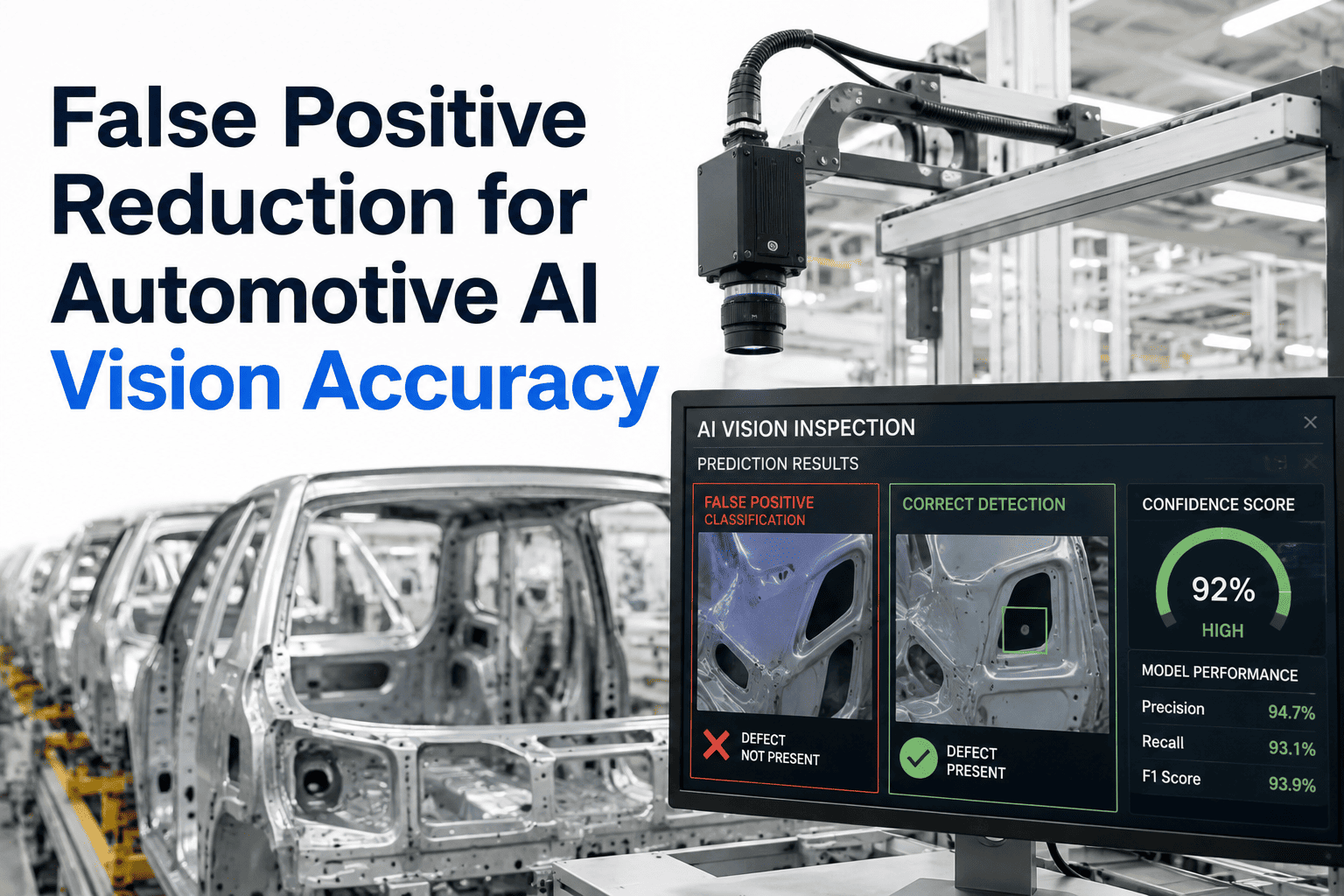
An end-of-line AI inspection system that flags too many false positives teaches operators exactly one lesson over time: ignore the flag and wave the vehicle through. That trained-in skepticism is more dangerous than the false positives themselves, because it erodes trust right up until the system catches something real and gets overridden anyway. This checklist walks through the five phases that actually bring false positive rates down. Work through this checklist against your own EOL flag data.
Five Phases to Get Operators Trusting the Flag Again
A working checklist for tuning thresholds, weighting severity, and closing the feedback loop on your end-of-line AI inspection system.
A false positive looks harmless in isolation, an operator checks a flagged vehicle, finds nothing wrong, and moves on. Repeated hundreds of times a shift, that pattern trains exactly the behavior a quality system cannot afford. Work through each phase below in order, since skipping straight to tuning without an audit, or rolling out severity weighting without a feedback loop, is usually what causes a reduction effort to stall.
Phase 1: Audit Current Flags
Before anything is adjusted, know exactly where the noise is concentrated.
Start With an Audit of Your Own Flag Data
Bring a recent week of EOL flag data to a 30-minute working session and get the audit phase done with us.
Phase 2: Set Class-Specific Thresholds
Replace one blanket confidence level with tuning that matches how each defect class actually behaves.
Phase 3: Weight by Severity
Lowering sensitivity across every class to cut noise is the fastest way to also lose sensitivity on what matters most.
Blanket Threshold vs Class-Specific Tuning
Get Severity Weighting Right the First Time
Book a 30-minute session and walk through severity weighting against your own defect classes.
Phase 4: Close the Feedback Loop
A one-time tuning pass only reflects conditions at the moment it was done. Lighting setups shift, cameras drift, new variants enter production.
Common Sources of False Positives to Check First
A handful of recurring causes account for most false positive volume. Investigating these first tends to produce the fastest improvement.
| Source | What to Check |
|---|---|
| Lighting Inconsistency | Shadows or glare at certain times of day or shift mimicking a defect |
| Vehicle Pose Variation | A vehicle slightly off its expected position confusing angle-dependent checks |
| Trim or Color Variant Gaps | A model trained mostly on one trim level misreading a less common variant |
| Camera Calibration Drift | A camera gradually out of calibration introducing a steady stream of noise |
Phase 5: Document and Roll Out Safely
Changes should never go live across every defect class at once. A staged rollout limits risk and keeps results traceable.
Where iFactory AI Fits
Tunes by Defect Class
Sets confidence thresholds individually rather than as one blanket setting.
Weights by Severity
Keeps safety-critical sensitivity separate from cosmetic tolerance.
Closes the Feedback Loop
Feeds operator confirmations back into the model continuously.
Documents Every Change
Keeps a traceable record of tuning decisions for audit and warranty review.
Frequently Asked Questions
Can we run this checklist with our current flag data?
Yes, the audit phase starts directly from whatever flag history your current system already has logged, so no special data preparation is required to begin.
How long does a full pass through all five phases usually take?
Timelines vary by plant, but the audit and first tuning phase often complete within the first few weeks, with the feedback loop continuing as an ongoing process afterward. Support can help set a realistic timeline for your line.
Does reducing false positives risk missing real defects?
Not when severity weighting is applied as described in Phase 3, since the goal is removing noise from low-risk classes while keeping sensitivity unchanged on safety-critical ones.
Who should own this checklist on the plant floor?
Most plants assign the audit and tuning phases to a quality engineer, with operators contributing directly through the feedback loop in Phase 4 rather than being left out of the process.
Can this checklist be applied to more than one EOL inspection station?
Yes, each station can be audited and tuned separately, since false positive sources often differ by station even within the same plant. Ask how this scales across multiple stations in a walkthrough.
Work Through This Checklist With Your Own Data
iFactory AI tunes thresholds by defect class, weights by severity, and closes the feedback loop. Book a walkthrough on your own EOL line.