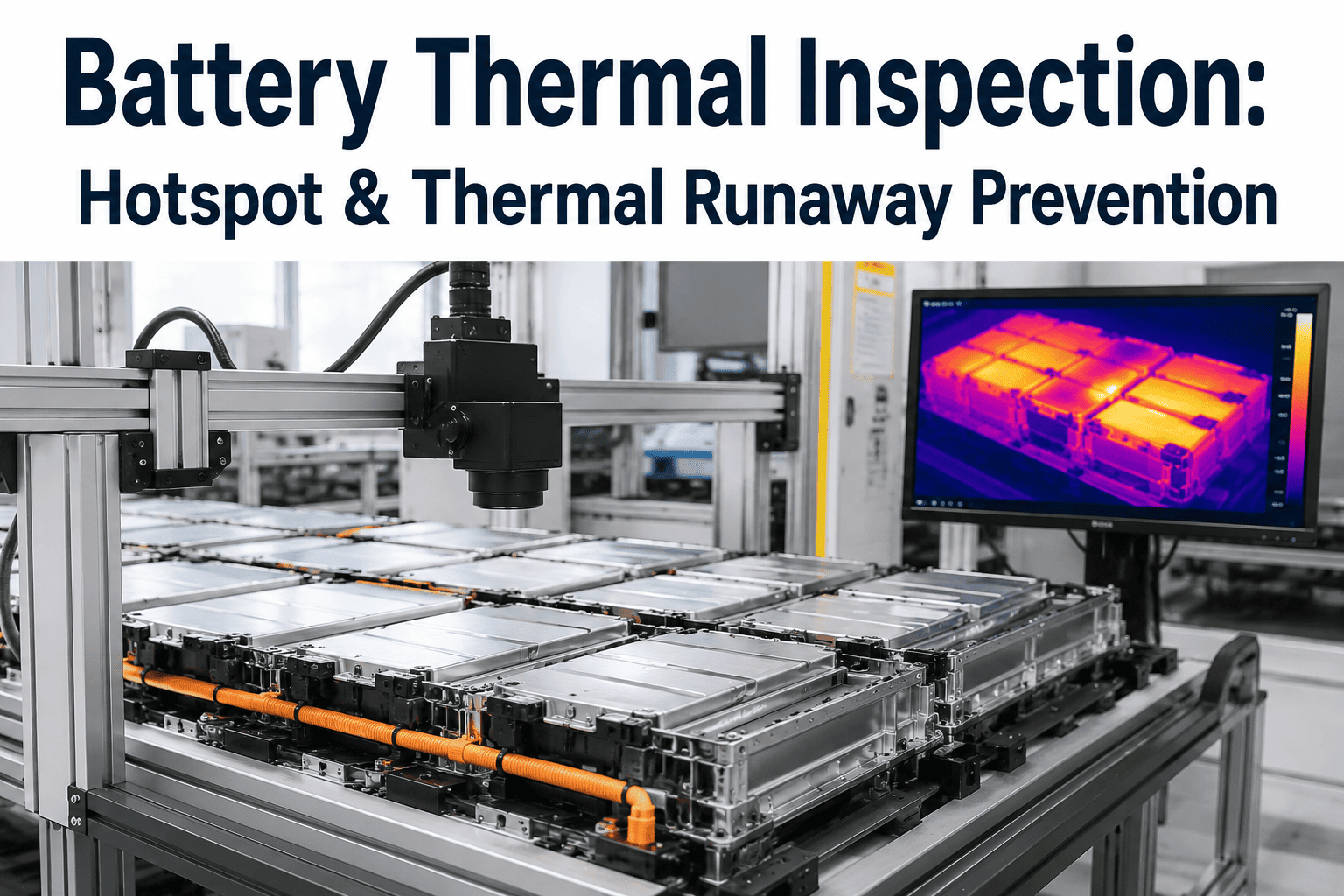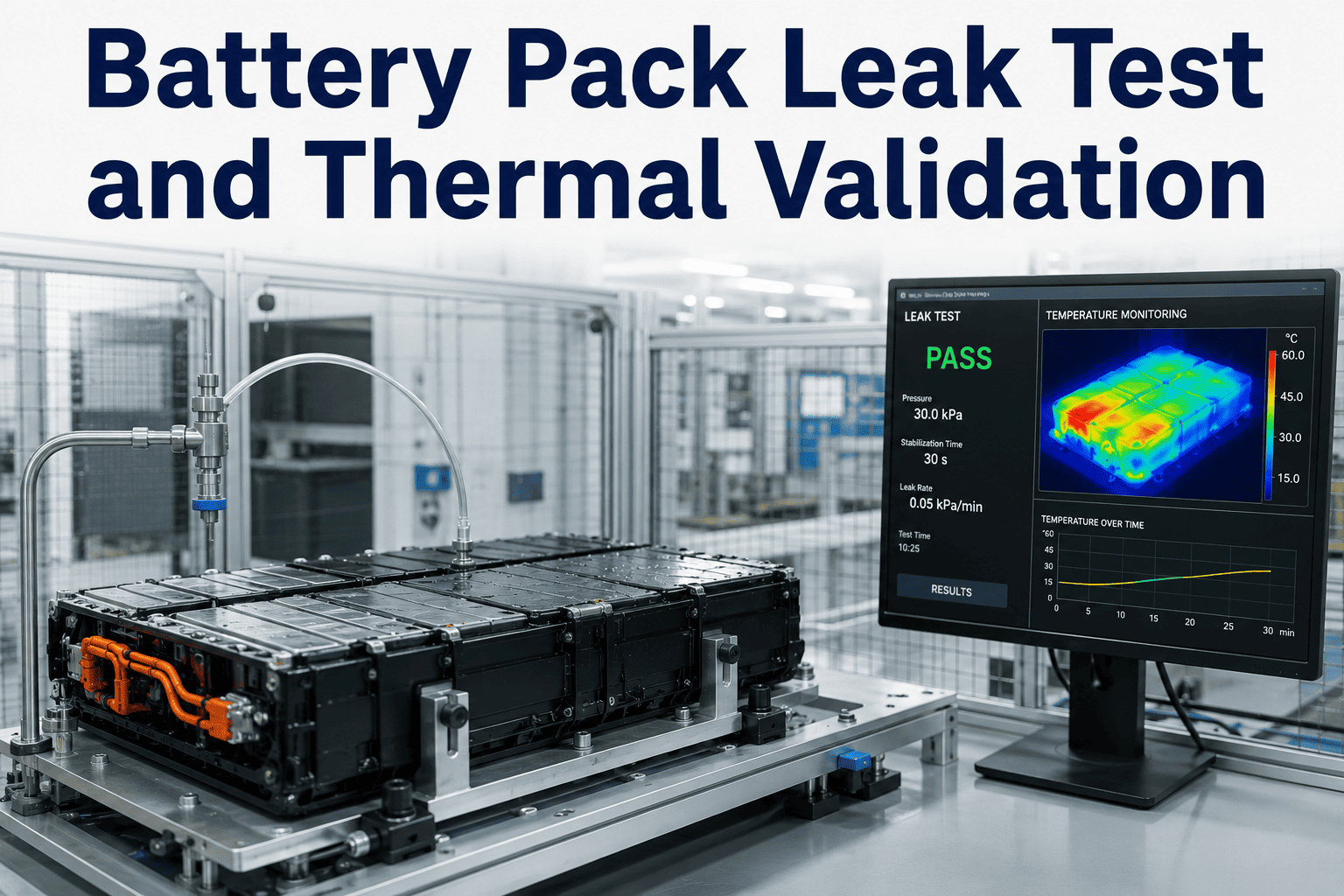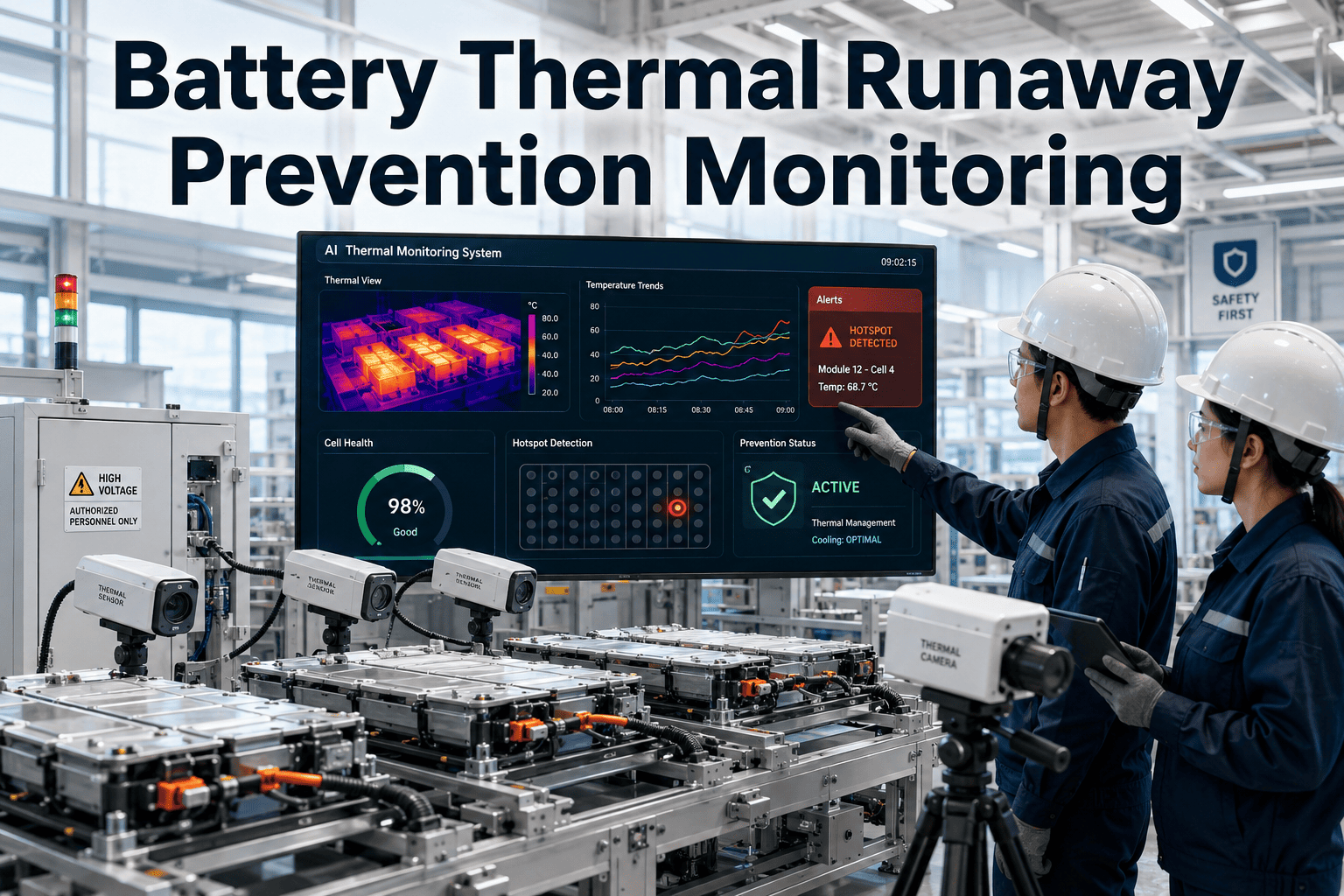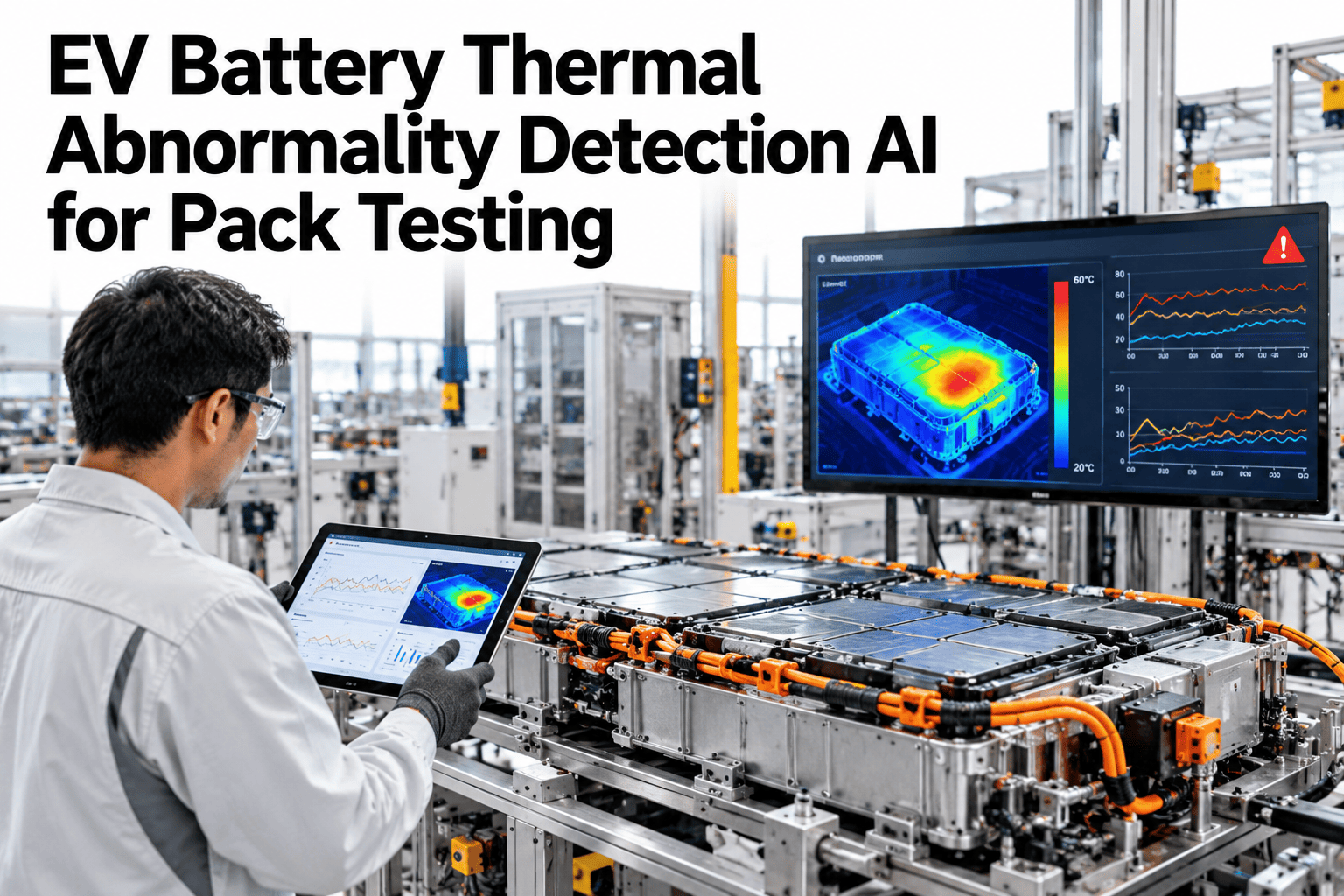
A thermal runaway event in a battery pack almost never starts as a dramatic spike; it starts as a half-degree deviation on one cell that a technician scanning a thermal image by eye would have no reason to flag. Pack testing stations generate thermal images constantly, but turning that image stream into an early-warning signal for precursor heat patterns is a pattern-recognition problem, not a visual inspection one. The difference between catching a precursor and catching a failure is usually measured in minutes. See thermal precursor detection running on a sample pack test.
Catch a Thermal Precursor Before It Becomes an Event
iFactory AI reads thermal-imaging data from pack testing in real time, classifying hot-spot patterns and flagging thermal-runaway precursors before they escalate.
The Thermal Image Says More Than the Pass/Fail Threshold
Most pack testing stations already capture thermal images; most of them discard the pattern information and keep only a single pass/fail temperature threshold, which catches a cell that is already hot but misses the shape of a heat gradient forming between two adjacent cells, or a localized hotspot sitting inside an otherwise normal-range pack. Those spatial patterns are exactly what precede a thermal runaway event, and they are invisible to a single numeric threshold no matter how tightly it is set.
Classifying Hot-Spot Patterns
Not every elevated reading means the same thing. Classification separates the patterns worth escalating from normal thermal variation.
Point Hotspot
A single localized cell reading elevated against its neighbors, often an internal cell defect.
Gradient Spread
Heat spreading progressively across adjacent cells, consistent with early thermal propagation.
Edge Pattern
Elevated readings concentrated at the pack edge, often tied to connector or busbar resistance.
Uniform Rise
An even temperature rise across the whole pack, usually normal load heating rather than a defect.
See Pattern Classification on Your Own Pack Data
Book a 30-minute session and run iFactory AI's hot-spot classification against thermal images from your own test station.
From Image to Alert in Four Steps
The classification pipeline runs against the same thermal imaging data your test station already produces.
What Gets Compared
Classification confidence depends on comparing each pack against a large enough library of known good and known bad thermal signatures.
| Signal | Normal Range | Precursor Indicator |
|---|---|---|
| Cell-to-cell delta | Within 2-3°C across the pack | Localized delta exceeding normal spread |
| Rise rate | Gradual, consistent with load profile | Rapid rise disproportionate to current draw |
| Spatial shape | Uniform or expected load pattern | Point or spreading gradient pattern |
| Recovery behavior | Returns to baseline after load drops | Stays elevated after load removed |
Rolling Out at the Test Station
iFactory AI connects to the thermal camera already installed at your pack testing stations without requiring new hardware.
Expert Review
Thermal precursor detection earns trust on a gigafactory floor fastest when it is shown catching a pattern the existing threshold test actually missed in historical data, since that comparison makes the limitation of threshold-only testing concrete rather than theoretical.
Frequently Asked Questions
Does this replace our existing pass/fail threshold test?
No, it runs alongside the existing threshold test and adds pattern-based classification as an additional layer, so current safety gates remain in place. Support can confirm how it layers onto your current test.
What thermal camera hardware is required?
The system connects to the thermal imaging camera already installed at most pack testing stations, so no new hardware purchase is typically required to get started.
How is the classification model trained for our pack chemistry?
The model is calibrated using your own historical thermal images and pack chemistry data, so the precursor patterns reflect your specific cell type rather than a generic baseline. See the calibration process on a call.
What happens when a precursor pattern is flagged?
A flagged pack is routed for review before release, with the specific pattern and confidence score shown so the reviewing engineer can make a fast, informed call.
Does this work across multiple pack chemistries on the same line?
Yes, classification models can be maintained separately per chemistry or pack design running through the same test station. Ask support about multi-chemistry configuration.
Catch the Pattern Before the Event
iFactory AI classifies thermal hot-spot patterns at your pack testing station and flags precursors before they escalate. Book a demo to see it on your data.