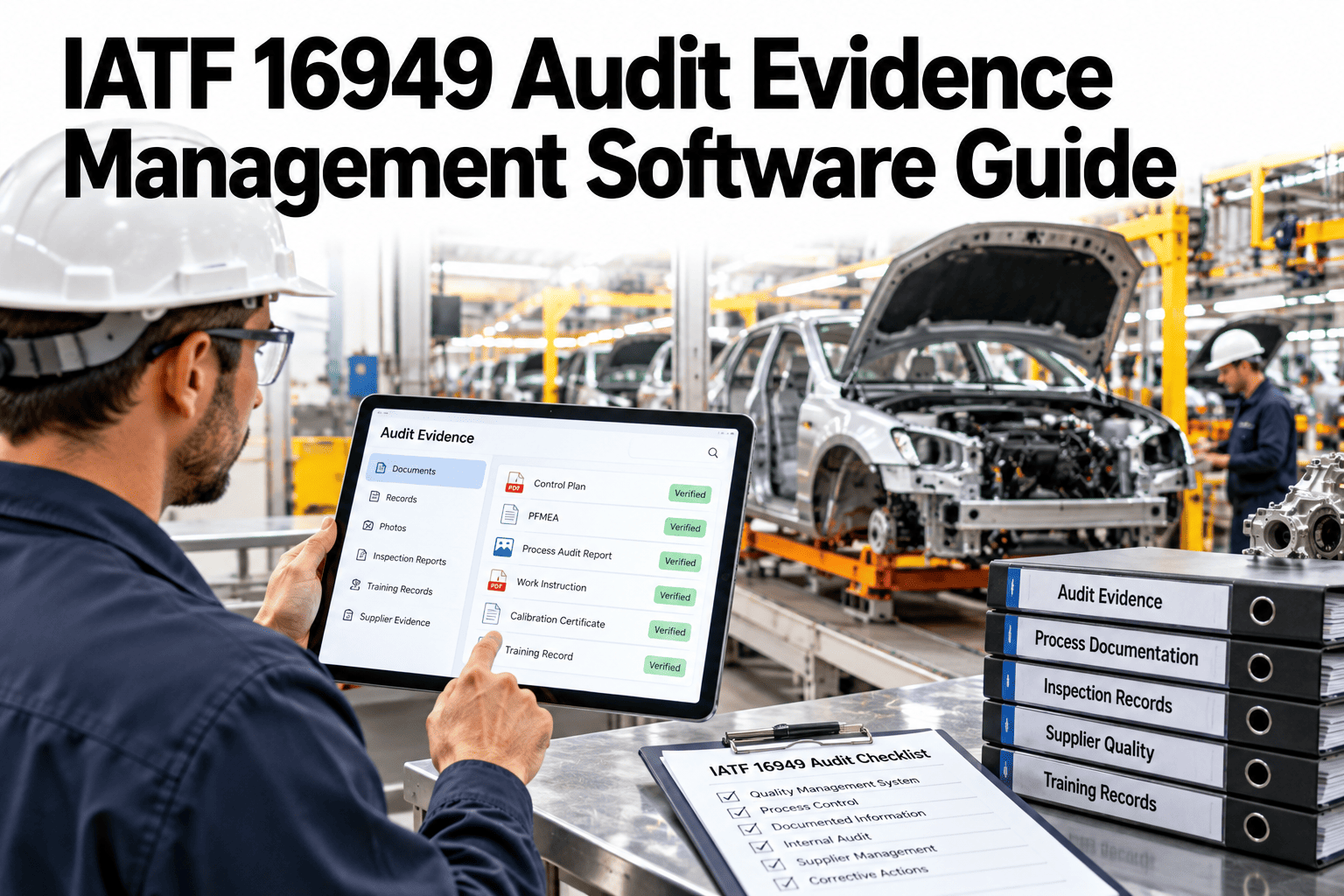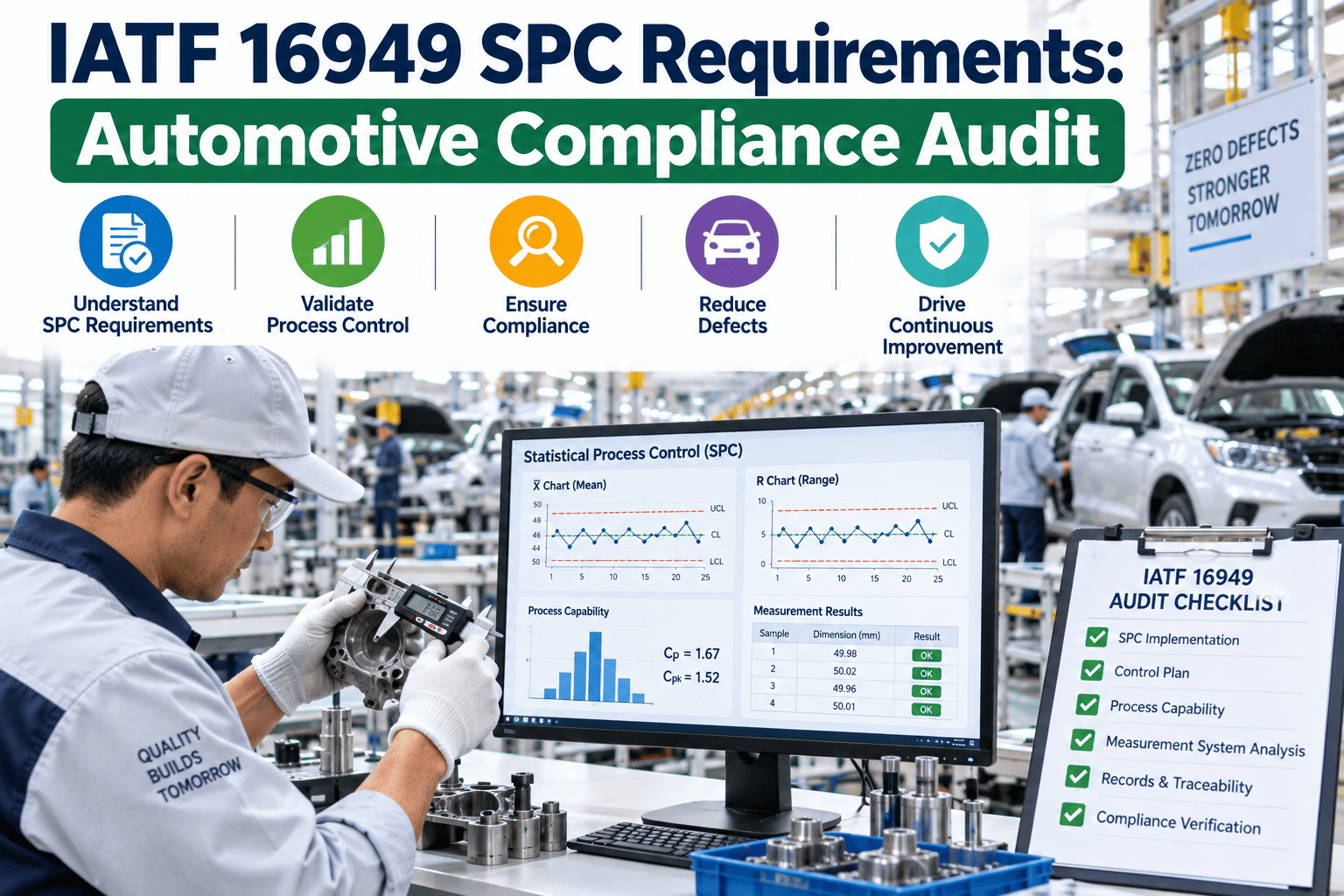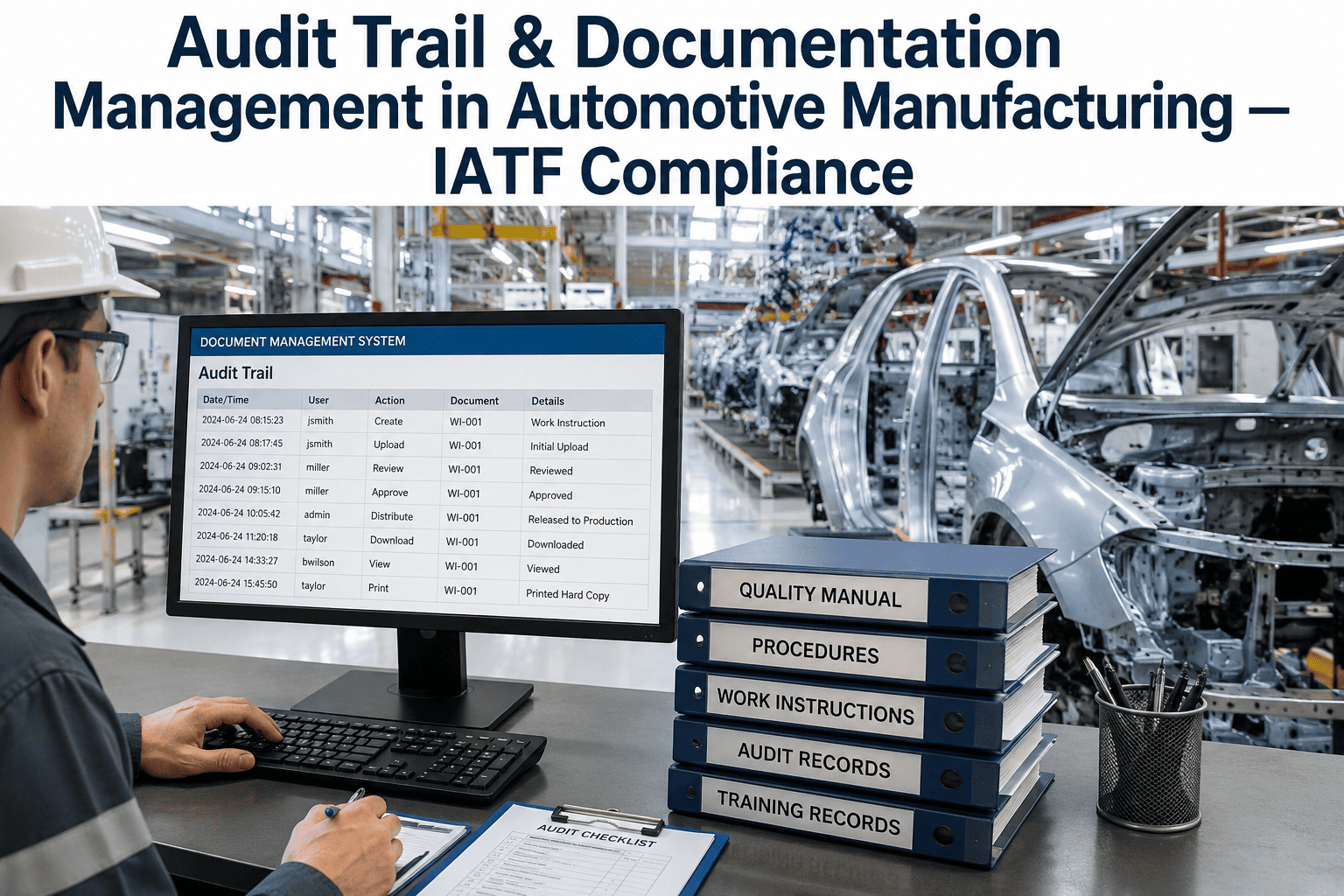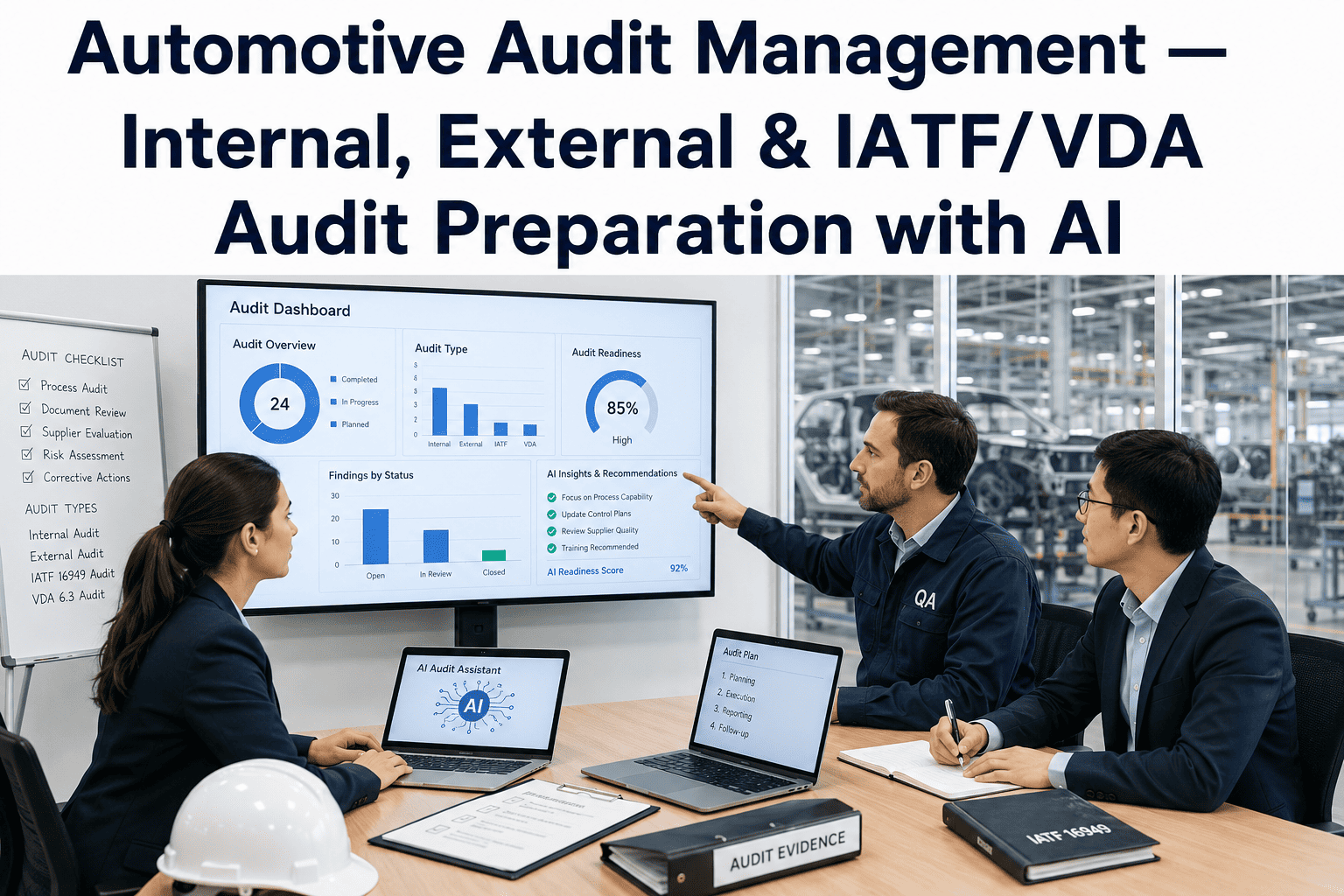
Auditors do not read every document. They follow a thread, from a clause to a procedure to a record, and judge whether the system hangs together. A documentation structure that mirrors the standard makes that thread easy to follow, while a pile of well-written but scattered files makes it hard. Clause mapping, clear revision rules and a predictable folder pattern are what survive scrutiny. Plants preparing for audits can ask iFactory AI how IATF 16949 documents are structured and kept audit-ready.
Structure IATF 16949 Documents So Audits Follow the Thread
iFactory AI organises documents by clause, controls revisions and links procedures to records, so an auditor can trace any requirement in minutes.
The Document Pyramid
Most quality systems use four levels. Each level answers a different question, and each links to the next.
Mapping Documents to Clauses
A clause map shows where each requirement lives. This table summarises the main groups, and your actual structure should follow the current standard and your customers' requirements.
| Clause Group | What It Covers | Typical Documents |
|---|---|---|
| 4: Context of the organisation | Scope, interested parties and process approach | Scope statement, process map |
| 5: Leadership | Policy, roles and responsibilities | Quality policy, organisation chart |
| 6: Planning | Risks, opportunities and objectives | Risk register, objectives plan |
| 7: Support | Resources, competence and documented information | Training records, document control procedure |
| 8: Operation | Planning, design, production and control of products | Control plans, FMEAs, PPAP, work instructions |
| 9: Performance evaluation | Monitoring, internal audit and management review | Audit plans, KPI reports, review minutes |
| 10: Improvement | Nonconformity and continual improvement | Corrective action records |
Six Revision Principles That Survive Scrutiny
Revision control is where good systems quietly fail. These six rules keep it clean.
Unique identification
Every document has one ID so references never point to the wrong file.
Version and date
Each revision shows its number and effective date.
Approval before use
Documents are approved by the right role before release.
Change log
Every change records what changed and why.
Obsolete control
Old versions are removed from use or clearly marked.
Controlled access
People can read what they need and edit only what they own.
Where Documentation Findings Usually Come From
Findings cluster in a few places. The bar shows an illustrative split of where documentation issues are typically found.
See Whether an Auditor Could Follow Your Document Trail
Book a 30-minute session and iFactory AI will review your current document structure and recent findings to show where the thread breaks.
Which Documents Carry the Most Audit Risk
Not every document draws the same attention. The matrix, shown as an illustration, ranks typical types by audit exposure.
| Document Type | Change Frequency | Audit Exposure |
|---|---|---|
| Control plans and FMEAs | High | High |
| Work instructions on the floor | High | High |
| Procedures and process maps | Moderate | Moderate |
| Quality manual and policy | Low | Moderate |
| Forms and records | High | High |
Flat Folders or a Clause-Mapped Structure
Folders organised by who wrote the file work until the first audit. Clause-mapped structures work because they match the question the auditor asks.
Building the Structure in Five Steps
A sound structure comes from a simple order of work.
List every document and record in use.
Assign each one to a clause and process.
Agree IDs, naming and folder pattern.
Apply revision rules and remove obsolete files.
Trace three clauses end to end as a mock audit.
Folder and Audit Readiness Checklist
Use this list before any internal or external audit. Each box should be answerable from the system.
A Composite Scenario: The Audit That Went Smoothly
This is a composite example, not a named plant. It shows how structure shortens an audit.
Mistakes That Create Findings
Most documentation findings come from a small set of habits.
Uncontrolled copies on the floor
Printed or saved copies drift out of date.
Rewriting documents without a change log
Nobody can see what changed or why.
Records stored apart from procedures
The thread between requirement and evidence breaks.
Treating the manual as the system
The system lives in processes and records, not only in the manual.
What iFactory AI Adds to IATF Documentation
iFactory AI is smart manufacturing and industrial software for automotive plants and suppliers. Explore audit-ready documentation in a live product tour on realistic documents.
A 30-Day Plan to Start
A month is enough to map one process area and prove the approach.
Review of IATF 16949 Documentation Structure
A practical review of what makes a documentation system audit-ready, written as editorial guidance rather than a named expert quote.
Mirror the standard
A structure that follows the clauses lets auditors find evidence fast.
Control the copy in use
Out-of-date documents on the floor are the most common finding.
Link requirement to proof
Every procedure should point to the records that show it works.
Frequently Asked Questions
How should IATF 16949 documents be organised?
By clause and process, with a clear four-level hierarchy from policy to records. See a clause-mapped library in a live demo with realistic documents. This mirrors how auditors ask their questions.
What are the key revision control rules?
Unique IDs, versions and dates, approval before use, a change log, obsolete control and controlled access. Together they make every document trustworthy. Confirm exact requirements against the standard and your customers.
Why do documentation findings happen so often?
Mostly because of uncontrolled copies, missing records and broken links between procedures and evidence. Ask support how links between procedures and records are maintained in the system. Structure removes most of these causes.
Do customer-specific requirements change the structure?
They add requirements on top of the standard, so they should be mapped to the same clause structure and documents. Keep a clear list per customer. This avoids surprises at customer audits.
How long does it take to restructure documents?
Many plants map and move one process area within a month and extend gradually. Book time to scope a documentation restructure with your quality team. A successful first area builds momentum.
Walk Into Your Next Audit With a Trail Anyone Can Follow
iFactory AI maps documents to clauses, controls revisions and links procedures to records, so audits follow the thread. Book a walkthrough to see it on your own documents.