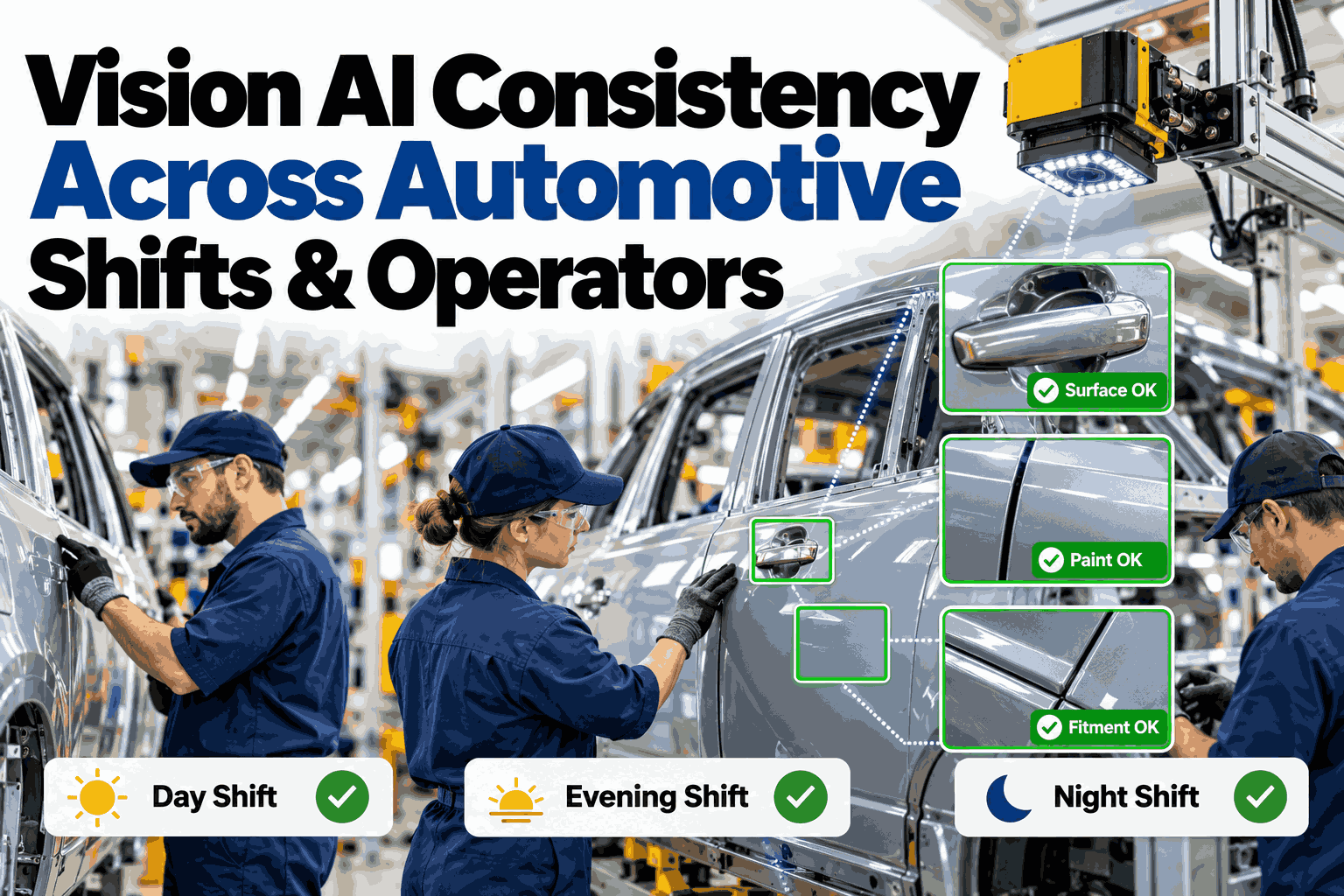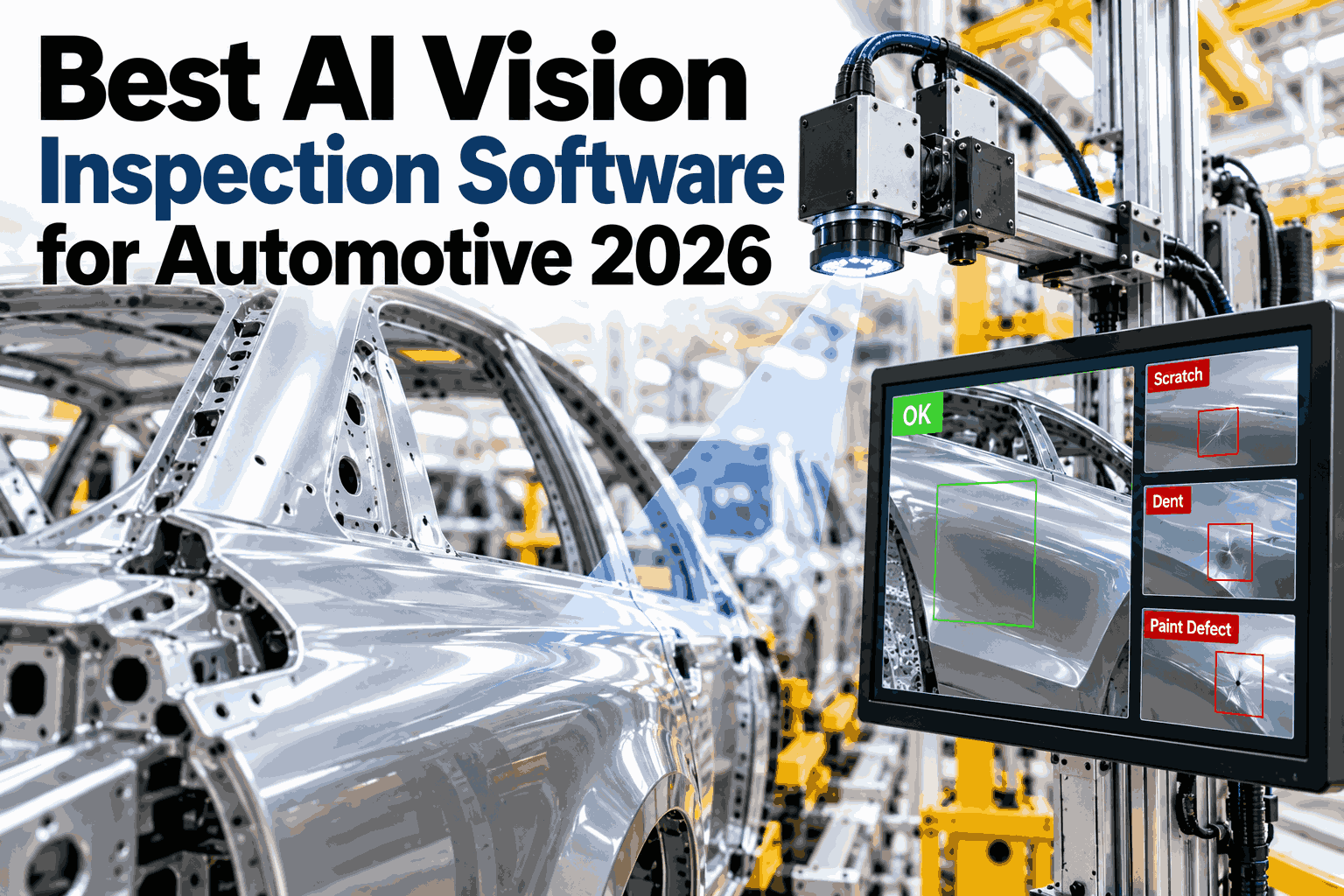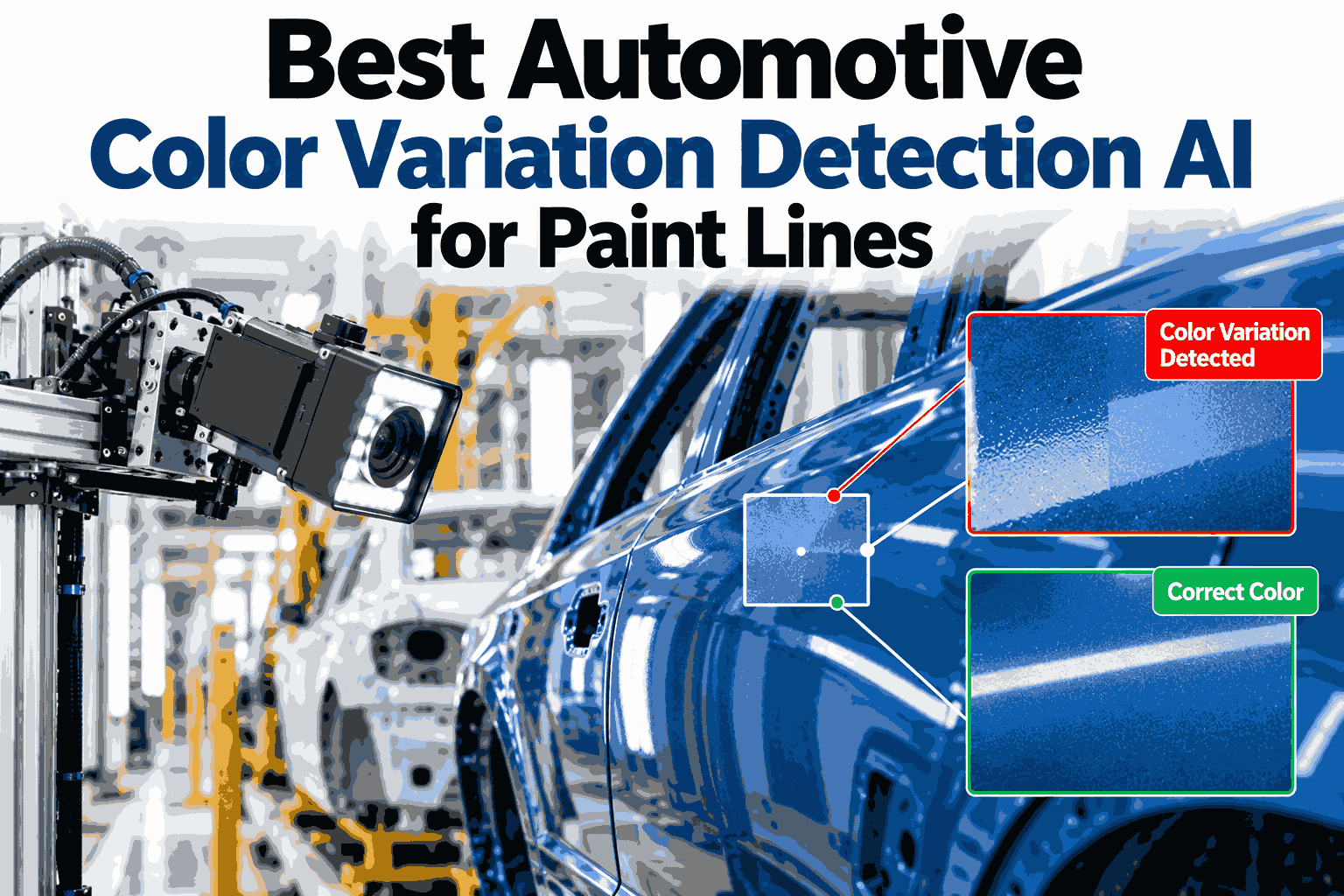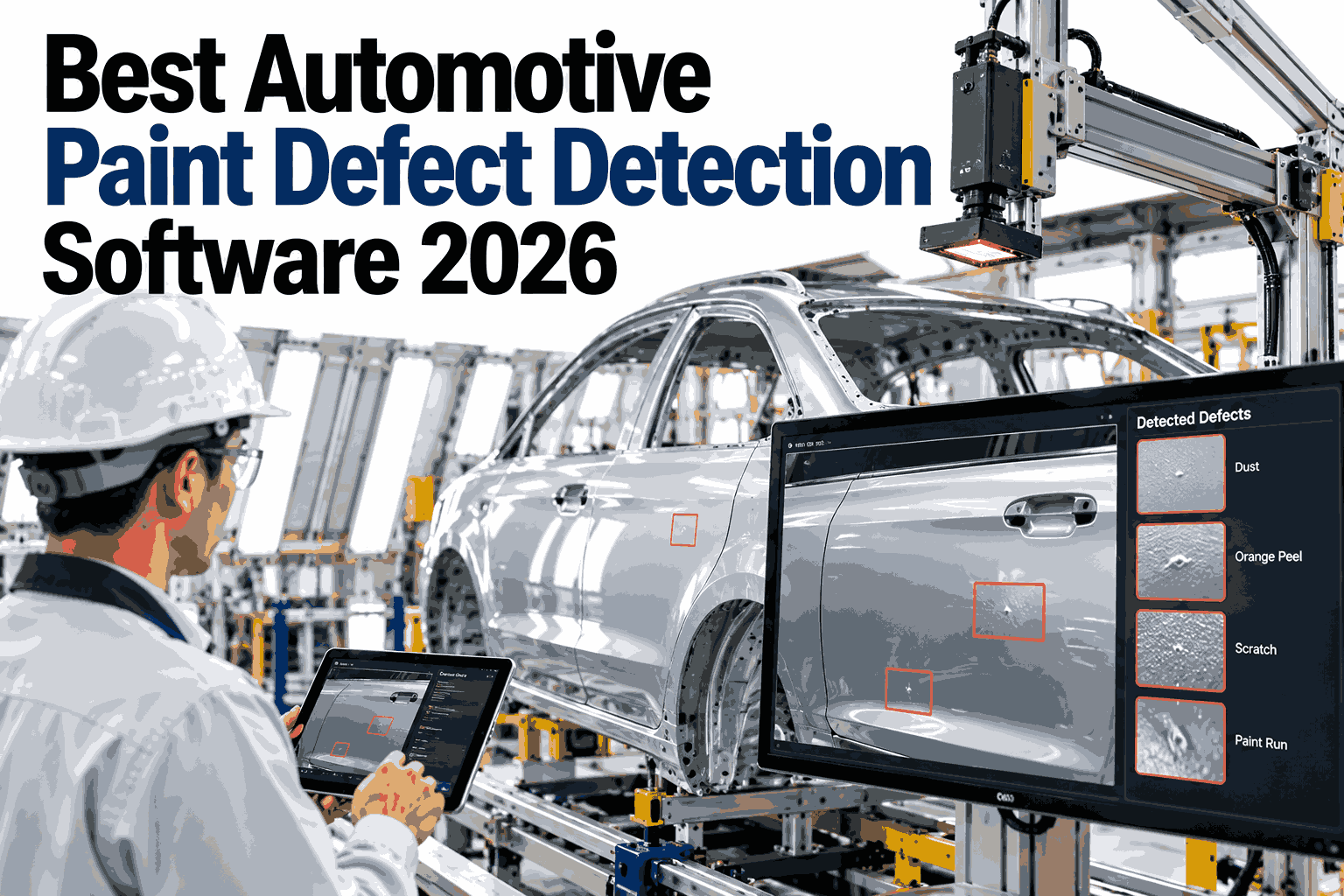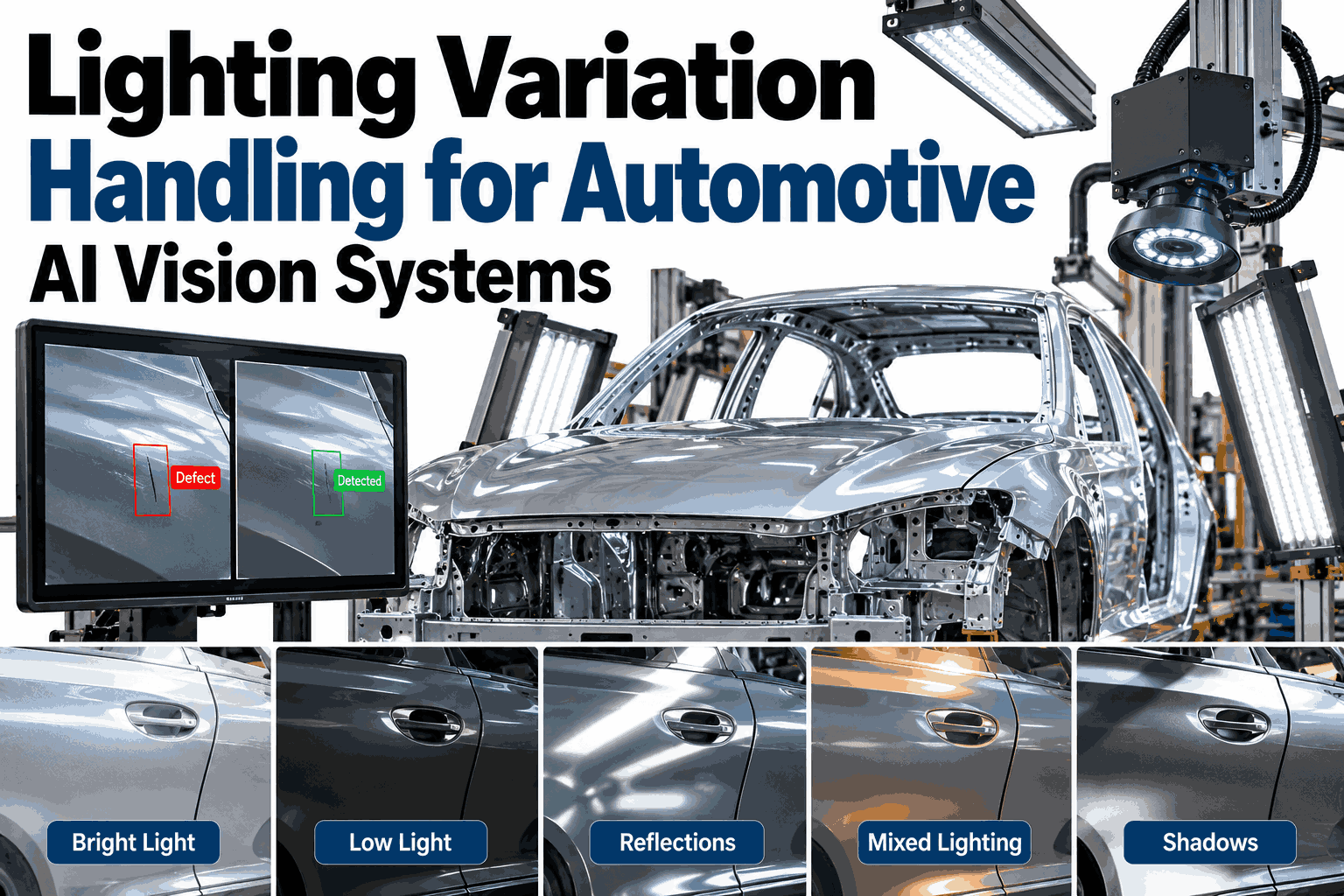
Automotive paint booths, weld cells, and final assembly lines rarely hold one lighting condition for a whole shift. Sunlight through dock doors brightens one end of the line while overhead fixtures age unevenly at the other, and polished sheet metal throws glare that a camera tuned for yesterday's settings was never built to read. Vision AI models trained on a single lighting profile often degrade the moment ambient conditions drift, turning a reliable inspection station into a source of false rejects and missed defects. Manufacturers running AI vision at scale need software that adapts to light the way a trained inspector's eyes do. Teams can review their current lighting setup with the iFactory AI team before the next line audit.
Vision AI That Keeps Seeing Clearly When the Light Changes
iFactory AI combines HDR imaging, structured lighting, and adaptive exposure control so defect detection stays accurate from first shift to last, regardless of sun angle, fixture age, or surface finish.
Six Places Lighting Variation Breaks Vision AI
Most false rejects and missed defects do not come from a bad model. They come from a camera reading a scene the model never trained on, and these are the moments that happen on nearly every line, every shift.
Dock Door Sun Glare
Direct sunlight sweeps across inspection stations near loading bays as the sun moves, washing out one side of the frame while the other stays in shadow.
Aging LED Fixtures
LED output and color temperature drift as fixtures age, and they rarely age at the same rate, so a line lit evenly on install day grows uneven over months.
Reflective Sheet Metal
Polished panels and chrome trim create specular highlights that can hide a dent or scratch directly underneath the brightest point of glare.
Shift Changeover Lighting
Day shift relies partly on natural light while night shift runs on fixtures alone, so a threshold tuned at noon can misfire at midnight.
Robot and Fixture Shadows
Moving robot arms, conveyors, and overhead fixtures cast shifting shadows across the field of view, changing the scene frame to frame.
Weld Spatter and Arc Flash
A sudden arc flash can saturate a camera sensor for several frames, long enough for a defect to pass through the inspection window unseen.
A model can be excellent at finding defects and still fail in production if the camera feeding it never shows the defect clearly in the first place.
Four Lighting Control Methods, Compared
Plants rarely pick one method and stop. Most mature lighting control programs layer several of these, starting with a fixed baseline and adding adaptive control where variation is worst.
| Method | How It Works | Strength | Limitation |
|---|---|---|---|
| Fixed Exposure Baseline | Camera settings are tuned once for an assumed lighting condition | Simple to set up and cheap to deploy | Breaks down the moment ambient light shifts |
| HDR Multi-Exposure Fusion | Several exposures of the same frame are captured and merged | Recovers detail in both shadow and glare areas | Needs more processing time per frame |
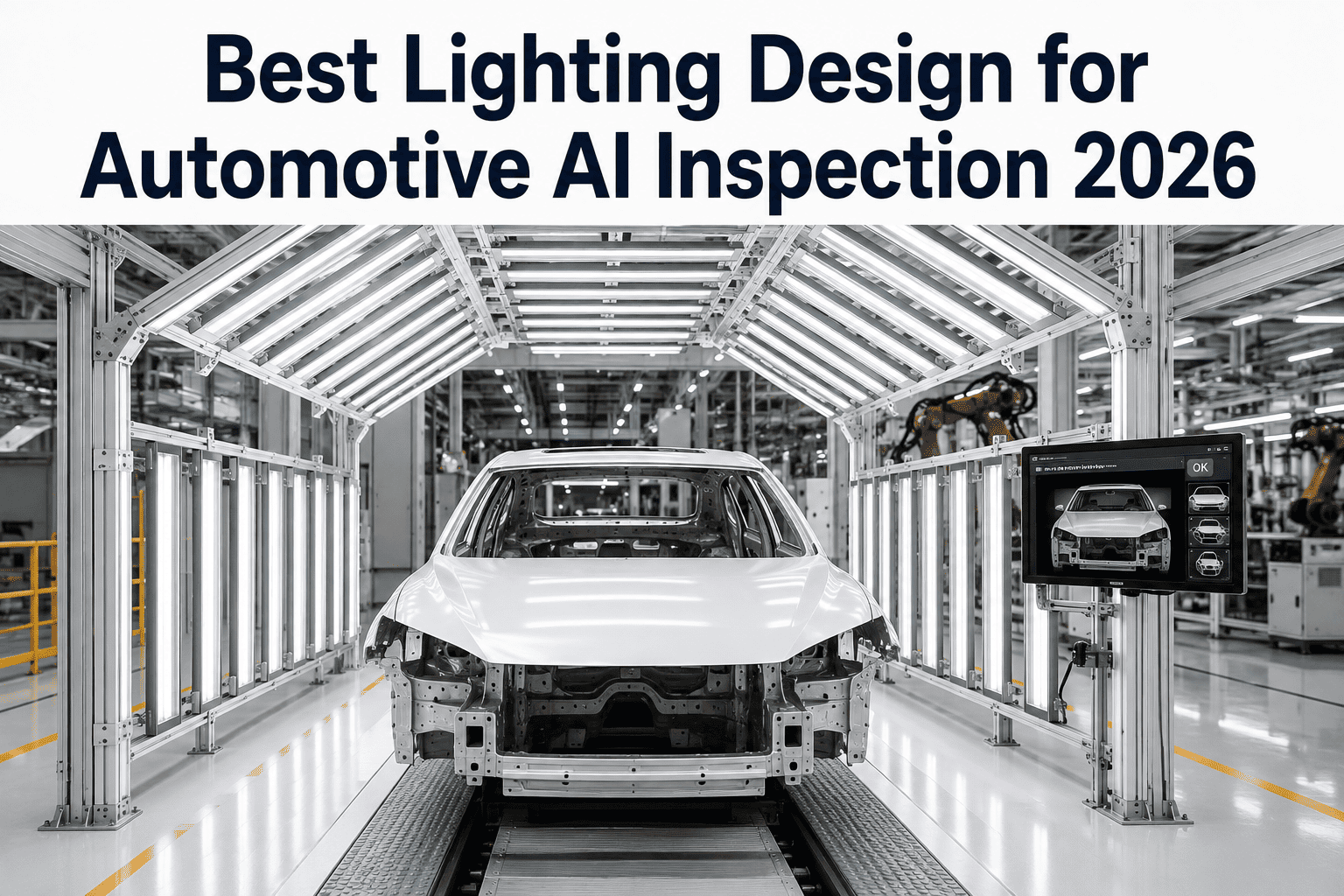
| Structured or Polarized Lighting | Controlled light source and filters reduce ambient influence | Shrinks the variation the camera ever sees | Requires fixture and enclosure investment per station |
| AI-Driven Adaptive Exposure | Software reads ambient conditions and adjusts settings per frame | Responds automatically as conditions keep changing | Needs a feedback loop and reference data to tune against |
Structured lighting reduces how much variation ever reaches the lens, and adaptive exposure handles whatever variation gets through anyway. Used together, they cover far more conditions than either one alone.
The Adaptive Exposure Control Loop
Adaptive exposure is not a single setting. It is a loop that runs continuously, checking conditions and correcting the camera before a bad frame ever reaches the defect model.
Sense Ambient Light
A photometric sensor near the inspection point reads ambient lux continuously, independent of the camera's own exposure setting.
Compute Target Exposure
An algorithm calculates the ideal exposure time and sensor gain for that zone's profile, using the current reading against a known baseline.
Capture Bracketed Frames
The camera captures several frames at slightly different exposures around the computed target, rather than relying on one single shot.
Fuse and Normalize
The bracketed frames are merged into one HDR image and normalized so brightness and color stay consistent with the reference baseline.
Verify Against Reference
The normalized image is compared against a golden-sample lighting baseline, and a deviation beyond tolerance flags the frame before inspection runs.
Log and Escalate
Every reading is logged, and a sensor or fixture drifting outside expected range over time triggers a maintenance alert instead of a silent accuracy drop.
None of these steps need a person watching a screen. Teams can walk through this loop against their own inspection stations with the iFactory AI team.
See the Exposure Loop Correct for Glare in Real Time
Book a 30-minute session and watch iFactory AI hold inspection accuracy steady as lighting shifts from a simulated sunrise to full dock-door glare.
Structured Lighting Zones Across the Line
Different stations face different lighting problems, so the right fixture and filter combination is rarely the same from one end of the line to the other.
Paint Booth
Weld Cell
Press Line
Final Assembly
Structured lighting is a one-time setup cost per station, and it pays off by shrinking how much work the adaptive software has to do on every single frame.
Manual Thresholding vs AI-Adaptive Compensation
Most plants start with manually tuned camera settings, and most eventually outgrow them as more stations and more shifts are added to the vision program.
Manual Threshold Tuning
AI-Adaptive Compensation
Manual tuning is not wrong, it is just a snapshot. The question is whether a plant can afford to retake that snapshot every time the light changes.
A Composite Scenario: One Body Shop, Three Lighting Zones
A body shop ran vision inspection across a dock-adjacent weld cell, a mid-line press station, and an enclosed final assembly checkpoint. The figures below are an illustrative composite, shown as a relative index with the starting point set at 100.
The sharpest swing happened at shift changeover, when the dock door station's lighting shifted fastest. Once adaptive exposure took over that one station, the rest of the line's false rejects dropped alongside it, since the same model and loop covered all three zones.
What iFactory AI Adds to Lighting Variation Handling
iFactory AI is smart manufacturing and industrial software built for automotive vision programs. It pairs adaptive exposure control with structured lighting guidance and plant-wide inspection data in one connected system.
iFactory AI arrives pre-configured on an NVIDIA server that ships racked and ready with software pre-loaded. Rack it, connect power and Ethernet, and adaptive exposure control starts running. Scope covers cabling, network, camera integration, team training, and 24x7 remote monitoring.
Camera and Sensor Choices That Support Adaptive Lighting
Software can only compensate for as much as the hardware underneath it allows. A few equipment choices make the adaptive exposure loop far more effective before a single setting is tuned.
Wide Dynamic Range Sensors
Sensors with a wide native dynamic range capture usable detail across a broader brightness span before HDR fusion even runs, giving the software a better starting image.
Global Shutter Over Rolling Shutter
A global shutter captures the full frame at once, which matters most where a robot or fixture is moving through the field of view during capture.
Dedicated Ambient Light Sensors
A lux sensor separate from the camera gives the exposure loop an independent, fast reading instead of inferring light only from the camera's own output.
Polarizing and Diffusion Filters
Filters placed at the lens or the light source cut specular glare on reflective panels before it ever reaches the sensor, reducing how much correction software has to do.
Enclosed or Shielded Fixtures
Light tunnels and shielded housings block ambient interference at the stations where consistency matters most, such as gap and flush checks at final assembly.
Scheduled Fixture Maintenance
Cleaning lenses and replacing aging bulbs on a schedule keeps the baseline the software calibrates against from drifting further than the loop expects.
None of these replace adaptive software, but each one narrows the range of conditions the software has to correct for, which makes every correction faster and more reliable.
Lighting Variation Self-Check
Use these ten checks to find where your vision program still depends on a lighting condition that was true only on the day it was set up.
Each unchecked box is a place where a bright afternoon or an aging fixture could quietly change what your vision system sees.
Surface Finish Changes What Glare Looks Like
A single exposure setting rarely works across a plant that handles raw metal, primer, base coat, and clear coat on the same day. Each finish reflects light differently, and the adaptive loop needs to know which one it is looking at.
Raw and Stamped Metal
Primer and Base Coat
Clear Coat and Gloss Finish
Trim, Chrome, and Plastics
A lighting profile built for one finish type and applied to another is one of the quieter reasons a vision system performs well in testing and inconsistently on the actual line.
Frequently Asked Questions
Why does lighting variation hurt AI vision systems more than human inspectors?
A model learns patterns from the images it trained on, and a scene far outside that range can confuse it in ways a flexible human eye adjusts to instantly. Adaptive exposure closes that gap by giving the model a consistently normalized image to inspect. See adaptive exposure working on a live camera feed in a short walkthrough.
Does adding structured lighting mean we no longer need adaptive software?
Structured lighting reduces how much ambient variation ever reaches the camera, but it rarely eliminates it completely, especially near dock doors or during weld events. Most mature programs run both together. Ask how the two approaches pair on your line.
How fast does the exposure loop react to a sudden lighting change?
The loop recalculates on every capture cycle, so a sudden change such as a dock door opening is reflected within the next few frames rather than waiting for a scheduled recalibration. Talk through cycle timing for your camera hardware with the iFactory AI team.
Can one system handle stations with very different lighting profiles?
Yes. Each station holds its own reference baseline and lighting profile, so a paint booth and a dock-adjacent weld cell are evaluated against their own expected conditions rather than a shared assumption.
How long does implementation take?
iFactory AI is delivered turnkey and is typically live in 6 to 12 weeks. The server arrives pre-configured, and scope covers cabling, network, camera integration, training, and remote monitoring. Plan a rollout timeline for your line in a 30-minute call.
Keep Vision AI Accurate No Matter How the Light Changes
iFactory AI pairs adaptive exposure control with structured lighting guidance and audit-ready inspection logs for automotive vision programs. Book a walkthrough using your own station layout.