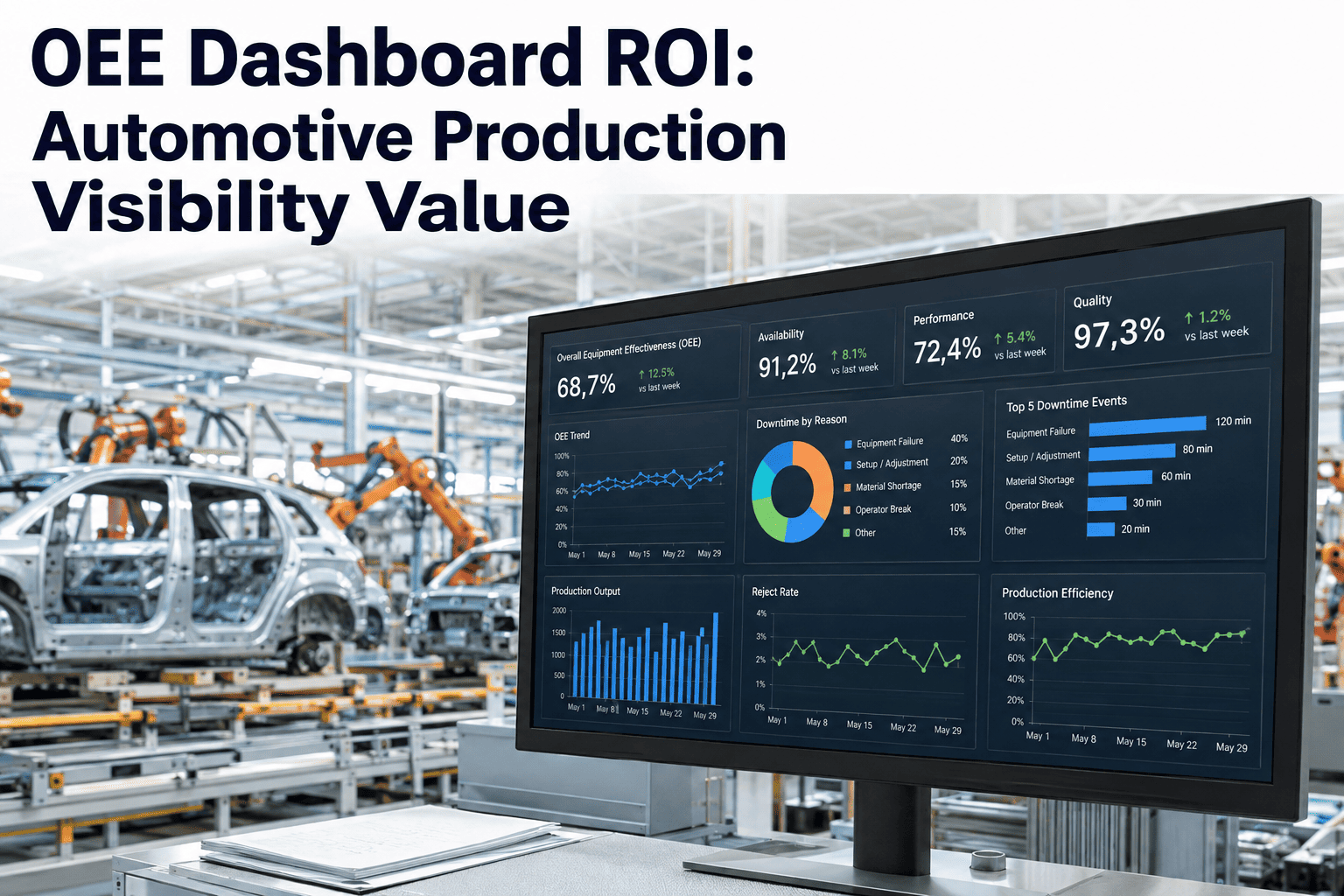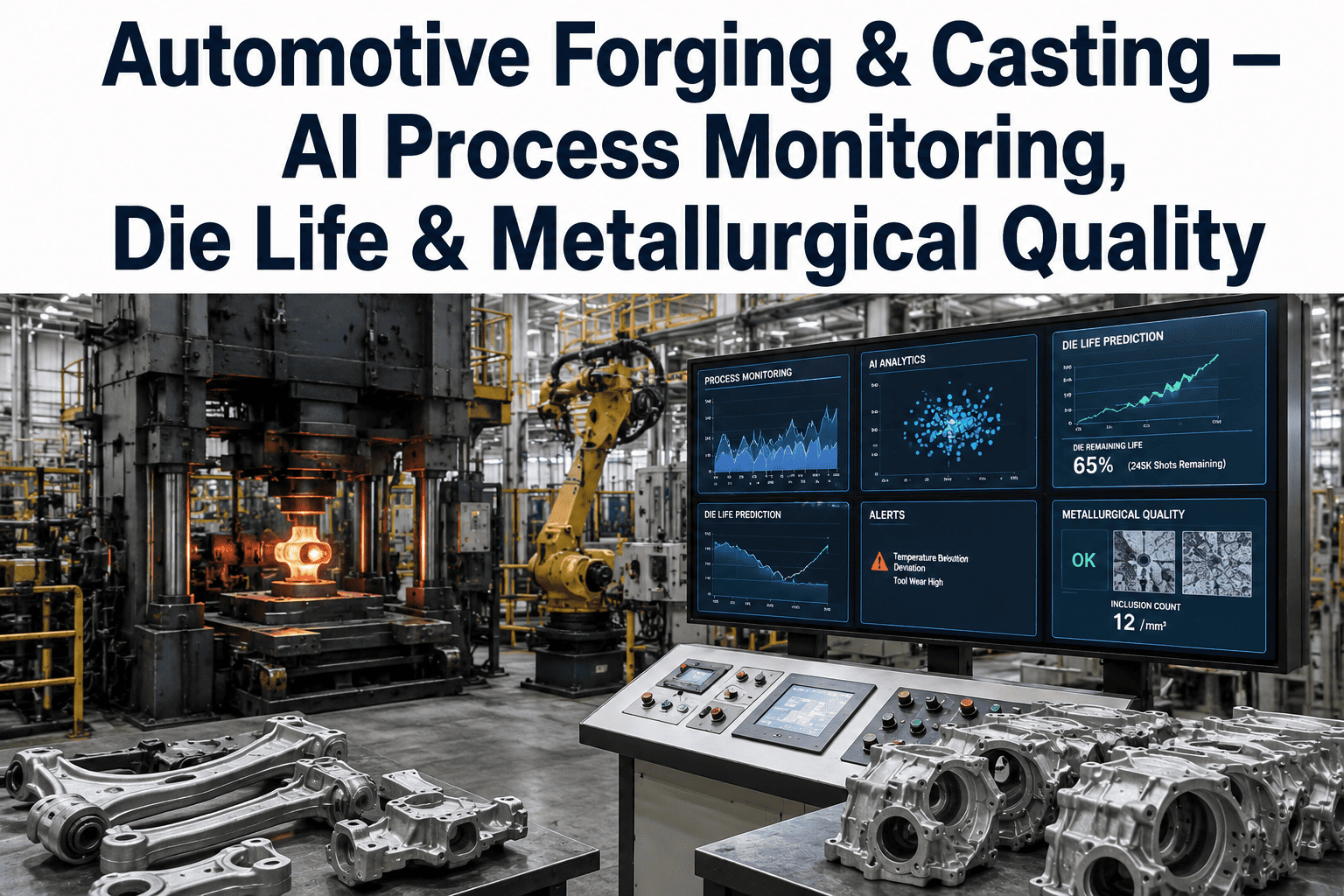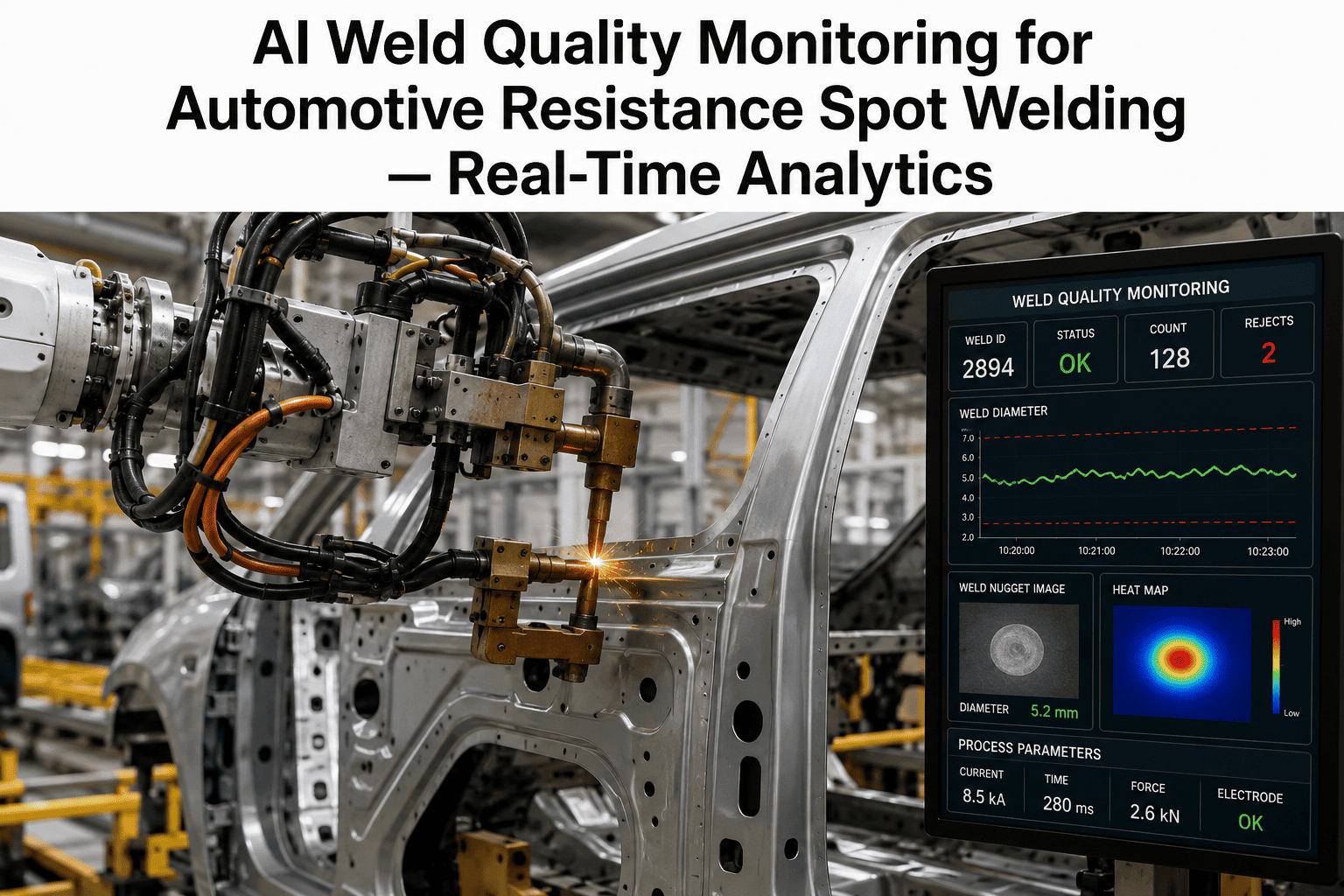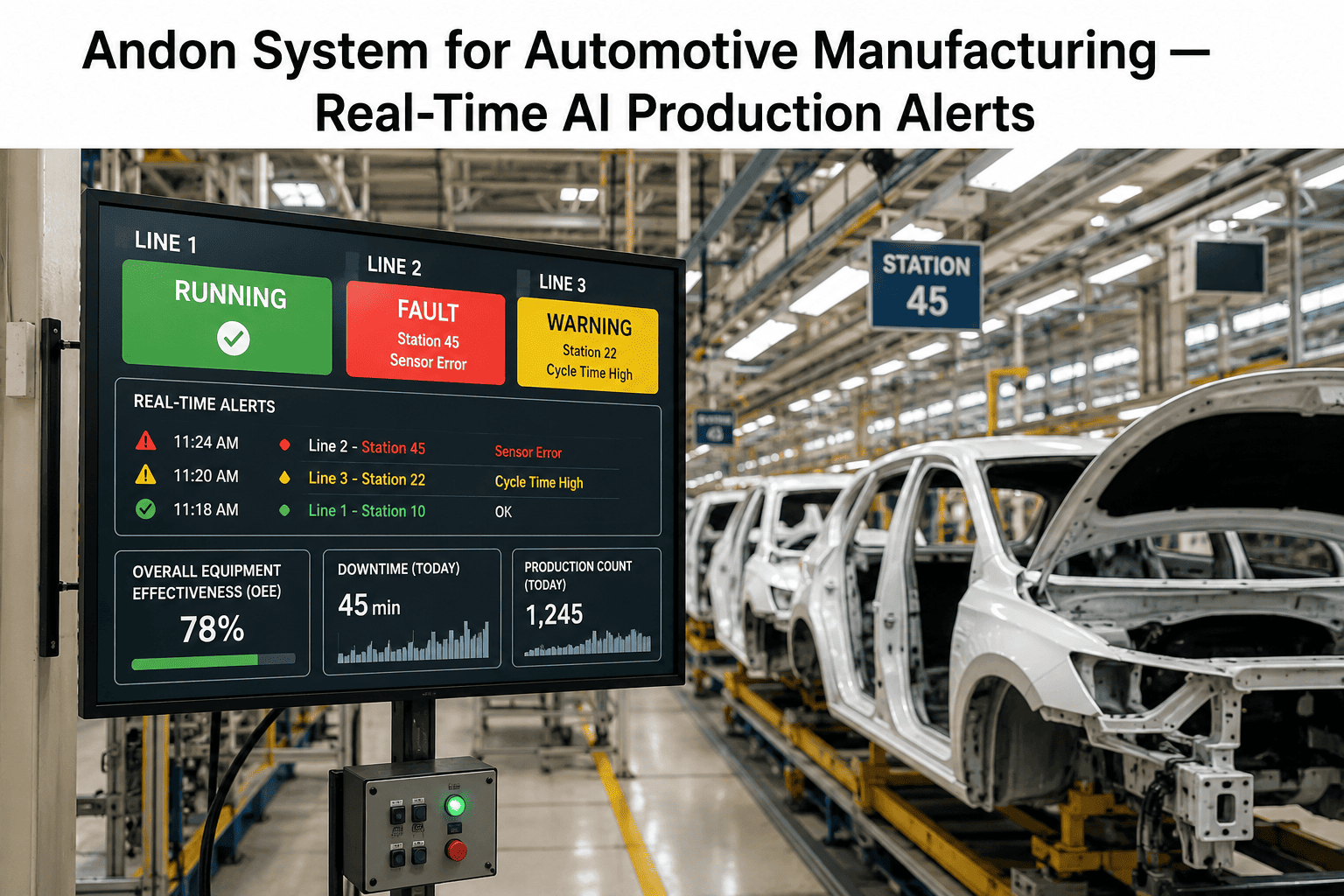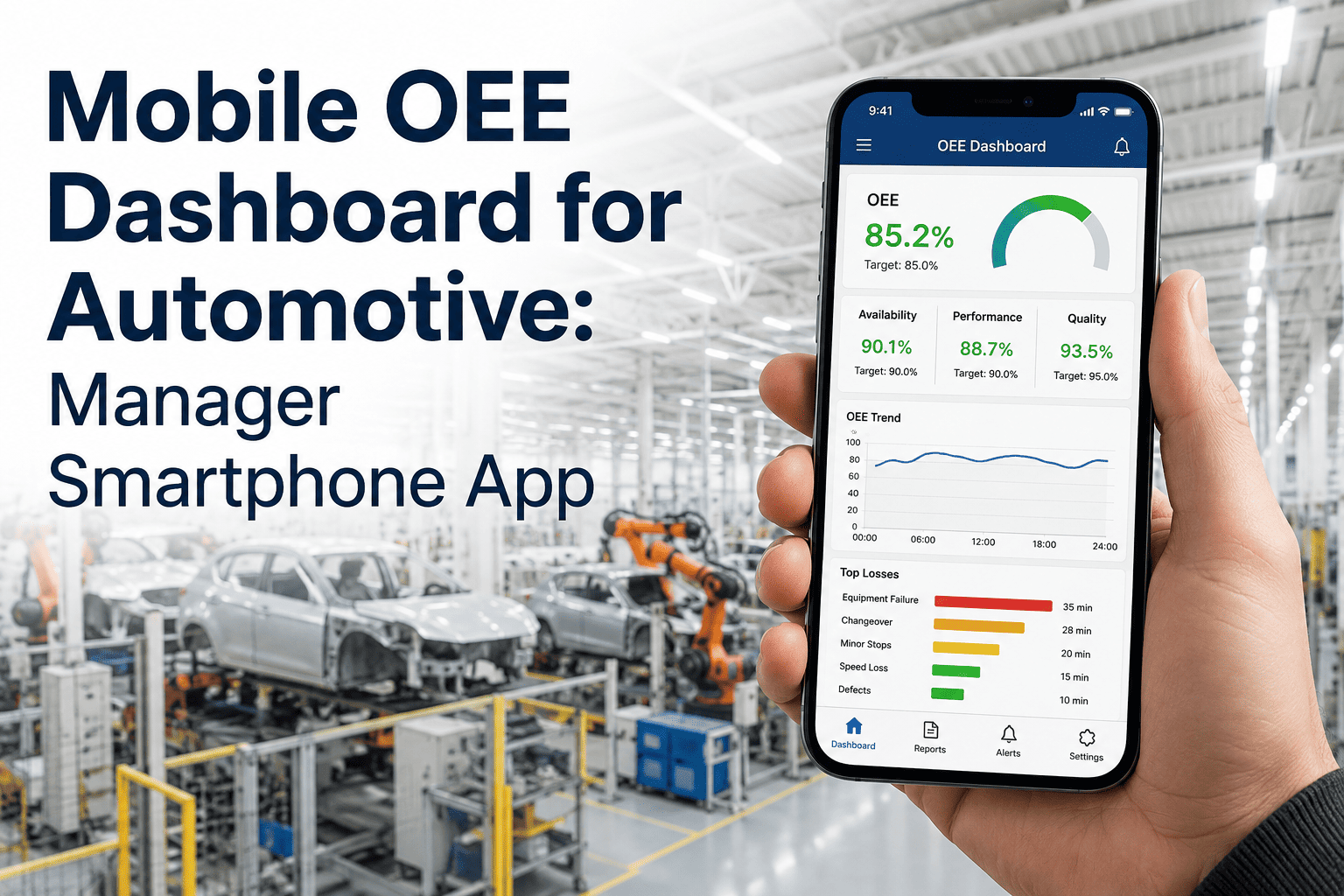
A plant manager walking the floor should not have to return to an office terminal to find out whether line 4 is down. Yet in most automotive plants, that is exactly what happens — the OEE dashboard lives on a fixed workstation, the manager's phone gets a text only after someone remembers to send one, and by the time the desk screen is checked, the stop has already eaten fifteen minutes of the shift. A mobile OEE dashboard closes that gap by putting live production status, quality alerts, and downtime events directly on the device already in every manager's pocket. What that actually needs to look like, and where mobile dashboards tend to go wrong, is the focus of this guide — if your team is ready to see one running against real floor data, book a demo with iFactory.
Plant Status That Follows You Off the Floor
Live OEE, quality alerts, and downtime events on the device already in your manager's pocket — no office terminal required.
The Cost of Checking a Dashboard That Isn't With You
Plant managers spend most of a shift walking, not sitting. A dashboard tied to a fixed terminal means the manager is either interrupting a floor walk to check a screen, or worse, finding out about a stoppage secondhand from a supervisor who happened to notice first. The lag between an event happening and a decision-maker seeing it is where avoidable minutes turn into avoidable hours.
What Belongs on a Manager's Home Screen
A mobile dashboard earns its place on a manager's phone only if it surfaces the handful of things that actually require a decision — not a mirror of every chart from the desktop view. The mock-up below shows the four panels that matter most on a smartphone screen.
Push, not pull
A stoppage crossing the alert threshold should push a notification to the manager's phone, not wait for them to open the app.
One tap to detail
Tapping the alert should drop straight into the specific line's loss history, not a generic plant overview.
Works on the plant Wi-Fi dead zone
Cached last-known state with a clear "stale data" indicator when connectivity drops on the shop floor.
See the Manager View on Your Own Line Data
iFactory pushes live OEE, alerts, and loss detail to any manager's phone in a 30-minute walkthrough against your actual floor.
Four Moments a Mobile Dashboard Changes the Outcome
The value of a mobile dashboard shows up in specific, recurring moments across a plant manager's day — not as a general convenience, but as the difference between catching a problem early and hearing about it after the fact.
Walking a different building
A multi-building site manager checking on line 4 while standing at line 9 sees the same live figures a desk terminal would show, without walking back.
Off-shift escalation
A night-shift stoppage that would otherwise wait for the morning meeting reaches the manager's phone in real time, cutting response time from hours to minutes.
Supplier or customer visit
A manager hosting a plant tour can pull up live performance on their phone without walking the guest to an office terminal — useful during audits too.
Cross-plant benchmarking on the go
A regional operations director comparing three sites during a single travel day gets consistent, standardized figures on one device instead of three separate reports.
Where Mobile Dashboards Go Wrong
A mobile OEE app is easy to build badly. The failure pattern is consistent enough across plants to name in advance.
Cramming the desktop dashboard onto a small screen
A shrunk-down version of every desktop chart is unreadable on a phone. The mobile view needs its own information hierarchy built around the two or three decisions a manager actually makes on the move.
Alert fatigue from over-notification
Pushing a notification for every minor event trains managers to ignore the app within a week. Thresholds should be tuned to genuinely actionable events, with severity levels that control which ones interrupt versus which sit quietly in a feed.
No offline resilience
Shop floors are notorious Wi-Fi dead zones. A dashboard that goes blank the moment signal drops loses trust fast — the last-known state should stay visible with a clear timestamp until connectivity returns.
Frequently Asked Questions
Does a mobile OEE dashboard need a separate native app, or can it run in a browser?
Either approach works, and the right choice depends on how important push notifications are to your use case. A browser-based responsive dashboard is simpler to deploy and update across a mixed fleet of personal and company-issued devices, while a native app typically delivers more reliable push notifications for active alerts. Most automotive plants land on a hybrid: a responsive web dashboard for general viewing, paired with native push notifications for the small set of events that genuinely need to interrupt a manager's day.
Is it secure to put live production data on personal smartphones?
Yes, when access is handled correctly. The dashboard should authenticate through the plant's existing identity provider, restrict data to the specific lines and metrics a given role needs to see, and support remote session revocation if a device is lost. None of the underlying production data needs to be stored on the phone itself if the app is built to stream live rather than cache broadly, which limits exposure even if a device goes missing.
How fast should an alert reach a manager's phone after a stoppage starts?
The practical target is under sixty seconds from the moment a stop crosses the alert threshold to the moment the notification lands. Most of the delay in poorly built systems comes from batch-processing the sensor data rather than streaming it — a properly configured live OEE feed can comfortably beat that target on standard plant network infrastructure.
Can operators use the same mobile view, or is this manager-only?
Most deployments scope the mobile view by role. Operators typically get a station-level view relevant to the machine in front of them, while supervisors and managers get line-level or plant-level rollups with alert authority. Keeping the roles distinct avoids overwhelming operators with plant-wide data that isn't actionable from their position on the line.
What does it take to get a mobile dashboard running on our existing line data?
If your line already has sensor-based OEE capture in place, a mobile view is typically a configuration exercise rather than a new integration — deciding which alerts push, to which roles, at what thresholds. If OEE data is still manually logged, that foundation needs to be built first. Either way, booking a demo is the fastest way to see what's already possible with your current setup.
Put Live Plant Status in Your Manager's Pocket
Book a 30-minute demo and see iFactory's mobile OEE dashboard running against your own line — alerts, loss detail, and quality status, wherever your team is standing.