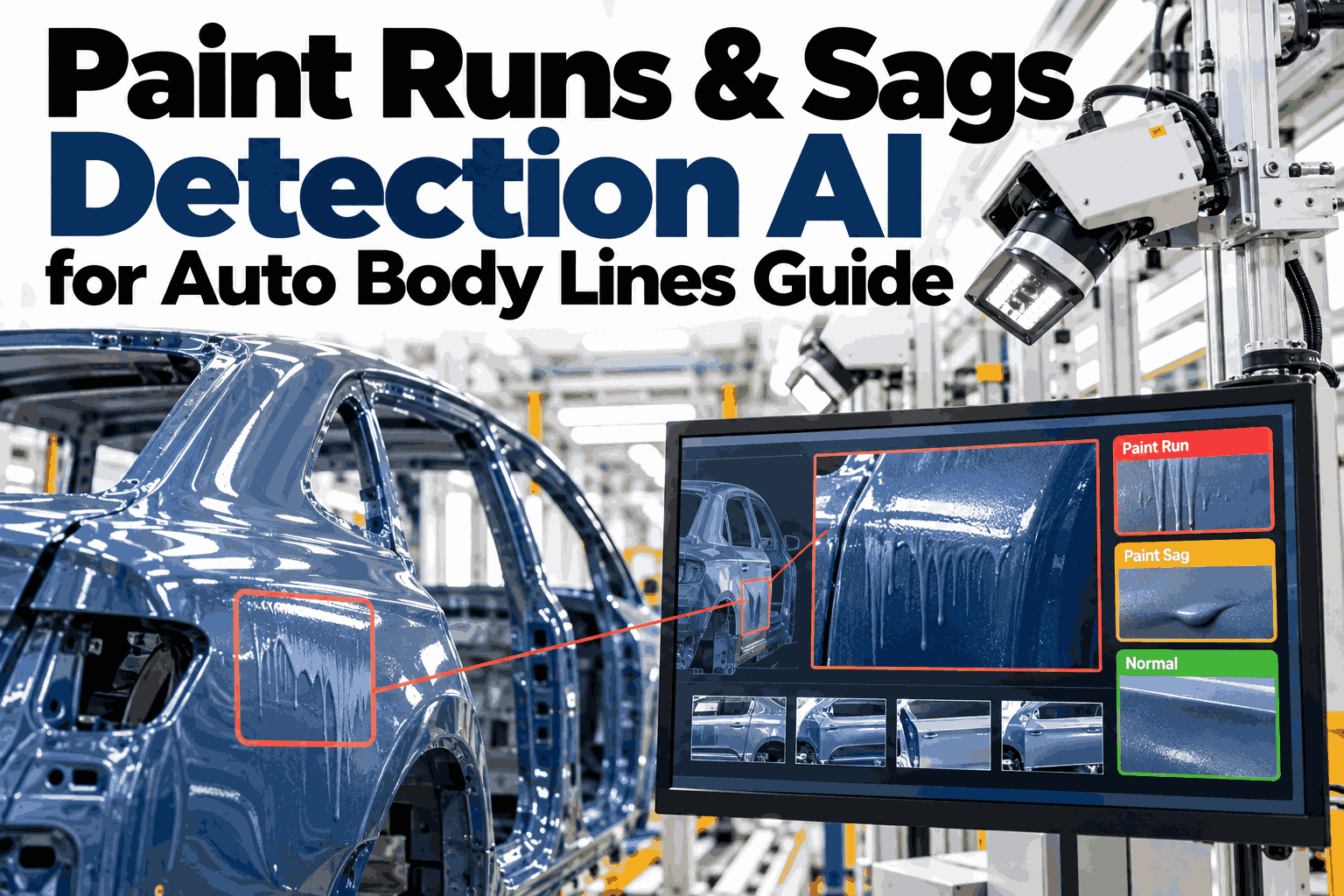
A paint run starts as a tiny slump on a vertical panel and finishes as a visible drip that no customer wants to see on a door or a pillar. Gravity does the damage in the minutes between spraying and cure, which is exactly when nobody is looking. By final inspection the flaw is already locked into the clear coat, and the only fix is sanding, polishing, or a full repaint. Paint teams who want to spot these flow problems while the film is still moving can see iFactory AI flag runs and sags on live body line data in a guided 30-minute session before choosing a tool.
Catch the Drip While the Paint Is Still Wet
iFactory AI reads flow anomalies, thickness gradients, and viscosity signatures on vertical surfaces so runs and sags are caught and traced back to their cause.
Three Shapes, One Root Cause
Runs, sags, and curtains all come from paint flowing under its own weight before it sets. The shape depends on how much material built up and where.
A thin streak of excess paint that has slid downward from a heavy spot.
A broader slump with a rounded lower edge, usually where film is thick.
A wide sheet of movement across a panel, often from heavy coverage or low viscosity.
Gravity Always Wins on Vertical Surfaces
Paint film is rarely uniform from top to bottom. As it flows downward during flash, thickness piles up lower on the panel, and that is where defects begin.
Illustrative thickness gradient. Real profiles depend on geometry, spray pattern, and material.
Viscosity Leaves a Signature
Paint that is too thin flows easily and paint that is too thick does not level. Only a narrow window gives a smooth finish without running.
High run risk, because the film slides before it sets.
Low risk, with enough flow to level and enough body to hold.
Sags and orange peel, because film builds heavily and levels poorly.
See Flow Anomalies Flagged Before the Oven
Book a 30-minute demo and iFactory AI will show how thickness gradients and viscosity signatures work on your own vertical panels and paint materials.
From Symptom to Cause
Every run points back to something upstream. The table links the pattern the AI sees to the likely cause and the usual response.
| Pattern | Likely Cause | Usual Response |
|---|---|---|
| Runs clustered low on doors | Heavy film build near the bottom edge | Adjust spray path and overlap |
| Sags on one color only | Viscosity out of window for that material | Check mixing and temperature |
| Defects after a long idle | Cold paint or settled material | Recirculate and recheck viscosity |
| Curtains on large panels | Too much fluid delivered too fast | Reduce flow rate or add a pass |
The Risk Window Between Wet and Cured
Runs form in a short window before the film sets. The bar shows where flow is possible and why the first minutes after spraying matter most.
Illustrative sequence. The dark segments mark where paint can still move.
How Detection Works at Line Speed
Cameras image vertical panels as bodies move through.
Reflection changes reveal where film is building or sliding.
Thickness patterns top to bottom are compared to a healthy profile.
Findings link back to viscosity, spray, and booth conditions.
A Composite Scenario: The Door That Dripped After Lunch
A body line saw sags on lower door panels, but only after the midday break, and manual checks never caught them before bake.
Illustrative example based on common paint line patterns, not a specific customer result.
Delivered Turnkey, Live in 6 to 12 Weeks
iFactory AI arrives pre-configured on an NVIDIA server with software pre-loaded. Rack it, connect power and Ethernet, and the team handles the rest.
Frequently Asked Questions
Can software really detect runs before the oven?
Often, yes. Paint that is sagging changes how it reflects light, and thickness gradients show up before the film sets. Catching these signs early lets teams correct a process or send a body for repair before cure locks the defect in place. A live look at flow detection on your own panels shows what is possible.
What is a viscosity signature?
It is the pattern of flow behavior that a given material shows when it is sprayed under certain conditions. When that pattern shifts, it often means temperature, mixing, or material condition has changed. Tracking it helps teams stop problems at the source.
Does it work on every color and clear coat?
The system learns healthy flow profiles for each material, so dark, metallic, and clear finishes are all handled against their own baselines. Review your color and clear coat range with the iFactory AI team in one short call.
How does it avoid false alarms?
Alerts depend on sustained deviation from a learned profile for each panel zone rather than a single odd reading. That keeps operators focused on real flow problems instead of normal variation from geometry, spray overlap, or ordinary shift changes.
How long does deployment take?
Delivery is turnkey and typically takes 6 to 12 weeks. The hardware arrives pre-configured, integration covers cabling, network, and plant systems, and the last phase trains your teams. Plan a rollout around your paint line schedule in a 30-minute conversation.
Stop Repairing Drips You Could Have Prevented
iFactory AI reads flow, thickness, and viscosity signals so runs and sags are caught while there is still time to fix the cause. Book a walkthrough on your own paint line.