A PPAP submission fails less often on engineering than on housekeeping. A missing element, a template from the wrong revision or a form in a format the customer no longer accepts can send a package back and delay a launch. A template library, organised by level and by customer, takes that risk out of the routine. This checklist walks through every level and element so each submission is complete before it leaves the building, and suppliers can ask iFactory AI how PPAP templates and records are managed in one place.
The PPAP Template Library Checklist for Auto Suppliers
Five levels, eighteen elements, one library. iFactory AI keeps templates, evidence and customer formats together, so every submission is complete before it is sent.
The Five Submission Levels at a Glance
The level decides what you send and what you keep on file. Always confirm the level and any customer-specific requirements first, since the customer has the final word.
| Level | What Is Submitted | Typical Use |
|---|---|---|
| Level 1 | Warrant only, with the customer informed | Low-risk parts where the customer accepts minimal evidence |
| Level 2 | Warrant with product samples and limited supporting data | Moderate-risk parts needing basic evidence |
| Level 3 | Warrant with samples and complete supporting data | The default for many new parts and changes |
| Level 4 | Warrant and other items as the customer defines | Customer-specific submission packages |
| Level 5 | Warrant with samples and complete data reviewed at the supplier site | High-risk parts reviewed on site |
The PPAP Workflow Each Checklist Belongs To
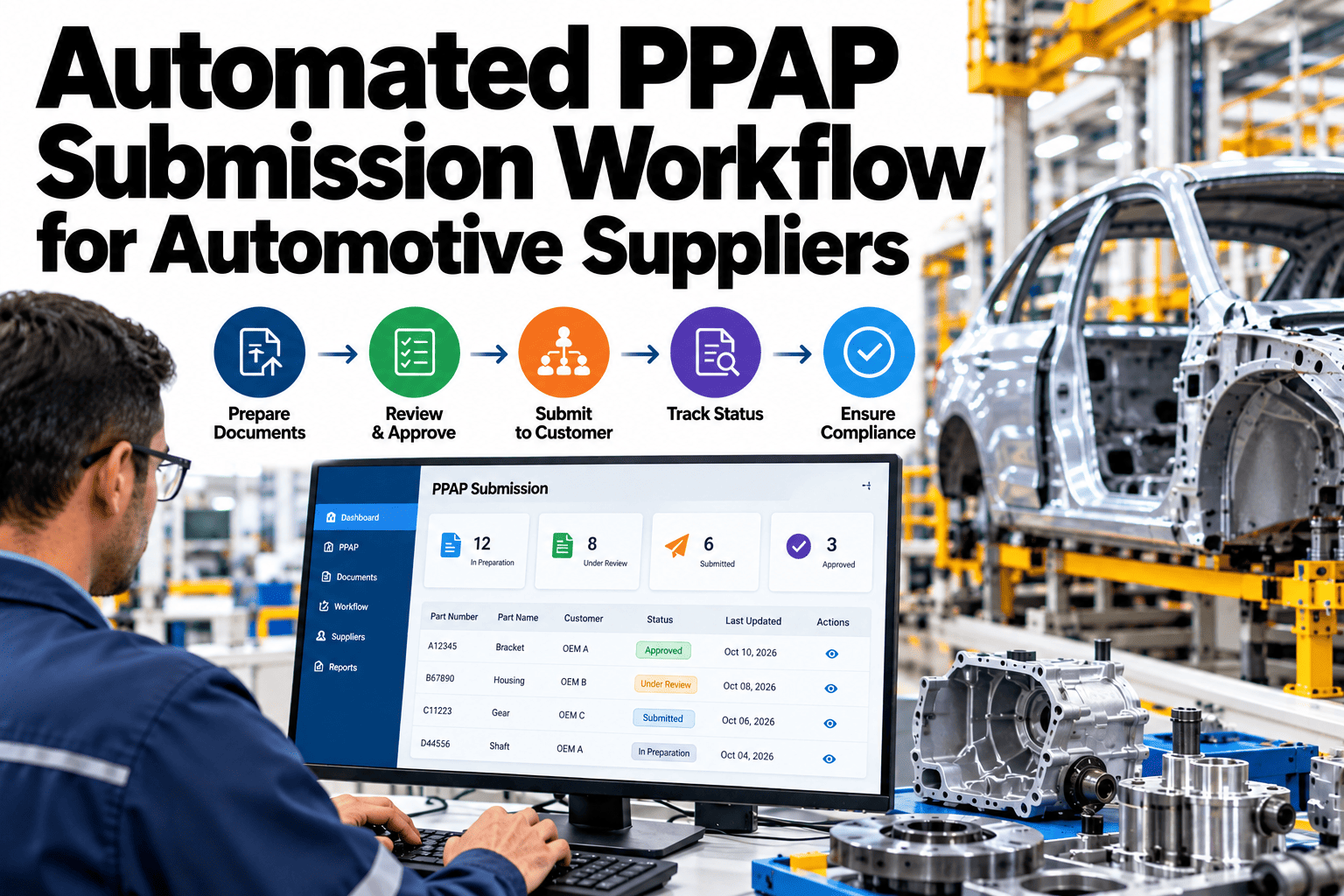
Every submission passes through the same stages. Each checklist below supports one of them.
Checklist 0: Before You Start
Set the submission up correctly and the rest follows. Tick every box once per part.
Checklist 1: Design and Risk Elements
These elements show what the part is and what could go wrong with it.
Checklist 2: Process Elements
These elements show how the part will be made and controlled.
Checklist 3: Measurement and Results Elements
These elements prove that the process can make the part and that the measurements can be trusted.
Stop Sending PPAP Packages Back for Missing Pieces
Book a 30-minute session and iFactory AI will review your PPAP templates, customer formats and recent rejections to show how a single library prevents them.
Checklist 4: Samples, Approvals and Warrant
These final elements make the package submittable.
Level-by-Level Quick Checklists
Use the group that matches your level. Each shows the minimum to confirm before submission.
OEM-Specific Format Checklist
Each customer has preferences for format, portal and naming. Capture them once per customer.
The Template Library Structure
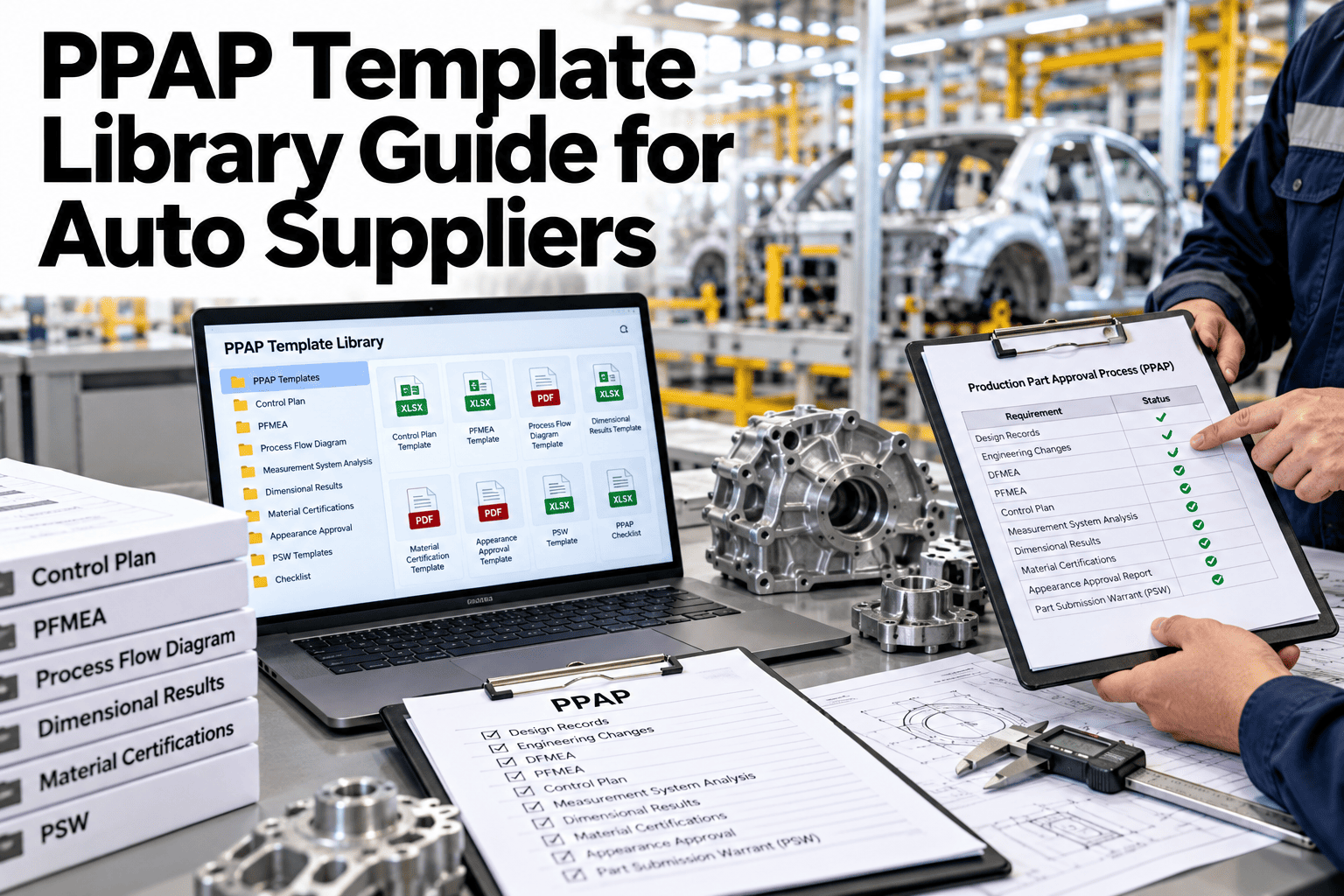
A good library is organised so anyone can find the right template in seconds.
| Library Folder | Contents | Owner |
|---|---|---|
| Core templates | Warrant, flow diagram, FMEA, control plan, MSA and capability forms | Quality engineering |
| Level kits | Ready-made packages for each submission level | PPAP coordinator |
| Customer kits | Customer-specific formats and instructions | Account quality lead |
| Examples and guides | Completed examples and how-to notes | Quality engineering |
Version Control and Revision Checklist
An outdated template is a hidden rejection. Tick these boxes every time a template changes.
Pre-Submission Review Checklist
Run this list on the final package before it is sent.
After Approval Checklist
Approval is not the end. These steps protect the result.
Mistakes to Avoid: The Do-Not-Tick List
If any of these describe your process, fix them before the next submission.
What iFactory AI Ticks Off For You
iFactory AI is smart manufacturing and industrial software for automotive suppliers. These items can run automatically once the library is connected.
Score Your PPAP Readiness
Count the boxes you can honestly tick across all checklists above, then read your result.
Under 25 ticked
Submissions depend on individuals. Start with setup and version control.
25 to 50 ticked
The basics work. Focus on level kits and customer formats.
50 to 75 ticked
A solid library. Automate checks and reminders.
Above 75 ticked
Excellent. Share the library and track first-time approval rates.
Review of PPAP Template Libraries
A practical review of what keeps PPAP submissions clean, written as editorial guidance rather than a named expert quote.
One library, one revision
Templates scattered across drives are the main cause of avoidable rejections.
Confirm the level first
Everything else depends on the level and customer-specific rules.
Review before you send
A short internal review catches most missing pieces.
Frequently Asked Questions
What are the PPAP submission levels?
Level 1 submits the warrant only, Level 2 adds samples and limited data, Level 3 adds complete data, Level 4 follows customer-defined items, and Level 5 adds on-site review. See each level tracked in a live demo with your parts. Always confirm the level with your customer.
Do all customers use the same PPAP format?
No. Many follow AIAG-aligned forms, but each customer may add its own formats, portals and rules. Keep a customer kit for each one. Customer-specific requirements always take priority.
How do we avoid outdated templates?
Keep templates in one controlled library with unique IDs and revisions, and remove obsolete versions from use. Ask support how revision control is enforced in the library in practice. This prevents the most common hidden rejection.
What causes most PPAP rejections?
Missing elements, inconsistent part numbers or revisions, and wrong formats are common causes. A checklist and pre-submission review catch most of them before sending.
How quickly can a library be set up?
Many suppliers organise their core templates and level kits within weeks. Book time to scope a PPAP library project with your quality team. Start with your top customer and expand.
Make Every PPAP Submission Right the First Time
iFactory AI keeps templates, evidence and customer formats in one library so submissions leave complete. Book a walkthrough to see it on your own parts.