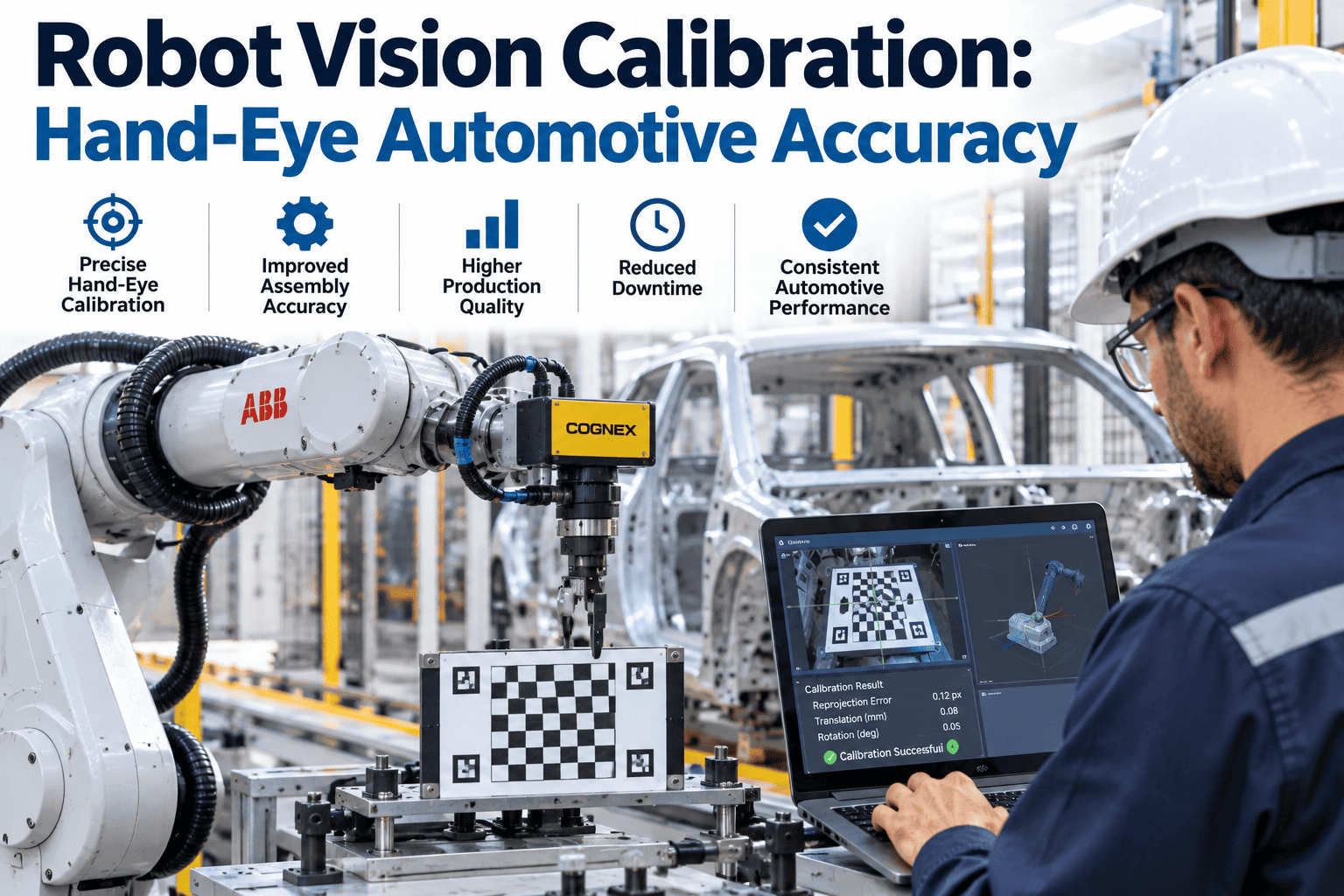
A vision-guided robot that picks a part three millimeters off center is not a vision problem or a robot problem in isolation; it is almost always a calibration problem, specifically an inaccurate transformation between what the camera sees and where the robot's tool center point actually moves in physical space. Hand-eye calibration is the process that establishes this transformation, and it is the single most common source of accuracy issues in vision-guided robotic applications, more so than camera resolution, lighting, or the underlying recognition algorithm. This is a counterintuitive finding for many engineers troubleshooting an accuracy problem for the first time, since the instinct is usually to suspect the camera hardware or the vision software before considering that the mathematical relationship linking the two systems together might itself be the source of the error. Plants troubleshooting a mysterious accuracy problem often spend weeks investigating lighting and camera settings before someone finally checks whether the calibration itself has drifted, when a proper calibration verification routine would have caught the issue in minutes. Getting hand-eye calibration right, and keeping it right over time, is foundational to every vision-guided robotics application on the floor. If you are troubleshooting accuracy issues on an existing system, you can book a demo to see how iFactory approaches calibration verification.
ROBOT VISION CALIBRATION · HAND-EYE ACCURACY
Get the Camera-to-Robot Transformation Right, and Keep It Right
iFactory's calibration methodology establishes and continuously verifies the hand-eye transformation that determines whether a vision-guided robot actually hits its target, not just where the camera thinks it is.
EYE-IN-HAND VS EYE-TO-HAND
Two Fundamentally Different Calibration Configurations
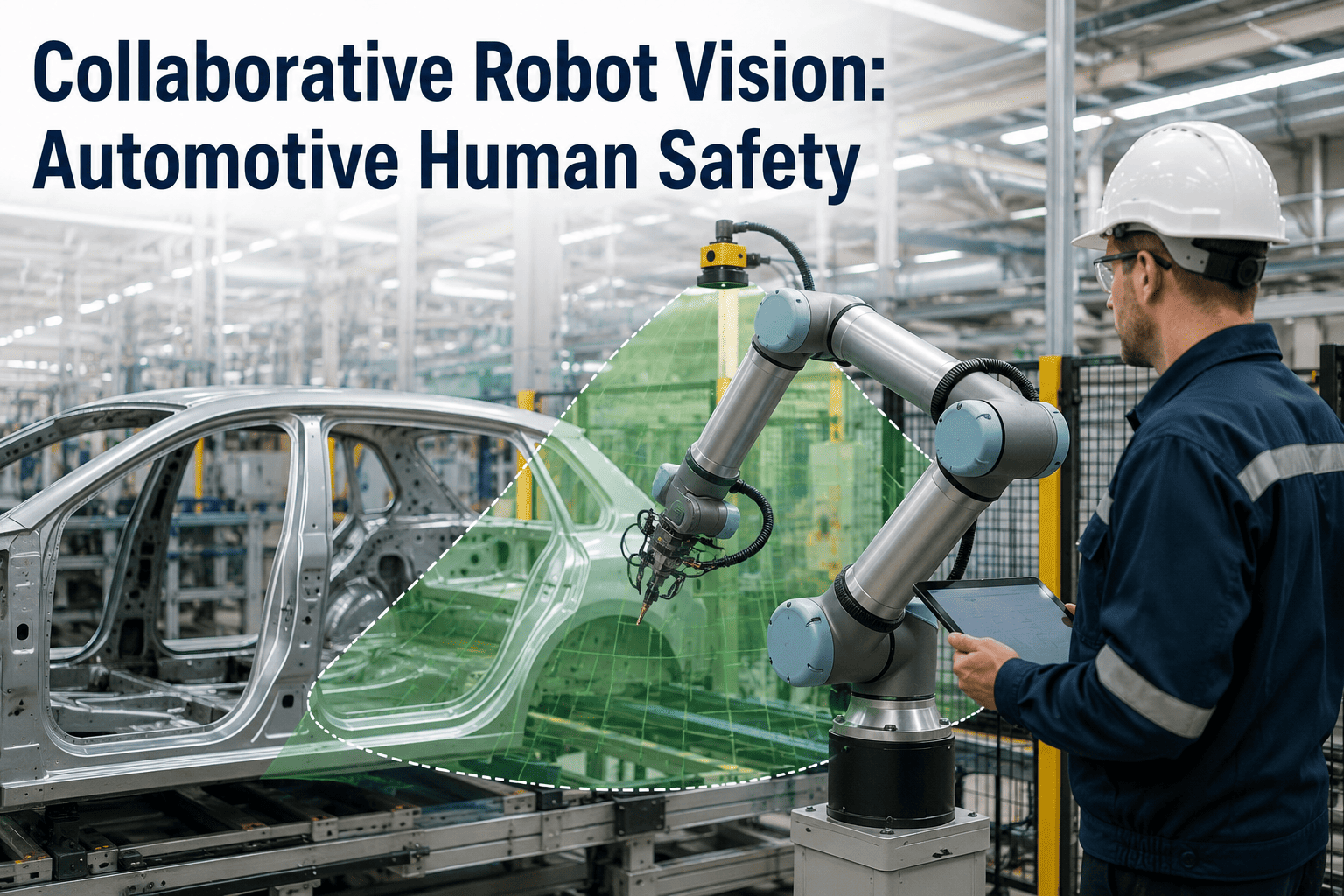
Hand-eye calibration takes one of two basic configurations depending on where the camera is physically mounted, and the choice affects both the calibration procedure and the accuracy characteristics of the resulting system. Neither configuration is universally superior, and many well-designed automotive vision-guided robotics deployments actually combine both approaches across different stations depending on the specific accuracy and coverage requirements of each individual application.
EYE-IN-HAND
Camera mounted directly on the robot's wrist or end effector, moving with the robot through its full range of motion.
Advantage: Consistent close-range view of the target regardless of robot position, useful for high-precision tasks.
Trade-off: Calibration must account for camera position at every joint angle, and cable management adds complexity.
EYE-TO-HAND
Camera mounted in a fixed position observing the robot's entire workspace from a stationary vantage point.
Advantage: Simpler mechanical installation, wider field of view covering the full work envelope at once.
Trade-off: Accuracy can degrade at the edges of the field of view, and occlusion by the robot arm itself is possible.
THE CALIBRATION PROCEDURE
How Hand-Eye Calibration Is Actually Performed
Regardless of configuration, hand-eye calibration follows a similar core procedure: moving the robot to a series of known positions while the camera observes a calibration target, then solving for the mathematical transformation that relates camera coordinates to robot coordinates.
1
Calibration Target Setup
A precision calibration pattern, typically a checkerboard or dot grid, is positioned within the camera's field of view.
2
Multi-Pose Data Collection
The robot moves through a series of distinct poses, and the camera captures the calibration target's apparent position at each one.
3
Transformation Solving
The collected pose and image data is used to mathematically solve for the fixed transformation between camera and robot coordinate frames.
4
Accuracy Verification
The resulting calibration is tested against known target positions to confirm the achieved accuracy meets the application's requirement.
Verify Your Current Calibration Accuracy Before Troubleshooting Elsewhere
iFactory can run a calibration accuracy verification on your existing system to confirm whether calibration is the actual source of an accuracy problem.
WHY CALIBRATION DRIFTS
Common Causes of Calibration Degradation Over Time
A calibration that was accurate at commissioning does not necessarily stay accurate indefinitely. Understanding what causes drift helps determine an appropriate recalibration schedule rather than assuming a one-time calibration is permanent.
Physical Camera Movement
Vibration, accidental contact, or thermal expansion can shift camera mounting position by a fraction of a millimeter, enough to introduce meaningful error.
Robot Mechanical Wear
Backlash and wear in robot joints over years of operation can subtly change the robot's actual positioning relative to its reported position.
Lens or Sensor Changes
Camera lens replacement or sensor servicing invalidates the previous calibration entirely, requiring a full recalibration rather than a partial adjustment.
Environmental Temperature Swings
Significant temperature variation in the plant environment can cause thermal expansion effects in mounting hardware, particularly in eye-to-hand configurations.
MEASURED IMPACT
Accuracy Outcomes From Proper Calibration Methodology and Monitoring
The figures below reflect aggregated results from automotive vision-guided robotics applications that implemented rigorous calibration procedures and ongoing accuracy monitoring.
±0.3mm
Typical Achieved Positioning Accuracy
Across a range of automotive pick and placement applications following a rigorous multi-pose calibration procedure.
76%
Reduction in Accuracy-Related Troubleshooting Time
Routine calibration verification identified drift issues directly rather than requiring extended investigation across unrelated systems.
Quarterly
Typical Recommended Verification Cadence
A regular verification check, distinct from a full recalibration, catches drift early without requiring constant full recalibration effort.
FREQUENTLY ASKED QUESTIONS
Questions Automation Engineers Ask About Hand-Eye Calibration
How do we know whether an accuracy problem is caused by calibration drift versus a different root cause entirely?
A quick diagnostic verification routine, running the robot to a set of known reference positions and comparing actual achieved position against the calibrated prediction, will directly reveal whether calibration accuracy has degraded, and this check typically takes only a few minutes to run, making it a sensible first troubleshooting step before investigating lighting, part fixturing, or recognition model issues, since a degraded calibration will produce systematic, directionally consistent error across many positions rather than the more random-looking error typically associated with other root causes.
Book a demo to run a calibration verification check on your system.
How many robot poses are actually needed during the calibration data collection step for a reliable result?
A reliable calibration typically requires a minimum of ten to fifteen distinct robot poses spanning a meaningful range of the robot's working volume and orientation, since too few poses or poses that are too similar to each other produce a mathematically underdetermined or poorly conditioned solution that can appear accurate at the specific poses tested but degrade significantly at positions outside that narrow range, which is a common cause of calibrations that pass an initial spot check but fail in actual production use across the full work envelope.
Contact support to review pose planning for your specific application.
Should we choose eye-in-hand or eye-to-hand configuration for a new vision-guided robotics application?
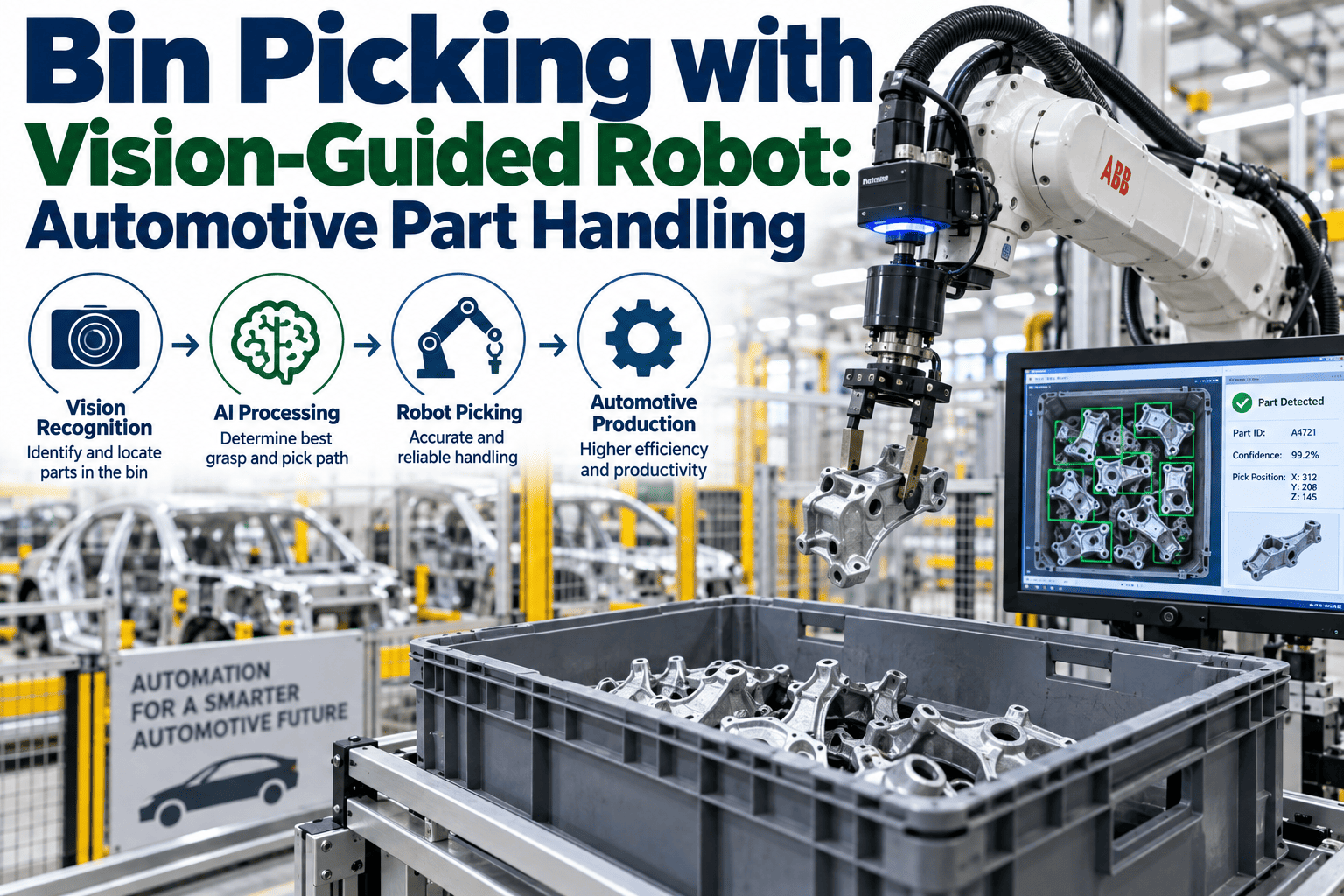
The right choice depends primarily on the specific application requirements: eye-in-hand configurations generally suit applications requiring high precision at close range with a moving target area, such as detailed part inspection during handling, while eye-to-hand configurations suit applications needing a wide, stable view of an entire work area, such as bin picking from a large container, and the decision should be made based on these functional requirements rather than a general preference for one configuration, since both can achieve excellent accuracy when properly calibrated for their intended use case.
Book a demo to discuss the right configuration for your specific application.
How often should a full recalibration be performed versus relying on periodic verification checks alone?
A full recalibration is generally necessary after any physical change to the camera, lens, or mounting hardware, or if a periodic verification check reveals accuracy has degraded beyond an acceptable threshold, while in the absence of such events, a quarterly verification check is a reasonable default cadence for most automotive applications to catch gradual drift before it affects part quality, though applications with particularly tight accuracy requirements or operating in environments with significant vibration or temperature variation may warrant more frequent verification.
Contact support to establish a verification and recalibration schedule for your specific application and environment.
Can calibration accuracy be improved after initial commissioning, or is it fixed once the process is complete?
Calibration accuracy can often be improved after initial commissioning by collecting additional pose data, particularly in regions of the work envelope where accuracy testing reveals weaker performance, and refining the transformation solution using this expanded dataset, meaning an initial calibration that meets minimum requirements but shows room for improvement in specific zones does not necessarily need to be discarded and restarted from scratch, but can instead be incrementally refined with targeted additional data collection in the areas that need it most.
Book a demo to discuss refining an existing calibration on your system.
Stop Guessing Whether Calibration Is Your Accuracy Problem
iFactory verifies and refines hand-eye calibration accuracy for automotive vision-guided robotics applications. Book a demo to check your current system.