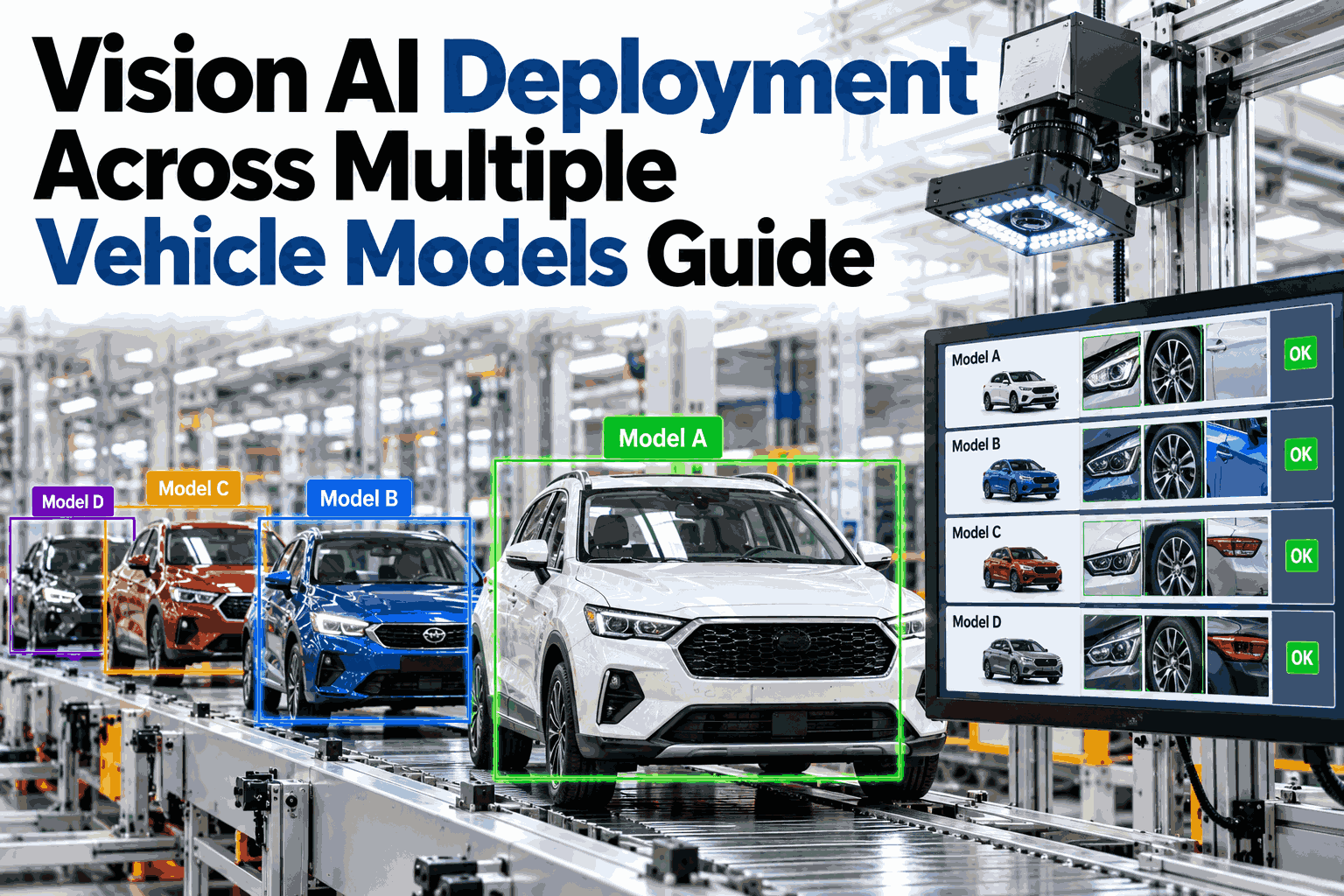
Deploying vision AI across a high-mix vehicle lineup is fundamentally different from running a single-model line, because each trim level, body variant and option package changes the geometry, finish and feature set the cameras must read, and a model trained on a sedan will falsely flag a legitimate hood scoop on a truck or miss a matte-paint defect that only appears on a premium trim. Smart manufacturing platforms solve this by treating every vehicle variant as its own inference context while sharing a common defect backbone, so steel and stamping teams gain accuracy without maintaining dozens of separate neural networks. For plant managers navigating the 2026 model-year changeover, the fastest path to a working multi-variant system is to schedule a multi-model deployment review with the iFactory AI engineering team.
Vision AI Deployment Across Multiple Vehicle Models Guide
iFactory AI smart manufacturing software deploys a single vision architecture that adapts to every body style, trim level and variant on your line, catching steel and assembly defects without retraining from scratch.
Why a Single Vision Model Fails on a Multi-Variant Line
Automotive plants run several vehicle families down the same production line to keep utilization high. A vision system trained only on a standard steel body will struggle the moment a sport trim or a different grille design enters the frame.
High false-positive rates destroy trust. Operators start ignoring the system, and real steel defects slip through to downstream assembly.
One Backbone, Many Variant Heads
Transfer learning is the method that makes multi-model deployment practical. Instead of building a new model from scratch for every vehicle, iFactory AI trains a shared backbone on common steel and welding defects, then attaches lightweight variant-specific heads.
This architecture means a new vehicle variant only requires a small dataset of its unique features to reach production accuracy, cutting deployment time from months to weeks.
See Transfer Learning Working on Your Vehicle Variants
Book a session to review how iFactory AI handles your specific model mix, trim levels and steel grades on a single line.
Keeping Every Variant Linked to the Right Model Version
When a plant updates a vision model, the change must reach only the vehicles it was trained on. Deploying a truck model to a sedan line causes immediate inspection failures. Model versioning solves this by tying inference logic directly to the vehicle identification number.
If a defect pattern shifts on the truck line, engineers update only the truck head. The sedan, SUV and EV models continue inspecting without interruption or risk of contamination from an unverified update.
How the System Reads Trim Level and Options in Real Time
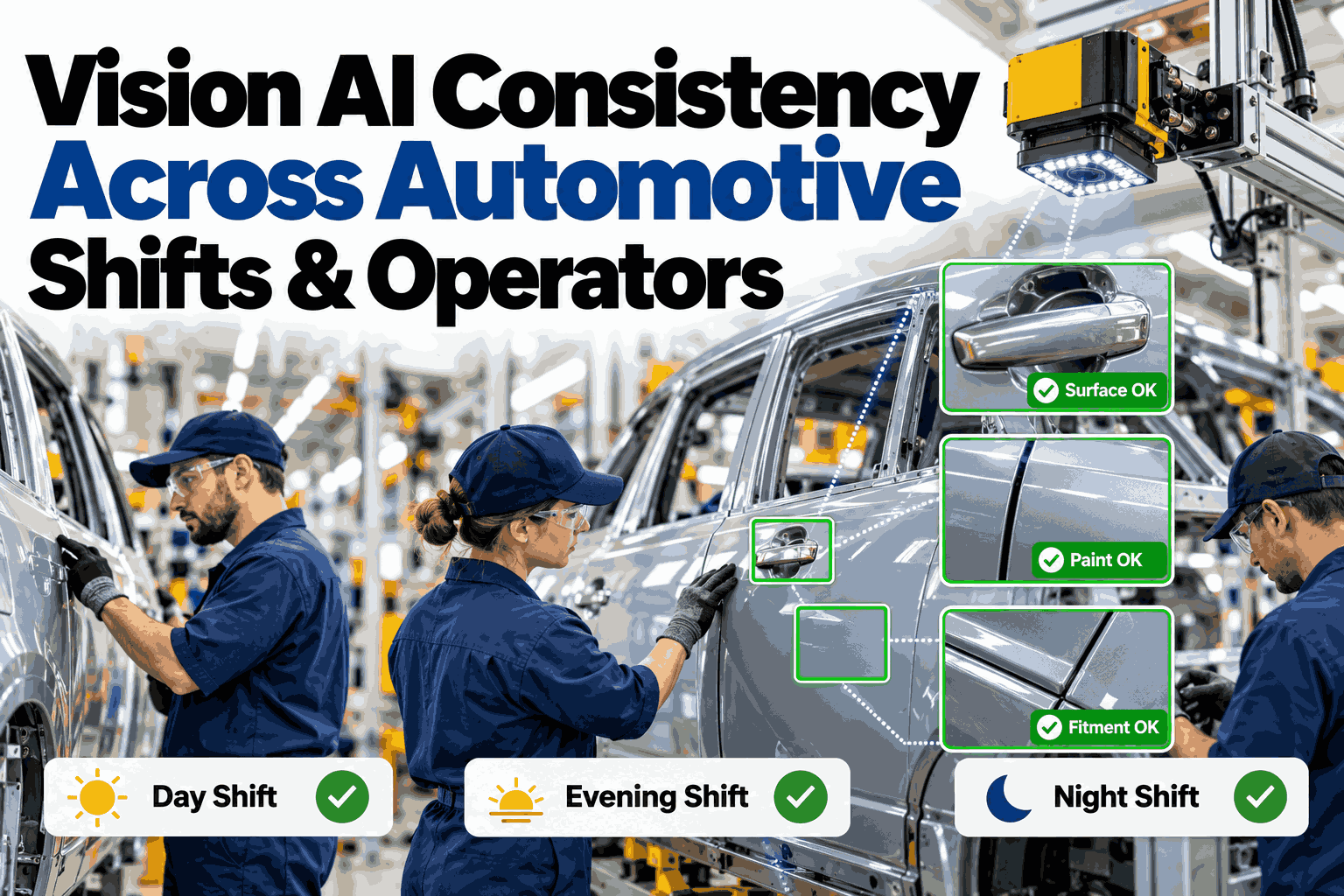
Two vehicles with the same body code can look completely different if one has a sunroof and the other does not. Multi-variant handling uses the plant schedule data to prime the vision system before the vehicle even reaches the camera.
This priming loop runs continuously, so even a line running four different body styles in a mixed sequence maintains inspection accuracy at line speed.
Why Steel and Stamping Defects Demand Variant-Aware Vision
Before a vehicle becomes a painted body, it is a collection of stamped steel panels. Coil steel varies by grade, galvanization and supplier, and each combination produces a different surface signature under the camera.
A single threshold for defect brightness fails across these materials. iFactory AI applies material-specific inference profiles so a minor grain variation on galvanized steel is not treated the same way as a surface crack on cold rolled steel.
Five Steps to Deploy Vision AI Across Your Full Model Range
A structured rollout prevents the chaos of trying to support every variant on day one. Start with the highest-volume model, then expand using the transfer-learning backbone.
Single Model Versus Multi-Model Vision Architecture
The difference in real plant performance is significant. A single general model appears cheaper to deploy but generates hidden costs in false positives and missed defects on uncommon variants.
| Performance Metric | Single General Model | iFactory Multi-Model AI |
|---|---|---|
| False positive rate on base trims | 4.2% | 1.1% |
| False positive rate on new variants | 18.5% | 2.3% |
| Time to add a new vehicle model | 8 to 12 weeks | 1 to 3 weeks |
| Defect escape rate across mixed line | 6.8% | 1.4% |
| Model update risk to other variants | High | None |
| Steel grade adaptation | Fixed threshold | Dynamic profile |
These figures represent typical automotive stamping and body-in-white installations. Actual results depend on camera placement, lighting and defect complexity on your specific line.
Prepare Your Plant for Multi-Model Vision AI
Before deploying a variant-aware system, confirm these elements are in place. A gap in any area will slow down the pilot and dilute the results.
What Automotive Teams Ask About Multi-Model Vision Deployment
Ready to Eliminate False Positives on Your High-Mix Line?
Connect with the iFactory AI team to review your vehicle variants, steel grades and production schedule, and see how multi-model vision deployment works in a live plant environment.