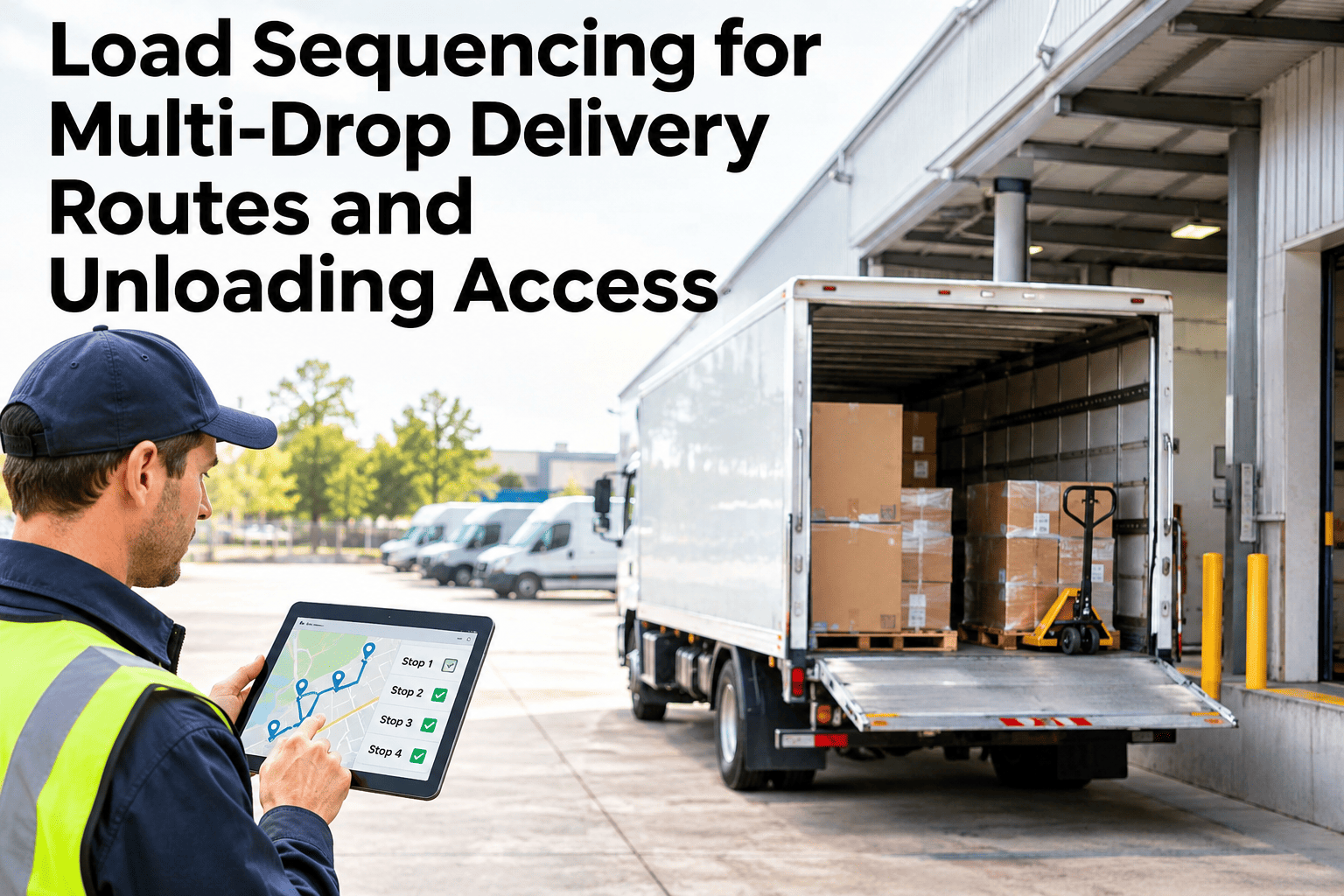
A truck can be loaded to capacity, balanced within axle limits, and still cost a driver twenty minutes at the very first stop, because nobody loaded it in the order the stops will actually happen. Load sequencing is the discipline of loading cargo in the reverse of its delivery order, so the first stop's freight sits nearest the doors and the last stop's freight sits deepest in the trailer. Skip it, and every stop becomes a search through freight that belongs to a later delivery. Operations that want their own multi-drop routes checked against this sequencing logic can walk through a load sequencing review using their own route data with the iFactory AI team.
Load the Truck in Reverse of the Route, Not in the Order Freight Arrives
iFactory AI sequences cargo by delivery stop and checks axle weight at every leg, so the driver opens the doors to exactly what that stop needs.
Why Loading in Arrival Order Is the Wrong Default
Freight naturally gets loaded in whatever order it becomes available at the dock, not in the order the route will actually visit stops. Without a deliberate reversal, that default arrangement forces the driver to dig past every later-stop item just to reach what the first stop needs.
The LIFO Principle in Plain Terms
Reverse-sequence loading is often called last-in, first-out, borrowed from the same logic as a stack. The last delivery of the day goes onto the truck first, and the first delivery of the day goes on last, closest to the doors.
Check Whether Your Own Routes Are Loaded in Reverse Sequence
Bring a week of multi-drop manifests to a 30-minute session and see how much search time reverse sequencing would actually recover.
What Reverse Sequencing Actually Saves at Each Stop
The time lost to an unsequenced load is not loading-dock time, it is time lost standing at the back of an open truck at every single stop on the route. Documented comparisons between arrival-order loading and reverse-sequence loading show the gap is not marginal.
Across a ten-stop route, that difference compounds to five to fifteen minutes saved per stop, and documented fleet comparisons put the full-route saving at roughly forty to sixty minutes per driver per day.
Axle Weight Is Not Fixed for the Whole Route
A load plan that is legal when the truck leaves the dock is not necessarily legal at every stop along the route. As freight comes off the truck stop by stop, the weight remaining shifts position relative to the axles, and a plan that never accounted for that shift can put a leg of the route over a legal axle limit even though the starting weight was fine.
What Happens When the Route Changes After the Truck Is Loaded
A route planned the night before rarely survives the day unchanged. A new stop gets added, a customer cancels, or a delay pushes two stops out of their planned order. Each of those changes breaks the loading sequence the truck was actually built around, and the loading plan does not automatically follow the route plan unless something makes it.
A Composite Scenario: The Route That Looked Fine on the Screen
A delivery route with six stops was loaded the evening before in correct reverse sequence, matching the planned order. Midway through the morning, a dispatcher added an urgent seventh stop between the third and fourth planned deliveries to cover a same-day request.
The dispatch system accepted the change instantly and the driver's screen showed the new, correct order. What nobody updated was the physical load: the new stop's freight had been loaded first, at the very front of the trailer, because it had only been picked that morning. The driver now had to unload most of the truck to reach it, at exactly the point in the route where the sequencing was supposed to be paying off. The route plan changed in seconds. The load plan needed someone to notice it had to change too.
Where iFactory AI Fits
Reverse-Sequence Load Plans
Loading instructions are generated in reverse delivery order automatically from the route plan, not worked out by hand at the dock.
Per-Leg Axle Checks
Axle weight is checked for every leg of the route, not just at departure, flagging any stop where remaining freight would exceed a legal limit.
Dynamic Resequencing Alerts
When a route changes mid-day, the system flags that the physical load sequence no longer matches the new stop order.
Driver-Facing Load Instructions
The sequence plan is handed to the driver and loading crew in the same terms, so the truck that gets built matches the route that gets driven.
Frequently Asked Questions
Does reverse-sequence loading reduce how much cargo fits on the truck?
It can, slightly, because grouping freight strictly by stop sometimes leaves small gaps that a pure cube-efficiency pack would have filled. Most operations accept that small tradeoff because the time saved at every stop on a multi-drop route outweighs a modest loss in cube utilization. See the tradeoff modeled on your own route mix in a short session.
How often should axle weight actually be recalculated during a route?
Recalculate it for every leg of the route, not only once at departure, since the weight remaining on the truck changes in position relative to the axles after every stop. A plan that was legal at the start can still put a specific leg over a legal axle limit if that recalculation never happens. Walk through per-leg axle checking for your typical route lengths.
What should happen to the load plan when a stop is added mid-route?
The load sequence needs to be re-evaluated the moment the stop order changes, not left as-is because the truck is already loaded. If the new stop's freight was loaded out of its correct reverse position, that gap has to be flagged to the driver or dispatcher rather than discovered at the trailer doors. Ask support how resequencing alerts are configured for mid-day route changes.
Is load sequencing only worth doing on routes with many stops?
The time saved per stop is the same whether a route has three stops or fifteen, so even a short multi-drop route benefits from a correctly sequenced load. The case for building it into a standard process rather than a judgment call grows stronger as stop count and route frequency increase. See where the break-even point sits for your typical route length.
Can this work alongside our existing route optimization software?
Yes. Route optimization software decides stop order; iFactory AI takes that order and turns it into a reverse-sequence loading instruction with axle checks per leg, then flags the plan when the route itself changes. Ask how this connects to your current route planning tool rather than replacing it.
Make the Loaded Truck Match the Planned Route
iFactory AI sequences multi-drop loads in reverse delivery order, checks axle weight at every leg, and flags the plan when the route changes mid-day. Book a walkthrough with your own route data.