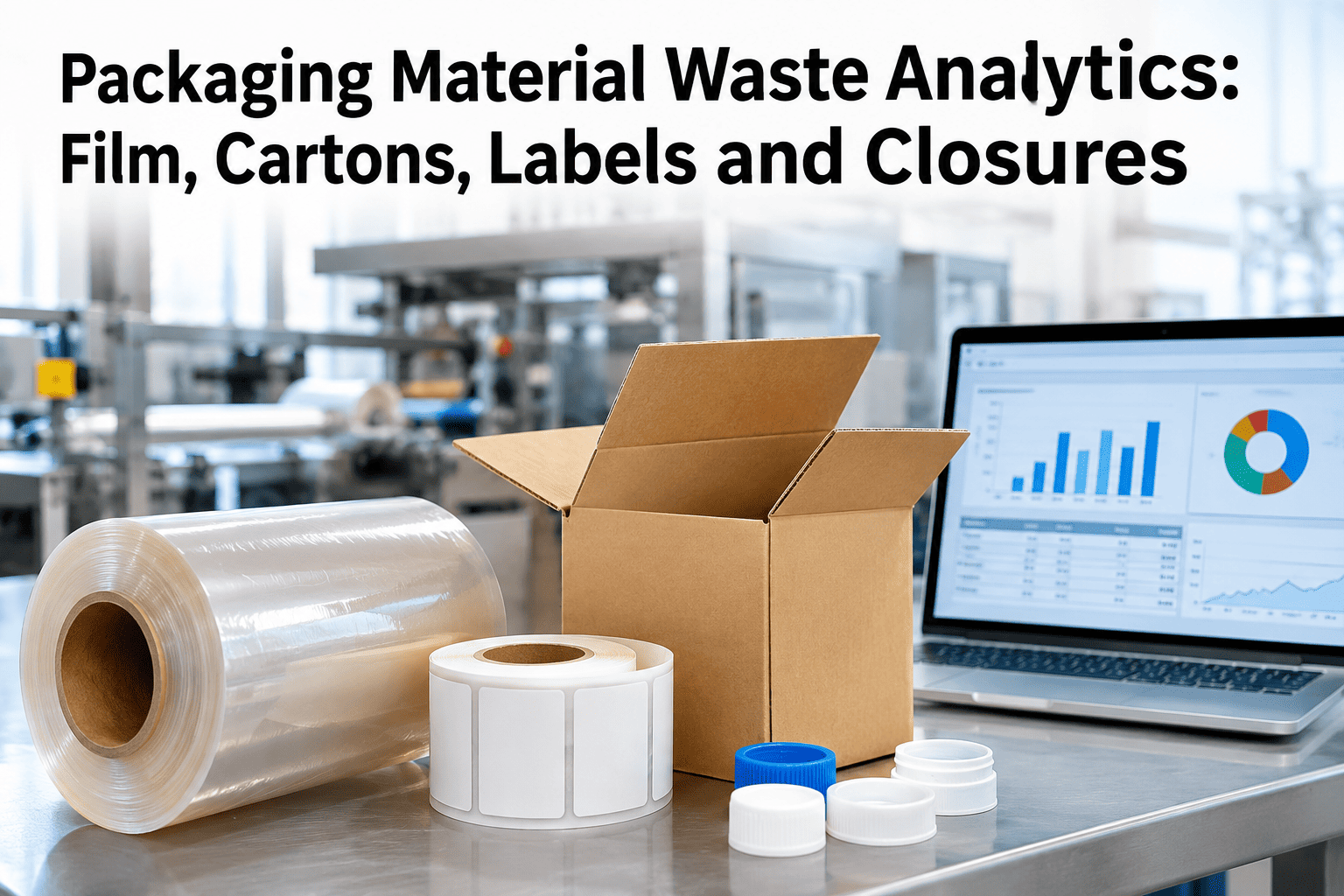
Most packaging lines can report how much film, carton stock or label material was issued to a shift, and separately how many finished units came off the line, but the gap between those two numbers rarely gets its own investigation. That gap is where startup waste, changeover scrap and unlogged mid-run material loss all hide together, and without reconciling issued against consumed by reason, a plant is left guessing at a cost it could otherwise measure precisely. iFactory AI's packaging operations team can reconcile your own material issue and consumption data against a specific line's recent runs.
The Gap Between Issued and Consumed Material Is Where the Real Story Lives
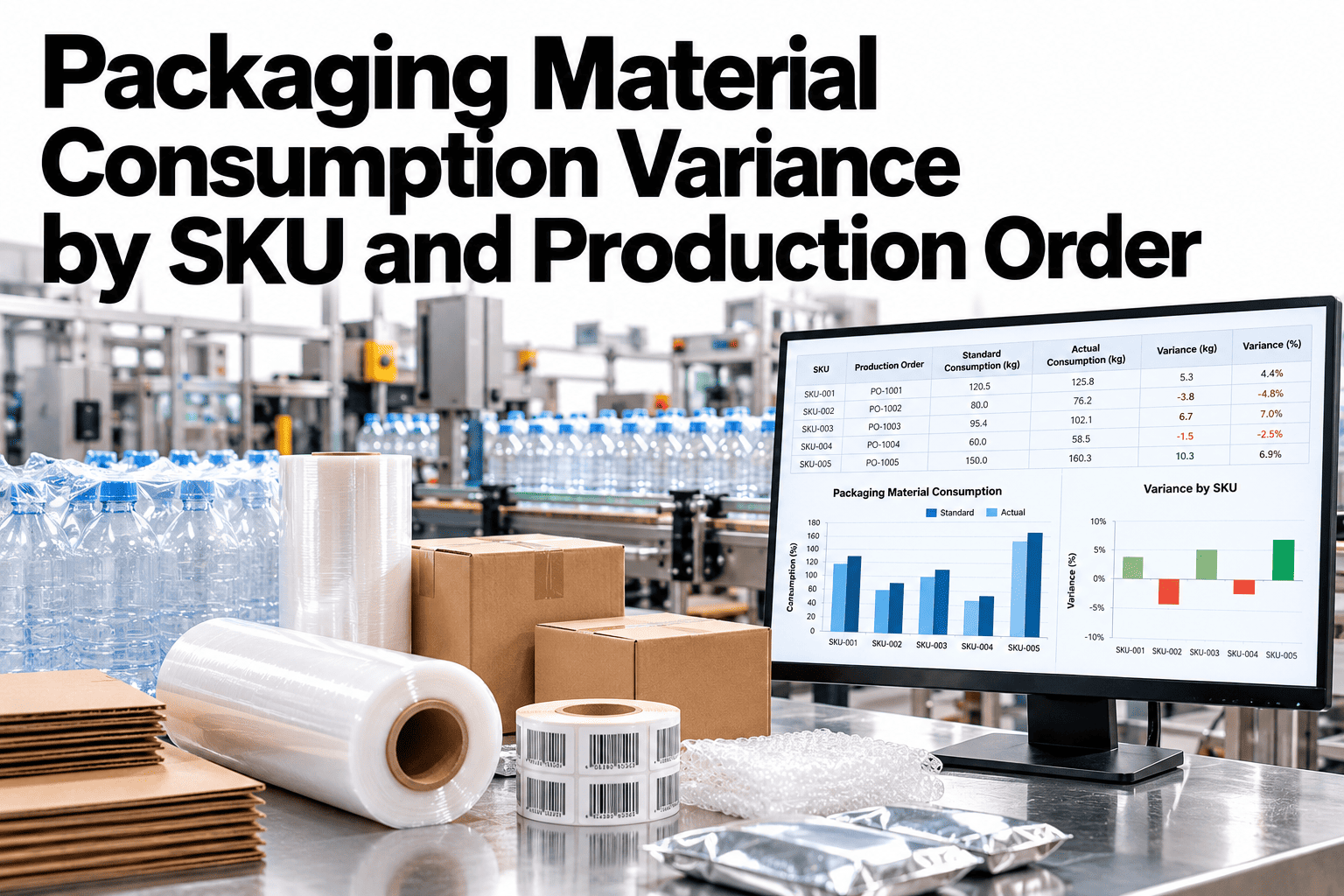
Reconciling material issued against material consumed, broken down by scrap reason, startup waste and batch comparison, turns an unexplained variance into a ranked list of fixable causes.
Why "Material Cost Variance" Alone Doesn't Point to a Fix
A finance report showing packaging material cost running over standard tells a plant something went wrong, but not where. Film, cartons, labels and closures each waste differently — film jams and tears mid-run, cartons get damaged in staging, labels misfeed during changeover, closures get rejected at torque check — and lumping them into one variance number hides which material and which cause actually deserves attention first.
Jams, tears and splice waste, often concentrated at specific speed settings.
Damage in staging or feed errors, frequently tied to a specific supplier lot.
Misfeeds and misalignment, common during and right after changeover.
Torque or seal rejects, sometimes linked to a specific mold cavity or batch.
Building the Reconciliation
Reconciliation starts with a simple comparison, then gets useful once the gap is broken down by reason. Our team can set up this reconciliation against your current material issue records.
From inventory or ERP issue records, by material type and line.
Good units produced multiplied by the material's specification usage per unit.
What's left over is waste, loss or unrecorded usage — the thing worth investigating.
Startup waste, mid-run scrap, changeover loss or unrecorded consumption, ranked by volume.
Where Waste Concentrates by Material Type
See Your Own Reconciliation Gap by Material
Bring a few weeks of material issue and production data, and get a ranked breakdown of where packaging material is actually being lost.
Batch and SKU Comparison
| Comparison | What It Reveals |
|---|---|
| Same SKU, different batches | A supplier lot or raw material issue affecting one batch specifically |
| Different SKUs, same material | Whether waste is product-specific or a material-handling issue |
| Same line, different shifts | A handling or technique difference between crews |
| Before and after a process change | Whether a fix actually reduced the reconciliation gap |
A Composite Scenario: The Carton Waste That Was Really a Supplier Issue
Picture a plant running steady, unremarkable carton waste month over month until a reconciliation review flagged a sudden spike tied to one specific production week.
Comparing waste by batch rather than by week isolated the spike to a single carton supplier lot with a transit damage pattern invisible in the aggregate monthly number. Flagging that lot with the supplier and inspecting incoming cartons more closely for the remainder of that shipment brought waste back to baseline. The scenario illustrates the value of batch-level comparison; actual findings depend on each plant's own material sourcing.
Where iFactory AI Fits
iFactory AI reconciles material issued against expected consumption automatically, breaks the gap down by scrap reason, startup waste and material type, and compares across batches and SKUs so a variance on a finance report becomes a specific, actionable cause.
Issued vs consumed calculated per shift, not reconstructed manually at month-end.
Startup, changeover and mid-run loss tracked as distinct, ranked causes.
A supplier or lot-specific issue surfaces instead of blending into an average.
Frequently Asked Questions
Material issue records by shift and line from your inventory or ERP system, along with good-unit production counts and the material's specification usage rate per unit, which is usually already available in most plants' existing systems. Check what your current systems already provide.
By isolating material consumption in the window right after a changeover or line start, before the process reaches stable running, versus the steady-state consumption rate during the rest of the run. Ask how startup waste is isolated for your line.
Comparing waste by batch or supplier lot rather than by time period often surfaces a material-quality issue that would otherwise blend into a monthly average and go unnoticed until it recurs. Review a batch comparison example for your material types.
Weekly for an active improvement program, since a shift-level or batch-level issue can get lost if reconciliation only happens at month-end alongside the broader financial close process. Set up a weekly reconciliation cadence for your packaging lines.
Materials with the highest waste concentration or cost impact, often film and labels on most lines, typically warrant the closest tracking, while lower-waste materials like closures can be reviewed on a lighter cadence. Prioritize materials for your line.
Turn a Cost Variance Into a Specific, Fixable Cause
iFactory AI reconciles material issued against consumed, breaks the gap down by reason and material, and compares across batches to surface what a blended variance number hides.