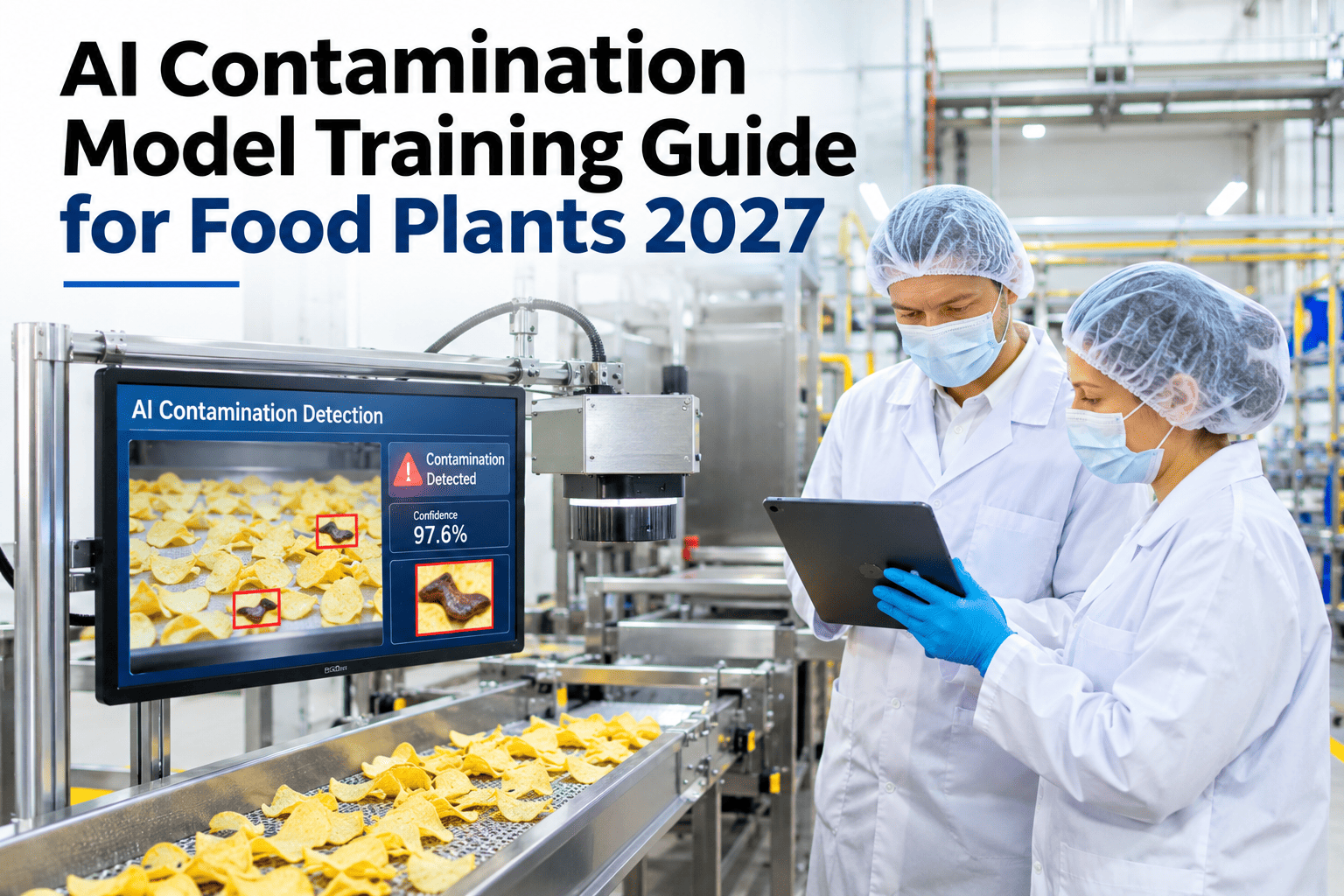
A contamination detection model trained on stock images or another plant's line almost always disappoints once it meets your actual conveyor, your actual lighting and your actual product variation. The model that works is the one trained on images pulled from your own line, labeled by people who know what a real contamination event looks like there, then augmented to handle the lighting shifts and product variability that stock data never captures. Getting this training process right is what separates a model that catches real events from one that either misses them or floods the floor with false alarms, and our team can walk through this training approach against your own line footage.
Food safety, AI model training
Train a Contamination Model on Your Own Line, Not Someone Else's Stock Data
iFactory AI builds contamination detection models from images labeled on your actual line, augmented for your real lighting and variability, then retrained safely as conditions shift.
Why generic models fail
Stock Training Data Never Matches Your Actual Line
A model trained on generic contamination images learns what contamination looks like in someone else's lighting, on someone else's product, moving at someone else's line speed, none of which transfers cleanly to your floor.
Different lighting
Your line's glare and shadow patterns are unique
Different product
Texture and color vary by recipe and batch
Different speed
Motion blur and framing differ by line speed
Model underperforms
Misses real events or flags normal product as contamination
Three contamination categories
What the Model Needs to Learn to Recognize
Foreign material
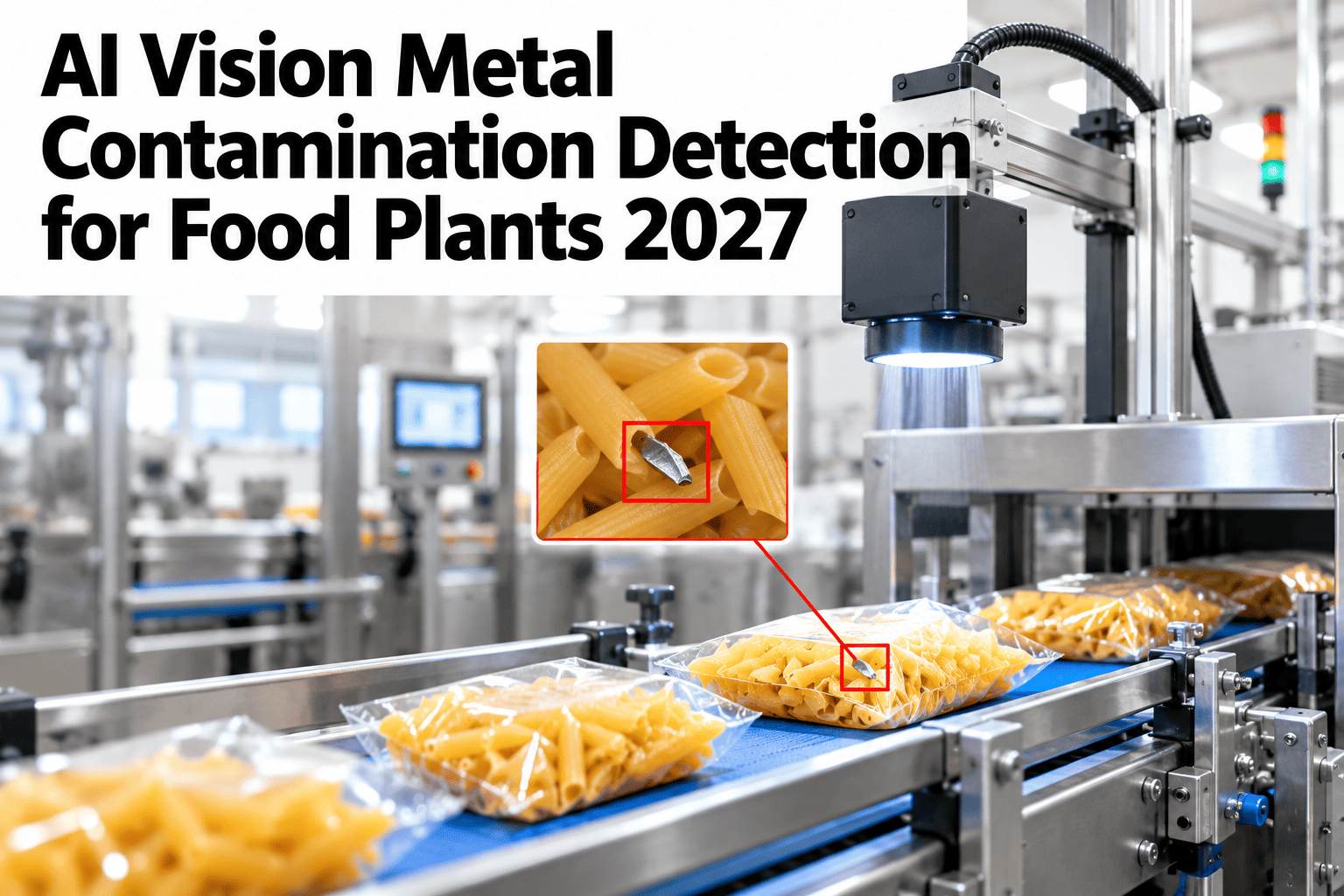
Metal, plastic, glass or other non-food objects on or in product.
Visual spoilage signs
Mold growth, discoloration or texture changes indicating spoilage.
Packaging defects
Seal failures or damage that could allow contamination after packaging.
Check What Your Current Footage Can Train
Share a sample of your line footage and see what labeling and augmentation would be needed to train a model on it.
Training pipeline
Four Steps to a Model That Actually Works on Your Line
1
Collect real footage
Pull images and video directly from your own line.
2
Label with real cases
Mark actual contamination events your team has already identified.
3
Augment for variability
Expand the dataset to cover lighting shifts and product variation.
4
Retrain safely
Update the model as new cases appear, without losing prior accuracy.
Data source table
What Each Data Source Contributes to Training
| Data source | What it provides | Labeling need |
|---|
| Line camera footage | Real product and contamination appearance | Mark actual events frame by frame |
| Past rejection records | Known contamination cases already confirmed | Match records to corresponding footage |
| Normal production footage | Baseline of what clean product looks like | Confirm no contamination present |
| Lighting and shift variation | Range of conditions the model must handle | Augment existing labeled images synthetically |
Where mislabeling hurts most
Labeling Gaps Concentrate at Predictable Points
Not all labeling gaps carry equal risk. Some conditions are far more likely to produce a missed contamination event if the training data does not cover them well.
Standard lighting, standard speedLow
Shift change lightingElevated
Rare product variantHigh
Line speed changesModerate
Rare product variants and shift-change lighting are the conditions most likely to be underrepresented in a first training pass. To review where your own data may have gaps, ask our team about a labeling coverage check.
Common pitfalls
Three Mistakes That Weaken a Contamination Model
1
Training only on obvious contamination cases
Subtle or partially obscured cases get missed because the model never saw similar examples.
2
Retraining without checking prior accuracy
A model updated for new cases can quietly lose accuracy on cases it used to catch well.
3
Skipping normal-product baseline data
Without enough clean examples, the model cannot reliably tell contamination from normal variation.
Expert review
A contamination model is only as good as the examples it was shown, including the clean ones. Before trusting any accuracy figure, check whether the training data actually covers the conditions your line sees across a full shift, not just a clean demo clip.
Watch for
Training data collected only during ideal, well-lit conditions.
Do next
Validate the model against footage from a shift change or lighting transition before full rollout.
— iFactory food safety specialists
Frequently asked questions
What Food Plants Ask About Contamination Model Training
How much footage do we need before training can start?
A useful starting dataset typically combines a set of confirmed contamination cases with enough normal production footage to establish a clean baseline, and augmentation can extend coverage from there rather than requiring enormous volumes upfront.
Ask about your data volume.
Can retraining accidentally make the model worse?
Yes, which is why retraining should be validated against the model's prior test cases before it replaces the version currently running, so a new capability does not come at the cost of an old one.
Discuss safe retraining.
Does this work for multiple contamination types at once?
A model can be trained to recognize several contamination categories, such as foreign material and packaging defects, together, though each category still needs its own labeled examples to learn from.
Talk through your contamination types.
What if our line has very rare contamination events?
Augmentation techniques can help extend limited real examples of rare events, but combining this with ongoing collection as new cases occur gives the model the best chance of staying accurate over time.
Ask about rare event handling.
How often should the model be retrained?
Retraining after any significant change to product, line speed or lighting setup, along with a periodic review even without major changes, keeps the model aligned with current floor conditions.
Discuss a retraining schedule.
From stock data to your own line
Train a Contamination Model That Actually Matches Your Floor
Book a session with iFactory AI to review your line footage and build a training plan for a model that works where it actually runs.