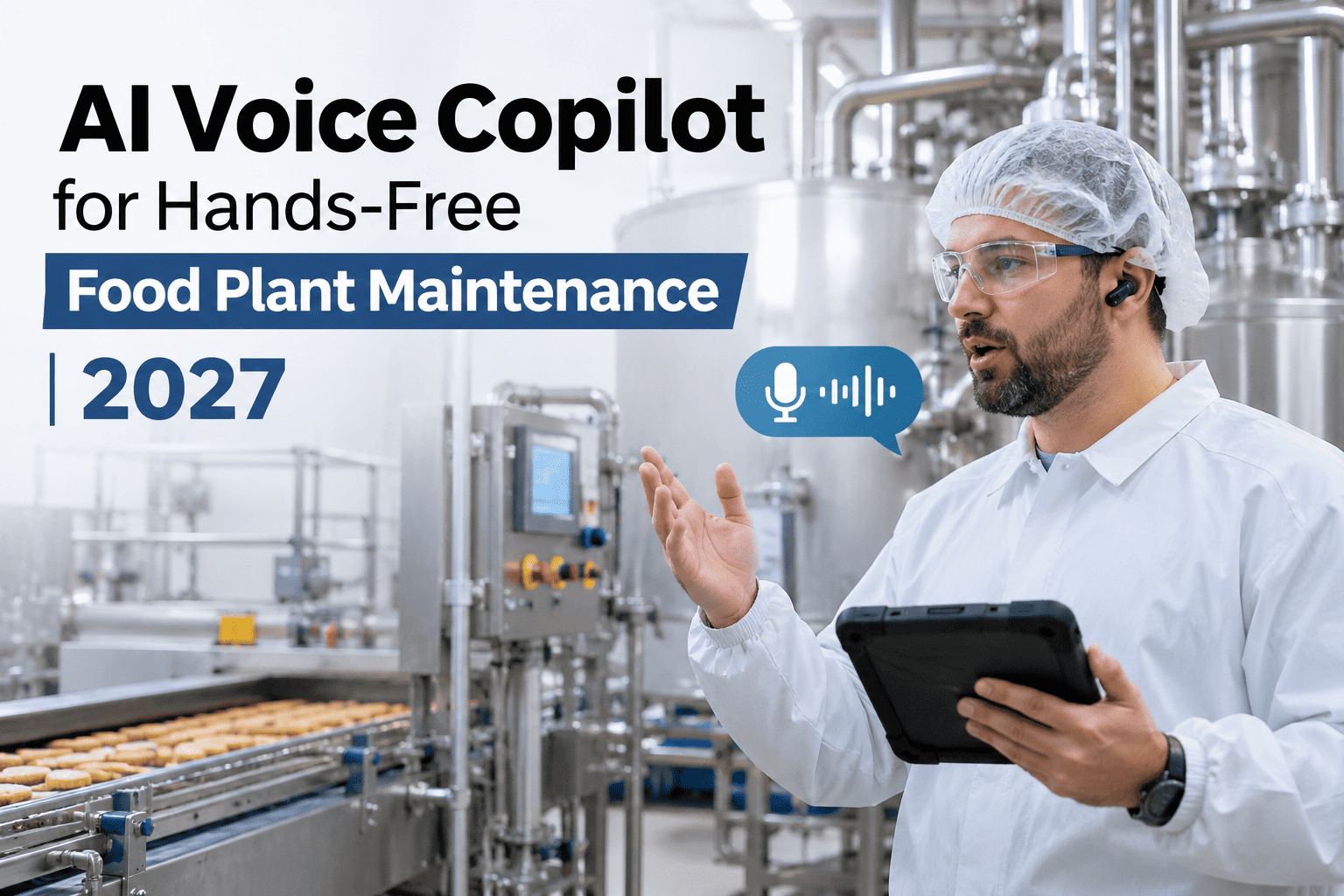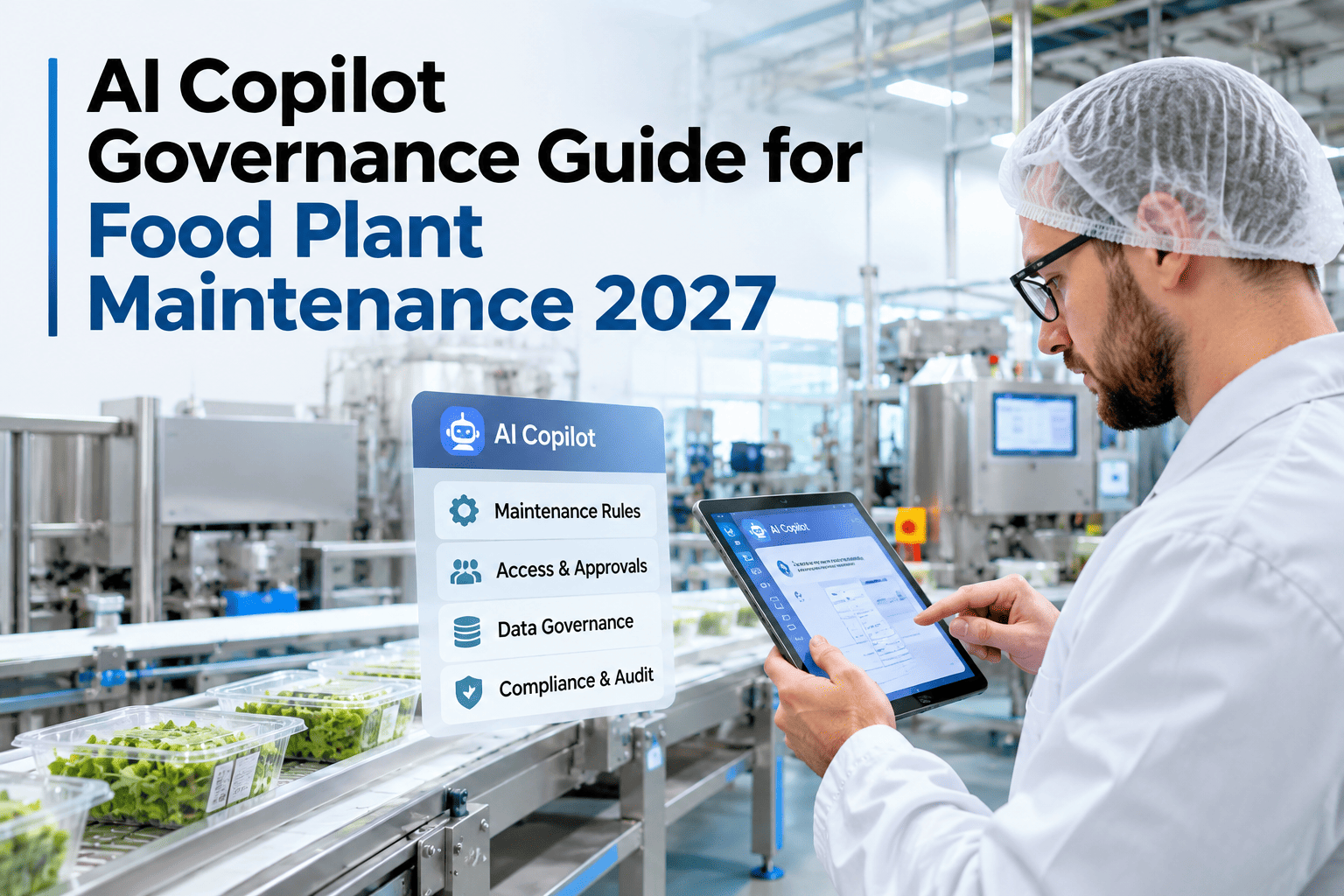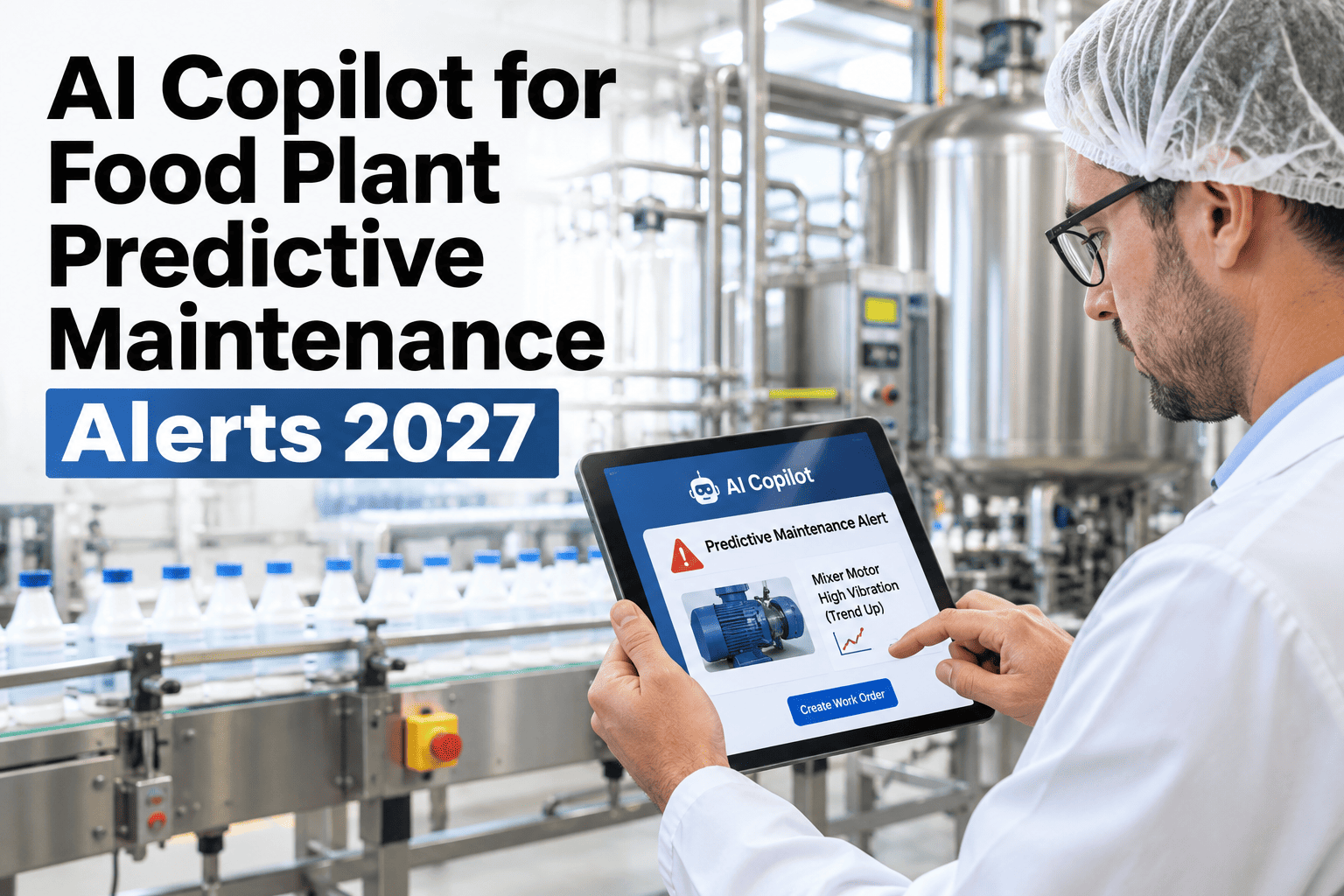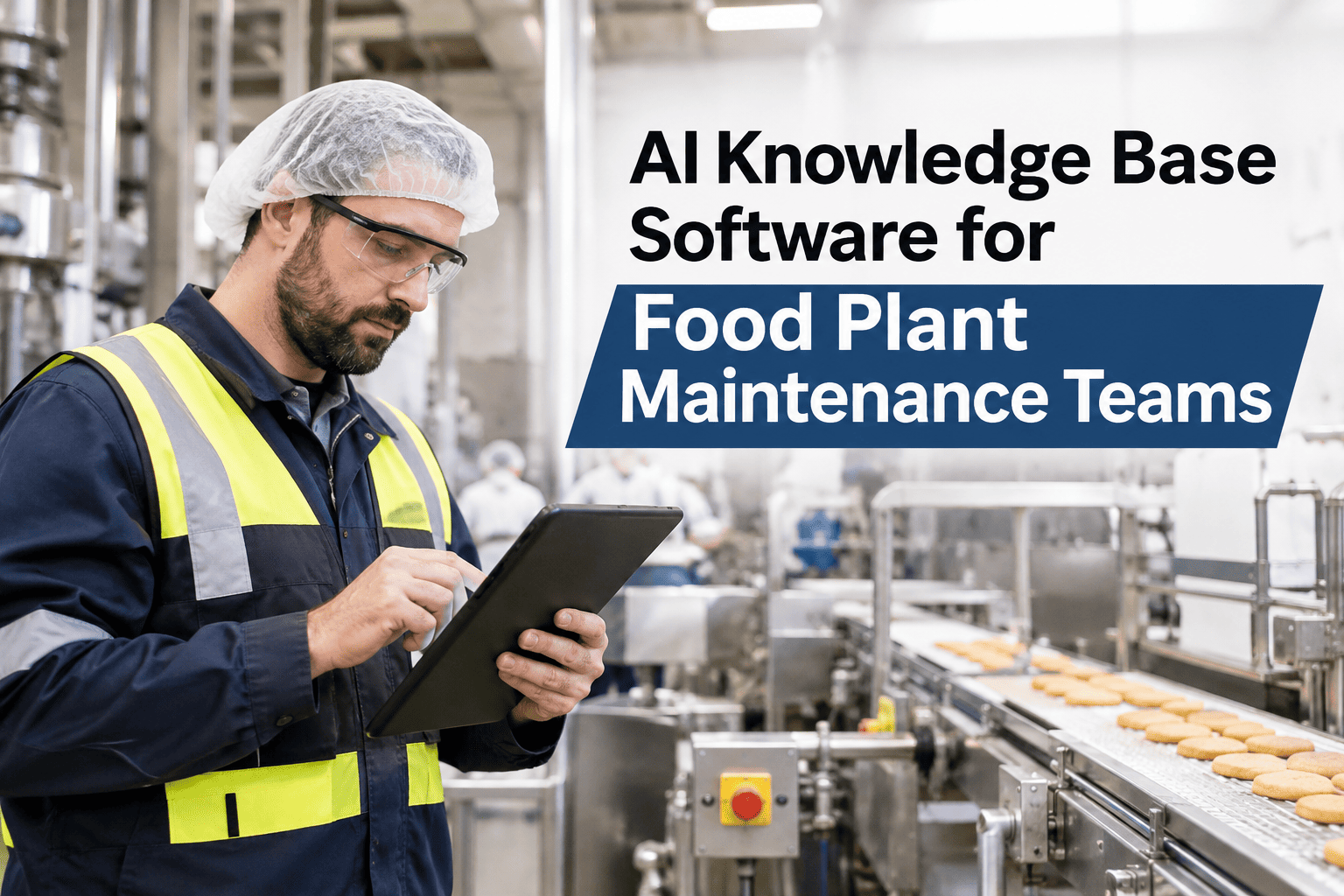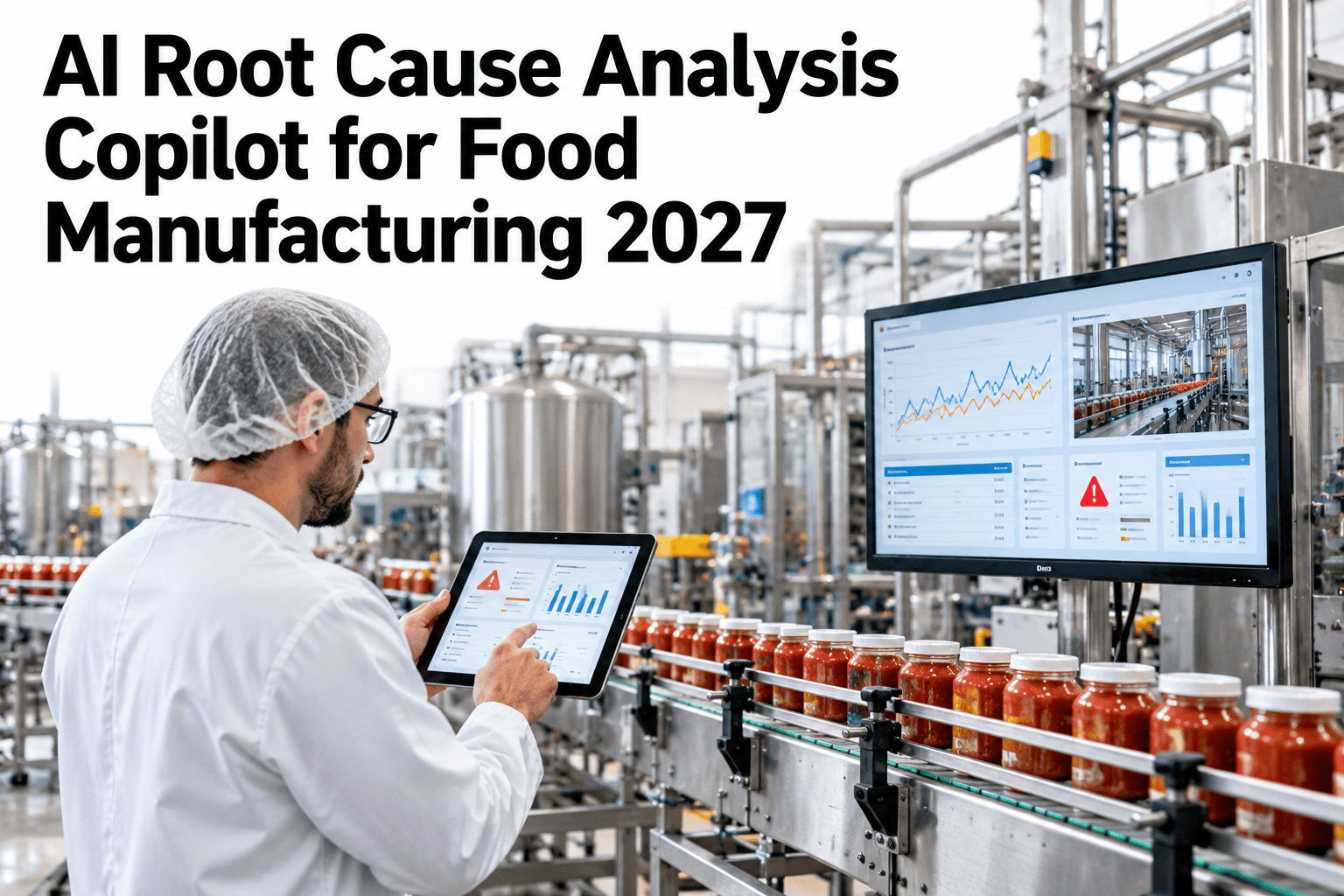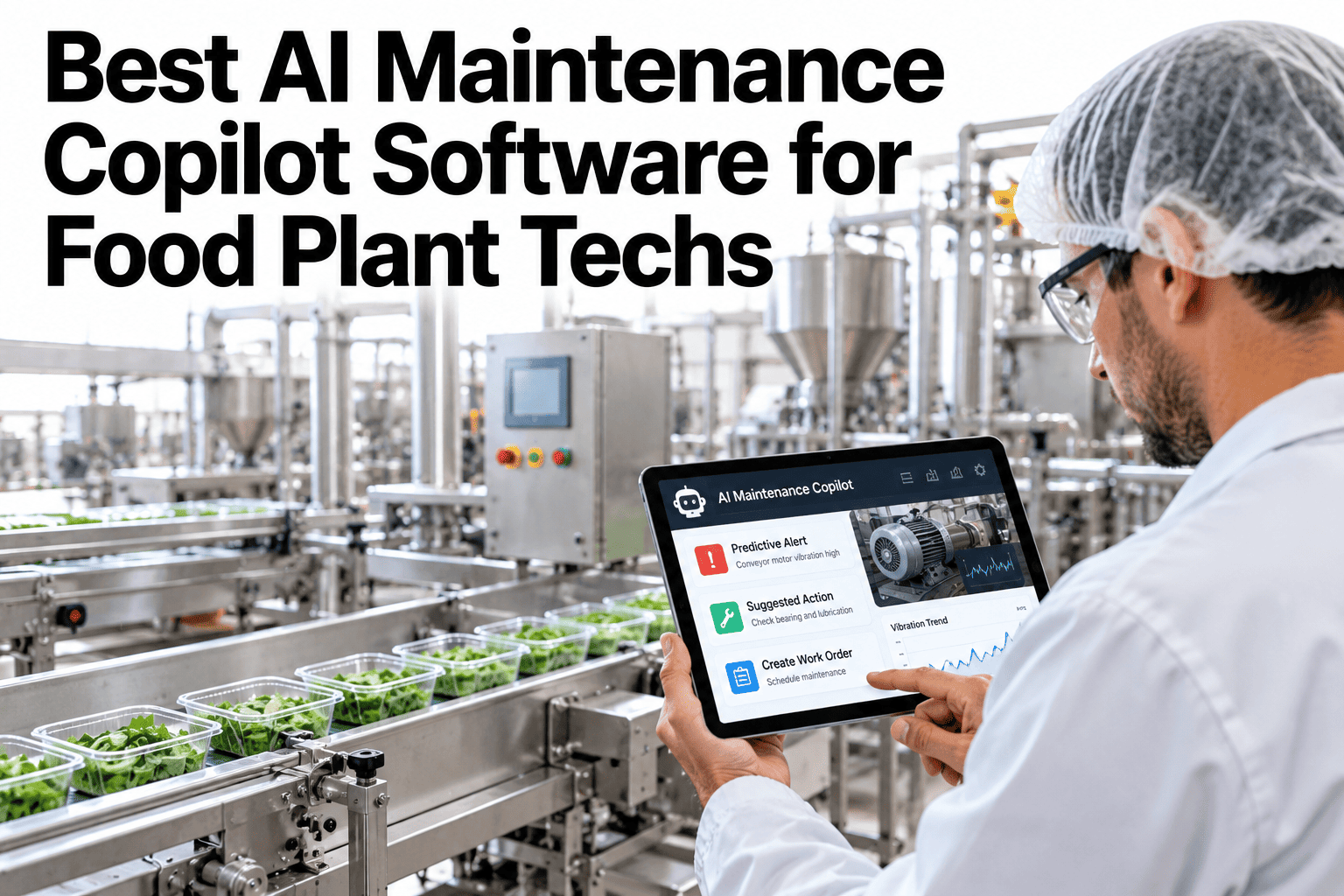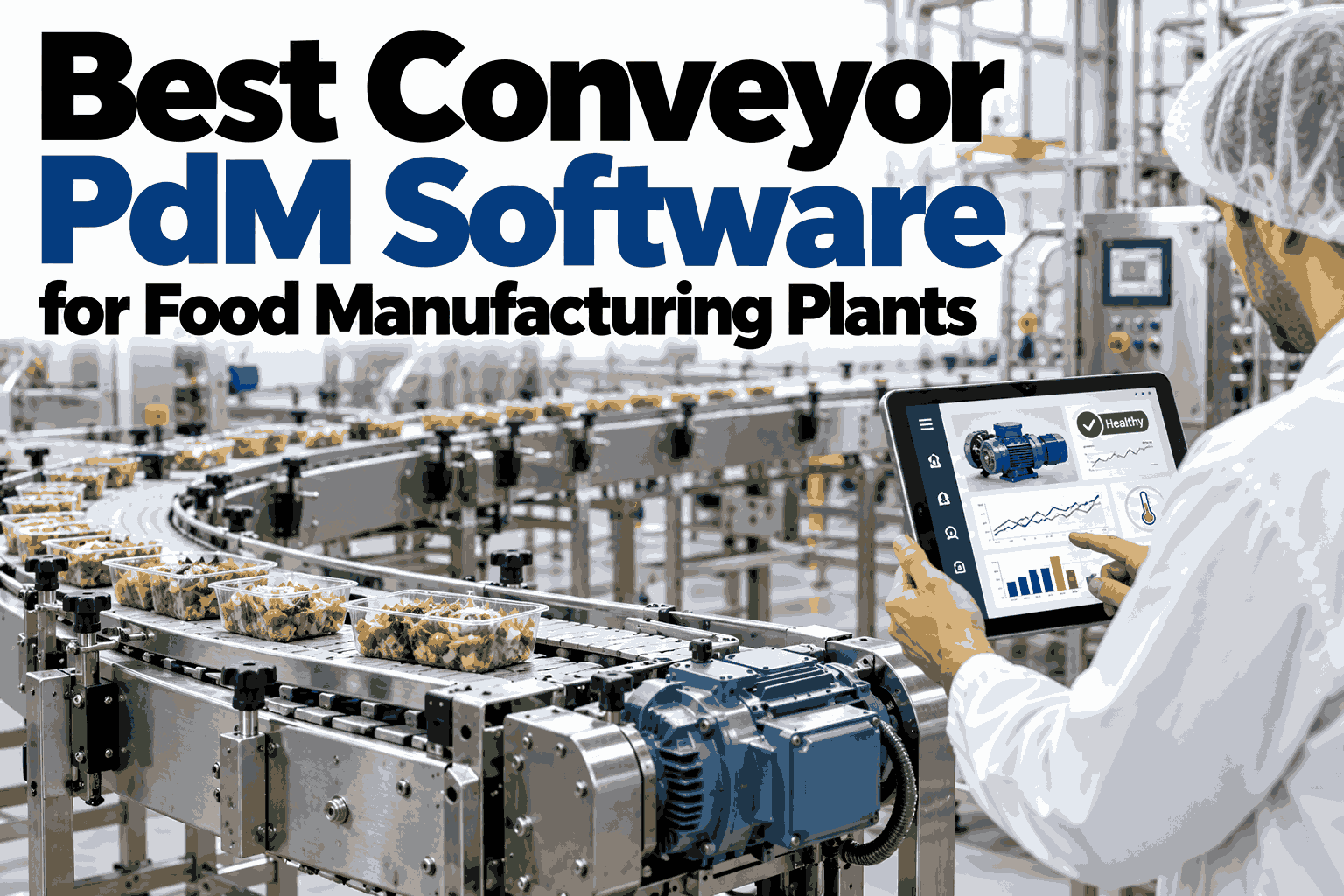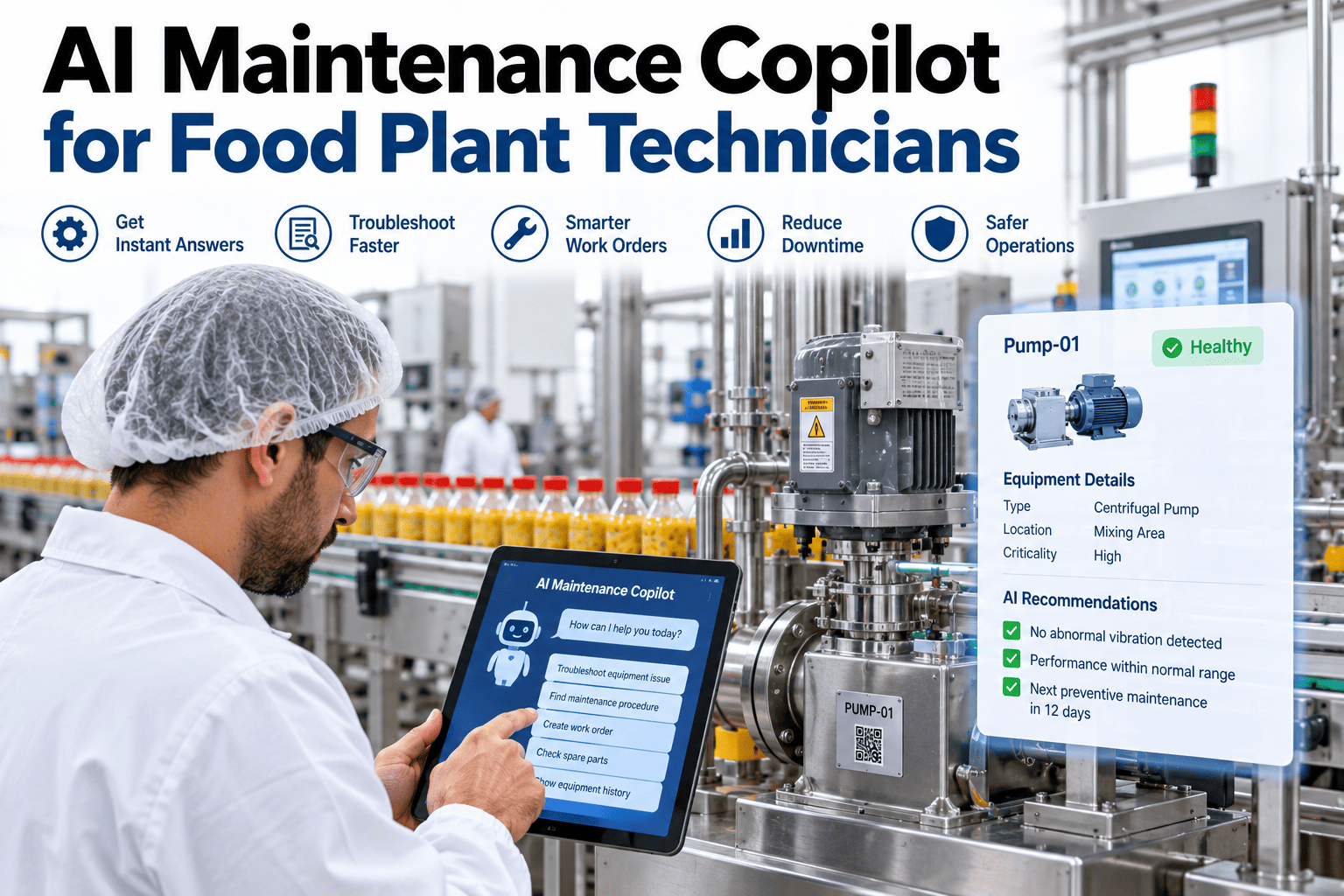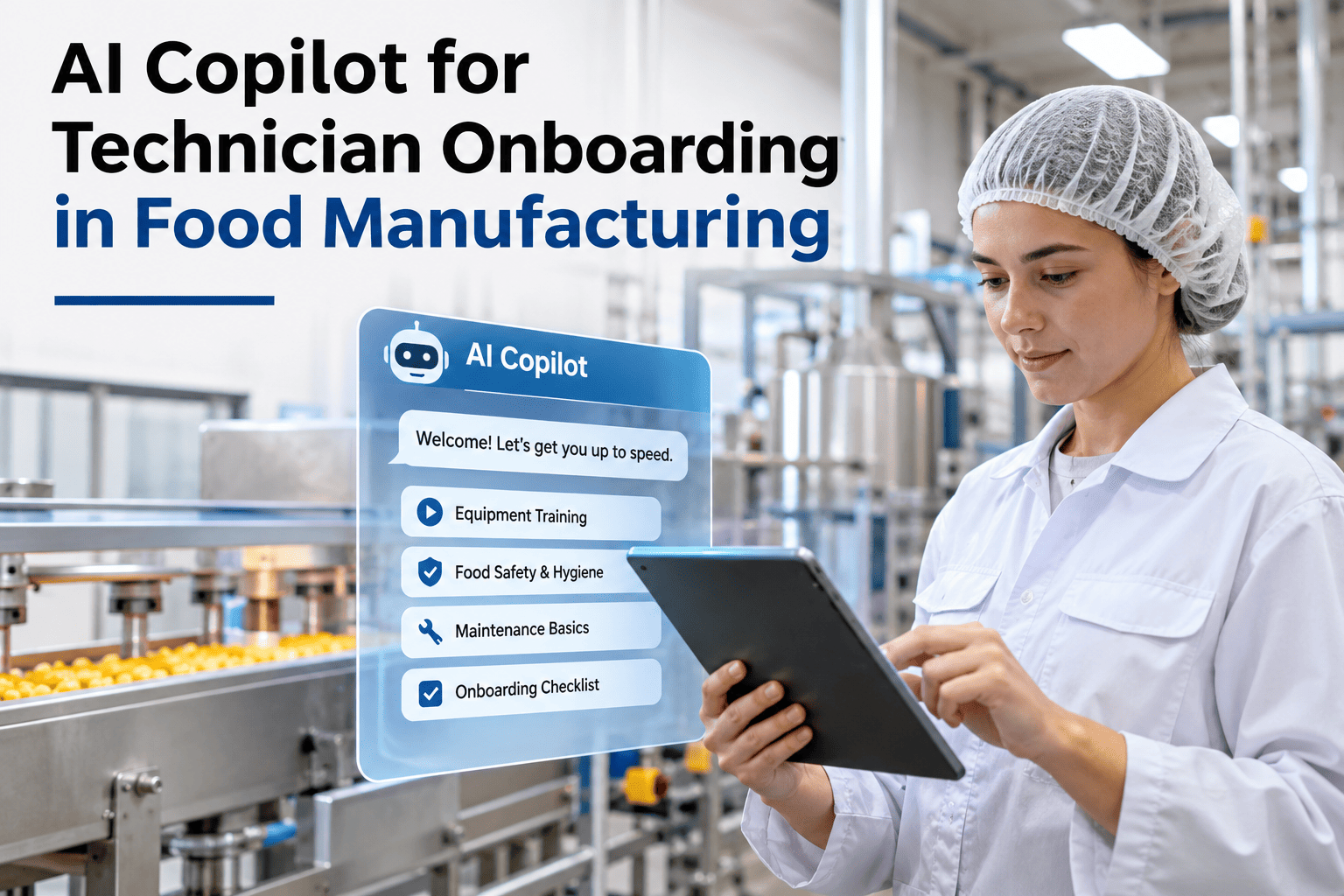
A new technician on a food plant floor learns two ways: from a person, or from a document. The experienced maintenance lead who knows why the spiral freezer drive always trips on cold mornings is usually nowhere near the new hire when it matters. The SOP that covers it is filed somewhere the new hire has never been shown. By the time the new hire is comfortable enough to work alone, the plant has spent hundreds of hours in shadowing time and still cannot be sure the transferred knowledge is complete. iFactory AI, an on-premise AI platform for food manufacturing, closes that gap — the new technician types or speaks a symptom and receives the same guidance the best technician on the floor would give, drawn from your own CMMS history, SOPs, and work order notes. Teams that want to see how fast a new hire can reach first solo competency can book a technician onboarding AI walkthrough.
Your New Hire Completes Their First Solo Work Order in Week Two — Guided by AI Trained on Your CMMS
iFactory AI deploys an on-premise AI copilot that turns your existing CMMS data, SOPs, and experienced-technician notes into a 24/7 mentor — so new hires contribute faster and expert knowledge stops walking out the door.
Why Food Plant Technician Onboarding Is Harder Than It Looks
Food manufacturing maintenance combines the complexity of industrial equipment with the unforgiving constraints of food safety compliance. A technician who would thrive in a general manufacturing plant still needs months on a food floor before working confidently — because the consequences of a wrong lubricant, an incorrect reassembly, or a missed sanitation step are not just downtime but a potential allergen or contamination event.
What Is an AI Copilot for Technician Onboarding?
An AI copilot for technician onboarding is a conversational AI assistant, deployed on-premise in iFactory AI, that guides a new maintenance technician through tasks, fault diagnosis, and food safety steps by drawing on your plant's own CMMS work order history, SOP library, and equipment records — not generic AI training data. The copilot answers the questions a new hire would normally ask a senior colleague.
Because iFactory AI, an on-premise AI platform for predictive maintenance and production intelligence, deploys on an NVIDIA GPU server inside your plant, all sensitive maintenance records and food safety documents stay on-site. No technician query or plant knowledge reaches any external cloud. Ask the support team about how data stays on-premise during copilot interactions.
Train Your Next Hire With AI Built From Your Own Plant's Knowledge
iFactory AI ingests your CMMS work orders, SOPs, and equipment records and builds an on-premise AI copilot that guides new hires through real tasks on real machines — without any cloud dependency.
How the AI Copilot Guides a New Hire Through a Real Task
The copilot interaction follows the same pattern a new technician would use with a senior colleague — describe the situation, get a diagnosis suggestion, get step-by-step guidance, and confirm the close-out. The difference is that the AI is always available, never impatient, and draws on every past work order on that machine.
Without the AI copilot, the same situation results in a call to the on-call senior technician, a longer resolution time, and a work order note that may or may not capture the cold-weather pattern — leaving the next new hire in the same position on the next cold night.
Food Safety Knowledge the AI Copilot Embeds in Every Task
iFactory AI's onboarding copilot does not treat food safety as a separate training module. It embeds food safety guidance into the task workflow — so the technician who has never worked in food manufacturing gets the right prompts at the right moment, every time.
Building the AI Copilot's Knowledge Base From Your CMMS
The quality of the AI copilot's guidance is determined by the quality of the CMMS data it is trained on. iFactory AI's deployment process includes a structured knowledge ingestion phase that extracts, cleans, and indexes your existing maintenance data before the copilot goes live.
Measuring Onboarding AI ROI: What Changes and When
The business case for an onboarding AI copilot in food manufacturing rests on four measurable changes: faster time-to-competency, reduced senior technician shadow time, lower overtime from night-shift call-outs, and improved work order documentation completeness.
| Metric | How to measure it | When to expect change |
|---|---|---|
| Time to first solo PM | Days from start date to first unaccompanied work order closed | Visible in first cohort (Month 1–2) |
| Senior shadow hours per new hire | Senior tech hours logged to onboarding vs prior cohorts | Month 2 comparison |
| Night shift call-out rate | On-call senior dispatches per month per new hire on shift | Month 2–3 |
| Work order documentation score | % of work orders with complete fault, action, and parts data | Immediate — from first copilot-guided close-out |
Teams that want to model these metrics against their current onboarding cost can review an ROI framework with iFactory AI's food plant team using their own new hire and callout data.
Frequently Asked Questions
Can the AI copilot replace the need for a senior technician during onboarding?
The copilot reduces senior technician shadow time significantly — particularly for routine PMs, standard fault resolution, and documentation — but it does not replace senior oversight for complex, non-standard, or first-time events. The goal is to free senior technicians from answering repetitive questions and reduce night-shift call-outs, while keeping them available for genuine escalations. Most food plants that deploy the copilot find senior technicians spend more of their time on proactive improvement work rather than reactive guidance. Book a session to see how the escalation workflow is configured.
How does the AI copilot handle food safety compliance during onboarding?
Food safety compliance is embedded in every task workflow — not treated as a separate training module. The copilot prompts lubricant verification, allergen zone confirmation, sanitation sign-off, and GMP documentation at the correct point in each task. All guidance is sourced from your own approved SOPs and food safety procedures, not generic AI training data. The copilot cannot approve a task close-out without the required food safety confirmations being logged. Ask the support team how food safety prompts are configured for your specific certification requirements.
What happens if the AI gives guidance a senior technician would disagree with?
The validation phase before go-live is specifically designed to catch and correct these cases. Senior technicians review 20–30 representative scenarios and flag any guidance they would not give themselves. After go-live, any guidance can be flagged by any technician as "not right for this machine" and queued for review. The knowledge base is updated continuously — wrong guidance is corrected and the correction is propagated to all future responses on that topic. See how the feedback and correction loop works in a live walkthrough.
How long does it take to build and deploy the onboarding AI copilot?
iFactory AI deploys on-premise in 6–12 weeks. The knowledge ingestion phase — CMMS export, SOP indexing, parts data loading, and expert capture sessions — takes 3–5 weeks. The validation phase with senior technicians takes 1–2 weeks. After validation, the copilot is live for new hire use. The timeline depends primarily on the state of your CMMS data and SOP library — well-organized data shortens the ingestion phase significantly. Ask about the data readiness requirements for your CMMS platform.
Does the onboarding copilot work for technicians who are not confident with technology?
Yes — the copilot interface is designed for the shop floor, not an office. Technicians interact by typing a plain-language description of the fault or task, or by using the voice interface on a mobile device or headset. There is no technical jargon required, no menu navigation to learn, and no form to fill in before getting help. The barrier to first use is a single question: "What is the machine doing?" — which any technician can answer. Book a walkthrough to see the technician-facing interface in action.
Stop Losing Knowledge When Your Best Technicians Leave
iFactory AI captures your senior technicians' knowledge in an on-premise AI copilot that guides every new hire — so the next generation reaches competency faster and your food plant's institutional knowledge is never at retirement risk.