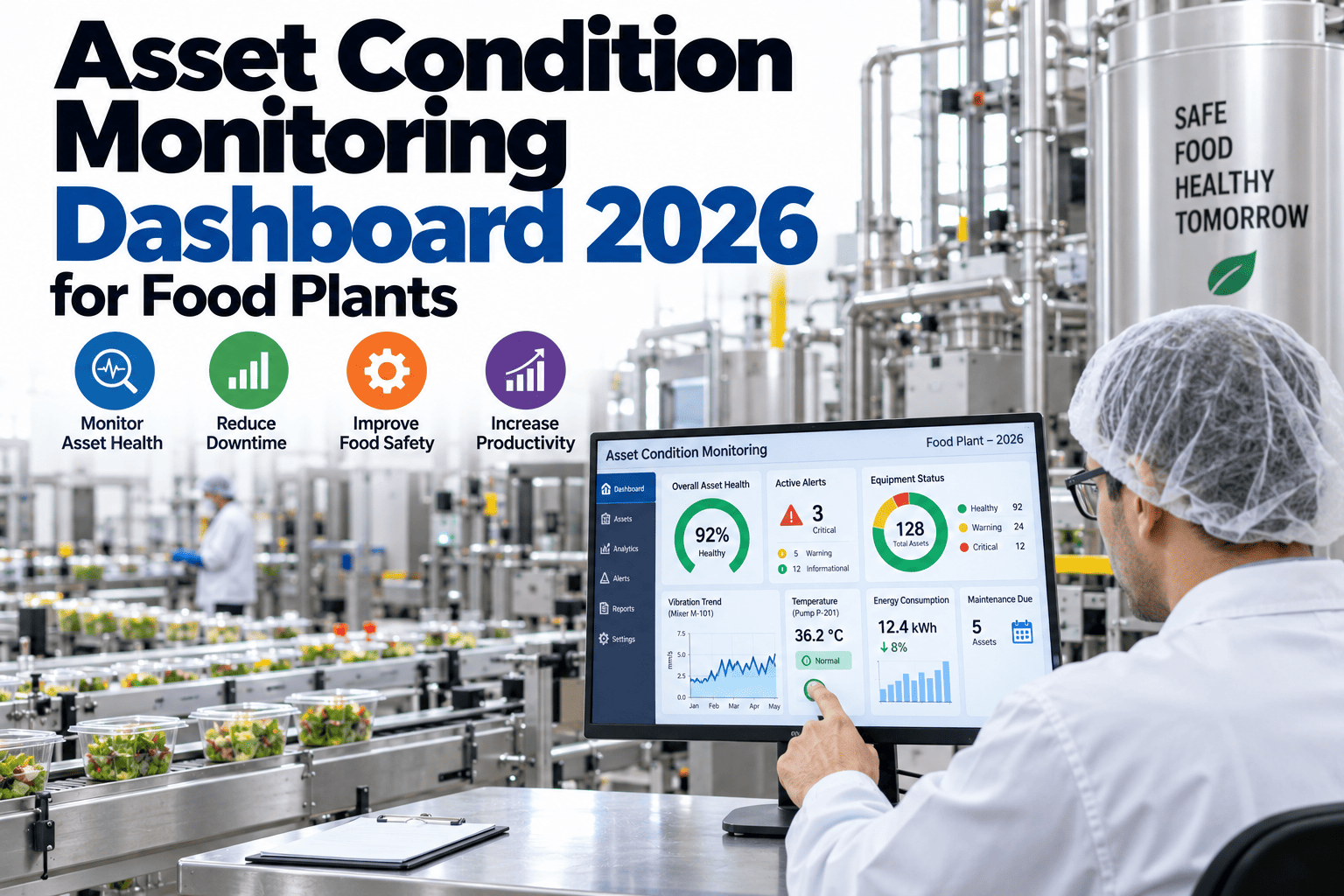
A maintenance team walking into a food plant's control room on a given morning typically has to check several different screens to get a partial picture of equipment health, a vibration monitoring system for rotating equipment, a separate temperature trending tool for refrigeration and thermal processes, motor current readings buried in the PLC interface, and CIP compliance status tracked in yet another system entirely. None of these views talk to each other, which means catching a developing problem often depends on someone happening to notice an anomaly on one specific screen rather than a genuinely unified picture of asset health across the plant. Designing a real condition monitoring dashboard means bringing vibration, temperature, current, and CIP compliance data for your critical assets onto one screen, with sensible prioritization so the people watching it can tell at a glance which assets actually need attention right now. This page covers what data belongs on that dashboard, how to design it so it actually gets used rather than ignored, and what a genuinely useful alert hierarchy looks like. You can book a demo to see a working condition monitoring dashboard built for food plant assets.
Four Data Sources, One Screen, a Genuinely Clear Picture of Asset Health
iFactory brings vibration, temperature, current, and CIP compliance data together on one prioritized dashboard for your critical food plant assets.
Correlated Problems Often Show Up Across Multiple Data Sources at Once
Many developing equipment problems don't show up cleanly in just one data source; a bearing beginning to fail might show subtle vibration changes alongside a slight temperature increase and a gradual shift in motor current draw, each individually modest enough to be easy to dismiss, but collectively a much clearer signal when viewed together. When these three data streams live in three separate systems that nobody is cross-referencing in real time, that correlated pattern goes unnoticed until the problem progresses to the point where at least one individual metric crosses an obvious alarm threshold on its own.
Four Data Categories Worth Bringing Together
Trending vibration levels on rotating equipment like pumps, motors, and compressors, with deviation from established baseline as the key signal rather than a single absolute threshold.
Process and equipment temperature trends, particularly relevant for refrigeration, thermal processing, and any equipment where overheating is a known failure precursor.
Current draw trends that can reveal developing mechanical resistance, bearing issues, or load changes well before a motor actually trips or fails outright.
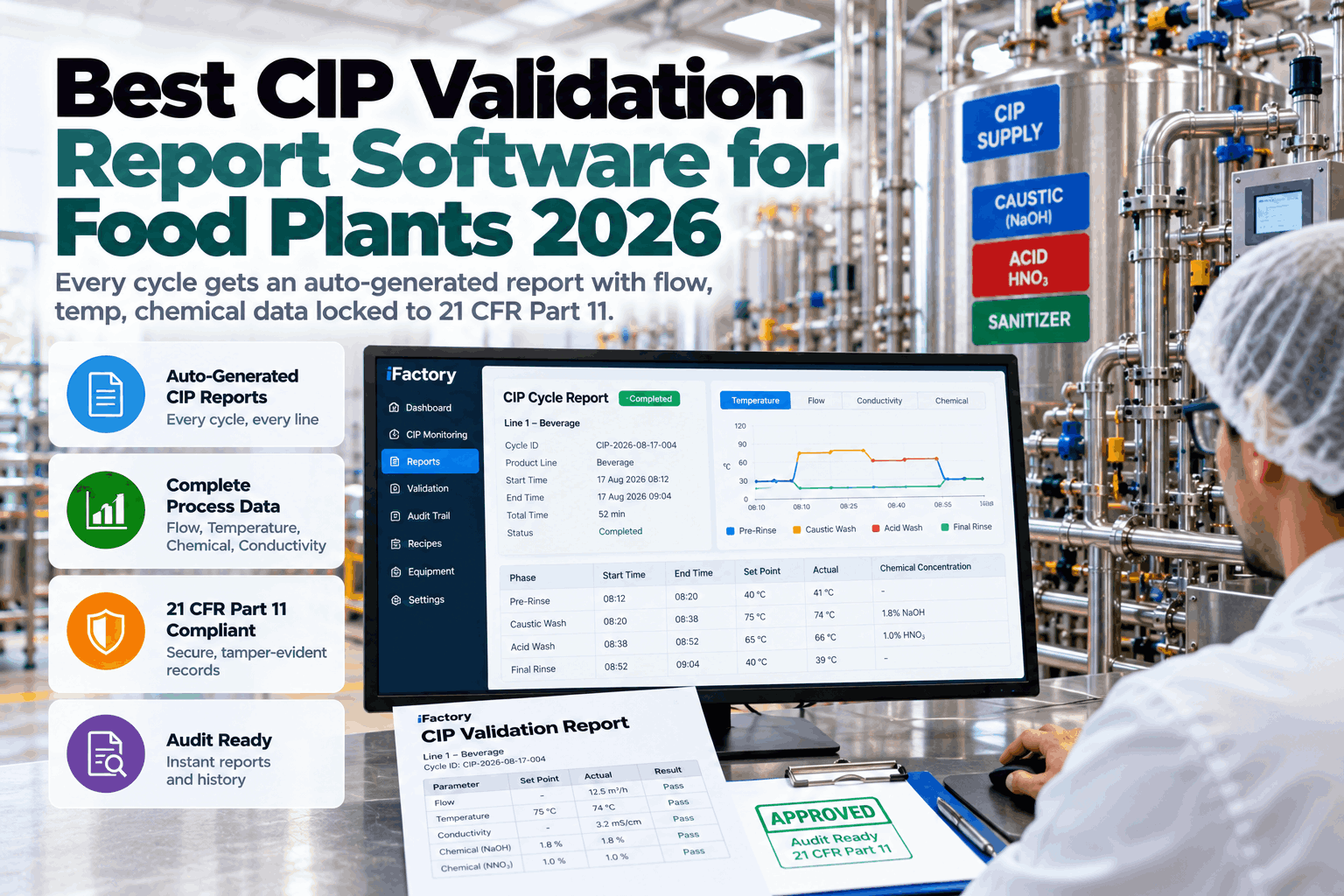
Whether the most recent CIP cycle for product-contact equipment met required parameters, a food-specific data category that sits alongside mechanical condition data as a critical operational status.
A Dashboard Nobody Looks At Twice Isn't Solving the Problem
It's entirely possible to build a technically comprehensive dashboard that displays every available data point and still fails to actually get used, because a screen crowded with undifferentiated data forces the viewer to do the prioritization work themselves every time they look at it. A genuinely useful dashboard does that prioritization automatically, surfacing the handful of assets that actually need attention right now rather than presenting every asset's every metric with equal visual weight.
List assets by how far current readings deviate from established baseline, putting the assets most worth investigating at the top of the view automatically.
Reserve strong visual signals for genuinely actionable deviations rather than using bright colors so liberally that they lose their power to draw attention.
A current reading within normal range but trending steadily toward a threshold is often more actionable information than an isolated snapshot value.
Keep the main view high-level and prioritized, with the ability to click into a specific asset for full historical detail when something warrants closer investigation.
Not Every Deviation Deserves the Same Response
A dashboard that treats every threshold crossing as equally urgent trains its users to eventually ignore all alerts, the same alert fatigue problem that affects any monitoring system regardless of industry. Building a genuine hierarchy, distinguishing an informational trend worth watching from a condition requiring immediate action, is what keeps a dashboard credible and actually followed over the long term.
| Alert Level | Typical Trigger | Expected Response |
|---|---|---|
| Informational | Minor deviation from baseline, early trend | Noted for awareness, reviewed at next routine check |
| Elevated | Sustained deviation trend or moderate threshold crossing | Scheduled inspection or investigation within a defined window |
| Critical | Severe deviation or rapid change indicating imminent failure risk | Immediate response, potentially including a planned shutdown |
What It Takes to Actually Pull These Data Sources Together
Vibration monitoring systems, temperature trending tools, PLC-based motor current data, and CIP compliance records typically come from entirely different vendors and technical architectures, which means building a unified dashboard requires an integration layer capable of pulling from each source's specific data format and update frequency. Vibration data might arrive as periodic route-based readings or continuous streaming data depending on the monitoring approach in place, while CIP compliance data might be a batch record generated at the end of each cleaning cycle rather than a continuous stream.
Designing the integration to accommodate these different update cadences, rather than forcing every data source into an identical polling frequency that doesn't match how the underlying system actually produces data, keeps the dashboard both accurate and efficient to maintain. It's also worth building in reasonable tolerance for a data source being temporarily unavailable, since a dashboard that breaks entirely whenever one connected system has a brief outage undermines confidence in the tool overall.
Getting the Dashboard Into Actual Daily Use
Even a well-designed dashboard needs a deliberate rollout plan to become part of daily routine rather than a tool people forget exists after the initial launch enthusiasm fades. Identifying specific moments in the existing workflow where checking the dashboard naturally fits, a shift handover, a morning production meeting, or a maintenance planning session, tends to build the habit more effectively than simply announcing the tool's existence and hoping people remember to use it.
Assigning clear ownership for reviewing the dashboard regularly, and following through visibly when it flags something worth investigating, also reinforces that the tool is a genuine part of how the plant operates rather than a nice-to-have that can be safely ignored during busy periods.
Catching a Bearing Failure Precursor Through Correlated Signals
A refrigeration compressor's vibration levels had crept up slightly over several weeks, individually not severe enough to trigger the vibration monitoring system's standalone alarm threshold, while its motor current draw had also drifted upward modestly, a pattern that went unnoticed since no one was cross-referencing the two separate systems tracking each metric.
With vibration and current data displayed together and both trending against established baseline on the same screen, the correlated pattern became visible well before either metric alone would have triggered a standalone alarm, prompting an inspection that identified early bearing wear and allowed a planned replacement rather than a failure that would have taken the compressor down unexpectedly.
A Practical Path to a Unified Condition Dashboard
Document every current vibration, temperature, current, and CIP monitoring system already in place and what data each one produces.
Choose a small set of high-priority assets to pilot the unified dashboard before expanding coverage plant-wide.
Define informational, elevated, and critical thresholds before launch, rather than retrofitting prioritization logic after the dashboard is already live.
Identify the specific daily or shift-based moments where dashboard review will naturally fit into current workflow.