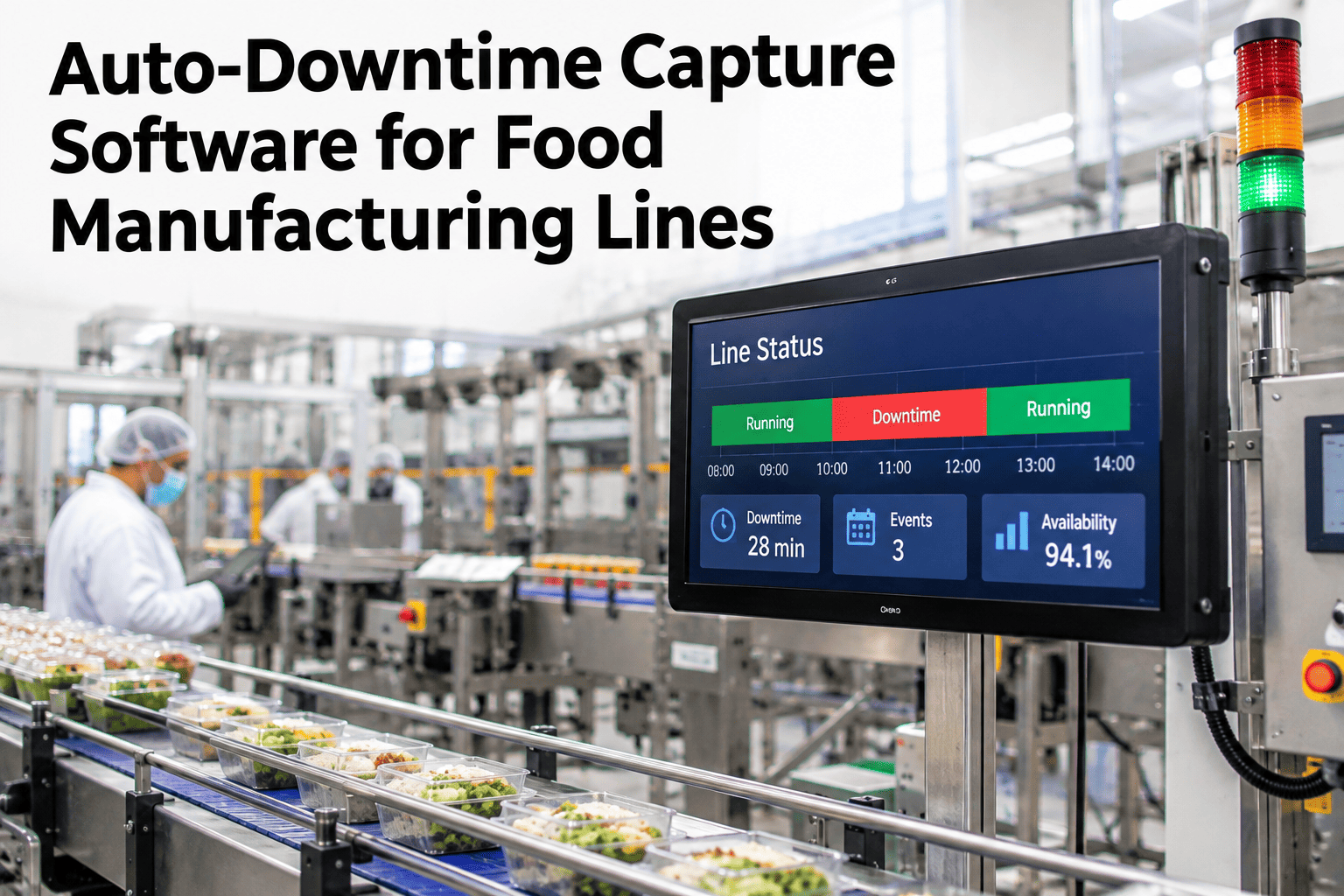
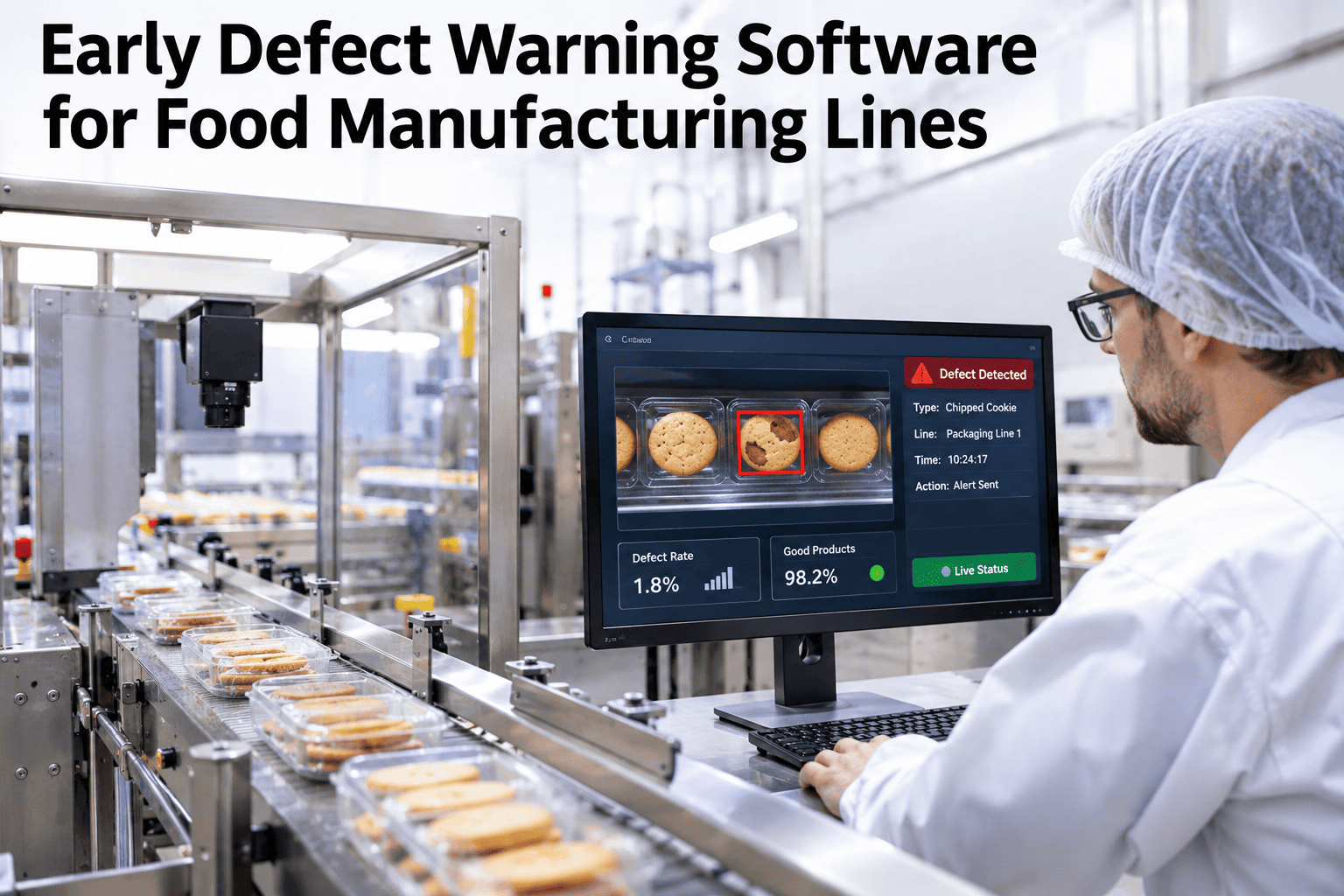
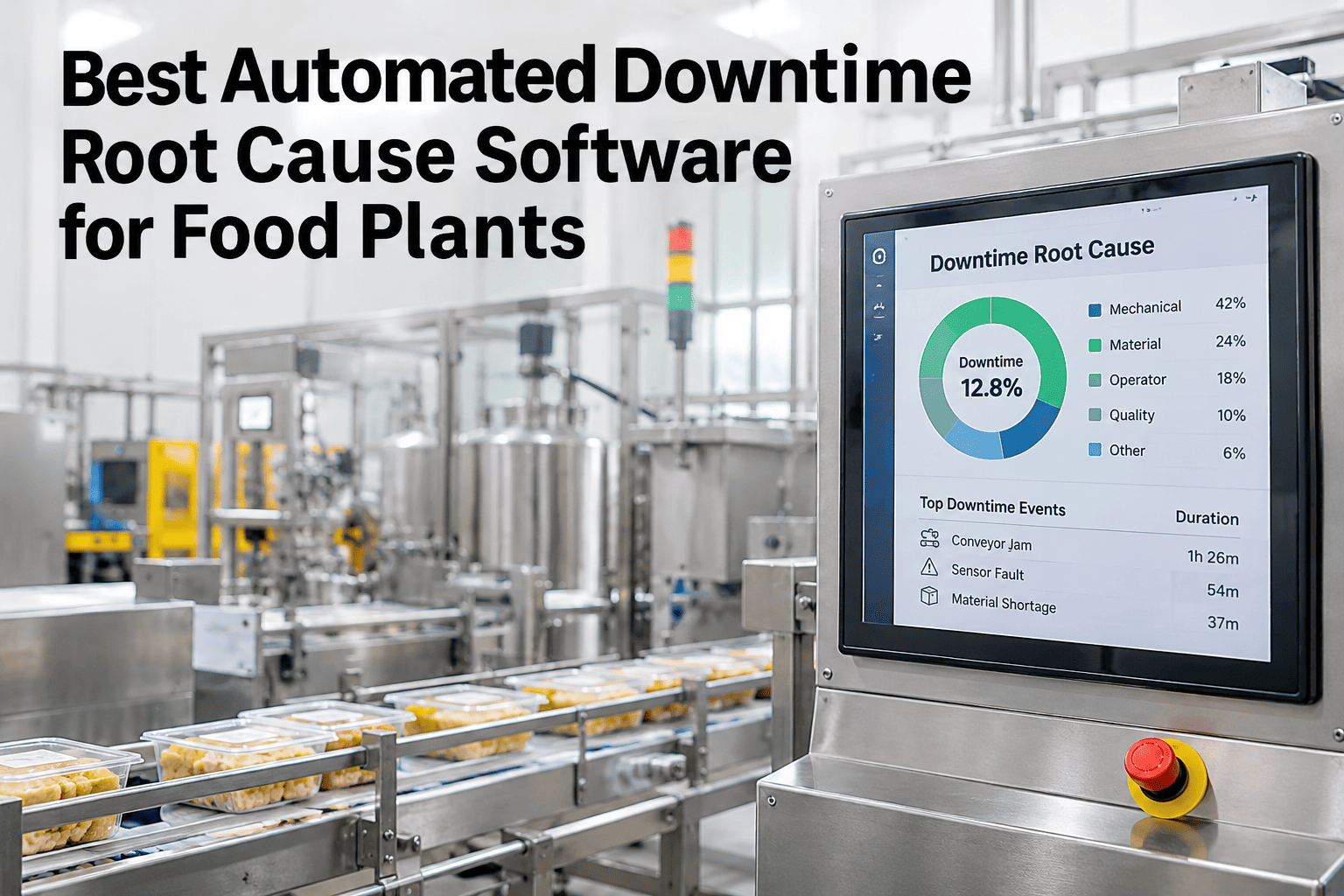
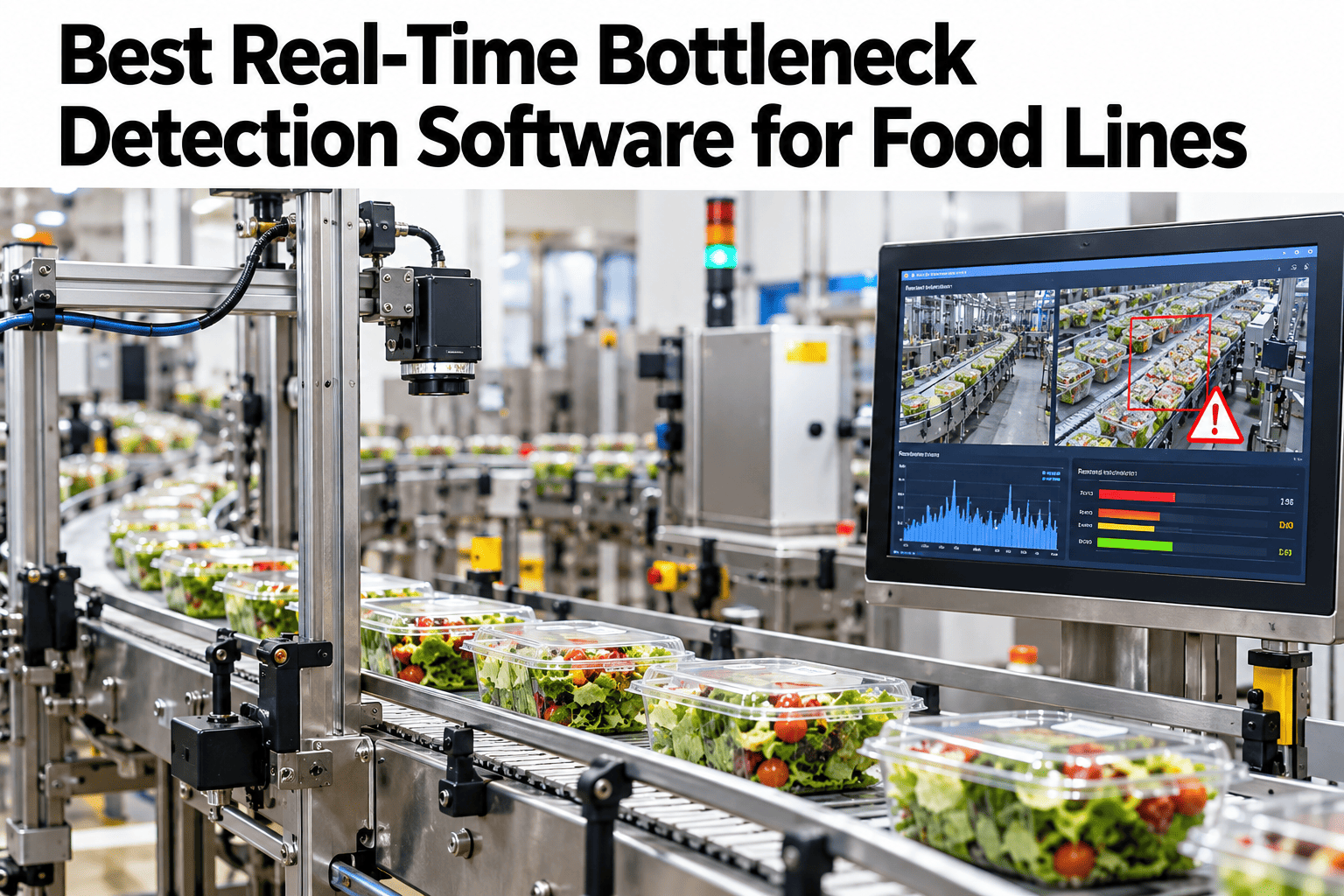
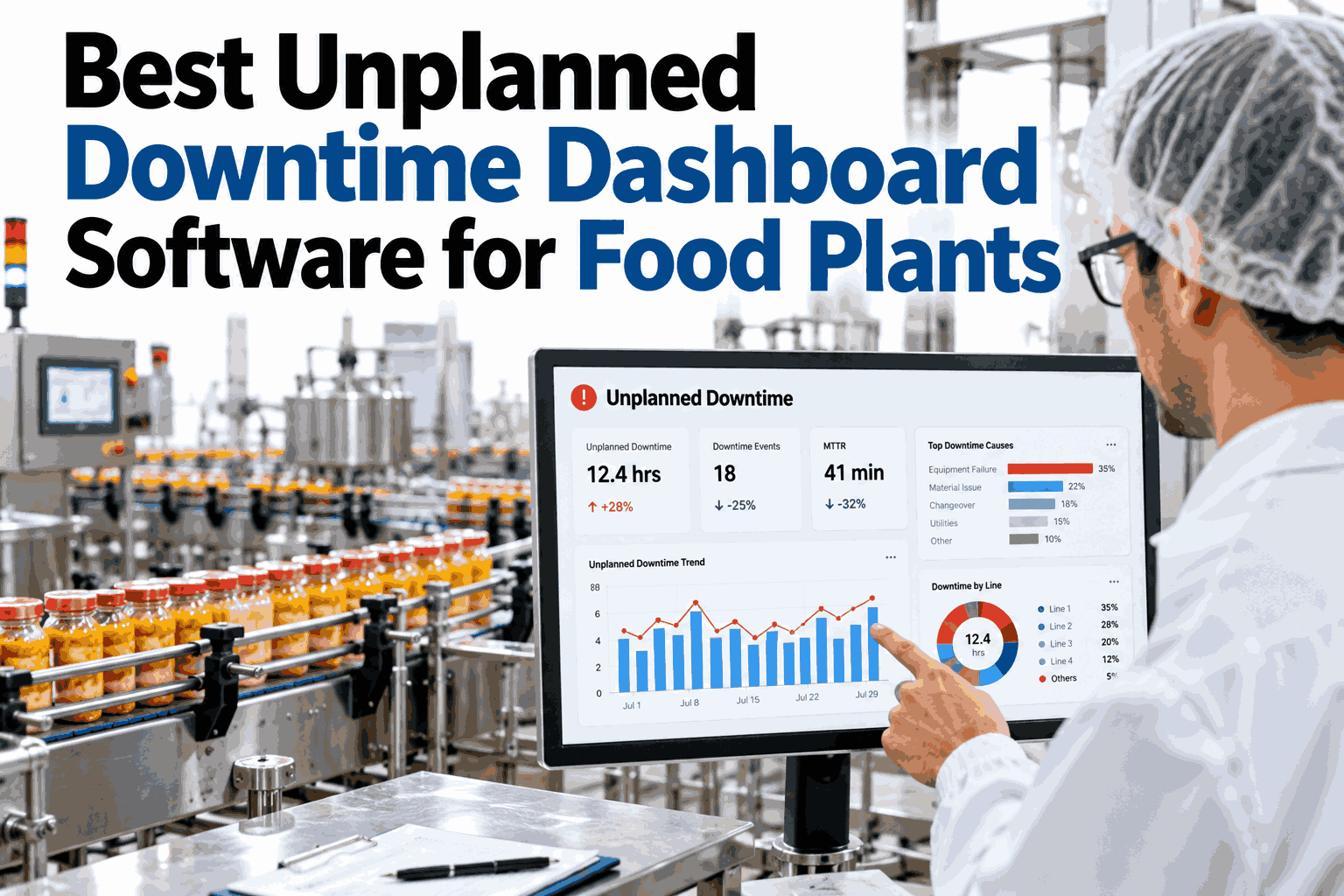
A shift-end report built from an operator's memory of "a few short stops, nothing major" is not a record, it is a reconstruction, and reconstructions systematically undercount. Auto-downtime capture removes the memory step entirely: every stop over 30 seconds is captured directly from machine signals with a reason code attached at the moment it happens, so the report at the end of the shift matches what the line actually did, not what someone recalls. You can compare your current shift report against captured reality with our team.
Food Line Downtime Capture, 2027
Memory Undercounts. Machine Signals Don't.
iFactory, an on-premise AI platform for production monitoring, captures every stop over 30 seconds directly from machine signals with a reason code attached automatically, so shift-end reports match reality instead of recollection.
Memory-Based Report
"A few short stops, nothing major"
Auto-Captured Reality
14 stops, 38 minutes, 6 reason codes
What it is
What Does Auto-Downtime Capture Actually Change?
Auto-downtime capture replaces a manual, end-of-shift logging step with a continuous signal from the machine itself: any stop lasting longer than a defined threshold, typically 30 seconds, is logged automatically, timestamped, and tagged with a reason code at the moment it occurs.
The 30-second threshold matters because it filters out momentary blips that are not operationally meaningful while still catching the short, frequent stops that manual logging almost always misses or lumps together as "normal."
What memory misses
Why Manual Logging Systematically Undercounts
Short stops ignored
A 45-second stop rarely gets written down, even though a dozen of them add up fast.
End-of-shift recall
Logging from memory hours later loses detail and undercounts frequency.
Inconsistent reason coding
Different operators describe the same stop type differently, or not at all.
No incentive to log fully
A busy operator prioritizes keeping the line running over detailed paperwork.
How it works
Four Steps to Capturing Downtime Automatically
1
Connect PLC or sensor signals that indicate machine run and stop states for each asset.
2
Set a minimum stop duration threshold, typically 30 seconds, to filter momentary signal noise.
3
Attach a reason code automatically where the signal pattern matches a known cause, and prompt the operator only for genuinely unclear stops.
4
Compile the shift report directly from captured events, with no manual reconstruction step at all.
Comparison
Manual End-of-Shift Logging vs Auto-Capture
| Dimension | Manual Logging | Auto-Capture |
|---|
| Short stops under a few minutes | Frequently missed or grouped together | Individually captured and timed |
| Reason code consistency | Varies by operator and shift | Standardized and auto-tagged where possible |
| Timing accuracy | Approximate, reconstructed from memory | Exact, timestamped at the signal level |
| Operator workload | Added paperwork during a busy shift | Minimal — only unclear stops need input |
Expert review
What a Plant Reliability Manager Would Check First
Holds up
Signal-based downtime capture replacing manual logging is well-established production monitoring practice; the value compounds specifically because food lines run frequent short stops that paper logs reliably miss.
Watch for
An auto-capture setup with no reason-code logic behind it — a system that captures duration but not cause still leaves the RCA team guessing.
Do next
Start on the line where shift reports and operator anecdotes already seem to disagree most, since that is where the capture gap is likely largest.
FAQ
What Food Plants Ask About Auto-Downtime Capture
Why is 30 seconds the typical threshold for capturing a stop?
It is long enough to filter out momentary signal noise or a brief sensor blip, while still short enough to catch the frequent small stops — jams, minor adjustments, short clears — that together often account for a large share of total downtime but rarely get logged manually.
Discuss the right threshold for your line.
Can reason codes really be assigned automatically?
For stops with a clear, repeatable signal pattern, yes — the system can learn to tag common causes automatically. Genuinely novel or ambiguous stops still prompt the operator, but this is a fraction of total events once common patterns are learned.
Ask how reason-code learning works.
Does this require new sensors on every machine?
Often not — many PLCs already generate the run and stop signals needed; the gap is usually connecting and standardizing that existing data rather than installing new hardware. Older unmonitored equipment may need a simple retrofit.
How much more downtime does auto-capture typically reveal?
The exact gap varies by plant and prior logging discipline, but it is common for auto-captured downtime to run meaningfully higher than manually logged figures, since short stops are the category manual logging misses most consistently.
Check your own gap with our team.
Does auto-capture replace the operator's role in logging?
It removes the burden of logging routine, clearly-caused stops, but operators still provide input on ambiguous events the system cannot classify on its own, keeping their judgment in the loop without the full manual workload.
See how operator workflow changes with our team.