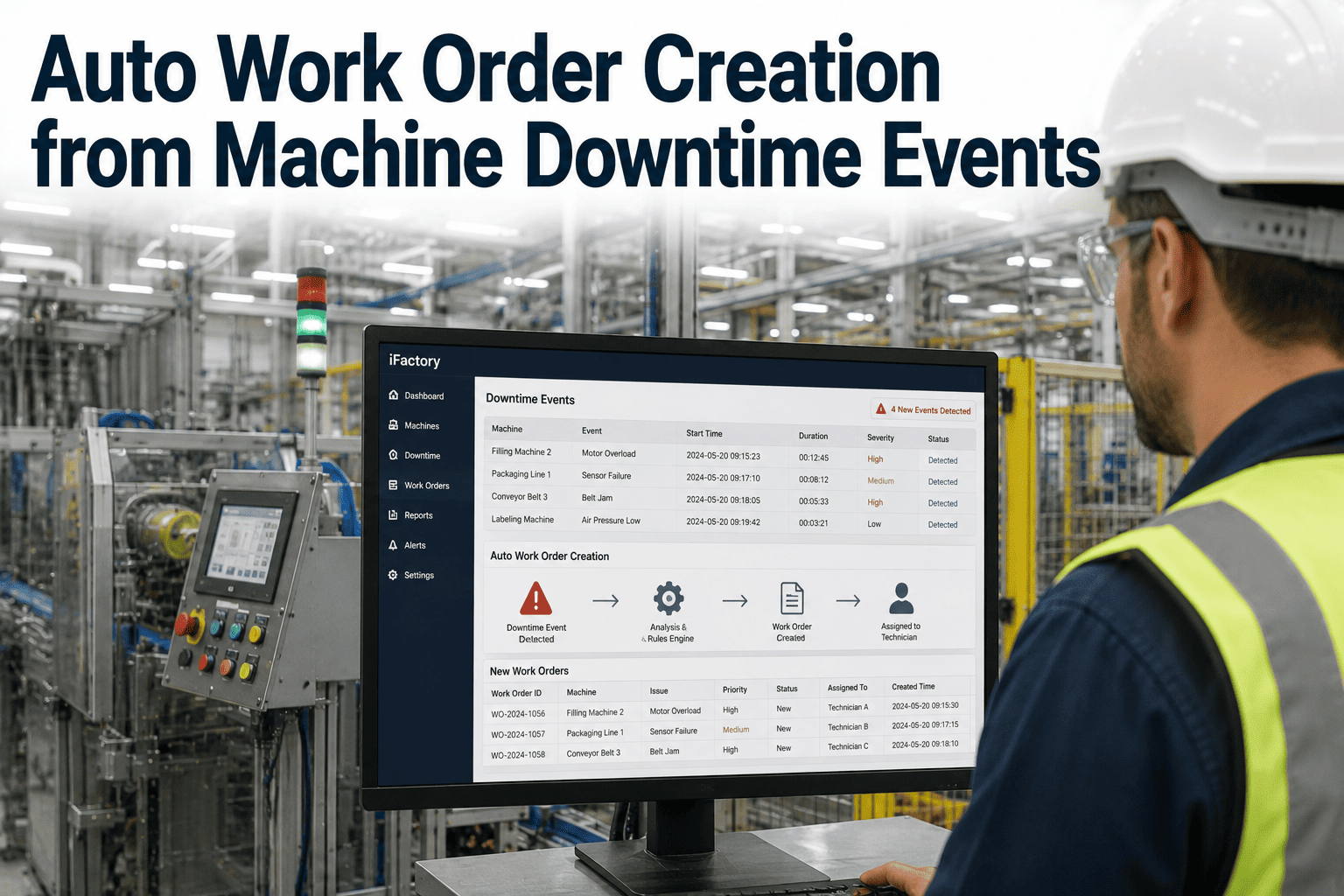
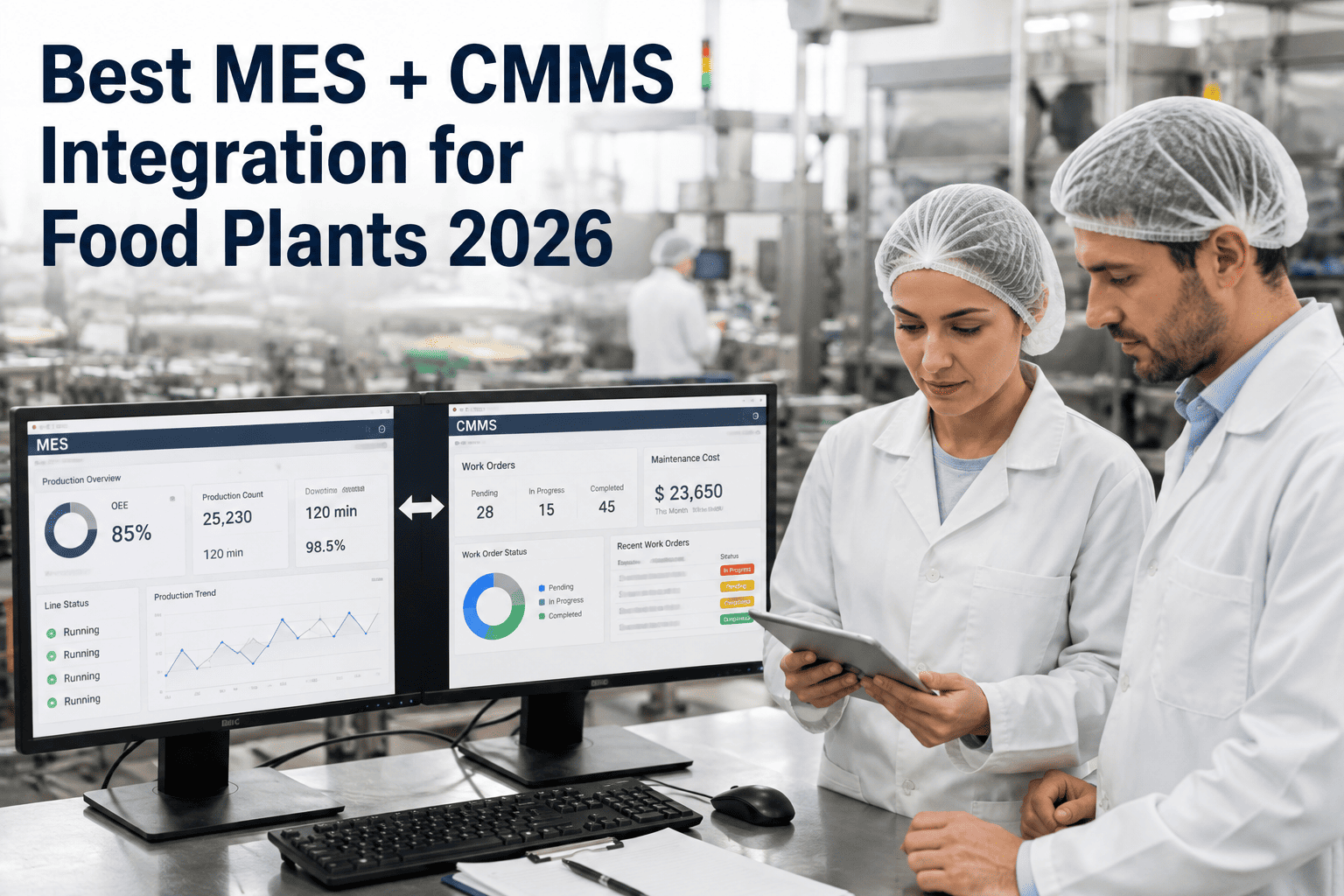
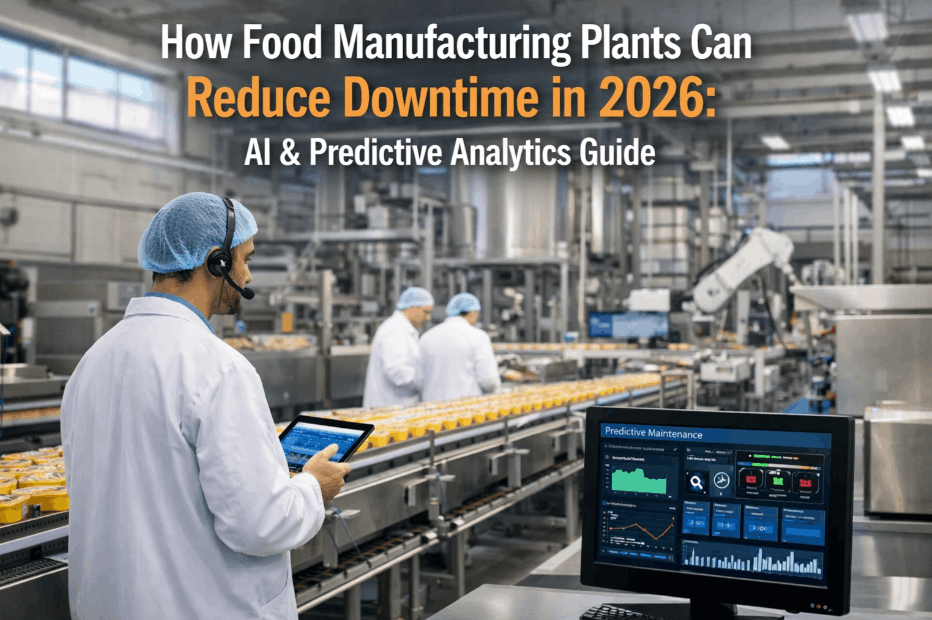
By the time a maintenance planner reads a downtime log, notices the pattern, decides it warrants a work order, and manually types up the details, thirty to forty minutes have often already passed since the line actually went down — and that's on a good day when the planner happens to be looking at the log at the right moment. On a bad day, the downtime event sits unnoticed until the next shift meeting. Either way, the maintenance team starts working the problem later than they needed to, with less context than the event itself actually generated. See how MES-to-CMMS event triggers create a pre-populated work order automatically the moment a downtime event happens, with failure context already attached.
Digital Operations · Maintenance Automation
The Work Order Should Exist Before the Planner Even Looks at the Log
Automatic work order creation triggered directly by machine downtime events — with failure context pre-populated and priority routing built in, closing the gap between when a line goes down and when maintenance actually starts working it.
The Manual Translation Gap
What Actually Happens Between a Downtime Event and a Work Order
Manual work order creation isn't a single step — it's a small chain of dependent actions, and every link in that chain adds delay. A downtime event has to be noticed, either by someone actively watching a dashboard or by a supervisor reviewing logs after the fact. Someone has to judge whether the event is significant enough to warrant a work order versus a quick fix that doesn't need formal tracking. Then someone has to manually type up a description of what happened, often from memory or a brief note rather than the actual system data captured when the event occurred, and route it to the right maintenance team. Each of these steps is a place where delay, inconsistency, or lost detail can creep in.
Detection Delay
A downtime event has to be actively noticed by someone before any work order process even begins, which depends on who's watching and when.
Judgment Inconsistency
Different supervisors apply different thresholds for what warrants a formal work order, leading to inconsistent tracking of similar events across shifts.
Context Loss
By the time a work order is typed up, specific details captured by MES at the moment of the event — exact duration, associated fault codes, production conditions — often don't make it into the ticket.
Routing Delay
Getting the work order to the right maintenance team or technician adds another manual step where a ticket can sit in a queue before anyone even looks at it.
How the Trigger Actually Works
From Downtime Event to Assigned Work Order
1
Downtime Event Detected
MES logs the downtime event in real time, capturing asset, duration, associated fault or reason code, and production conditions at the moment it occurred.
2
Trigger Rules Evaluated
The event is checked against defined trigger criteria — event type, duration threshold, or specific fault codes — to determine whether it warrants a work order.
3
Work Order Pre-Populated
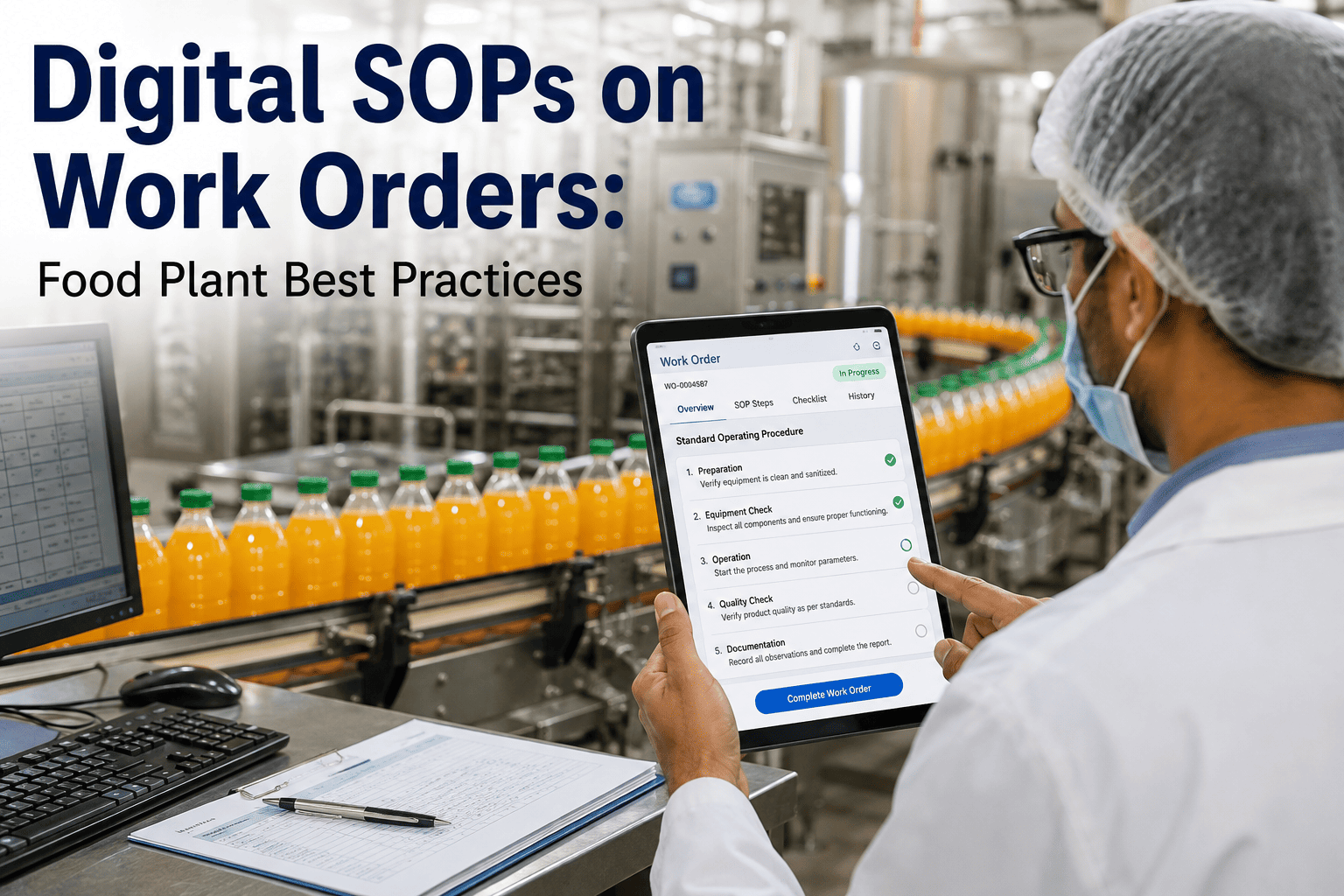
A work order is created automatically in CMMS with asset ID, event timestamp, duration, and captured fault context already filled in, rather than a blank ticket.
4
Priority Routed
The work order is routed to the appropriate maintenance team based on asset type and assigned a priority level reflecting the event's production impact.
Close the Gap Between Event and Action
Let the Downtime Event Create the Work Order Itself
iFactory triggers a pre-populated, priority-routed work order the instant a qualifying downtime event happens, with the failure context already attached.
Priority Routing Logic
How Events Get Sorted Into the Right Urgency Level
| Event Characteristic | Typical Routing | Why |
|---|
| Short, isolated stoppage | Standard priority queue | Low production impact, addressed in normal work order flow |
| Extended downtime on bottleneck asset | High priority, immediate routing | Direct impact on overall plant throughput |
| Repeated fault code on same asset | Flagged for root cause review | Pattern suggests underlying issue beyond a quick fix |
| Safety-related stoppage | Highest priority, immediate escalation | Safety events require fastest possible response regardless of production impact |
What Changes for Maintenance Teams
What Automatic Triggers Actually Change
01
Faster Response Time
Work orders exist the moment a qualifying event happens rather than waiting for someone to notice and manually create one, cutting the detection-to-ticket gap significantly.
02
Richer Failure Context
Technicians arrive with the actual MES-captured fault data already in hand, rather than a brief secondhand description written by whoever noticed the event.
03
Consistent Tracking Across Shifts
Trigger rules apply the same threshold regardless of which supervisor is on shift, eliminating the inconsistency that comes from manual judgment calls.
04
Better Pattern Visibility
Every qualifying event generates a tracked work order automatically, giving maintenance planners a complete dataset for spotting recurring failure patterns instead of a partial record shaped by what happened to get manually logged.
Getting It Running
Setting Up Trigger Rules for Your Plant
Configuring automatic work order creation starts with defining which downtime events should actually generate a ticket, since not every stoppage warrants formal maintenance tracking — a thirty-second minor jam that clears itself is a very different event from an extended stoppage tied to a specific fault code. Most plants start with conservative trigger criteria, focused on longer-duration events and known critical fault codes, and expand the trigger rules over time as they see how the volume of generated work orders compares to what the maintenance team can realistically process.
Priority routing rules are typically built around asset criticality and production impact rather than a flat one-size-fits-all urgency level, since a downtime event on a true bottleneck asset needs faster attention than the same duration event on a line with redundant capacity elsewhere in the plant. Getting this mapping right usually takes a short calibration period after initial rollout, comparing the system's automatic priority assignment against what an experienced maintenance planner would have assigned manually, and adjusting the rules until the two are well aligned.
Common Questions
Frequently Asked Questions
Will this create work orders for every minor stoppage on the line?
No — trigger criteria are configured to filter out minor, self-clearing events and focus on downtime that actually warrants maintenance attention, based on duration thresholds and specific fault codes defined during setup. Most plants tune these thresholds over the first few weeks to avoid generating more tickets than the maintenance team can reasonably process.
Talk to support about setting appropriate thresholds for your equipment.
Can a technician still create a manual work order outside the automatic trigger system?
Yes — automatic triggers handle downtime-driven work orders specifically, but manual work order creation remains available for planned maintenance, technician-observed issues that didn't trigger a downtime event, or any other maintenance need that falls outside the automatic trigger criteria.
How is priority determined for a newly installed asset without much failure history?
Priority routing initially relies on general asset criticality classification — whether the asset is a bottleneck, has redundant capacity elsewhere, or is safety-relevant — rather than failure history alone, so a new asset can still be routed sensibly from day one, with the model refining over time as more event history accumulates for that specific asset.
Does this require changes to our existing CMMS work order fields?
In most cases, the automatic trigger populates standard CMMS fields that already exist — asset ID, description, priority, timestamp — rather than requiring custom fields to be built, though the specific mapping depends on your CMMS platform's configuration.
Book a demo to see how fields map for your specific CMMS.
What happens if two downtime events on the same asset happen close together?
Trigger logic typically includes deduplication rules so a cluster of related events on the same asset within a short window doesn't generate multiple redundant work orders, consolidating them into a single ticket with the combined event history instead, though this behavior can be tuned based on how a plant wants clustered events handled.
Close the Detection-to-Action Gap
Let Downtime Events Create Their Own Work Orders
iFactory triggers pre-populated, priority-routed work orders the moment a qualifying downtime event happens, so maintenance starts working the problem sooner with better data.