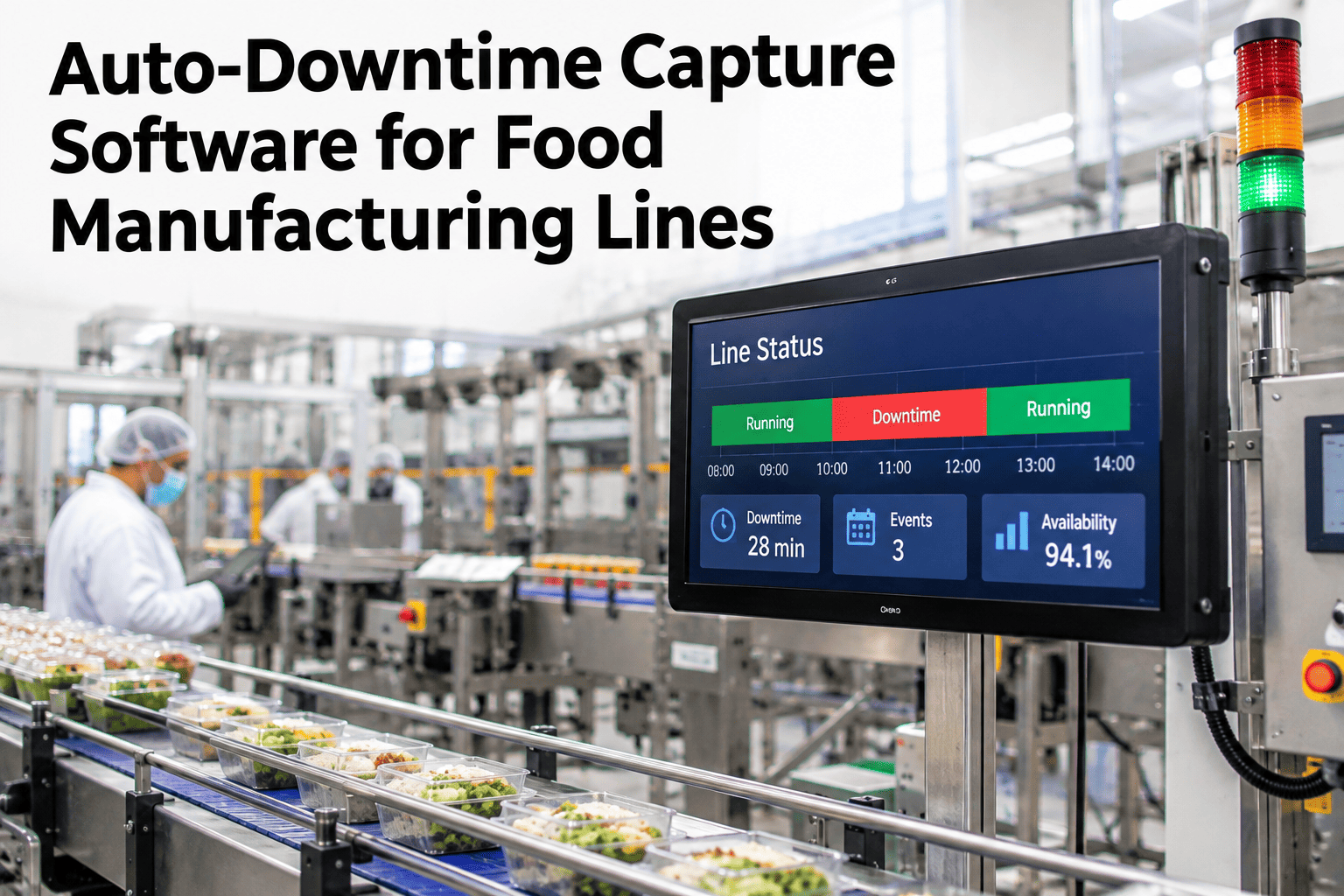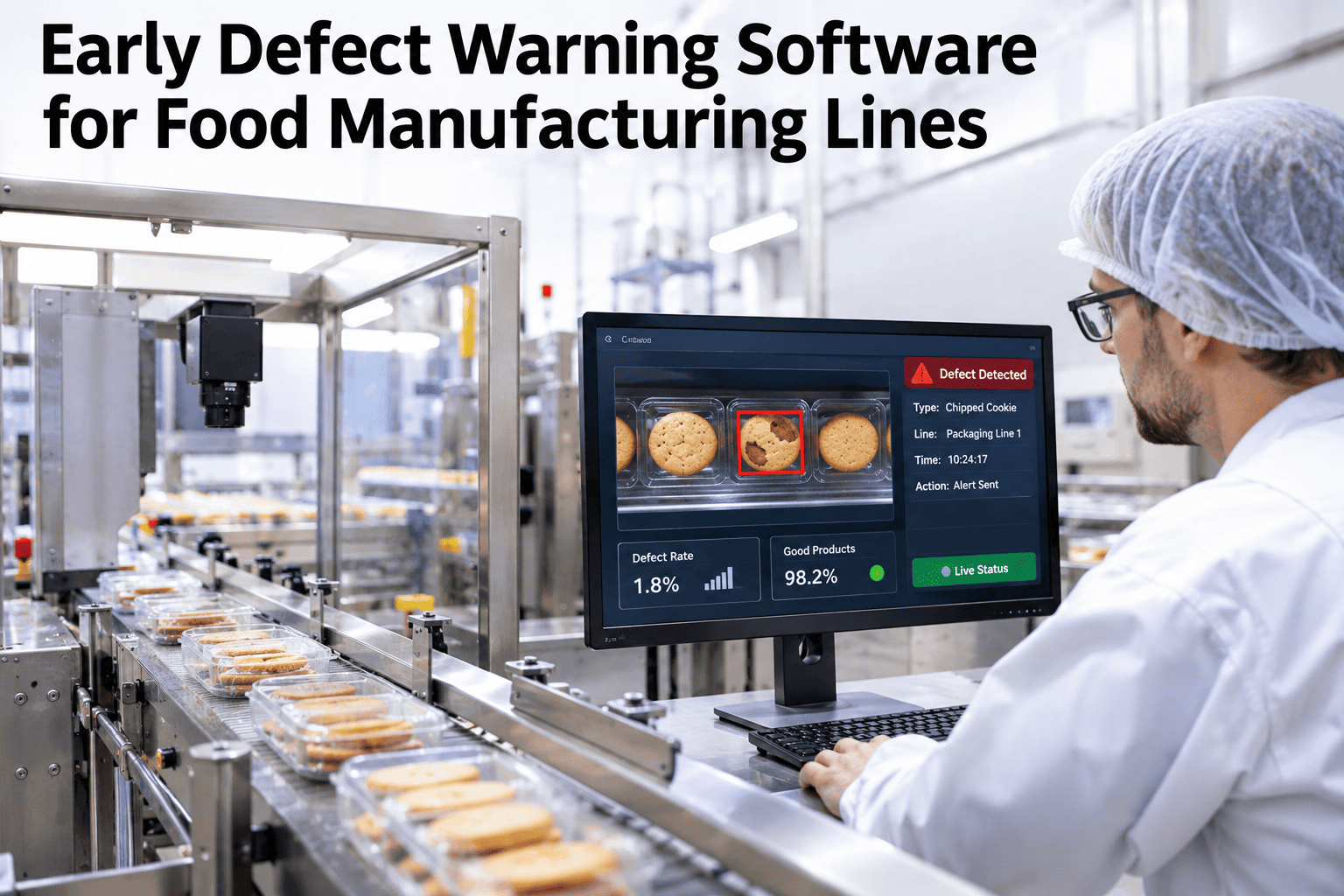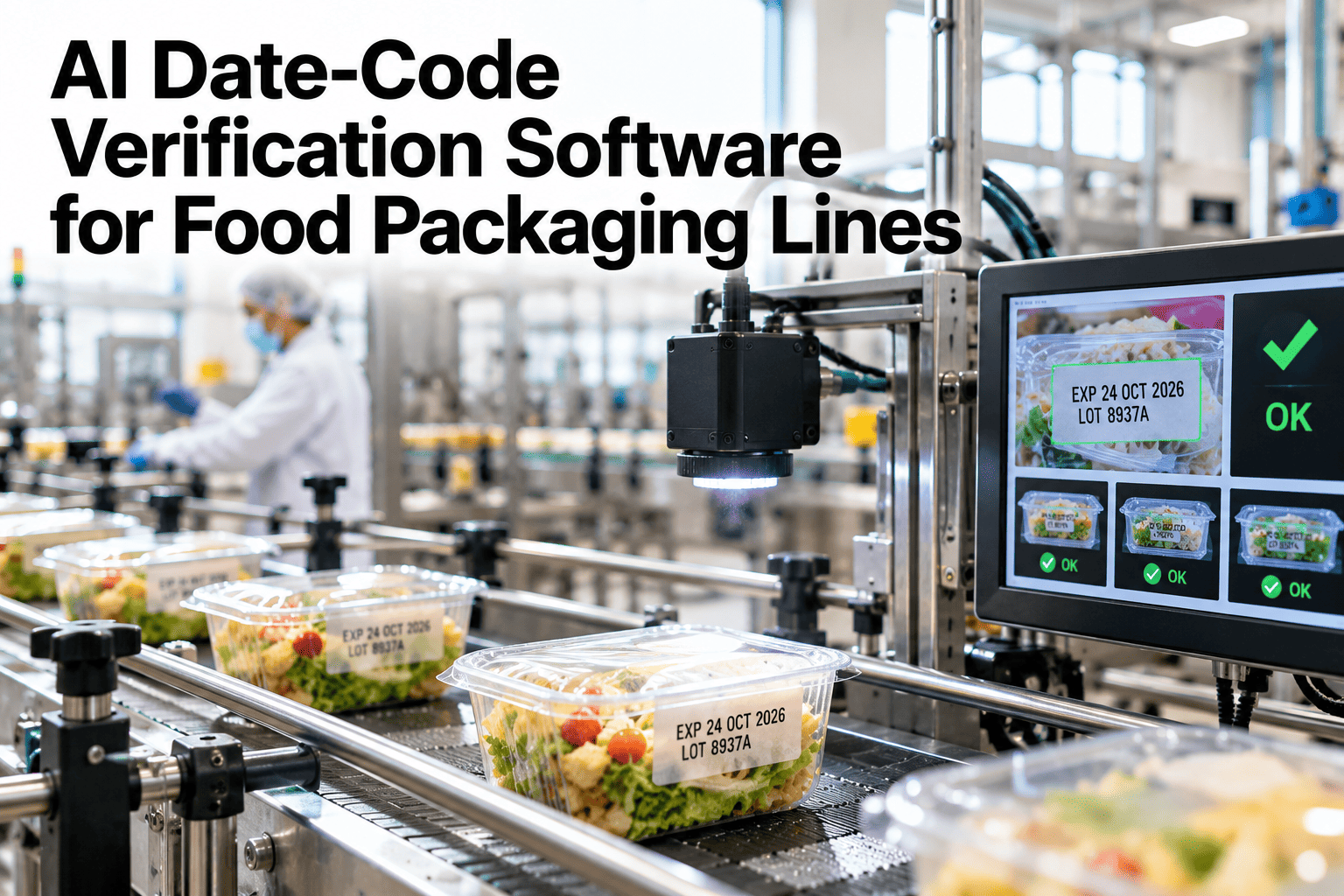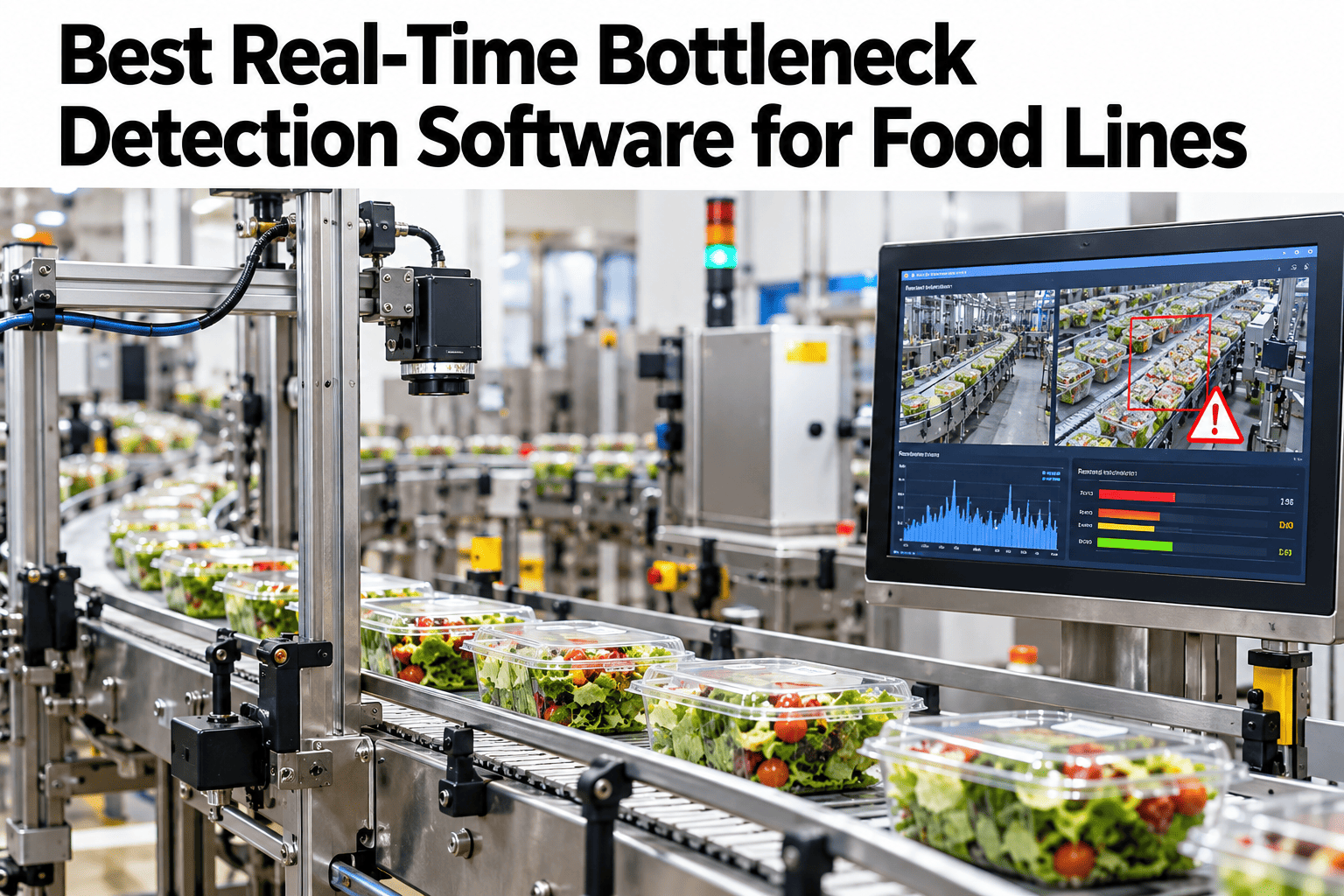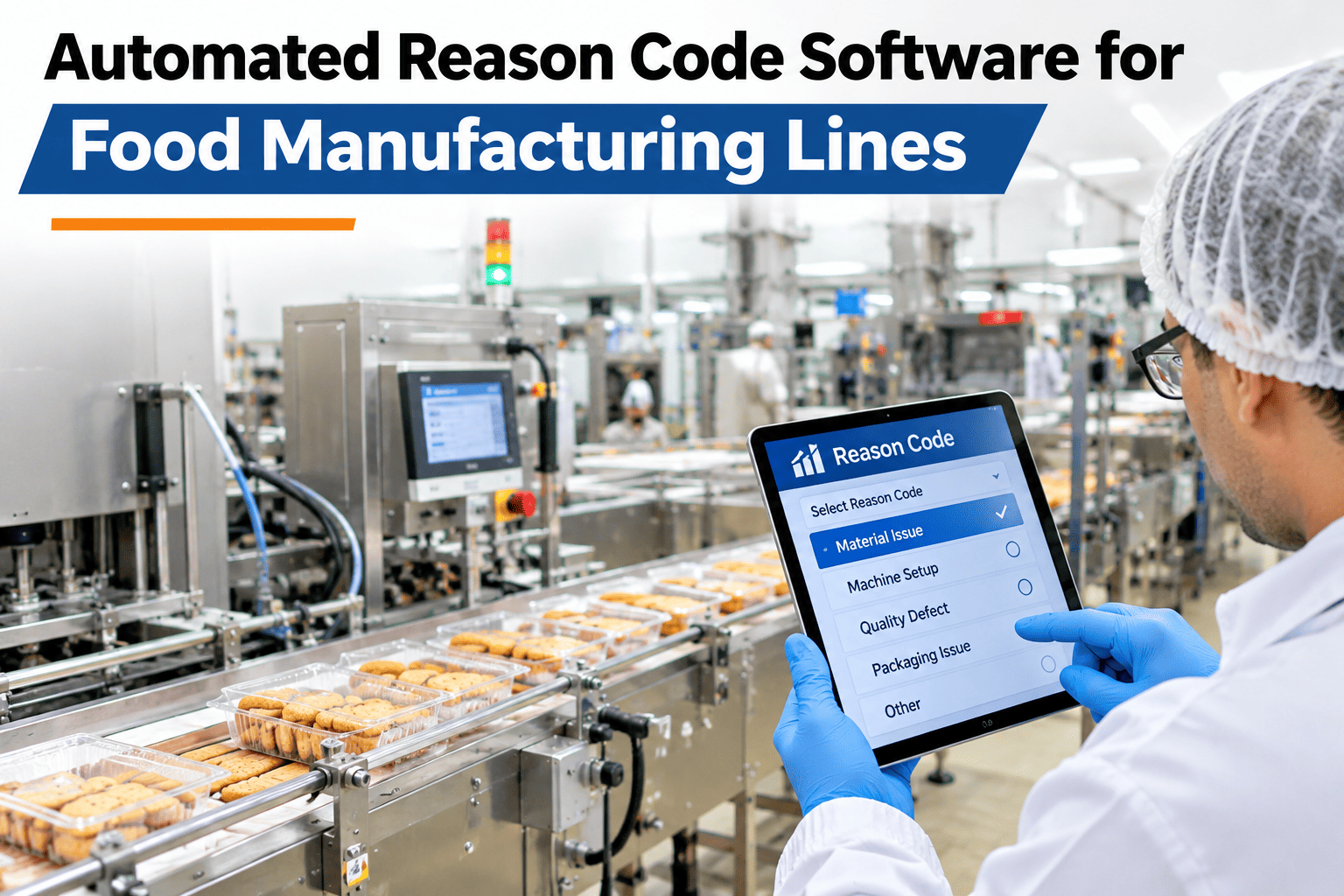
A line stops for eleven minutes and the operator types "jam" because the dropdown only has six options and none of them fit. Three shifts later, nobody can tell maintenance, quality or the plant manager what actually happened, because the reason code was a guess typed under pressure. Automated reason code software replaces that guess with a match between the PLC fault state, the sensor pattern at the moment of the stop and a quick operator confirmation, so the downtime record is accurate the first time it is written. iFactory AI, an on-premise AI platform for manufacturing, builds this matching layer directly into the line's existing PLC and SCADA data, and teams curious how it would read their own stop codes can walk through a reason code audit on their own downtime log in a short session.
Stop Guessing Why the Line Went Down
Automated reason code software for food manufacturing lines reads the PLC fault, matches the sensor pattern and confirms with the operator in seconds, so every downtime minute is tagged correctly the first time.
What Is a Downtime Reason Code, and Why Does It Keep Going Wrong?
A downtime reason code is the label attached to a stop event — jam, changeover, starved, blocked, mechanical, electrical — that tells a Pareto chart where time actually went. The problem is not the list of codes, it is who assigns them. A busy operator under line-speed pressure defaults to the fastest tap, not the most accurate one, which quietly corrupts the very data meant to guide maintenance and engineering.
How PLC State and Sensor Pattern Replace the Guess
Automated reason coding does not remove the operator from the loop, it removes the blind guess. The system reads the PLC's own fault register, compares the sensor pattern in the seconds before and after the stop against a library of known signatures, and proposes the most likely reason before the operator has to type anything.
Manual Entry Against Automated Matching
See Your Own Downtime Log Re-Tagged
Send a week of stop events and iFactory AI will show which reason codes would have matched automatically versus what was actually typed.
Three Places a Mistagged Reason Code Costs the Most
Building a Signature Library Food Lines Can Actually Trust
The quality of any proposed reason code is only as good as the signature library behind it, and that library is not something a vendor hands over on day one fully formed. It starts from a sample of past stops the plant already has in its historian or CMMS, gets tagged by someone who knows the line, and grows every time an operator confirms or corrects a proposal going forward.
Seeding the library well up front saves months of slow correction later. A food line typically has a manageable, recurring set of root causes behind most of its downtime — a particular jam point on the cartoner, a recurring sensor fault on the capper, a seal failure pattern on the filler — and those repeat causes are exactly what the library needs to learn first, because they are also the ones costing the most minutes over a month.
| Source of seed data | What it adds | Typical effort |
|---|---|---|
| Historian or CMMS stop log | Past timestamps and durations to tag retroactively | Low, mostly export and review |
| Maintenance technician interviews | The specific mechanical cause behind recurring complaints | A few short conversations per line |
| Live pilot confirmations | Ongoing correction that sharpens the match over weeks | No extra effort, built into daily use |
A Rollout Checklist for Automated Reason Codes
| Step | What happens | Who is involved |
|---|---|---|
| Map current codes | List every code in use today and where they overlap | Quality, maintenance |
| Connect PLC faults | Pull fault registers into the reason code layer | Automation engineer |
| Build signature library | Tag a sample of past stops to seed the matching model | Line supervisor |
| Pilot on one line | Run matching alongside manual entry for comparison | Operators |
| Review accuracy weekly | Compare matched codes against confirmed outcomes | Plant manager |
What Accurate Codes Make Possible Later
Once reason codes can actually be trusted, they stop being a reporting exercise and start feeding everything downstream of it. A verified reason code history becomes the training data for a loss-prediction model, the evidence behind a maintenance budget request, and the baseline a continuous improvement team uses to prove a fix actually worked rather than assuming it did.
That is the real argument for fixing reason codes before investing in more advanced analytics. A prediction model trained on mistagged history will confidently predict the wrong thing, and a digital twin calibrated against vague downtime buckets will never validate cleanly against real output. Accurate reason codes are not the most exciting part of a data strategy, but they are frequently the part that determines whether everything built on top of them actually works.
Mistakes That Undercut a Reason Code Rollout
How to Tell the Reason Code Layer Is Actually Working
A plant should not have to wait a quarter to know whether automated reason coding is paying off. The signal shows up fast, in three places that are easy to track from the first week of a pilot: how often the operator accepts the proposed code without correcting it, how small the generic "other" bucket becomes, and how quickly maintenance can point to a specific recurring cause instead of a vague complaint.
None of these numbers need to be perfect on day one. What matters is the trend across the first month, because a signature library that is actually learning from operator confirmations should show the acceptance rate climbing and the "other" bucket shrinking week over week, not staying flat.
The Same Reason Code, Read Differently by Three Roles
That shared trust in one record is the real value. When everyone from the floor to the plant manager is reading the same verified reason code instead of three different guesses, the conversation about what to fix next stops being a debate about whose anecdote is right.
What an RCA Lead Would Check First
What Food Plants Ask About Automated Reason Codes
Give Every Stop a Reason That Holds Up
Book a session with iFactory AI to see automated reason code matching running against your own line's PLC and sensor data.