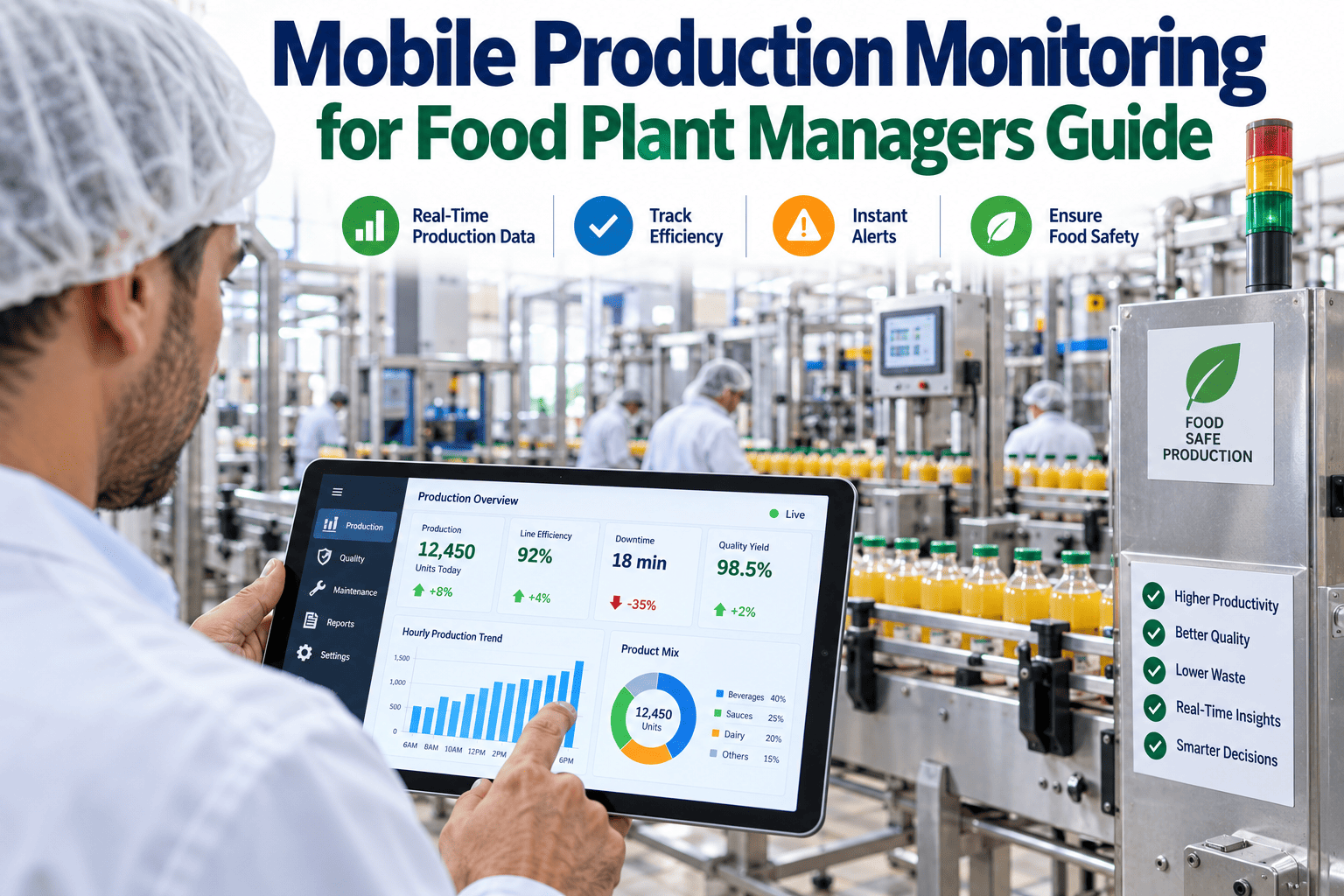
A plant manager standing on the floor during a walkthrough, in a supplier meeting off-site, or driving between two facilities still needs to know if line 3 just went down, and waiting until they're back at a desktop terminal to find out is no longer a reasonable expectation in a modern food plant. Mobile production monitoring puts live line status, drill-down reason codes, and shift comparisons directly on the device already in a manager's pocket, which is the specific gap iFactory's mobile monitoring tools are built to close.
MOBILE PRODUCTION MONITORING
Mobile Production Monitoring for Food Plant Managers
Live line status, drill-down to reason codes, and shift-comparison views built for iOS and Android — so a plant manager knows what's happening on the floor from anywhere.
Line 1 — Running 98%
Line 2 — Slow 71%
Line 3 — Down 0%
Line 4 — Running 95%
Why "Just Call the Floor" Stopped Being a Good Enough Answer
For years, the default way a plant manager checked line status remotely was a phone call to a supervisor, who had to stop what they were doing, walk to the relevant line, and relay a status verbally. That process works, but it is slow, it interrupts the supervisor's actual job, and it produces an answer that is already a few minutes stale by the time it reaches the manager. Mobile production monitoring replaces that entire loop with a live view a manager can check in seconds, without pulling anyone else away from the floor.
The Three Views Every Plant Manager Actually Needs on Mobile
Not every desktop dashboard view translates well to a phone screen, and trying to cram a full production BI dashboard onto mobile usually produces something nobody wants to use. Mobile monitoring works best when it focuses on the small number of views a manager actually needs while away from a desk.
VIEW 1
Live Line Status
A single glance at every line's current run state — running, slow, or down — with color-coded status and a real-time throughput percentage against target.
VIEW 2
Drill-Down Reason Codes
Tapping any line in a down or slow state reveals the specific downtime reason code logged, so a manager understands the cause without needing to call anyone.
VIEW 3
Shift Comparison
A side-by-side view of current shift performance against the prior shift and the same shift last week, surfacing whether today's numbers are normal or notable.
Desktop Dashboard vs Mobile Monitoring — Different Jobs, Not Competing Tools
Mobile monitoring is not a smaller version of a desktop dashboard — it is built for a different moment in a manager's day, and understanding that distinction shapes what belongs on each.
| Factor | Desktop Dashboard | Mobile Monitoring |
|---|
| Typical use moment | Planned review, deep analysis session | Quick check between meetings, off-site, on the floor |
| Depth of data shown | Full historical trends, multi-line comparisons, detailed reports | Current status, immediate drill-down, short-term comparison |
| Session length | Minutes to an hour | Seconds to a couple of minutes |
| Primary goal | Understand patterns and plan changes | Confirm current state and decide if action is needed now |
Put Live Line Status on Every Manager's Phone
iFactory's mobile monitoring app connects to your existing plant floor data sources, giving managers live status, reason codes, and shift comparisons on iOS and Android without any new hardware on the floor.
What Changes Once Managers Can See the Floor From Anywhere
The value of mobile monitoring shows up less in any single feature and more in how it changes a manager's daily rhythm — fewer interruptive calls to supervisors, faster reaction to emerging issues, and better-informed conversations during off-site meetings where a production question inevitably comes up.
✓
Supervisors spend less time fielding status-check phone calls and more time actually managing the floor.
✓
Managers respond to a line-down event within minutes of it happening, rather than learning about it at the next scheduled check-in.
✓
Off-site meetings and supplier visits no longer create a blind spot in production visibility for the day.
✓
Shift handoff conversations start from a shared, current view rather than a verbal summary reconstructed from memory.
A Plant Manager on Checking Status From the Parking Lot
"
I used to have a habit of calling the floor supervisor from my car before I even walked into the building in the morning, just to get a status update before starting my day, and I know that call was genuinely disruptive to whatever they were actually doing at that moment. Now I check the app on the walk from the parking lot, and by the time I'm at my desk I already know which lines are running well and which one had an issue overnight, along with the actual reason code logged for it. It sounds like a small thing, but across a year, that's hundreds of interruptions to my supervisors that just don't happen anymore, and I'm walking into the building with better information than that phone call ever actually gave me, because I can see the real numbers instead of someone's quick verbal summary. The shift comparison view has also changed a few conversations — a supervisor once described a shift as "a rough one," and the data showed it was actually right in line with typical variation, which redirected the conversation productively instead of chasing a problem that wasn't really there.
— Plant Manager, Multi-Line Food Processing Facility · Uses Mobile Monitoring Daily Across 8 Lines
Rolling Out Mobile Monitoring Without Disrupting the Floor
Introducing a new tool to a management team already juggling a dozen responsibilities works best when the rollout itself is low-friction. Facilities that see the fastest adoption tend to follow a similar sequence rather than pushing the app out to every manager simultaneously on day one.
STEP 1
Pilot With One Shift or Line
A single line or shift gets access first, so any data mapping issues or missing reason codes surface in a contained setting before wider rollout.
STEP 2
Validate Against Known Events
Pilot managers compare what the app shows against a few known recent downtime events to confirm the reason codes and timing match reality.
STEP 3
Expand Facility-Wide
Once validated, access is extended to every manager and supervisor across the facility, with role-based views configured for each level.
A short pilot period also gives managers time to build the habit of checking the app first, before defaulting back to a phone call out of old habit — a transition that tends to happen naturally within the first few weeks once the information proves reliable and current.
Frequently Asked Questions
Does mobile production monitoring require installing new sensors or hardware on the plant floor?
In most cases, no — mobile monitoring is built to connect to data your plant is already generating through existing PLC, SCADA, or MES systems, presenting that data in a mobile-friendly view rather than requiring new instrumentation. Facilities with significant gaps in existing floor data collection may need some additional data capture work before mobile monitoring can show meaningful live status, but this is typically an assessment of your current systems rather than a wholesale new hardware deployment.
How is sensitive production data protected on a mobile device?
Mobile monitoring apps built for industrial use typically apply the same authentication and access control standards as your existing plant systems, often with device-level security requirements such as passcode or biometric lock enforcement before the app can be opened. Data shown is generally scoped to what a specific manager's role should see, and administrators can typically manage which users have access and remotely revoke that access if a device is lost. It's worth confirming your specific security requirements during setup to ensure they align with your organization's data protection policies.
Can different plant managers see different lines or facilities based on their role?
Yes — role-based access is a standard feature of mobile monitoring tools, allowing a single-site manager to see only their facility's lines while a multi-site operations leader can view a consolidated status across several plants in one app. This scoping is typically configured during setup and can be adjusted as roles or responsibilities change, without requiring a separate app installation for each level of access.
What happens if the plant loses network connectivity while a manager is checking the app?
Most mobile monitoring apps display the most recently synced data along with a clear timestamp indicating when that data was last updated, so a manager always knows whether they're looking at a live view or a slightly stale one due to a connectivity gap. Once connectivity is restored, the app syncs automatically to refresh the view, and this behavior should be confirmed as part of evaluating any mobile monitoring solution for a facility with known connectivity challenges in certain areas.
Can iFactory connect mobile monitoring to our existing plant floor systems?
Yes — iFactory's mobile monitoring app is designed to integrate with common PLC, SCADA, MES, and CMMS data sources already running in most food plants, so deployment typically does not require replacing existing floor systems. Our team assesses your current data sources during setup to confirm what live status and reason code data is already available and where any gaps exist. To see the app connected to a live data feed similar to your own facility,
book a demo with our team.
Give Your Plant Managers the Floor in Their Pocket
Live line status, drill-down reason codes, and shift comparisons on iOS and Android mean a manager never has to wait for a phone call to know what's happening on the floor. iFactory connects mobile monitoring to the data you already have.