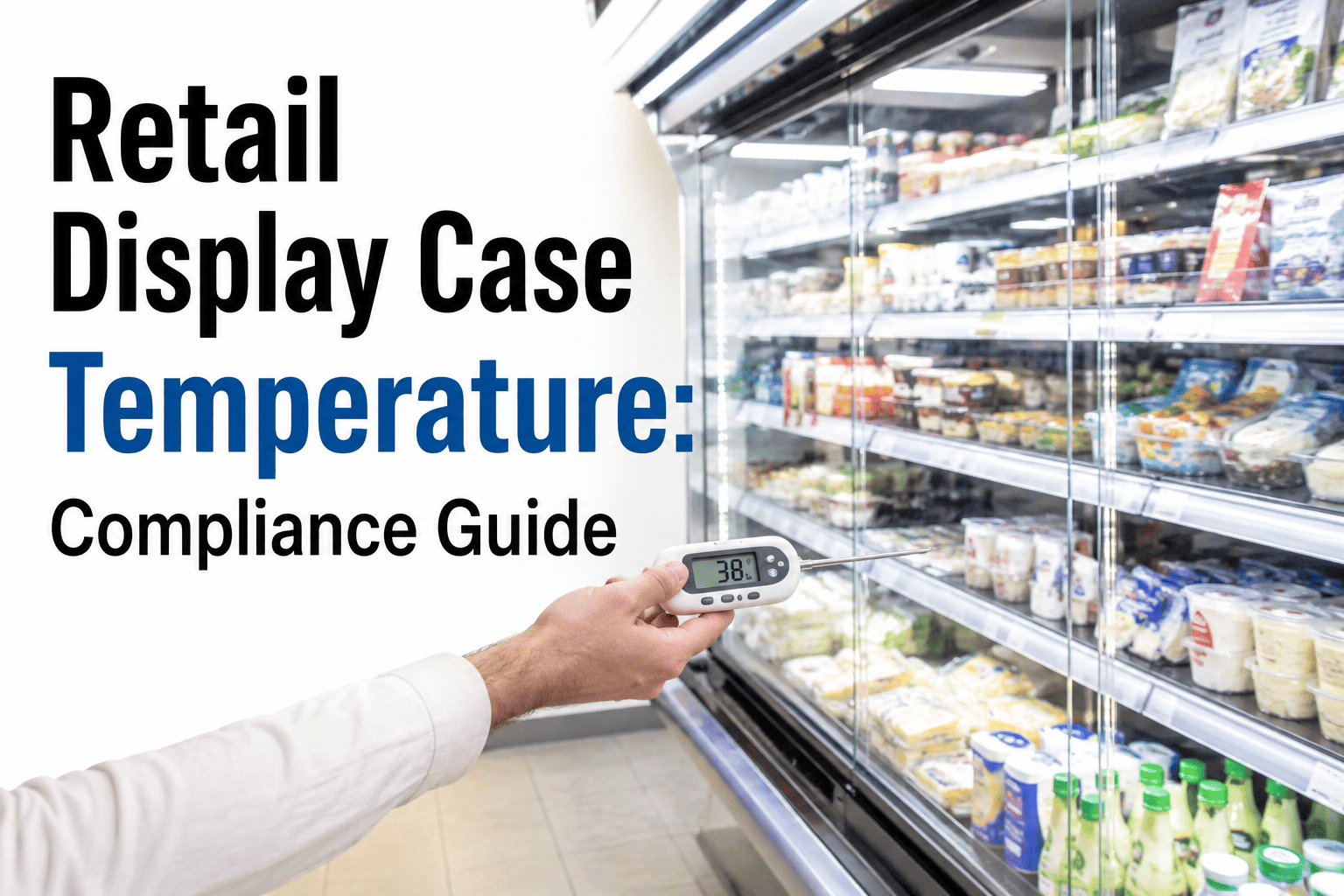
Retail refrigerated display cases fail quietly. A worn door seal, a dirty condenser coil, or a night cover left off doesn't set off an alarm bell — it just lets temperature creep past 41°F while everyone assumes the case is doing its job. Roughly 40% of retail food businesses experience spoilage from equipment failure each year, and each incident can cost anywhere from $10,000 to $100,000 depending on the inventory affected. Continuous monitoring closes that blind spot, and it also happens to be what health inspectors increasingly expect to see instead of a clipboard log. Here's how to set it up correctly, and where iFactory Support can help you get compliant fast.
Retail Display Case Temperature: Compliance Guide
Open and closed case temperature zones, alarm thresholds tuned to avoid false alerts, and night cover management that keeps product safe and inspectors satisfied.
Open vs. Closed Case: Two Different Monitoring Problems
| Case Type | Main Risk | What to Monitor |
|---|---|---|
| Open / open-air | Continuous cold-air loss, ambient influence | Air curtain integrity, condenser coil condition, energy draw |
| Glass door / closed | Seal wear, door left ajar | Door seal condition, internal product temperature |
| Overnight (either type) | Cover not deployed, compressor cycling | Cover deployment confirmation, sustained internal temperature |
Open display cases are designed to keep already-cold food cold, not to pull warm product down to a safe temperature — that distinction matters when diagnosing why a case is trending warm. Continuous cold-air loss makes open merchandisers inherently less efficient, which means their refrigeration systems are constantly working to replace lost cool air throughout all operating hours, and any inefficiency in that system shows up as temperature drift faster than it would in a closed unit.
Tuning Alert Thresholds So Staff Don't Tune Them Out
The most common cause of a monitoring program quietly failing isn't bad hardware — it's alert fatigue. Restaurant and retail operations running default alert settings report that staff begin ignoring notifications within about two weeks once frequent door-opening events and defrost cycles trigger false alarms. The fix is building thresholds from actual equipment history: professional monitoring platforms analyze weeks of temperature data to establish a baseline for each specific unit, capturing normal patterns like defrost cycles and typical door-opening dips, so alerts only fire for genuine deviations.
Get thresholds tuned to your actual equipment, not generic defaults
iFactory builds equipment-specific baselines from your real temperature history, so alerts stay meaningful instead of becoming background noise your team learns to ignore.
Night Cover Management Checklist
Compliance Documentation That Holds Up
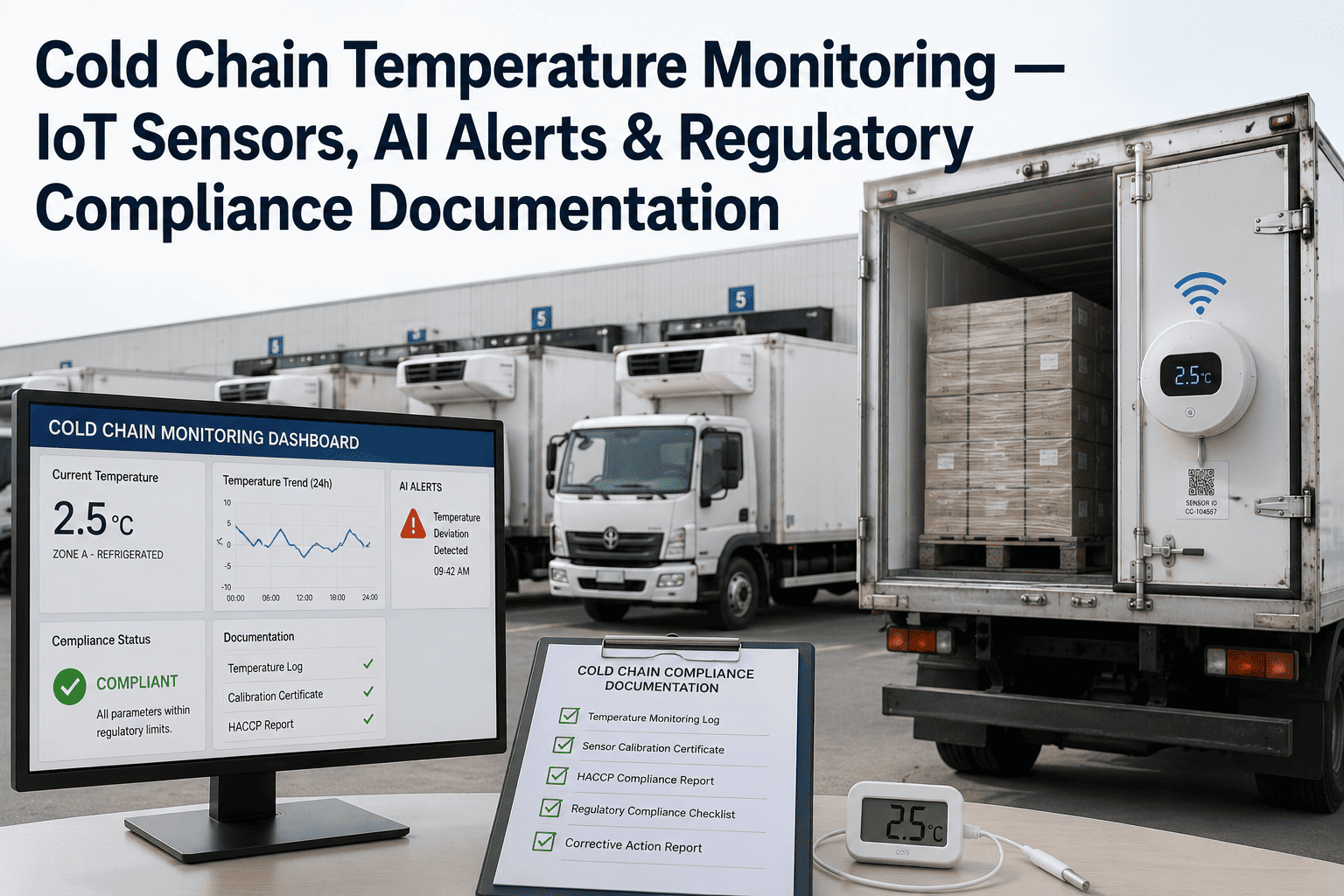
The FDA Food Code requires facilities to demonstrate ongoing temperature compliance through records detailed enough to show controls consistently meet the required parameters, and manual clipboard logs recorded a few times a day simply don't provide the continuous verification regulators increasingly expect. Continuous monitoring generates tamper-proof, timestamped records for every case automatically, producing reports that satisfy a health inspector's request on the spot rather than requiring someone to reconstruct a paper trail after the fact.
Frequently Asked Questions
What temperature range should refrigerated display cases actually hold?
Refrigerated display units should generally hold product between 33°F and 41°F, and drifting outside that range compromises food safety regardless of how the case looks from the front. It's worth remembering that open display cases are built to maintain already-cold product, not to bring warm food down to a safe temperature, so a case reading warm on the low end may need a root-cause check rather than just a thermostat adjustment.
Why do our staff keep ignoring temperature alerts?
This is almost always a threshold-tuning problem rather than a staff attentiveness problem. Default alert settings that don't account for normal door-opening dips and defrost cycles generate frequent false alarms, and staff predictably start dismissing all notifications within a couple of weeks once that pattern sets in. Rebuilding thresholds from several weeks of actual equipment data, rather than generic manufacturer specifications, is the standard fix.
Do night covers really make a measurable difference?
Yes, on two fronts at once. Night covers reduce overnight cold-air loss, which lowers compressor workload and electricity use, while also stabilizing internal temperatures that protect meat, seafood, produce, bakery, and deli items from the swings an uncovered open case experiences overnight. The benefit only holds if covers are deployed consistently and confirmed, which is where automated monitoring adds value over relying on a manager's memory.
Can monitoring replace our manual temperature logs entirely?
In most cases, yes, and it actually produces stronger documentation than manual logging can. Continuous wireless monitoring creates timestamped, tamper-proof records showing temperature maintenance throughout the entire day rather than the two or three data points a clipboard log typically captures, and reports export directly in formats accepted by local health authorities. iFactory Support can confirm what your specific local health department requires.
How quickly should management be alerted to a failing case?
Modern monitoring systems can alert management within about 60 seconds of a case beginning to trend warm, which is a dramatic improvement over discovering a problem hours or even a full shift later during a routine check. That speed is what turns a potential total-loss event into a quick intervention — swapping product, calling a technician, or troubleshooting a door seal before temperatures cross an unsafe threshold. Book a demo to see real alert timing on your own case data.
Stop losing product to cases nobody was watching
iFactory monitors every refrigerated case, walk-in, and freezer from one dashboard, with tuned alerts and automatic compliance documentation built in.