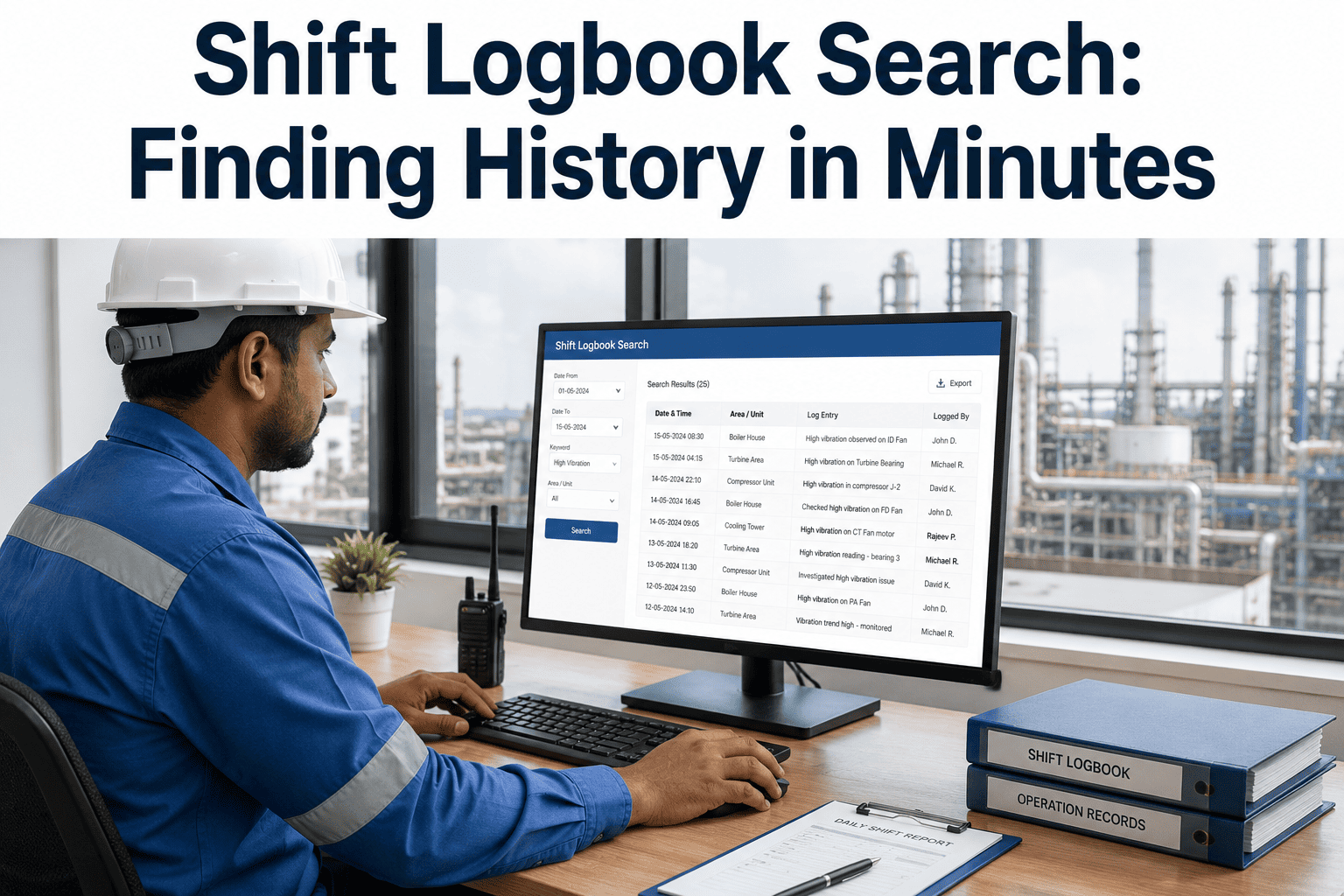
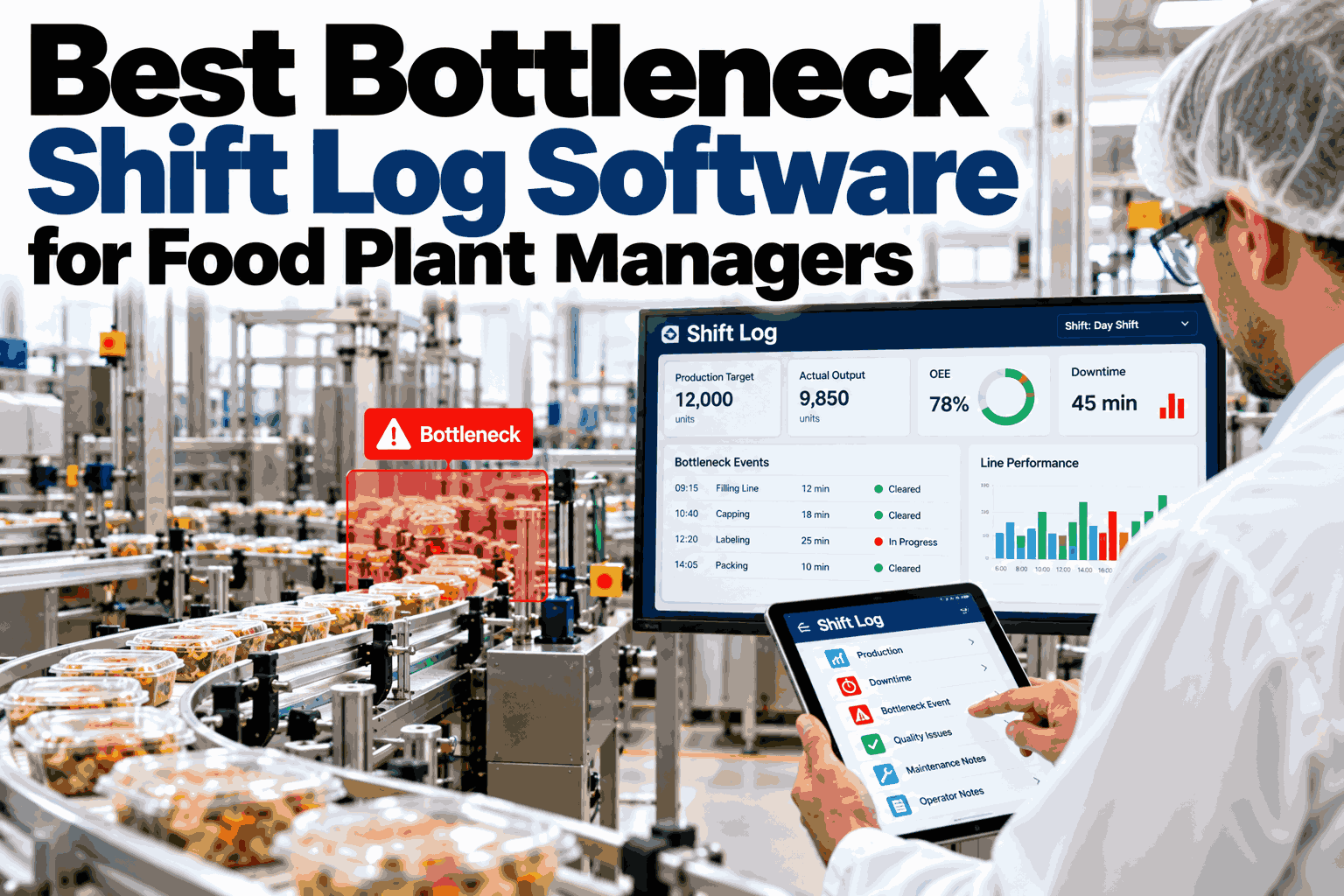
Somewhere in a filing cabinet or a shared drive full of scanned pages, your plant already has the answer to the question a technician is asking right now: has this exact fault happened on this exact asset before, and if so, what fixed it. The problem isn't that the history doesn't exist, it's that finding it means flipping through months of handwritten binders or scrolling a spreadsheet that was never built to be searched, and by the time someone tracks it down the shift is already over and the same troubleshooting gets repeated from scratch. A properly indexed digital logbook turns that search from an afternoon into a few seconds, and the way to see what that actually looks like against your own shift history is to book a demo.
FOOD & BEVERAGE · SHIFT LOGS & KNOWLEDGE RETENTION
Find Any Shift Entry From the Last Three Years in Seconds
iFactory indexes every shift log entry by asset, date, crew, and keyword, so a question your team has answered before never has to be answered from scratch again.
THE COST OF UNSEARCHABLE HISTORY
What Paper and Spreadsheet Logs Actually Cost a Plant
Every plant running on paper binders or loosely structured spreadsheets is paying a hidden tax on every shift, one that never shows up as a single line item but adds up across every handover, every investigation, and every repeated troubleshooting session.
80%
of industrial shift logs are unstructured enough that key details are effectively unsearchable once written down
3x
daily handovers in a round-the-clock plant, each one a fresh opportunity for information to get lost between shifts
60%+
of unplanned failures across manufacturing are repeats of something already logged and fixed once before
Hours
typically lost per audit compiling a manual shift history that a full-text search would return instantly
HOW SEARCHABLE HISTORY GETS BUILT
From Raw Shift Notes to an Instant Answer
Making three years of shift history actually searchable isn't about digitizing paper for its own sake, it's about structuring every entry the right way from the moment it's written so that a search months later returns exactly what someone needs.
1
Structured Entry at the Point of Logging
Every entry is tagged with asset, timestamp, crew, and category as it's written, not reconstructed afterward, so the metadata search relies on is accurate from the start.
2
Full-Text Indexing Across Every Field
Free-text observations, not just structured tags, are indexed so a search for a specific sound, symptom, or part name surfaces every mention across the plant's history.
3
Cross-Linking to Work Orders and Asset History
A logbook mention of an issue links directly to the work order it generated, so a search result isn't just a note, it's a complete trail from observation to resolution.
4
Filter Templates for Common Questions
Saved filter combinations for the questions teams ask repeatedly, like every entry on a specific asset in the last ninety days, turn a multi-step search into a single click.
See your own shift history made searchable
iFactory can index a sample of your existing logs and show you exactly how fast a real search returns against your own plant's history.
SEARCH LIKE YOU'D ASK A QUESTION
The Filters That Actually Get Used on the Floor
Nobody wants to build a complex query to find a shift note. The filter templates that get real daily use are the ones that mirror the exact question someone already has in their head when they open the search bar.
BY ASSET
Filler Line 2
Conveyor Motor B
Mixer Seal Assembly
BY TIME WINDOW
Last 7 Days
Last 90 Days
Same Week Last Year
BY OBSERVATION TYPE
Unusual Sound
Temperature Alert
Near Miss
BY CREW
Shift A
Shift B
Weekend Crew
Combining any two of these, an asset and a time window, or an observation type and a crew, is usually enough to turn "has this happened before" into a confirmed answer in under a minute.
PAPER VS DIGITAL SEARCH
What Actually Changes When History Becomes Searchable
| Factor |
Paper / Spreadsheet Logs |
Indexed Digital Search |
| Finding a past entry |
Manual page flipping or scrolling, often abandoned |
Full-text search returns results in seconds |
| Cross-shift visibility |
Limited to whoever physically has the binder |
Accessible from any device, any shift, any location |
| Trend spotting |
Requires someone to remember and cross-reference manually |
Recurring mentions on an asset surface automatically |
| Audit preparation |
Hours to days compiling a manual history |
One-click export of a complete, timestamped record |
| Link to work orders |
Separate system, manual cross-reference required |
Direct link from any entry to its full work order history |
TURNKEY DEPLOYMENT
How iFactory Gets Your Shift History Searchable
What Gets Built
Structured entry templates matched to your plant's assets and categories
Full-text indexing across all historical logs you make available
Cross-links between every entry and its related work order
Saved filter templates for your team's most common questions
One-click audit export covering any date range or asset
Rollout Timeline
Week 1: Historical log review and structured template design
Weeks 2-3: Indexing of historical entries and work order linkage
Week 4: Crew training and first live shift running on the new system
FREQUENTLY ASKED QUESTIONS
What Plants Ask Before Digitizing Shift History
Can our years of existing paper logbooks actually be made searchable?
Existing paper history can be digitized and indexed, though the depth of what becomes searchable depends on how legible and structured the original entries are, since handwriting quality and inconsistent note-taking do limit what can be reliably extracted from very old records. Most plants find the highest value comes from digitizing the last one to two years in full detail while treating anything older as a lower-priority archive, since recent history is what technicians actually need when troubleshooting a current issue. Going forward, every new entry is captured in a structured, fully searchable format from day one.
Book a demo to review what's realistic for your specific archive.
Will operators actually take the time to log entries in a structured format?
This is a fair concern, since a system that takes longer to use than the paper it replaces will get abandoned quickly no matter how good the search is on the back end. The structured fields that matter most, asset, timestamp, and category, are typically quick-select options rather than typed text, with free-text notes reserved only for the observation itself, which keeps a full log entry to a couple of minutes rather than a lengthy form. Teams that see search actually save them time during troubleshooting tend to adopt structured logging quickly because the payoff is immediate and personal, not just a compliance requirement handed down from above.
Contact our support team to see the exact entry flow your crews would use.
How does search actually find something written in free text months ago?
Full-text indexing processes every word in every free-text observation, not just the structured tags attached to an entry, so a search for a specific sound, symptom, or part name will surface every mention across the plant's full history rather than only the entries where someone happened to select the matching category tag. This matters because the most useful details in a shift log are often exactly the kind of thing that doesn't fit neatly into a dropdown, a technician's specific description of what a bearing sounded like right before it failed, for example.
Book a demo to run a real search against a sample of your own historical notes.
Does this replace our CMMS, or work alongside it?
A searchable shift logbook works alongside your CMMS rather than replacing it, since each system captures a different layer of plant knowledge. The CMMS holds the formal work order and asset maintenance record, while the shift log captures the informal, in-the-moment observations, a sound, a hesitation, a workaround, that often precede a formal failure by days or weeks. Linking every logbook entry to its related work order is what connects these two layers, so a technician searching history sees both the observation and the eventual resolution in one place rather than checking two disconnected systems.
Contact our support team to map this against your current CMMS setup.
How fast is a typical search once history is fully indexed?
A well-indexed search returns results in seconds regardless of how many years of history are behind it, which is the entire point of structuring and indexing entries properly rather than simply storing digital copies of what used to be paper. The difference this makes on the floor is significant: a question that used to mean pulling a binder and flipping through weeks of pages, or giving up and re-diagnosing from scratch, becomes a quick check that a technician can run from a phone or tablet in the middle of a shift without leaving the line.
Book a demo to see live search speed against a large historical dataset.
EVERY SHIFT, EVERY ASSET, INSTANTLY SEARCHABLE
Stop Re-Solving Problems Your Plant Already Solved Once
iFactory indexes your shift logs by asset, date, crew, and keyword, turning years of scattered notes into an answer your team can find in seconds.