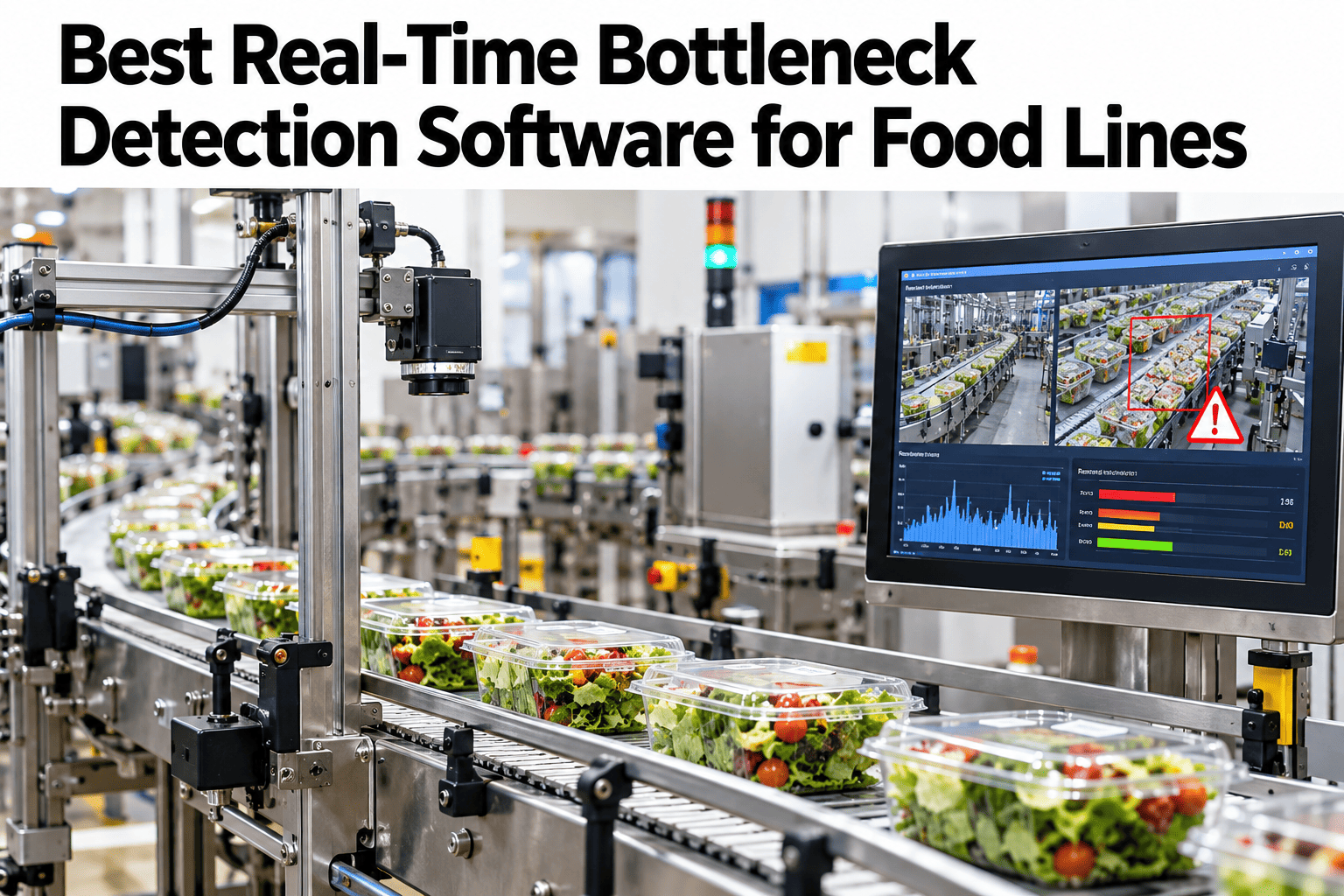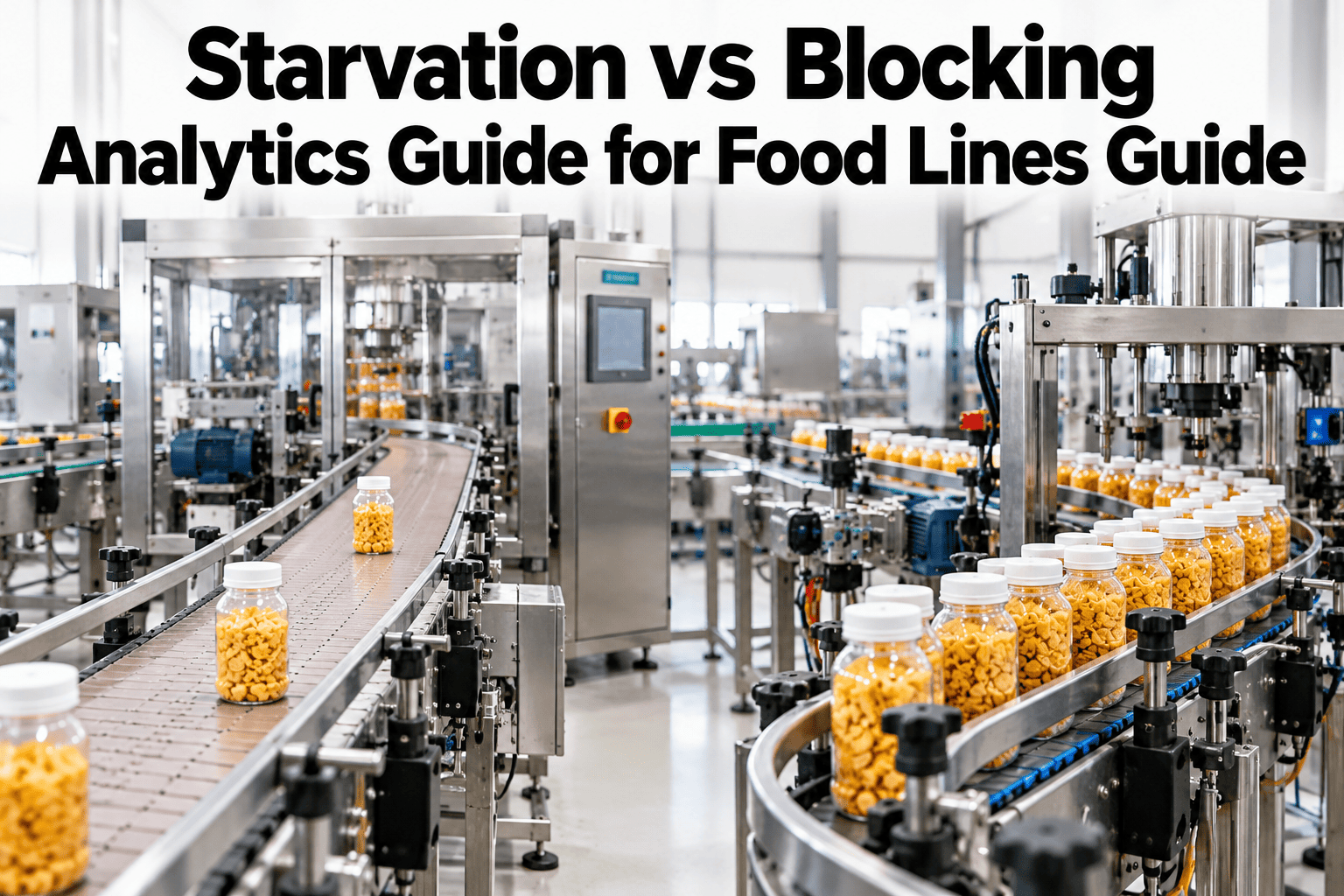
A slow food line almost always gets blamed on the machine sitting right where the slowdown shows up, but that machine is often innocent. It is either starved, waiting on product that never arrives from upstream, or blocked, unable to discharge because downstream has nowhere to put what it finishes. The two look identical on a simple speed chart and require completely opposite fixes. See starvation and blocking classified automatically on your own line in a short session.
Is the Line Starved or Blocked? The Fix Is Opposite Either Way
iFactory AI classifies every slowdown as starvation or blocking, naming the actual constraint instead of the machine where the symptom shows up.
Same Symptom, Opposite Cause
A packer running at half speed looks the same whether it is waiting for product or unable to discharge finished cases.
Fixing the wrong side wastes a maintenance cycle and leaves the real constraint untouched, which is why so many plants chase the same slowdown for months without resolving it.
How to Tell the Difference
Starvation and blocking leave different fingerprints in buffer and queue data, even though line speed looks the same from the outside.
| Signal | Starvation | Blocking |
|---|---|---|
| Upstream buffer level | Empty or depleting | Normal or full |
| Downstream buffer level | Normal or low | Full, not accepting more |
| Machine idle pattern | Waiting before cycle start | Waiting after cycle completion |
| Correct response | Fix upstream supply or changeover timing | Fix downstream capacity or takeaway rate |
Classify Your Own Line's Slowdowns Automatically
Book a 30-minute session and iFactory AI will show starvation and blocking split out on your own recent line data.
Watching WIP Accumulation, Not Just Speed
Buffer and work-in-process levels at each station tell the real story a line speed chart hides.
Four Signals the System Tracks
Automatic classification relies on a few consistent signals across every station on the line.
Buffer Fill Level
Continuous tracking of WIP accumulation immediately before and after each station.
Idle Timing Pattern
Whether idle time falls before cycle start or after cycle completion.
Upstream-Downstream Correlation
Links a station's slowdown to buffer changes at neighboring stations.
Constraint Attribution
Names the actual limiting station, not just where the symptom appeared.
A Composite Shift View
Six stations tracked across a shift, classified by dominant slowdown type. Darker cells show more time spent in that state.
Rolling It Out on the Line
iFactory AI arrives turnkey, built to connect to existing buffer sensors and line PLCs without a drawn-out integration project.
Frequently Asked Questions
Do we need new sensors on every station?
Most lines already have buffer level sensors or can derive fill level from existing conveyor and accumulation table data, so the first step checks what is already available before adding anything new. Support can review your current sensor coverage during rollout.
Can a station be both starved and blocked at different times?
Yes, this is common, especially around changeovers or shift transitions, and the classification tracks both states per station rather than forcing a single label for the whole shift.
How does this differ from a standard OEE report?
OEE tells you a station lost time. This tells you whether that loss came from upstream or downstream, which is the piece OEE reporting typically leaves out. See the classification alongside your OEE data in a walkthrough.
Does this work on mixed packaging formats run on the same line?
Yes, the baseline accounts for format-specific run rates, so a format change does not get misread as a new starvation or blocking pattern.
How fast does the system flag a new constraint pattern?
Classification updates continuously through the shift, so a shift supervisor sees which stations are starved or blocked in real time rather than waiting for an end-of-shift report. Ask support how alerts route to your shift team.
Stop Fixing the Machine That Isn't the Problem
iFactory AI classifies every slowdown as starvation or blocking and names the real constraint. Book a walkthrough to see it on your own line.