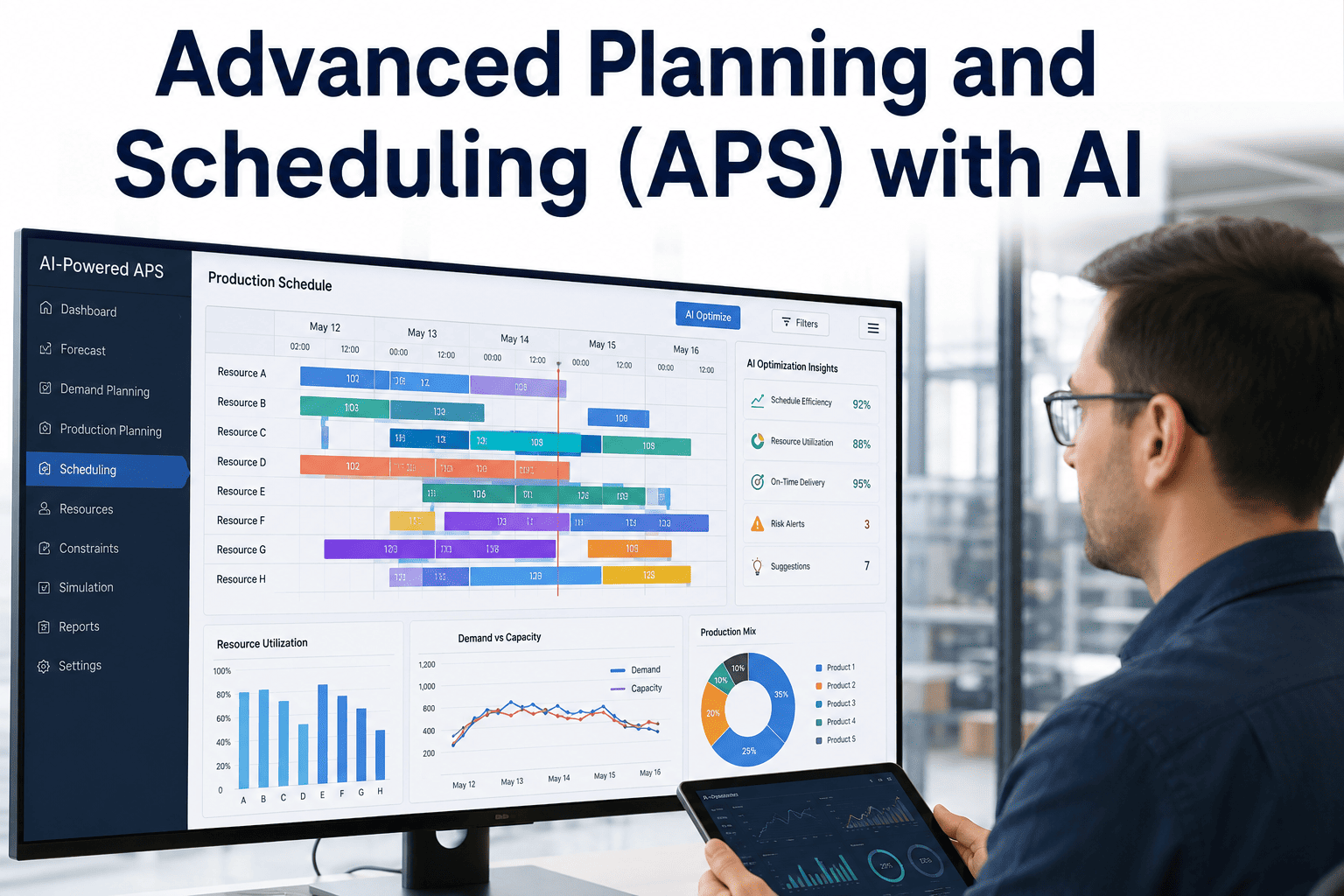
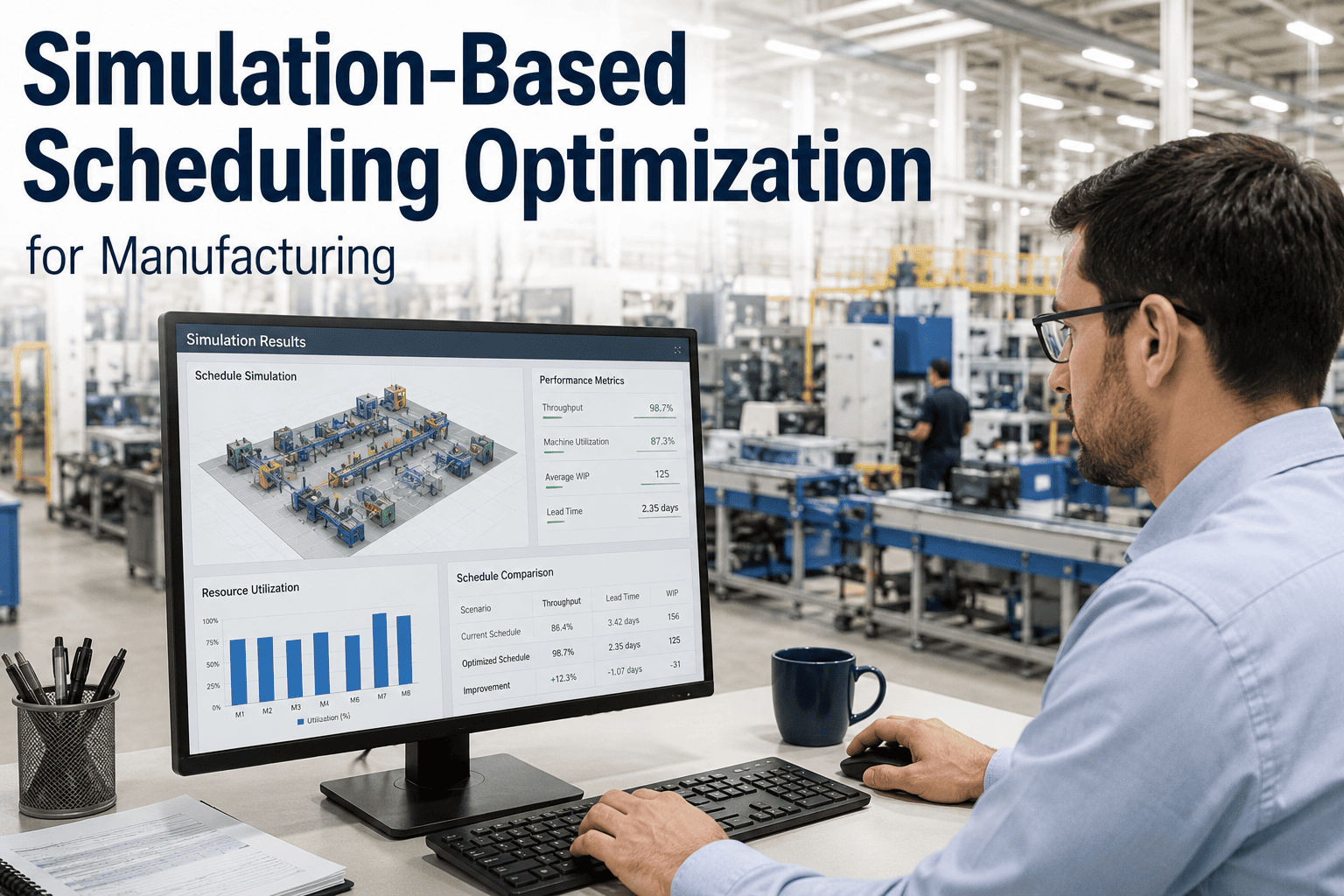
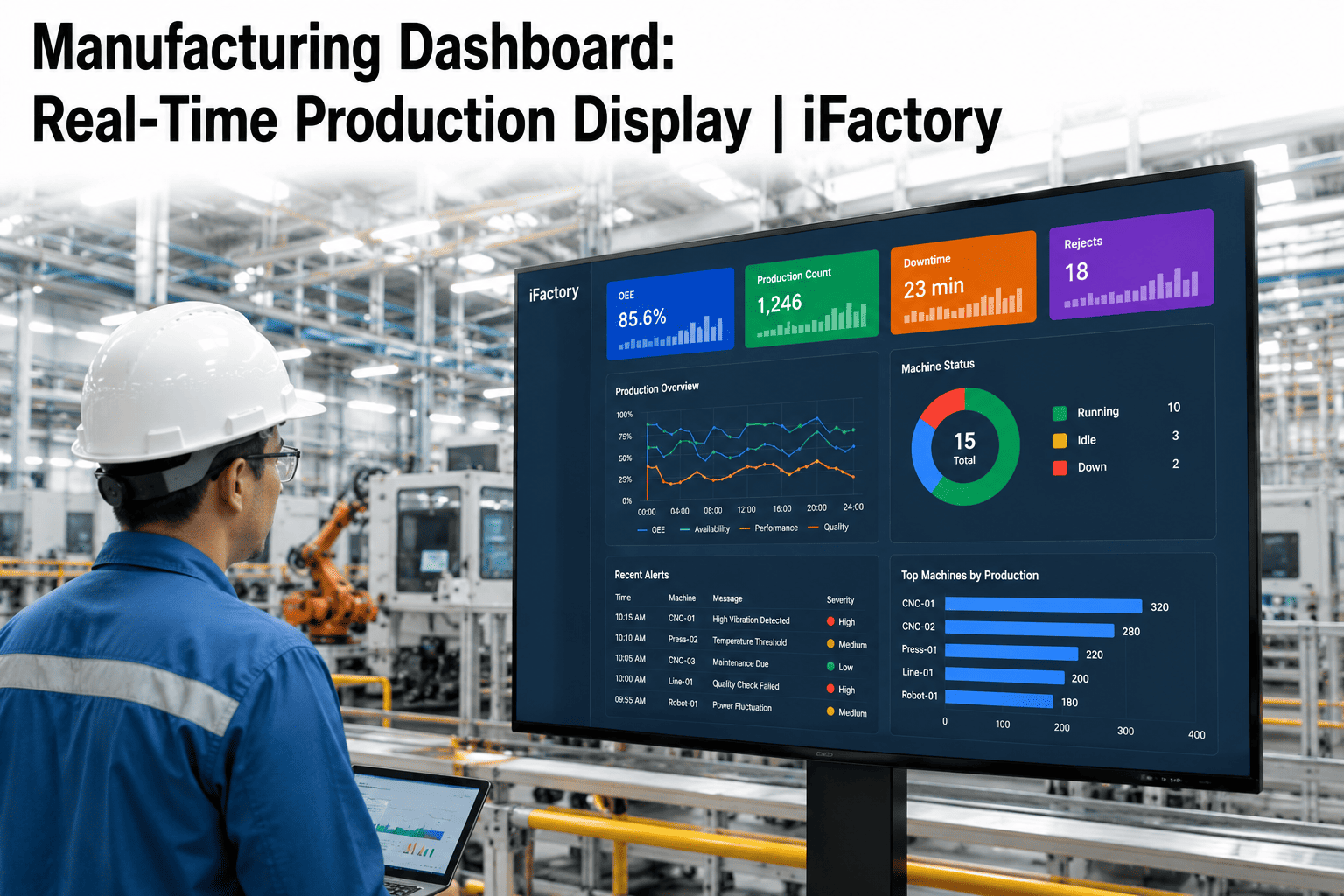
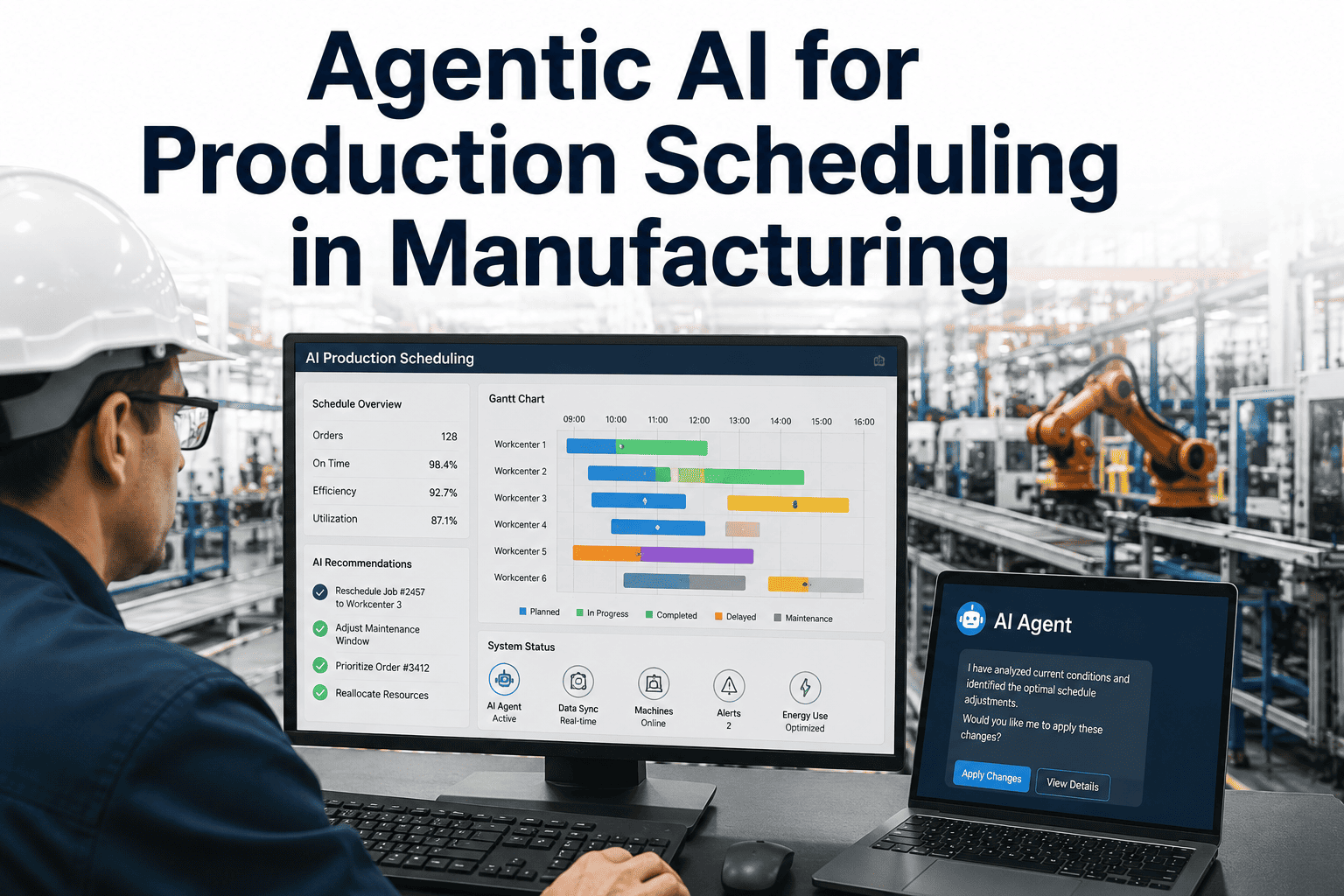
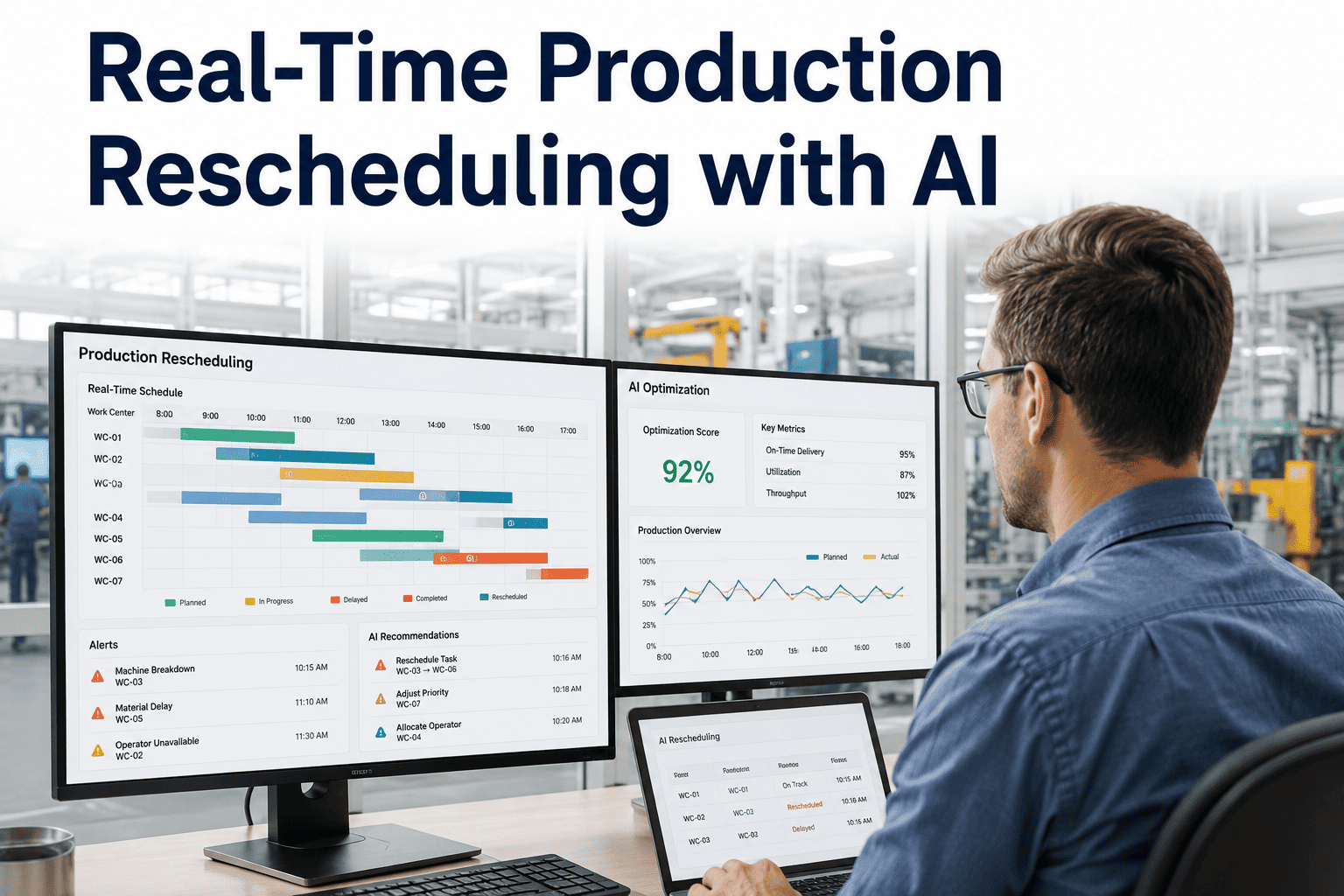
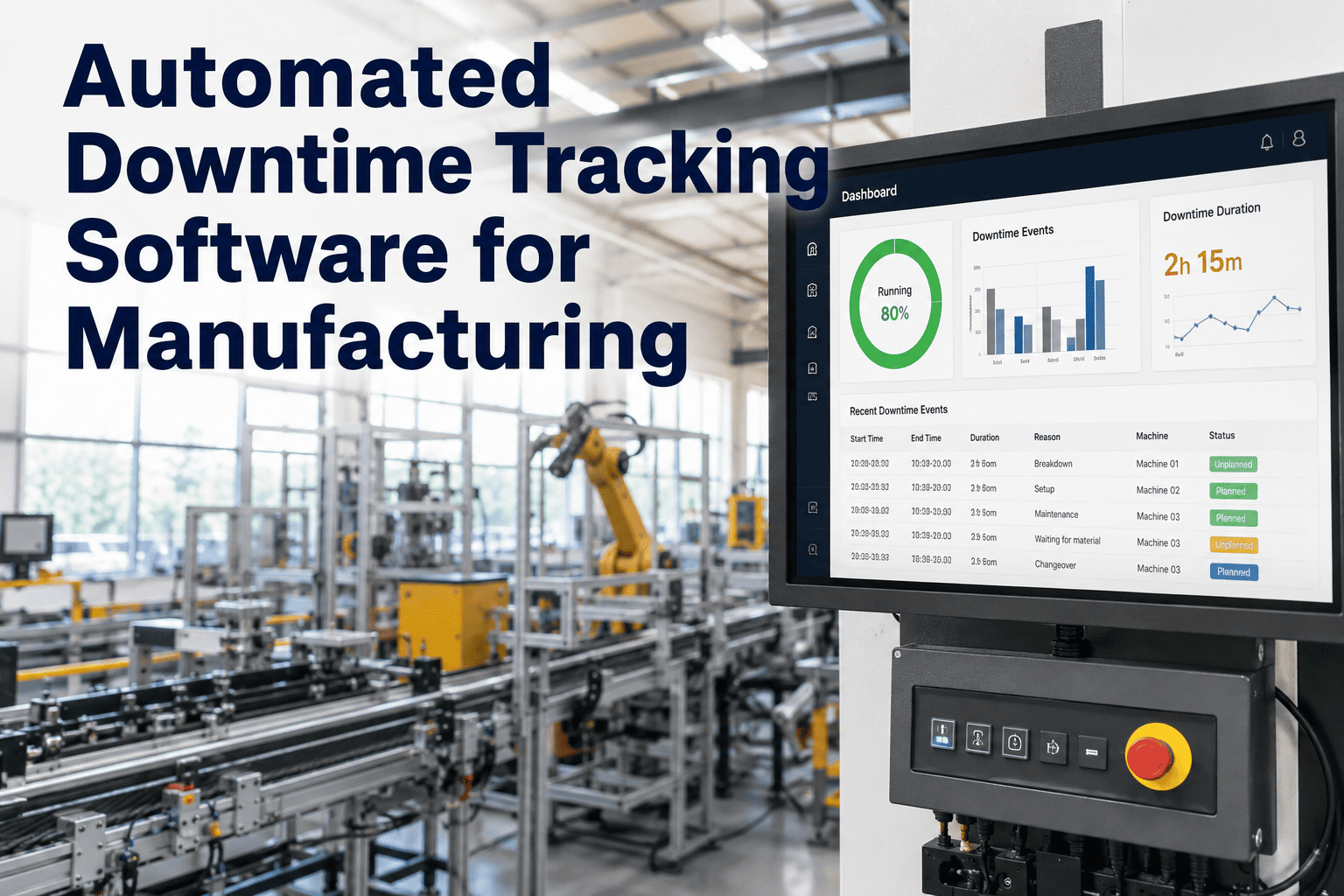
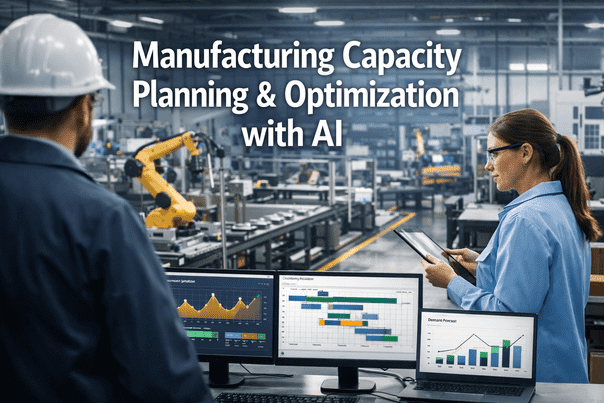
Every production planner knows the Sunday-night feeling: a schedule that looked airtight on Friday is already wrong by Monday morning. A machine went down over the weekend, a rush order landed in the queue, or a supplier pushed a delivery by four days, and the plan built a week ago no longer matches the floor. Traditional APS systems built for a stable world regenerate a full schedule once a day or once a week, which leaves planners patching the gap by hand every single shift. iFactory layers AI-driven replanning on top of your planning process so disruptions get absorbed in minutes instead of hours — book a demo and watch it replan against your own order book.
AI-Augmented APS for Production Planning
Your Schedule Breaks Every Monday. Ours Fixes Itself By Tuesday.
iFactory adds an AI replanning layer to your production schedule — so breakdowns, rush orders, and supplier delays get absorbed in minutes, not a full re-plan cycle later.
Why Legacy APS Can't Keep Up With a Real Plant
Most APS platforms were designed around a batch cycle — collect orders, run the optimizer overnight, hand planners a schedule for the week. That model assumes the plant will hold still long enough for the plan to matter. It rarely does.
01
Static Batch Cycles
A daily or weekly replan means the schedule is already stale by the second shift. Everything after that first disruption is a planner working from memory, not from the system.
02
Manual Firefighting
Machine breakdowns, quality holds, and rush orders all land on the planner's desk as manual rework. Hours go into rebuilding a plan that AI could regenerate in minutes.
03
Hidden Combinatorics
For 100 orders across 10 machines, the number of possible sequences is larger than most planners can meaningfully evaluate by hand, so plans settle for good enough instead of optimal.
04
Disconnected Systems
Machine state lives in MES, material status lives in ERP, and the schedule lives in a spreadsheet or a rules-based APS that cannot see either system change in real time.
Legacy APS vs. AI-Augmented APS
| Planning Capability | Traditional APS | AI-Augmented APS |
| Replan frequency |
Daily or weekly batch run |
Continuous, event-triggered |
| Disruption response time |
Hours of manual rework |
Minutes, automatically generated |
| Constraint handling |
Fixed rules and priorities |
Hundreds of live constraints weighed together |
| Data freshness |
Snapshot at last batch run |
Live machine, material, and order data |
| Planner time spent |
Mostly manual rescheduling |
Mostly review and approval |
How AI-Augmented APS Replans in Minutes
1
Detect
A breakdown, material delay, quality hold, or rush order is picked up the moment it happens, sourced directly from MES and machine telemetry.
2
Model
The live constraint model updates instantly — which machines are available, which orders are affected, and what capacity remains for the shift.
3
Optimize
The AI evaluates alternative sequences against due dates, changeover cost, and margin, and proposes the plan with the least disruption to existing commitments.
4
Deploy
The planner reviews and approves the revised schedule, which pushes straight back to MES and the shop floor without a manual re-entry step.
See Your Own Order Book Replanned Live
Bring a real disruption scenario to the call — a breakdown, a rush order, a late shipment — and watch the AI generate a revised schedule in minutes.
What AI Adds to Every Planning Decision
Dynamic Replanning
The schedule updates the moment reality changes, instead of waiting for the next batch cycle to catch up.
Scenario Simulation
Test the impact of accepting a rush order or delaying a shipment before committing, comparing cost of expediting against cost of delay.
Constraint-Aware Optimization
Machine capability, labor skill matrices, tooling availability, and material status are weighed together, not handled as separate manual checks.
Bottleneck Prediction
The model flags where queue time is building before it shows up as a missed delivery date on next week's report.
Priority Trade-off Transparency
When due dates, margins, and setup costs compete, the planner sees the trade-off the AI made and can override it in one step.
Continuous Learning
Every completed run feeds actual cycle times and changeover durations back into the model, so schedules get more accurate over time.
Built for Every Planning Environment
Discrete, High-Mix Production
Frequent changeovers and shifting product mix are exactly where rule-based APS breaks down first, and where AI-driven sequencing recovers the most idle time.
Process and Batch Manufacturing
Recipe sequencing, shared vessels, and cleaning cycles are modeled as live constraints rather than static rules that ignore current tank or line status.
Multi-Plant Operations
Capacity and constraint visibility extends across sites, so a delay at one plant can be absorbed by reallocating an order to another with available capacity.
Signs Your Plant Has Outgrown Manual Scheduling
Planners Spend Mondays Rebuilding
If the first few hours of every week go into recreating a schedule that broke over the weekend, the tool is working against the planner instead of for them.
Rush Orders Trigger Panic, Not a Process
A healthy scheduling system absorbs a priority order with a visible trade-off. A fragile one turns every rush order into an all-hands scramble.
The Schedule and the Floor Disagree by Lunch
When supervisors are already working from a mental version of the plan that differs from what the system shows, the schedule has stopped being a source of truth.
No One Can Explain Why a Job Got Bumped
Without visible trade-off logic, sequencing decisions start to look arbitrary to operators and customers alike, even when the underlying reasoning was sound.
What Planners Keep Control Over
AI-augmented scheduling is not a black box that removes the planner from the loop. Every proposed schedule change ships with the reasoning behind it — which constraint drove the decision, what the alternative would have cost, and which orders were protected. Planners can override any single recommendation without discarding the rest of the plan, adjust priority weighting for a specific customer or product line, and set hard rules the optimizer must always respect, such as never splitting a batch below a minimum run size. The system handles the combinatorics; the planner still owns the judgment calls that require context the software cannot see, like a customer relationship that justifies absorbing a delay elsewhere in the schedule.
The Numbers Planners Are Reporting
15–30%
Lead time reduction
10–25pp
On-time delivery improvement
10–20%
Throughput gain, no new capex
50%
Less planner time on manual rescheduling
FAQ: AI-Augmented Advanced Planning and Scheduling
Do we need to replace our existing APS or ERP to use AI-augmented scheduling?
No. iFactory typically layers on top of the scheduling data you already generate in your ERP or MES rather than requiring a full replatform. The AI reads order, routing, and machine status data from your existing systems and pushes revised schedules back into them. This preserves your single source of truth and avoids the twelve-to-twenty-four month timeline a full custom APS build usually requires. Most planners are reviewing their first AI-generated replan within the first few weeks of onboarding.
How fast does the system actually respond to a machine breakdown or rush order?
Detection happens the moment the event is logged in MES or picked up from machine telemetry, and a revised, feasible schedule is typically generated within minutes rather than the hours a manual rebuild takes. The planner reviews the proposed changes, sees exactly which orders shifted and why, and approves or adjusts before it goes live. This is the core difference from a batch-cycle APS, which will not reflect the disruption until the next scheduled run.
Can the AI handle competing priorities like due dates, margins, and setup costs at once?
Yes. The optimizer weighs hundreds of constraints simultaneously rather than applying a single fixed rule, and it presents the trade-off it made in plain terms so a planner can see why one order was pushed back while another was expedited. If the recommended trade-off does not match business priorities that week, planners can override individual decisions without discarding the rest of the plan. Reach out through
support if you want help configuring priority weighting for your plant.
What kind of ROI should a mid-sized plant expect from AI scheduling?
Organizations that pair AI scheduling with clean routing and machine data commonly report lead time reductions of 15 to 30 percent, on-time delivery improvements of 10 to 25 percentage points, and throughput gains of 10 to 20 percent without additional capital equipment. Planner time spent on manual rescheduling typically drops by around half, freeing that time for exception handling and continuous improvement instead of spreadsheet rebuilding. Actual results depend on data quality and how disruption-heavy your production environment is.
How long does implementation take before we see a first working schedule?
Most deployments connect to core scheduling data sources within the first couple of weeks, with an initial AI-generated schedule available for planner review shortly after. Full rollout, including tuning the constraint model to your specific routings, changeover rules, and labor calendar, typically completes over several more weeks depending on plant complexity.
Book a demo to get a realistic timeline scoped against your own systems.
AI-Augmented APS + iFactory
Stop Rebuilding the Schedule Every Time Reality Changes.
iFactory keeps your production schedule live — replanning automatically around breakdowns, rush orders, and material delays so planners spend their time on decisions, not spreadsheet rebuilds.