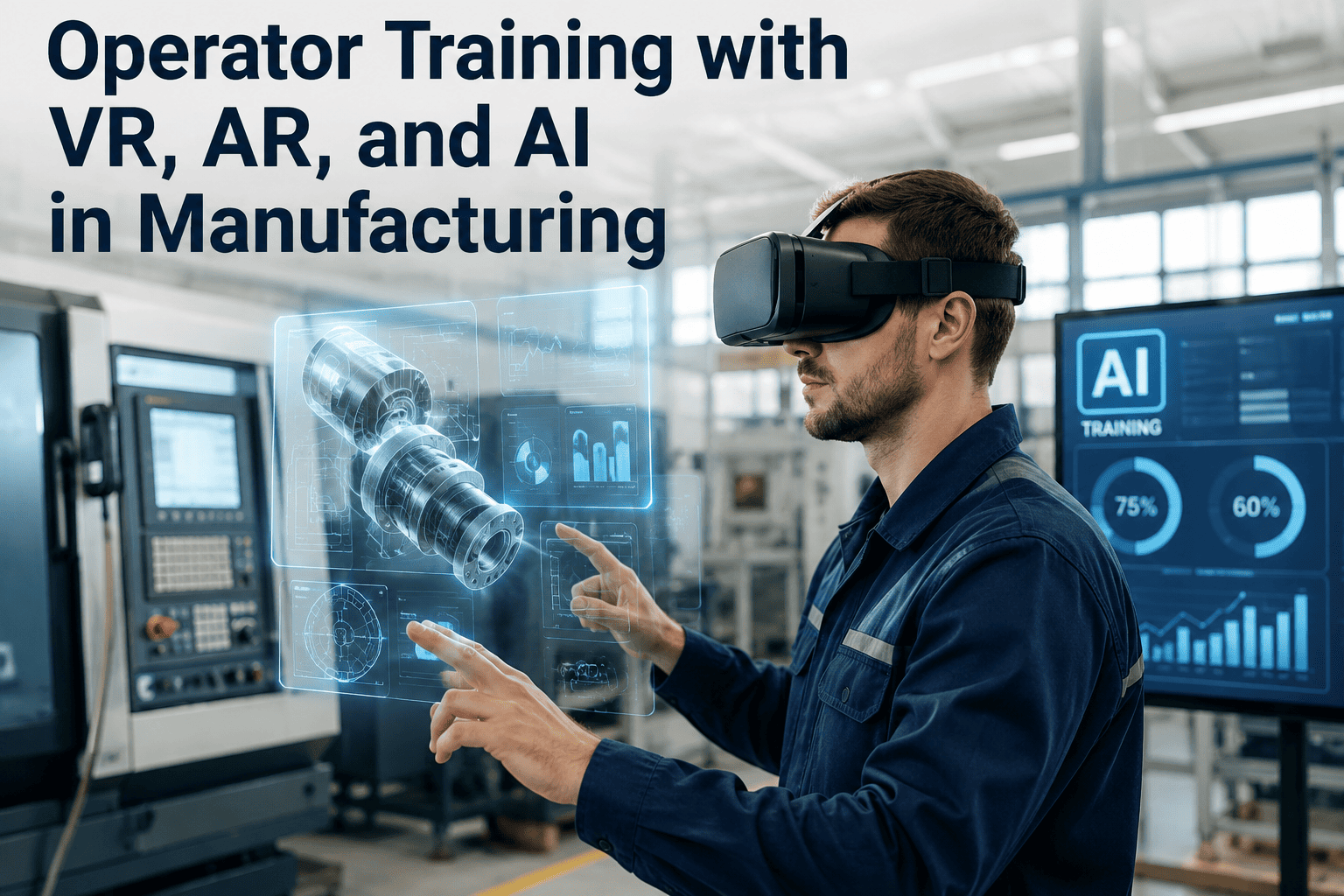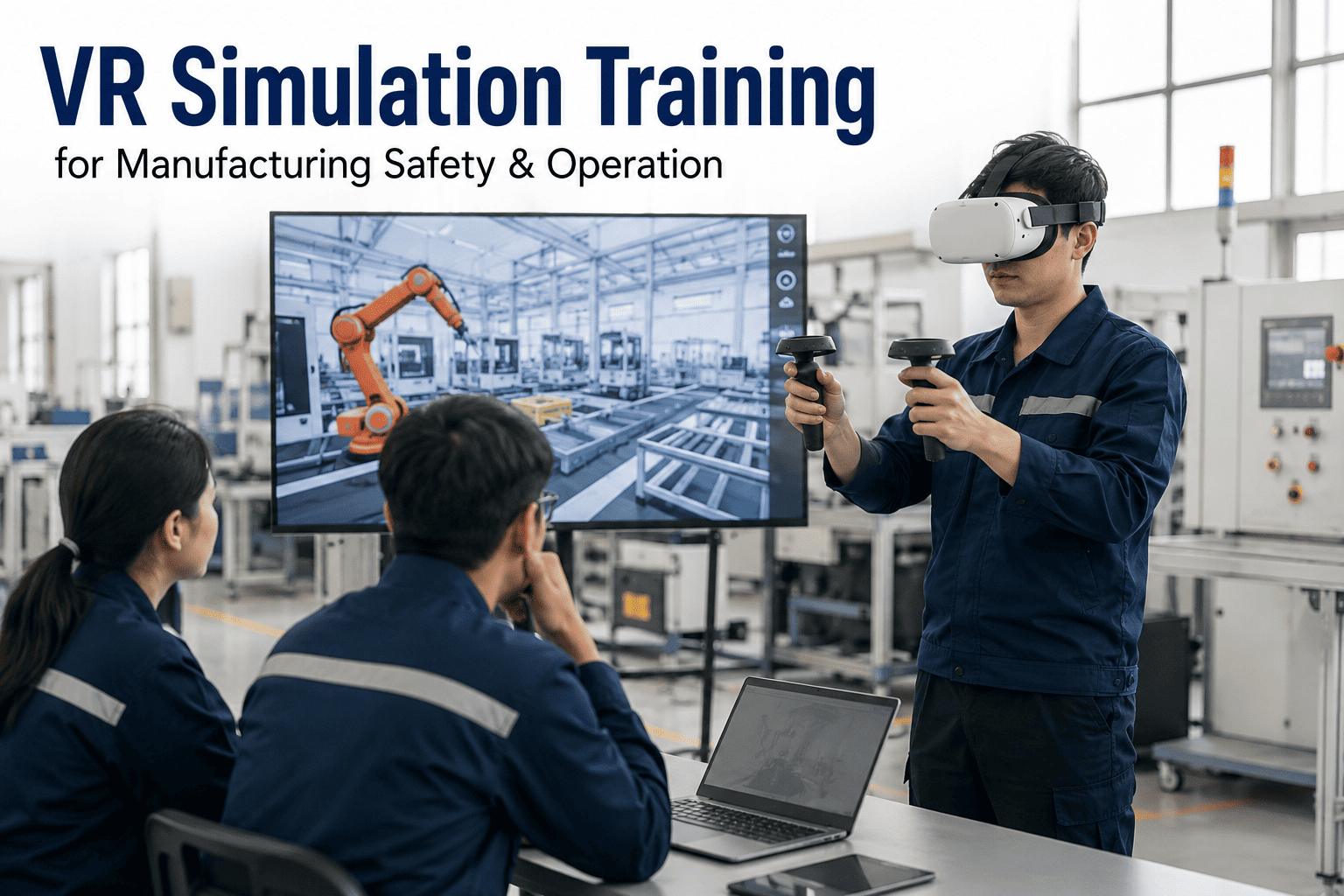
A new operator's first real encounter with a live conveyor pinch point, a confined space alarm, or a chemical spill response should not be the actual event. Traditional manufacturing training gets most people through a checklist and a supervised shadow shift, but it rarely puts someone through the split-second decision a hazardous task actually demands, because nobody is willing to stage a real emergency just to see how a trainee reacts. That gap between what a classroom can simulate and what the floor can throw at someone is exactly where VR training earns its place, letting operators fail safely as many times as it takes before they ever do the task for real, and giving supervisors a documented, repeatable way to confirm readiness instead of a gut feeling. See how iFactory's simulation training platform builds these scenarios around your actual equipment and procedures at ifactory support.
Train for the Emergency Before It Happens, Not After
Why Manufacturers Are Rethinking How They Train the Floor
The traditional training path for a new manufacturing hire runs through a classroom module, a safety video, and a shadow shift where a senior operator narrates what to do and hopes the trainee remembers it under pressure weeks later. That path works for procedures that happen every day, but it does almost nothing for the events that matter most: the lockout-tagout that gets skipped under time pressure, the chemical spill that needs a specific containment sequence within the first ninety seconds, or the equipment jam that an inexperienced operator tries to clear the wrong way. Those are exactly the situations a plant cannot ethically or safely stage for real practice, which is why they end up trained through description instead of experience — and description is a poor substitute when someone actually needs to act.
None of this means the classroom or the shadow shift is obsolete. What it means is that the highest-consequence gaps in a training program tend to cluster around events that are rare by design — nobody wants a plant to have frequent chemical spills or confined space emergencies to practice on — and a training method built around repetition needs a way to manufacture that repetition safely. VR is the mechanism that lets a rare, high-consequence event become a routine, low-risk practice session, run as many times as a trainee needs before their competency is trusted on the real floor.
Three Training Categories VR Actually Changes
Not every skill benefits equally from a headset. VR training earns its budget in the categories where real practice is either too dangerous, too rare, or too expensive to run on live equipment — and it is deliberately not positioned as a replacement for hands-on floor time everywhere else. The three categories below are where manufacturers see the fastest and most defensible return, each with a different reason why simulation beats waiting for the real thing to happen. What makes these three categories different from general e-learning is that the trainee is not reading a description of a procedure — they are performing it, in the order it actually has to happen, with the simulation tracking whether a step was skipped, delayed, or done in the wrong sequence.
A Scenario Library Built for Heavy Industry, Not Generic Warehouses
Most off-the-shelf VR training content is built around generic office or light-warehouse scenarios, which means it misses the specific hazard profile of a power plant, cement kiln, refinery, or pharmaceutical cleanroom entirely. A scenario library built for heavy industrial operations needs to reflect the actual equipment, procedures, and hazard classes present in that vertical, or the training ends up teaching general safety awareness instead of the specific decisions an operator will actually face on their floor. The four examples below are illustrative of the kind of specificity that actually transfers to a real shift, and a production-ready library typically expands well beyond these into the exact equipment models and site layouts a given plant runs.
Want to see a hazardous task scenario built around your own SOP? Send us a copy of your current procedure and we will show you what it looks like as a simulation.
Why Repetition Changes What Actually Gets Retained
Most training failures are not knowledge failures — the trainee usually did hear the procedure explained correctly at some point. What fails is retrieval under pressure, the ability to recall and execute the right sequence in the moment a real event is unfolding, and that kind of retrieval is built through repeated practice, not repeated explanation. A classroom session delivers information once and hopes it sticks; a VR scenario lets a trainee run the same emergency five, ten, or twenty times, each time building faster and more confident recall of what comes next, in a way that no amount of reading a procedure document can replicate.
This is also why VR training tends to close the gap between a plant's best and worst performers faster than classroom-only programs. A naturally cautious, methodical trainee and a trainee who tends to move fast and skip steps both get exposed to the exact same scenario, scored against the exact same standard, and both get the chance to fail safely and try again until the procedure becomes automatic. That consistency is difficult to reproduce when training quality depends on which supervisor happened to be on shift the day a new hire was shadowing, and it is the detail that safety leadership tends to notice first when comparing incident rates between recently onboarded cohorts trained with and without a simulation stage in their path.
Traditional Training vs. VR Simulation Training
VR training is not a wholesale replacement for a training program a plant has spent years refining — it is a targeted addition to the scenarios where traditional methods are weakest. The comparison below lays out where each approach naturally performs better, so a plant can decide where to layer simulation in rather than treating it as an all-or-nothing switch away from everything currently working. Most successful rollouts keep the existing classroom orientation and supervised shadow shift structure intact, and insert VR practice specifically at the point where a trainee would otherwise be learning a hazardous or rare procedure for the very first time on a live shift.
| Factor | Traditional Floor Training | VR Simulation Training |
|---|---|---|
| Practice frequency for rare events | Limited to annual drills or classroom description | Repeatable on demand, as often as needed |
| Risk to trainee and equipment | Real exposure during live shadow shifts | No physical risk during practice |
| Consistency across trainees | Varies by which supervisor is training that day | Identical scenario and scoring for every trainee |
| Feedback on a missed step | Caught if a supervisor happens to notice | Flagged automatically at the moment it happens |
| Hands-on equipment feel | Full physical and sensory realism | Strong for procedure and decision-making, less for fine tactile skill |
How a Simulation Training Deployment Actually Rolls Out
Standing up a VR training program is not a single hardware purchase — it is a phased build where scenarios are prioritized by actual incident and near-miss data rather than built for whatever looks impressive in a demo. The four phases below reflect how most mid-size manufacturers sequence a rollout, with each phase producing something the training team can use before moving to the next. A common mistake is trying to convert an entire training curriculum into VR before ever running a single pilot, which delays any measurable return by months. Starting narrow, on the two or three procedures with the clearest safety case, builds the internal case for expanding the library much faster than a broad but shallow first attempt.
Turn One Real SOP Into a Working VR Scenario
Who Actually Owns a VR Training Rollout
The most common reason a VR training pilot stalls after a promising first cohort is not the technology — it is an unclear answer to who owns the program once the initial build is done. Safety teams usually drive the first scenario because they own the incident data that justifies it, but training and HR typically own the onboarding path a new hire actually walks through, and operations owns the floor time available for any pilot cohort. A rollout that only has buy-in from one of those three groups tends to produce a well-built scenario that nobody actually schedules new hires into.
The plants that scale past a single pilot scenario usually name one person accountable for the training calendar itself, even if the scenario content is built and maintained jointly by safety and operations. That person tracks which cohorts have completed which scenarios, flags when a certification is coming up for refresh, and is the point of contact when a new hazardous task procedure changes and the simulation needs to be updated to match it. Without that single point of accountability, scenario content tends to drift out of sync with the actual procedure on the floor within a year, which quietly undermines the credibility of the whole program.
What Plants Track Once VR Training Is Running
The case for VR training holds up best when it is measured against the same numbers a safety and training team already reports on, not a new metric invented to justify the technology. The ranges below reflect what manufacturers have reported after a year of running simulation training alongside their existing program, with results varying based on how many scenarios are in scope and how consistently new hires actually complete them before their first live shift. Plants that tie VR completion directly into their existing onboarding checklist, rather than treating it as an optional extra, tend to see the strongest and most consistent results because every new hire passes through the same scored gate before stepping onto the floor.