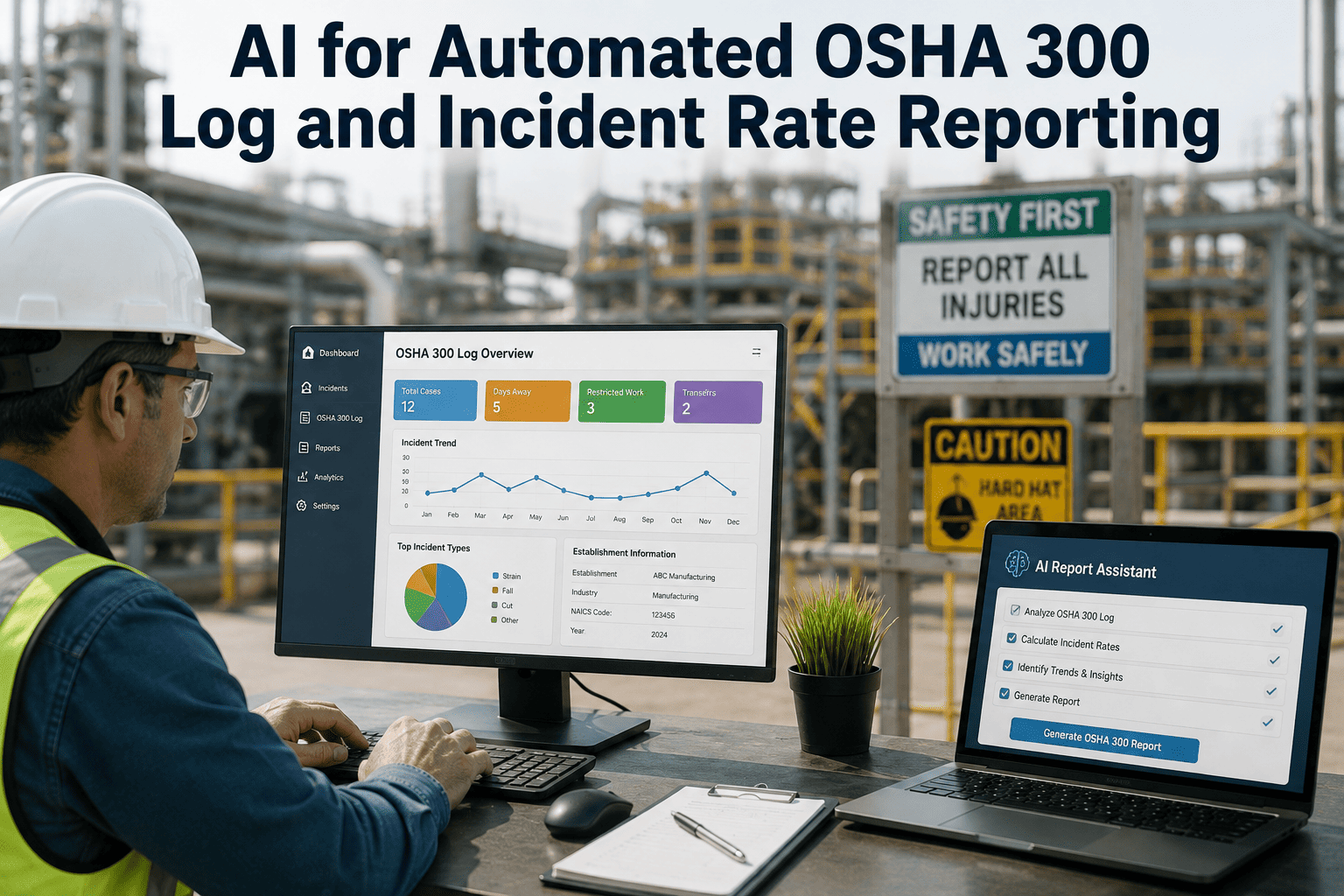
Every recordable injury eventually has to become a line on the OSHA 300 log, a number inside a TRIR calculation, and a field in the 300A summary that gets posted where employees can see it and, for many establishments, submitted electronically where the public can see it too. Most safety teams still build that chain by hand: an incident report comes in, someone decides whether it meets the recordability test, someone else transcribes it onto a spreadsheet acting as the 300 log, and at year end someone recalculates TRIR and DART from scratch and hopes the numbers tie out. Every hand-off in that chain is a place a classification error, a missed days-away count, or a transposed number can quietly enter a record OSHA will eventually inspect. AI that reads incident data as it is created and keeps the log, the rate calculations, and the 300A summary continuously in sync removes most of those hand-offs, and a walkthrough of that workflow is available for HSE teams evaluating the shift.
Your OSHA 300A Summary Is Only as Accurate as the Spreadsheet Someone Rebuilt It From at Year End
AI-driven recordkeeping classifies incidents against the OSHA recordability test as they are reported, keeps the 300 log continuously current, and recalculates TRIR and DART automatically, so the 300A summary you submit is a live number instead of a year-end reconstruction.
The Most Common OSHA Recordkeeping Errors Aren't Rare, They're Structural
Regulatory guidance on 2026 recordkeeping consistently flags the same handful of failure points: incorrect recordable versus non-recordable classification, missing the distinction between restricted duty and days away, and incomplete 301 Incident Report entries. None of these are exotic mistakes. They are the predictable result of a process that depends on a person correctly applying a multi-part legal test under time pressure, then manually keeping three separate documents, the 300 log, the 301 report, and the 300A summary, consistent with each other for an entire calendar year. The rule itself, 29 CFR Part 1904, has been updated repeatedly since 2016 as electronic reporting obligations expanded, which means a process that was compliant a few years ago may no longer match the current submission thresholds without someone actively tracking each revision.
The consequence of these errors is rarely a single dramatic citation. It is usually a slow accumulation of small inaccuracies that only becomes visible when the annual numbers are compared against what an audit or an OSHA inspection reconstructs independently, at which point the gap between the two versions becomes the finding itself, regardless of whether the underlying safety performance was actually good or bad.
Misclassified Cases
A first-aid case recorded as recordable inflates TRIR unnecessarily, while a genuine recordable case logged as first aid understates it, and both errors are invisible until an audit or inspection surfaces them.
Days-Away vs Restricted Confusion
These two categories carry different counting rules and feed directly into the DART rate, and confusing them is one of the most frequently cited recordkeeping errors across 2026 guidance.
Incomplete 301 Forms
A 301 Incident Report missing required fields is a compliance gap that often isn't caught until the data is needed for an OSHA request or an ITA submission months later.
Rate Recalculation Drift
TRIR and DART recalculated manually at year end from a spreadsheet that was edited by multiple people across twelve months rarely matches what a running, continuously updated calculation would have shown.
Every Incident Has to Clear Three Conditions Before It Belongs on the 300 Log
Under 29 CFR 1904, an incident is recordable only if it meets all three of the following criteria at the same time. If any one of them is not met, the case does not belong on the log, and getting this test right on every single incident is the foundation everything downstream, the log, the summary, the rates, is built on. The test sounds straightforward stated this way, and in the clear majority of cases it is, but the judgment calls concentrate in a small number of recurring situations: an employee with a pre-existing condition aggravated by work, a case where the line between restricted duty and normal duty is blurry, or an injury treated with something that sits right at the edge of OSHA's first-aid list.
Work-Related
The work environment or a work activity caused, contributed to, or significantly aggravated the injury or illness, including pre-existing conditions worsened by work.
A New Case
The employee has not previously experienced a recorded injury or illness of this type, or had fully recovered from a prior episode before this incident occurred.
Meets a Recording Criterion
The case involves death, days away from work, restricted duty, transfer, medical treatment beyond first aid, loss of consciousness, or a diagnosed significant injury.
The second most common source of error sits inside criterion three: OSHA maintains a specific list of interventions that count as first aid rather than medical treatment, and a case that receives one of those listed interventions is not recordable even if it otherwise looks serious. Getting this distinction wrong in either direction is exactly the kind of error a consistent, rule-based classification engine is built to catch before it reaches the log.
Stop Re-Deciding Recordability by Memory Every Time
iFactory applies the same 29 CFR 1904 criteria to every incident automatically, flagging ambiguous cases for review instead of leaving classification to whoever files the report. Book a demo to see it run against a sample of your own incident history.
Who Has to Submit What, and When It Has to Be Posted or Filed
Electronic submission requirements now scale with both establishment size and industry risk category, and the thresholds have expanded significantly since the original electronic reporting rule, which means a facility that was exempt a few years ago may now be covered. Getting the applicable requirement wrong, either over-submitting data that wasn't required or missing a submission deadline entirely, carries its own compliance exposure separate from the accuracy of the underlying records.
250+ Employees
Establishments of this size across covered industries must electronically submit 300A summary data annually through OSHA's Injury Tracking Application.
100-249 in High-Hazard Industries
Establishments in designated high-hazard industries at this size must submit full 300 log and 301 report data, not just the 300A summary, following the expanded 2023 rule.
20-249 in Appendix A Industries
Establishments of this size in the high-hazard industries listed in Appendix A to 29 CFR 1904.41 must submit 300A summary data even below the general 250-employee threshold.
All Covered Employers
Regardless of electronic submission obligations, the 300A summary must be physically posted from February 1 through April 30 each year in a location employees regularly see.
One detail that surprises many employers the first time they encounter it: data submitted electronically through the ITA is published publicly, with establishment name, address, industry code, and injury data all visible on OSHA's site once submitted. That visibility is a meaningful reason to treat the underlying classification accuracy as more than an internal compliance detail, since a misclassified case doesn't just risk a citation, it becomes a public data point a customer, competitor, or prospective employee can find.
How a Single Incident Report Becomes a Compliant, Submission-Ready Record
Every field required on the 300 log, the 301 report, and the eventual 300A summary already exists somewhere in the original incident report, if that report was filled out completely. The work an AI layer does is not inventing new data, it is carrying the data that already exists through every downstream step without a manual re-entry point where something can be dropped or mistyped. This matters most for multi-site operators, where the same incident data often has to satisfy a corporate rollup report, a site-level safety review, and the federal filing simultaneously, and any manual re-entry step multiplies the chance those three views of the same incident quietly diverge from each other.
Incident Reported
A supervisor or employee files the initial report with injury details, treatment received, and work activity at the time, either through a mobile form or an integrated HSE system.
Recordability Classified
The three-part 1904 test is applied automatically against the reported details, with a confidence flag on any case that lands close to a recordable/non-recordable boundary for human review.
300 Log Auto-Populated
Confirmed recordable cases are written directly into the current-year 300 log with the correct case classification column, days-away or restricted-day counts, and injury description already in place.
301 Report Completed
The corresponding 301 Incident Report is generated from the same underlying data, so the two documents never drift out of sync the way a manually maintained pair can.
Rates and 300A Updated
TRIR and DART recalculate immediately against updated hours-worked totals, and the annual 300A summary reflects the current, correct numbers at any point in the year, not just when someone rebuilds it.
TRIR and DART Are Simple Formulas That Are Surprisingly Easy to Get Wrong at Scale
Both rates use the same 200,000-hour normalization, which represents 100 employees working 40 hours a week for 50 weeks, so that facilities of different sizes can be compared on equal footing. The formulas themselves are not complicated. What breaks at scale is keeping the case count and the hours-worked total accurate and current across every pay period, every contractor hour, and every reclassified case throughout the year. A single case that gets reclassified from restricted duty to days away partway through its resolution has to update both the 300 log entry and every downstream rate calculation that already counted it, and a manual process is far more likely to update one and forget the other.
TRIR
(Recordable Cases × 200,000) ÷ Total Hours Worked
Total Recordable Incident Rate reflects every case that meets the OSHA recordability test, regardless of severity, and is the headline number most prequalification reviews and insurance renewals ask for first.
DART
(Days Away, Restricted, or Transferred Cases × 200,000) ÷ Total Hours Worked
DART narrows the count to only the more severe subset of recordable cases, days away, restricted duty, or job transfer, and is watched especially closely because it tends to correlate most directly with lost productivity and claims cost.
A rate calculated once a year from a rebuilt spreadsheet only tells you where the program stood twelve months ago. Recalculating TRIR and DART continuously, every time a new case or an updated hours-worked figure enters the system, turns the same two formulas into an early-warning signal instead of a year-end report card, giving a safety team the chance to react to a rising trend months before it shows up in an annual filing.
How Your Rate Compares Against Published Industry Benchmarks
BLS benchmark data gives every industry a reference point, and a TRIR sitting well above the relevant benchmark is exactly the kind of signal that puts an establishment on OSHA's Site-Specific Targeting list or fails it out of an owner-operator's prequalification screen before a bid is even reviewed. Guidance for 2026 specifically recommends monitoring TRIR and DART on a quarterly basis rather than waiting for the annual calculation, since a rate that is trending upward is far more actionable three months into a pattern than it is twelve months later when the only option left is documenting corrective action after the fact.
| Industry | 2024 BLS TRIR Benchmark | Considered Excellent |
|---|---|---|
| All private industry | 2.4 | Below 1.2 |
| Construction | 2.5 | Below 1.25 |
| Manufacturing | 3.3 | Below 1.65 |
| Warehousing and transportation | 4.8 | Below 2.4 |
| Oil and gas | 0.9 | Below 0.5 |
Many owner-operators and EPCs now require a three-year rolling TRIR below a fixed threshold as a hard cutoff before a contractor is even eligible for prequalification, which makes the accuracy of the underlying number a commercial issue as much as a compliance one. A rate that is wrong because of a classification error can cost a bid long before it ever costs a citation.
Questions HSE and Compliance Teams Ask About Automated OSHA Recordkeeping
Turn Your 300A Summary Into a Live Number Instead of a Year-End Scramble
iFactory keeps recordability classification, your 300 log, and your TRIR and DART calculations continuously current from the moment an incident is reported. Book a demo and see it running against your own incident data.