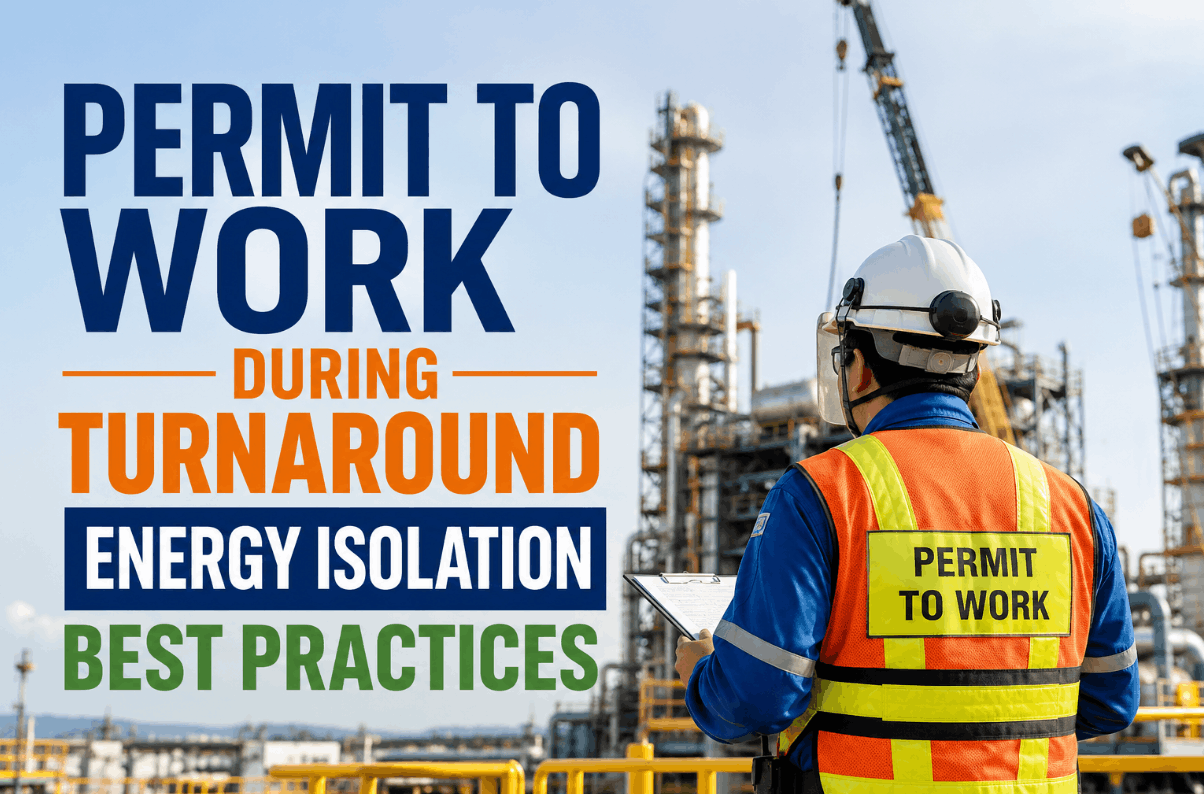
A permit approved at 7am does not guarantee the conditions it describes are still true at 11am. The isolation point that was locked out at shift start can get bumped by an adjacent job. The gas monitor left running at the work zone can drift off calibration or simply get switched off by someone who found the alarm annoying. The rescue team confirmed as standing by for a confined space entry can get pulled to a higher-priority call without anyone updating the permit board. A signed piece of paper has no way of knowing any of that changed — it only knows what was true at the moment of signature. To see how camera-based PTW verification would work across your unit, book a session with the iFactory refinery safety team.
Worker Safety · Permit-to-Work Verification
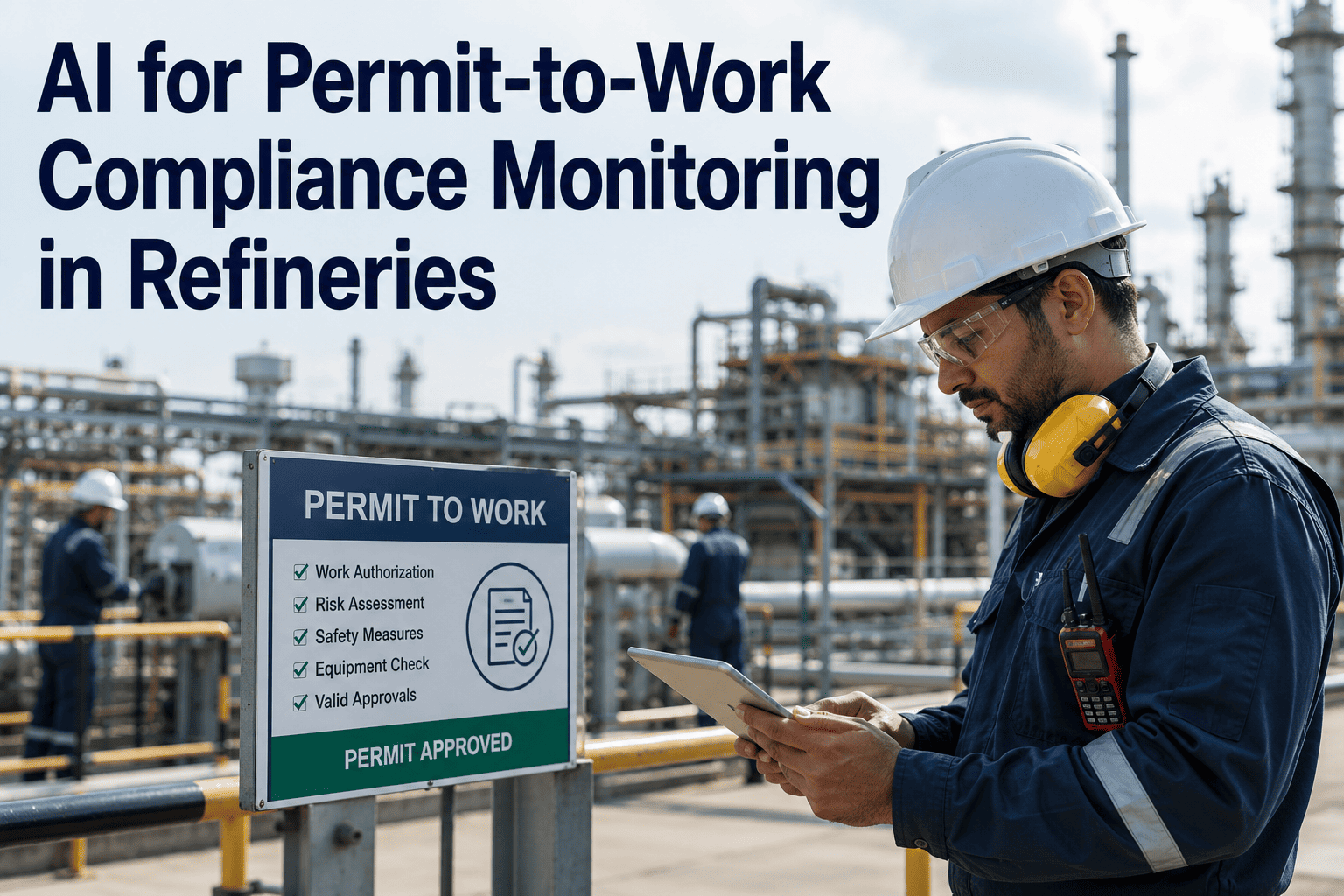
AI for Permit-to-Work Compliance Monitoring in Refineries
AI cameras continuously verify that permit conditions are still being met after approval — isolation points secure, atmospheric monitoring active, rescue equipment present, and only authorised personnel in the work zone.
The Gap Between Approval and Execution
A Permit Verifies Conditions Once — Work Continues for Hours
Permit-to-work systems, digital or paper, are overwhelmingly built to check conditions at a single moment: the point of authorisation. A safety officer or area authority walks the site, confirms isolation, atmosphere, and rescue readiness, and signs off. What happens for the following six or eight hours of active work is rarely re-verified with the same rigour, because doing so manually would mean a person physically re-checking every open permit on a unit multiple times per shift — a task that simply does not scale against a turnaround with dozens of simultaneous permits active. This is the specific gap that continuous AI vision monitoring is built to close: not replacing the human sign-off at approval, but extending verification through the entire duration the permit stays open.
What the Camera Actually Verifies
Four Conditions Monitored Continuously for the Life of an Open Permit
Isolation Point Integrity
Camera monitoring confirms lockout tags and physical isolation devices remain in place at the approved isolation points for the duration of the permit, flagging any point that appears disturbed, removed, or bypassed.
Atmospheric Monitoring Equipment Active
Where a gas detector or atmospheric monitor is required as a permit condition, the system confirms the unit is present, positioned correctly, and showing an active reading rather than being switched off or left out of position.
Rescue and Standby Equipment Present
For confined space and high-hazard work, camera monitoring confirms rescue equipment and a designated attendant remain at the required standby position, rather than assuming presence based on the initial permit sign-off.
Authorised Personnel Only in the Work Zone
The system flags entry into an active permit zone by anyone not on the approved worker list for that permit, catching the common failure mode of an unauthorised person stepping into a hazard zone without realising a permit is active.
The Practical Difference
Point-in-Time Approval vs Continuous Camera Verification
| Permit Condition | Point-in-Time Approval Only | Continuous AI Camera Verification |
|---|---|---|
| Isolation point disturbed mid-job | Discovered only if someone happens to notice | Flagged the moment the tag or device is disturbed |
| Gas monitor switched off | Assumed active based on initial sign-off | Detected within the monitoring interval and alerted |
| Rescue attendant pulled away | Not known until an emergency exposes the gap | Standby absence flagged in near real time |
| Unauthorised entry into work zone | Caught only if a supervisor happens to walk by | Detected automatically against the approved worker list |
| Evidence for post-incident review | Limited to memory and paper notes | Full timestamped video record tied to the permit |
Extend Verification Past the Sign-Off
iFactory Adds Continuous Camera Verification on Top of Your Existing Digital or Paper PTW Process
This is designed as an additional layer on your current permit workflow, not a replacement for the approval and sign-off process your safety team already runs, connecting to camera infrastructure you may already have in place across process units and turnaround work zones.
Alert Routing
What Happens When the System Flags a Condition Violation
Isolation point flagged as disturbed
Area authority and permit issuer notified immediately with location and timestamp
Affected permit flagged for urgent re-verification before work continues
Event logged to the permit's audit record automatically
Gas monitor absent or reading not active
Work supervisor alerted to confirm monitor status on site
Permit status shown as at-risk on the safety dashboard until resolved
Repeat occurrences on the same permit type escalated for review
Unauthorised person detected in an active permit zone
Nearest supervisor alerted with zone location for immediate response
Entry event timestamped and attached to the permit record
Pattern of repeat entries by the same zone flagged for a toolbox talk follow-up
Measuring the Programme
KPIs That Show Continuous Verification Is Working
Mid-Permit Condition Violations Detected
Tracked, not zeroed
Count of isolation, atmospheric, or personnel violations caught after initial approval — a healthy programme catches real gaps rather than never finding any.
Alert Response Time
Target: under 10 minutes
Time between a flagged condition violation and a supervisor confirming or correcting it on site.
Confined Space Permit Compliance Rate
Target: above 99%
Percentage of active confined space permits maintaining all required verified conditions throughout the work duration.
Audit Retrieval Time
Target: under 15 minutes
Time to assemble the full timestamped verification record for any specific permit requested during an internal review or regulatory inspection.
Every incident investigation I have been part of where a permit condition failed mid-job had the same shape: the permit was correctly written, correctly signed, and correctly true at the moment of approval. The failure happened three hours later, when something drifted — a tag got bumped during an adjacent job, a monitor battery died, someone assumed the rescue attendant was still in position because they had been an hour earlier. None of that shows up in a system built to check conditions once. What continuous verification actually buys you is not a smarter permit, it is a permit that keeps checking itself for as long as it stays open, which is exactly the window where the real risk sits.
Ravi Chandrasekaran-Doyle
Refinery HSE Manager · 20 years in downstream process safety · Former confined space and hot work programme owner across a multi-unit refinery complex
Refinery Safety Team Questions
AI Permit-to-Work Compliance Monitoring — Frequently Asked
Do we need to install new cameras across the unit, or can this use existing surveillance infrastructure?
Most refineries already have substantial fixed camera coverage across process units for general security and operations purposes, and the system is built to connect to that existing infrastructure first rather than requiring a full new camera build-out. Gaps in coverage — typically at less frequently monitored turnaround work zones or temporary confined space entries — can be addressed with portable or temporary camera units for the duration of the work, rather than committing to permanent installation everywhere a permit might ever be issued. Book a session with our team to review your current camera coverage against your highest-risk permit zones.
Does continuous camera monitoring replace the human safety officer who approves the permit?
No — the human approval and sign-off step remains fully in place and is not automated or replaced by this system. Continuous camera verification is specifically designed to extend oversight through the hours a permit stays open after that human approval, which is a distinct problem from the approval decision itself. The safety officer's judgement at approval and the system's continuous verification during execution are complementary, not competing, layers of the same permit lifecycle.
How does the system distinguish an authorised worker moving through a permit zone from an actual violation?
Each active permit carries an approved worker list captured during issuance, and the system cross-references detected personnel presence in the zone against that list rather than flagging every person who appears in frame. Workers legitimately transiting near a work zone without entering the defined hazard boundary are not flagged, and the system is calibrated per zone to the actual physical boundary the permit covers rather than a generic camera field of view. Contact our support team for detail on zone calibration during setup.
What happens to the video and alert data after a permit closes — is it kept for compliance purposes?
Verification events, alert history, and relevant video segments tied to a specific permit are retained and linked to that permit's record, creating a documented history that can be pulled during an internal audit, insurance review, or regulatory inspection without needing to manually reconstruct what happened from separate systems. Retention periods are typically set to align with your existing HSE record-keeping policy rather than a fixed default, since regulatory retention requirements vary by permit type and jurisdiction.
Can this be piloted on a single unit before committing to a full refinery rollout?
Yes — most refineries start with a pilot on the highest-risk permit category on a single unit, typically confined space or hot work permits given their consequence profile, before expanding coverage to additional permit types and units. This allows the safety team to validate detection accuracy and alert routing against real operating conditions before scaling the model plant-wide. Book a pilot scoping session to define the right starting unit and permit category for your facility.
A Permit Should Stay True for as Long as It Stays Open
Extend Verification Past the Point of Approval
iFactory adds continuous camera verification of isolation, atmospheric monitoring, rescue readiness, and authorised access on top of the PTW process you already run.