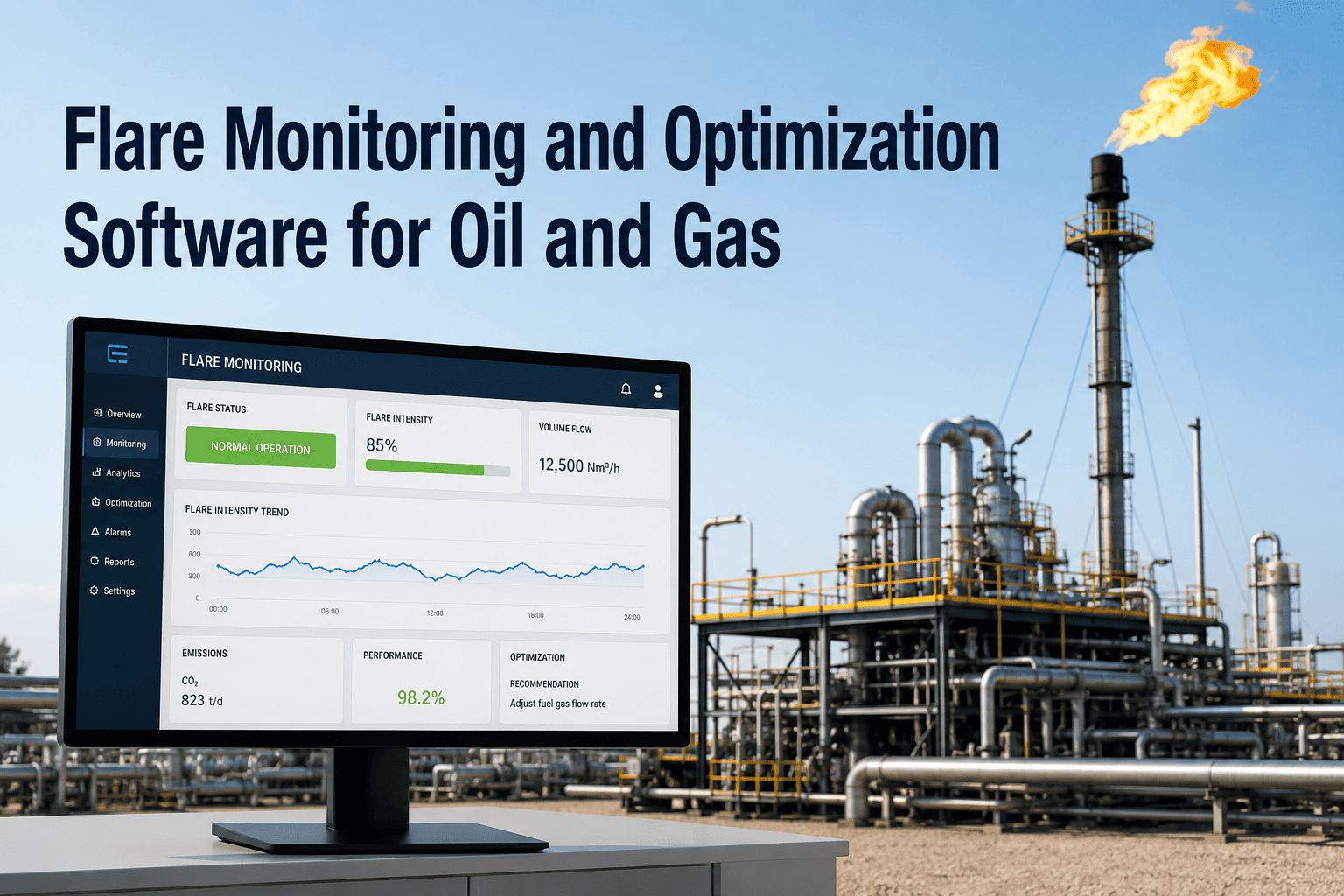
At 2 a.m., a flare tip forty feet in the air can shift from a clean, nearly invisible burn to a rolling column of black smoke, and there is rarely anyone standing underneath to see it happen. Most refineries and upstream facilities still rely on an operator glancing at a camera feed or walking the unit on a rounds schedule, which means the gap between an actual flaring event and someone noticing it can stretch into hours. During that gap the flare may already be out of compliance, burning inefficiently, or running with no lit pilot at all. AI-powered flare monitoring watches every flare tip, every pilot, and every plume around the clock and flags the deviation in seconds, not shifts. See what continuous, automated flare intelligence looks like on your own stacks by booking a flare monitoring demo with iFactory's emissions team.
Why a 12-Second Flaring Event Can Become a Regulatory Problem
Flares are the safety valve of the plant, and regulators size their patience accordingly. Under EPA Method 22, flares and enclosed combustion devices are required to run essentially smoke-free, with total visible emissions capped at roughly one minute in any fifteen-minute observation window. The Refinery Sector Rule under 40 CFR 63.670 goes further, requiring a minimum five-minute visual check every day a flare receives regulated material, plus continuous pilot flame presence monitoring around the clock. The 2026 rollout of NSPS OOOOb has only tightened that bar, pushing methane and flare performance measurement from a periodic reporting exercise toward continuous, defensible data. An operator glancing at a monitor every few hours cannot realistically catch a twelve-second smoke event inside a fifteen-minute window, night after night, across every flare on site.
maximum cumulative visible smoke emissions permitted under EPA Method 22 for flares and combustion devices
continuous pilot flame presence monitoring required under 40 CFR 63.670 for regulated refinery flares
minimum daily Method 22 visual observation required for every day a flare receives regulated material
the 2026 EPA methane rule tightening continuous flare and combustion device monitoring across oil and gas
What a Flare Is Always Telling You, If Something Is Watching
A flare tip is constantly signaling its condition. Most of that signal never reaches a control room. Flame color and shape indicate combustion quality. Smoke opacity indicates incomplete combustion. Pilot status indicates whether the flare can even ignite waste gas on demand. Heat release and flame footprint indicate how much gas is actually being destroyed versus vented unburned. iFactory's AI vision platform reads all of these signals continuously from thermal and optical cameras mounted on the stack, and turns them into a live status feed instead of a once-a-shift snapshot.
Flame Presence & Stability
Continuous thermal detection confirms the main flame is lit and burning steadily, even through smoke, steam, fog, or direct sunlight glare that defeats a simple visual check.
Smoke Opacity / Ringelmann Index
Plume darkness is scored continuously against Ringelmann-style opacity levels, so black smoke is caught and logged the moment it starts, not on the next scheduled walk-down.
Combustion & Destruction Efficiency
Flame footprint, color temperature, and smoke trend are combined into a running combustion efficiency and destruction-removal-efficiency estimate for each flare, tracked in real time.
Pilot Flame Status
Every pilot on every flare is checked continuously rather than once per shift, so an extinguished pilot triggers an immediate alert instead of being discovered on the next rounds sheet.
Heat Release & Flame Footprint
Flame size and inclination are tracked and adjusted for crosswind effects, giving a more reliable picture of gas load and combustion behavior than a fixed observation angle allows.
Manual Rounds vs Continuous AI Flare Monitoring
Most sites still combine a control-room camera feed, periodic Method 22 walk-downs, and operator judgment to know what a flare is doing. That approach worked when flares were occasional. On sites that flare regularly, or run multiple stacks across a sprawling unit, the coverage gaps add up fast. Here is what changes when the monitoring itself becomes continuous and automated.
Swipe left to see the full comparison
See Your Flares Through an AI Camera, Not a Rounds Sheet
iFactory's flare monitoring platform installs on your existing camera infrastructure and starts streaming flame, smoke, and pilot status to a live dashboard within weeks, not quarters.
Inside the iFactory Flare Monitoring Platform
The platform is built around one idea: a flare should never be able to misbehave without someone, or something, noticing immediately. These are the core capabilities that make continuous flare intelligence possible across a single stack or an entire site.
Flame & Pilot Detection AI
Deep-learning models trained on flame and pilot imagery confirm ignition status frame by frame, cutting through smoke, steam, and sun glare that defeat manual checks.
Smoke Opacity Scoring
Every plume is scored on a continuous opacity scale, with automatic alerts the moment smoke crosses your site's Method 22 threshold.
Combustion Efficiency Tracking
Flame shape, footprint, and smoke behavior feed a running combustion and destruction efficiency estimate for every flare, updated continuously rather than sampled.
Multi-Flare Fleet Dashboard
One screen shows the live status of every flare on site, with color-coded alerts so the busiest unit never hides a problem on a stack nobody is watching.
Automated Method 22 Logging
Observation windows, smoke events, and pilot status are logged automatically with time stamps and imagery, ready to export for a compliance file or an audit request.
Crosswind & Weather Compensation
Flame inclination and apparent size are corrected for wind and weather, so a gusty afternoon does not get logged as a false flame-loss or false smoke event.
From Camera to Compliance Report: How It Connects
A flare monitoring platform is only as useful as the systems it talks to. iFactory connects the camera feed on the stack all the way to the report your EHS team files, so nobody is re-typing observation sheets into a spreadsheet at the end of the month.
Camera & Sensor Feed
Thermal and optical cameras already common on flare stacks feed continuous imagery into the AI inference engine, with no new sensors required in most retrofits.
DCS & PLC Correlation
Flame, smoke, and pilot status are correlated against flare gas flow, steam or air assist rate, and heating value data from the DCS to show the process condition behind every alert.
Compliance & ESG Reporting
Method 22 logs, smoke events, and pilot outages roll up into exportable reports that support internal EHS review, regulator requests, and OGMP-style emissions disclosures. Talk to a specialist about your reporting requirements before scoping a rollout.
What Changes When Every Flare Is Watched Continuously
Sites that move from periodic checks to continuous AI monitoring consistently see the same pattern: problems get caught while they are still small, and the compliance file writes itself instead of being reconstructed under deadline pressure. Here is the shift on a typical multi-flare refinery site.
Perspective From the Field
We used to find out about a smoking flare when the community complaint line rang, or worse, when the state showed up asking for our Method 22 logs. Now the dashboard shows me every flare on site in one view, and if a pilot drops out at 3 a.m. I get an alert before the board operator even notices it on the panel. It changed our whole relationship with flaring, from reactive to something we can actually manage.
— Maria Ibanez, EHS Manager, Gulf Coast Refining Complex
of flares on a monitored site visible on one continuous dashboard, day and night
typical time from flame or pilot loss to an alert reaching the control room
typical time from kickoff to a live monitoring dashboard on existing camera infrastructure
Frequently Asked Questions
Does this replace the thermal or optical cameras we already have on our flare stacks?
In most cases, no. The AI inference engine is designed to run on top of thermal and optical cameras that are already common on flare and pilot monitoring installations, so a retrofit typically means adding the software and dashboard layer rather than replacing hardware. Where coverage gaps exist, such as a stack with no camera at all, additional cameras can be scoped as part of a rollout. Book a demo and bring your current camera list so we can map exactly what is reusable.
How does the system tell the difference between real smoke and normal steam or fog?
The detection models are trained to distinguish the visual and thermal signature of combustion smoke from steam plumes, fog, and dust, which behave differently in both the visible and infrared spectrum. Crosswind and weather compensation further reduce false positives caused by flame inclination or atmospheric conditions. Edge cases are flagged for human review rather than auto-logged as violations, so your team stays in control of what gets reported.
Can it monitor multiple flares across different units from one dashboard?
Yes. The fleet dashboard is built specifically for sites with more than one flare, showing flame, pilot, and smoke status for every monitored stack in a single view with color-coded alerts. This matters most on large refineries and petrochemical sites where flares are spread across separate units and no single operator can watch them all at once. Talk to a specialist about how many stacks your site would need to cover.
Does the platform help with EPA Method 22 and 40 CFR 63.670 documentation specifically?
Yes. Observation windows, visible smoke duration, and pilot presence are logged continuously and time-stamped automatically, which supports the daily and continuous monitoring expectations under Method 22 and the Refinery Sector Rule. Reports are structured to be exportable for internal EHS review or regulator requests, reducing the manual work of reconstructing paper observation sheets after the fact.
How long does it take to get a flare monitoring pilot running on one unit?
Most single-unit pilots move from kickoff to a live dashboard within a matter of weeks, since the platform typically connects to camera infrastructure that is already installed rather than requiring new construction. The exact timeline depends on the number of flares, existing camera condition, and DCS integration scope. Book a scoping call to get a timeline specific to your site.
Stop Waiting for the Complaint Line to Tell You About a Smoking Flare
Book a 30-minute scoping call and iFactory will walk through your flare count, camera infrastructure, and compliance requirements to build a monitoring rollout plan specific to your site.