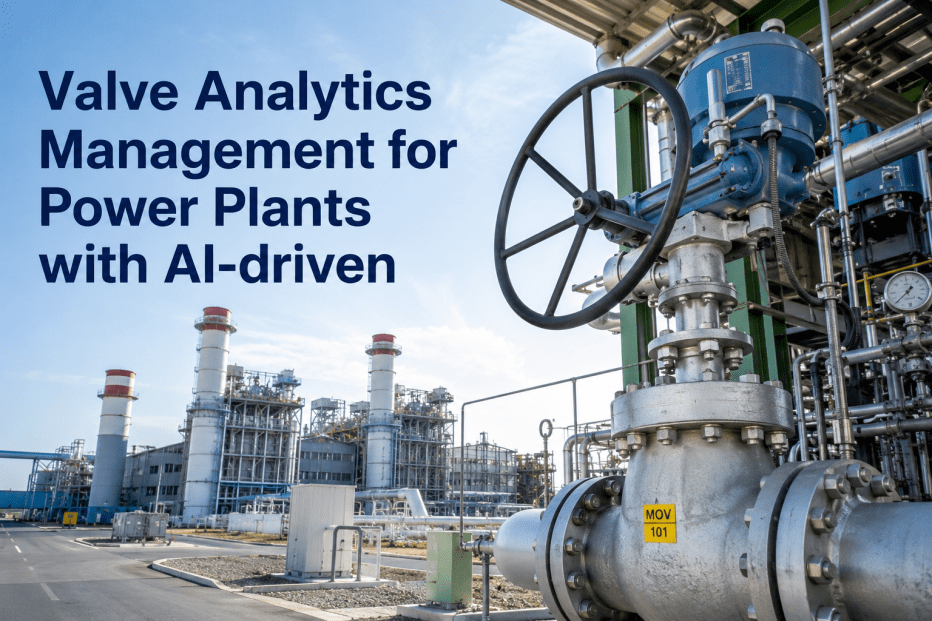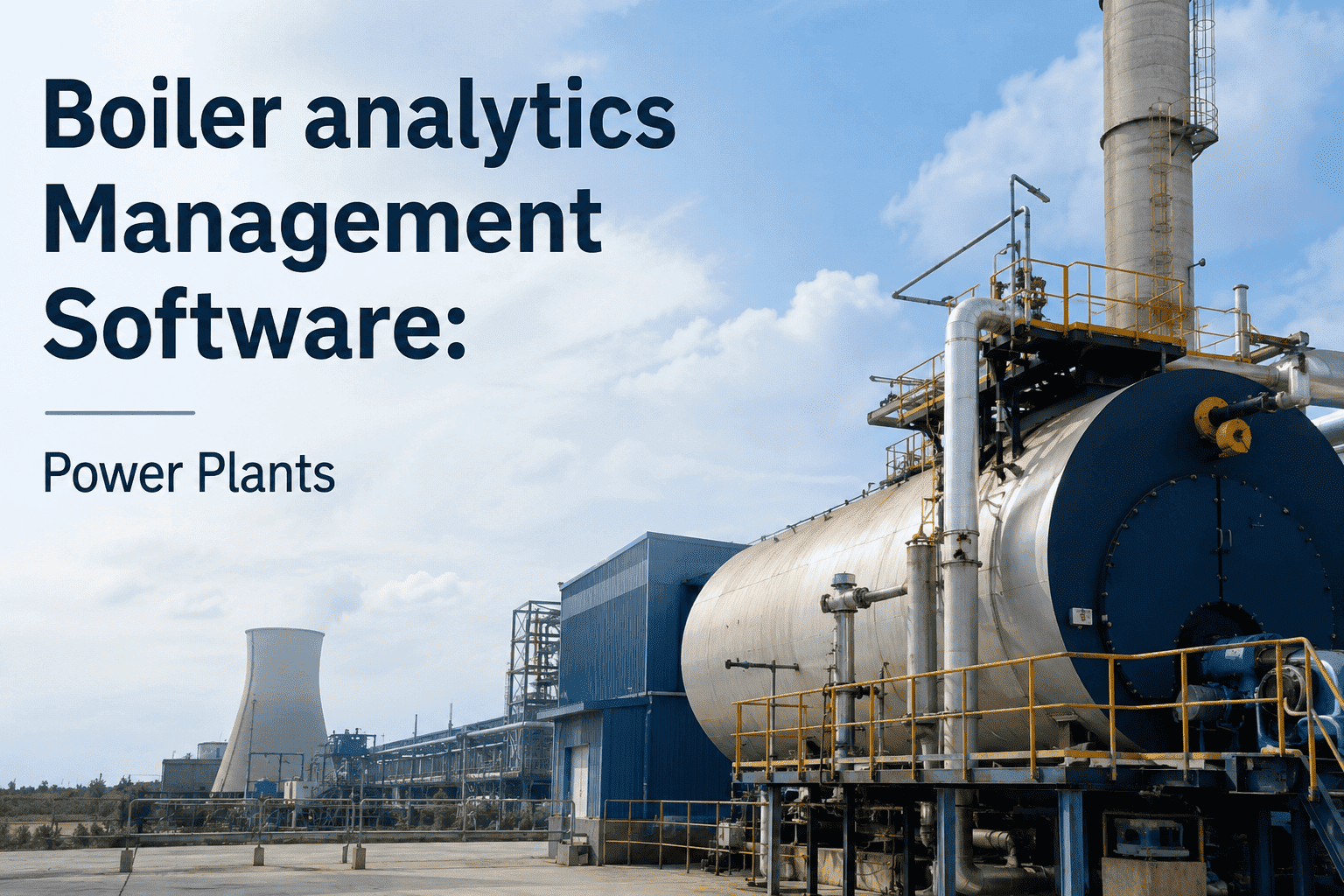
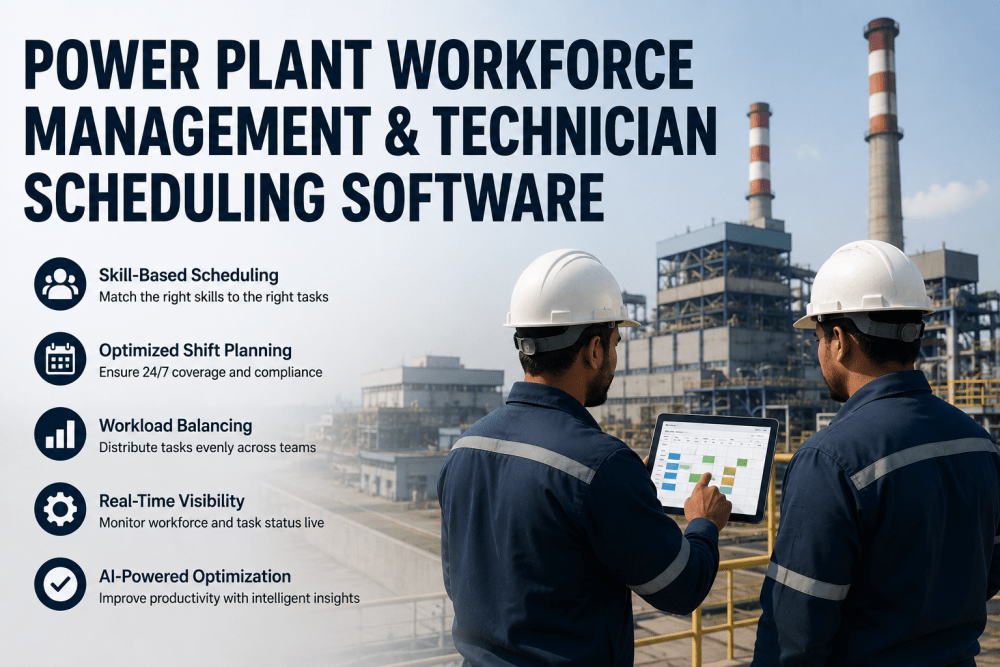
A power plant analytics deployment fails when the reliability engineer who knows the vibration signatures gets promoted, the only technician certified for infrared thermography leaves for another job, and the planner who understood the RUL forecast logic retires — all within six months. The analytics platform keeps running, but nobody knows who should respond to each alert, which craft has the skills for the predicted failure, or who's available when the AI flags a degrading bearing. iFactory's team management layer sits above the analytics engine and tracks certifications, availability, workload balance, and past performance on similar faults — routing every alert, work order, and inspection task to the technician most qualified to handle it. The analytics system that was undermined by workforce turnover now operates with full visibility into who can do what, when they're free, and how well they've handled similar issues in the past. Book a demo to see AI-driven team routing live.
iFactory integrates team management directly into its analytics platform — tracking technician certifications, current workload, shift availability, and historical performance on specific fault types. When the AI detects an anomaly or generates a work order, the system automatically routes it to the craft member best qualified and available to respond, eliminating manual assignment decisions and ensuring critical alerts never sit unaddressed because the wrong person received them. Average result: 68% reduction in alert-to-response time, 4.1x improvement in first-time fix rate for analytics-generated work orders.
How AI Routes Analytics Alerts to the Right Technician
The pipeline below shows the four-stage process iFactory applies when an analytics alert is generated — from anomaly detection through technician assignment, considering certification requirements, current workload, and past performance on similar faults.
See how iFactory automatically routes every analytics alert to the technician with the right certifications, availability, and track record — eliminating assignment bottlenecks and ensuring every fault gets the right response.
Workforce Problems That Undermine Analytics Deployments
Every card below represents a real team management failure that degrades analytics ROI, extends response times, and causes preventable forced outages. These problems exist because traditional CMMS platforms treat workforce management as a separate function from analytics — requiring supervisors to manually match technician skills to AI-generated alerts. Talk to an expert about integrating team management with your analytics platform.
Team mgmt fix: Certification requirements are mapped to fault types. Only technicians holding required certs appear in the assignment pool. No failed assignments due to missing qualifications.
Team mgmt fix: AI tracks current workload per technician and balances new assignments across available qualified crew. High-priority alerts override workload balancing and go to the best performer regardless of queue length.
Team mgmt fix: System tracks first-time fix rate, average completion time, and rework frequency by technician and fault type. High-performers get preferential assignment on critical work; underperformers trigger coaching interventions.
Team mgmt fix: If no qualified technician is available on current shift, the system auto-schedules the task for the next shift when qualified crew will be on site. Assignment persists across shift changes with full audit trail — nothing gets lost in verbal handover.
Team mgmt fix: System tracks which technicians have deep experience on each asset and flags single-point-of-failure knowledge gaps. Supervisors receive succession planning alerts 12 months before retirement — with automated pairing recommendations for knowledge transfer assignments.
Team mgmt fix: Every auto-assignment includes rationale visible to supervisors: "Assigned to Roberts — mechanical cert + vibration Level II, 89% fix rate on similar faults, available now, current workload: 2 WOs." Supervisors can override with documented reason, which trains the AI for future assignments.
Certification Tracking — Ensure Compliance on Every Job
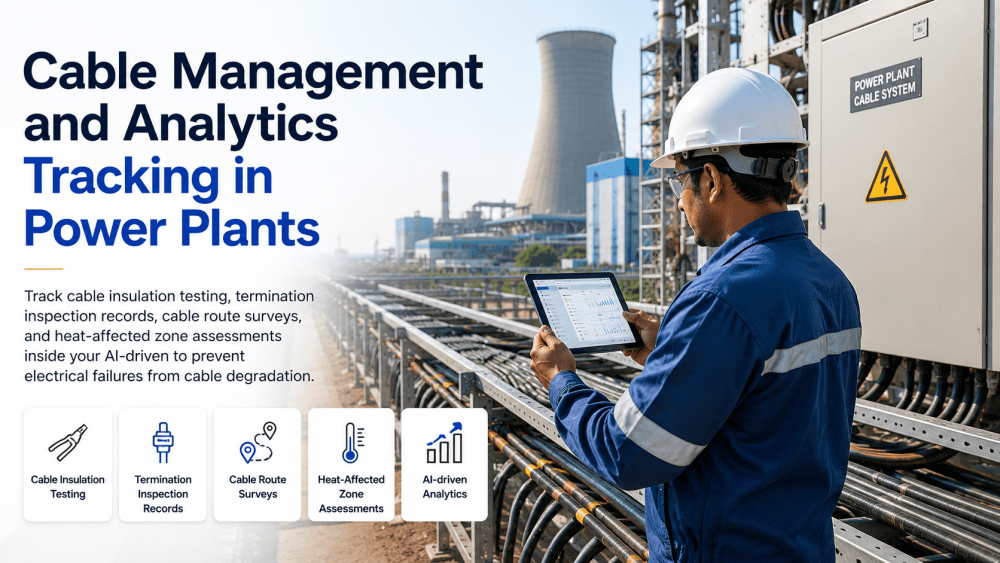
Analytics alerts often require specific technical certifications — vibration analysis, thermography, ultrasonic testing, confined space entry, high voltage safety. iFactory tracks every technician's active certifications, expiration dates, and renewal status — ensuring only qualified personnel receive assignments for certification-required work.
Performance Metrics by Technician & Fault Type
The table below shows the performance tracking metrics iFactory captures for every technician — broken down by fault type to identify specialization patterns and training needs.
| Performance Metric | Tracked Data | Assignment Impact | Supervisor Visibility |
|---|---|---|---|
| First-Time Fix Rate | % of work orders closed without return visit or rework | High performers get critical alerts preferentially | Dashboard by tech + fault type |
| Average Completion Time | Hours from WO assignment to closure, by fault type | Fast performers prioritized for time-critical jobs | Comparison vs site average |
| Rework Frequency | Work orders requiring supervisor review or re-inspection | High rework rate triggers coaching flag | Trend over 90 days |
| Analytics Alert Accuracy | % of analytics-generated WOs confirmed valid by tech | Techs who validate alerts accurately train AI feedback loop | Per-technician accuracy rate |
| Specialization Score | Performance delta on specific equipment vs general work | Steam turbine specialists get turbine alerts first | Equipment-specific rankings |
| Fault Recurrence After Fix | Same asset/fault reappears within 30 days of WO closure | High recurrence triggers root cause review requirement | 30/60/90 day tracking |
| Documentation Quality | Work order close-out notes rated by planner for detail | Low doc quality limits assignment to training-required techs | Weekly average by tech |
| Safety Incident Rate | Near-miss reports and incidents per 1000 hours worked | High incident rate suspends assignment until review | Real-time safety dashboard |
Platform Capability Comparison — Team Management for Analytics
SAP PM, IBM Maximo, and GE APM offer workforce scheduling and craft assignment features. iFactory differentiates on integrated analytics-to-technician routing, certification-aware auto-assignment, performance-based selection logic, and knowledge gap identification — capabilities that require AI-driven team intelligence, not traditional CMMS scheduling modules. Book a comparison demo.
| Capability | iFactory | SAP PM | IBM Maximo | GE APM | Generic CMMS |
|---|---|---|---|---|---|
| Assignment Intelligence | |||||
| Auto-assignment from analytics alerts | Cert + perf + availability | Rule-based only | Work group assignment | Manual from alert | Manual assignment |
| Certification requirement enforcement | Auto-filtered by cert | Manual verification | Qualification tracking | Cert database only | Not tracked |
| Performance-based assignment priority | Fix rate + completion time | Not available | Not available | Not available | Not available |
| Workload & Availability | |||||
| Real-time workload balancing | AI-driven distribution | Manual planner review | Work group capacity | Not available | Not available |
| Cross-shift assignment continuity | Auto next-shift routing | Shift handover notes | Manual transfer | Not available | Not available |
| Leave/training availability tracking | HR system integration | Workforce calendar | Absence tracking | Manual calendar | Not tracked |
| Performance & Knowledge | |||||
| First-time fix rate tracking | Per tech + fault type | Not available | Not available | Not available | Not available |
| Knowledge gap identification | Single-point-of-failure alerts | Not available | Not available | Not available | Not available |
| Assignment rationale transparency | Full audit trail + override | Assignment log only | Assignment log only | Not tracked | Not tracked |
Based on publicly available product documentation as of Q1 2025. Verify current capabilities with each vendor before procurement decisions.
Measured Outcomes Across Deployed Plants
iFactory's team management layer ensures every analytics-generated alert reaches the technician most qualified to respond — based on certifications, availability, current workload, and past performance on similar faults.
From the Field
Frequently Asked Questions
Continue Reading
iFactory's team management intelligence ensures your analytics platform delivers value by routing every alert, work order, and inspection task to the technician with the certifications, availability, and track record to handle it correctly the first time.
.png)