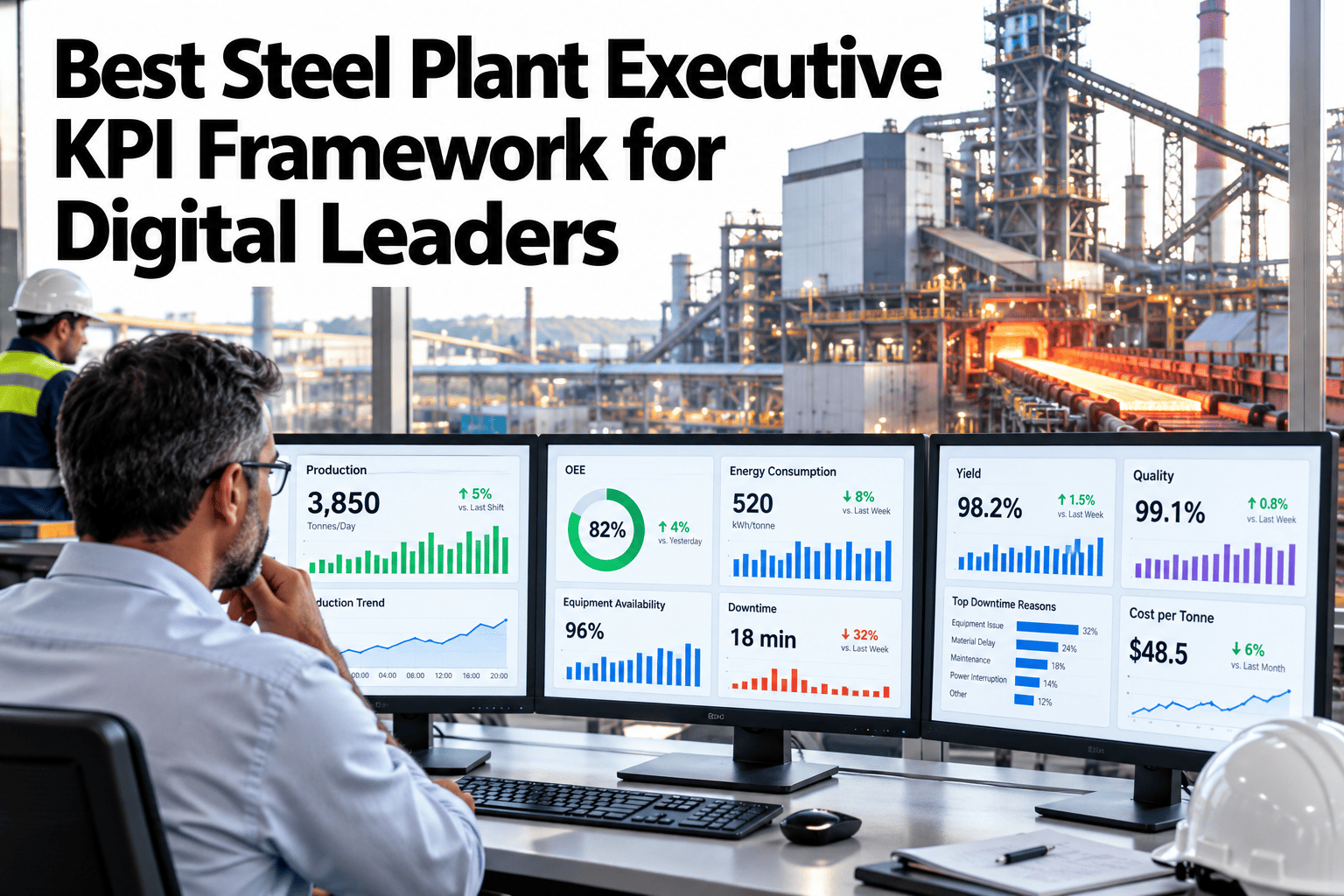
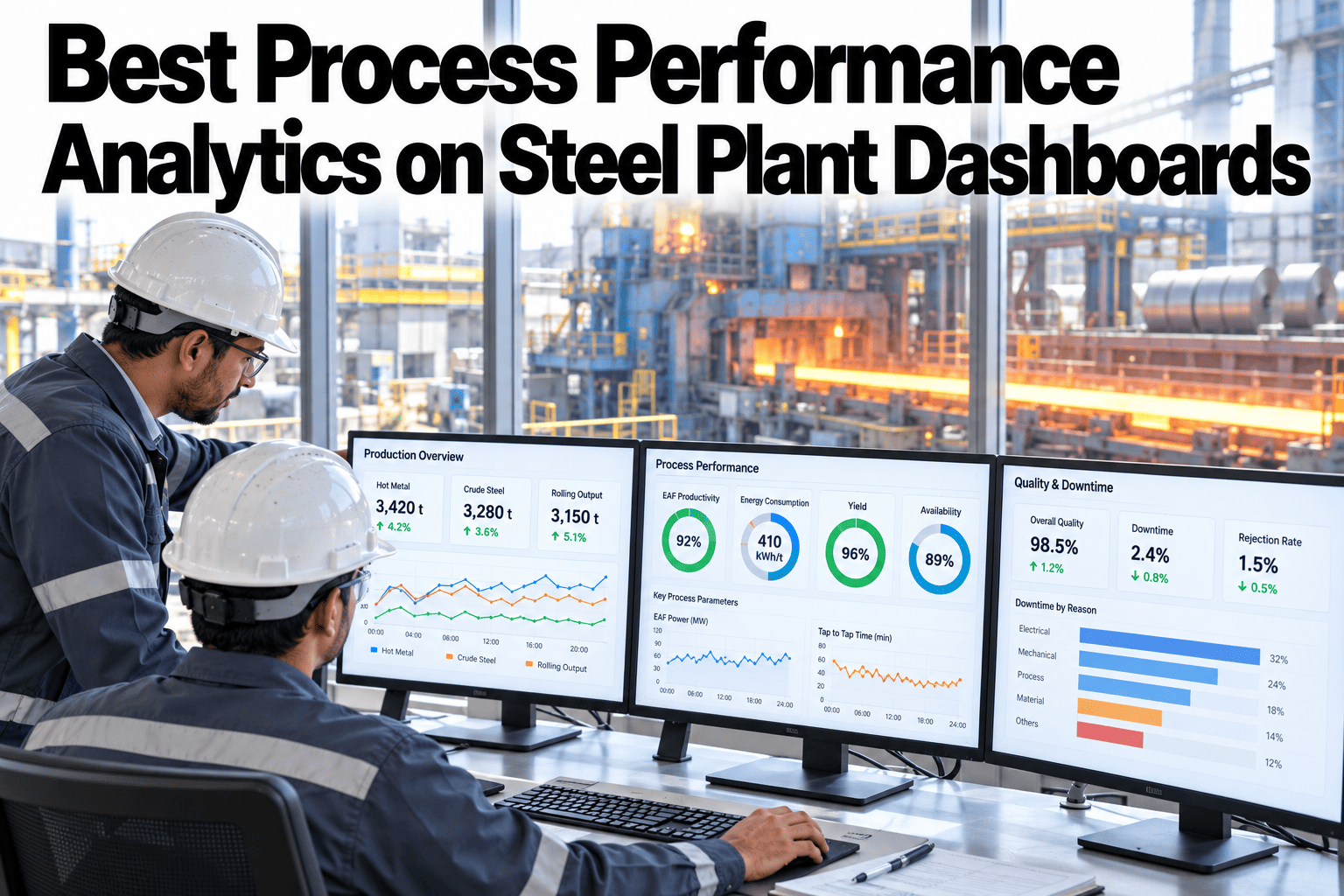
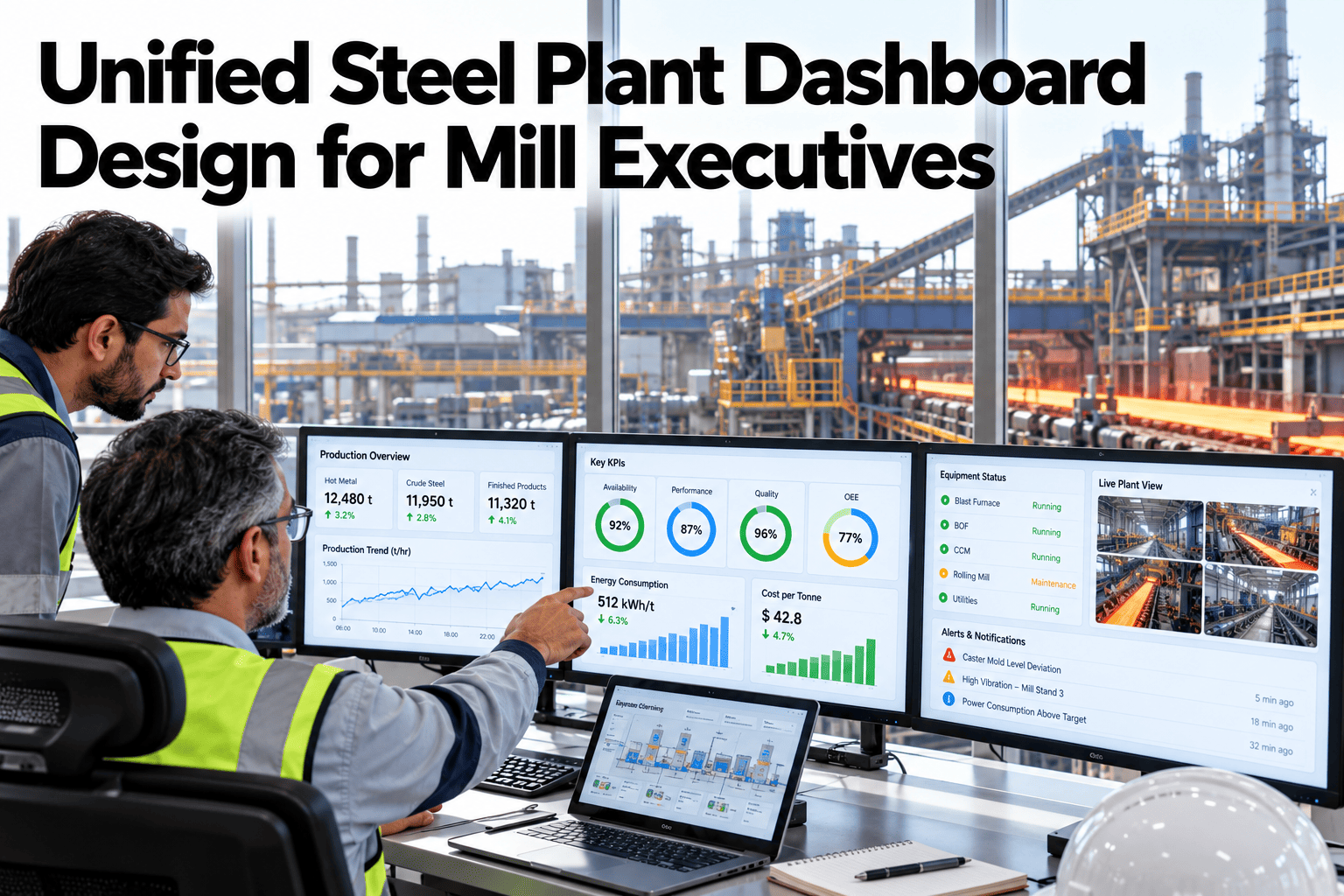
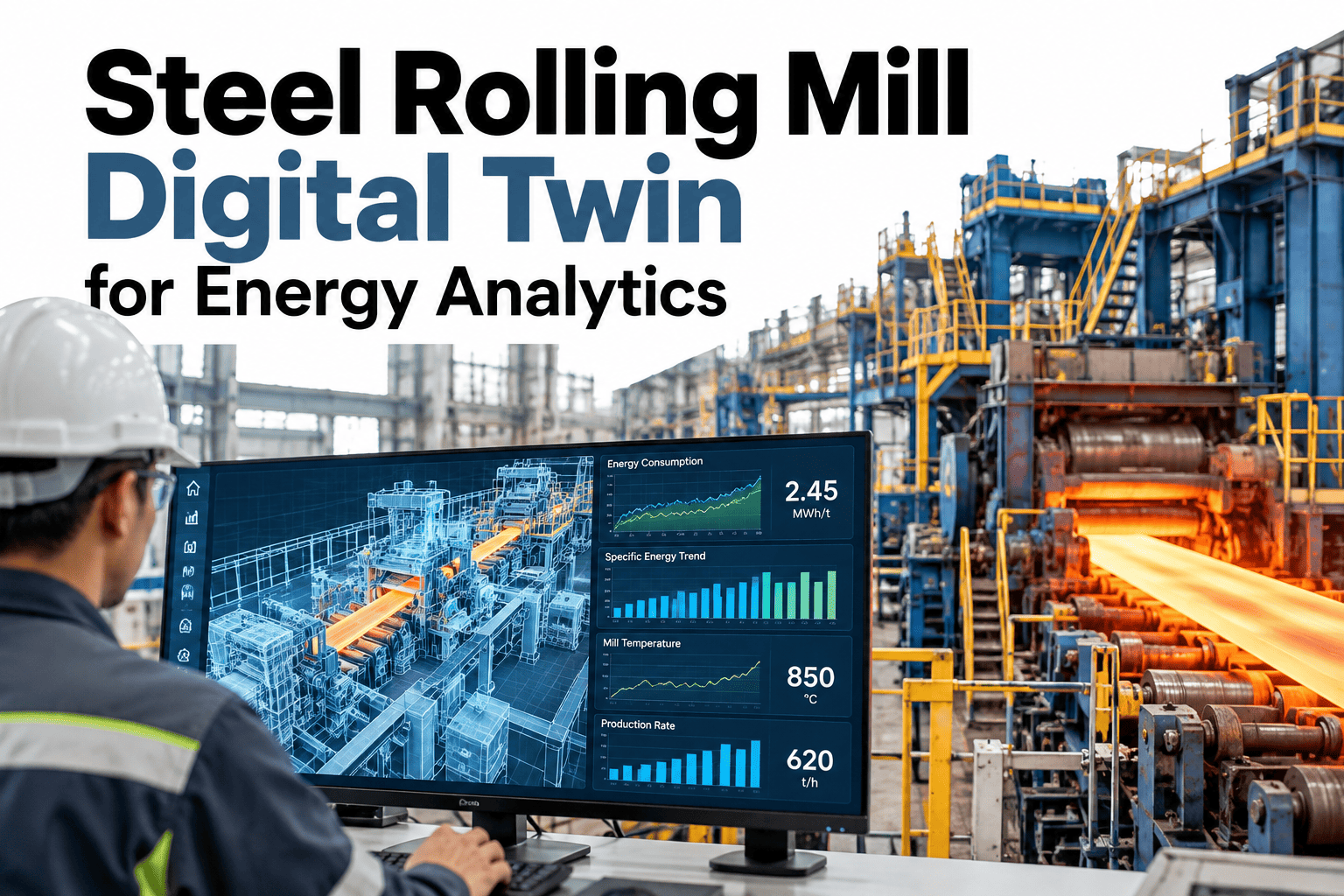
A steel plant can have a dozen well-built dashboards and still leave its executives guessing, because each dashboard was built against its own definition of what an asset is, what a process step means, and how equipment relates to the line it sits on. Without a shared backbone underneath them, two dashboards showing the same furnace can disagree on basic facts simply because they were each wired up independently. A digital twin backbone fixes that at the root, giving every dashboard the same asset graph, process context, and equipment lifecycle model to draw from. See a unified backbone built from your own plant's asset data.
One Backbone, Every Dashboard Agrees
iFactory AI builds a shared asset graph, process context, and equipment lifecycle model so every dashboard across the plant draws from the same semantic foundation.
Why Dashboards Disagree With Each Other
Most plants build dashboards one project at a time, and each project tends to define its own version of what counts as an asset, where a process boundary sits, and which equipment feeds which line, so by the third or fourth dashboard the plant has several slightly different mental models of itself running in parallel, each one confident and each one slightly wrong in its own way.
Three Layers of the Backbone
The backbone is built from three connected layers, each answering a different question about the plant.
Asset Graph
The canonical hierarchy of every piece of equipment and how it relates to the next.
Process Context
Where each asset sits within the production process, not just the equipment list.
Equipment Lifecycle
Installation, maintenance, and performance history tied to each asset over time.
Build Your Own Shared Backbone
Book a 30-minute session and see a unified asset graph built from your own plant's equipment and process data.
What Each Layer Feeds
Different dashboards and reports draw on different layers of the backbone, but all of them reference the same underlying data.
| Layer | Feeds | Example Use |
|---|---|---|
| Asset graph | Any dashboard referencing equipment by name or hierarchy | Energy dashboard rolling up by production line |
| Process context | Dashboards comparing performance across process steps | Carbon intensity tracked by process stage |
| Equipment lifecycle | Maintenance and reliability reporting | Correlating energy drift with equipment age |
Building the Backbone
The backbone is assembled from systems your plant already runs, not built from a blank slate.
Rolling Out Across the Plant
iFactory AI connects to your existing historian, CMMS, and process control systems to build the backbone without duplicating data entry.
Expert Review
The backbone pays for itself fastest not through any single dashboard but through the arguments it prevents, since a plant with a shared asset graph stops having meetings where two teams spend the first ten minutes reconciling whose number is right before they can even discuss what the number means.
Frequently Asked Questions
Does this require rebuilding our existing dashboards?
No, existing dashboards can be connected to the backbone incrementally rather than rebuilt from scratch, so the switch happens without disrupting reporting you already rely on. Support can confirm migration steps for your dashboards.
How are conflicting asset names resolved?
Conflicting names are surfaced during the reconciliation phase, and your team confirms the canonical version for each asset rather than having one chosen automatically without review.
Can the backbone support dashboards we haven't built yet?
Yes, any future dashboard connects to the same backbone, so new reporting built later automatically inherits consistent asset and process definitions. See how new dashboards connect on a call.
Does this work with equipment from multiple vendors?
Yes, the asset graph is vendor-agnostic and designed to unify equipment data regardless of which control systems or vendors are in use across the plant.
How is the backbone kept up to date as equipment changes?
The backbone updates as changes are made in your connected source systems, so equipment additions or retirements propagate rather than requiring separate manual maintenance. Ask support how updates propagate.
Give Every Dashboard the Same Foundation
iFactory AI builds a unified asset graph, process context, and equipment lifecycle model for your whole dashboard suite. Book a demo to see it on your data.